


Screenshot appears after consentScreenshot appears after consentScreenshot appears after consentScreenshot appears after consentScreenshot appears after consentScreenshot appears after consent
Summary
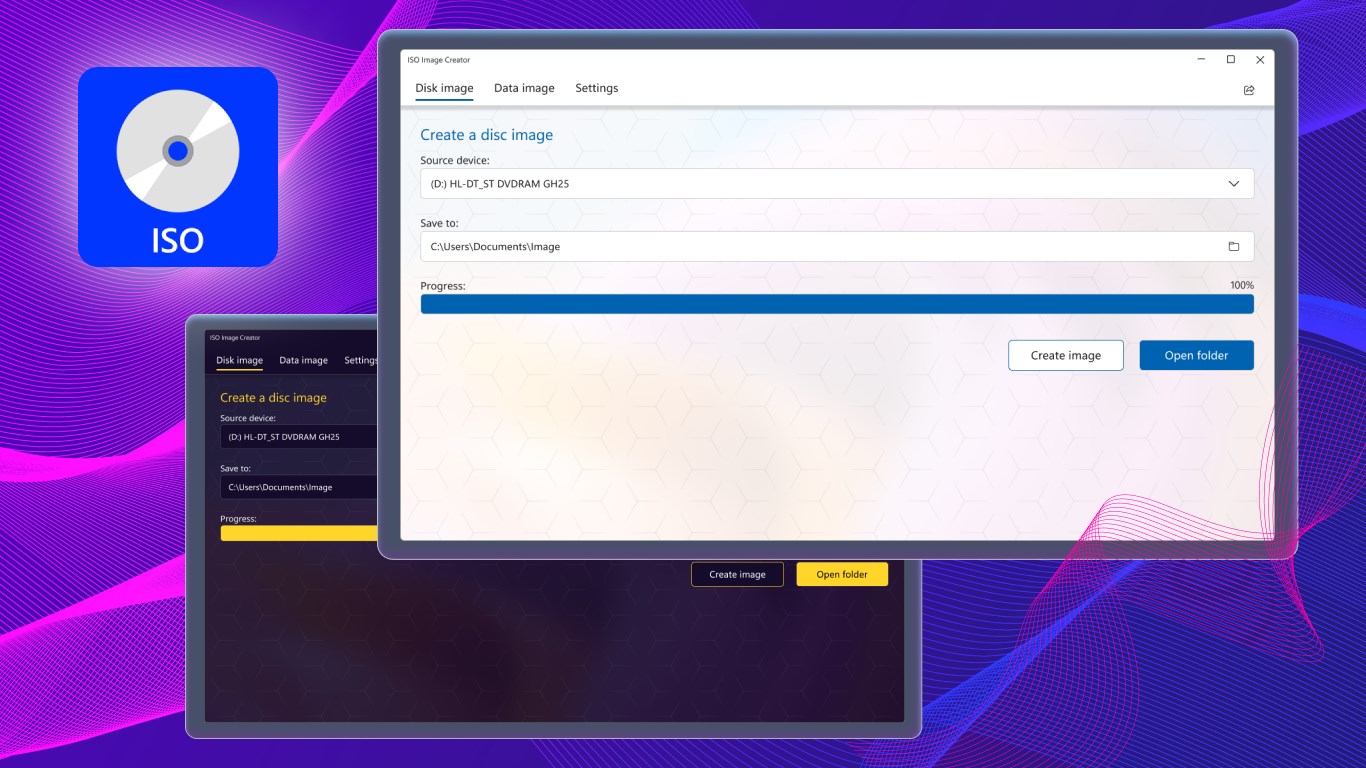
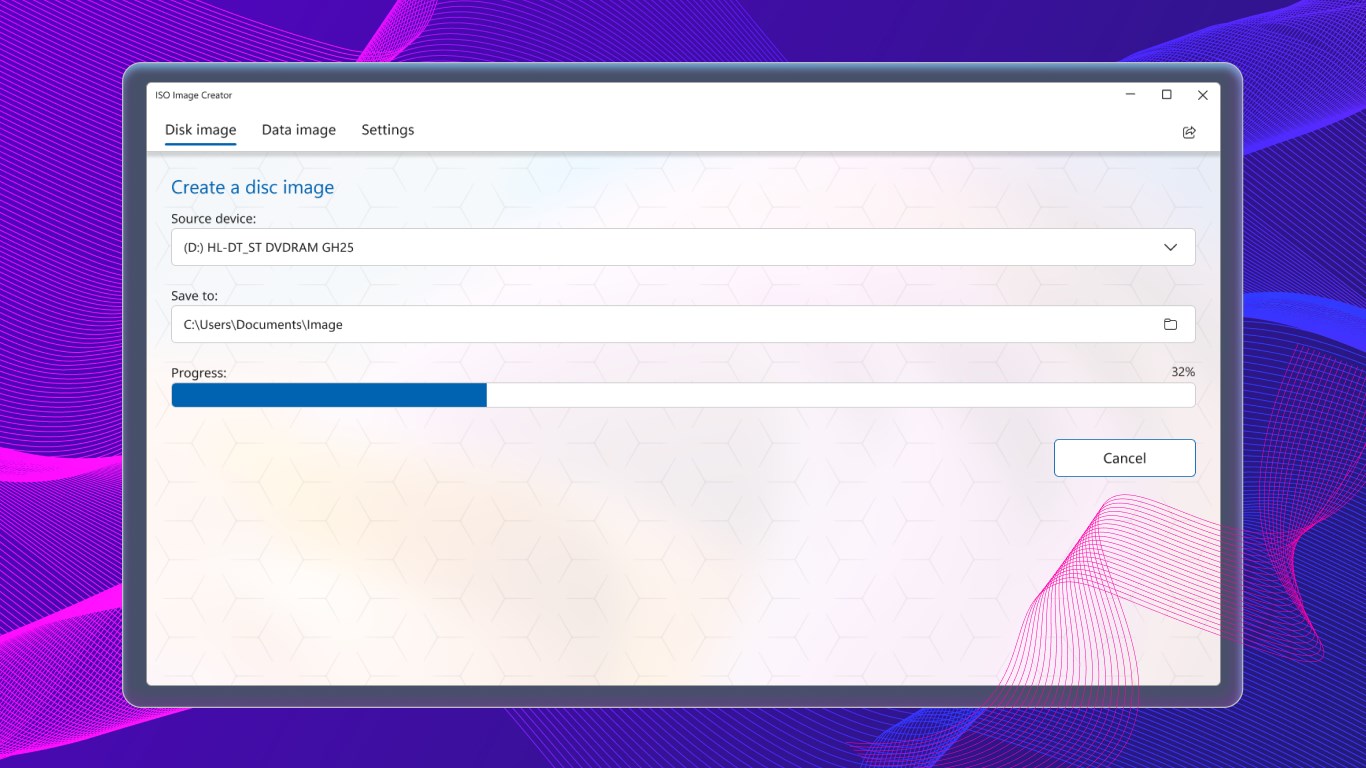
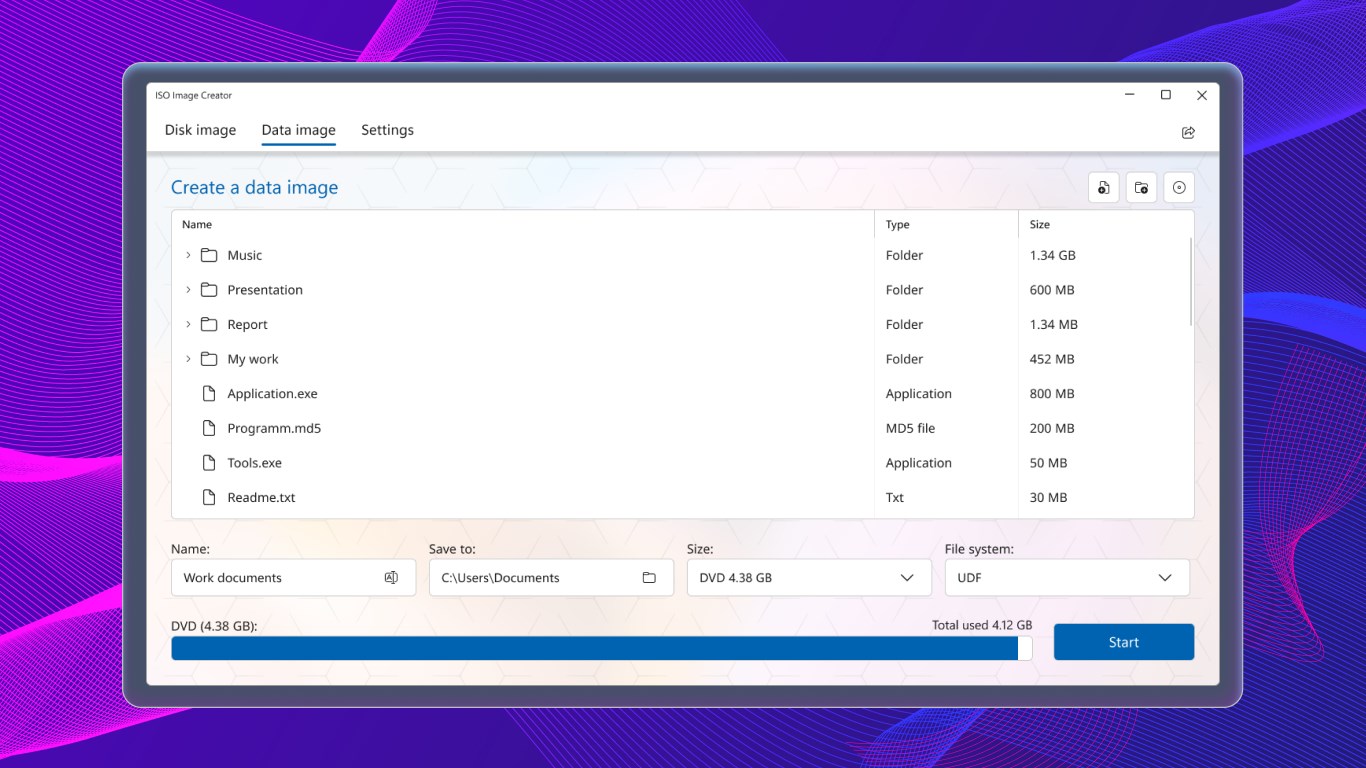
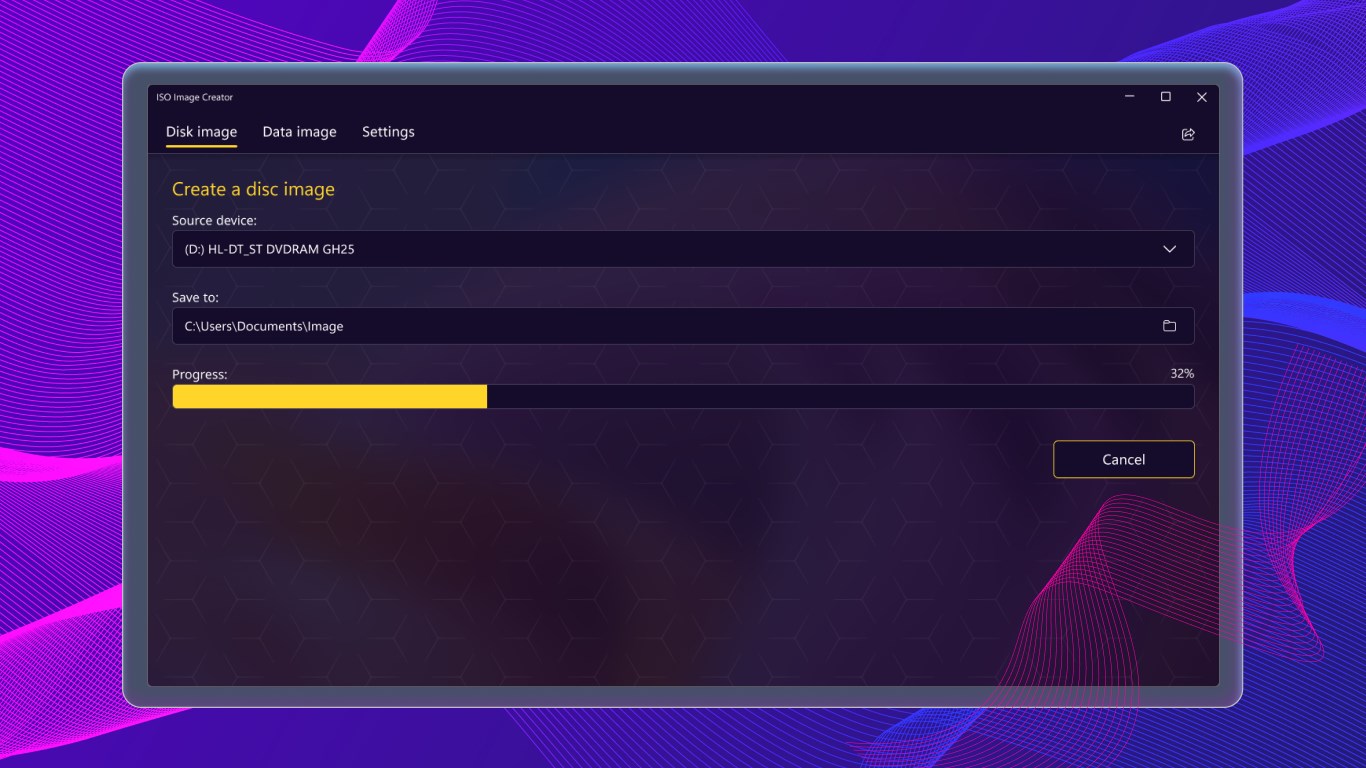
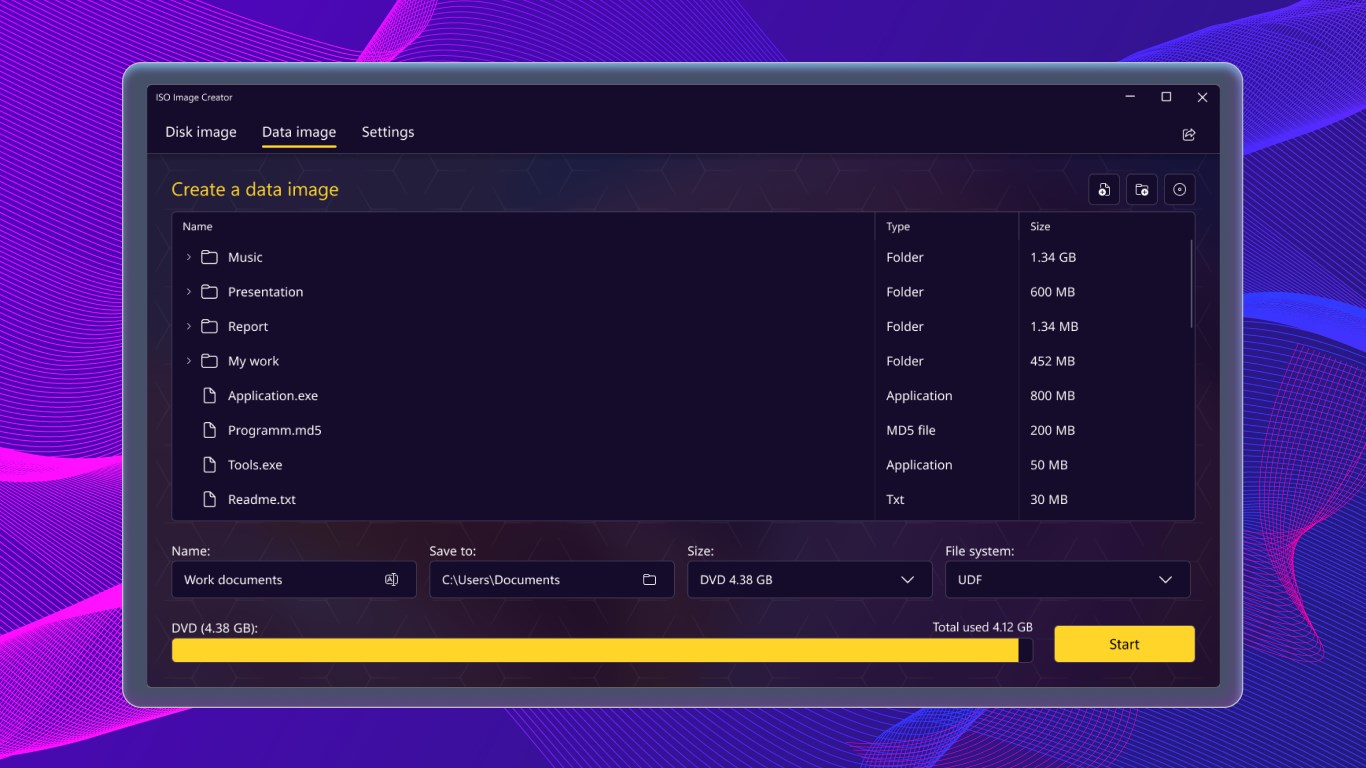
ISO Image Creator is a tool for creating ISO image files. It can generate ISO images from CD, DVD, or Blu-ray discs, as well as from files and folders stored locally on the computer. Files and directories to include in the image are selected and arranged within the root directory, with the option to rename them before creating the image. The app is designed for producing ISO images from either physical discs or local data.
Show the developer's original descriptionHide the original description
Easy-to-use and real-fast ISO Image file creation tool.
ISO Image Creator Free allows you to create ISO CD, DVD, or Blu-ray image files not only from CD / DVD / Blu-ray-ROM discs, but also from local files and folders stored on your computer.
All you have to do is select the files and directories that you want to include in the ISO image, arrange them within the initial directory, rename some of them if you want, and go on creating the image.
Use this powerful tool to create ISO images from discs or local data in the easiest way!
If there is a version of this app for iOS/Mac or Windows we don't know about, paste the store link here — we'll auto-detect the store.
How to find the URL:1. Open the app in its store. 2.In the App Store app: tap the Share icon → “Copy Link”. In the browser: copy the URL from the address bar — it contains apps.apple.com/…/id… or apps.microsoft.com/detail/…. 3. Paste it here.
Paste the original link from the Apple App Store or Microsoft Store. We fetch all details automatically.
How to find the URL:
1. Open the app in its store. 2.In the App Store app: tap the Share icon → “Copy Link”. In the browser: copy the URL from the address bar — it contains apps.apple.com/…/id… or apps.microsoft.com/detail/…. 3. Paste it here.
Android apps can only be listed by their developer.