Screenshot appears after consentScreenshot appears after consentScreenshot appears after consentScreenshot appears after consentScreenshot appears after consentScreenshot appears after consentScreenshot appears after consent
Screenshot appears after consent
Screenshot appears after consentScreenshot appears after consentScreenshot appears after consentScreenshot appears after consentScreenshot appears after consentScreenshot appears after consentScreenshot appears after consentScreenshot appears after consent
Summary
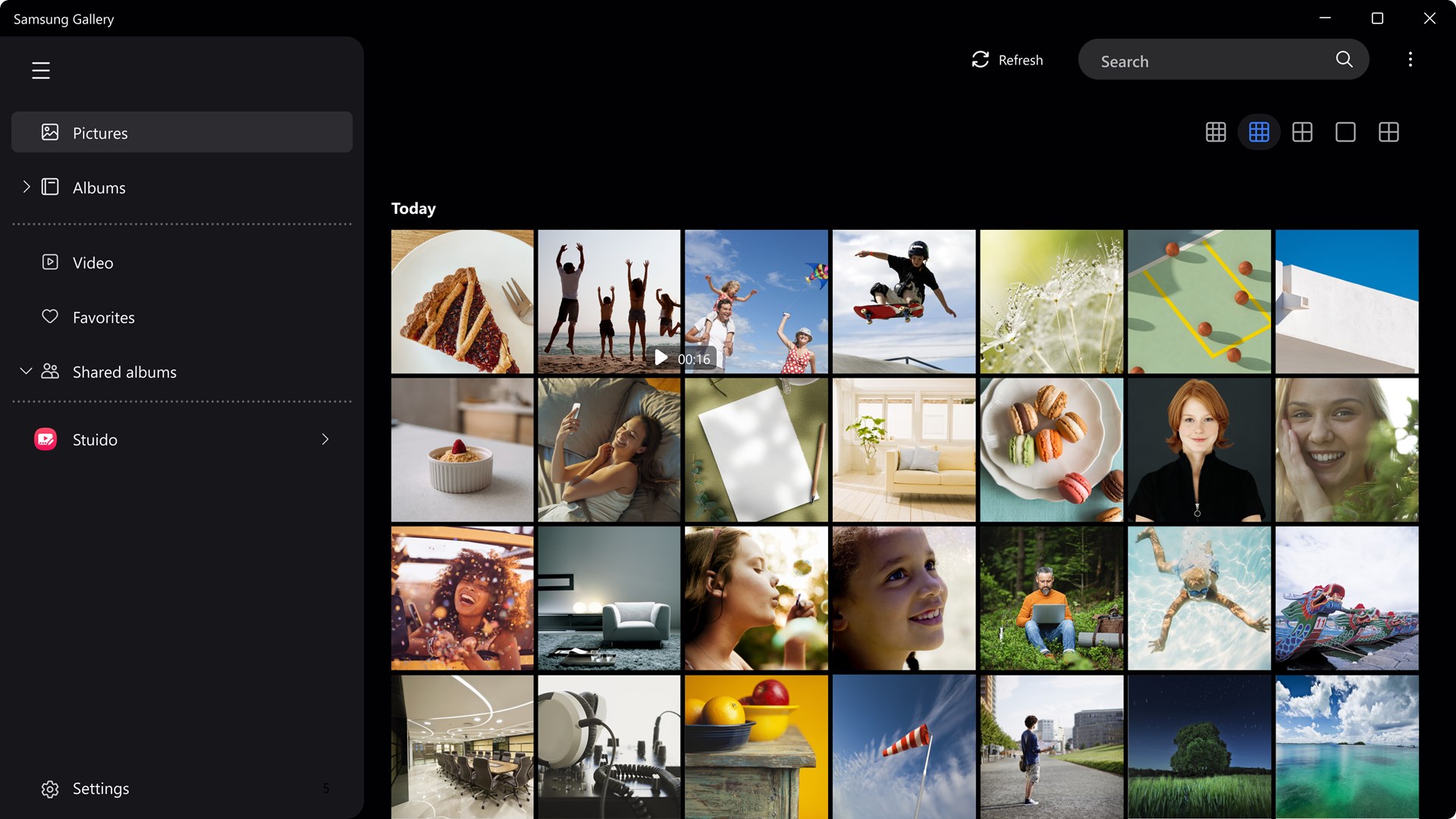
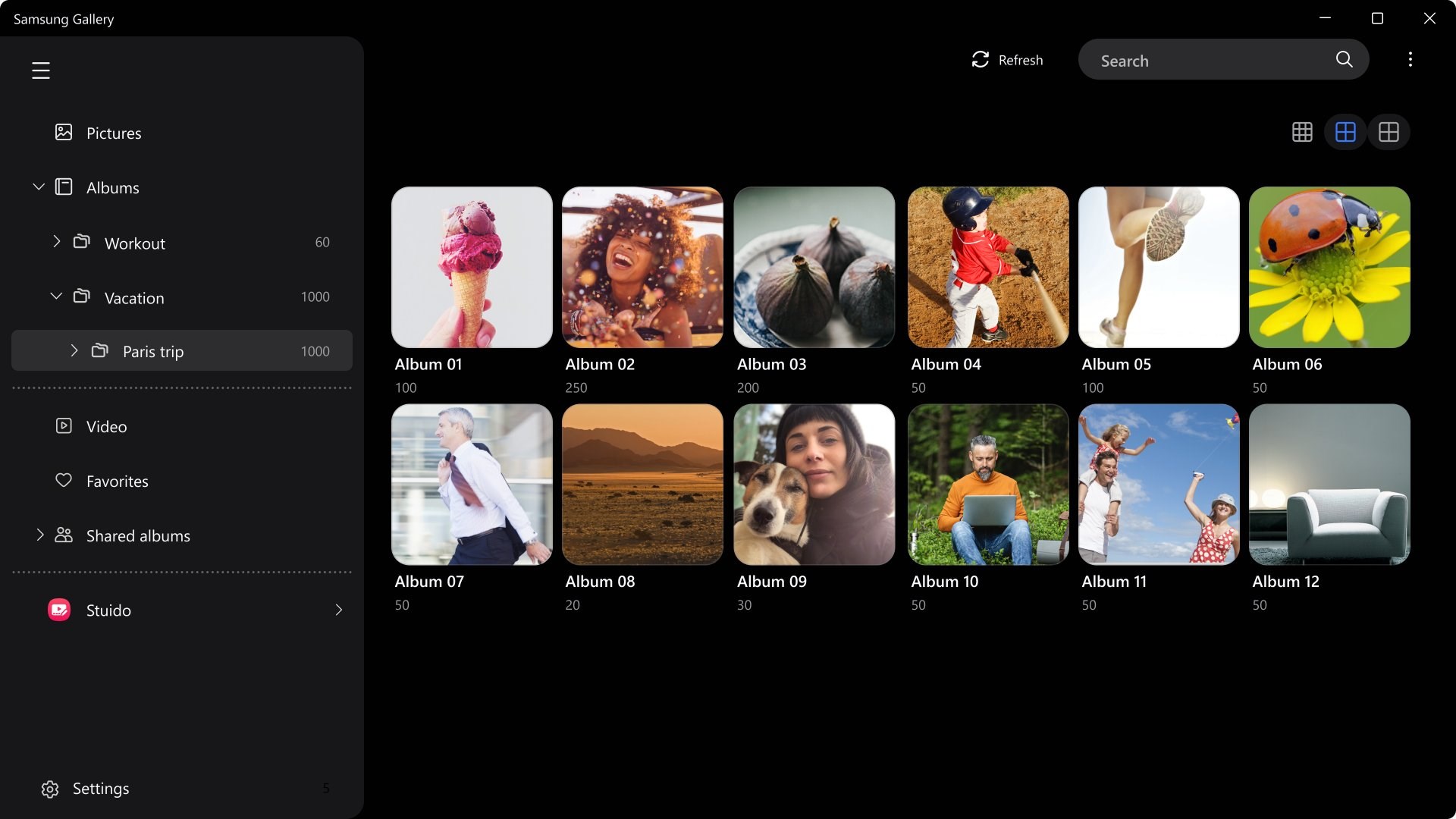
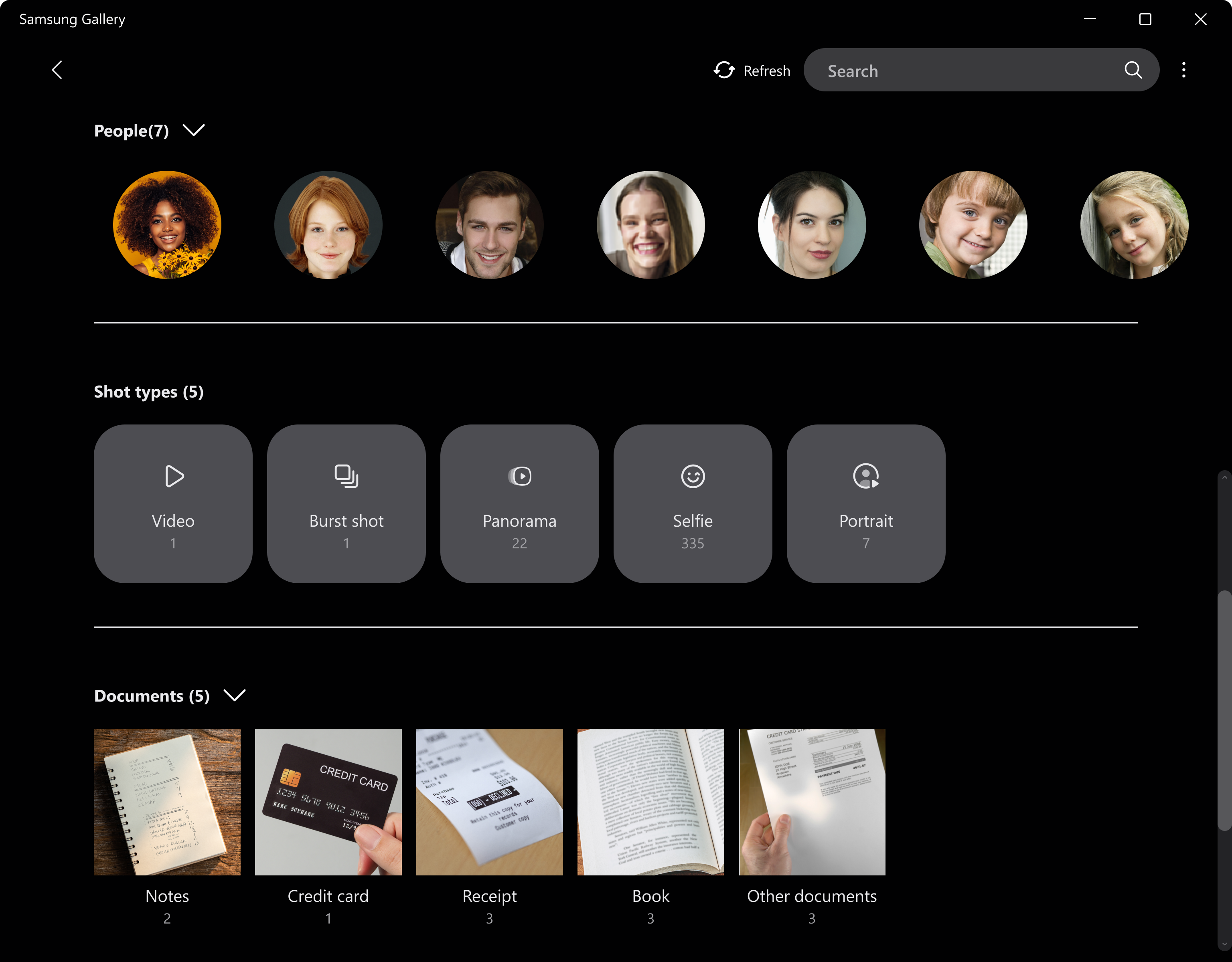
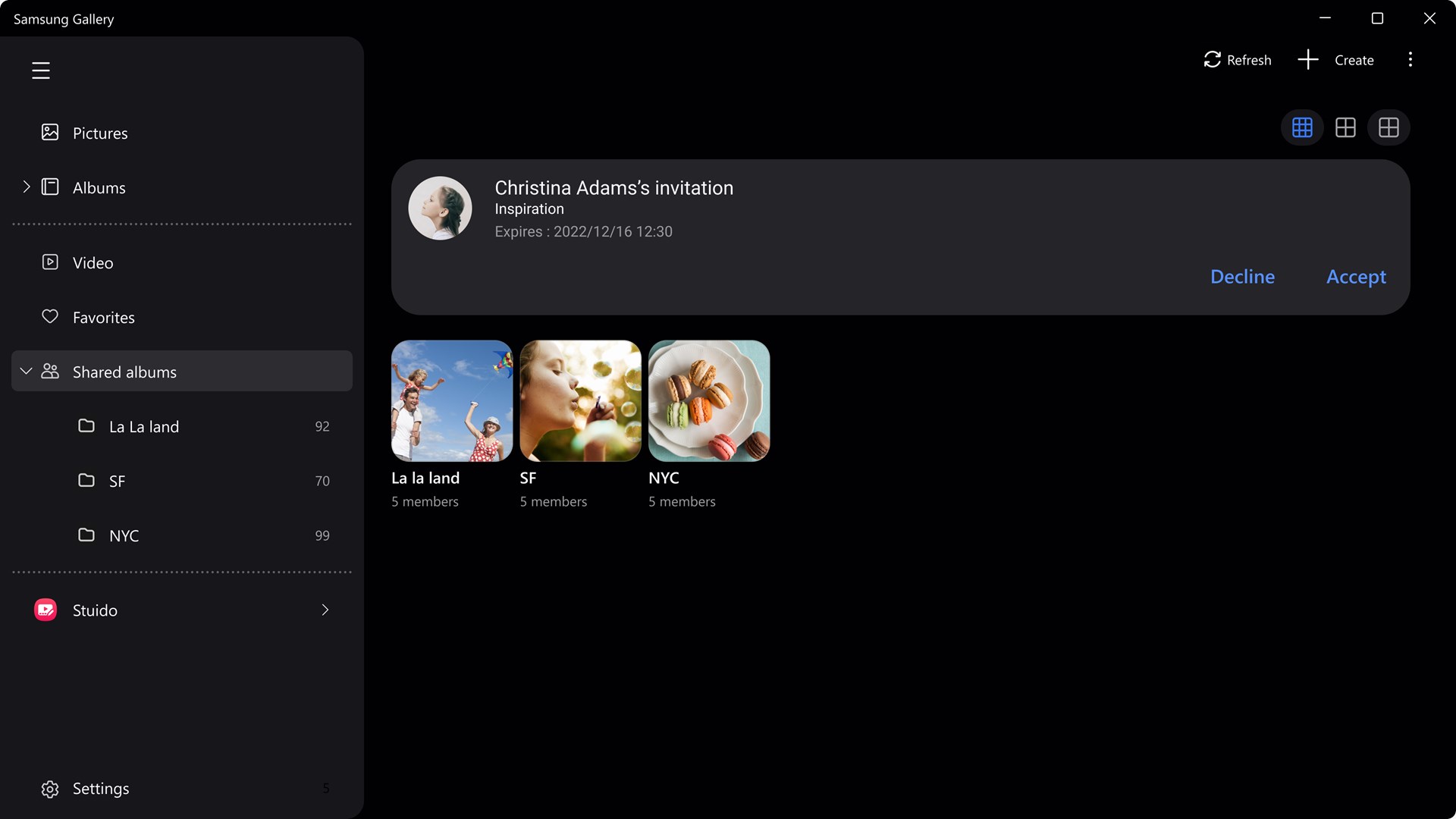
Samsung Gallery is a photo viewer and editor app that lets photos from a mobile phone be viewed and managed on a computer's larger screen. It syncs and organizes content from both the device and cloud services, including sorting and managing photos within albums. A search function allows entering a keyword or category to quickly find specific photos, including text within images. Stories created on a Galaxy device can be viewed within the Gallery, and albums can be shared with other Samsung account users, while editing tools allow modifying selected photo content and a Remaster feature enhances photo quality.
Show the developer's original descriptionHide the original description
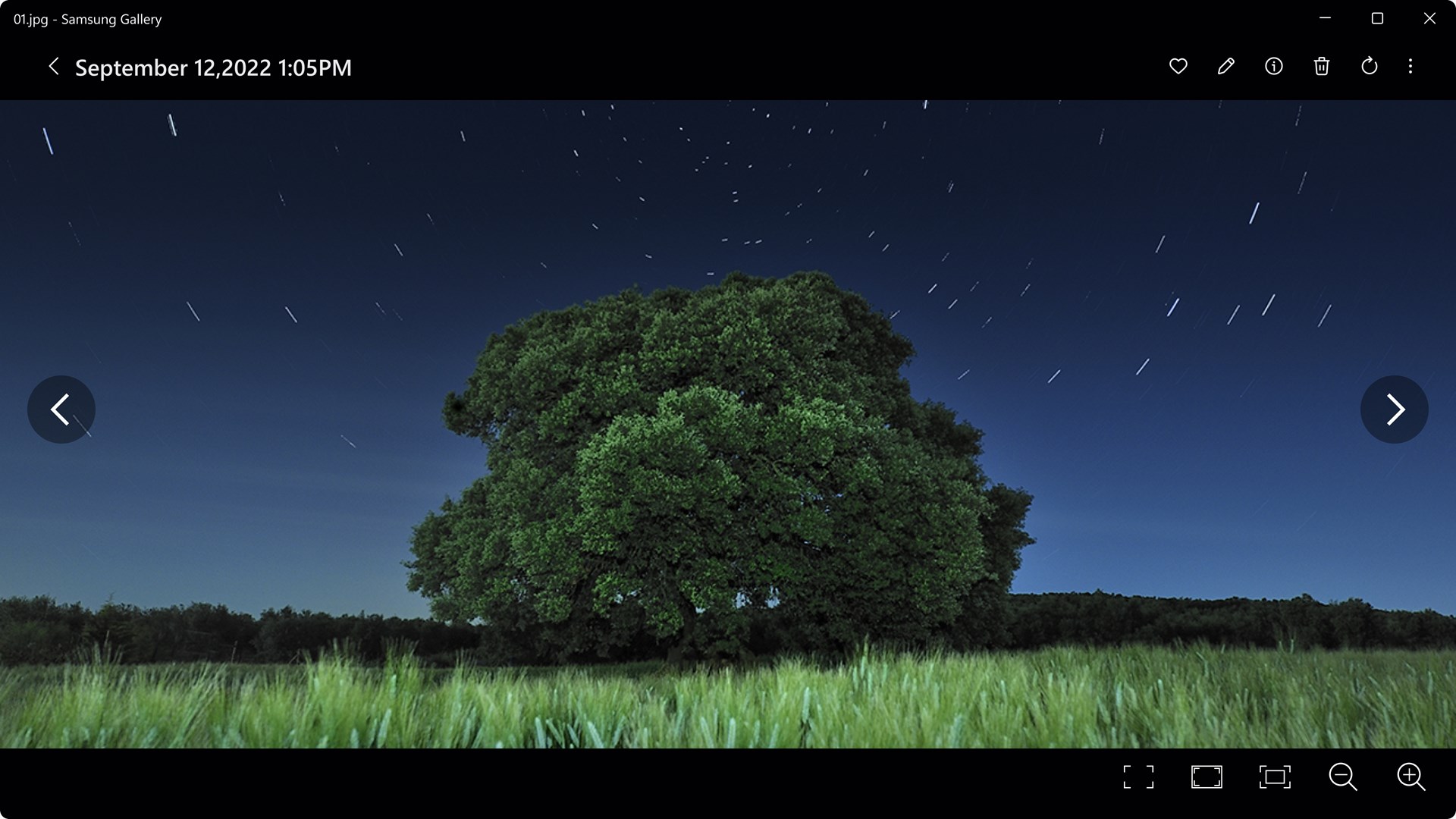
You can view and edit photos on your computer’s larger screen.
You can also tap the Search icon to view photos sorted by category and search for text within photos.
[Key functions]
- View & Manage Photos: Easily view and manage content.
- Manage Albums: Sort and organize photos within each album.
- Find Photos: Enter a keyword to quickly find the photo you're looking for.
- Shared Albums: Create an album that can be shared with other Samsung account users.
- Remaster Pictures: Enhance photo quality using the Remaster feature.
- Edit Pictures: Easily edit your photos by selecting the content you want to modify.
※ The feature to remaster pictures and Photo Editor are available only on Samsung devices.
If there is a version of this app for iOS/Mac or Windows we don't know about, paste the store link here — we'll auto-detect the store.
How to find the URL:1. Open the app in its store. 2.In the App Store app: tap the Share icon → “Copy Link”. In the browser: copy the URL from the address bar — it contains apps.apple.com/…/id… or apps.microsoft.com/detail/…. 3. Paste it here.
Paste the original link from the Apple App Store or Microsoft Store. We fetch all details automatically.
How to find the URL:
1. Open the app in its store. 2.In the App Store app: tap the Share icon → “Copy Link”. In the browser: copy the URL from the address bar — it contains apps.apple.com/…/id… or apps.microsoft.com/detail/…. 3. Paste it here.
Android apps can only be listed by their developer.