Screenshot appears after consentScreenshot appears after consentScreenshot appears after consentScreenshot appears after consentScreenshot appears after consentScreenshot appears after consentScreenshot appears after consentScreenshot appears after consent
Screenshot appears after consentScreenshot appears after consentScreenshot appears after consentScreenshot appears after consentScreenshot appears after consentScreenshot appears after consentScreenshot appears after consentScreenshot appears after consentScreenshot appears after consentScreenshot appears after consent
Screenshot appears after consentScreenshot appears after consentScreenshot appears after consentScreenshot appears after consent
Summary
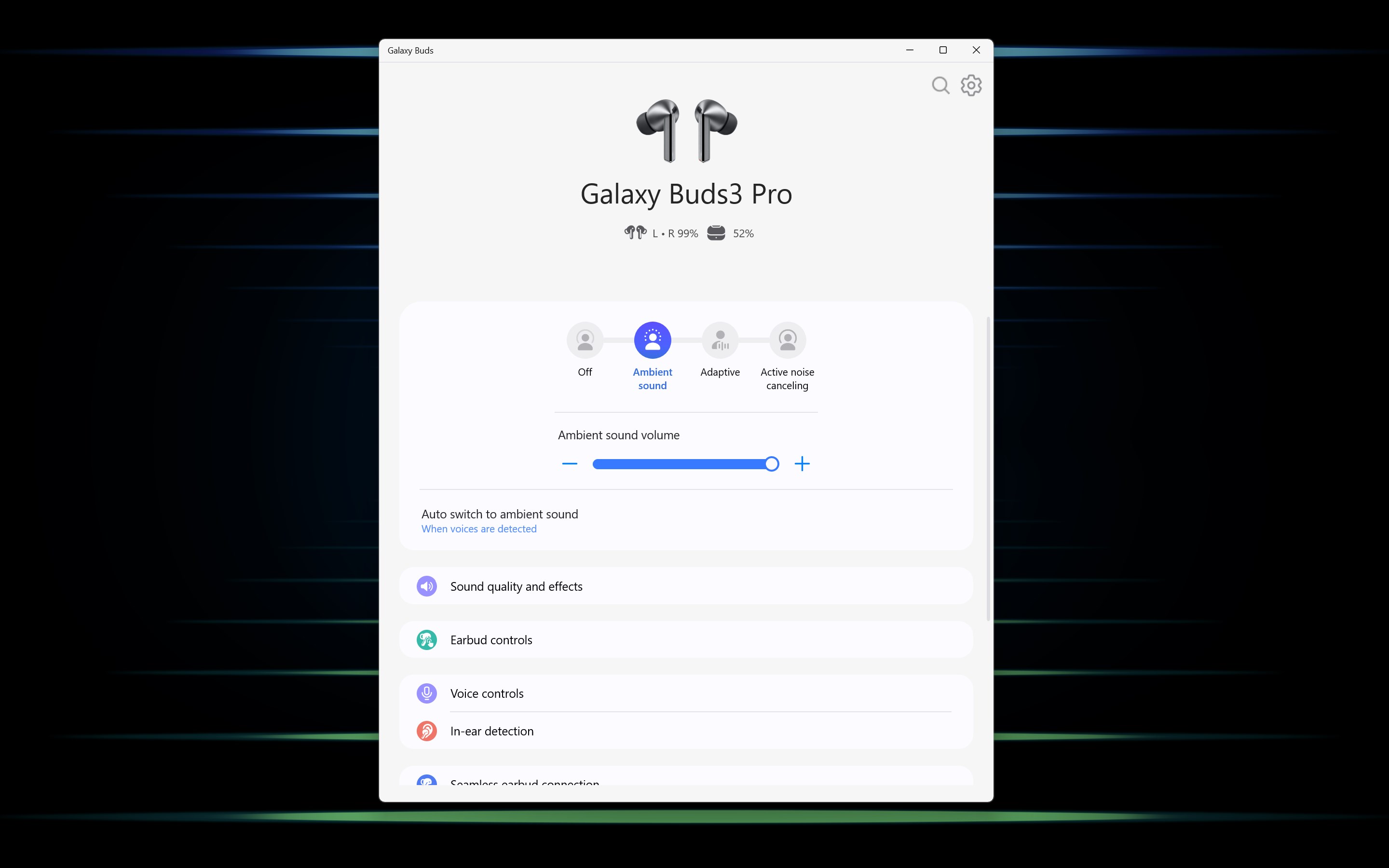
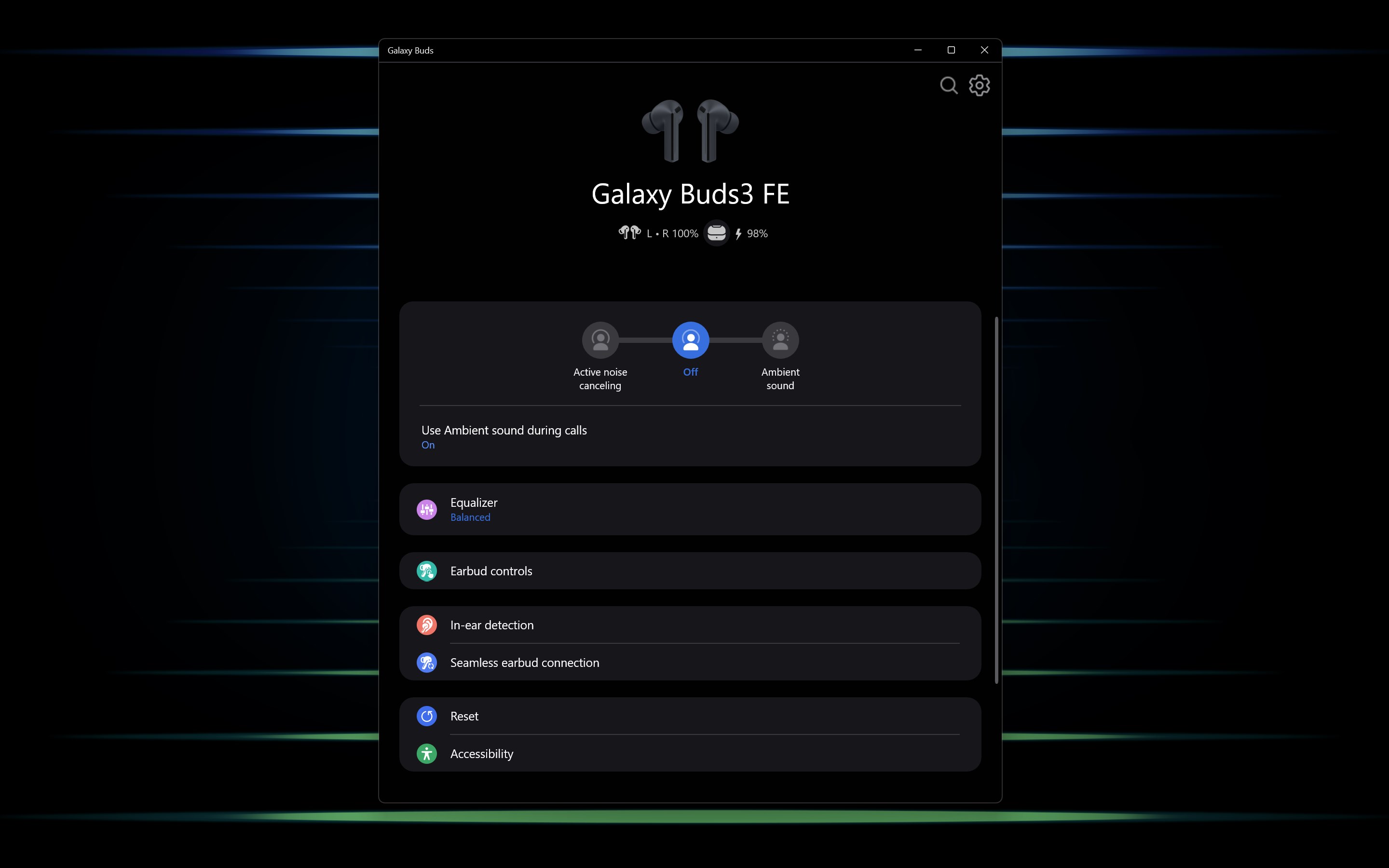
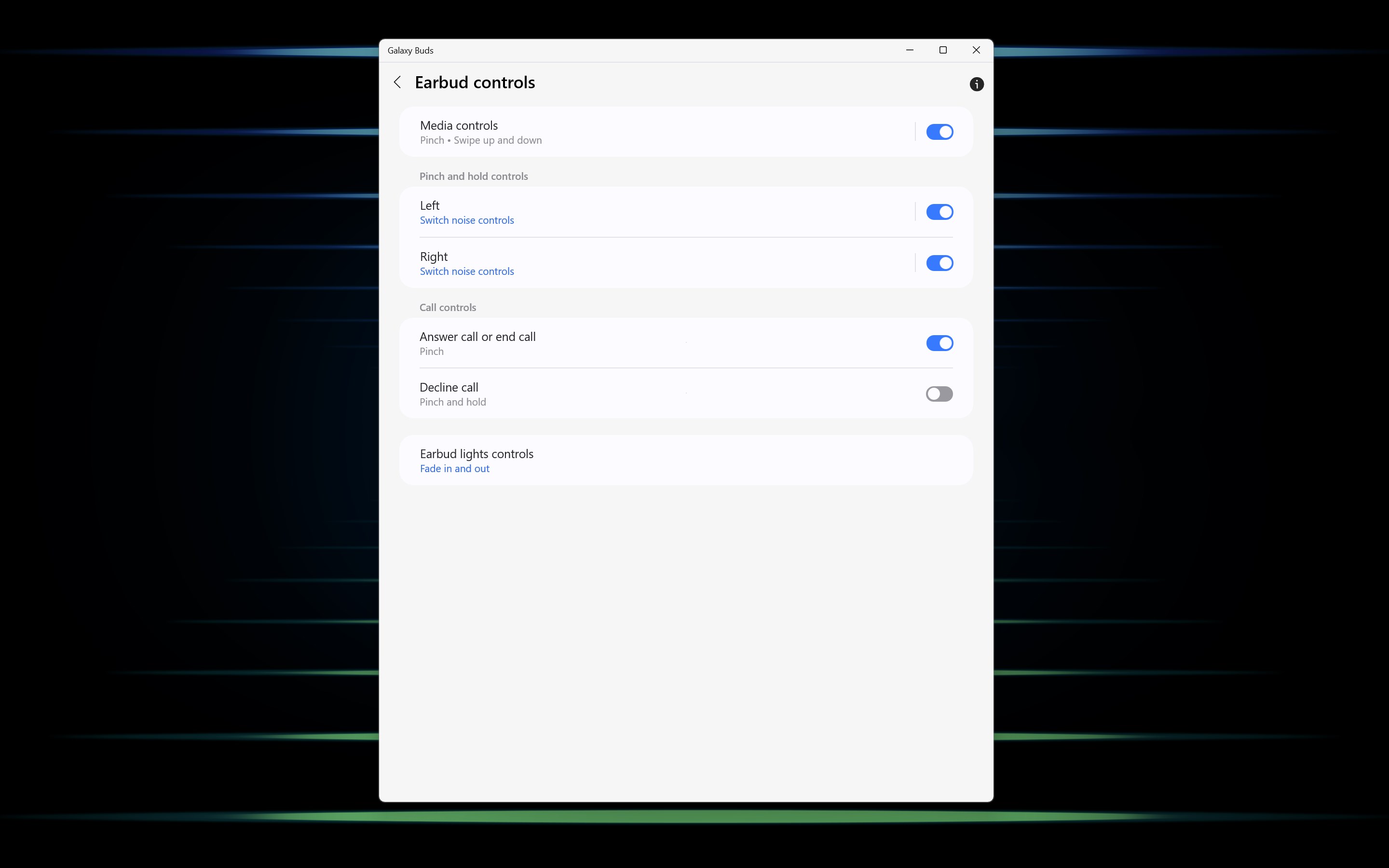
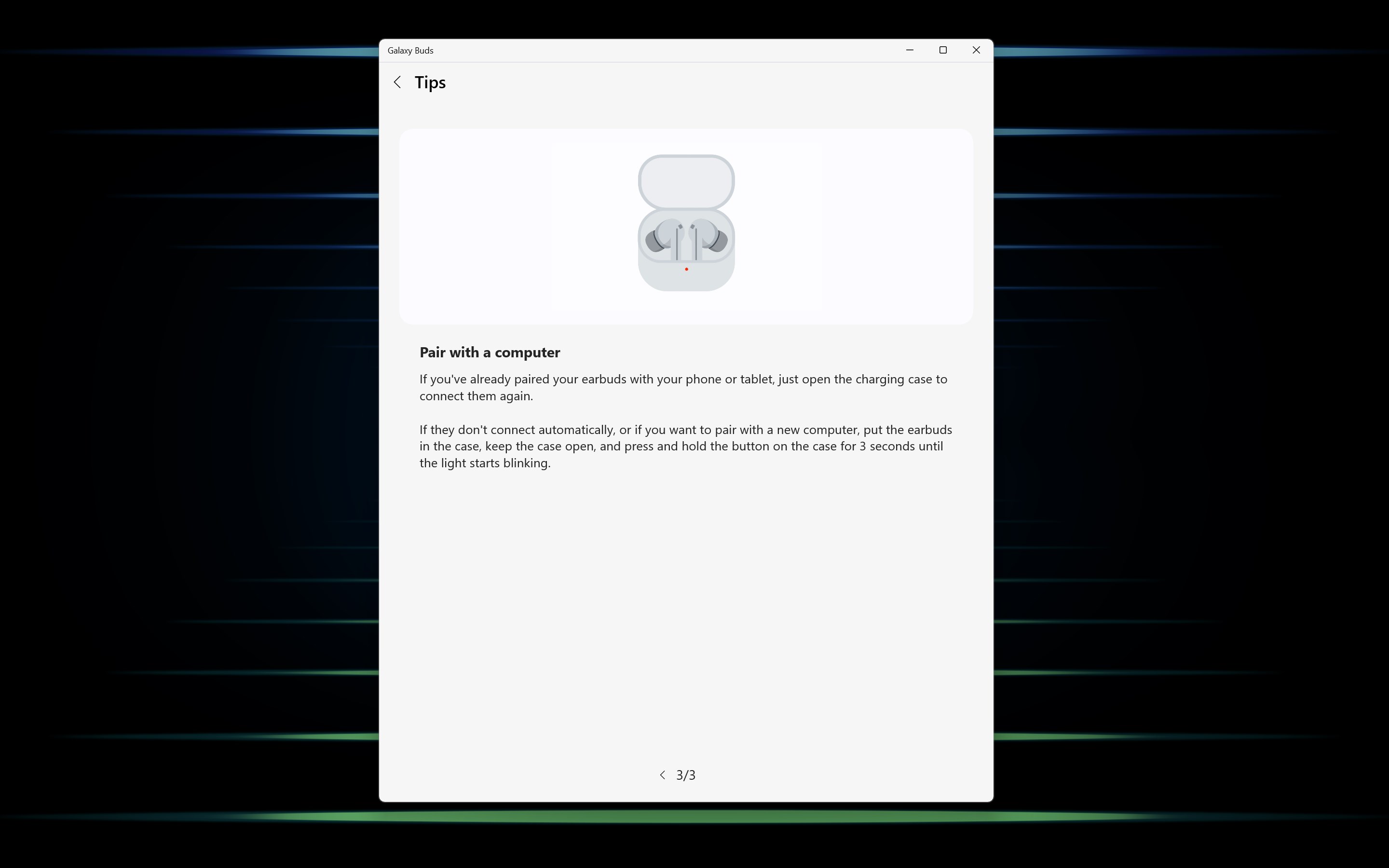
Galaxy Buds is a companion app for managing and personalizing Samsung Galaxy Buds earbuds. It connects the earbuds via Bluetooth and allows management of that connection. It shows real-time battery status for the earbuds and their charging case. It offers customizable noise controls, including ambient sound and active noise cancelling depending on the model, as well as touch controls and equalizer settings. It also keeps the earbuds updated through firmware over-the-air updates and includes a feature to help find misplaced earbuds.
Show the developer's original descriptionHide the original description
Galaxy Buds is your go-to app for managing and personalizing your Samsung Buds devices. With just a few taps, you can seamlessly connect your Buds via Bluetooth and customize features like Noise Controls and Touch Controls to suit your listening preferences. Enjoy a tailored audio experience that fits your lifestyle!
[Key features]
· Connect/Disconnect: Easily pair and manage Bluetooth connections with your Samsung Galaxy Buds devices.
· Battery Status: Monitor the battery levels of your Buds and charging case in real-time.
· Firmware Over-The-Air: Keep your Buds updated with the latest firmware for optimal performance.
· Noise Control: Customize noise cancellation levels to suit your environment, whether you're in a noisy café or a quiet workspace.
[Supported Models]
· Galaxy Buds On
· Galaxy Buds4 Pro
· Galaxy Buds4
· Galaxy Buds3 FE
· Galaxy Buds Core
· Galaxy Buds3 Pro
· Galaxy Buds3
· Galaxy Buds FE
· Galaxy Buds2 Pro
· Galaxy Buds2
· Galaxy Buds Pro
· Galaxy Buds Live
[Supported specifications and devices]
· Supported specifications
- OS : Windows 10 2004 (build number 19041) version or higher
- Bluetooth driver : (Intel) 22.50.02 version or higher
※ To ensure optimal performance, please keep the Windows OS and Bluetooth drivers up to date.
If there is a version of this app for iOS/Mac or Windows we don't know about, paste the store link here — we'll auto-detect the store.
How to find the URL:1. Open the app in its store. 2.In the App Store app: tap the Share icon → “Copy Link”. In the browser: copy the URL from the address bar — it contains apps.apple.com/…/id… or apps.microsoft.com/detail/…. 3. Paste it here.
Paste the original link from the Apple App Store or Microsoft Store. We fetch all details automatically.
How to find the URL:
1. Open the app in its store. 2.In the App Store app: tap the Share icon → “Copy Link”. In the browser: copy the URL from the address bar — it contains apps.apple.com/…/id… or apps.microsoft.com/detail/…. 3. Paste it here.
Android apps can only be listed by their developer.