


Screenshot appears after consentScreenshot appears after consentScreenshot appears after consentScreenshot appears after consent
Summary
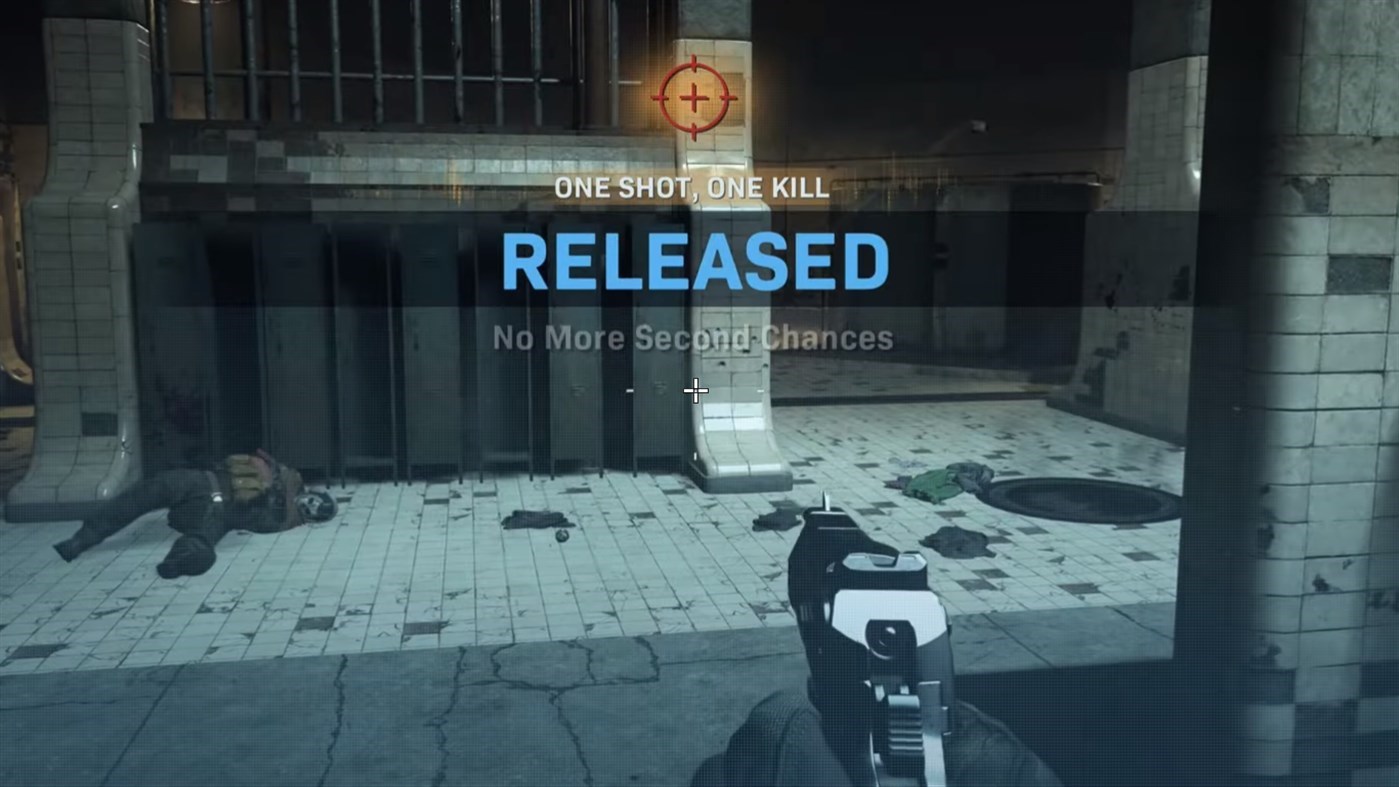
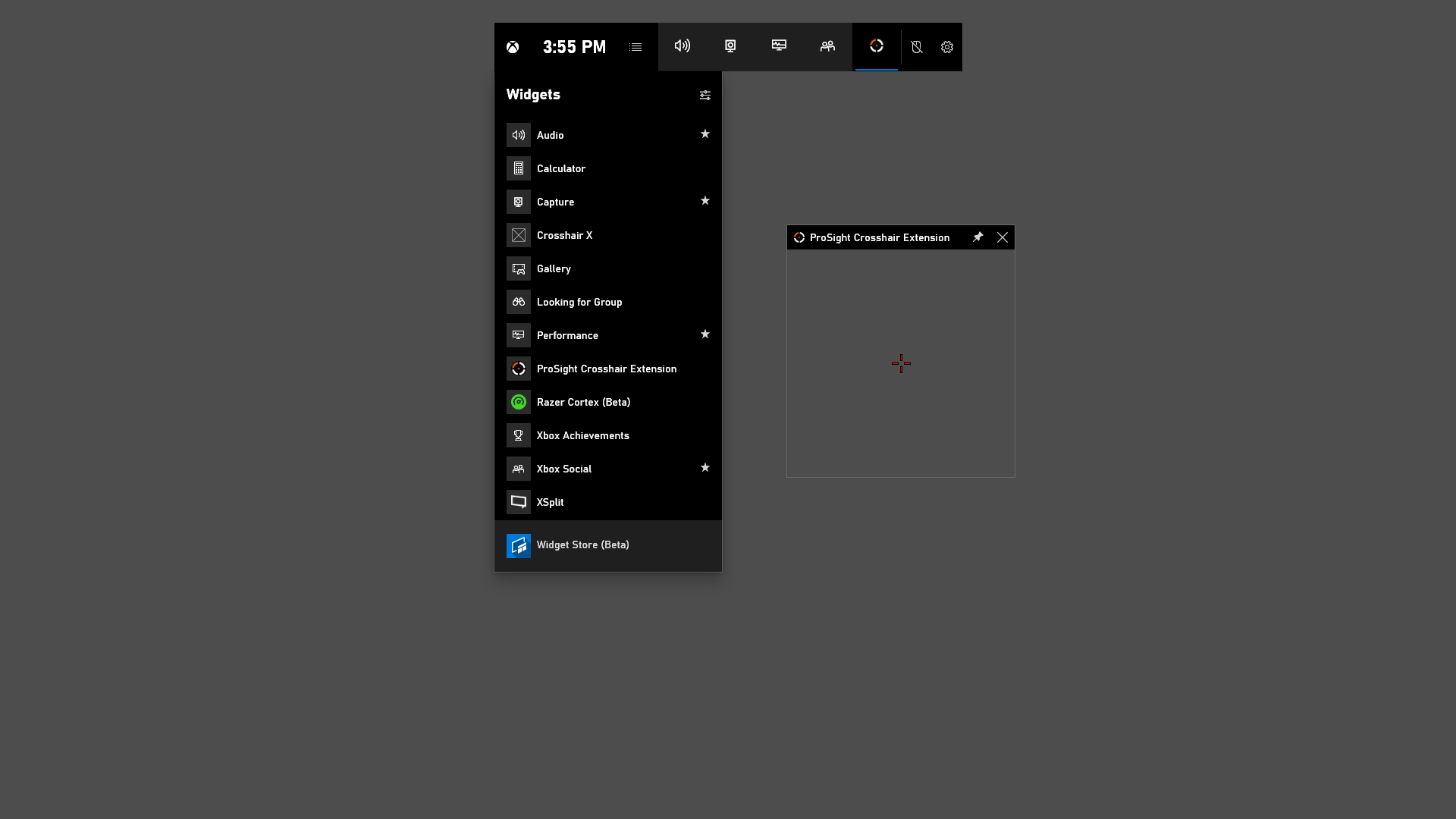
Crosshair X Extension is a companion widget for the Xbox Game Bar that adds a custom crosshair overlay to games. It is enabled through the Widget Menu in the Xbox Game Bar, accessed by pressing Windows Key + G. The extension itself is free, but it only provides value when used together with the Crosshair X Desktop App, which is a paid app offering a 7-day free trial.
Show the developer's original descriptionHide the original description
DISCLAIMER: This extension is free and only provides value to users who are using the Crosshair X Desktop App which is a paid app. We highly encourage you to try our 7-day free trial, you won't regret it.
Enjoy everything that Crosshair X has to offer on Xbox Game Bar by adding a custom crosshair to your favorite games.
Enable the Crosshair X Extension widget in the Xbox Game Bar. Access the extension in the Xbox Game Bar by pressing Windows Key + G and activating the extension in the Widget Menu.
If there is a version of this app for iOS/Mac or Windows we don't know about, paste the store link here — we'll auto-detect the store.
How to find the URL:1. Open the app in its store. 2.In the App Store app: tap the Share icon → “Copy Link”. In the browser: copy the URL from the address bar — it contains apps.apple.com/…/id… or apps.microsoft.com/detail/…. 3. Paste it here.
Paste the original link from the Apple App Store or Microsoft Store. We fetch all details automatically.
How to find the URL:
1. Open the app in its store. 2.In the App Store app: tap the Share icon → “Copy Link”. In the browser: copy the URL from the address bar — it contains apps.apple.com/…/id… or apps.microsoft.com/detail/…. 3. Paste it here.
Android apps can only be listed by their developer.