
Screenshot appears after consentScreenshot appears after consentScreenshot appears after consentScreenshot appears after consentScreenshot appears after consentScreenshot appears after consentScreenshot appears after consentScreenshot appears after consentScreenshot appears after consentScreenshot appears after consentScreenshot appears after consentScreenshot appears after consentScreenshot appears after consentScreenshot appears after consentScreenshot appears after consentScreenshot appears after consentScreenshot appears after consentScreenshot appears after consentScreenshot appears after consentScreenshot appears after consentScreenshot appears after consentScreenshot appears after consentScreenshot appears after consentScreenshot appears after consent
Summary
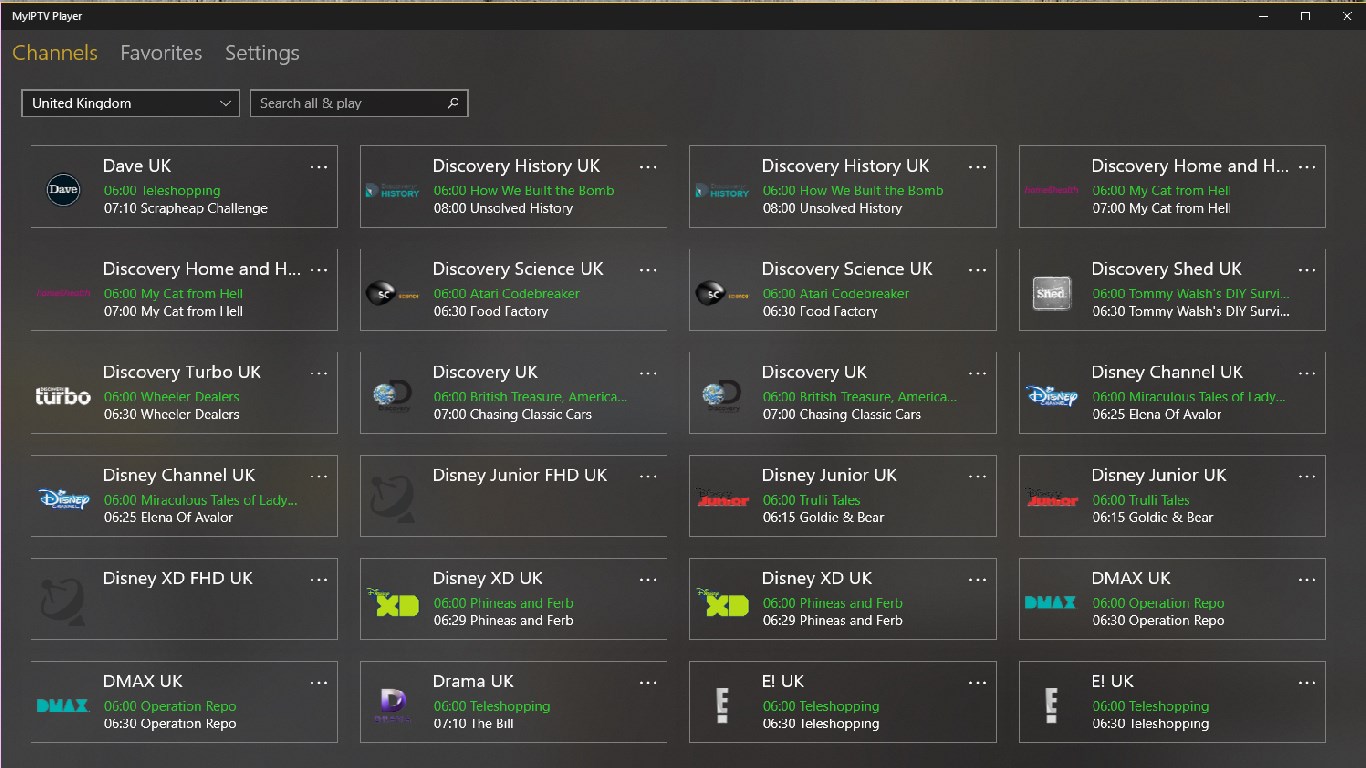
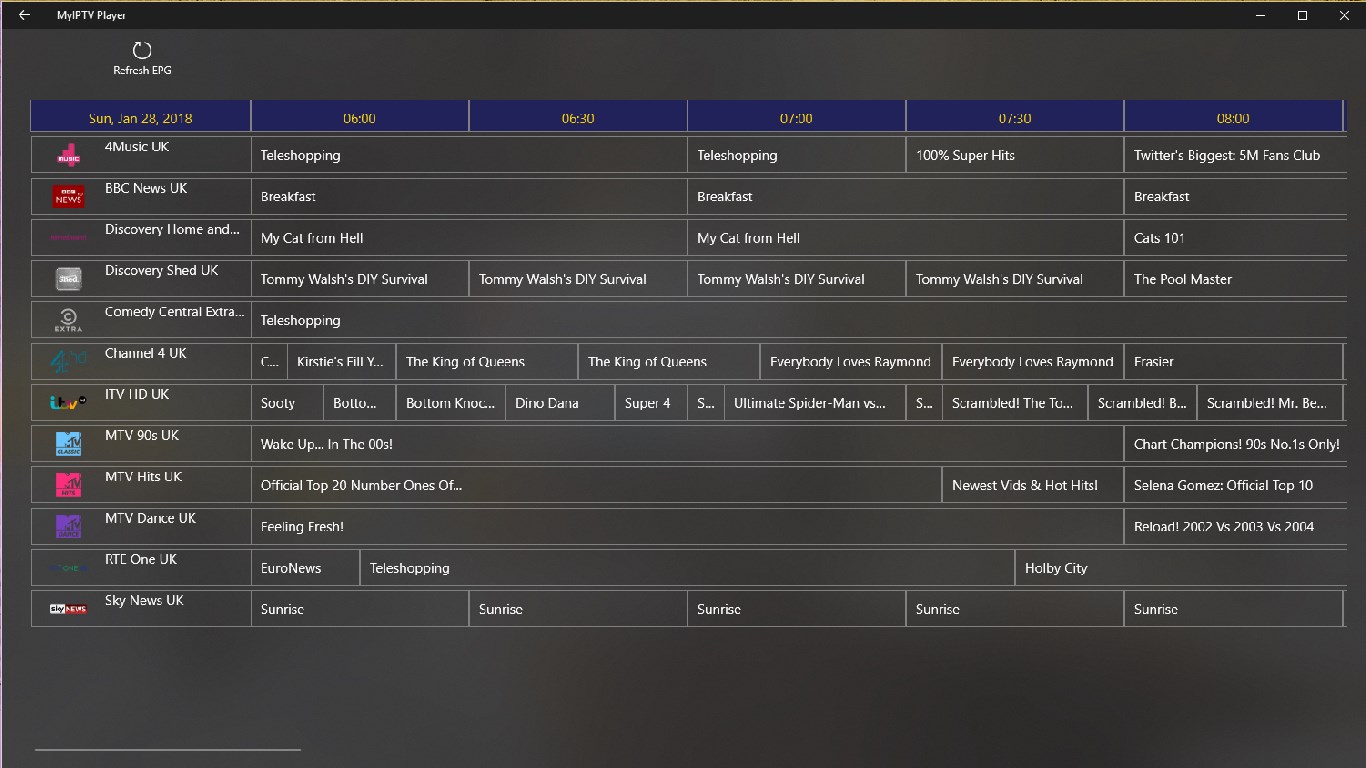
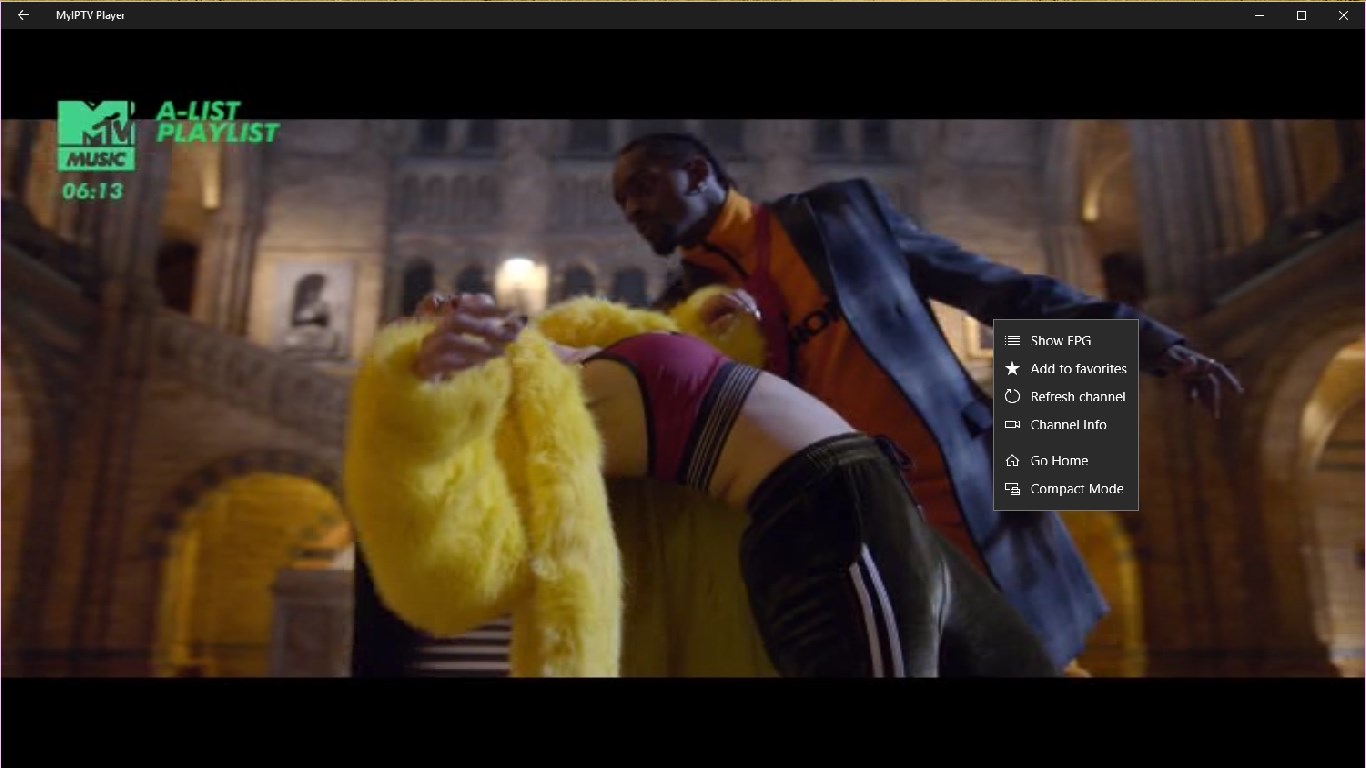
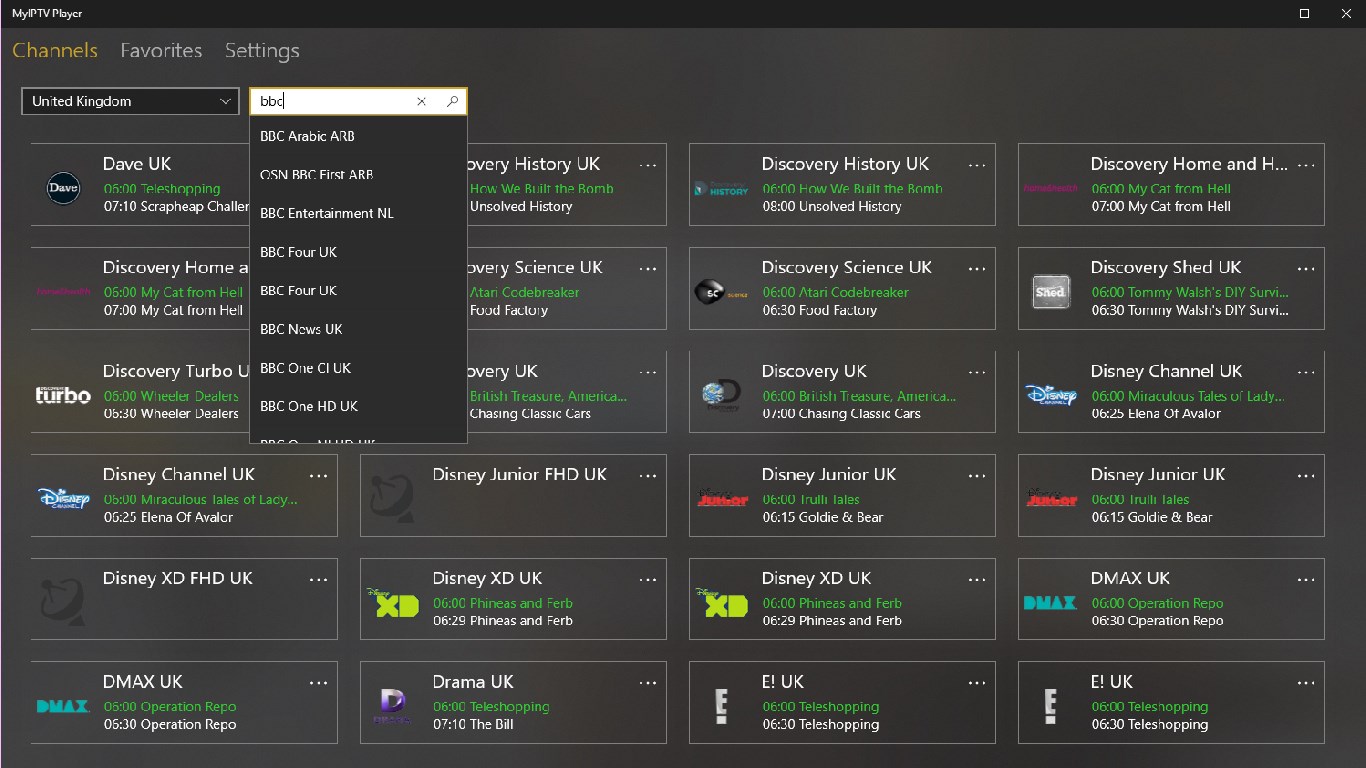
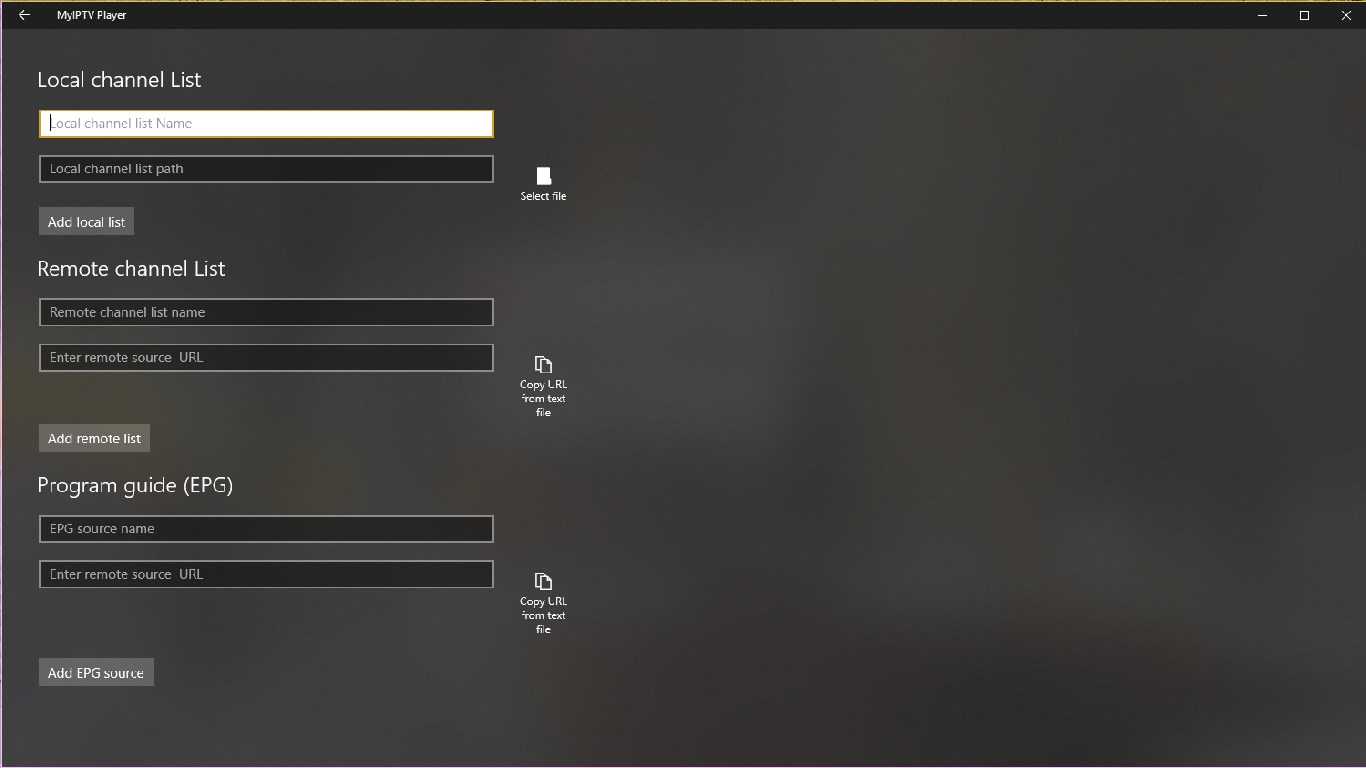
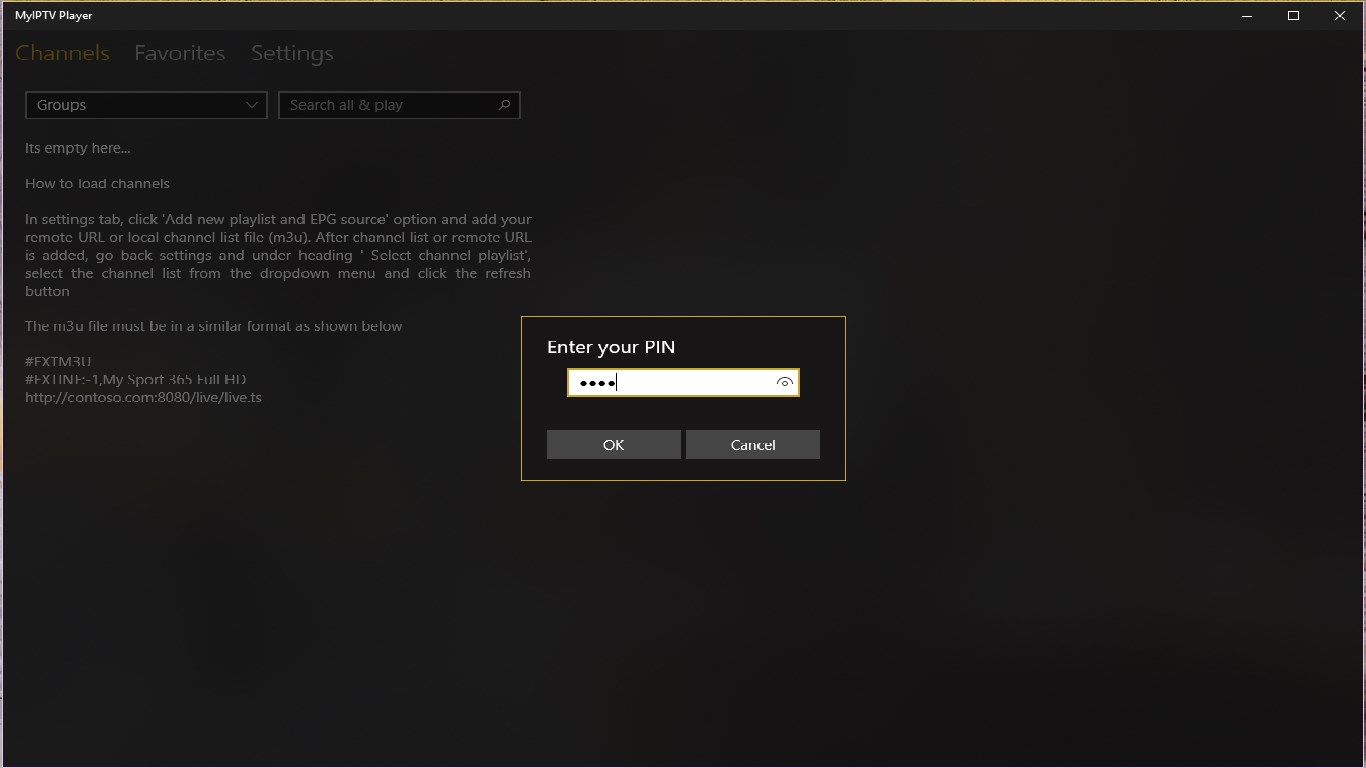
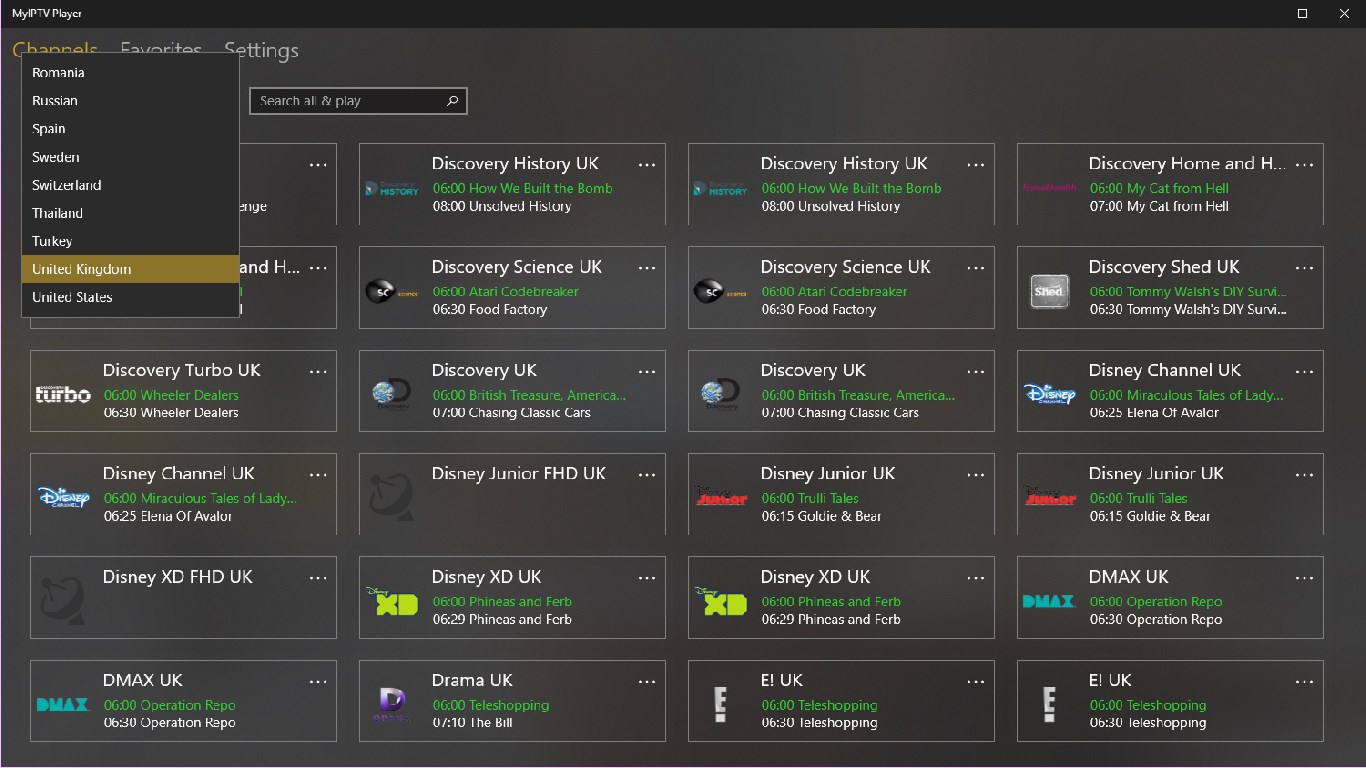
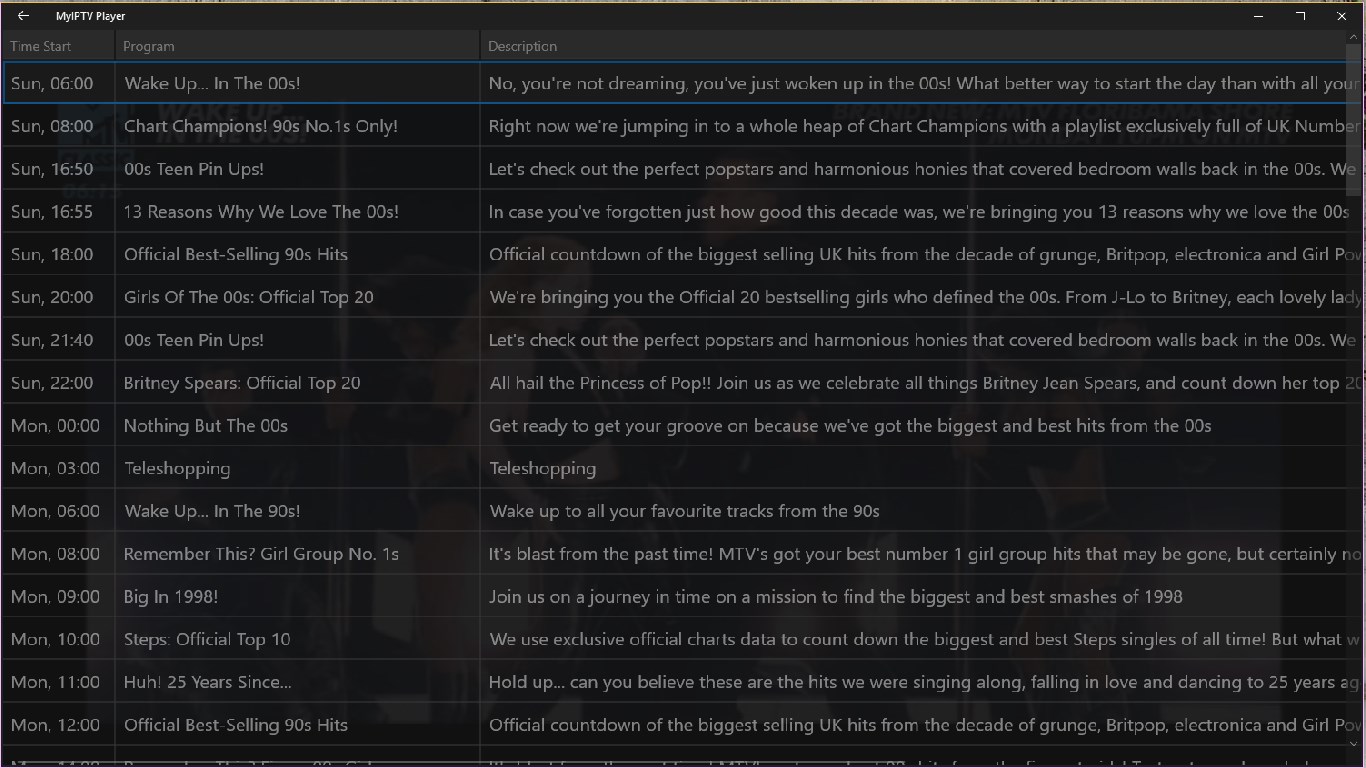
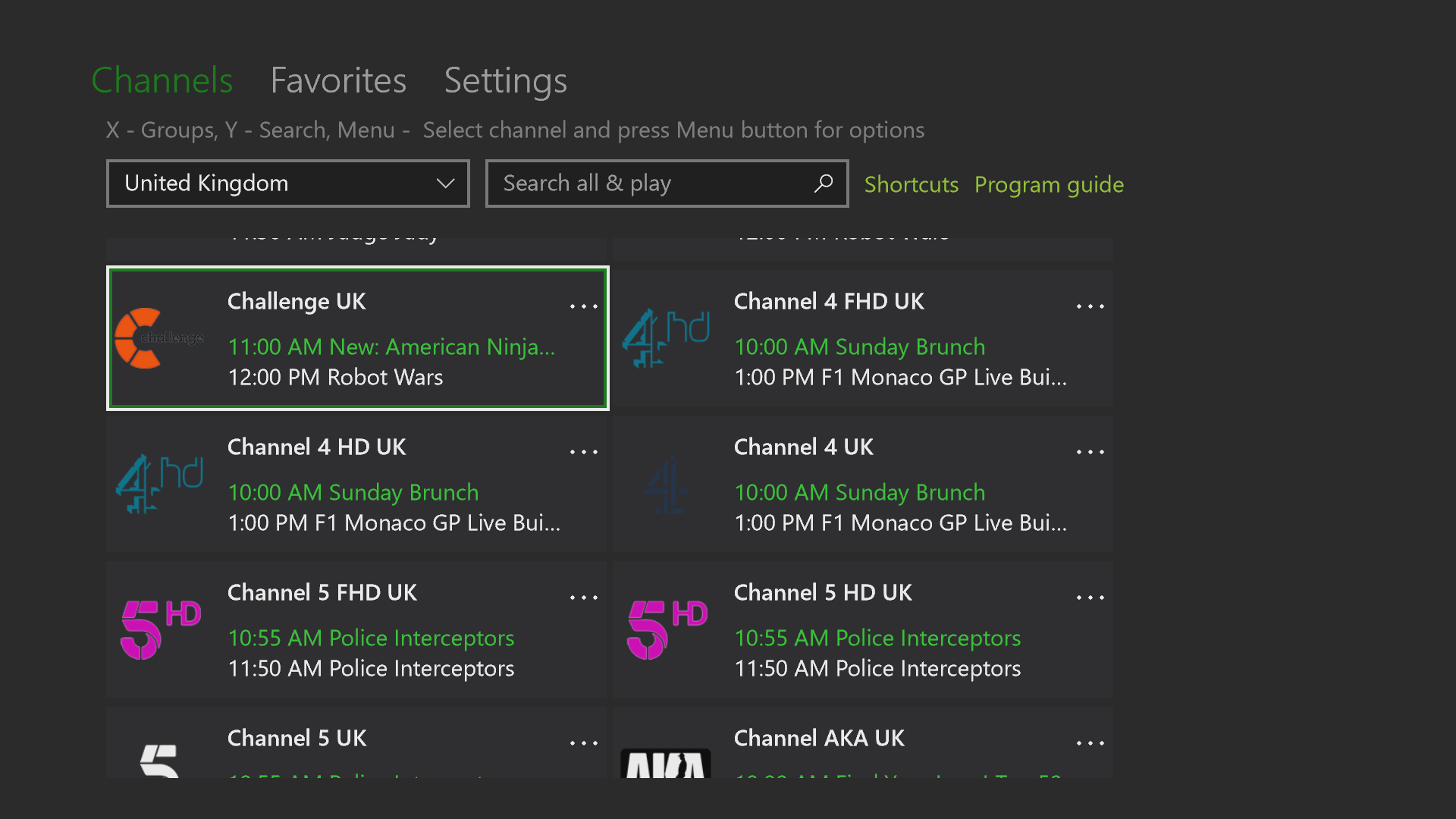
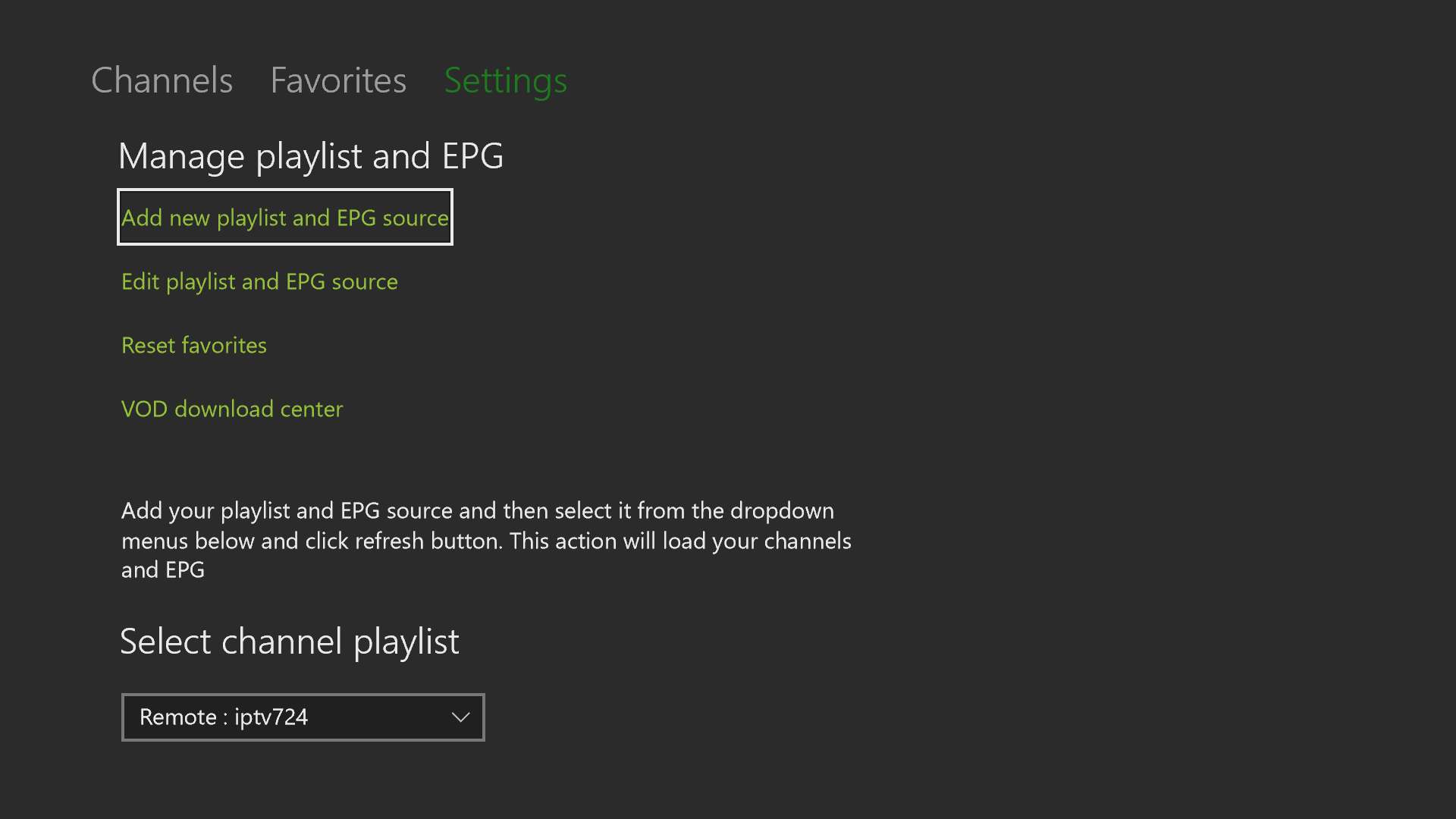
MyIPTV Player is a media player app for streaming IPTV channels, supporting Xtream Code accounts and M3U playlists loaded from storage or a remote source. It includes a built-in electronic program guide and automatically groups channels based on channel data, with filtering options to hide unwanted groups. Favorites management and PIN protection are built in, and streaming channels as well as video on demand streams can be downloaded, with a download center and history for saved files. Playback can use either the VLC library or Windows media player, and channels can also be added manually. The app does not provide any IPTV channels or streaming URLs.
Show the developer's original descriptionHide the original description
An excellent media player with EPG to play your IPTV channels. Xtream code or load your m3u playlist from storage or remote source and you are good to go.
* Disclaimer - No IPTV channels or streaming URLs are provided. We are not affiliated to any IPTV operators or IPTV channel providers.
- Xtream Code support with Catchup
- HTTP Live streaming (HLS) and MPEG TS supported
- Channels are automatically grouped based on channel data
- Filter out unwanted channel groups
- EPG support built-in
- Streaming channels can be saved
- Favorites management built-in
- Multiple channel playlist supported, Xtream or M3U
- Download video on demand (VOD) streams
- Download center and history for VOD files
- Channel filtering options
- PIN protection
- Media player option which could use VLC library for media playback or Windows media player
- Option to add channels manually in app settings.
If there is a version of this app for iOS/Mac or Windows we don't know about, paste the store link here — we'll auto-detect the store.
How to find the URL:1. Open the app in its store. 2.In the App Store app: tap the Share icon → “Copy Link”. In the browser: copy the URL from the address bar — it contains apps.apple.com/…/id… or apps.microsoft.com/detail/…. 3. Paste it here.
Paste the original link from the Apple App Store or Microsoft Store. We fetch all details automatically.
How to find the URL:
1. Open the app in its store. 2.In the App Store app: tap the Share icon → “Copy Link”. In the browser: copy the URL from the address bar — it contains apps.apple.com/…/id… or apps.microsoft.com/detail/…. 3. Paste it here.
Android apps can only be listed by their developer.