

Screenshot appears after consentScreenshot appears after consentScreenshot appears after consentScreenshot appears after consentScreenshot appears after consentScreenshot appears after consentScreenshot appears after consentScreenshot appears after consentScreenshot appears after consentScreenshot appears after consentScreenshot appears after consentScreenshot appears after consentScreenshot appears after consentScreenshot appears after consentScreenshot appears after consentScreenshot appears after consentScreenshot appears after consent
Summary
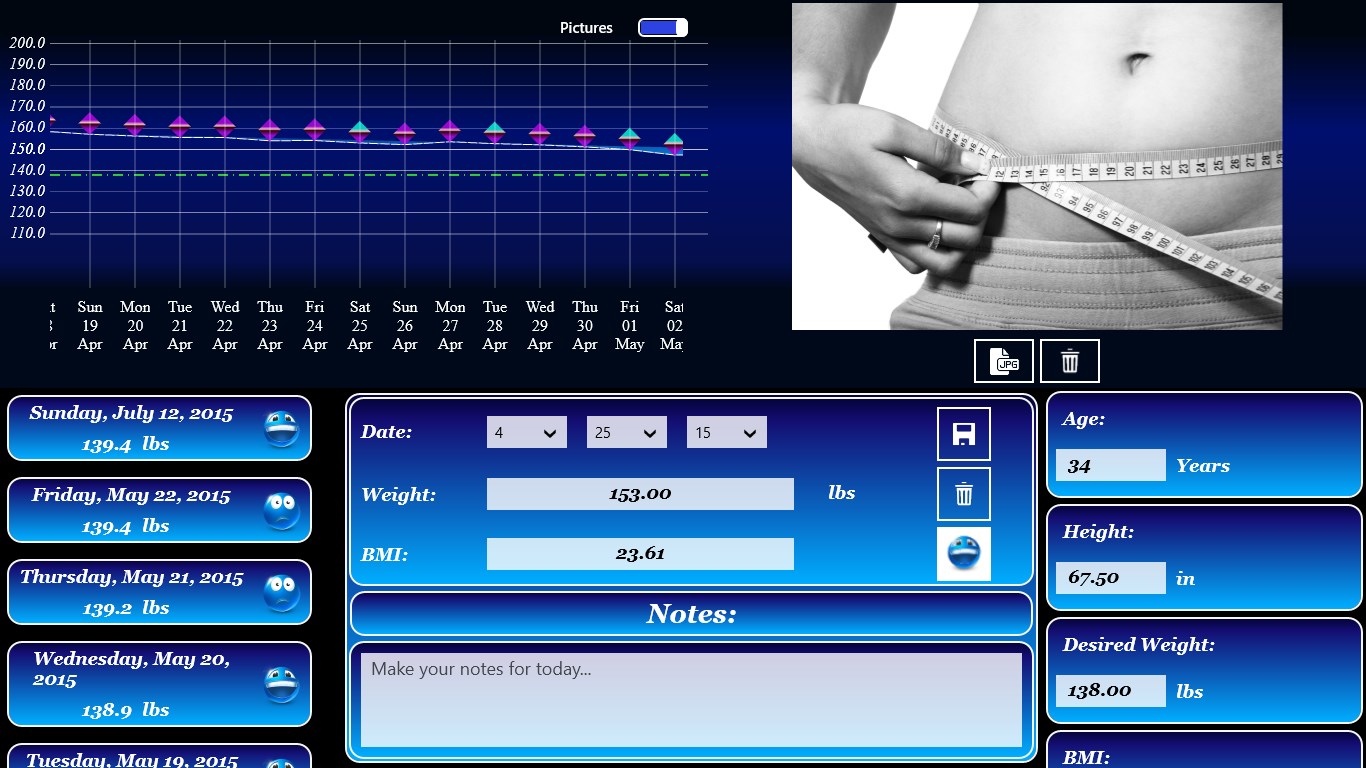
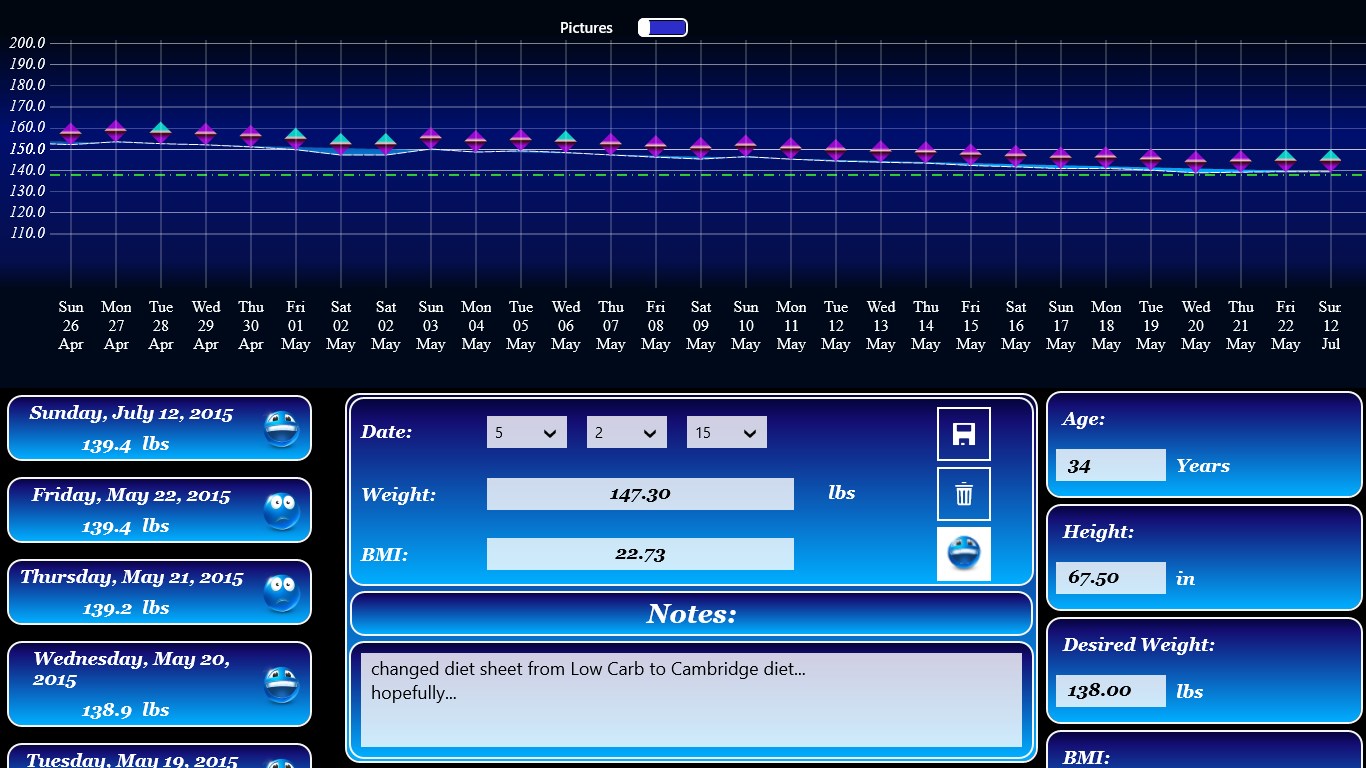
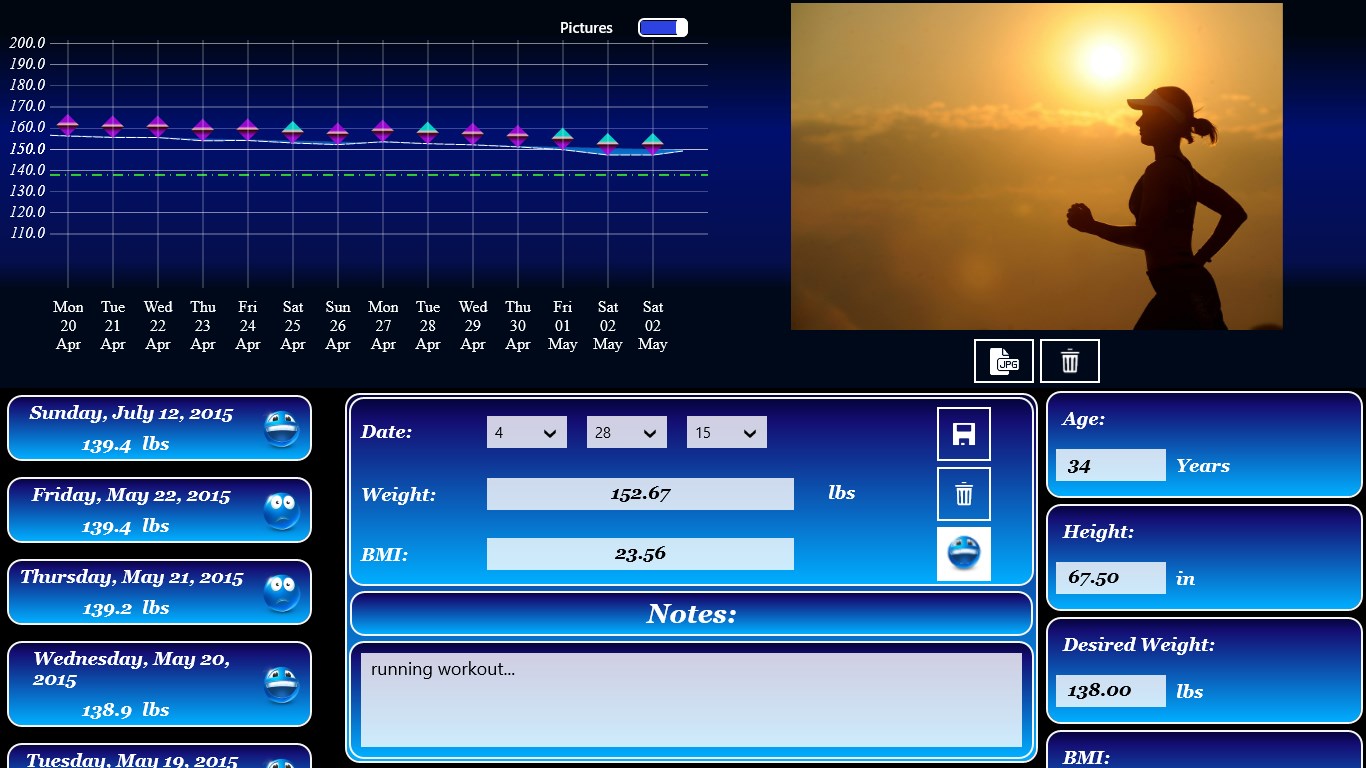
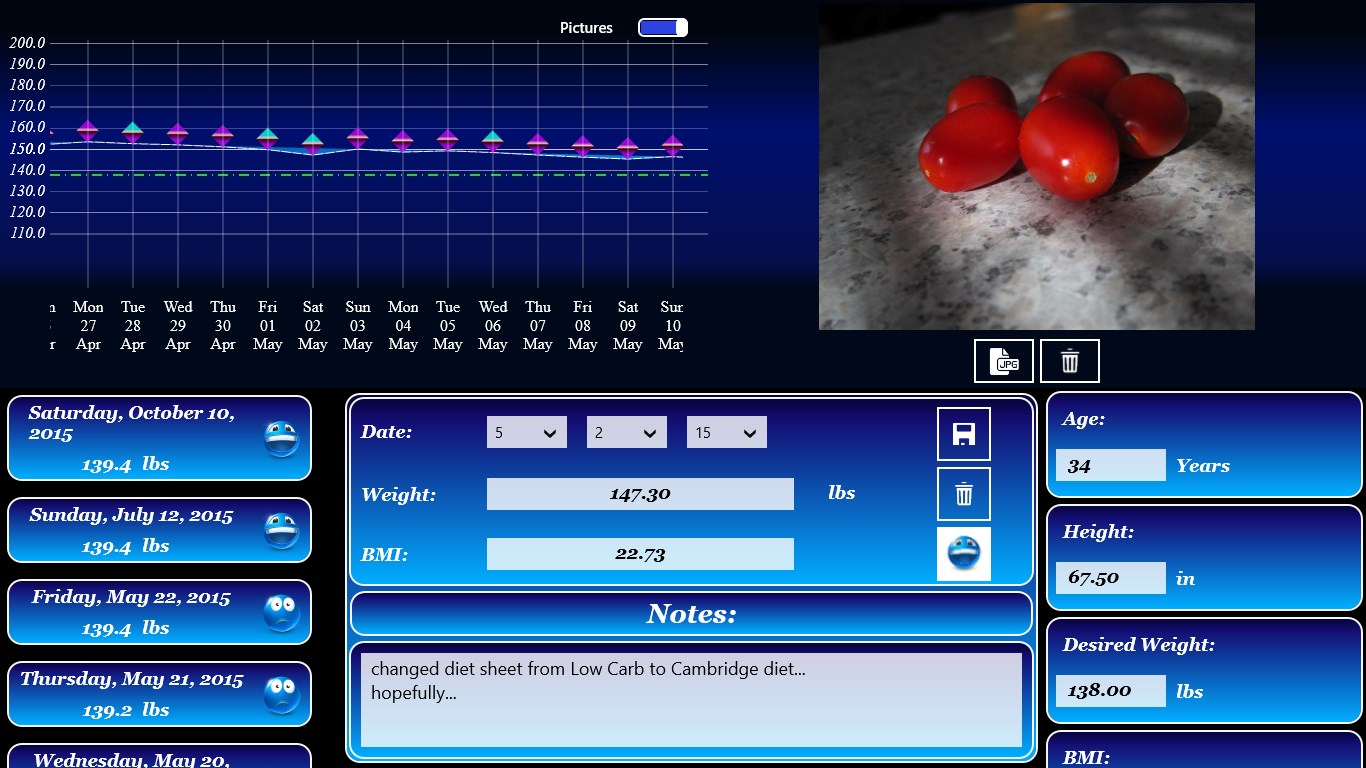
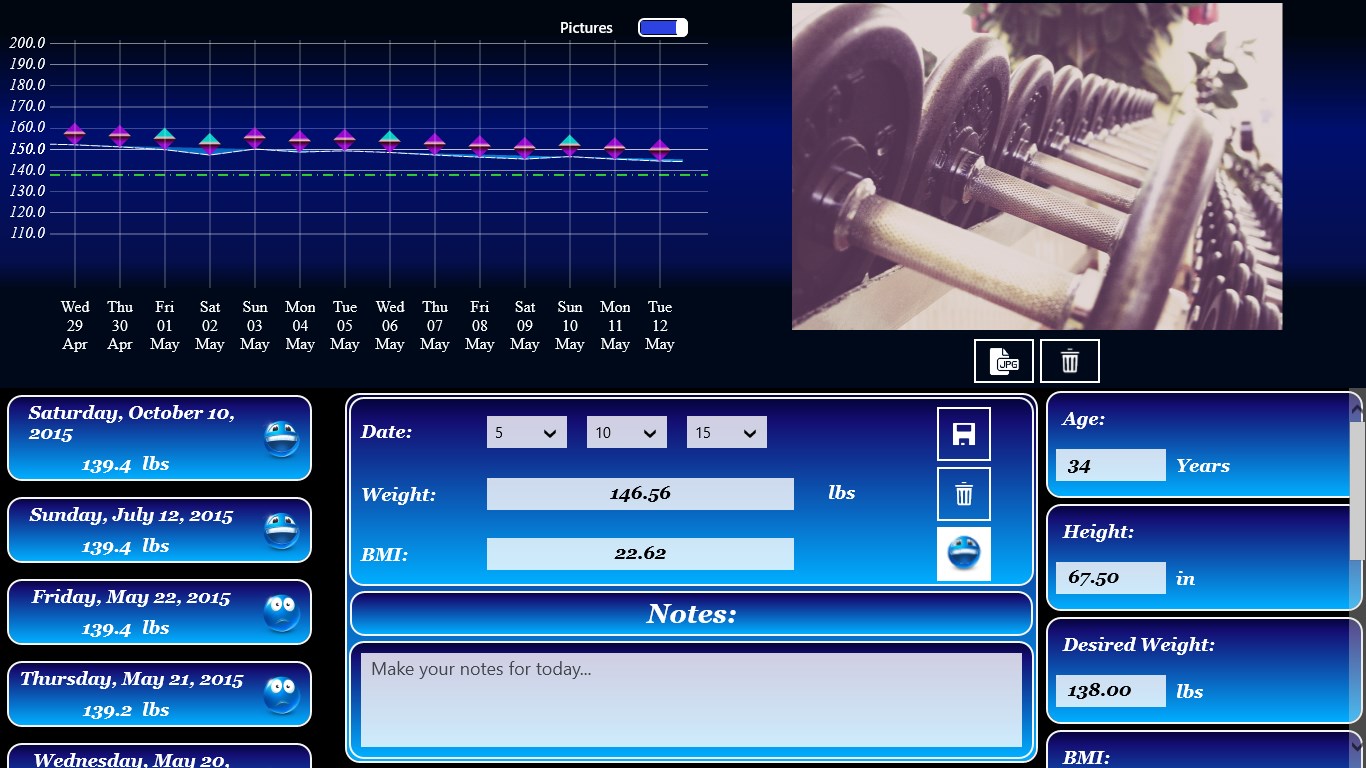
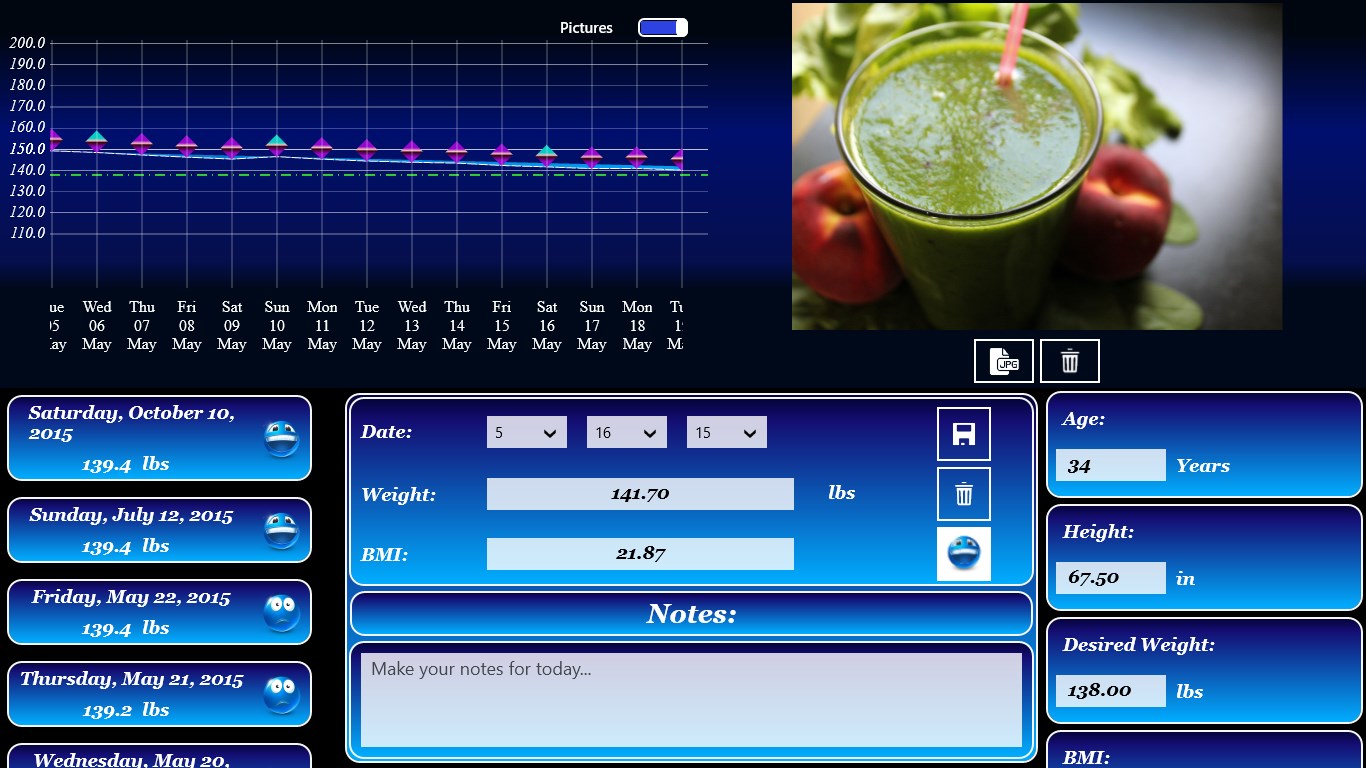
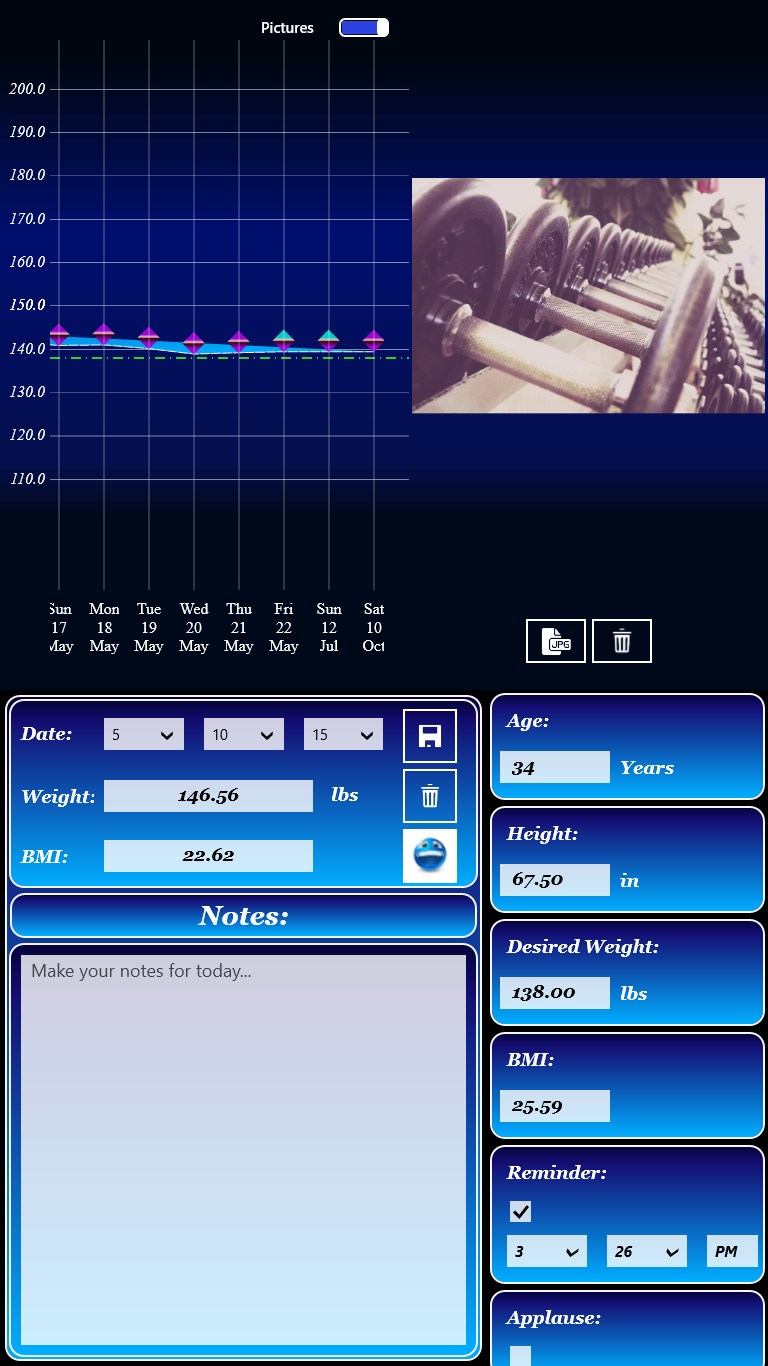
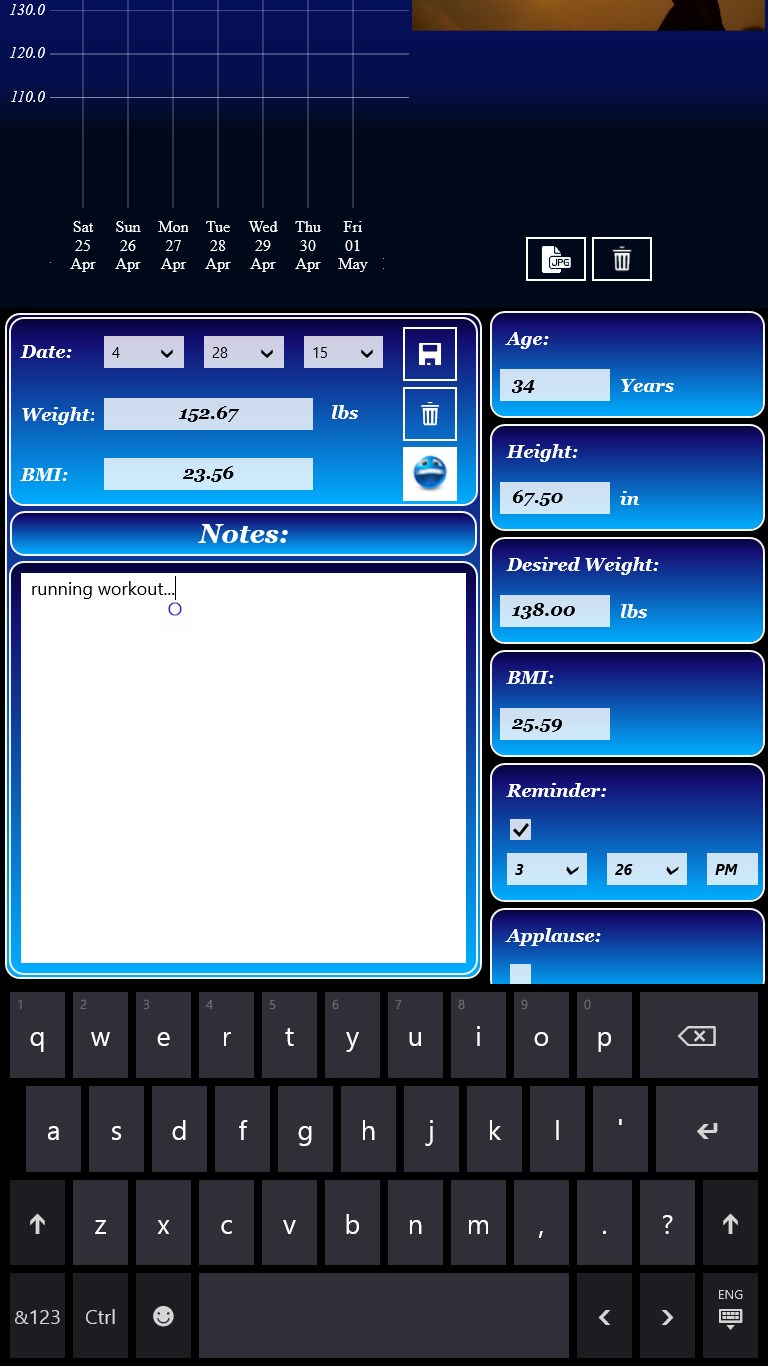
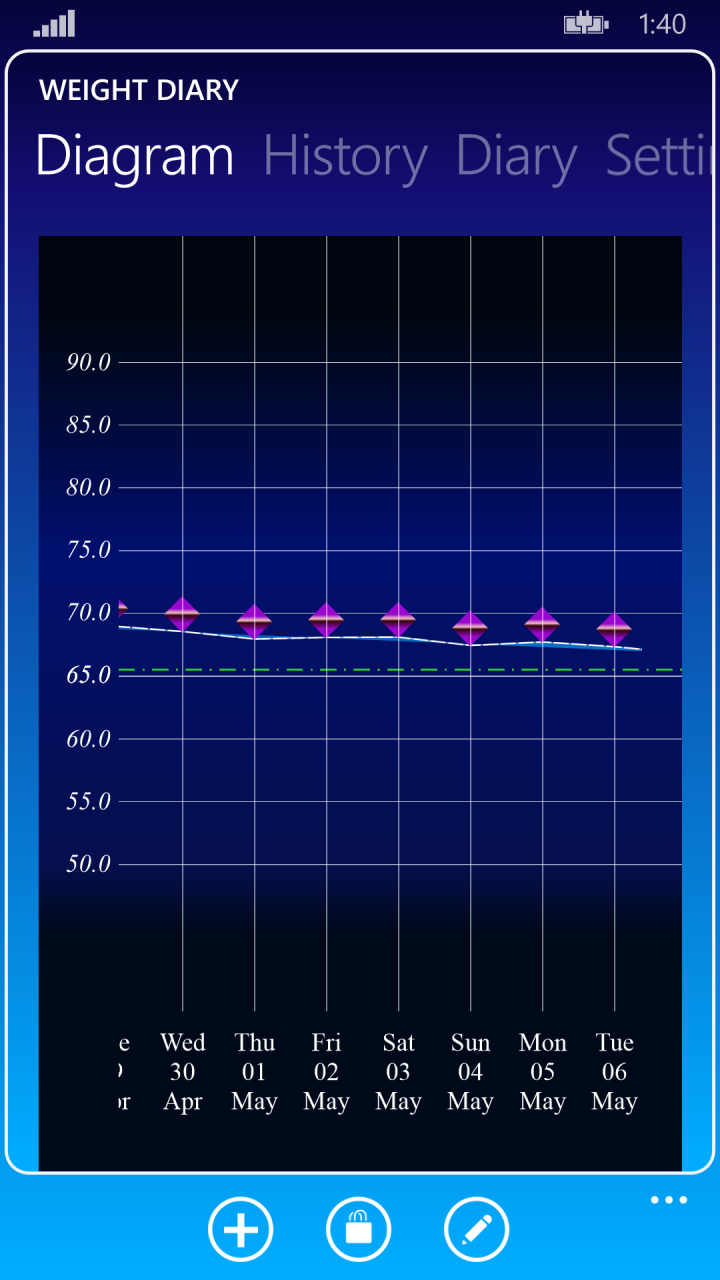
Weight Diary is a diet tracking app that documents weight progression over time. It allows recording particular successes as well as the reasons behind days when the targeted daily weight reduction did not succeed, such as social occasions or dietary lapses. By looking back on a diet history that explains lack of success during certain phases, it helps maintain motivation and stick to set goals even through difficult periods.
Show the developer's original descriptionHide the original description
Document your difficult path to your desired weight!
Don't just note your daily weight!
What's the most difficult in diet? To keep it up!
Keep up your motivation by documenting your weight progression.
Note your particular successes as well as reasons why you didn't succeed with the daily weight reduction.
Who hasn't been on... the girls night, the joint evening of football, the barbeque in the garden or the ice cream,
that you MUST have even though the nice wetter makes it impossible not to think about your bikini figure.
To have the possibility to look back to a diet monitoring, that explains a lack of success during various stages
will help you to keep up motivation to achieve your objectives, even if you're experiencing a difficult period.
If there is a version of this app for iOS/Mac or Windows we don't know about, paste the store link here — we'll auto-detect the store.
How to find the URL:1. Open the app in its store. 2.In the App Store app: tap the Share icon → “Copy Link”. In the browser: copy the URL from the address bar — it contains apps.apple.com/…/id… or apps.microsoft.com/detail/…. 3. Paste it here.
Paste the original link from the Apple App Store or Microsoft Store. We fetch all details automatically.
How to find the URL:
1. Open the app in its store. 2.In the App Store app: tap the Share icon → “Copy Link”. In the browser: copy the URL from the address bar — it contains apps.apple.com/…/id… or apps.microsoft.com/detail/…. 3. Paste it here.
Android apps can only be listed by their developer.