

Screenshot appears after consentScreenshot appears after consentScreenshot appears after consentScreenshot appears after consentScreenshot appears after consentScreenshot appears after consentScreenshot appears after consentScreenshot appears after consentScreenshot appears after consentScreenshot appears after consentScreenshot appears after consent
Summary
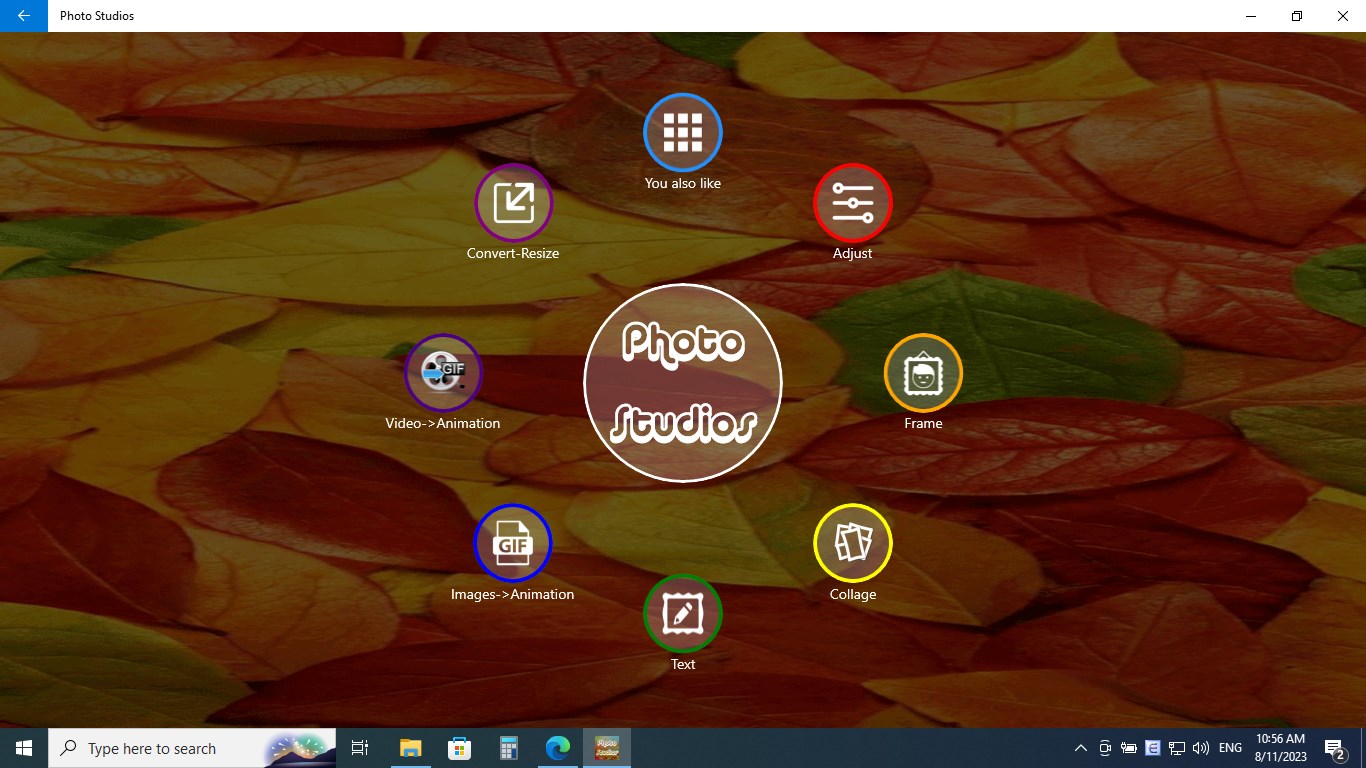
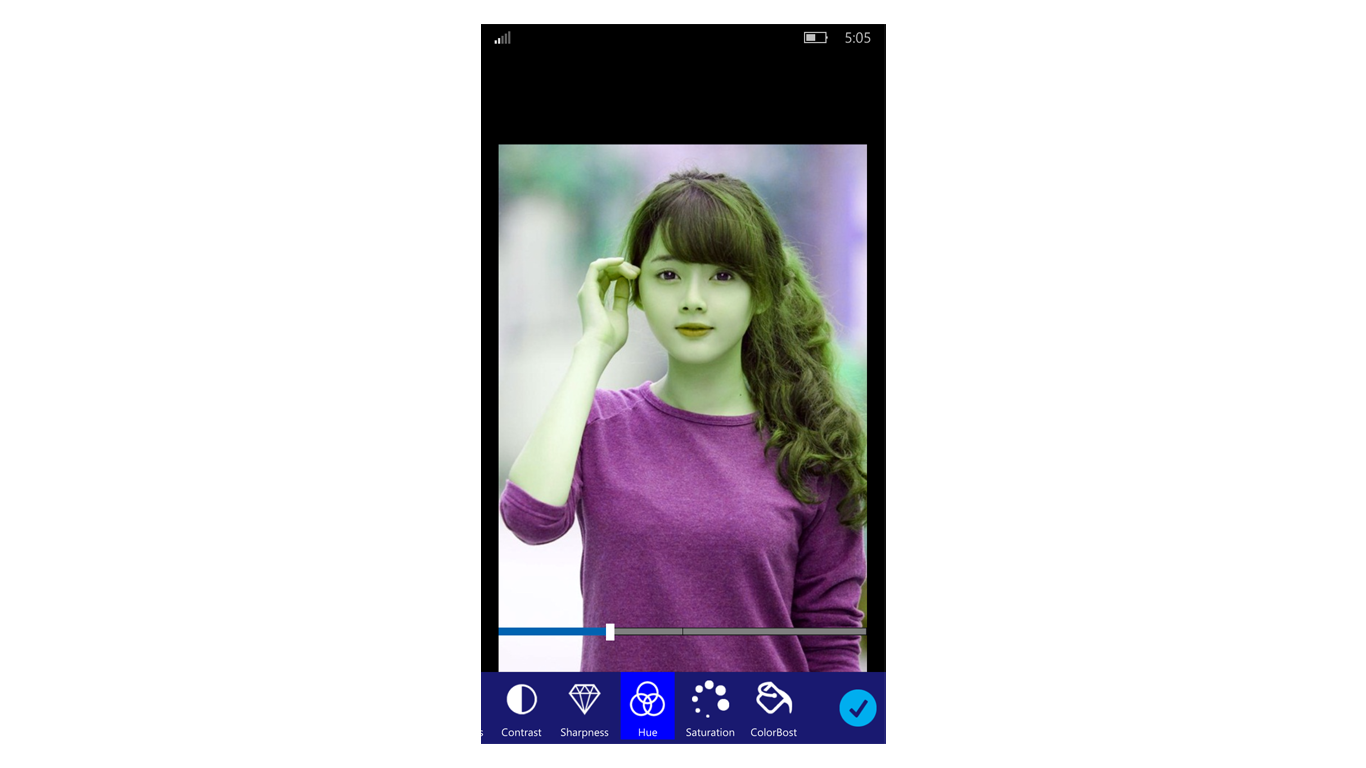
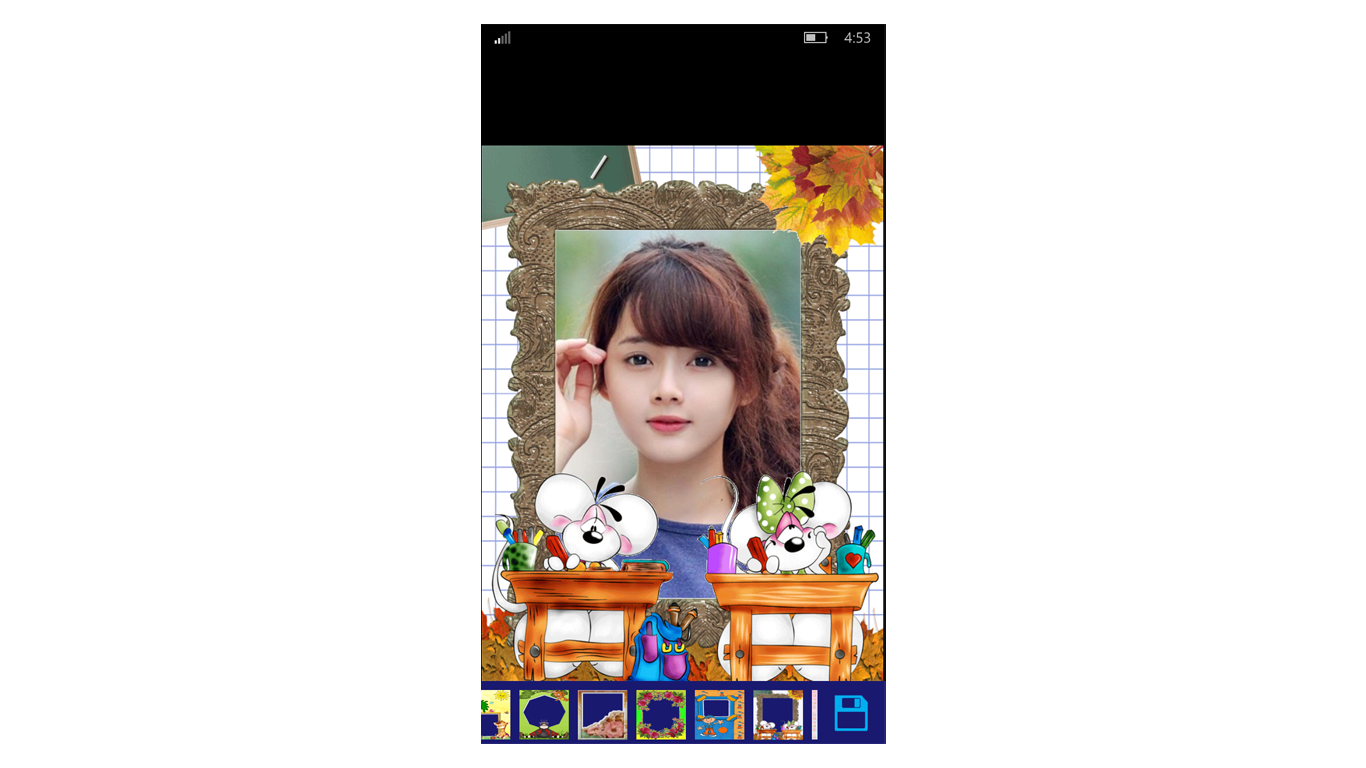
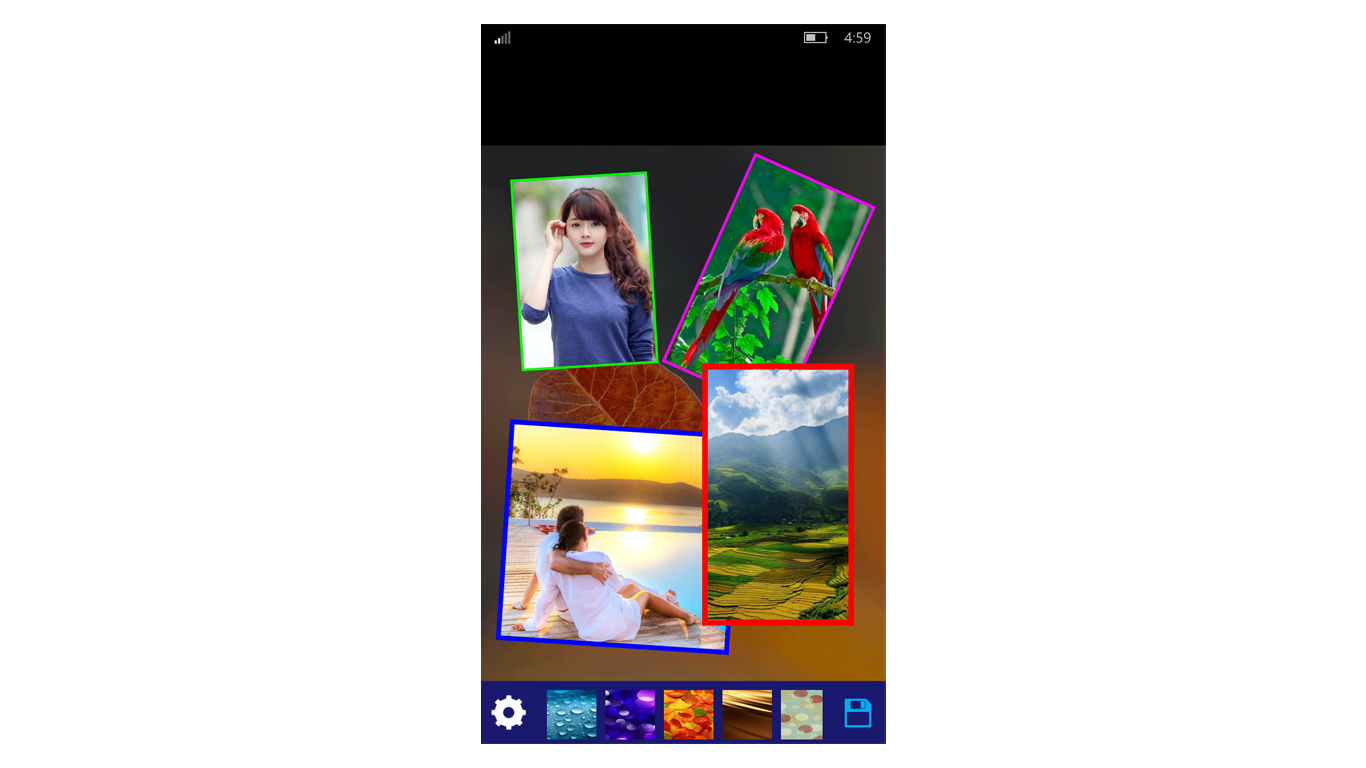
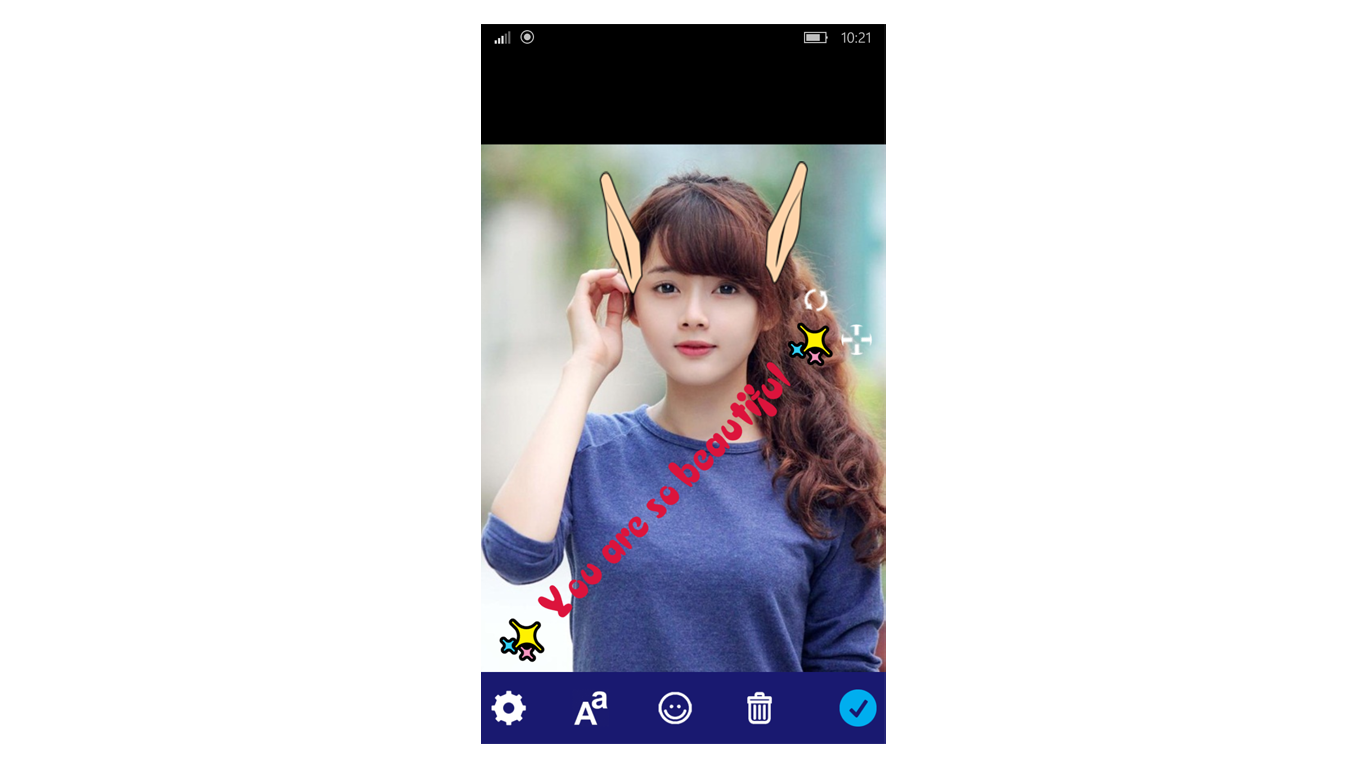
Photo Studios is a photo editing app that combines several tools for working with images. It offers filters and a photo editor for adjusting pictures, along with almost 100 photo frames. The app allows users to create photo collages with custom backgrounds and grid layouts, and to write text on photos using a variety of fonts. It also includes stickers, options to convert and resize images, and a feature for creating animated GIFs from videos and images.
Show the developer's original descriptionHide the original description
Photo Studios is a powerful tool all in one for your photos, and very easy to use.
Includes:
- Filters
- Photo editor
- Almost 100 Photo frames
- Photo collage
- write on photo with many beautiful fonts
- Stickers
- Convert, Resize
- Create Animated GIF from Video and Images
If there is a version of this app for iOS/Mac or Windows we don't know about, paste the store link here — we'll auto-detect the store.
How to find the URL:1. Open the app in its store. 2.In the App Store app: tap the Share icon → “Copy Link”. In the browser: copy the URL from the address bar — it contains apps.apple.com/…/id… or apps.microsoft.com/detail/…. 3. Paste it here.
Paste the original link from the Apple App Store or Microsoft Store. We fetch all details automatically.
How to find the URL:
1. Open the app in its store. 2.In the App Store app: tap the Share icon → “Copy Link”. In the browser: copy the URL from the address bar — it contains apps.apple.com/…/id… or apps.microsoft.com/detail/…. 3. Paste it here.
Android apps can only be listed by their developer.