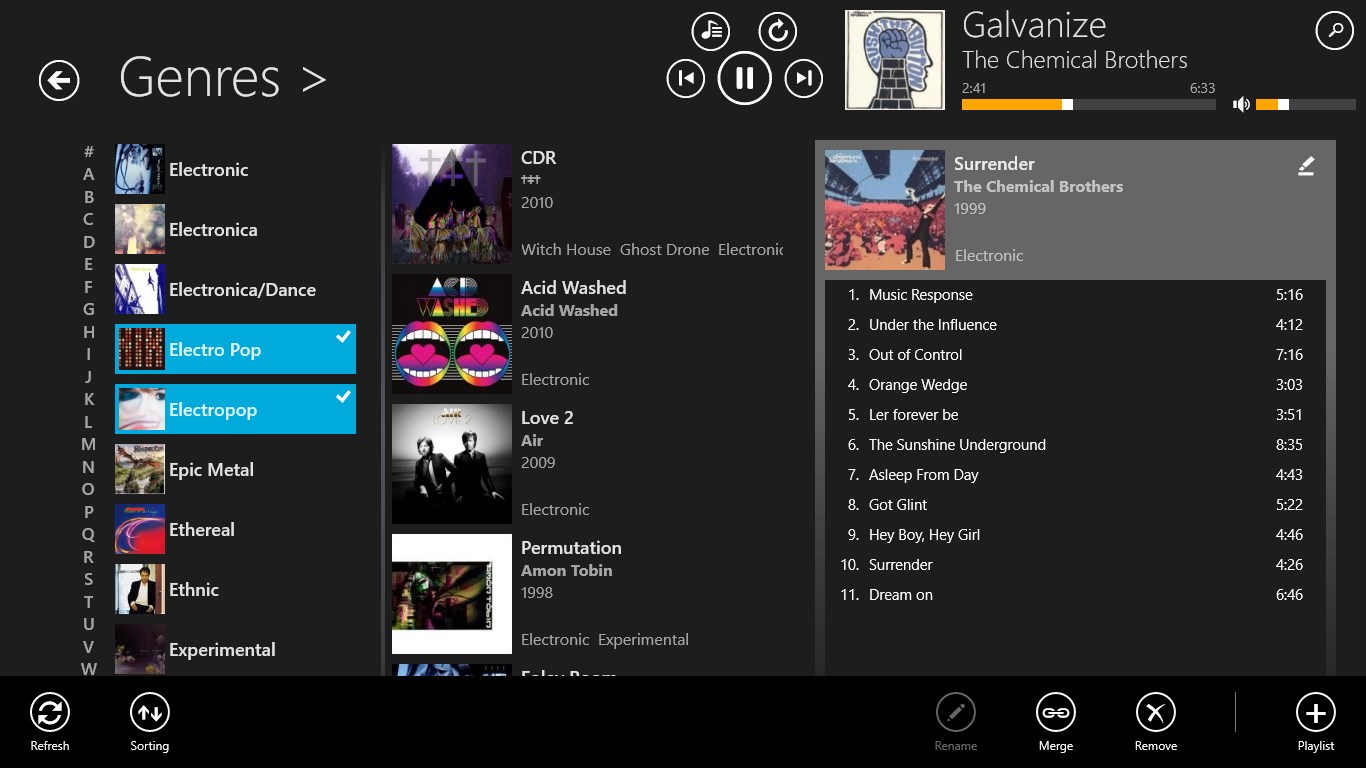
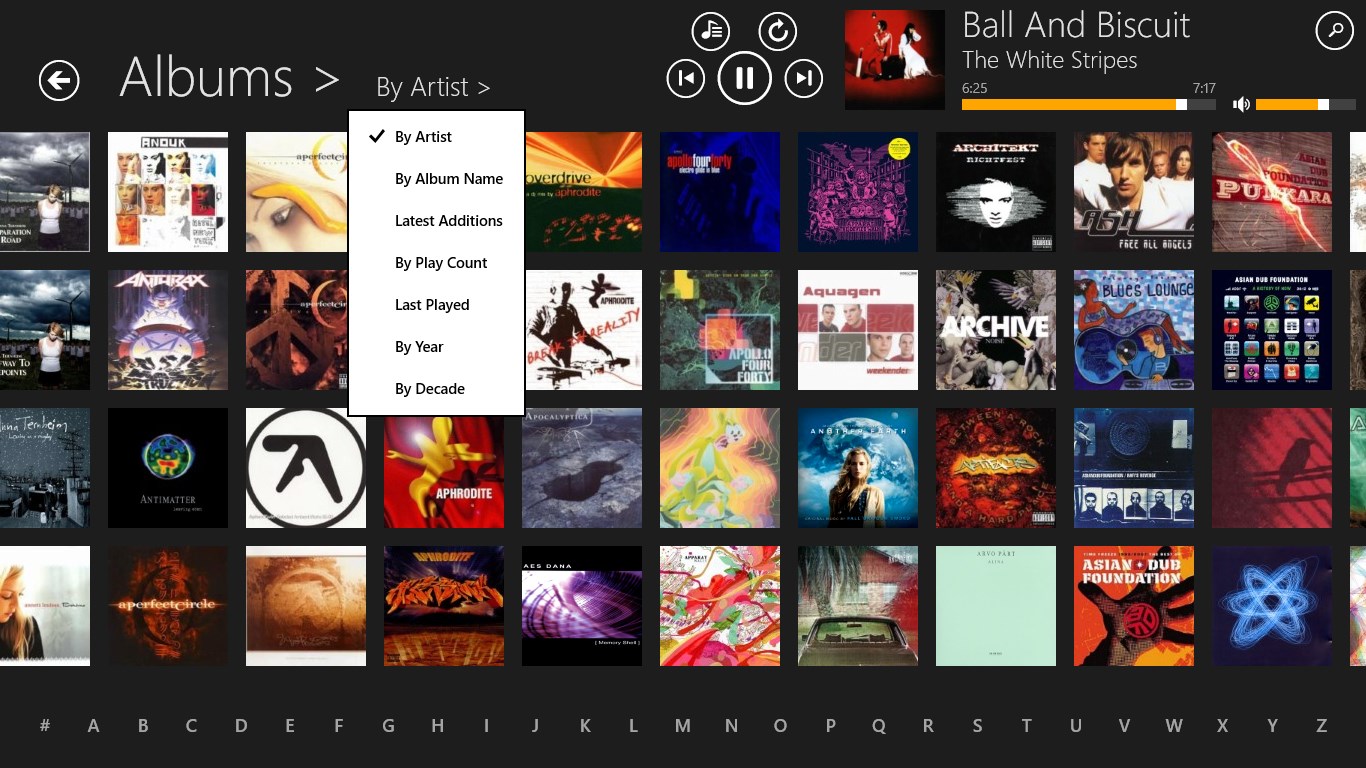

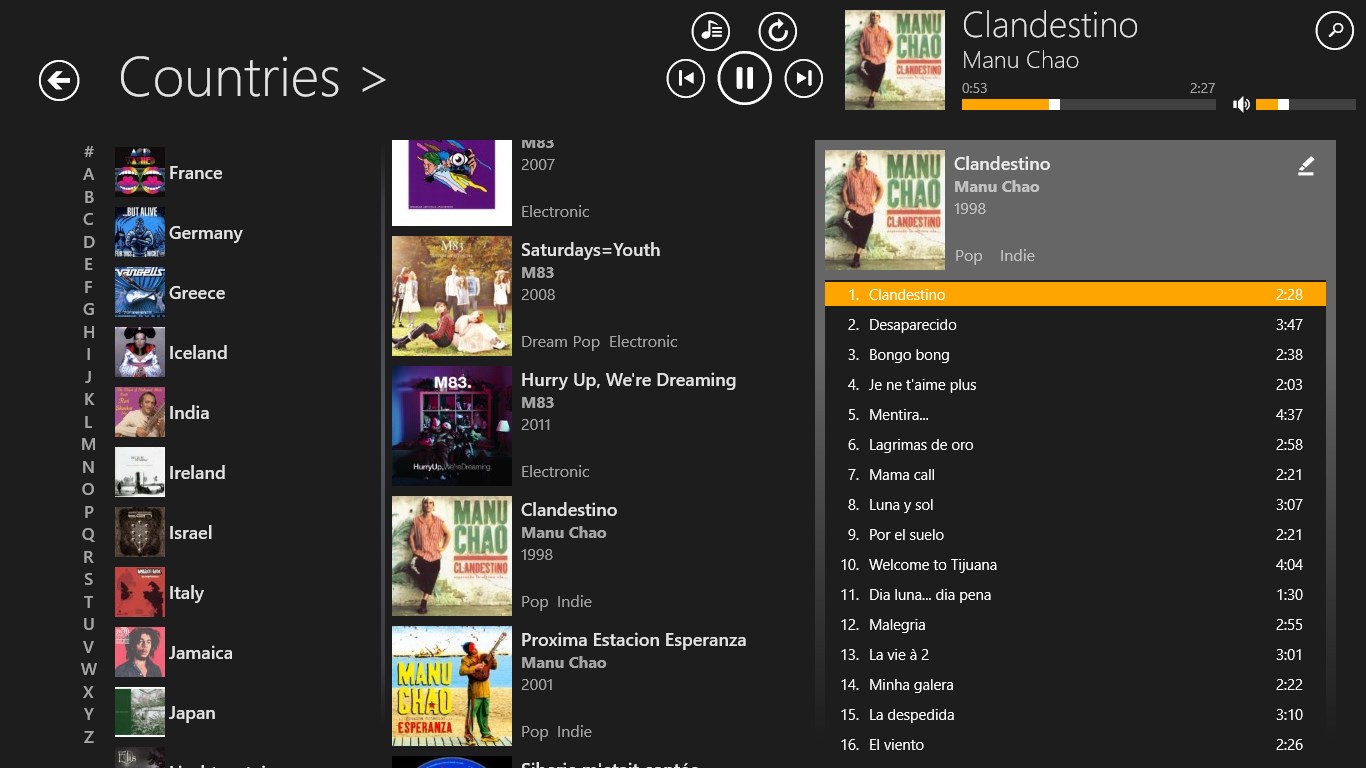
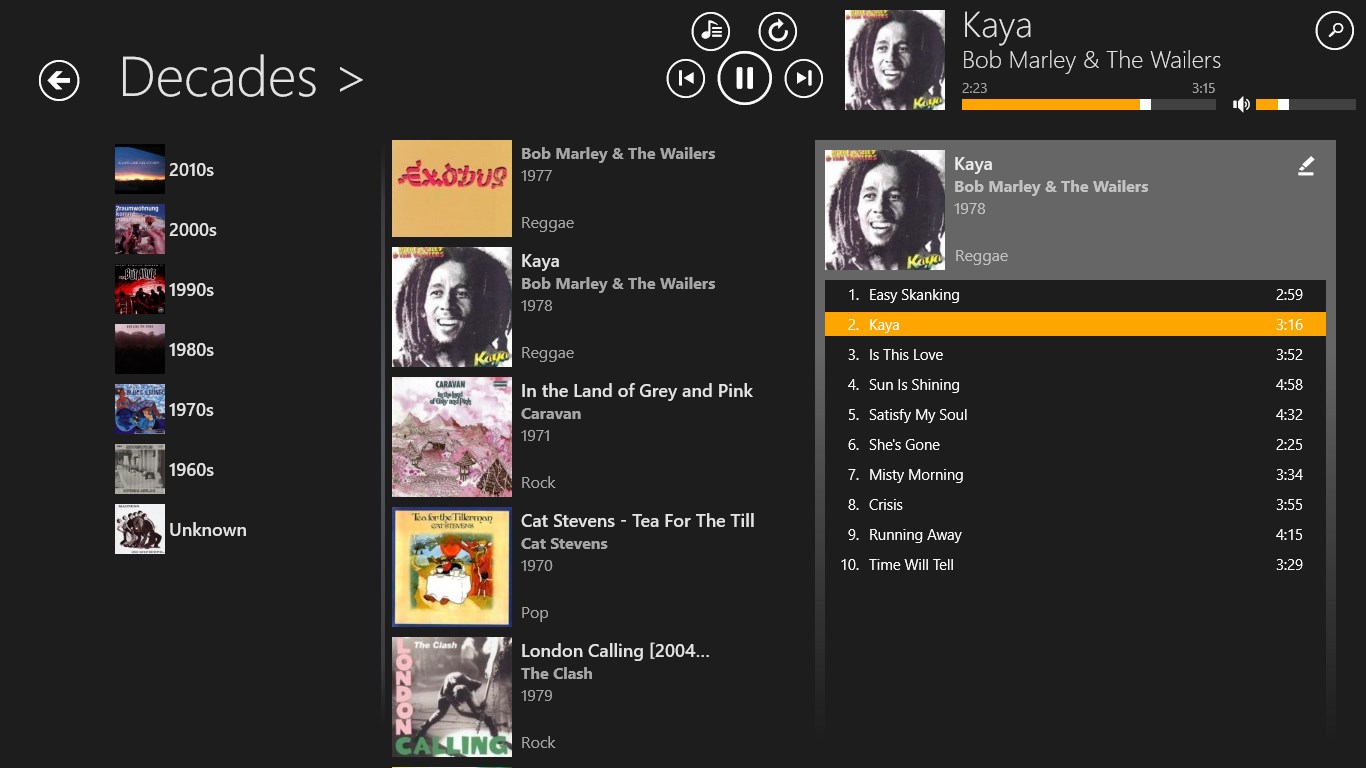


Screenshot appears after consentScreenshot appears after consentScreenshot appears after consentScreenshot appears after consentScreenshot appears after consentScreenshot appears after consentScreenshot appears after consentScreenshot appears after consentScreenshot appears after consentScreenshot appears after consentScreenshot appears after consentScreenshot appears after consentScreenshot appears after consentScreenshot appears after consentScreenshot appears after consentScreenshot appears after consentScreenshot appears after consent
Summary
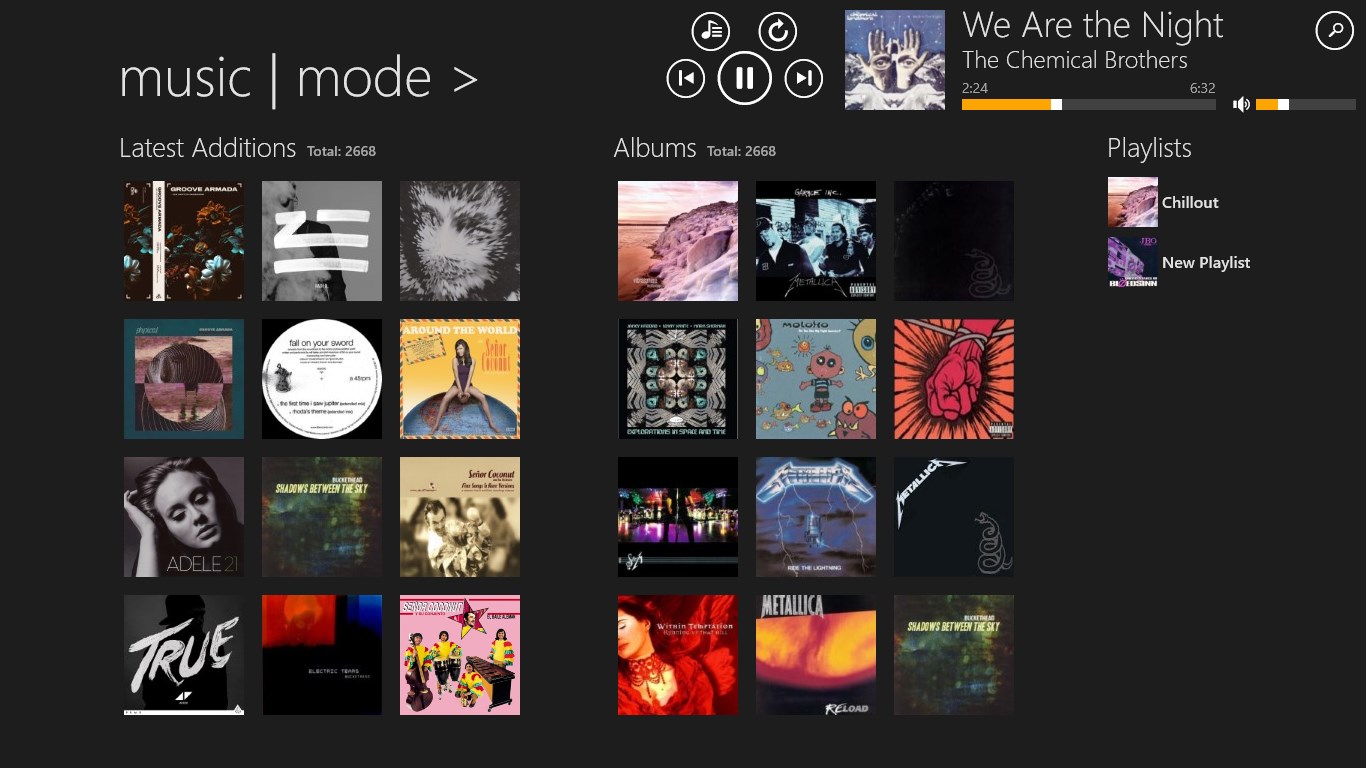
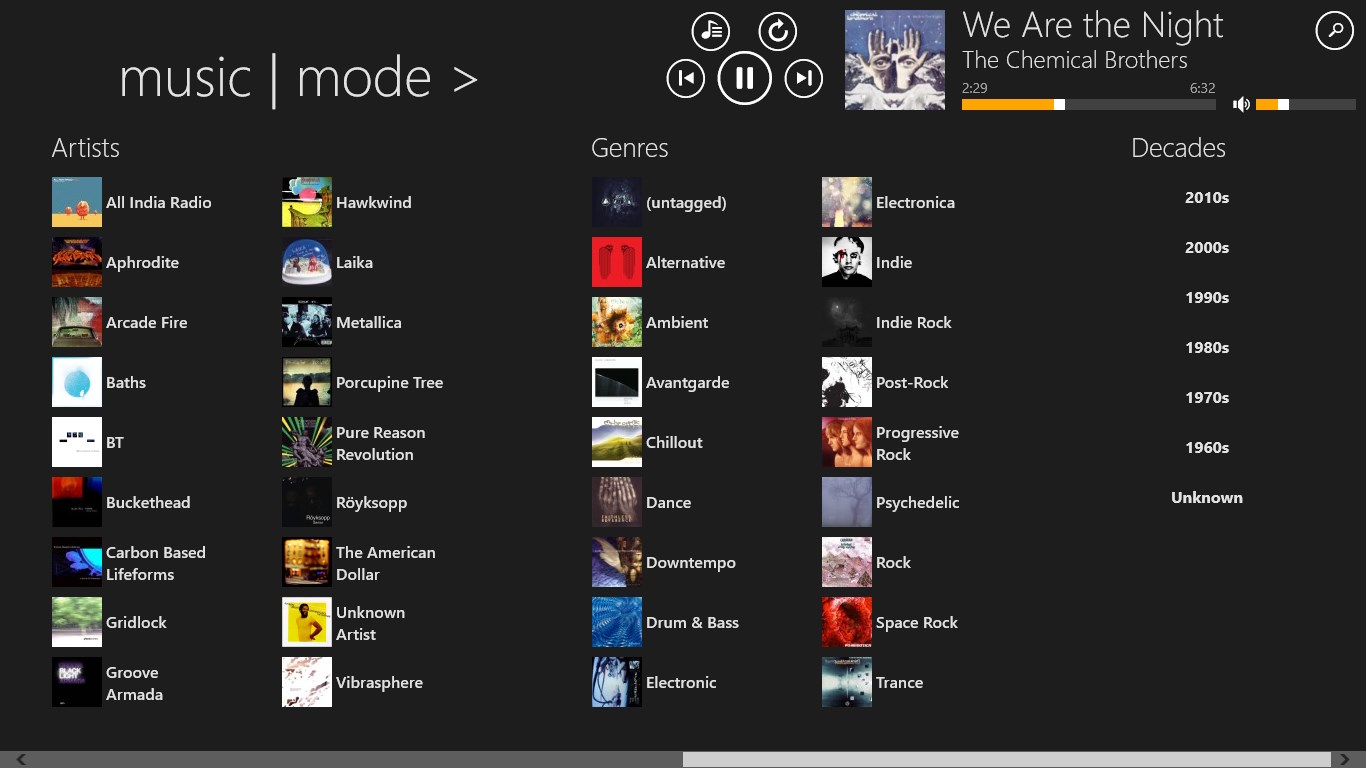
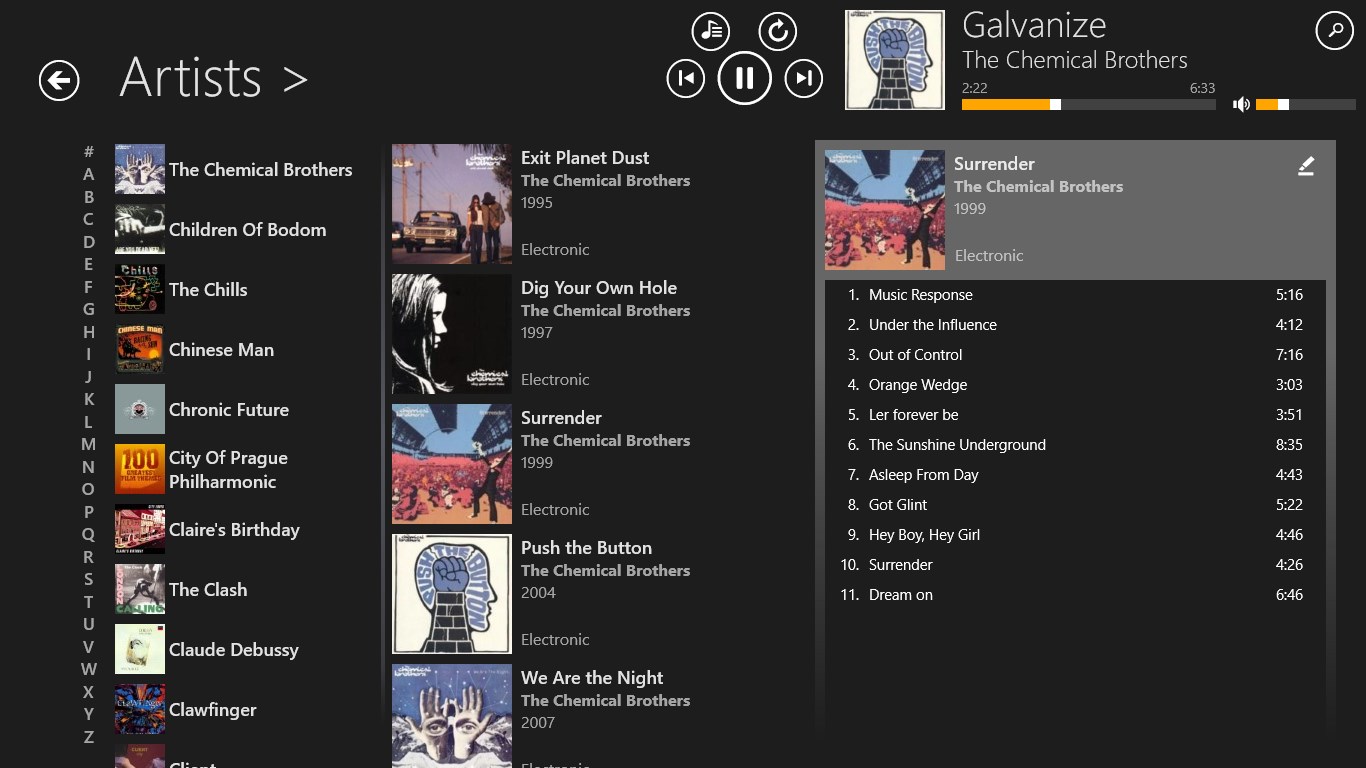
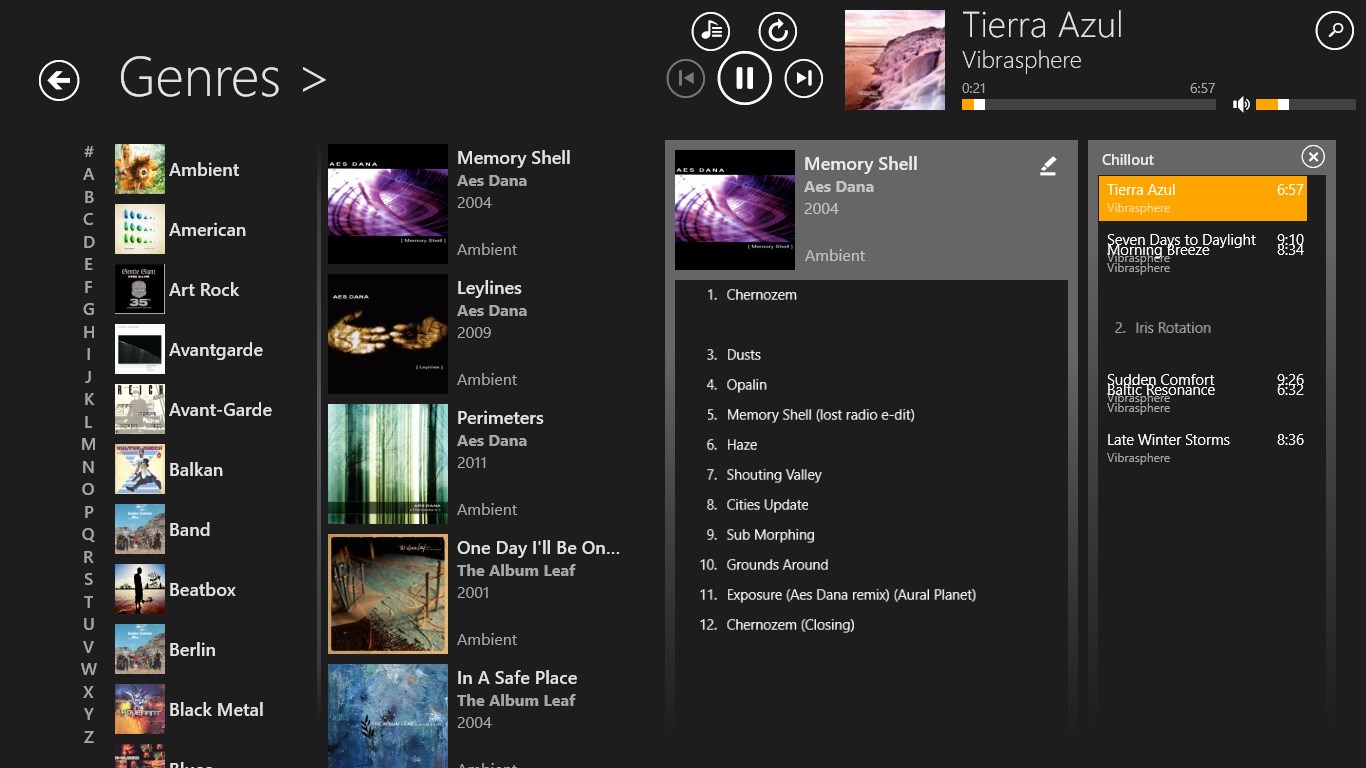
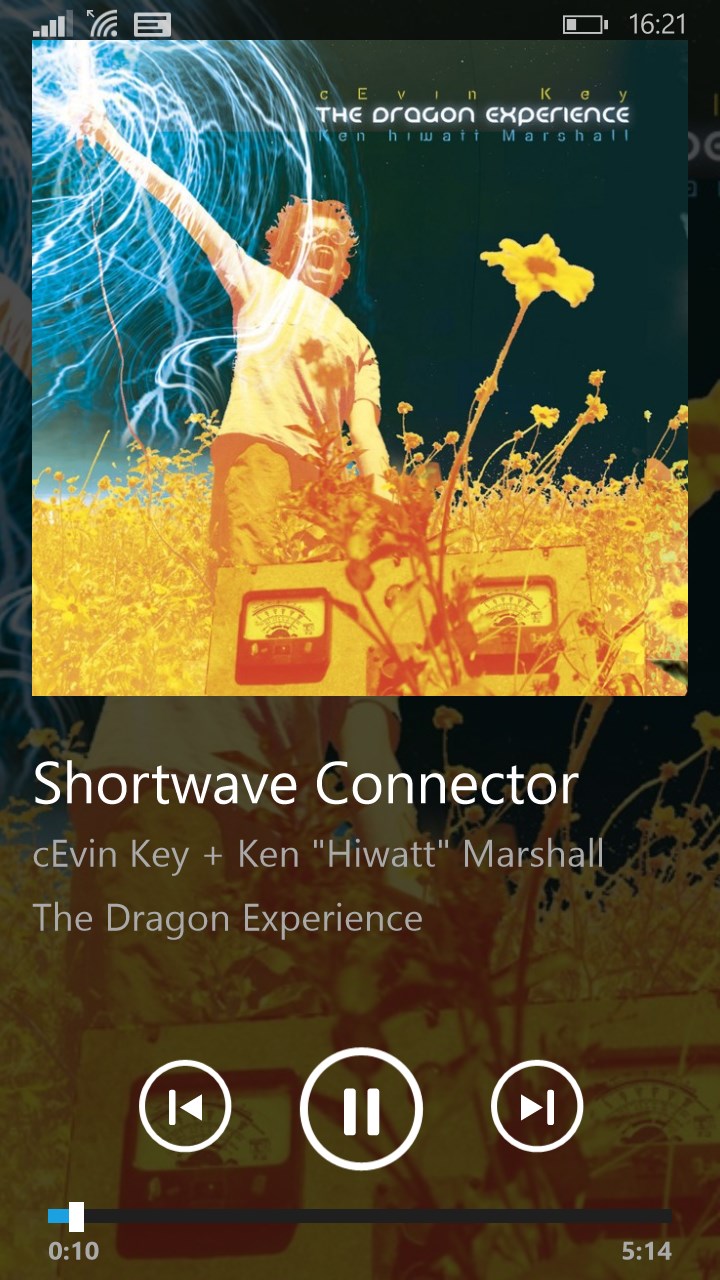
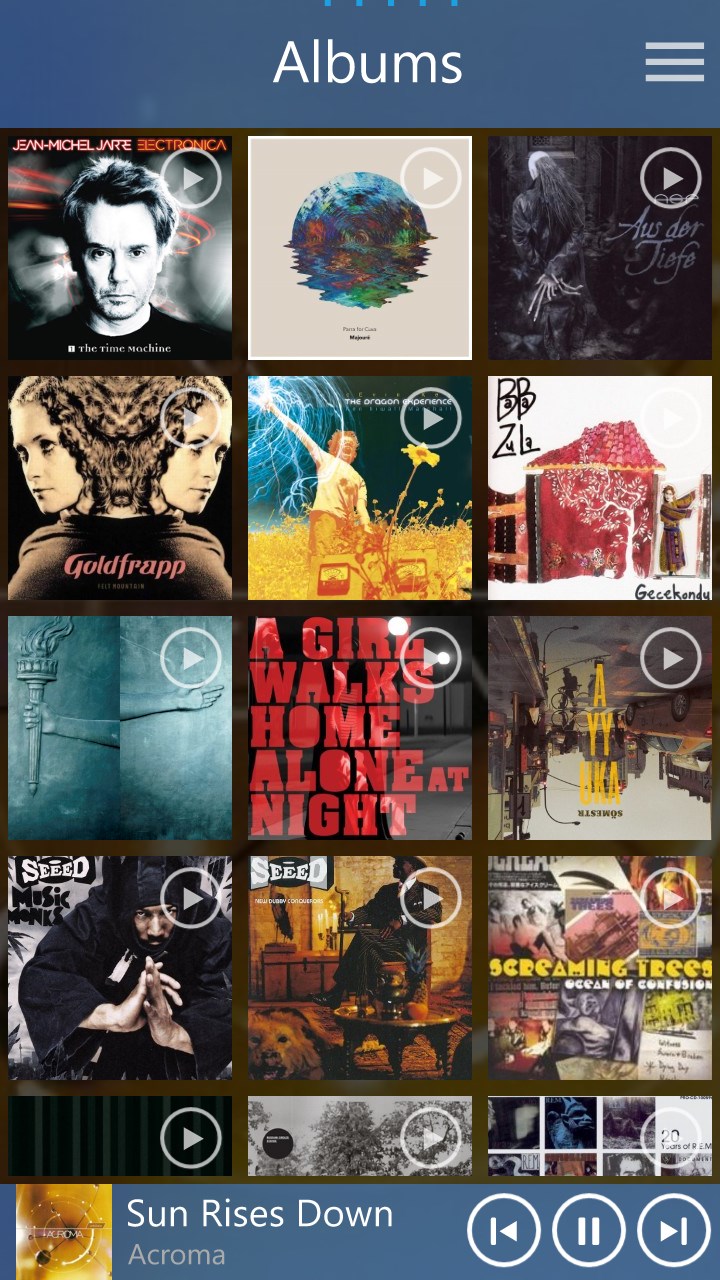
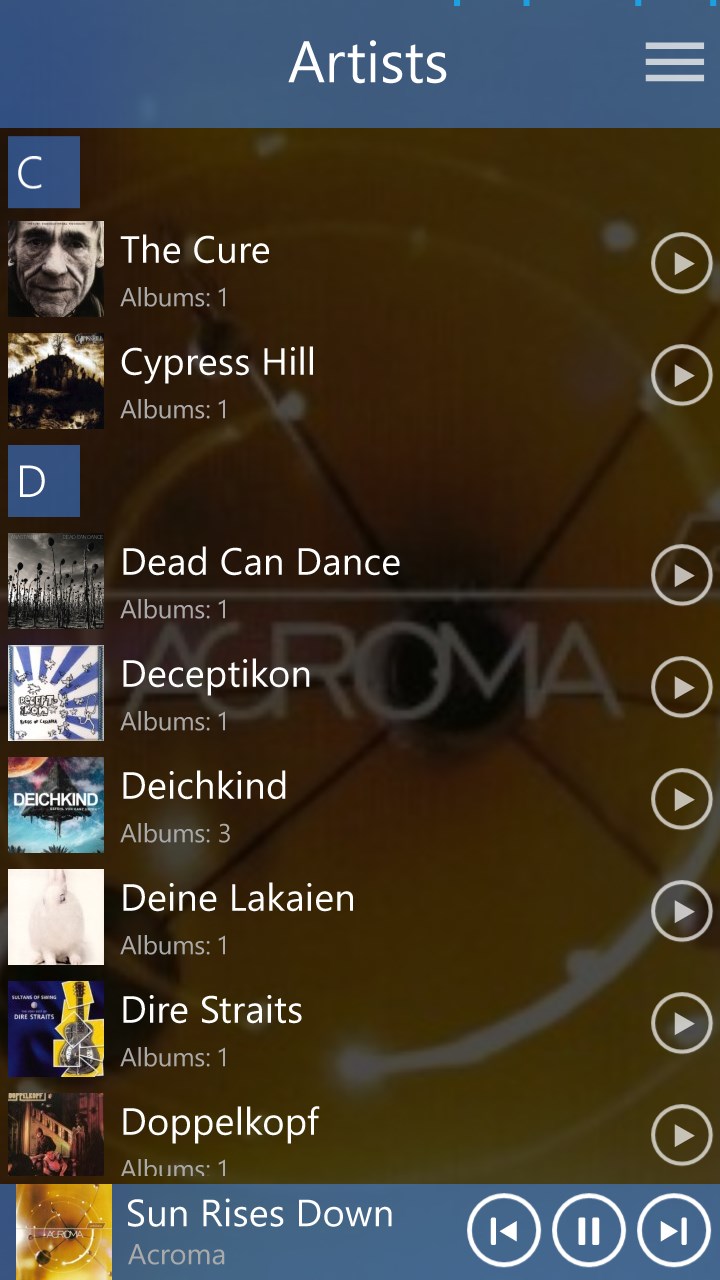
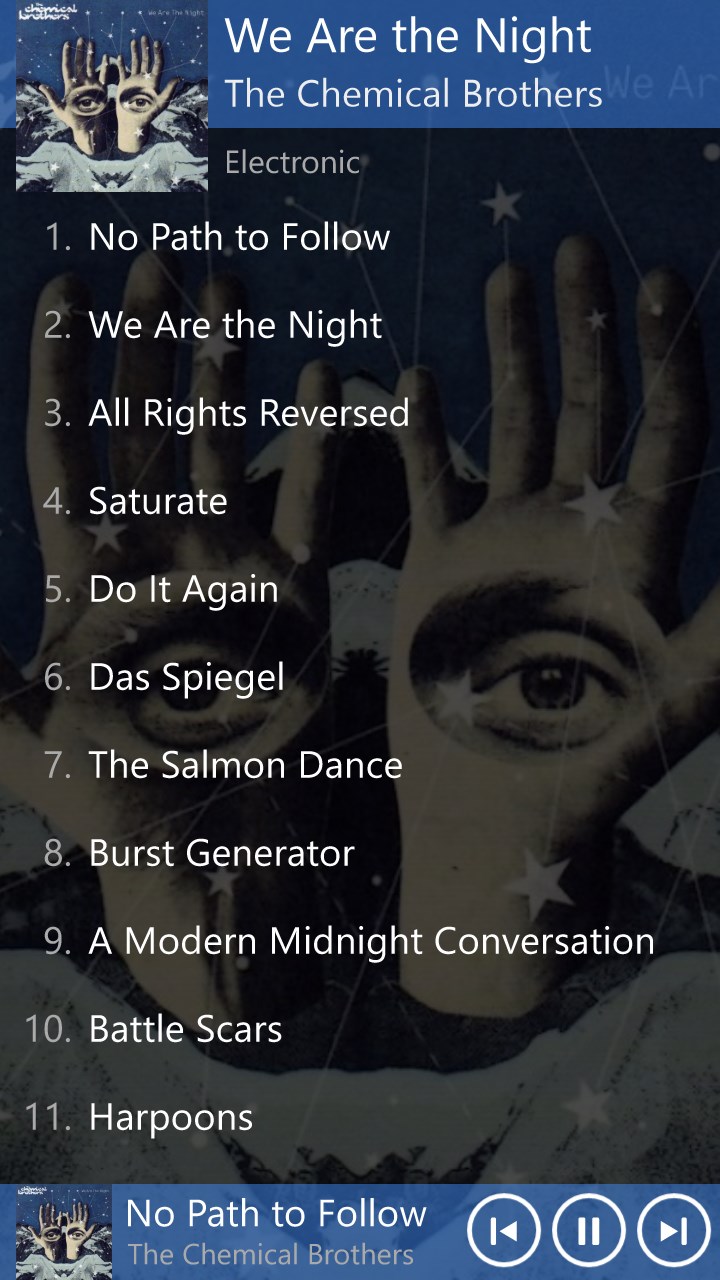
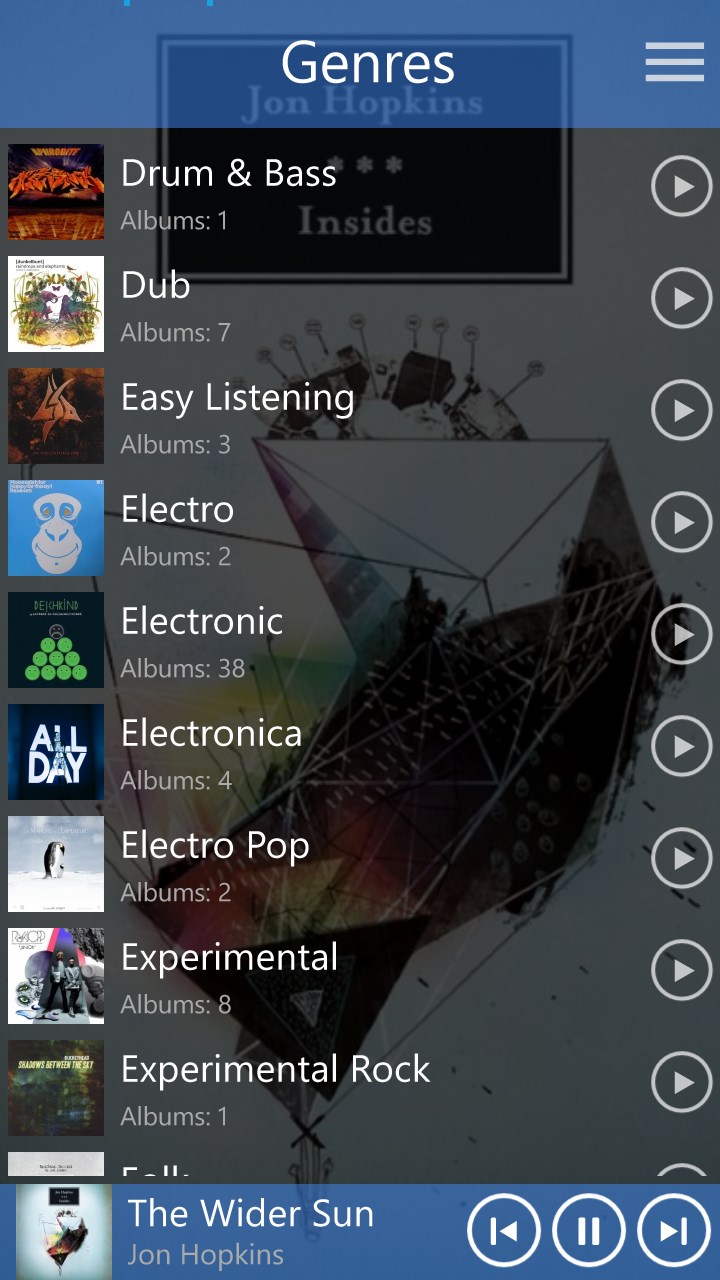
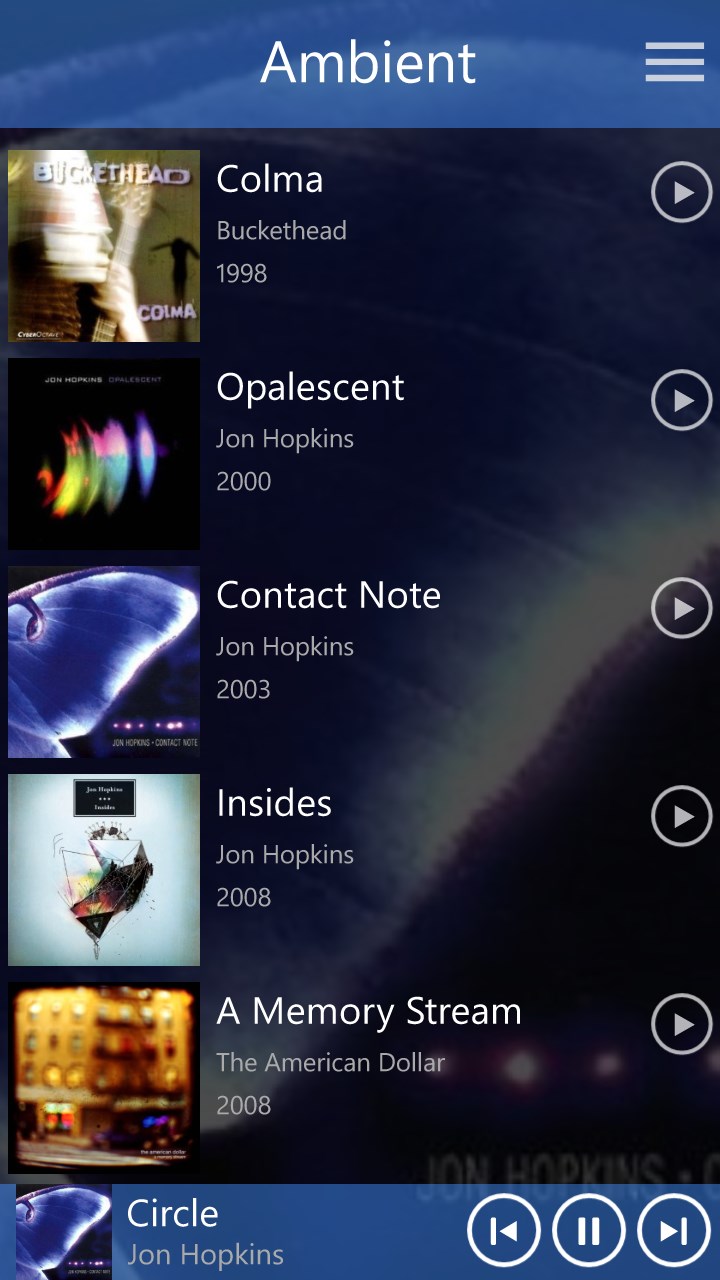
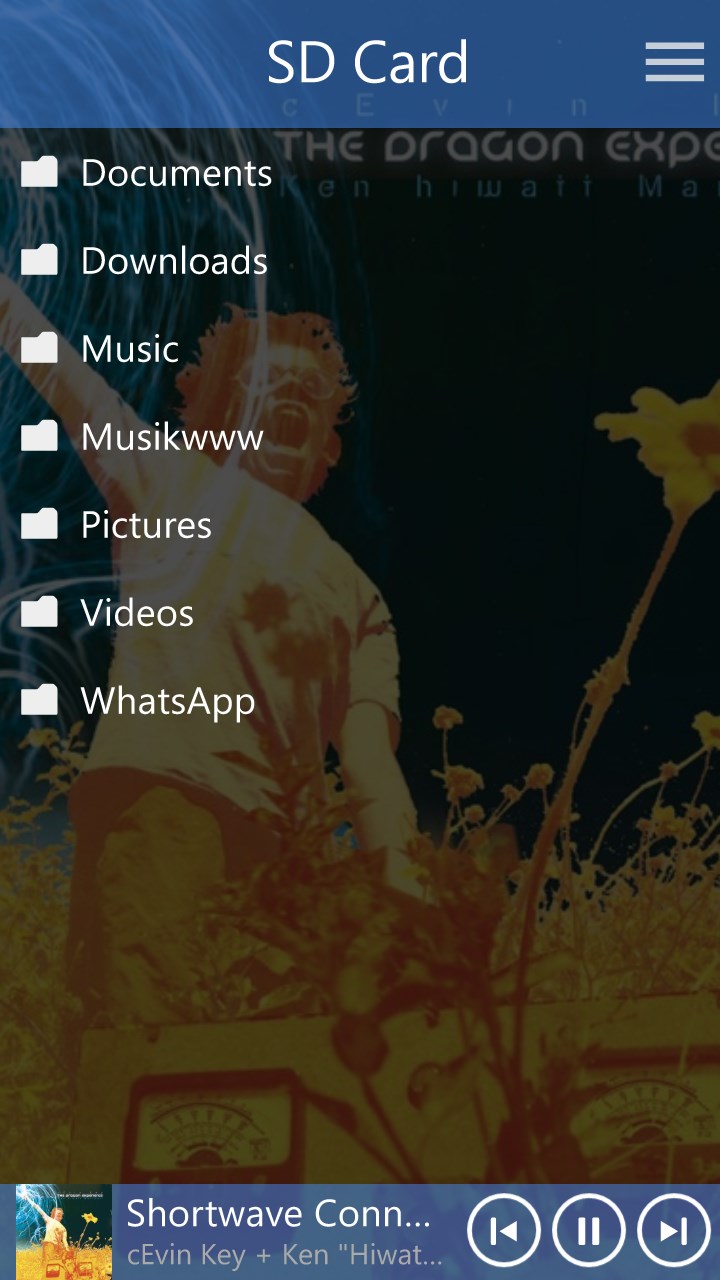
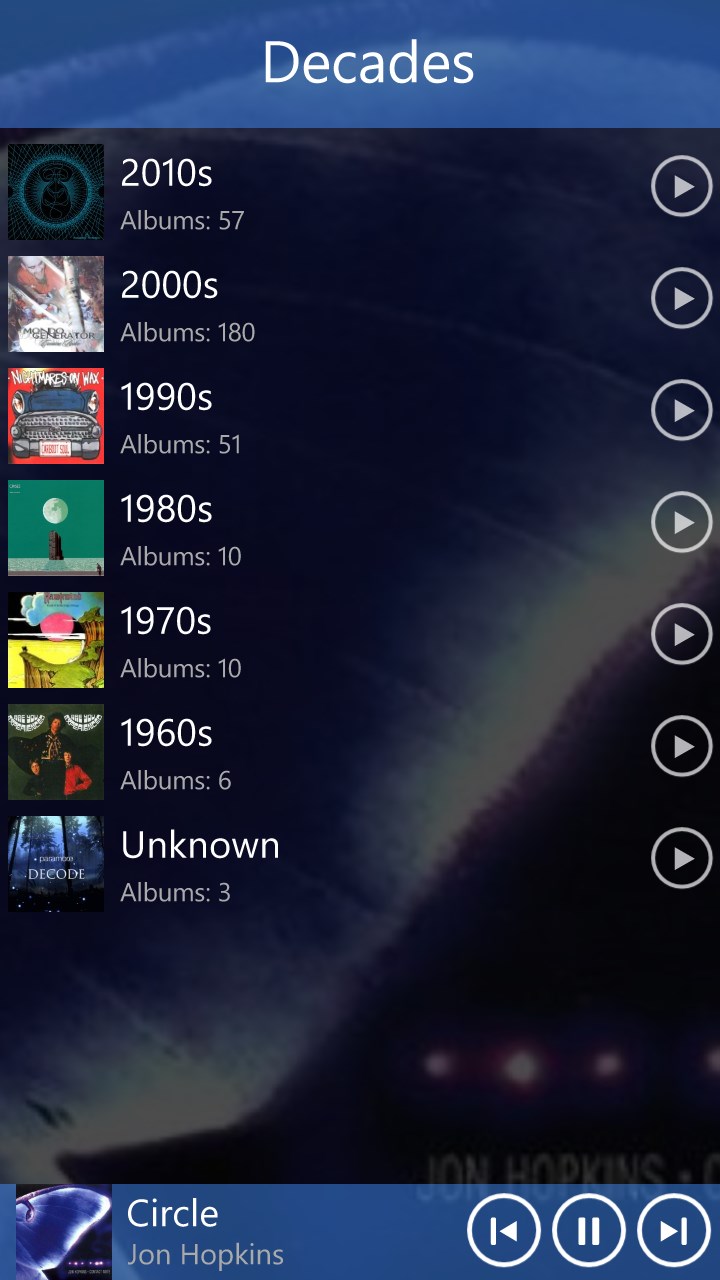
Music Mode is a music player for Windows with a wide range of features and simple operation. It offers automatic crossfading between tracks on PC for smooth transitions, and an "Auto Pilot" function that keeps music playing continuously based on the listener's preferences. The app can be used for free indefinitely, and upgrading to the Pro Version allows most of its features to be tested for free during the first 30 days.
Show the developer's original descriptionHide the original description
The fast and innovative music player app for Windows. Fully featured, simple to use, automatic crossfading (PC only), the “Auto Pilot” will keep your music running, based on your preferences. Check it out now!
The free version of this app can be used forever. But if you like this app, you should consider upgrading to the 'Pro Version' to support the future development of this app. Most 'Pro Version' features can be tested for free during the first 30 days and are specially marked in the features list below.
If there is a version of this app for iOS/Mac or Windows we don't know about, paste the store link here — we'll auto-detect the store.
How to find the URL:1. Open the app in its store. 2.In the App Store app: tap the Share icon → “Copy Link”. In the browser: copy the URL from the address bar — it contains apps.apple.com/…/id… or apps.microsoft.com/detail/…. 3. Paste it here.
Paste the original link from the Apple App Store or Microsoft Store. We fetch all details automatically.
How to find the URL:
1. Open the app in its store. 2.In the App Store app: tap the Share icon → “Copy Link”. In the browser: copy the URL from the address bar — it contains apps.apple.com/…/id… or apps.microsoft.com/detail/…. 3. Paste it here.
Android apps can only be listed by their developer.