

Screenshot appears after consentScreenshot appears after consentScreenshot appears after consentScreenshot appears after consent
Summary
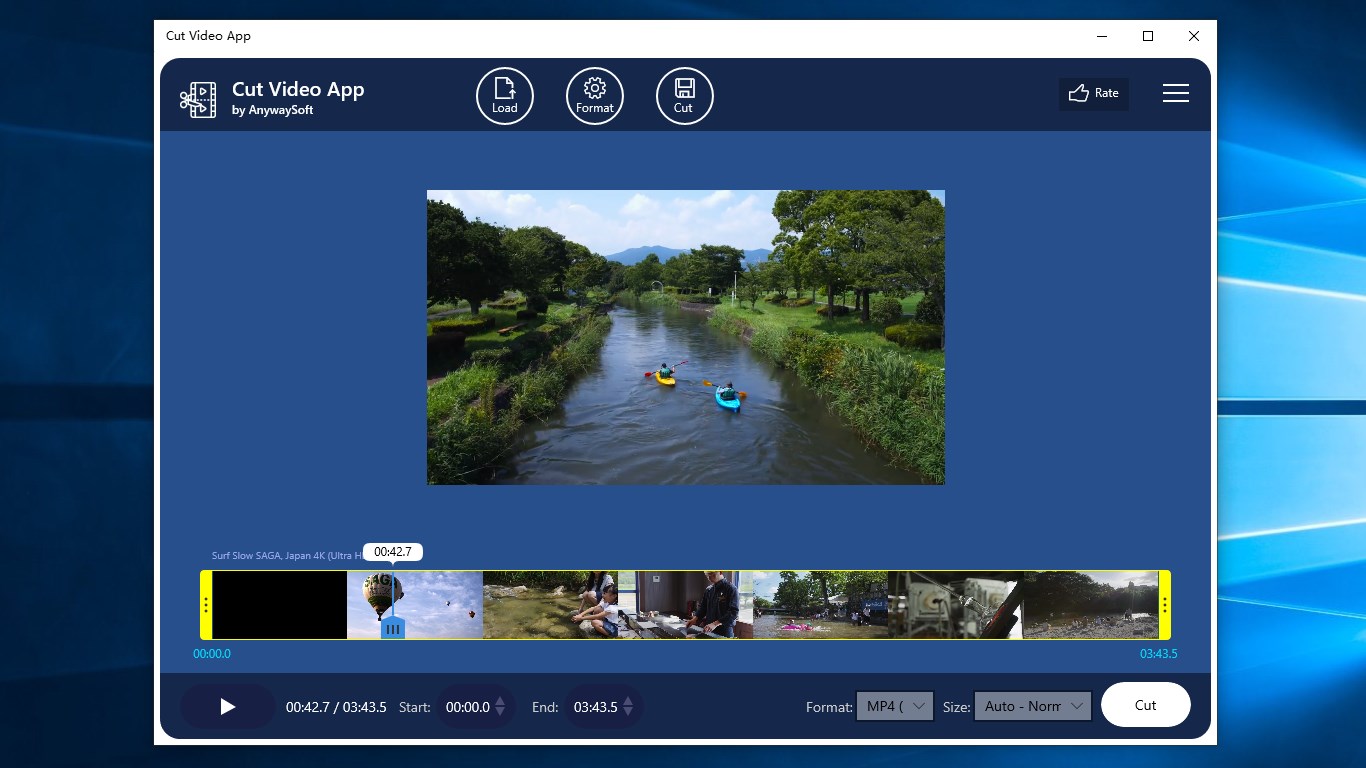
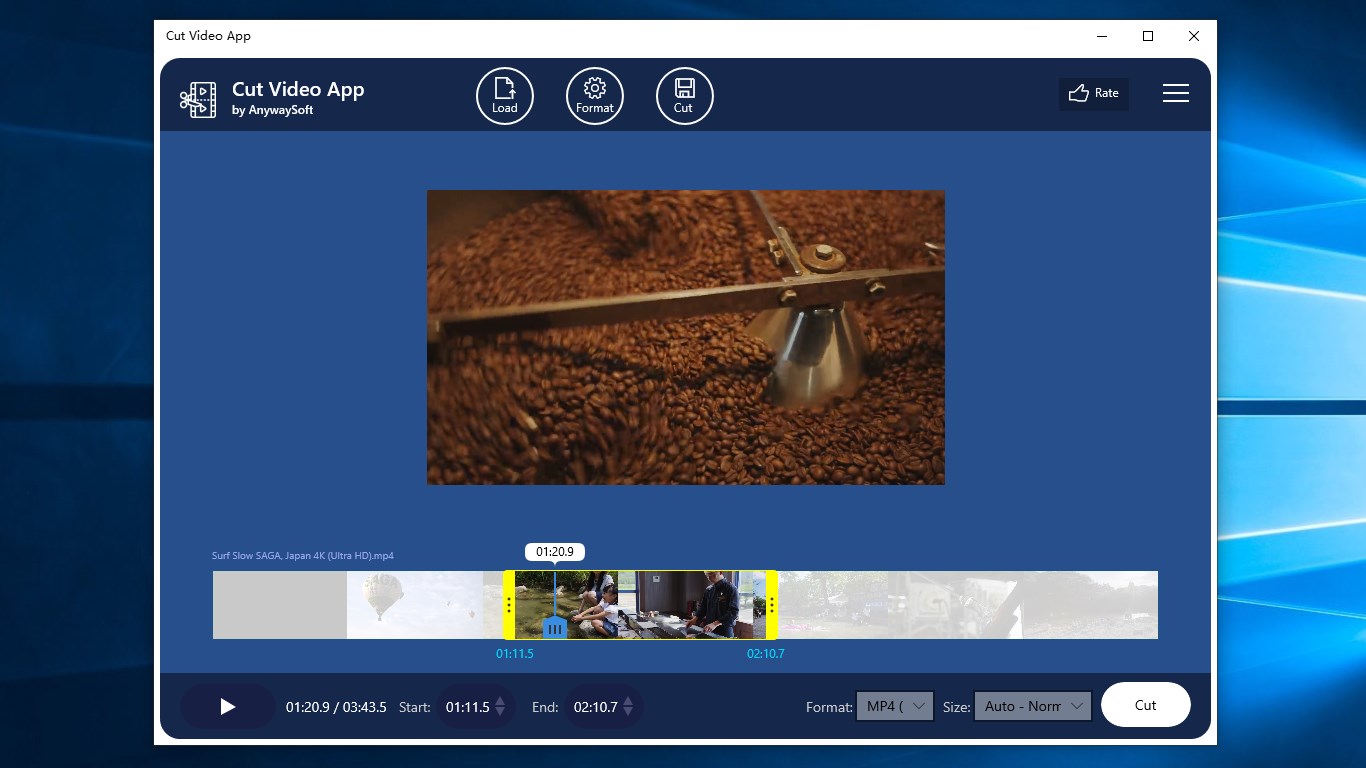
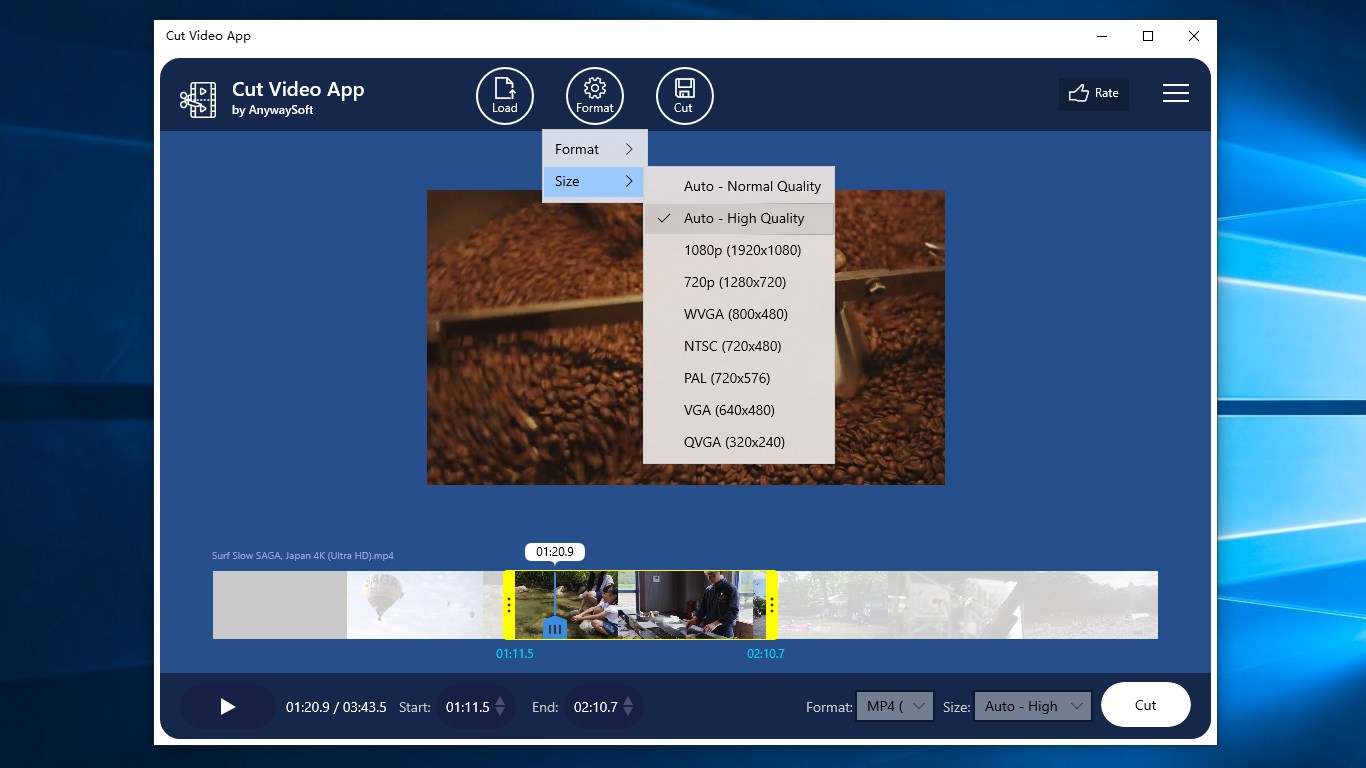
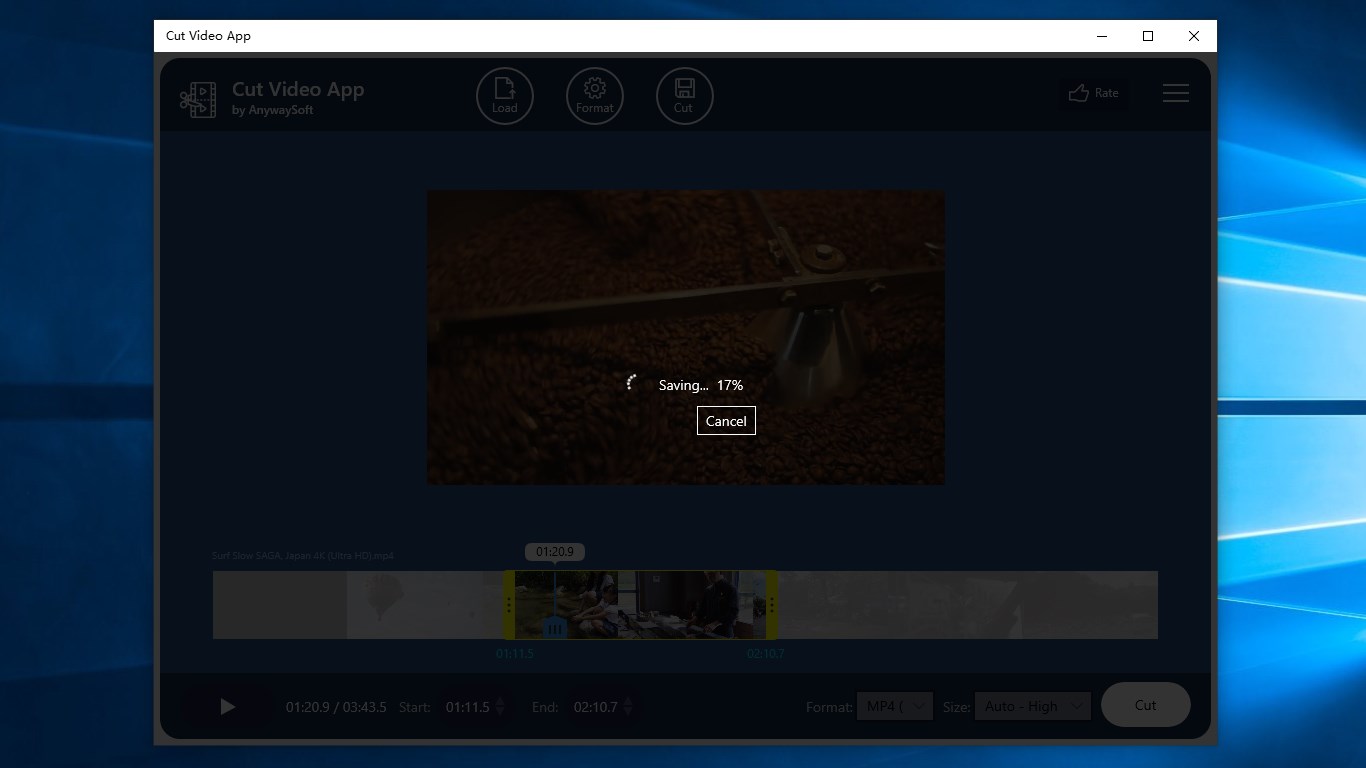
Cut Video App is a free video trimmer for cutting mp4 and other video files. It supports input formats including mp4, wmv and mov, and it can export the trimmed result as mp4 (h.264) or wmv (vc-1). The original video size can be kept, or the output can be resized to a standard profile such as 1080p, 720p or wvga. Before extracting the trimmed clip, the result can be previewed. The app is free to use.
Show the developer's original descriptionHide the original description
Cut Video App is a free tool to trim / cut mp4 and other video files.
Features:
1. Trim a video file such as mp4.
2. Support input video formats including mp4, wmv, mov.
3. Support output video formats including mp4 (h.264) and wmv (vc-1).
4. Able to keep the size of the original video, or resize it to a standard profile such as 1080p, 720p, wvga, etc.
5. Able to preview the trimmed video before extracting it.
6. Easy to use. Free.
If there is a version of this app for iOS/Mac or Windows we don't know about, paste the store link here — we'll auto-detect the store.
How to find the URL:1. Open the app in its store. 2.In the App Store app: tap the Share icon → “Copy Link”. In the browser: copy the URL from the address bar — it contains apps.apple.com/…/id… or apps.microsoft.com/detail/…. 3. Paste it here.
Paste the original link from the Apple App Store or Microsoft Store. We fetch all details automatically.
How to find the URL:
1. Open the app in its store. 2.In the App Store app: tap the Share icon → “Copy Link”. In the browser: copy the URL from the address bar — it contains apps.apple.com/…/id… or apps.microsoft.com/detail/…. 3. Paste it here.
Android apps can only be listed by their developer.