Screenshot appears after consentScreenshot appears after consentScreenshot appears after consentScreenshot appears after consent
Summary
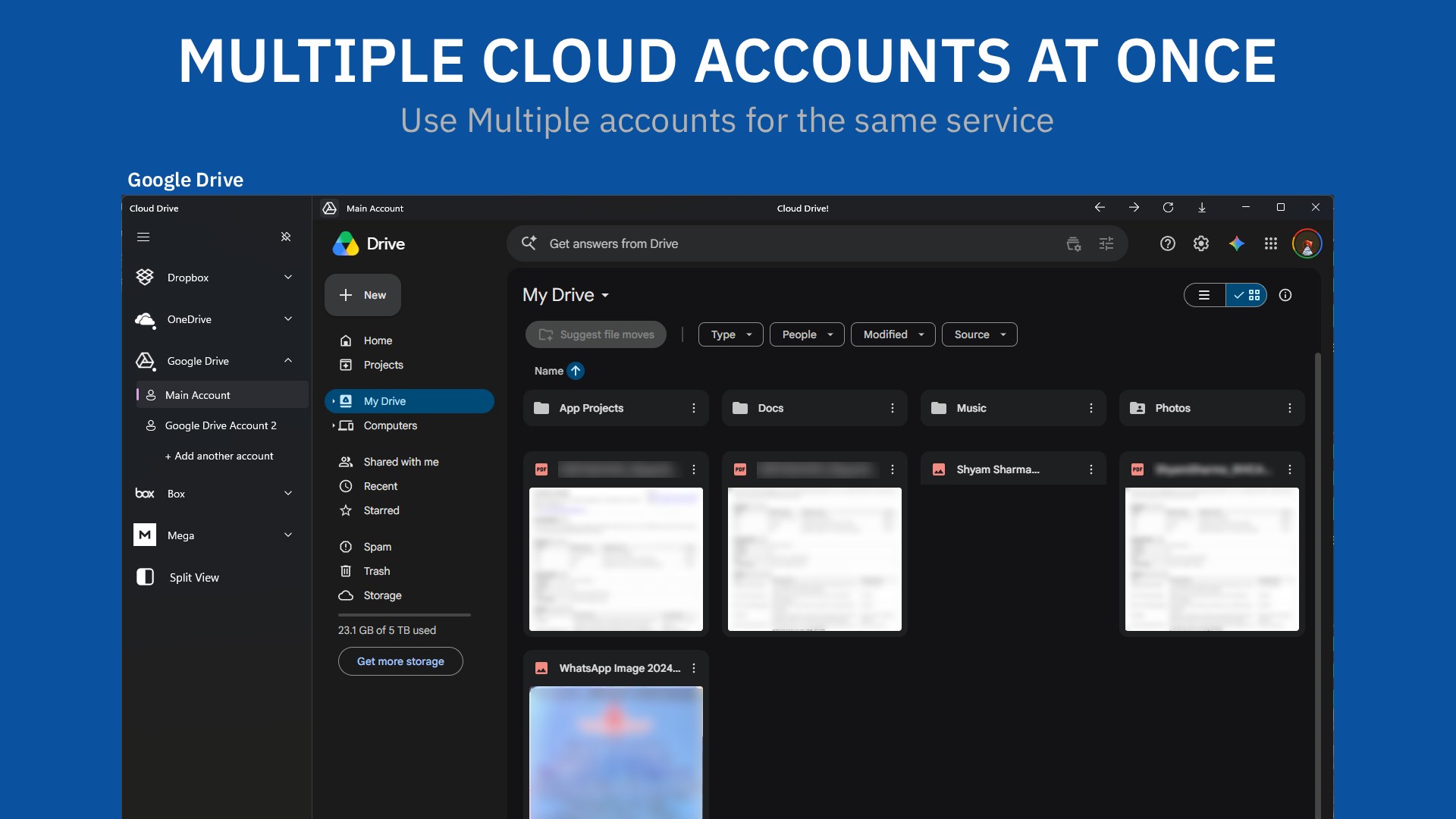
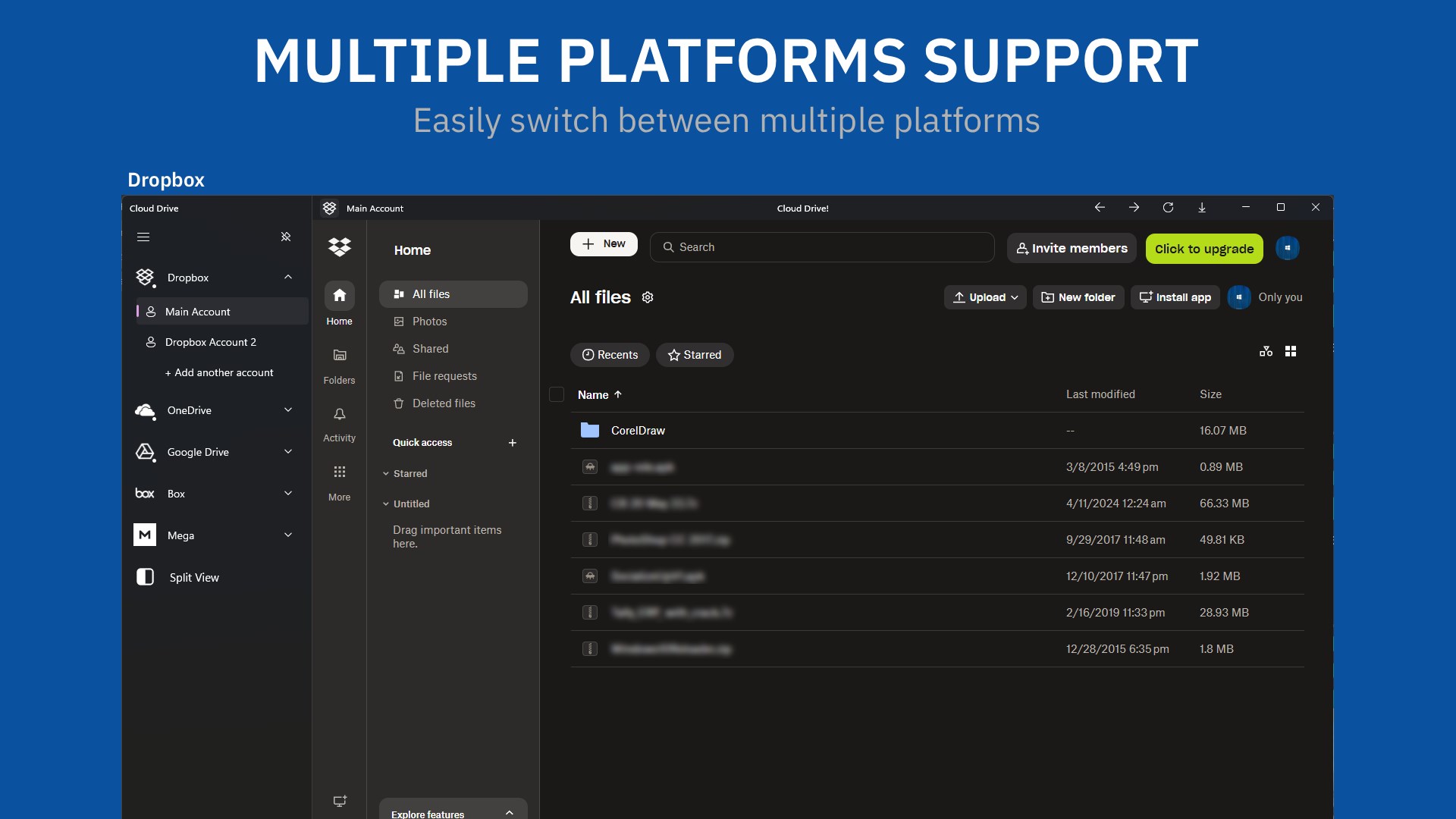
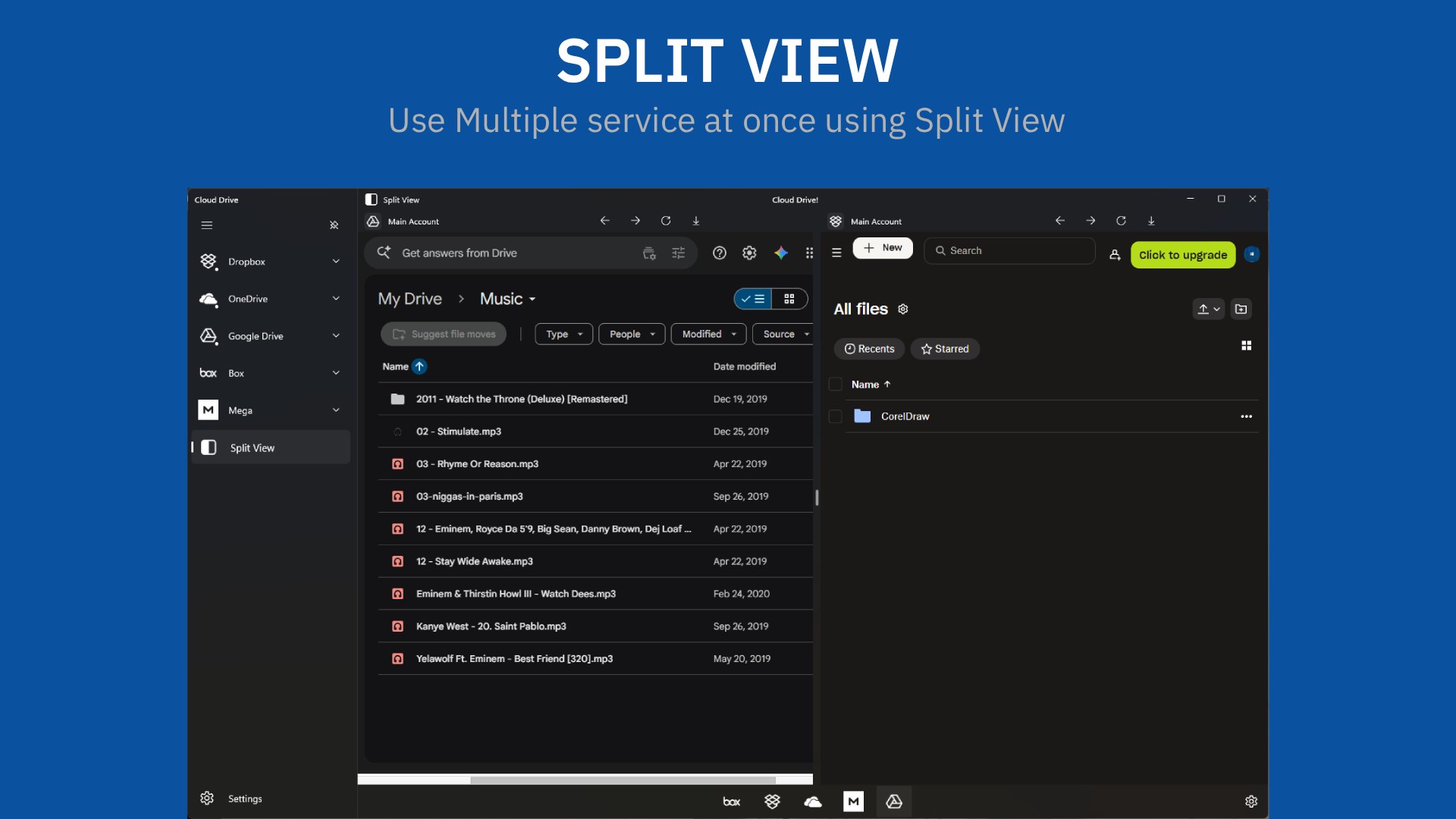
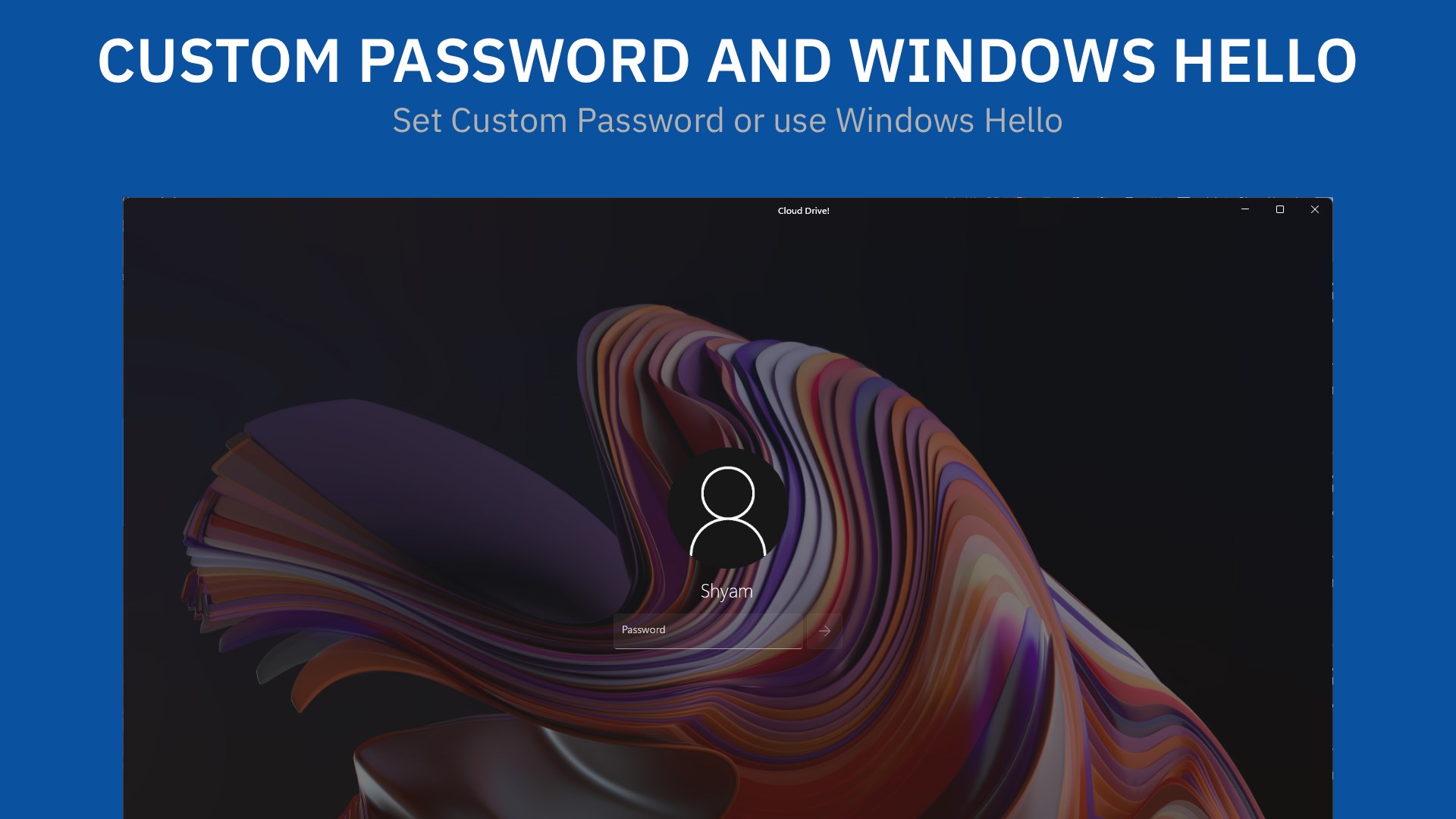
Cloud Drive! : Cloud Storage with multi accounts is an app that manages cloud storage by bringing multiple online accounts together in one place. It supports services such as Dropbox, OneDrive, Google Drive and Box, and allows multiple accounts to be used for the same service. Once logged in to a cloud service, content can be uploaded or downloaded directly from within the app, so users do not need to switch between different apps or websites. The app also offers custom password protection, Windows Hello support and split-view support. According to the provider, it runs in a sandboxed environment and does not collect or store personal information such as login data.
Show the developer's original descriptionHide the original description
Cloud Drive, Manage your online Cloud accounts easily and faster within one app. Cloud Drive! supports multiple services like Dropbox, OneDrive, Google Drive*, and Box. It also supports Multi account which means you can use multi account for the same service.
Cloud Drive! is designed beautifully and is very easy to use. You only have to log in once into your Cloud Service and then you can upload, download your content directly from the app easily.
Why Cloud Drive? Well, All of your Cloud accounts will be under one place and you don't have to go to different apps/sites to upload or download your content from it.
We have made Cloud Drive as fast and as beautiful as we can and will continue to improve it.
Here's a quick look at some of the features:-
• Supports OneDrive, Google Drive* and more...
• Multi account support
• Better Privacy Protection
• Custom Password and Windows Hello support*
• Split View Support
How does it provide better Privacy Protection? Cloud Drive! runs in a sandboxed (safer) environment which is much secure than browsing on the web. It does not collect or store any kind of personal information like Login etc. Any Application Data necessary for the app to run is safely stored in user's own device and it can't be accessed by anyone. You can check our Privacy Policy too.
Give it a try, Maybe you will love it!
Want to give any feedback about the app? You can contact us via Mail or Twitter and we will be more than happy to hear it.
Thank You!
*Feature required to purchase before use.
**Contains Ads which can be removed through purchase.
Every purchase you make provides a big support and is much very appreciated.
Play Store URL for "Cloud Drive! : Cloud Storage with multi accounts"
If there is a version of this app for iOS/Mac or Windows we don't know about, paste the store link here — we'll auto-detect the store.
How to find the URL:1. Open the app in its store. 2.In the App Store app: tap the Share icon → “Copy Link”. In the browser: copy the URL from the address bar — it contains apps.apple.com/…/id… or apps.microsoft.com/detail/…. 3. Paste it here.
Paste the original link from the Apple App Store or Microsoft Store. We fetch all details automatically.
How to find the URL:
1. Open the app in its store. 2.In the App Store app: tap the Share icon → “Copy Link”. In the browser: copy the URL from the address bar — it contains apps.apple.com/…/id… or apps.microsoft.com/detail/…. 3. Paste it here.
Android apps can only be listed by their developer.



 Mail Apps
Manage multiple email accounts in one app
 Flow Mail - Email with multi account
Manage emails from multiple accounts in one place
 Cyberduck
Upload and manage files to cloud storage and web hosting
 Blue Mail - Email & Calendar
Email client for multiple accounts with AI assistance
 One Messenger - All in one with multi account
Combine multiple messenger services in one secure app
 Multi Mail - Multi-Account Email Client
Manage multiple email accounts in one unified inbox