
Screenshot appears after consentScreenshot appears after consentScreenshot appears after consentScreenshot appears after consentScreenshot appears after consent
Summary
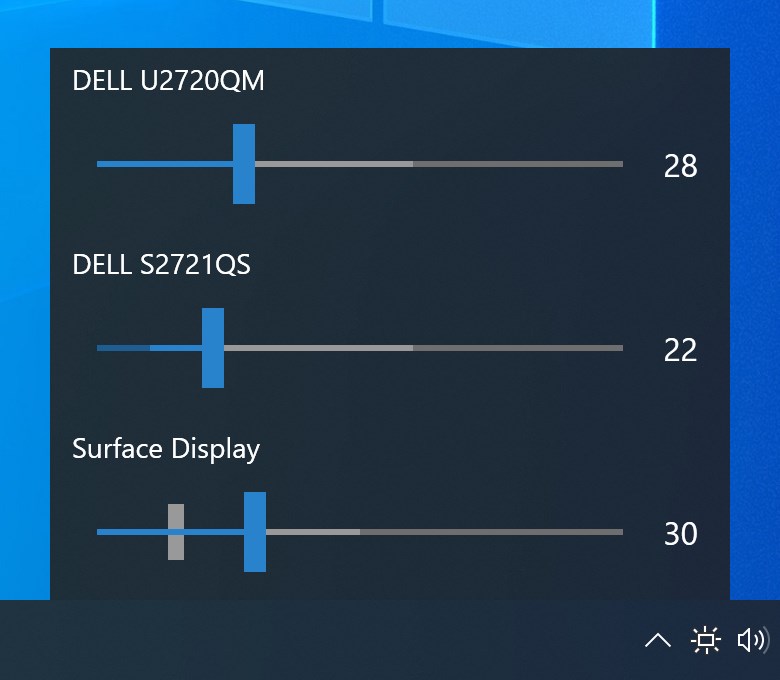
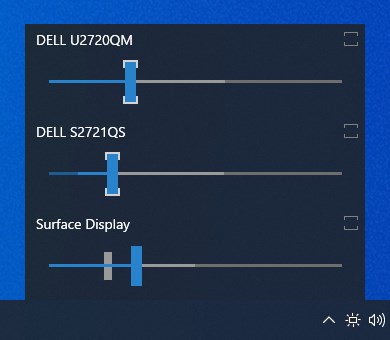
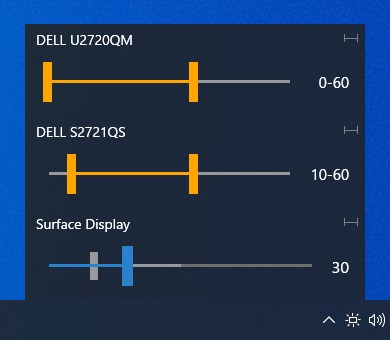
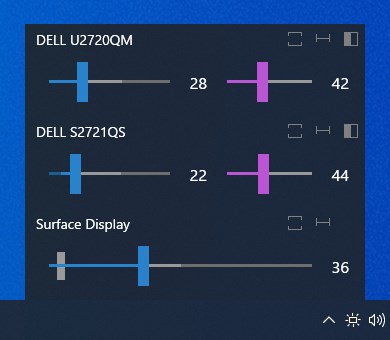
Monitorian is a desktop tool for adjusting the brightness of multiple monitors, including external ones, individually or all at once. It also allows changing the adjustable range of brightness and contrast for each monitor. Controlling an external monitor requires DDC/CI compatibility, and any connected converter or docking station must support it as well. Additional features are available on a subscription basis, including customizable hotkeys and shortcut keys, flexible command-line options, and support for controlling more than four monitors.
Show the developer's original descriptionHide the original description
Monitorian is a desktop tool to adjust the brightness of multiple monitors with ease. The user can change the brightness of monitors, including external ones, either individually or in unison. In addition, the user can change the adjustable range of brightness and contrast for each monitor seamlessly.
To control an external monitor, the monitor must be DDC/CI compatible and the function enabled. If a monitor is connected through an converter, docking station or other device, such a device must be also compatible.
Add-on features are available on a subscription basis. Those features include the following:
- Individually customizable hot keys and shortcut keys
- Flexible command-line options
- Control over monitors more than 4
It is advised to check if add-on features work as expected during the trial period. Those features will not affect the detection of monitors.
The subscription will be automatically renewed on the expiration. The renewal price will be the same as initial purchase price.
If there is a version of this app for iOS/Mac or Windows we don't know about, paste the store link here — we'll auto-detect the store.
How to find the URL:1. Open the app in its store. 2.In the App Store app: tap the Share icon → “Copy Link”. In the browser: copy the URL from the address bar — it contains apps.apple.com/…/id… or apps.microsoft.com/detail/…. 3. Paste it here.
Paste the original link from the Apple App Store or Microsoft Store. We fetch all details automatically.
How to find the URL:
1. Open the app in its store. 2.In the App Store app: tap the Share icon → “Copy Link”. In the browser: copy the URL from the address bar — it contains apps.apple.com/…/id… or apps.microsoft.com/detail/…. 3. Paste it here.
Android apps can only be listed by their developer.