
Screenshot appears after consentScreenshot appears after consentScreenshot appears after consentScreenshot appears after consentScreenshot appears after consentScreenshot appears after consentScreenshot appears after consentScreenshot appears after consentScreenshot appears after consentScreenshot appears after consentScreenshot appears after consentScreenshot appears after consent
Summary
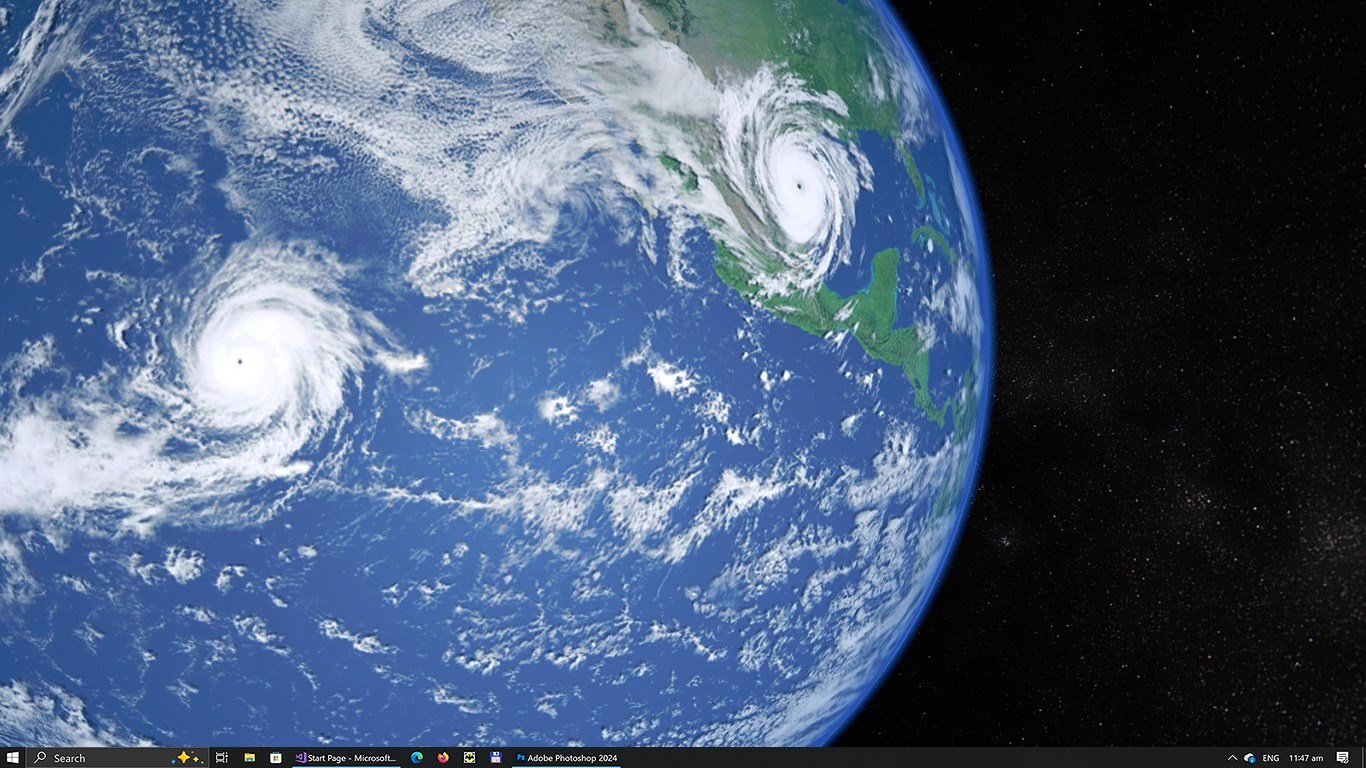
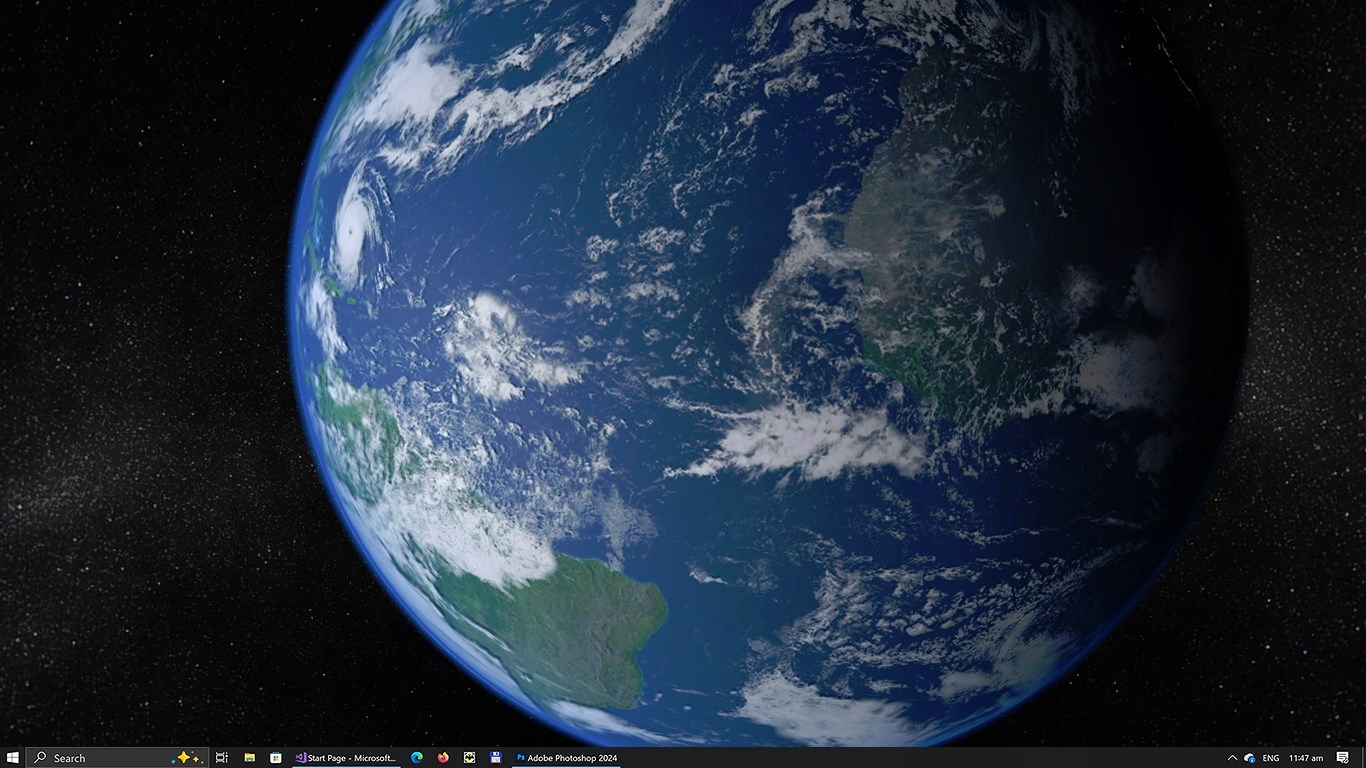
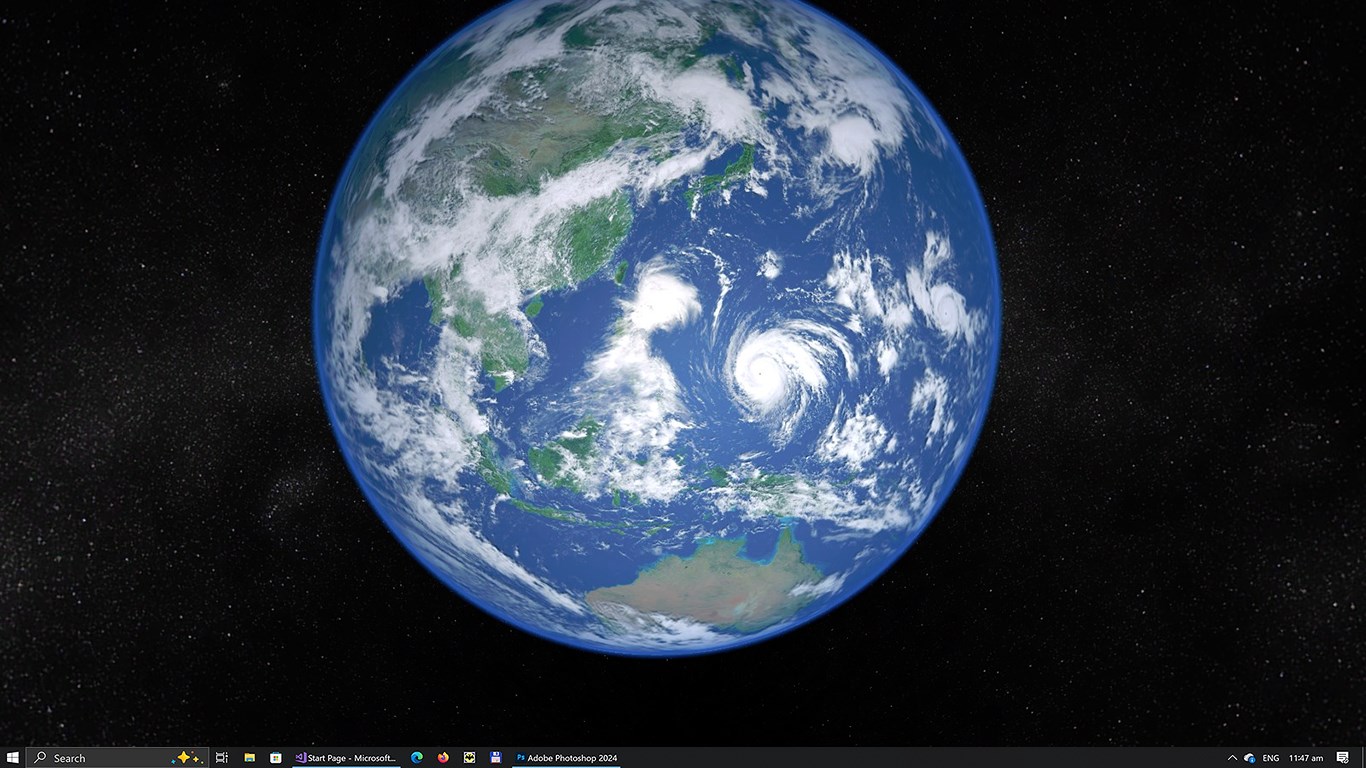
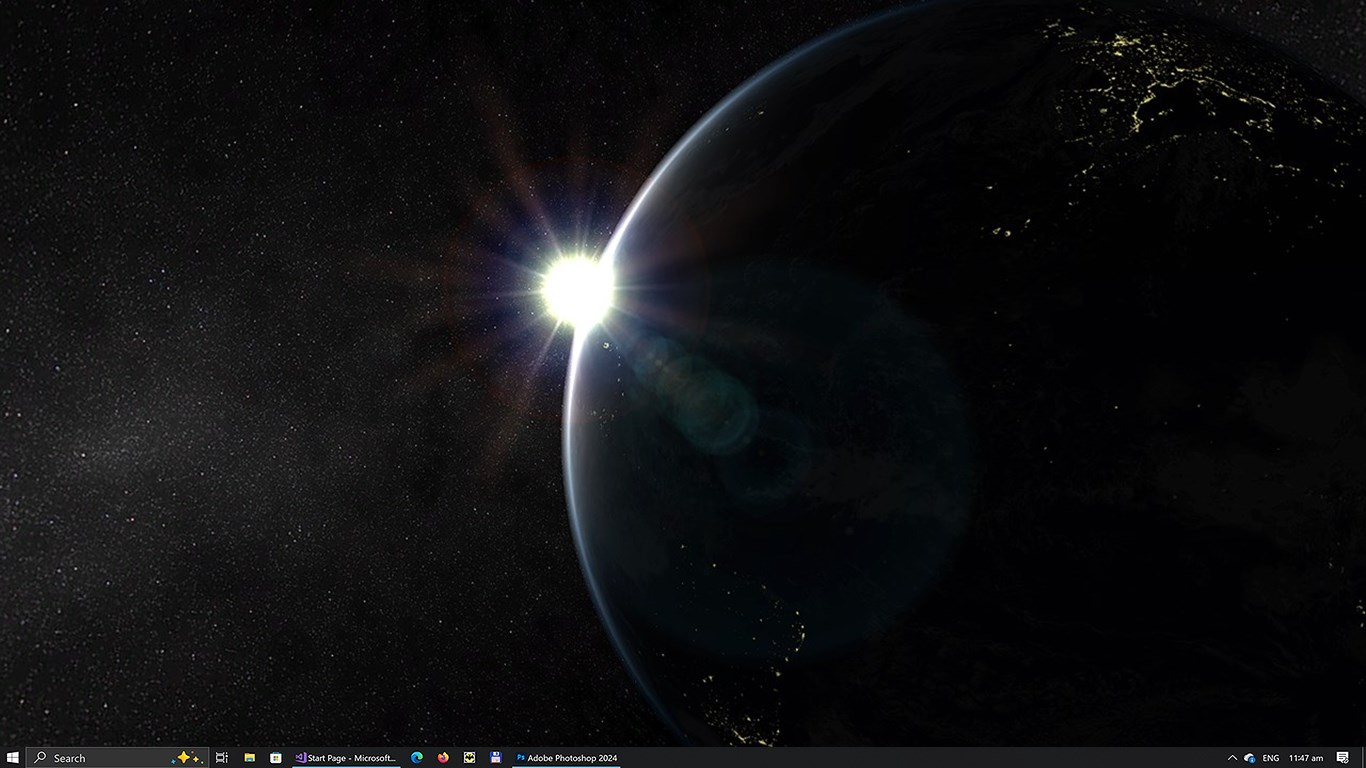
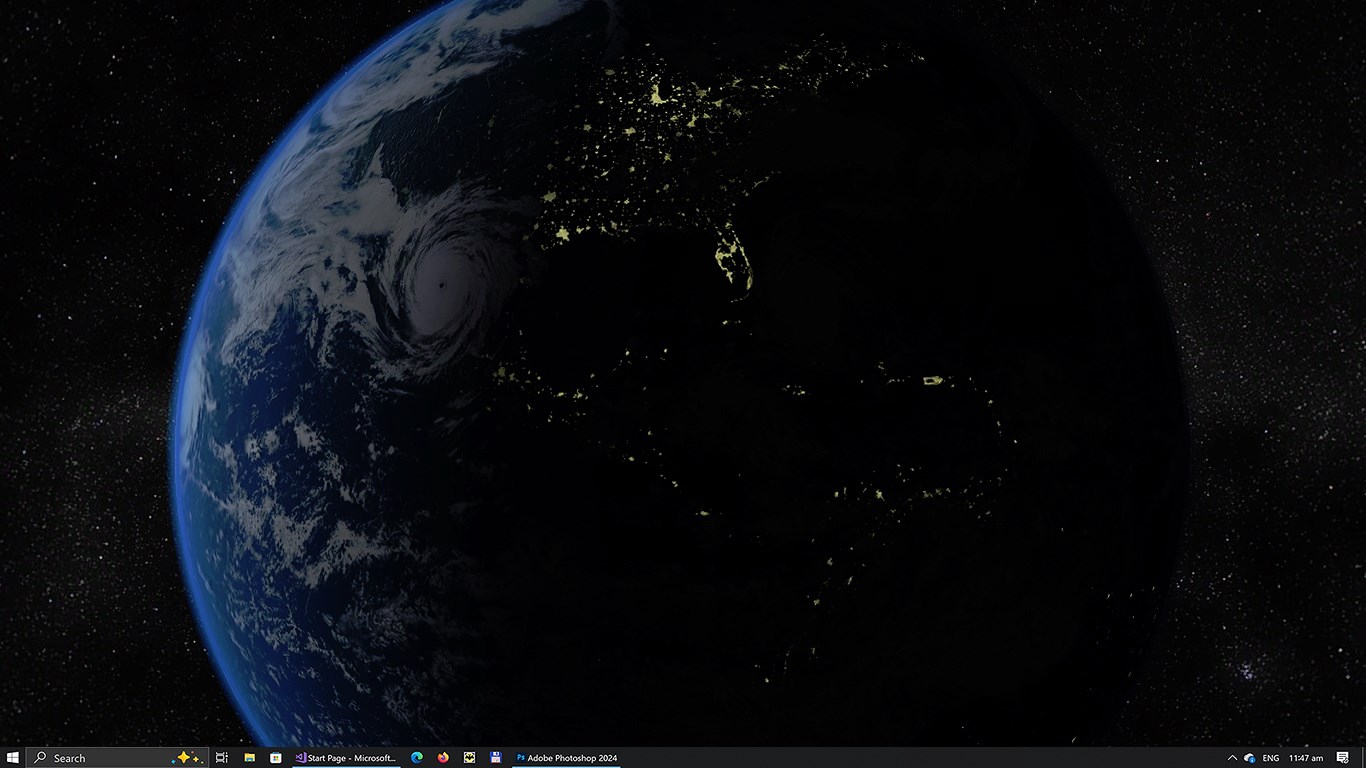
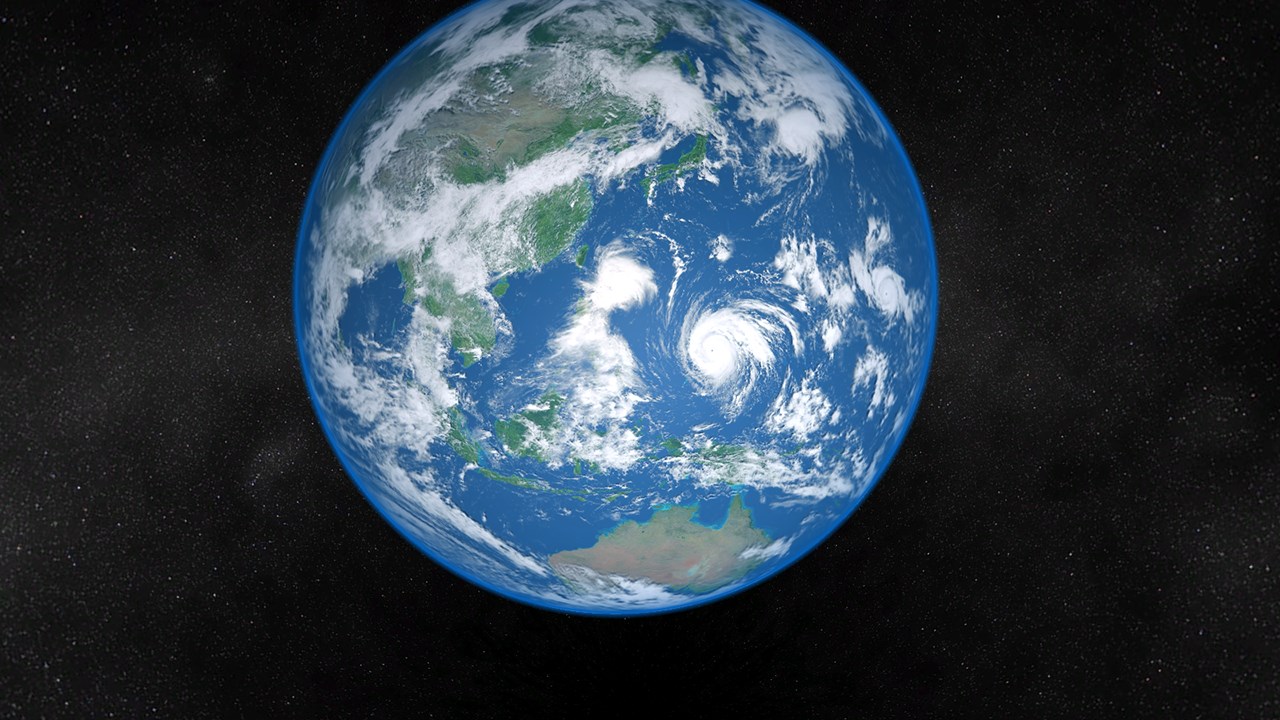
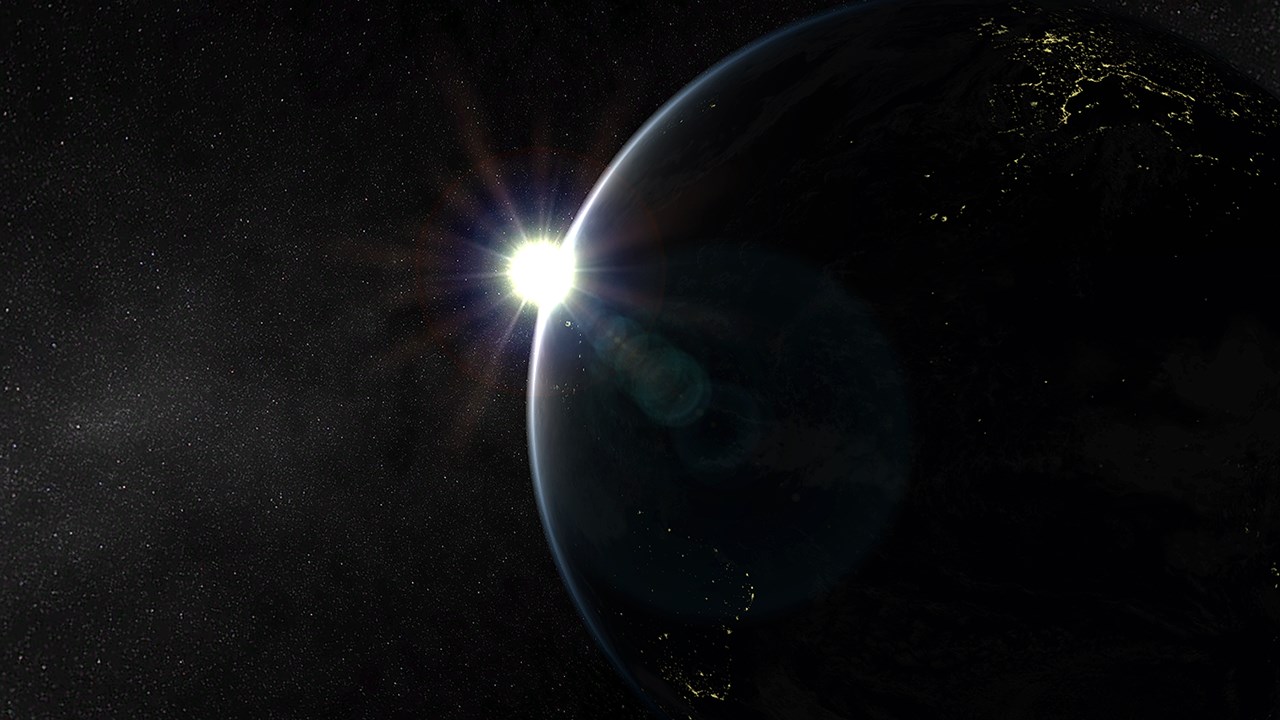
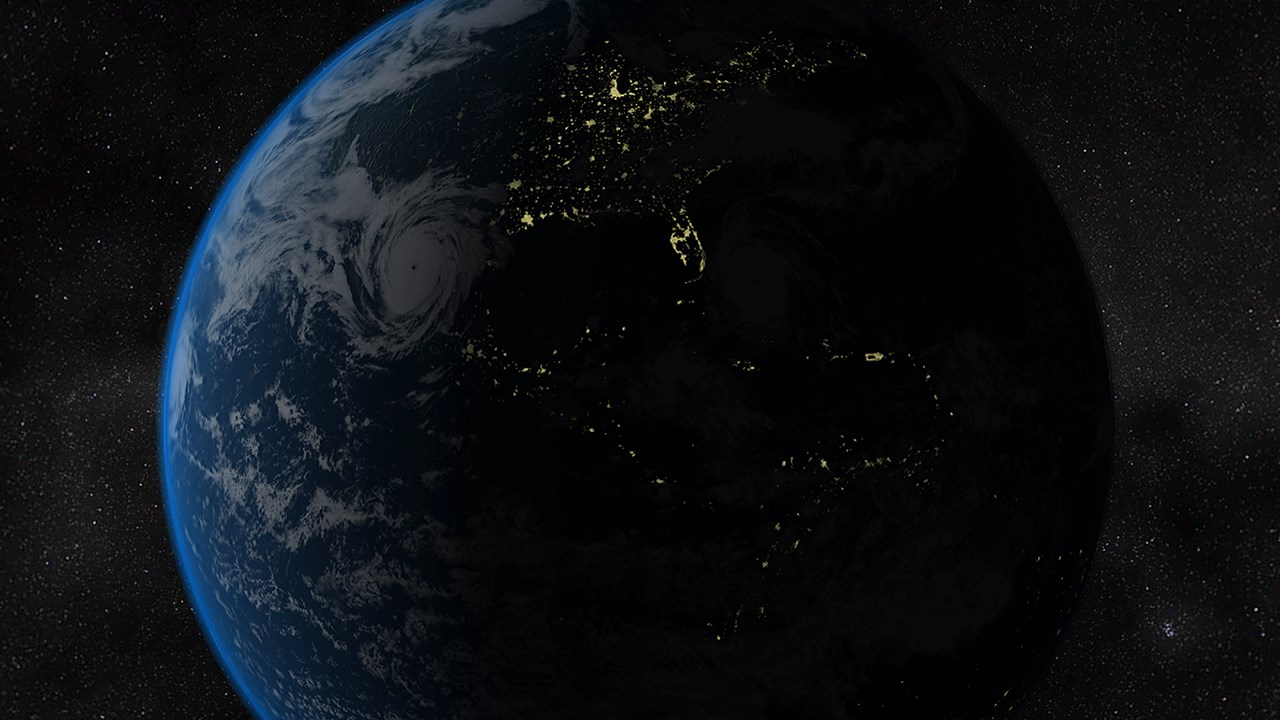
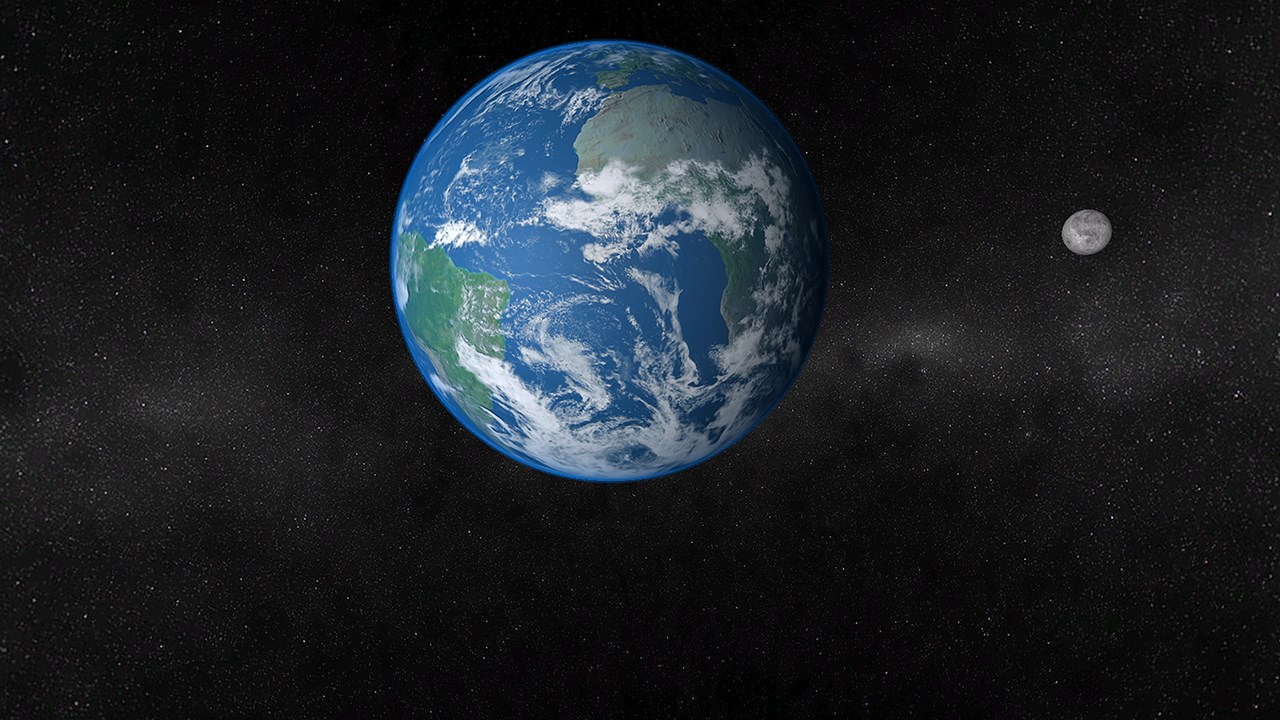
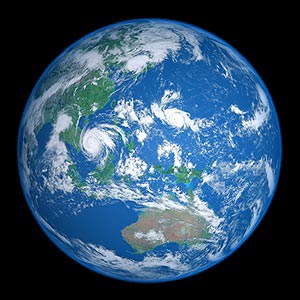
Earth 3D Live Wallpaper is a live wallpaper program and 3D screensaver for Windows that displays an animated view of planet Earth in space, set against a background of stars and sunlight. It renders behind desktop icons and open windows, with a dynamic camera flying around the planet and animated space sunsets and sunrises. The app supports multiple monitors and lets users adjust animation speed, brightness, and saturation through a system tray manager. It automatically pauses when a full-screen game or other program launches, saving CPU and GPU resources, and can also run in full screen as a screensaver instead of operating as a live wallpaper.
Show the developer's original descriptionHide the original description
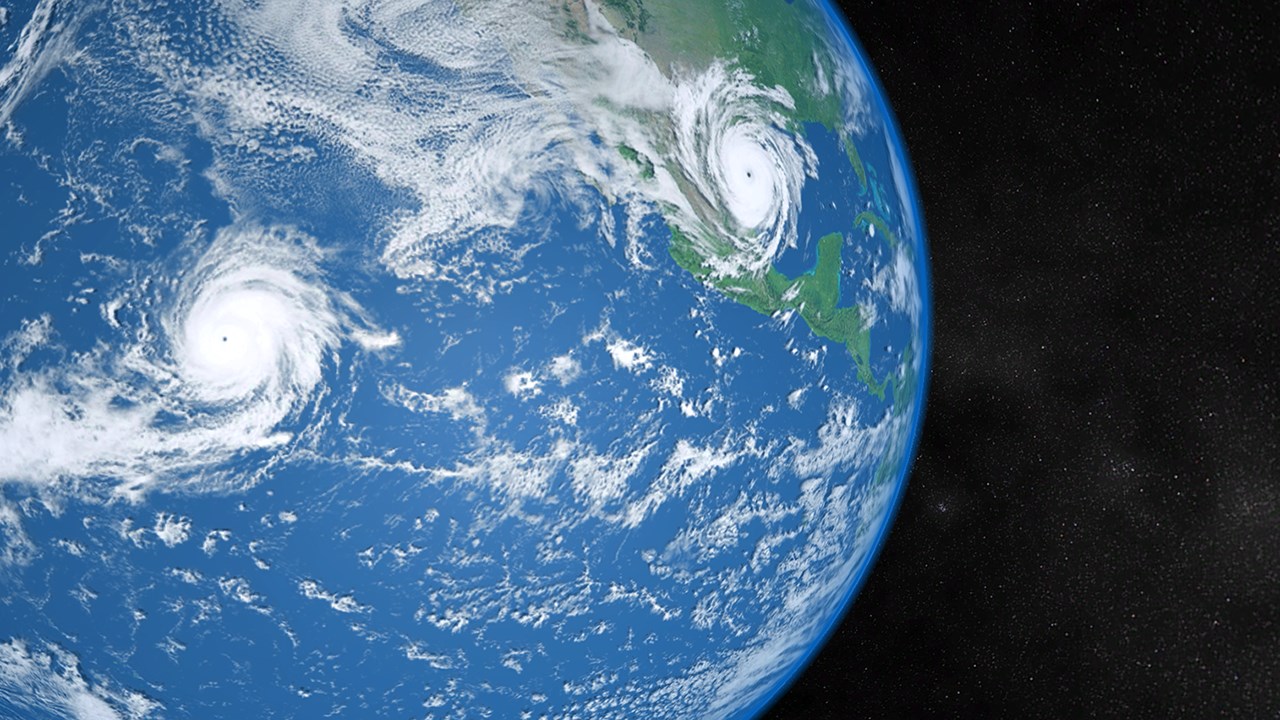
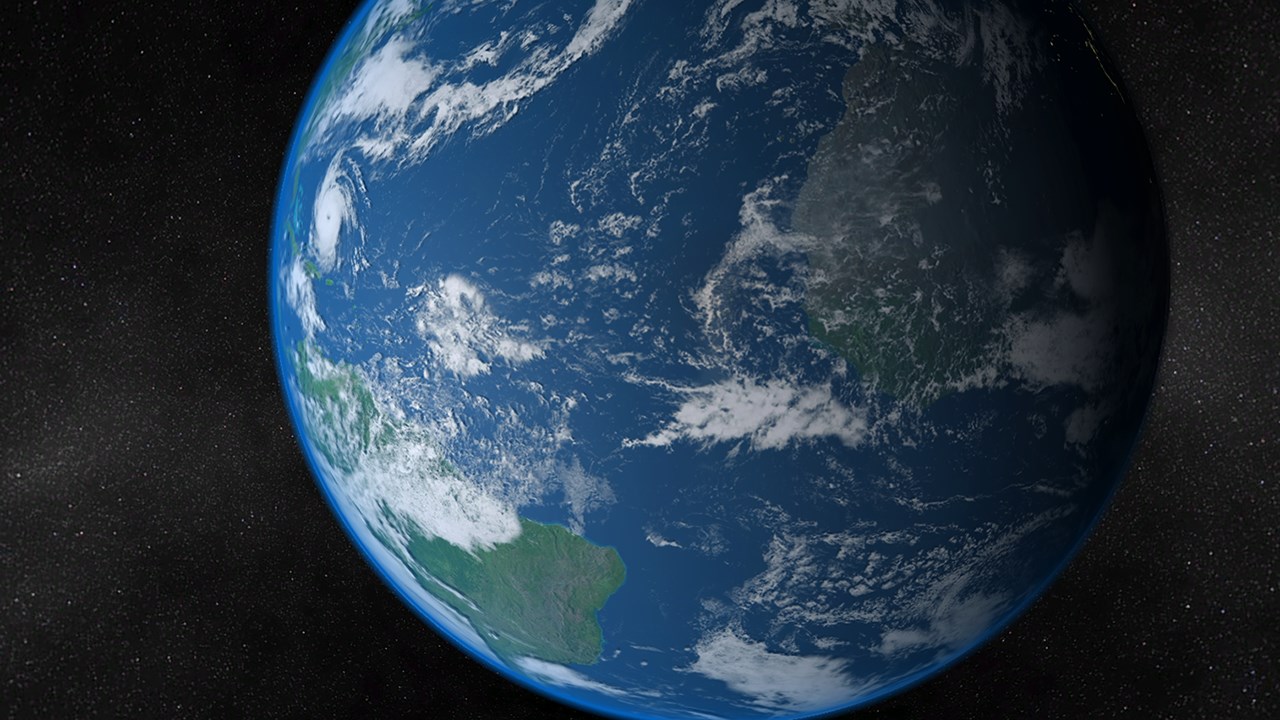
Experience a magnificent 3D view of planet Earth right on your screen. With the background of millions of stars, our home planet peacefully dwells in space under the rays of our ever-bright sun. You will be deeply impressed by the highly realistic graphics of the oceans, continents, and atmosphere. Have a new look at our World and admire its breathtaking beauty every day directly from your computer!
This application is a true Earth 3D live wallpaper for Windows. It renders a spectacular, fully animated space scene directly on your desktop, perfectly blending in behind your icons and open windows. To ensure maximum system performance, our graphics engine features a smart auto-pause mechanism: it automatically stops consuming CPU and GPU resources the moment you launch a full-screen game or any other application.
Features:
- True Windows live wallpaper (renders behind desktop icons)
- Full 3D environment with smooth performance
- Detailed, high-quality close-up view of the Earth from space
- Dynamic, live camera flying around the planet
- Spectacular space sunsets and sunrises
- Multi-monitor support
- Customizable animation speed, brightness, and saturation
- Convenient system tray manager to easily adjust settings
- Smart auto-pause when playing games or running full-screen apps to save resources
If there is a version of this app for iOS/Mac or Windows we don't know about, paste the store link here — we'll auto-detect the store.
How to find the URL:1. Open the app in its store. 2.In the App Store app: tap the Share icon → “Copy Link”. In the browser: copy the URL from the address bar — it contains apps.apple.com/…/id… or apps.microsoft.com/detail/…. 3. Paste it here.
Paste the original link from the Apple App Store or Microsoft Store. We fetch all details automatically.
How to find the URL:
1. Open the app in its store. 2.In the App Store app: tap the Share icon → “Copy Link”. In the browser: copy the URL from the address bar — it contains apps.apple.com/…/id… or apps.microsoft.com/detail/…. 3. Paste it here.
Android apps can only be listed by their developer.