
Screenshot appears after consentScreenshot appears after consentScreenshot appears after consentScreenshot appears after consentScreenshot appears after consentScreenshot appears after consentScreenshot appears after consentScreenshot appears after consentScreenshot appears after consent
Summary
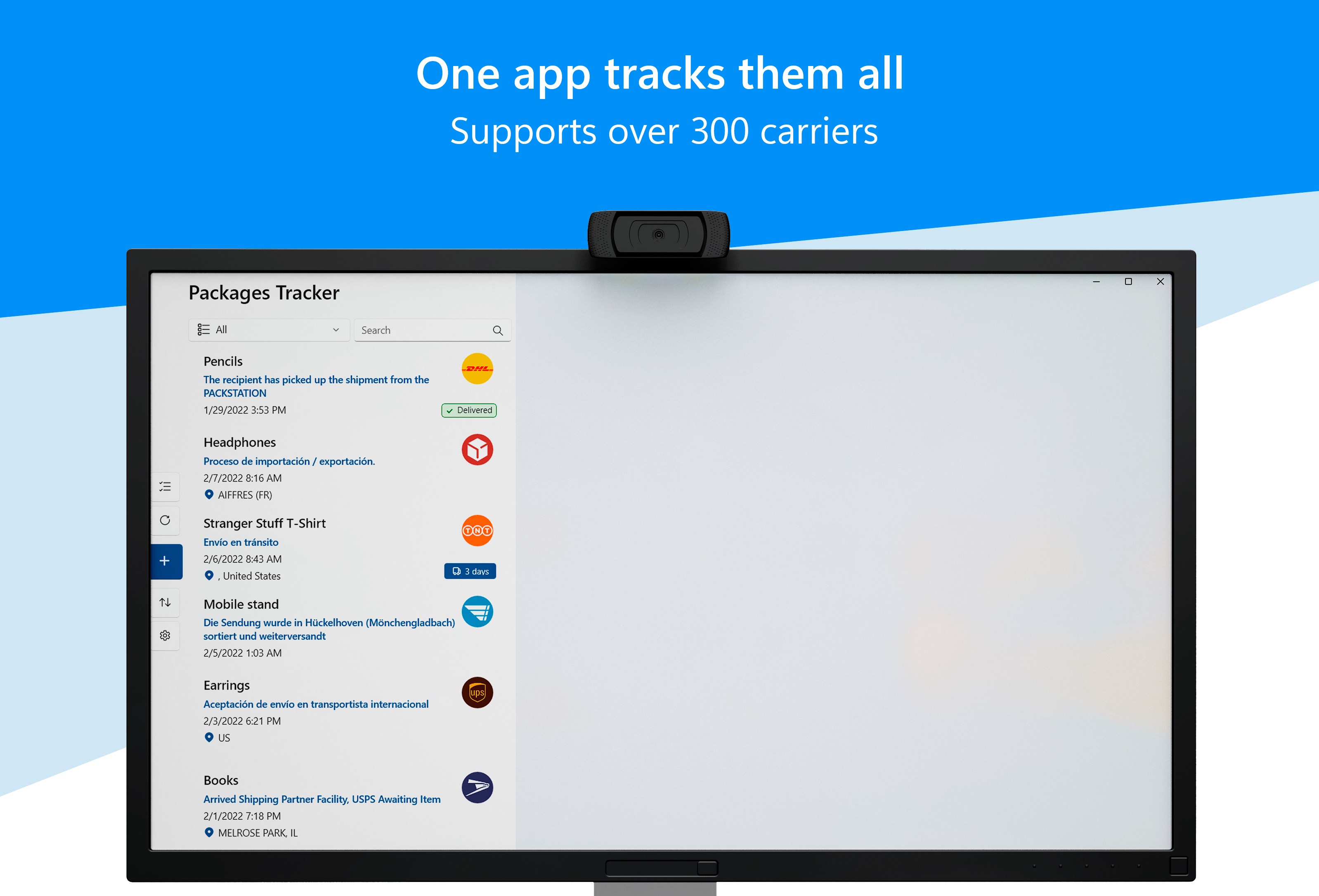
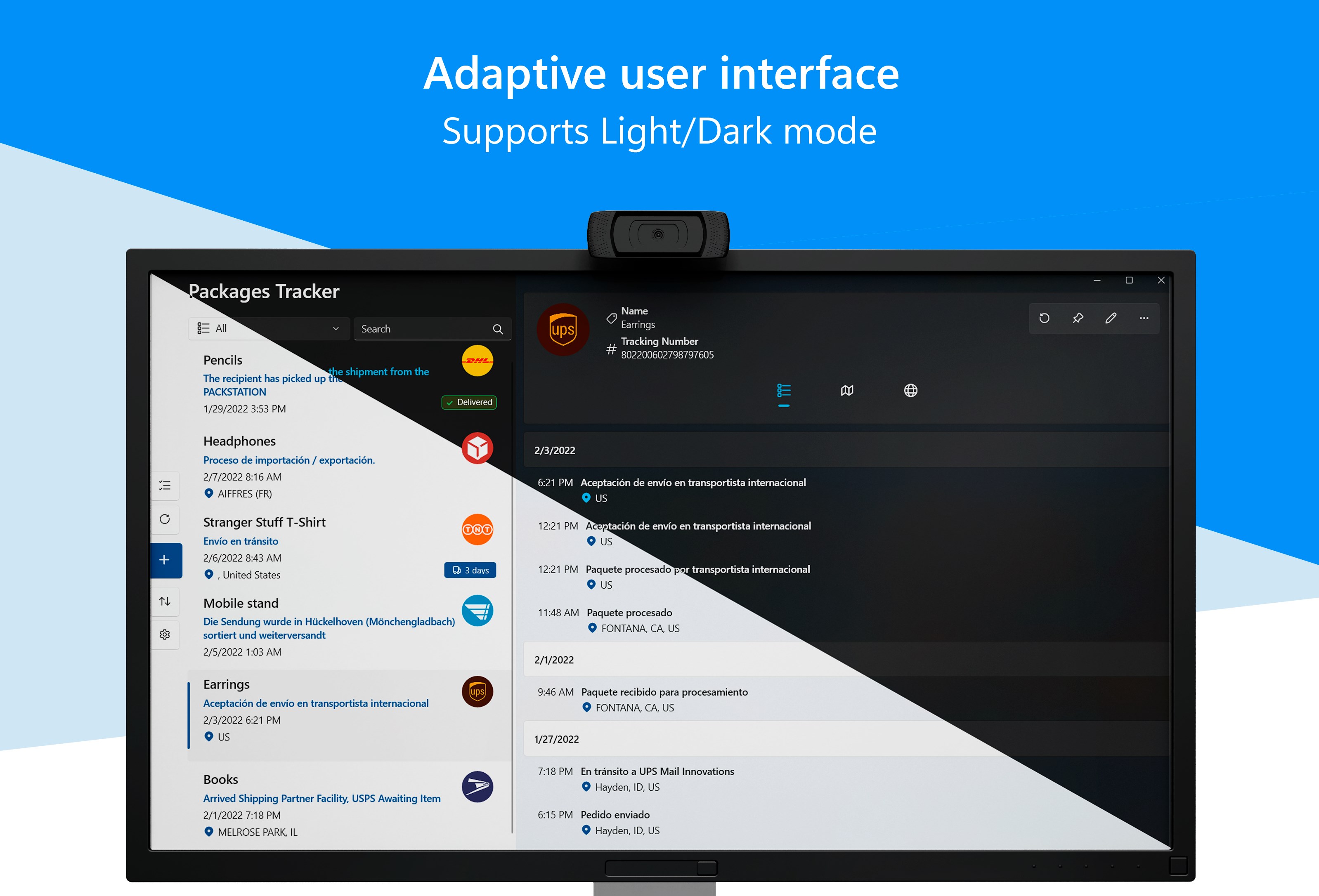
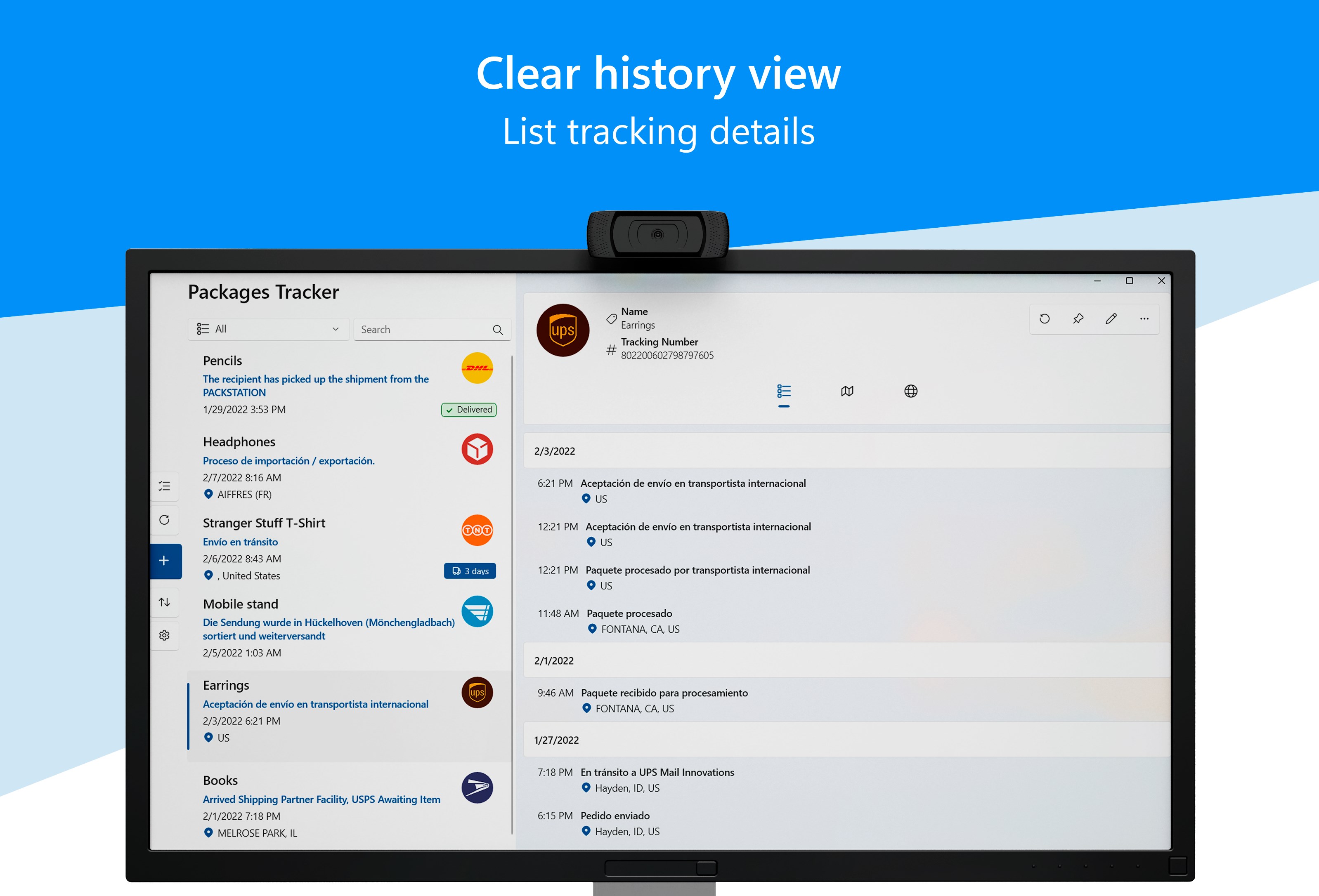
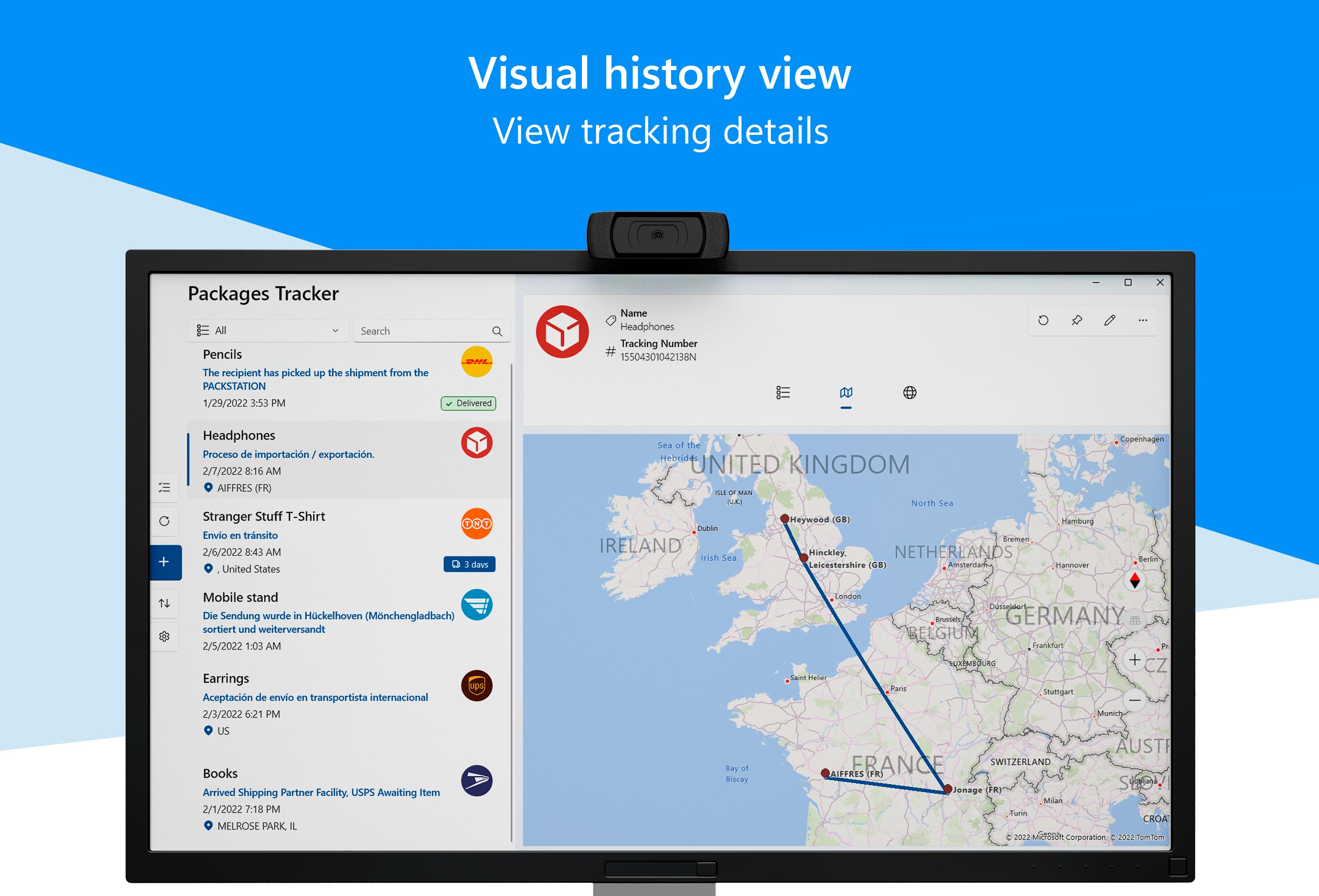
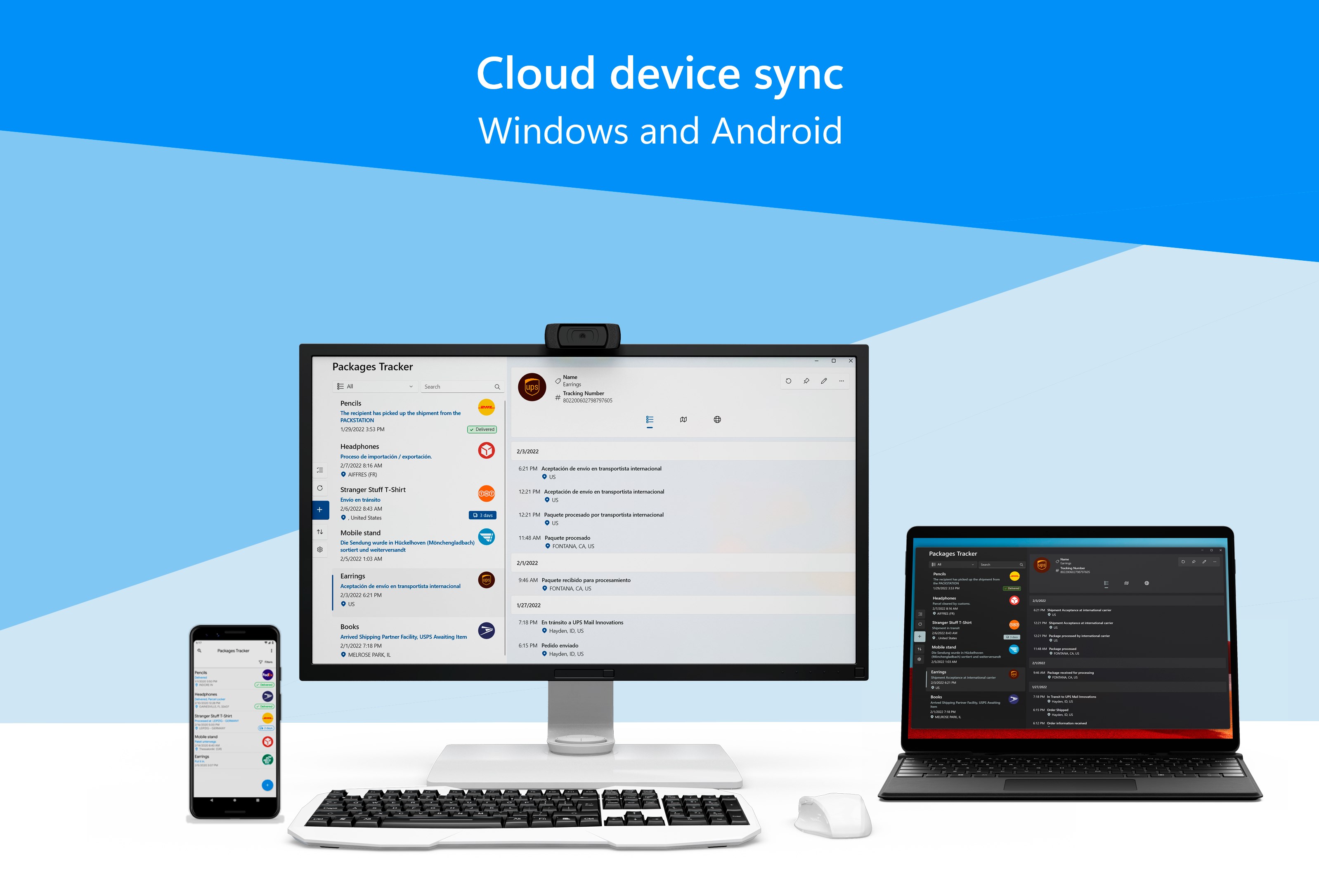
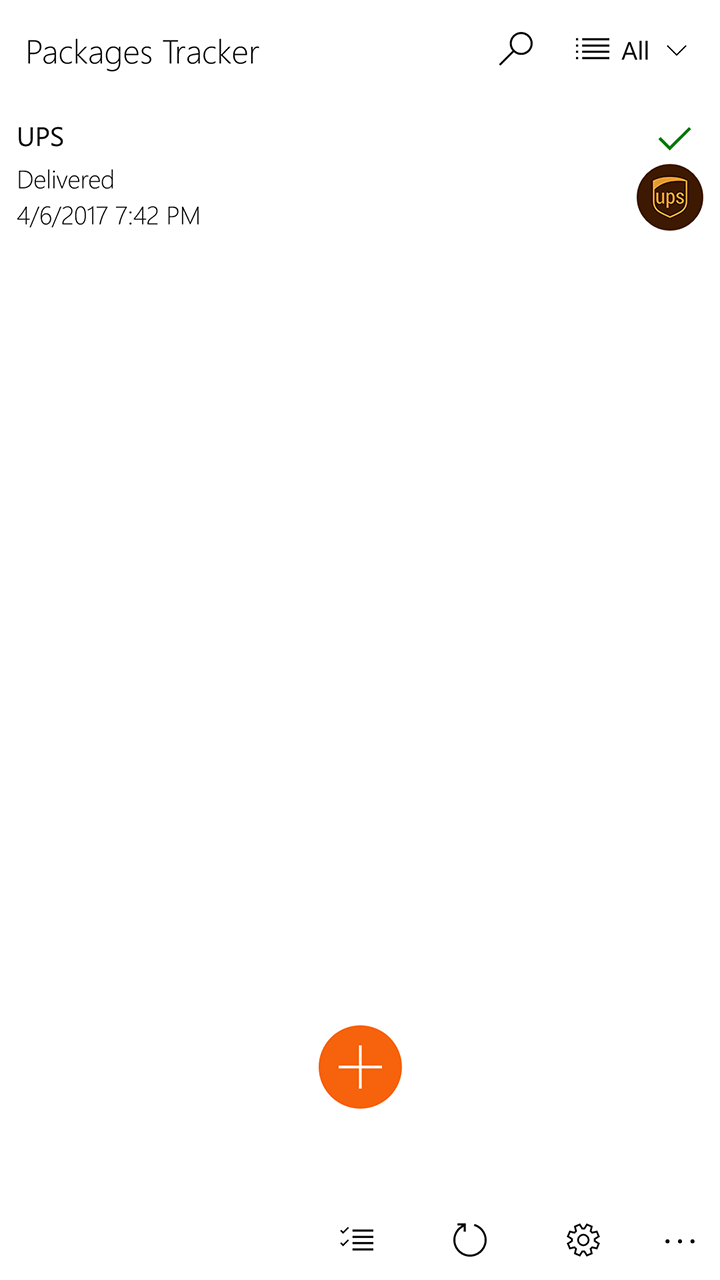
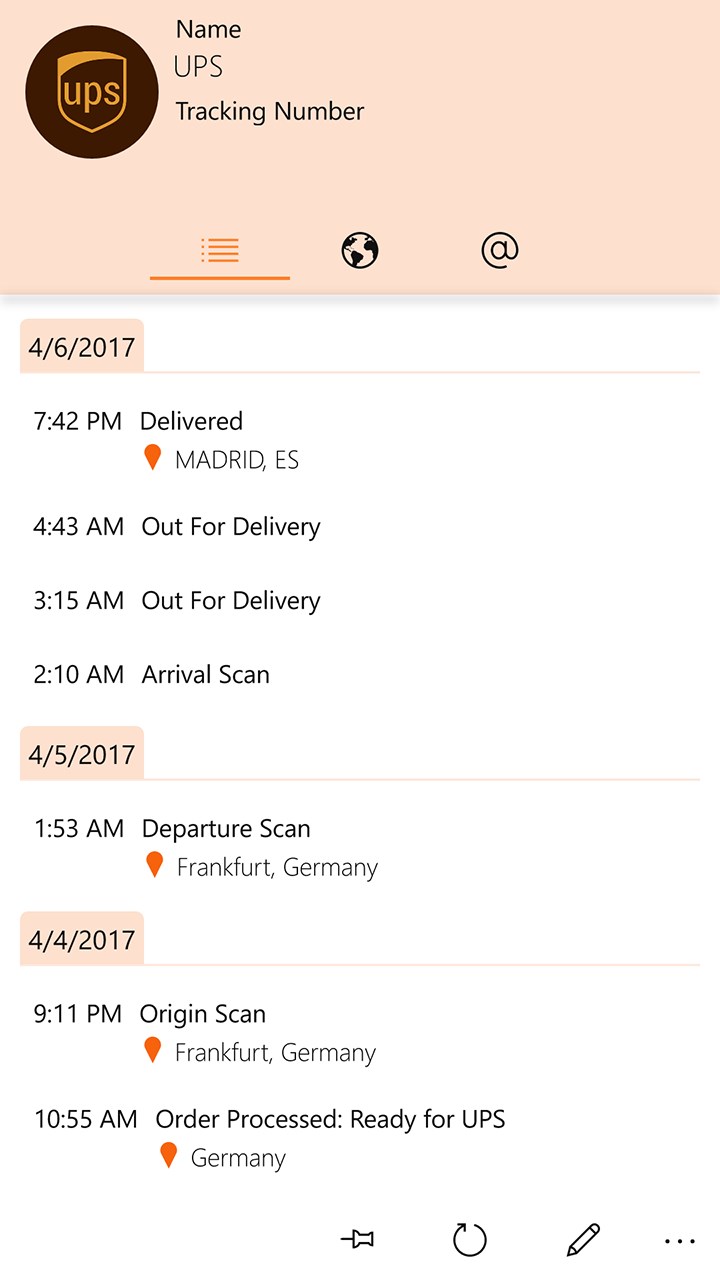
Packages Tracker is a package tracking app that works with more than 300 courier services including DHL, FedEx, UPS, USPS and Royal Mail. It shows detailed tracking information such as map routing, estimated delivery time, and origin and destination details. Packages can be sorted, searched, filtered and archived, and the app detects copied tracking numbers and adds them to the list automatically. It also displays detailed notifications and syncs and backs up packages across devices. A trial mode allows adding up to 15 packages.
Show the developer's original descriptionHide the original description
Packages Tracker is an app for tracking packages for different sending couriers. You can sort, search, filter, and archive your packages. Packages Tracker shows detailed tracking information including map routing, estimated delivery time and origin/destination and website display.
It also can detect your copied tracking numbers and add them to the list, it displays detailed notifications, sync your packages between devices and backup them and many other features.
TRIAL Mode: In trial mode you will be able to add up to 15 packages.
These are just a few of the couriers currently supported (actually 300+):
-Aramex
-Bpost
-Canada Post
-China Post
-Chronopost
-DHL
-DPD
-FedEx
-GLS
-Hermes
-PostNL
-Royal Mail
-Swiss Post
-TNT
-UPS
-USPS
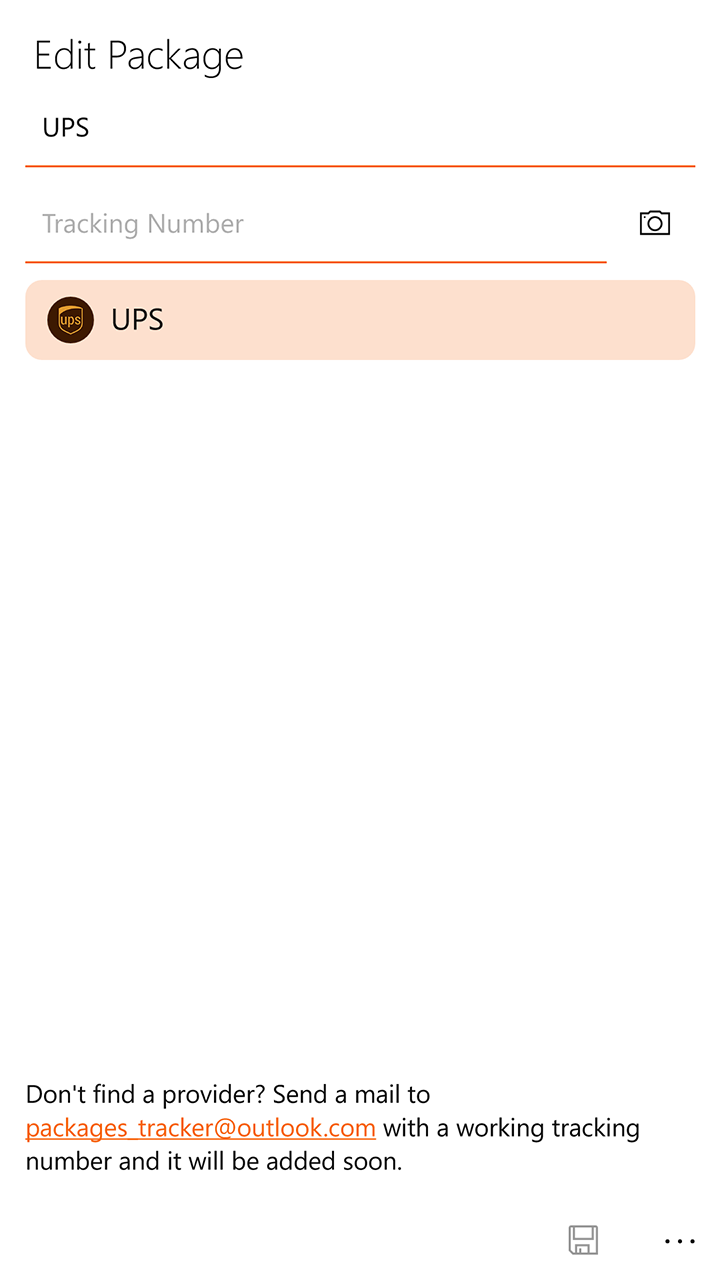
If you would like to request a new courier be added or happen to encounter an error please email packages_tracker@outlook.com
If there is a version of this app for iOS/Mac or Windows we don't know about, paste the store link here — we'll auto-detect the store.
How to find the URL:1. Open the app in its store. 2.In the App Store app: tap the Share icon → “Copy Link”. In the browser: copy the URL from the address bar — it contains apps.apple.com/…/id… or apps.microsoft.com/detail/…. 3. Paste it here.
Paste the original link from the Apple App Store or Microsoft Store. We fetch all details automatically.
How to find the URL:
1. Open the app in its store. 2.In the App Store app: tap the Share icon → “Copy Link”. In the browser: copy the URL from the address bar — it contains apps.apple.com/…/id… or apps.microsoft.com/detail/…. 3. Paste it here.
Android apps can only be listed by their developer.