Screenshot appears after consentScreenshot appears after consentScreenshot appears after consentScreenshot appears after consentScreenshot appears after consentScreenshot appears after consent
Summary
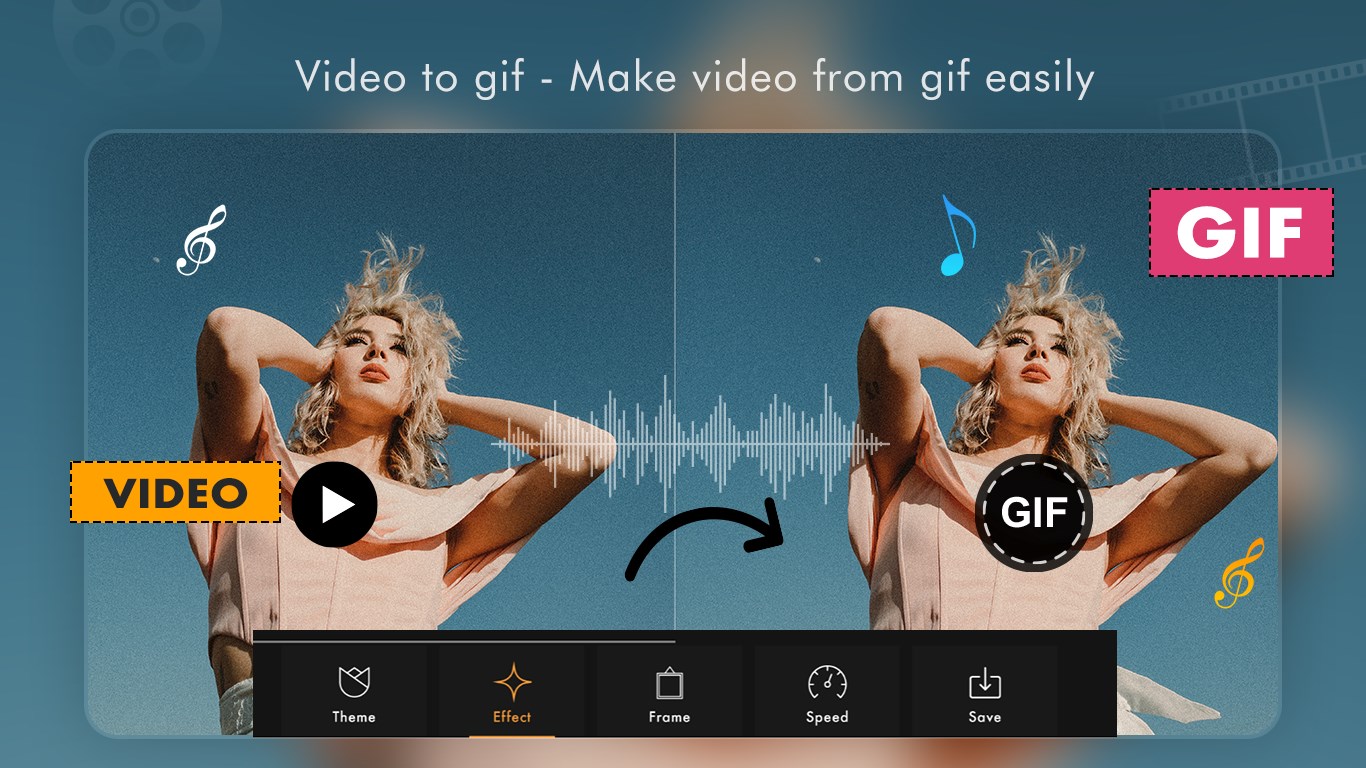
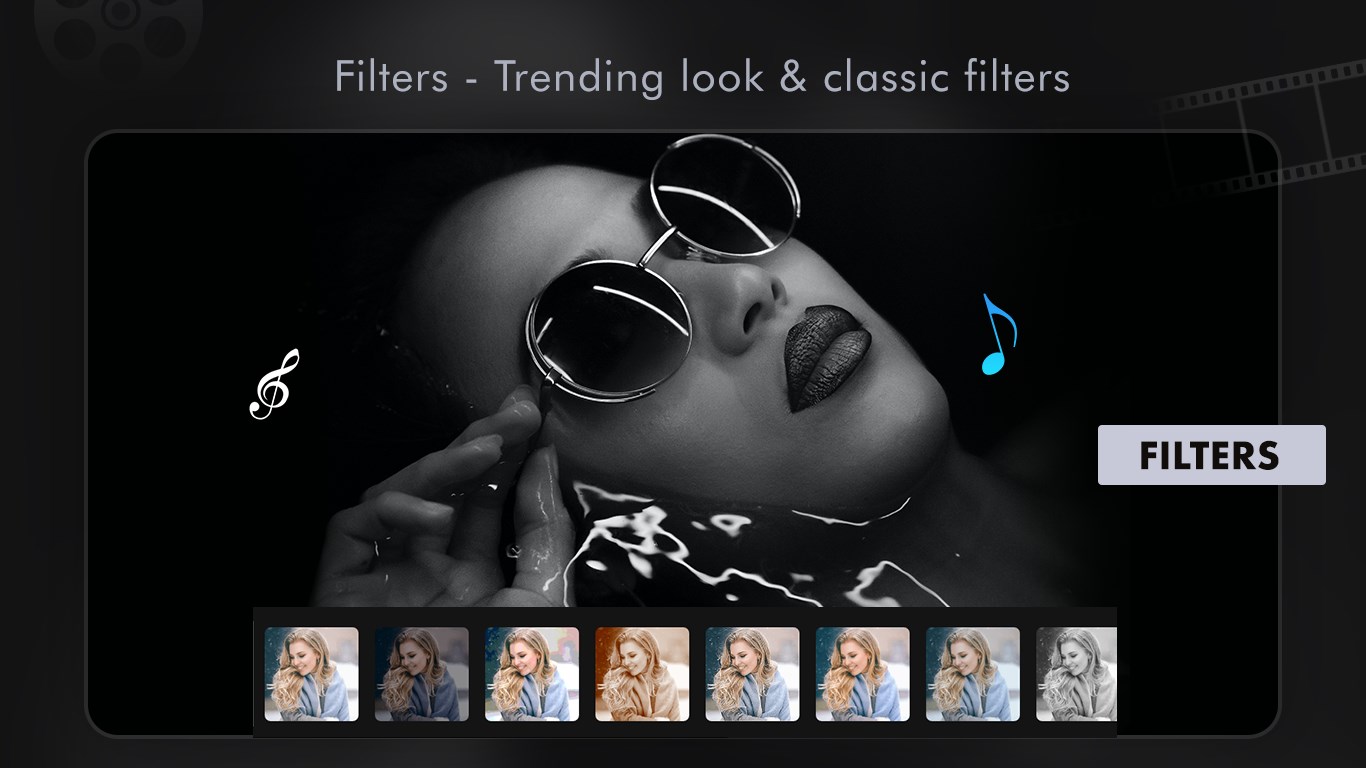
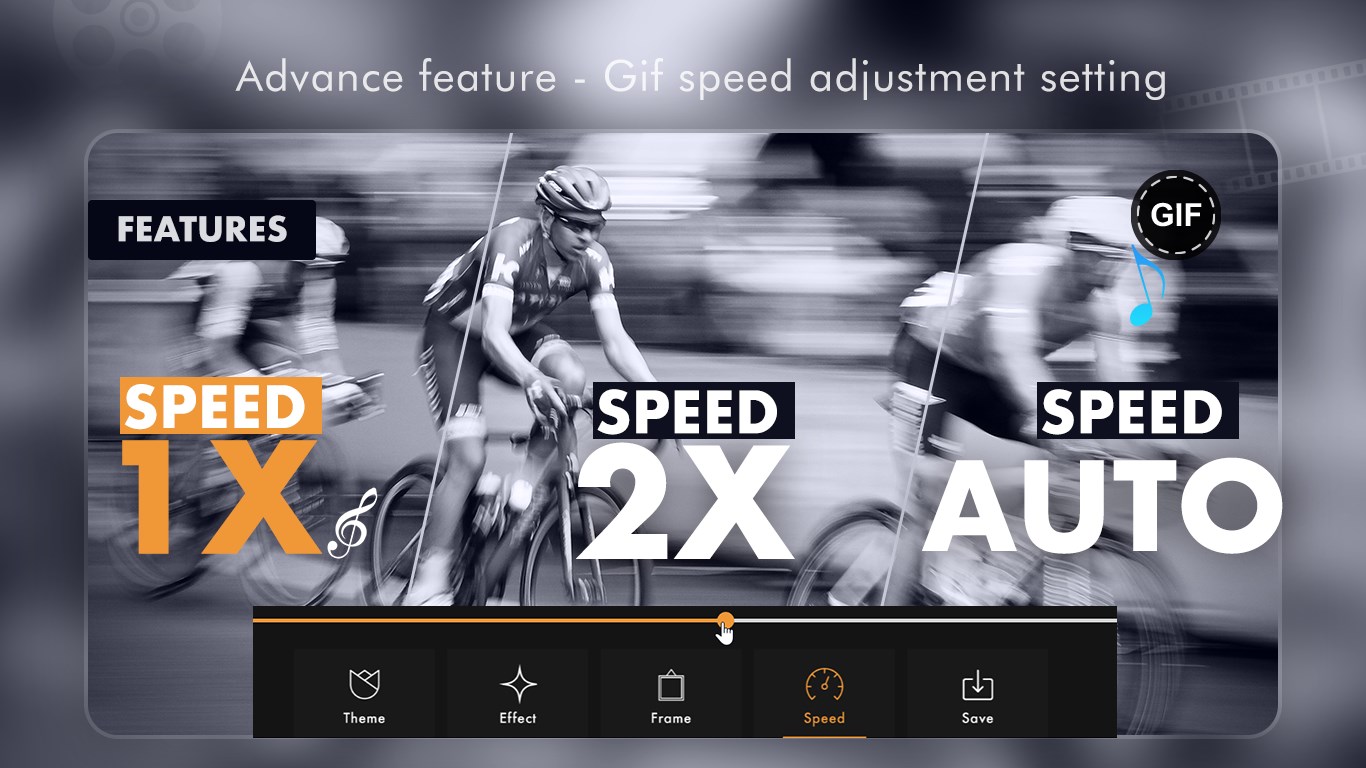
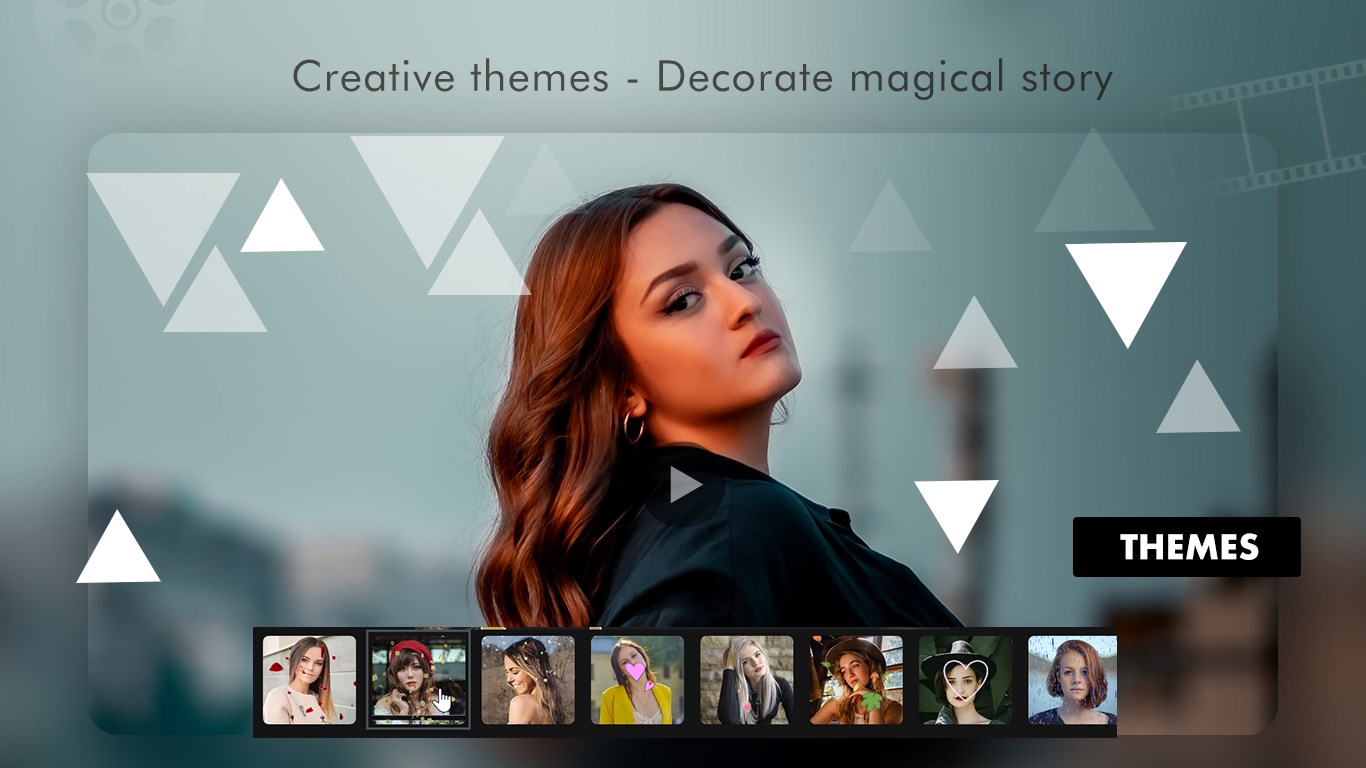
GIF Maker - Photos to GIF, Video to GIF is a tool for creating GIFs on Windows devices. It turns multiple photos into a GIF with custom frame duration, adjustable playback speed and a choice of resolutions. It converts videos into GIFs by trimming them to the desired start and end points. It also records live video directly within the app, up to ten seconds, and converts the clip into a GIF. Themes, effects and frames can be added to enhance the look of any GIF. A built-in gallery stores finished GIFs for previewing, sharing on social messengers or deleting. Some features require in-app purchases.
Show the developer's original descriptionHide the original description
GIF Maker - Photos to GIF, Video to GIF is a powerful and easy-to-use tool that lets you create high-quality GIFs directly on your Windows device.
Whether you want to convert photos, edit videos into GIFs, or capture live moments,
this app gives you everything you need in one place.
Add effects, frames, and themes to make your GIFs stand out and share them instantly with friends or on social media.
Tutorial Link- https://picperfectstore.com/gif-maker-photos-to-gif-video-to-gif-tutorial/
Key Features:
1. Photo to GIF
o Select multiple images from your library.
o Set custom duration for frames (default 1 second).
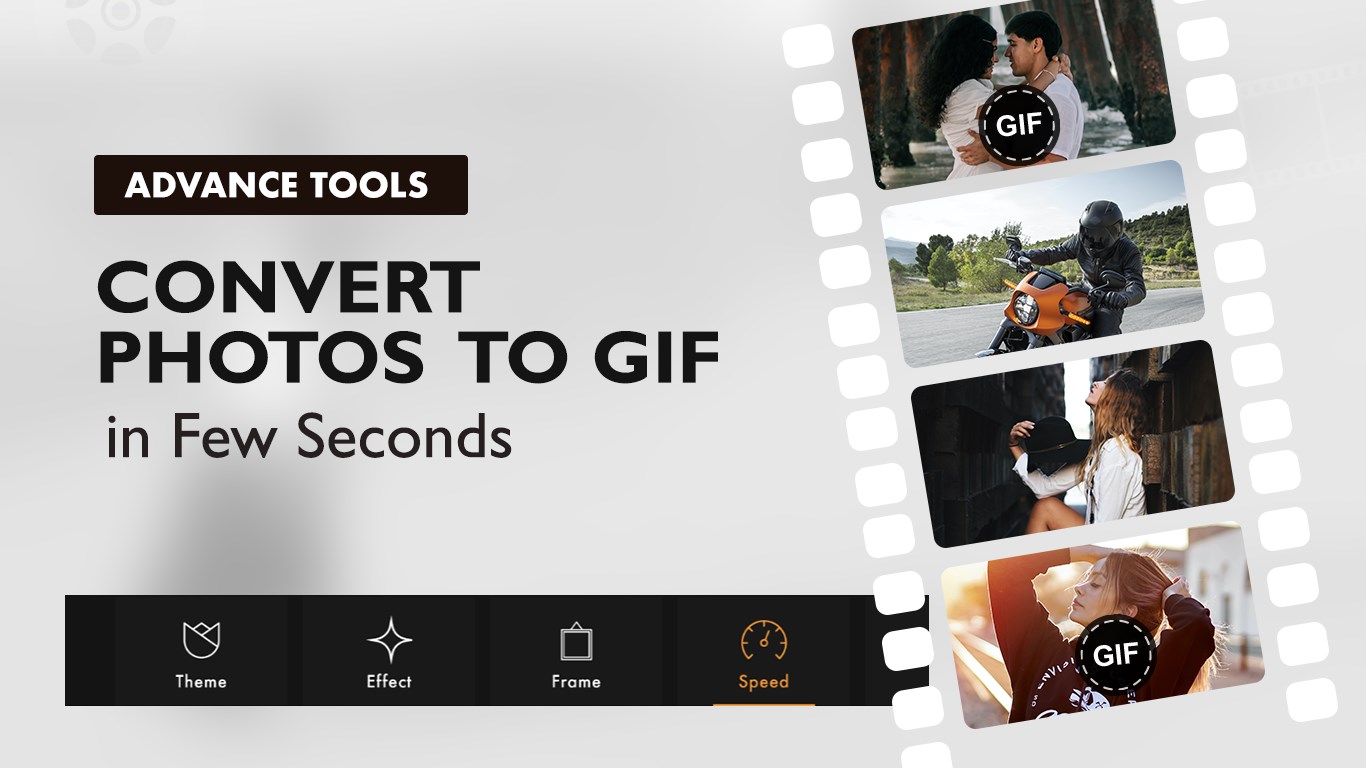
o Add themes, effects, and frames to enhance the look.
o Adjust playback speed for smoother animations.
o Save in your preferred resolution: 720x720, 1080x1080, 1500x1500.
2. Video to GIF
o Import videos from your gallery.
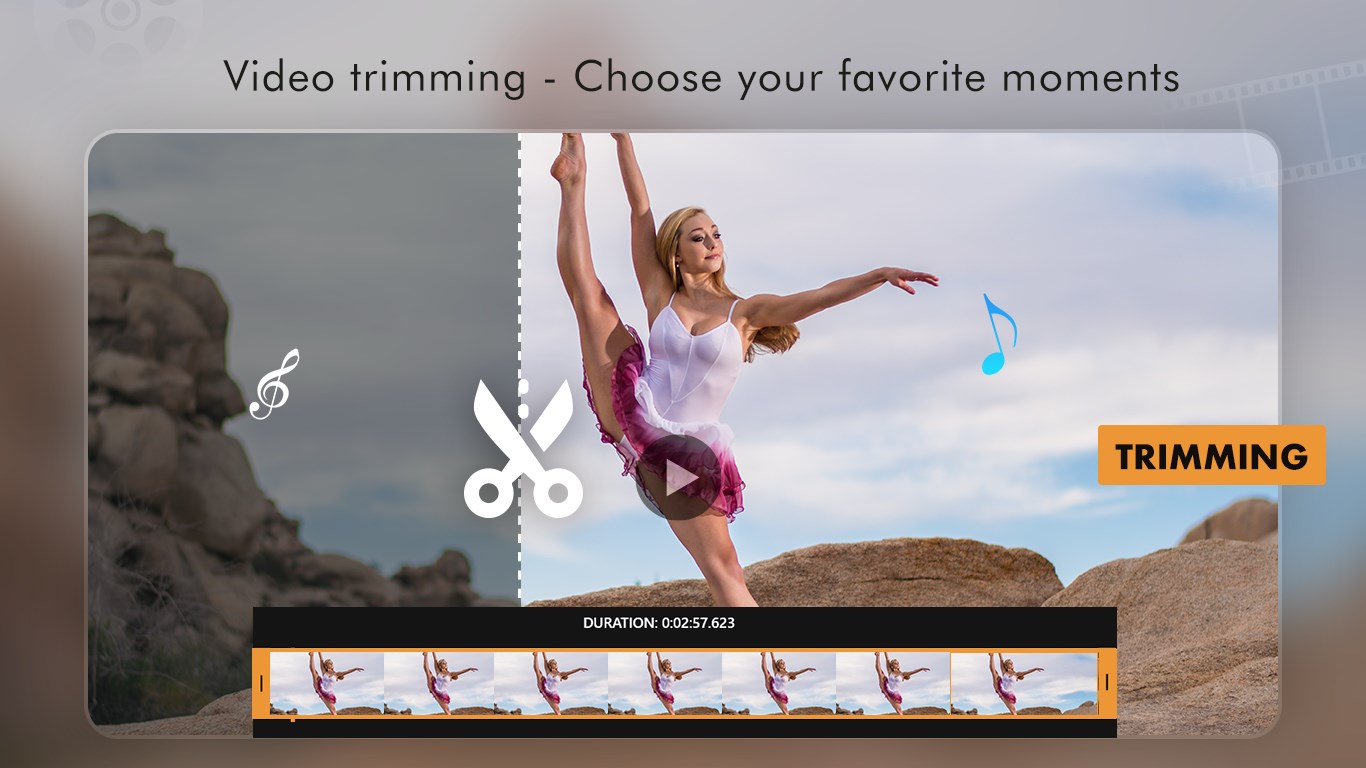
o Trim by setting start and end times to capture the best part.
o Apply themes and effects to create eye-catching GIFs.
o Save in high quality for sharing.
3. Camera to GIF
o Record live videos up to 10 seconds directly within the app.
o Trim if needed and instantly convert to GIF.
o Perfect for capturing quick, fun, and creative moments.
4. My GIF Gallery
o Manage all your saved GIFs in one place.
o Preview, share on social messengers, or delete directly.
It’s just so cool to create your own live Gif in seconds, have fun using this app to make more and more funny Gifs and share it with social messengers like Facebook, Whatsapp and more.
Please be aware that certain features come with in-app purchases (IAPs), requiring you to buy specific features of the app before accessing them. Consequently, if your subscription expires, these features will be locked once again. We will consistently update the app, ensuring you receive additional premium features with each update.
Reach us:
Tutorial: https://picperfectstore.com/gif-maker-photos-to-gif-video-to-gif-tutorial/
Web: https://picperfectstore.com/
Email: pictoolsstudio@hotmail.com
Play Store URL for "GIF Maker - Photos to GIF, Video to GIF"
If there is a version of this app for iOS/Mac or Windows we don't know about, paste the store link here — we'll auto-detect the store.
How to find the URL:1. Open the app in its store. 2.In the App Store app: tap the Share icon → “Copy Link”. In the browser: copy the URL from the address bar — it contains apps.apple.com/…/id… or apps.microsoft.com/detail/…. 3. Paste it here.
Paste the original link from the Apple App Store or Microsoft Store. We fetch all details automatically.
How to find the URL:
1. Open the app in its store. 2.In the App Store app: tap the Share icon → “Copy Link”. In the browser: copy the URL from the address bar — it contains apps.apple.com/…/id… or apps.microsoft.com/detail/…. 3. Paste it here.
Android apps can only be listed by their developer.



 Video To Gif Maker
Convert videos to GIFs and share
 Video Photo SlideShow
Transform photos and videos into slideshows and clips
 Animotica - Movie Maker
Edit, join and enhance videos with effects
 Movie Generator for Photos and 4K Video Editor
Edit videos and photos with effects, transitions and music
 Movie Maker - Video Editor
Create and edit videos and slideshows from photos and clips
 Crazy Video Maker - Video Editor & Movie Maker
Create videos from photos, clips and music