
Screenshot appears after consentScreenshot appears after consentScreenshot appears after consentScreenshot appears after consent
Summary
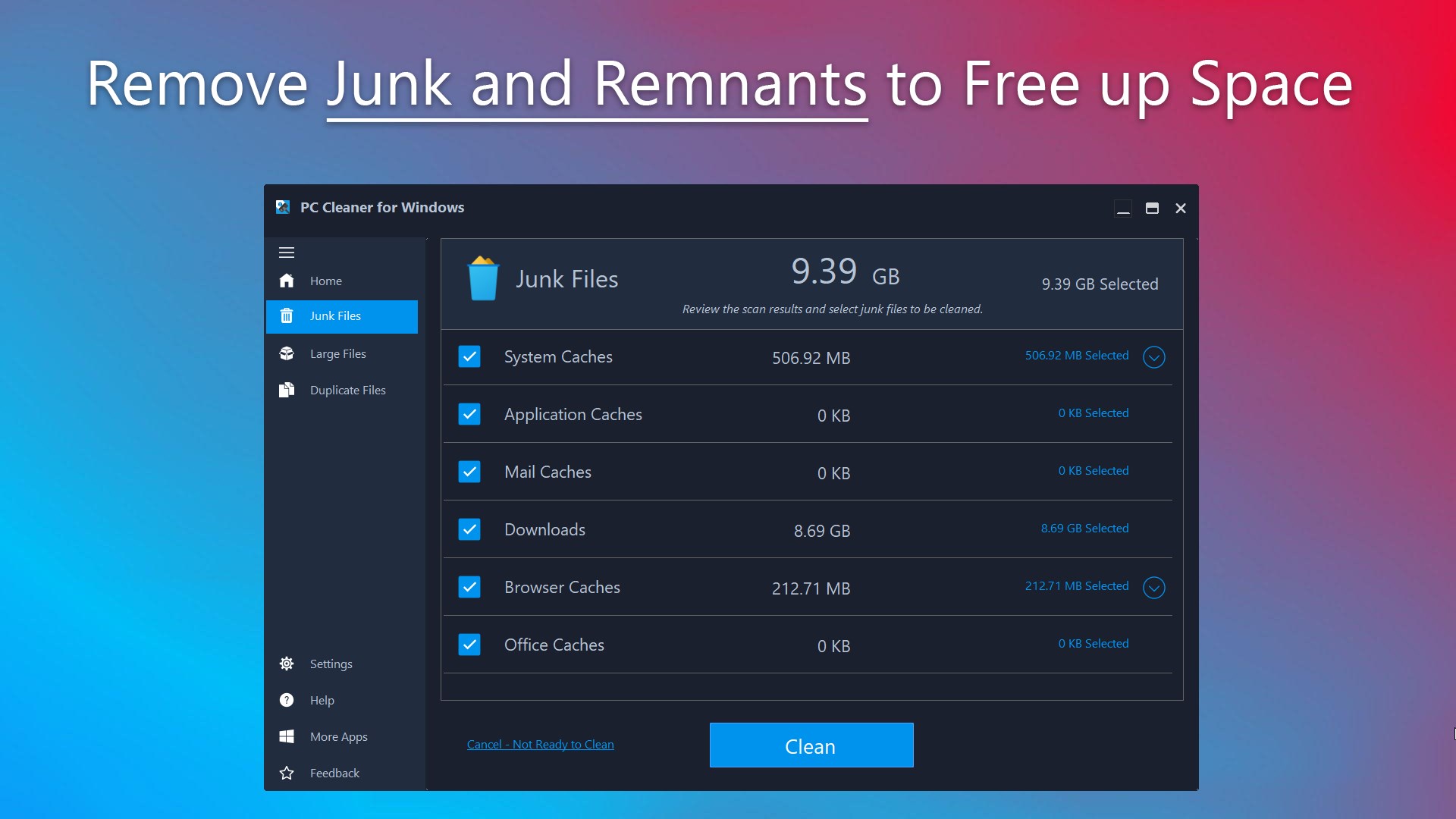
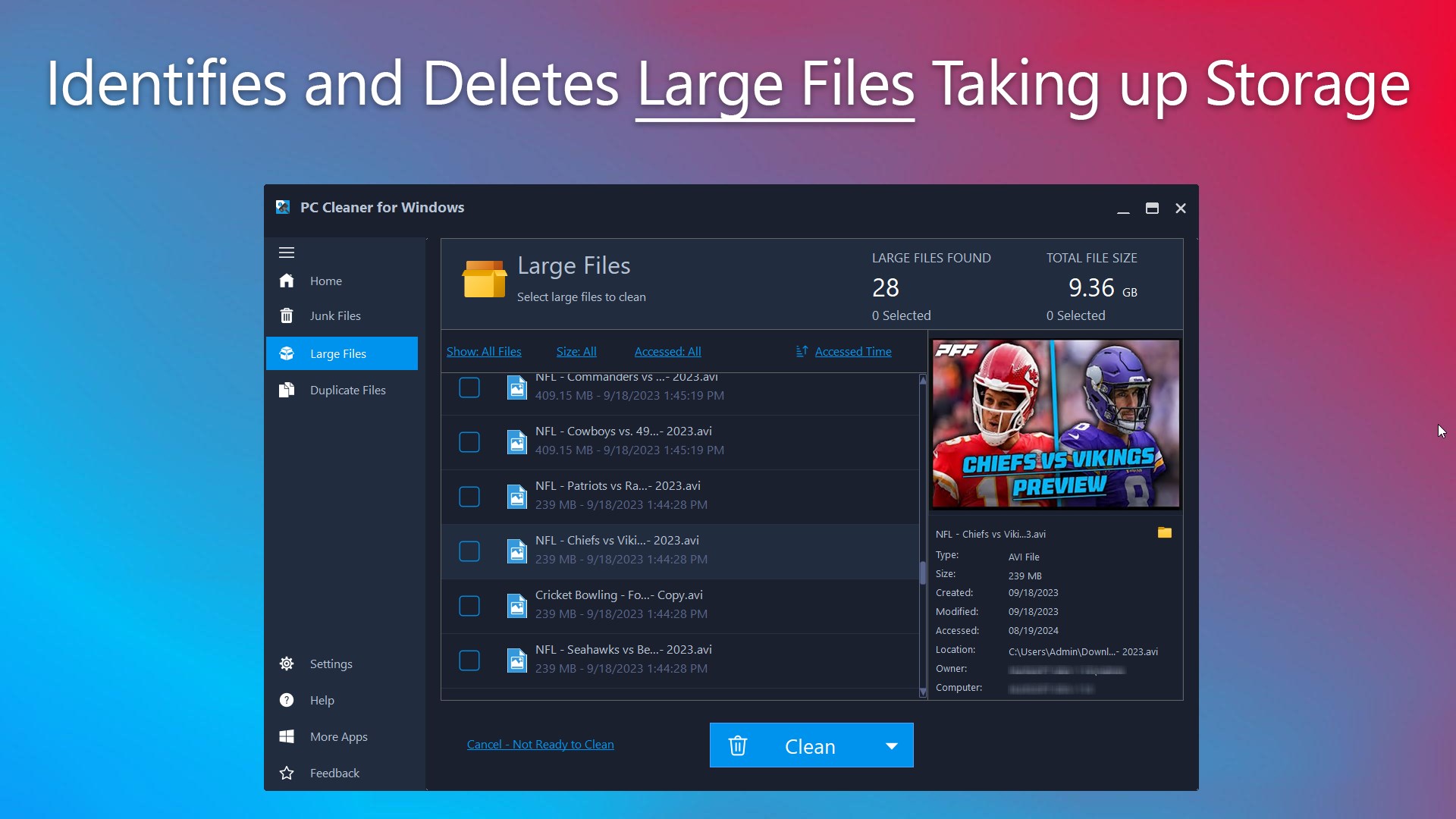
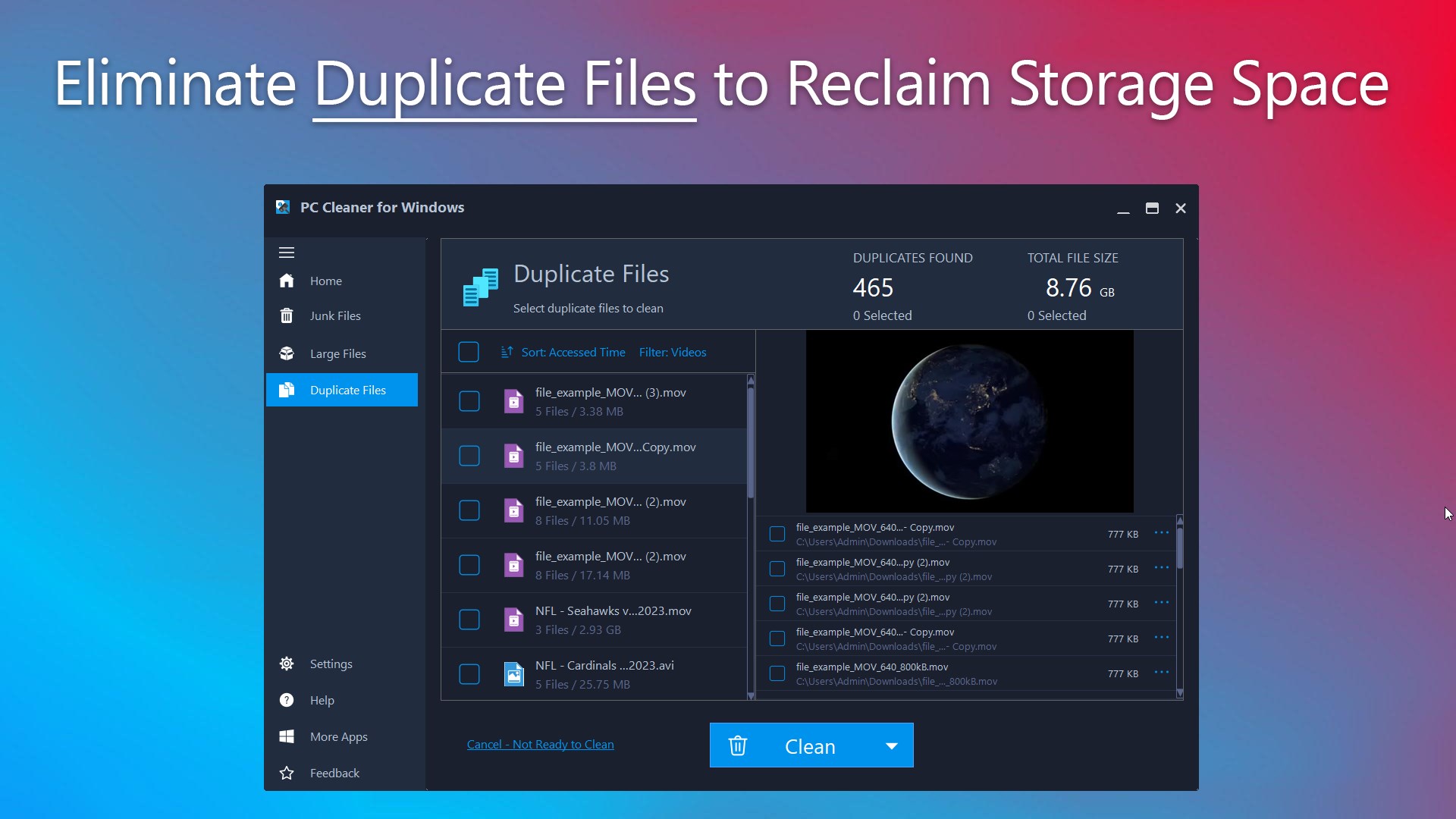
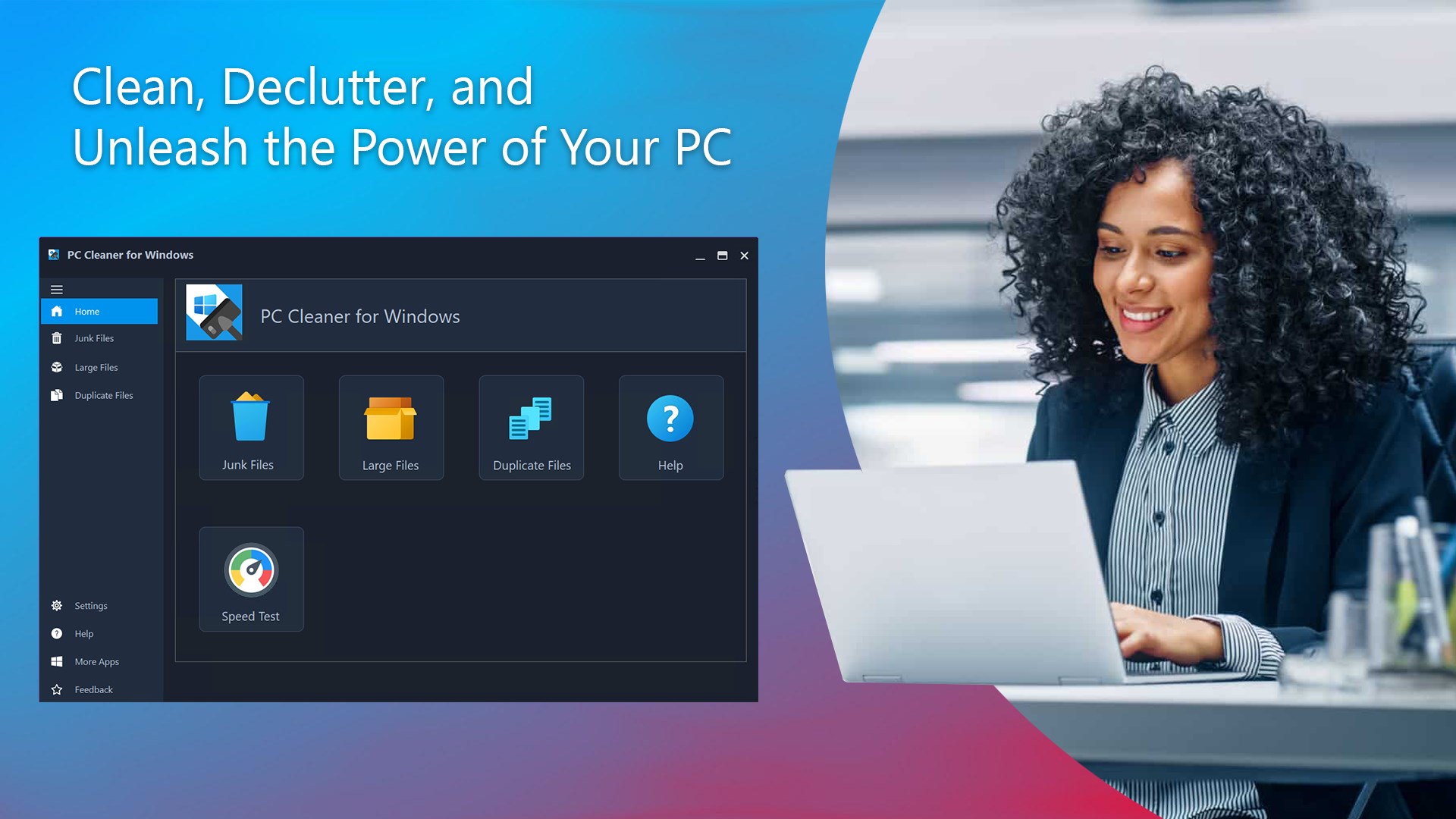
PC Cleaner for Windows is a PC cleaning and optimization tool for Windows systems. It scans for and removes junk files and temporary data to free up storage space and maintain performance. It identifies large, space-consuming files and helps organize and secure them to reclaim storage. It also detects and removes duplicate files to reduce redundancy and keep the file system organized. The trial version allows free cleaning of junk files along with scanning and previewing of duplicate and large files, while activating cleanup for duplicate and large files requires a premium license.
Show the developer's original descriptionHide the original description
PC Cleaner for Windows is designed to address common performance issues on your Windows PC. It offers a set of tools to help clean, optimize, and organize your system for improved efficiency.
[Product license]
The Trial version allows you to clean junk files for free. You can also scan and preview results for Duplicate Files and Large Files at no cost. To activate cleaning for Duplicate Files and Large Files, a premium license is required.
[key features]
Junk Cleaning - PC Cleaner for Windows efficiently scans for and removes junk files, temporary data, and other digital clutter that can accumulate over time. This process frees up valuable storage space and helps your computer maintain optimal performance.
Large File Management - PC Cleaner for Windows simplifies the task of identifying and managing large, space-consuming files. It enables you to reclaim storage space by organizing and securing essential data, making it easier to manage your storage effectively.
Duplicate File Removal - PC Cleaner for Windows includes tools to detect and remove duplicate files, reducing redundancy and helping you maintain a more organized file system.
If there is a version of this app for iOS/Mac or Windows we don't know about, paste the store link here — we'll auto-detect the store.
How to find the URL:1. Open the app in its store. 2.In the App Store app: tap the Share icon → “Copy Link”. In the browser: copy the URL from the address bar — it contains apps.apple.com/…/id… or apps.microsoft.com/detail/…. 3. Paste it here.
Paste the original link from the Apple App Store or Microsoft Store. We fetch all details automatically.
How to find the URL:
1. Open the app in its store. 2.In the App Store app: tap the Share icon → “Copy Link”. In the browser: copy the URL from the address bar — it contains apps.apple.com/…/id… or apps.microsoft.com/detail/…. 3. Paste it here.
Android apps can only be listed by their developer.