
Recording Studio

Multitouch sequencer for recording, editing and mixing music AI summary
Rank 1743
0 Up Votes, 0 Down Votes
▲
0
▼
Recording Studio is not available on Android and Apple — or is it? Submit URL
Screenshots
Screenshot 1 of Recording Studio on WindowsScreenshot
appears after consent
Screenshot 2 of Recording Studio on WindowsScreenshot
appears after consent
Screenshot 3 of Recording Studio on WindowsScreenshot
appears after consent
Screenshot 4 of Recording Studio on WindowsScreenshot
appears after consent
Screenshot 5 of Recording Studio on WindowsScreenshot
appears after consent
Screenshot 6 of Recording Studio on WindowsScreenshot
appears after consent
Summary
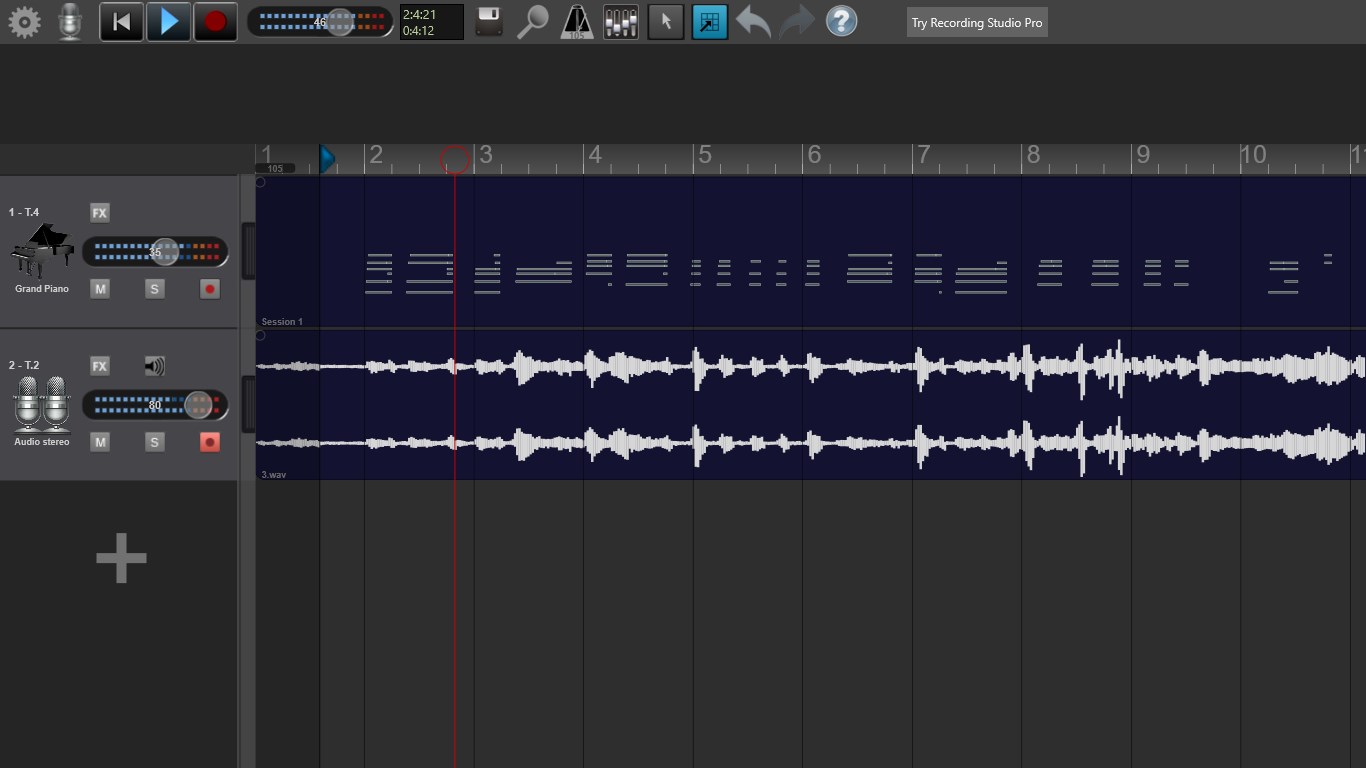
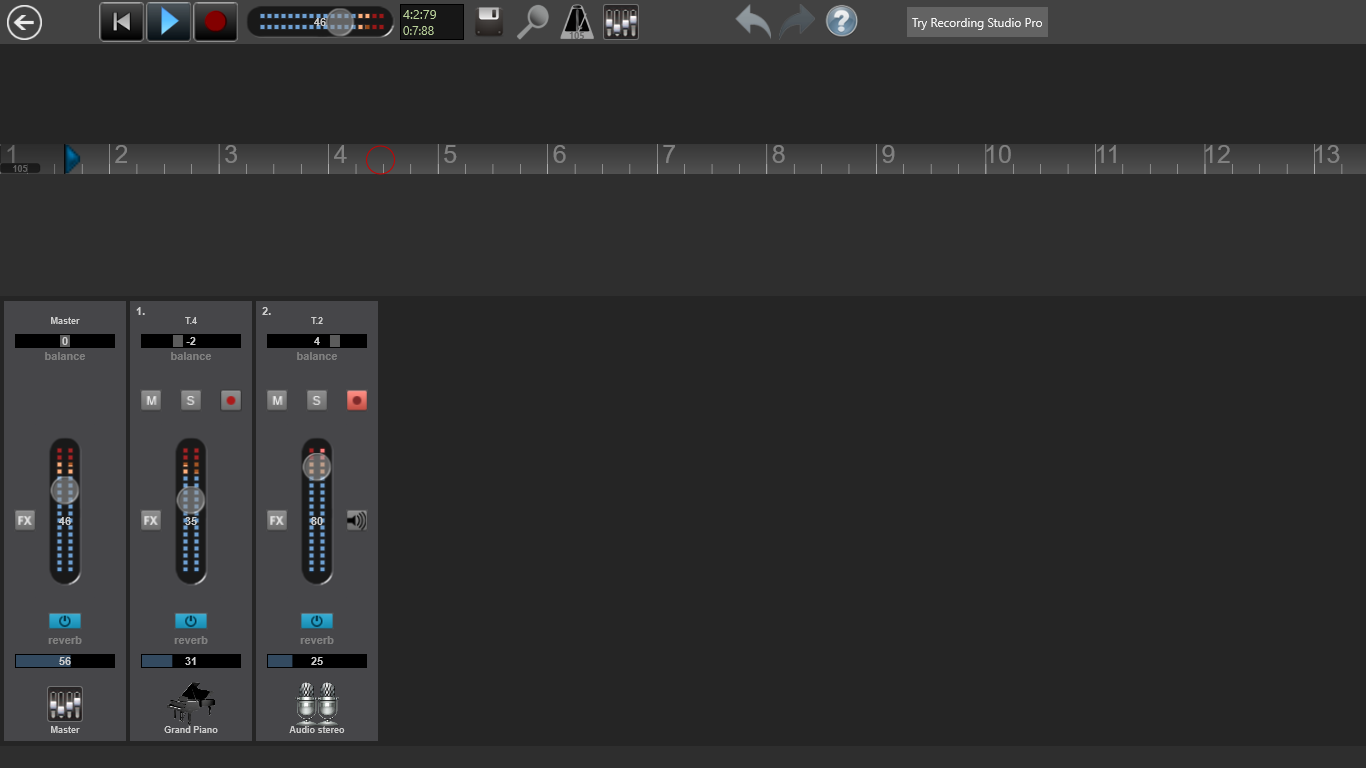
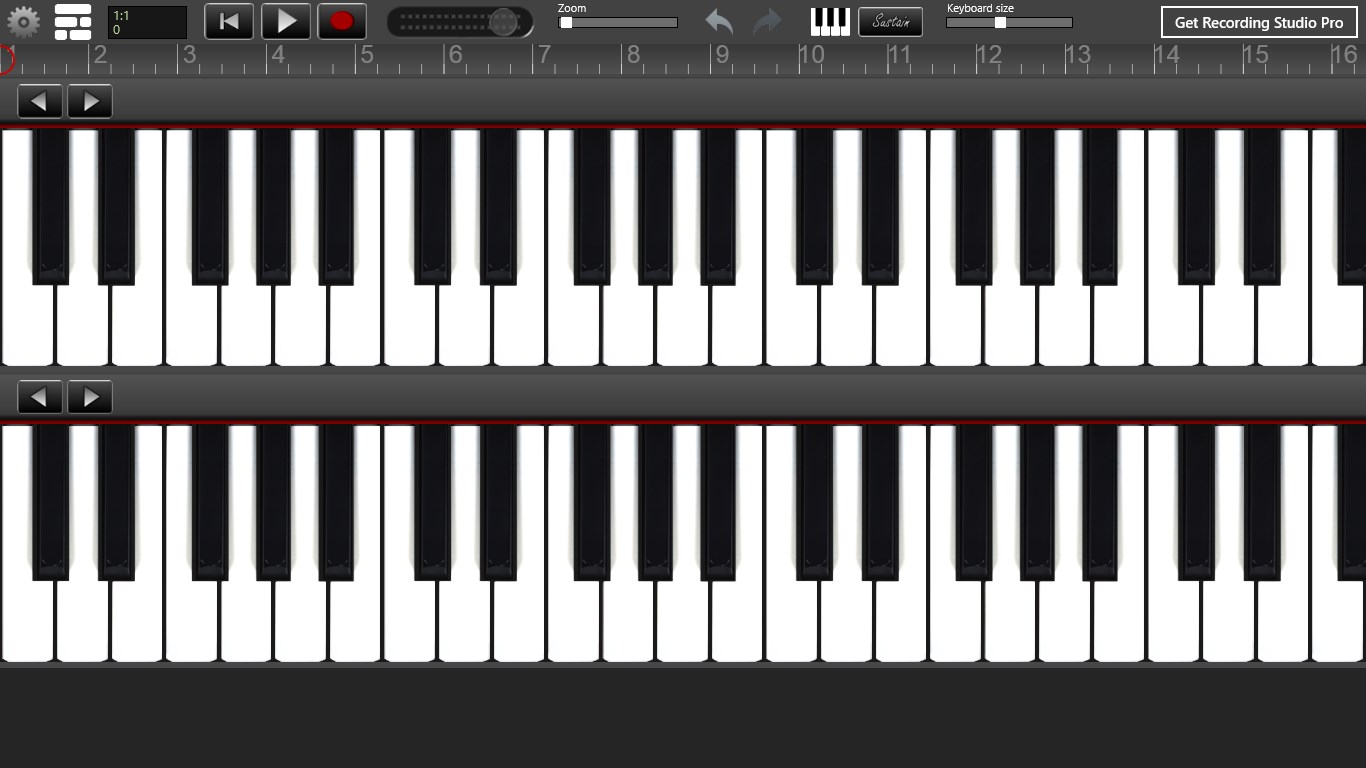
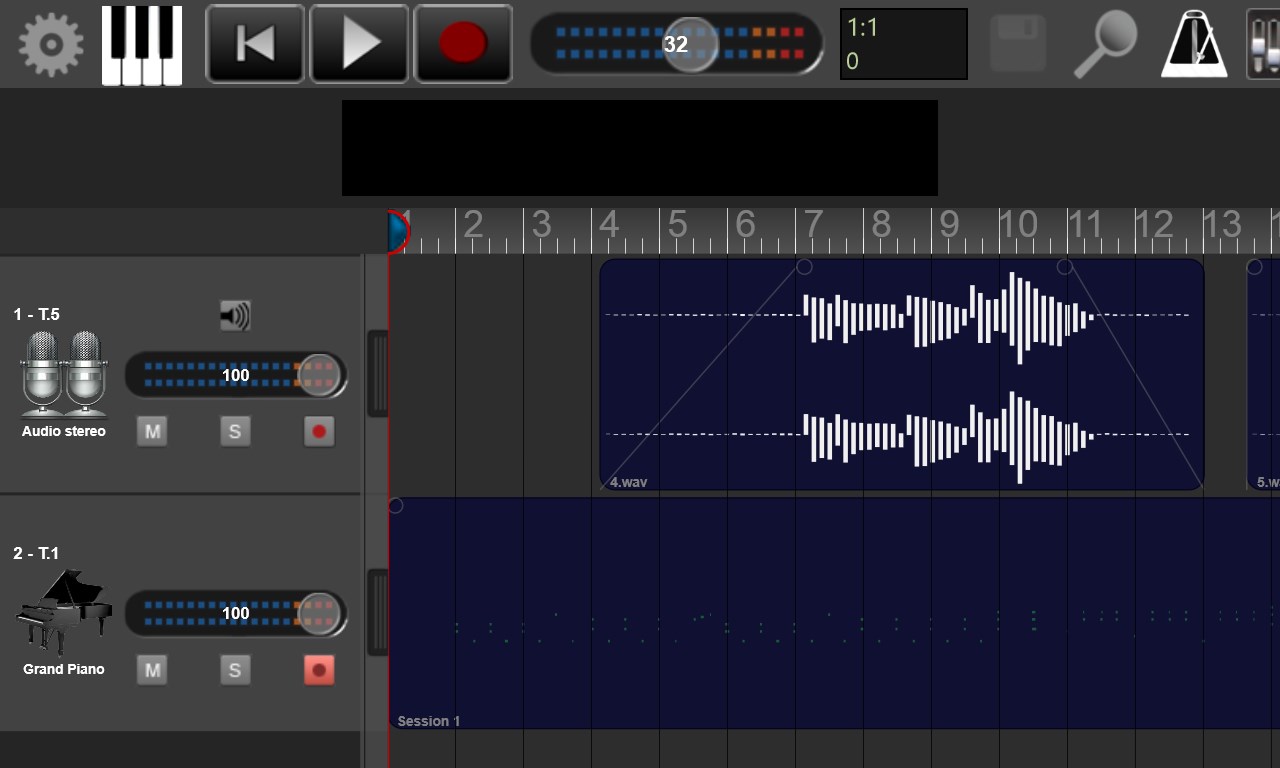
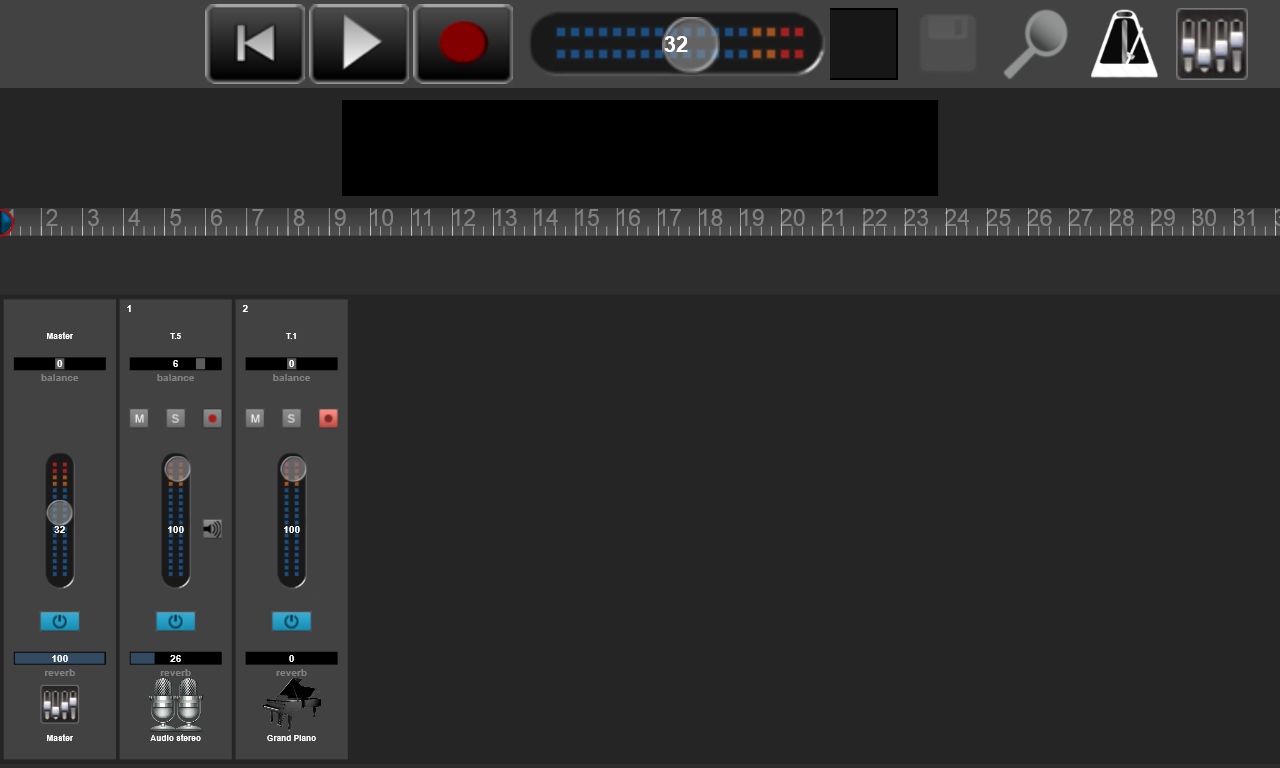
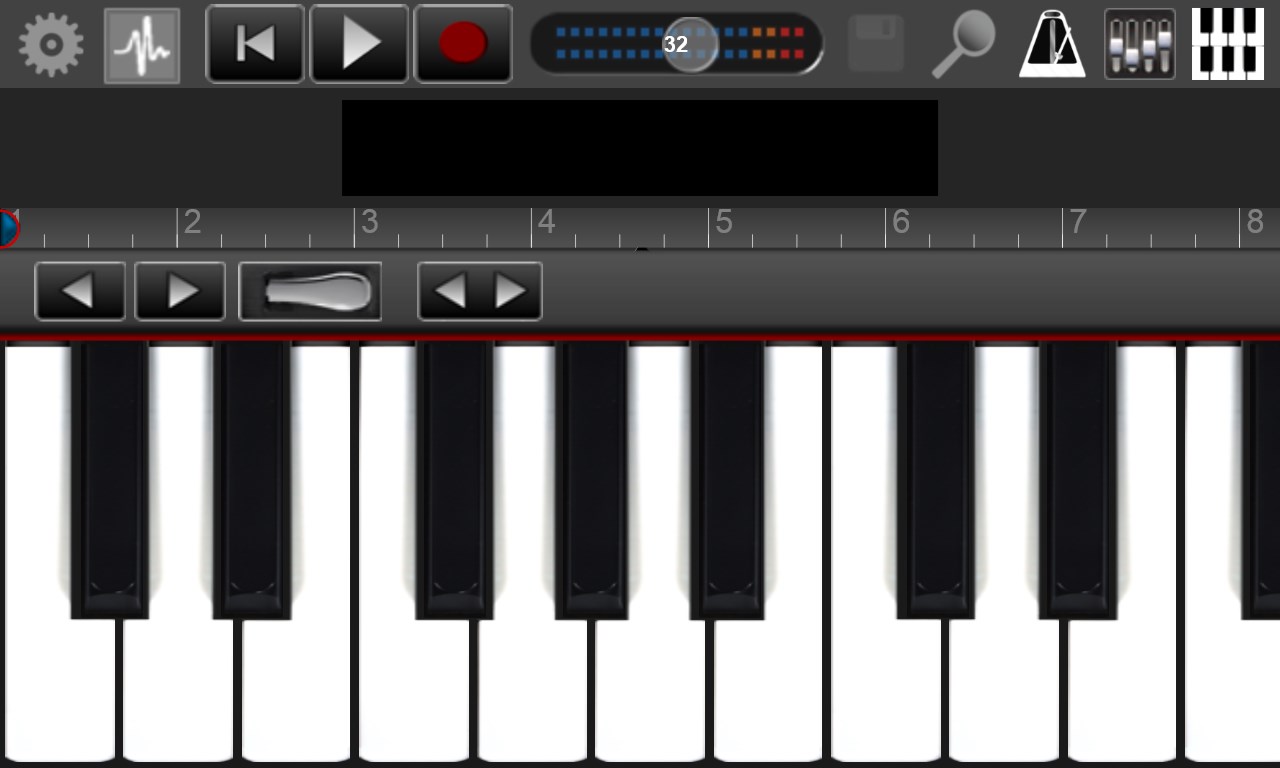
Recording Studio is a music production tool for Windows that handles recording, editing and mixing. It allows recording up to four audio tracks in the free version, or 32 with the Pro version, using either audio input or virtual instruments such as Grand Piano, Drums and Classical Guitar. Audio tracks can be recorded through a built-in microphone, an external microphone or a USB audio interface, while instrument tracks can be played via a multitouch keyboard or the computer keyboard and mouse. Recorded tracks can be edited in an integrated sample editor offering copy, paste, split, loop, fader and reverb functions.
Show the developer's original descriptionHide the original description
Recording Studio is a multitouch sequencer for Windows devices. Designed for quick and simple operation, Recording Studio makes recording, editing and mixing a breeze. Recording Studio is the perfect way to create great sounding music productions. With this free version you can record up to 4 tracks (32 tracks with the Pro version) by choosing between audio recordings or by using the instruments Grand Piano, Drums, Classical Guitar. The virtual instrument tracks can be recorded using the multitouch keyboards optimized for high performance and responsive touch or using the computer keyboard and mouse. The audio tracks can be recorded using the built-in microphone, by connecting an external microphone or using a USB audio interface. After recording your tracks, you may want to edit them in the integrated sample editor (copy/paste, split, loop, fader, reverb). Now you can import mp3,wma and wav audio files from your hard drive. Recording studio is constantly being updated and continually improved with new features. Video Tutorials https://www.youtube.com/channel/UCxTyr7hsgCLsSG1HD5jgUZQ
Technical details about Recording Studio
Category
Age Rating
Price
Size
318,5 MB
Last updated in Microsoft Store
2026-08-14
App Store Rating
2.9 ★
Devices
Recording Studio in the rankings
Manage app

Are you on the developer team behind Recording Studio?

Verify yourself and manage your listing on Most Voted Apps.
Verify Recording Studio for free
Verification usually takes only a few minutes.
Similar apps to Recording Studio