Screenshot appears after consentScreenshot appears after consentScreenshot appears after consentScreenshot appears after consentScreenshot appears after consentScreenshot appears after consentScreenshot appears after consentScreenshot appears after consentScreenshot appears after consentScreenshot appears after consent
Summary
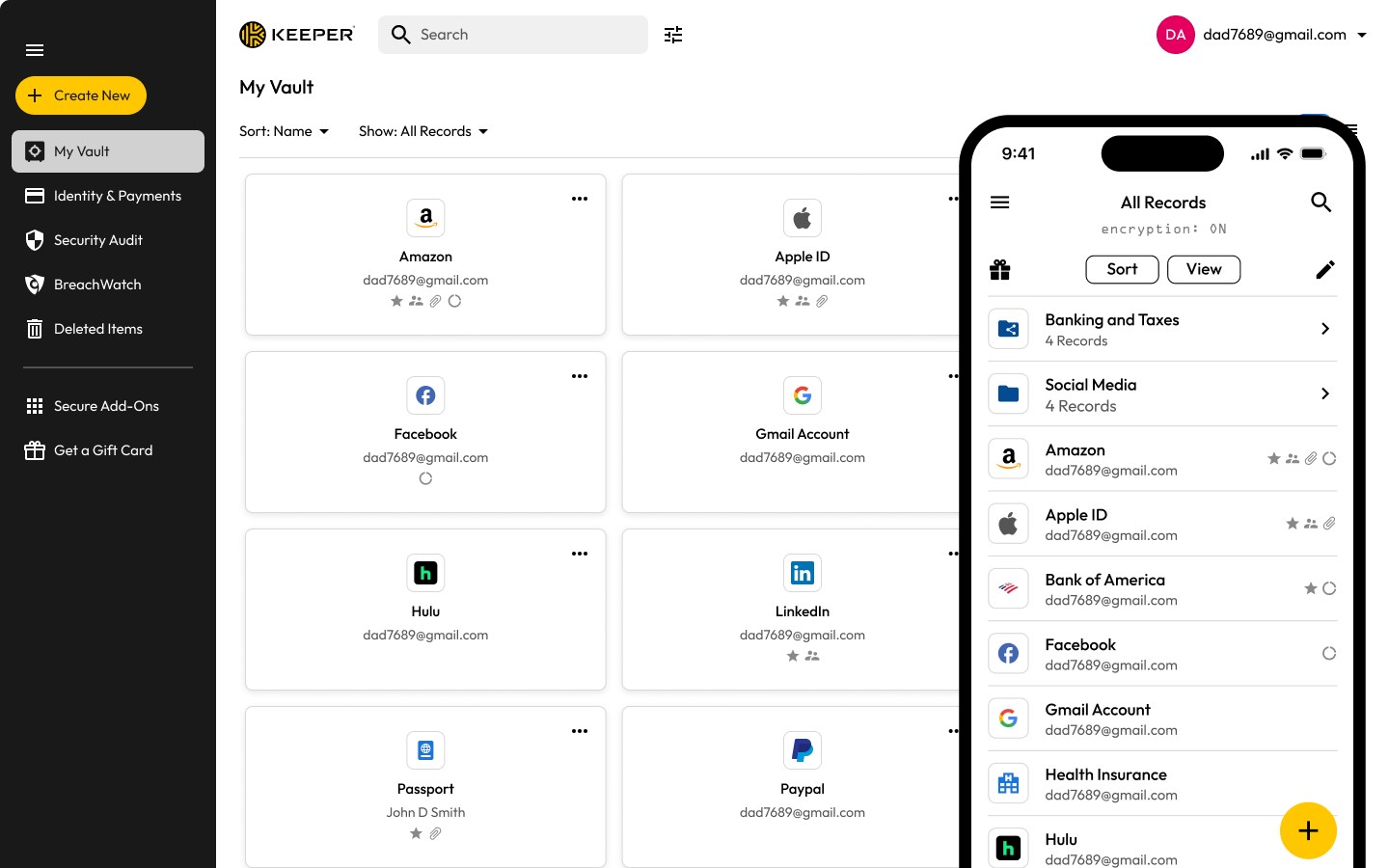
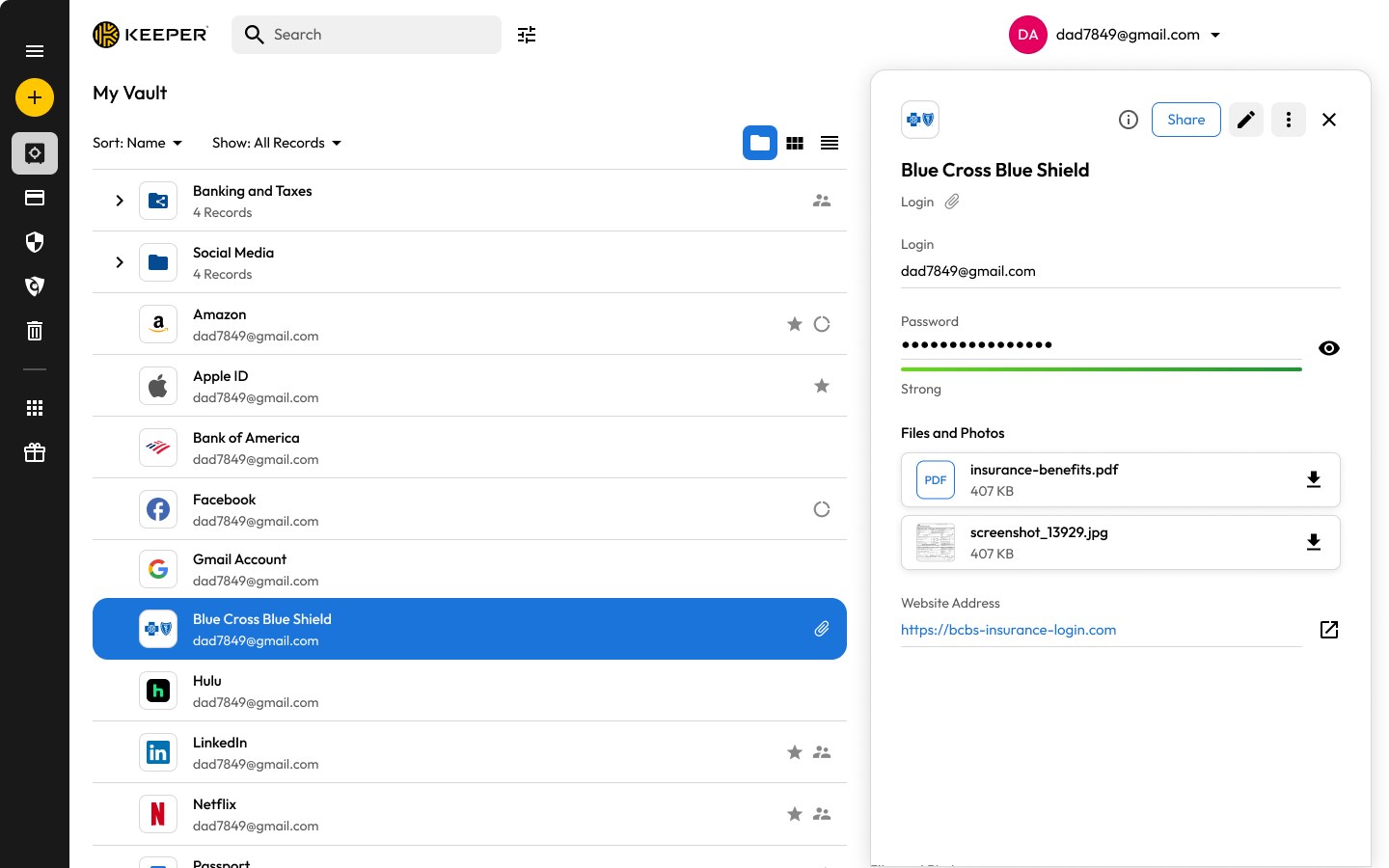
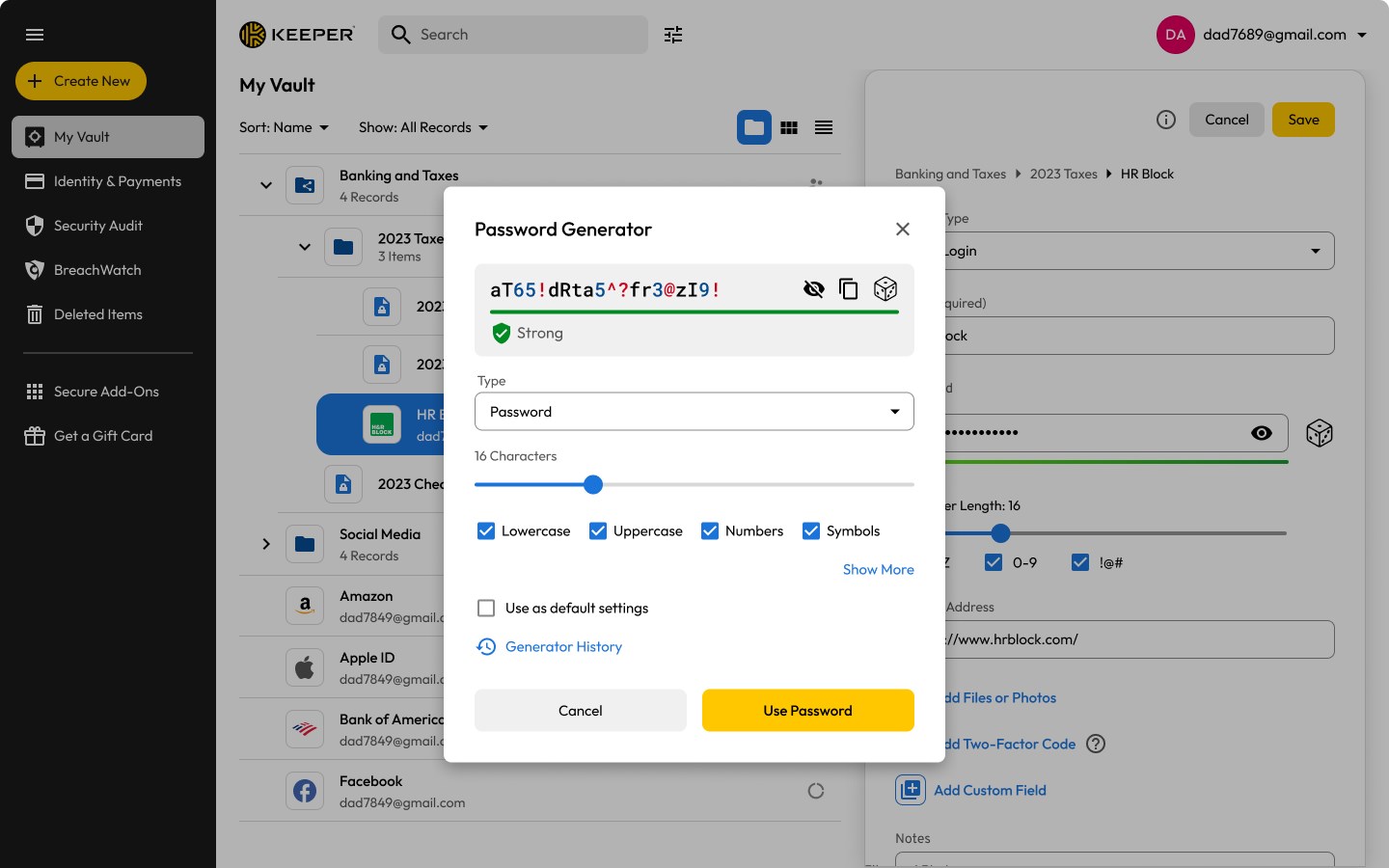
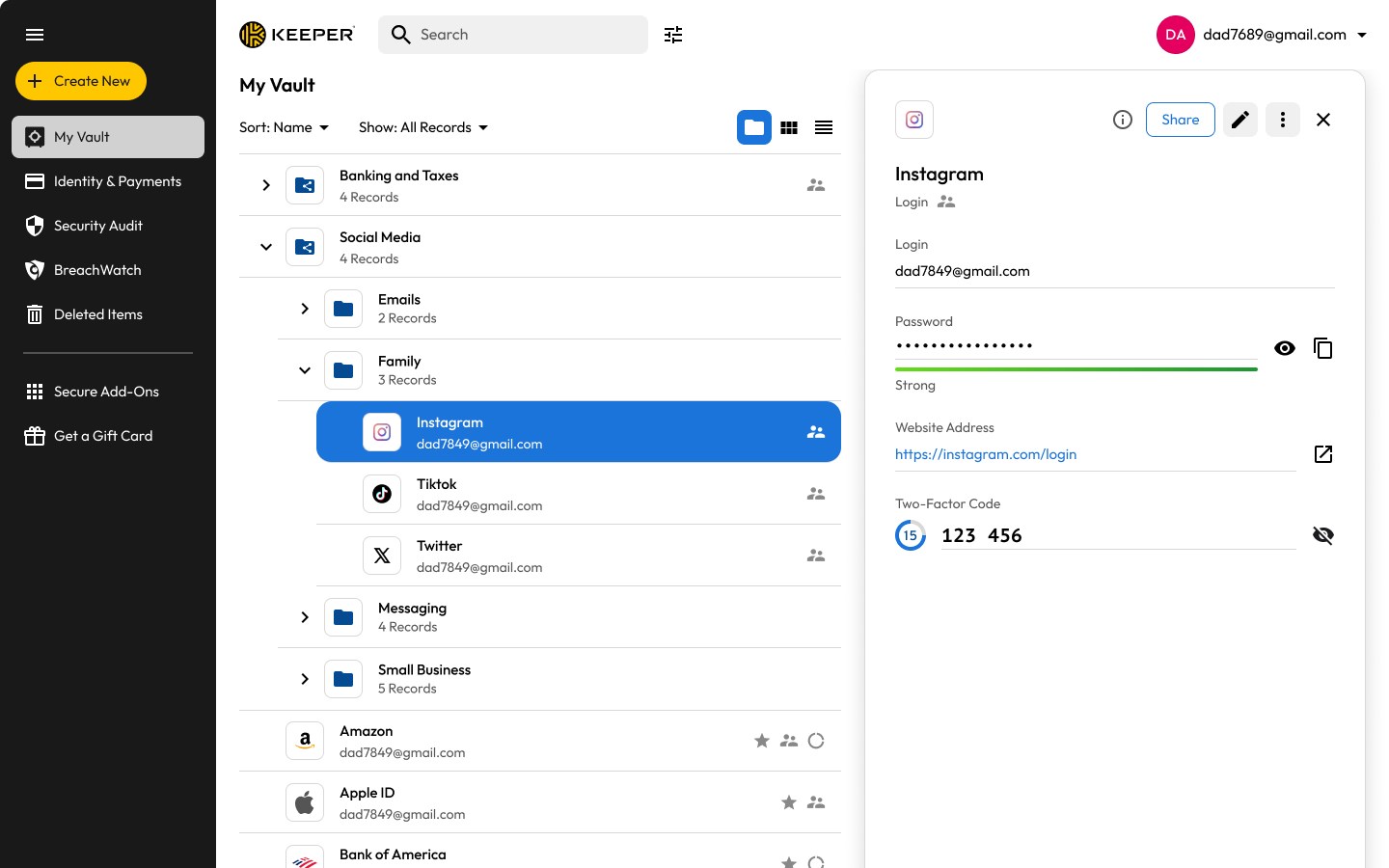
Keeper® Password Manager is a password manager that generates and autofills strong passwords and passkeys across devices, with QR-based capture of TOTP codes into the vault. Every record is encrypted on the device before reaching Keeper's servers, and hardware security keys such as YubiKey can protect the vault. It also stores payment cards, passports, insurance cards, secure notes, SSH keys and medical records, and can autofill payment and address details on websites. BreachWatch monitors the dark web and alerts users when an account appears in a breach, while passwords, passkeys and files can be shared through expiring one-time links with revocable permissions.
Show the developer's original descriptionHide the original description
Keeper is the leading password manager, combining enterprise-grade security with real human support. Trusted by millions of people and thousands of businesses, including Fortune 500 companies worldwide. Named Password Manager of the Year by PCMag and Top-Ranked Identity Security Solution by Newsweek.
SIGN IN INSTANTLY
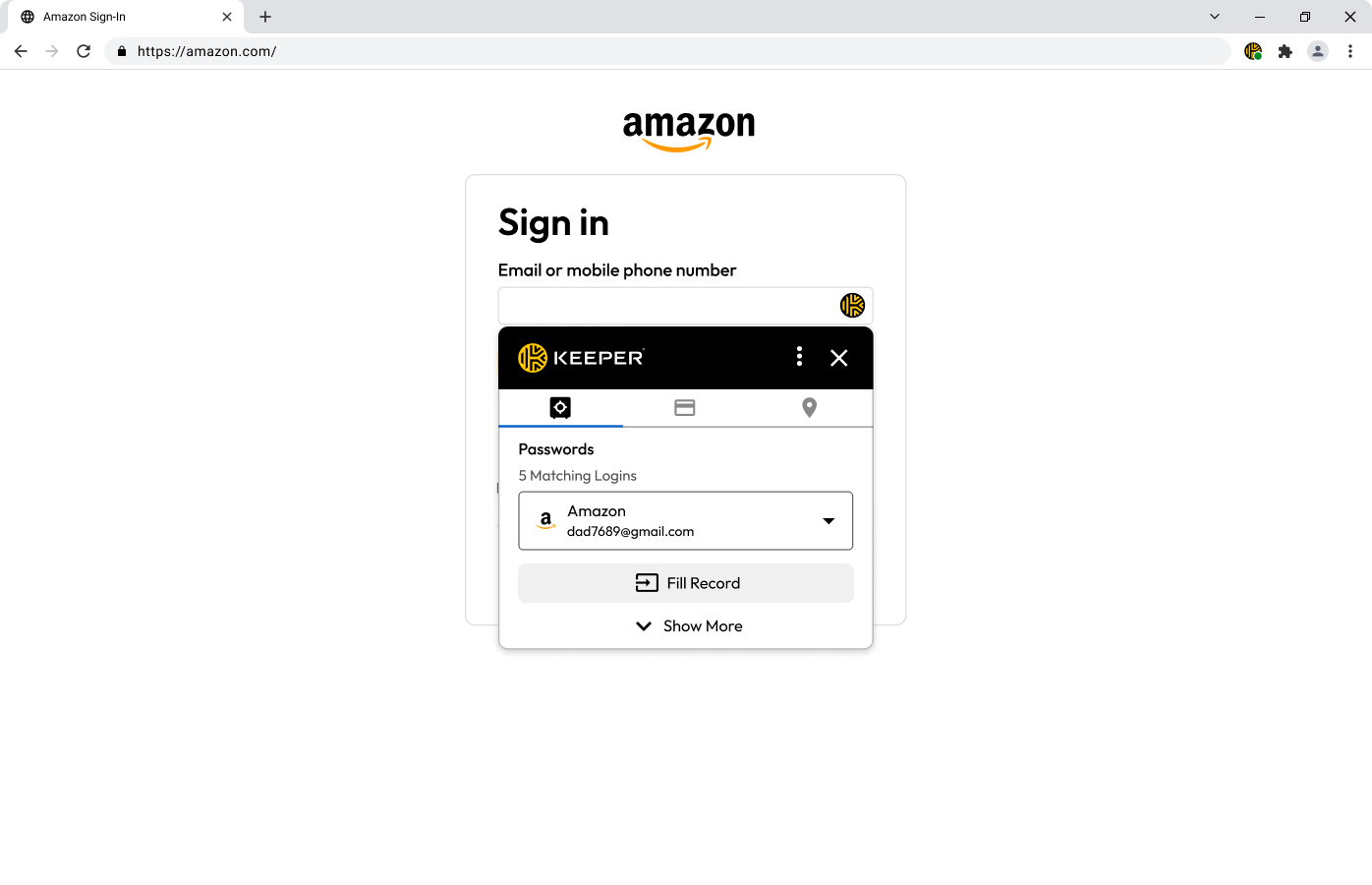
Generate strong, unguessable passwords and passphrases with one tap, then autofill them in any browser and app. Create and save passkeys that sync across all your devices. Scan a QR code to capture TOTP codes directly in your vault without switching between apps.
WORLD-CLASS SECURITY
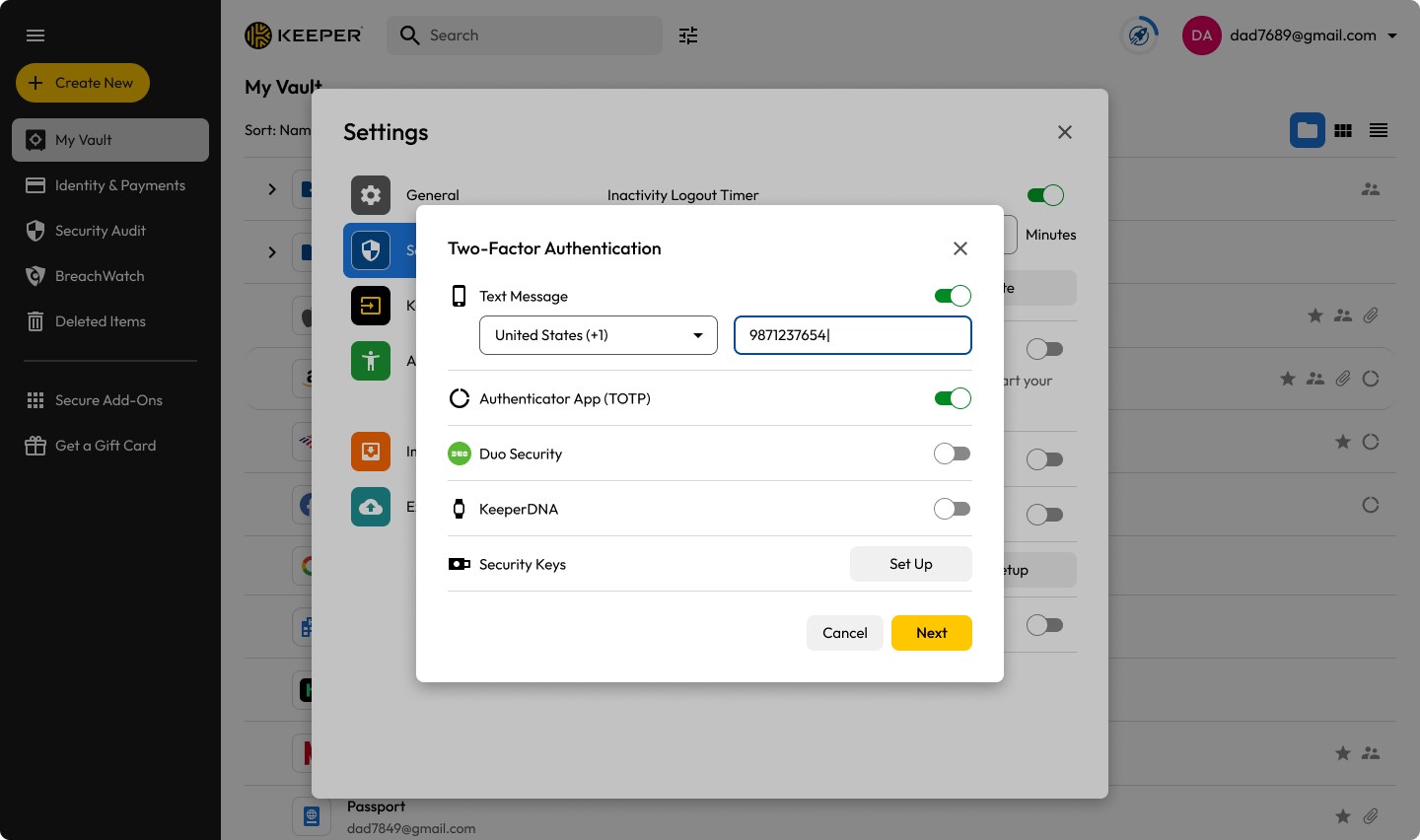
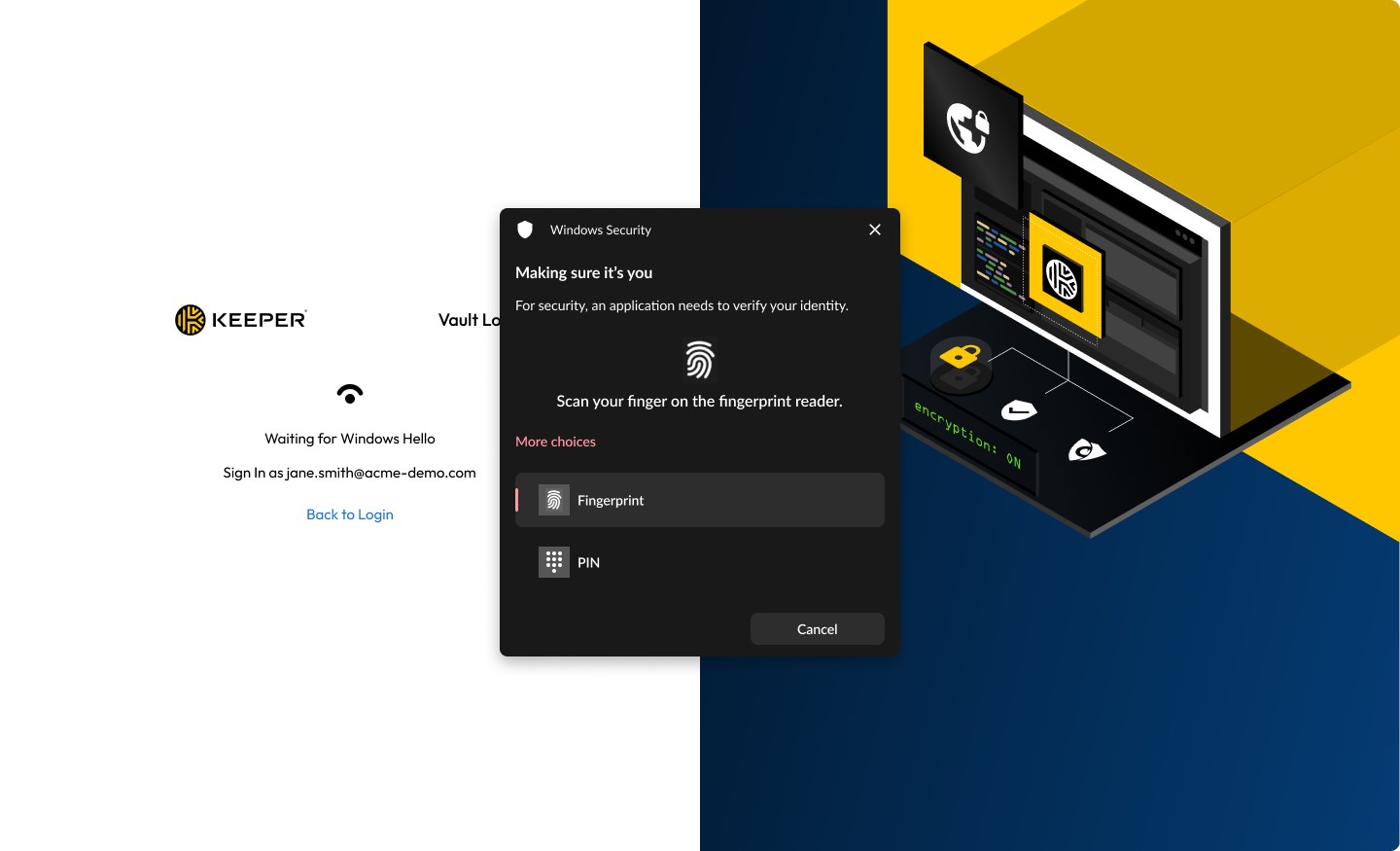
Every record is encrypted on your device before it ever touches our servers – unreadable to everyone, including Keeper. Protect your vault with hardware security keys like YubiKey®. The first password manager to deploy quantum-resistant cryptography directly into the app, to protect your data in transit against quantum threats. SOC 2 Type I and II; ISO 27001, 27017 and 27018 certified; FedRAMP High Certified and GovRAMP High Authorized; and recognized in the Gartner® Magic Quadrant™ for Privileged Access Management.
MORE THAN JUST PASSWORDS
Keeper is your complete digital vault – store and organize your passkeys, payment cards, passports, driver's licenses, insurance cards, secure notes, SSH keys, software licenses and medical records alongside your passwords. Everything encrypted, everything searchable, everything instantly available on every device. Automatically fill payment details, addresses and forms on any website – saving you time on everything you do online, every single day.
KEEPERPAM: PRIVILEGED ACCESS MANAGEMENT FOR EVERYONE
KeeperPAM is a modern, cloud-native, zero-trust and zero-knowledge Privileged Access Management solution built to protect access to your critical resources, including servers, web apps, databases and workloads. Key features and capabilities that can be used directly from the desktop app include:
• Password management
• Secrets management
• Multi-protocol privileged session management
• Support for RDP, SSH, VNC, K8s and database protocols
• Remote browser isolation
• Just-in-time access
24/7 EXPERT SUPPORT
Get help from a real Keeper expert anytime. Our dedicated support team is available around the clock, every day of the year. No bots and no week-long email chains – just professional team members who help you.
DARK WEB MONITORING
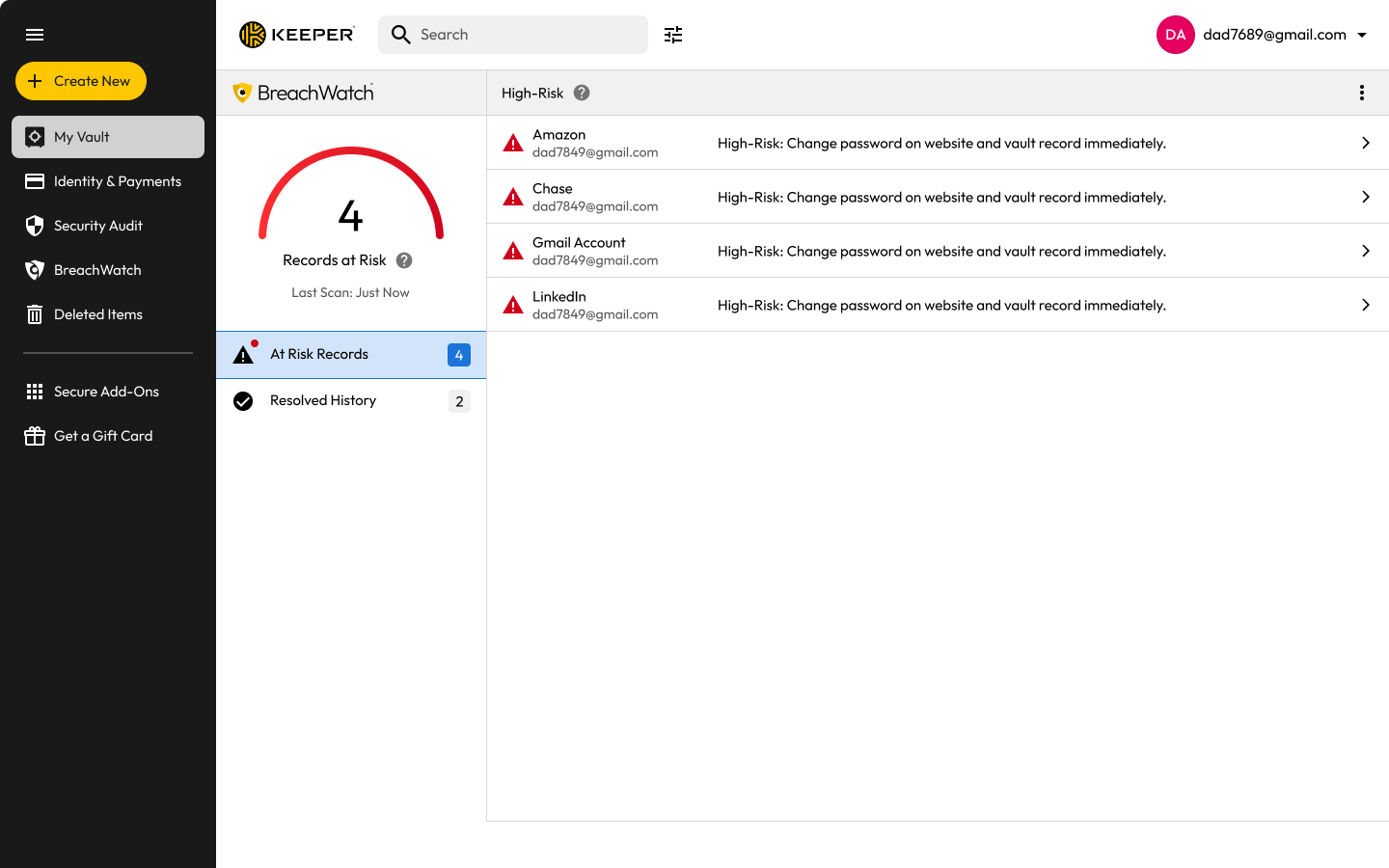
BreachWatch® continuously scans the dark web and alerts you the moment one of your accounts appears in a data breach, so you can change the password before cybercriminals use it. Best of all, monitoring runs entirely within Keeper's own secure infrastructure – your personal data stays completely private.
SECURELY SHARE PASSWORDS AND ACCESS
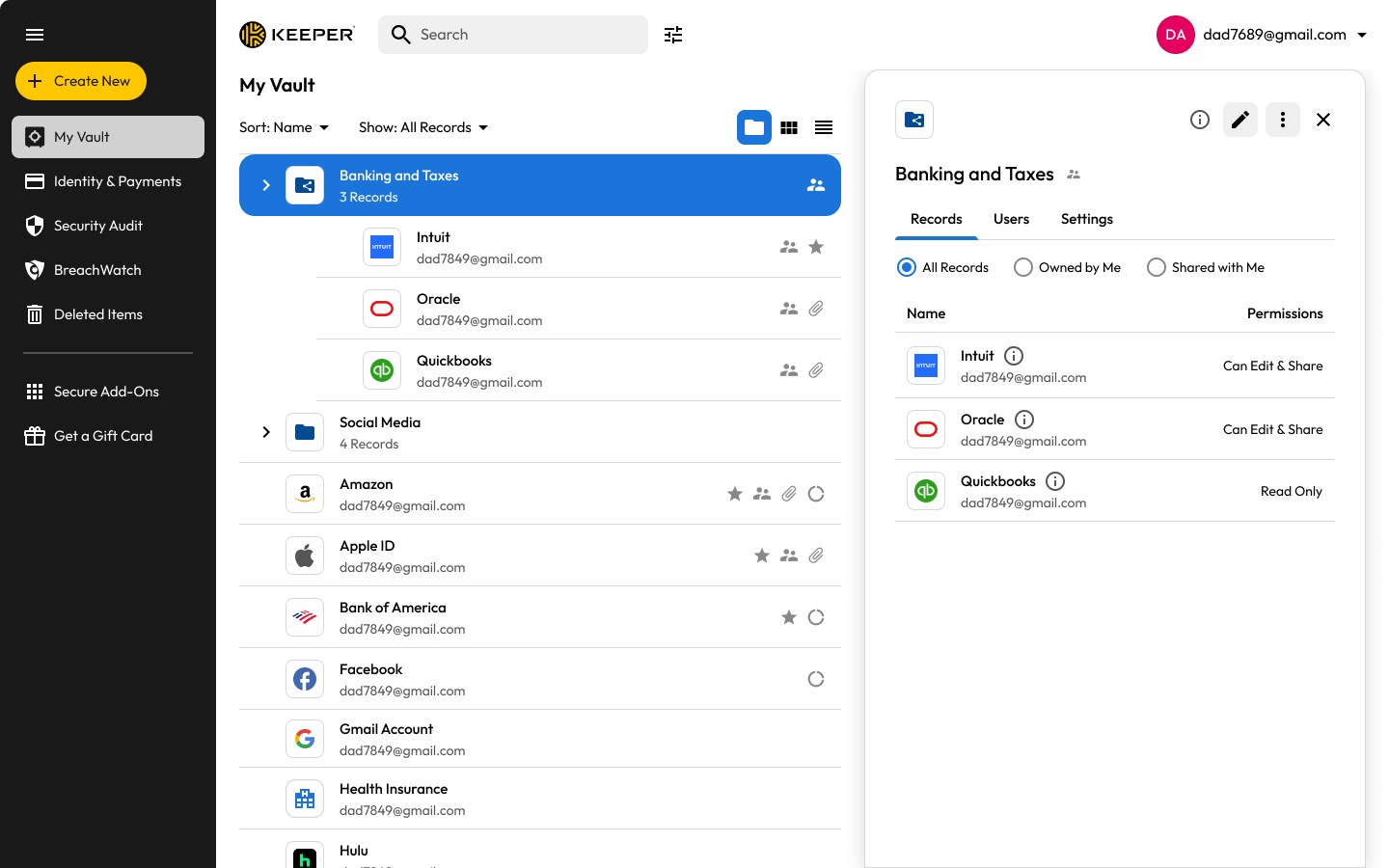
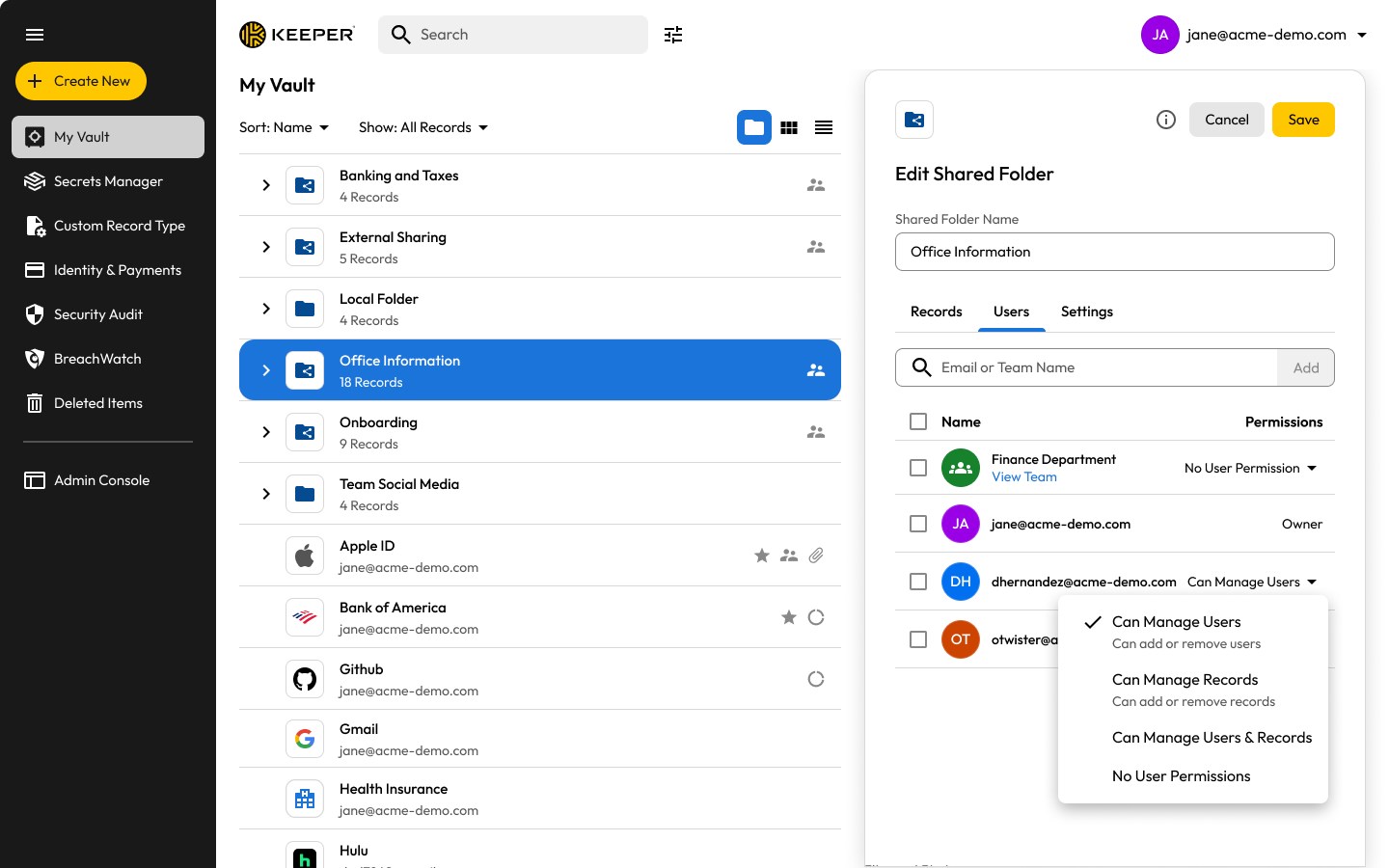
Share a password, passkey or file with anyone – even people who don't use Keeper – with a One-Time Share link that expires automatically. Set view-only or full edit access, revoke instantly and see changes sync in real time. Organize credentials in shared folders with nested subfolders and individual permissions for each person. No duplicate copies, no emailing passwords ever again.
GET STARTED IN MINUTES
Import from Edge, Chrome, 1Password, LastPass, Bitwarden, Dashlane and more.
Privacy Policy: https://keepersecurity.com/privacypolicy.html
Terms of Use: https://keepersecurity.com/termsofuse.html
If there is a version of this app for iOS/Mac or Windows we don't know about, paste the store link here — we'll auto-detect the store.
How to find the URL:1. Open the app in its store. 2.In the App Store app: tap the Share icon → “Copy Link”. In the browser: copy the URL from the address bar — it contains apps.apple.com/…/id… or apps.microsoft.com/detail/…. 3. Paste it here.
Paste the original link from the Apple App Store or Microsoft Store. We fetch all details automatically.
How to find the URL:
1. Open the app in its store. 2.In the App Store app: tap the Share icon → “Copy Link”. In the browser: copy the URL from the address bar — it contains apps.apple.com/…/id… or apps.microsoft.com/detail/…. 3. Paste it here.
Android apps can only be listed by their developer.




 Password Manager: Safe
Store and sync encrypted passwords and logins securely
 LastPass Password Manager
Store, generate and autofill passwords securely
 SecureSafe Password Manager
Cloud storage with password manager and strong encryption
 Bitwarden
Password manager with encrypted vault and passkey support
 KeePassXC
Store passwords and sensitive data encrypted
 mSecure - Password Manager and Digital Wallet
Securely store and sync passwords and sensitive data