
Screenshot appears after consentScreenshot appears after consentScreenshot appears after consentScreenshot appears after consentScreenshot appears after consentScreenshot appears after consentScreenshot appears after consentScreenshot appears after consentScreenshot appears after consent
Summary
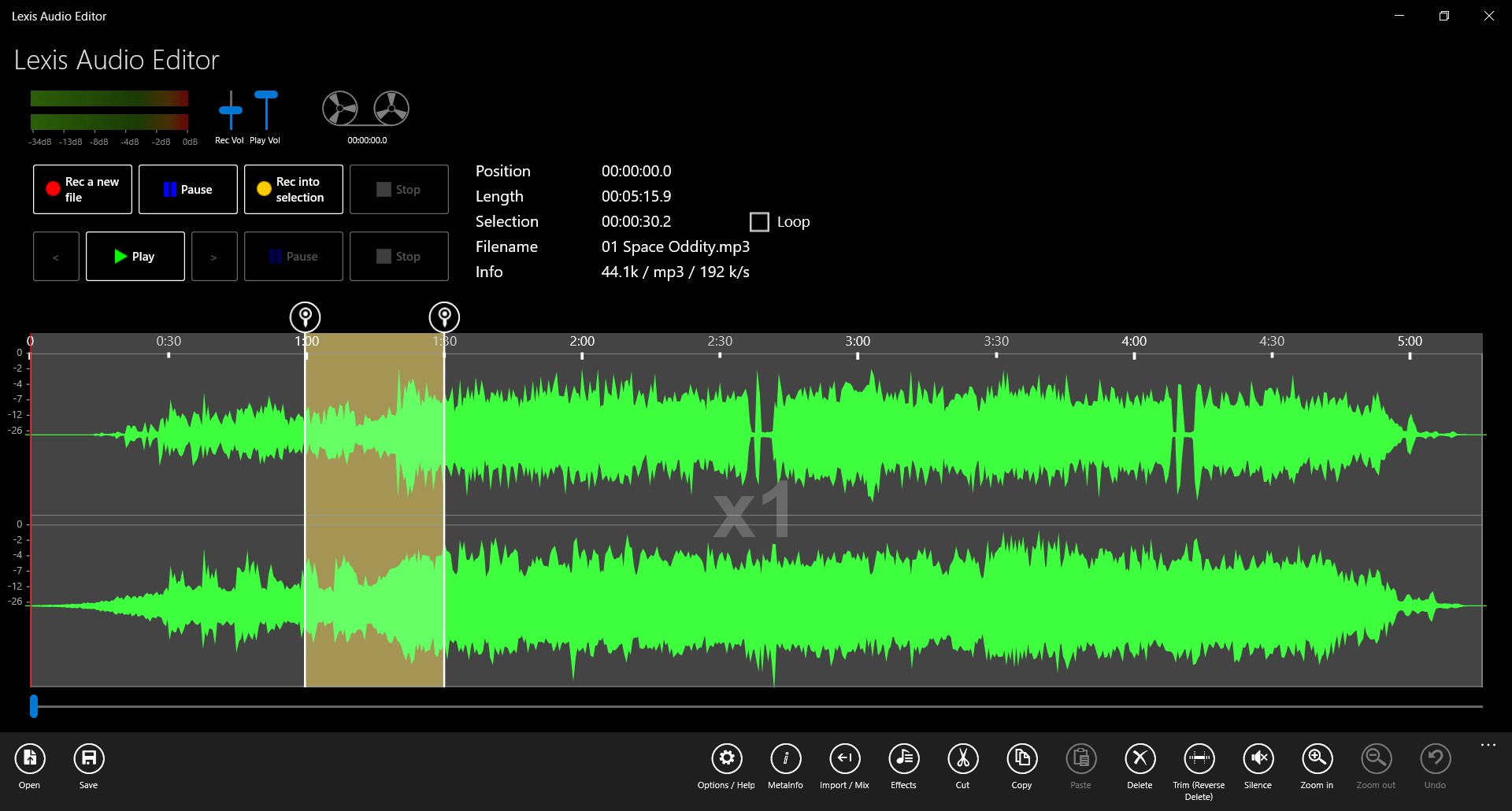
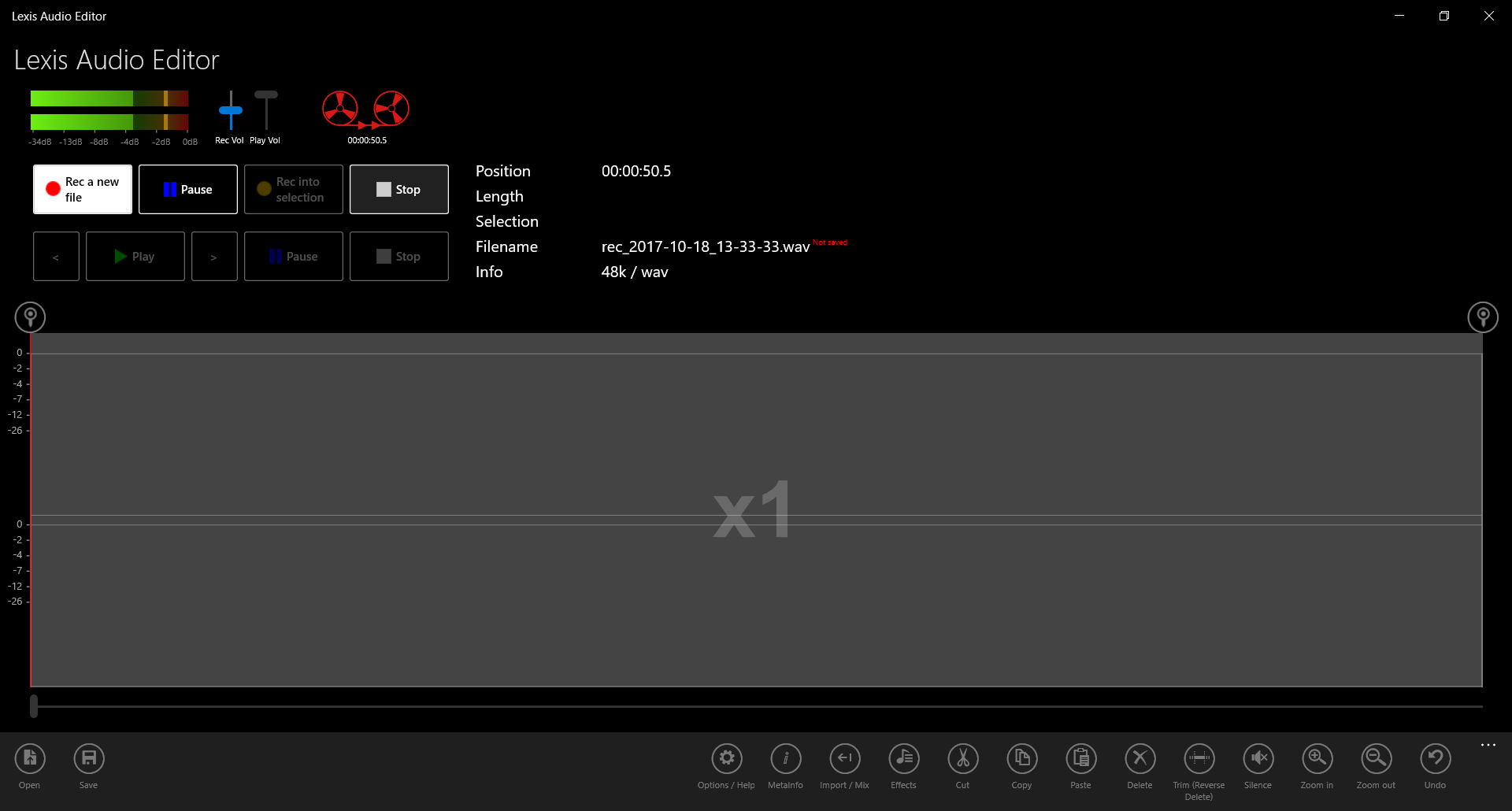
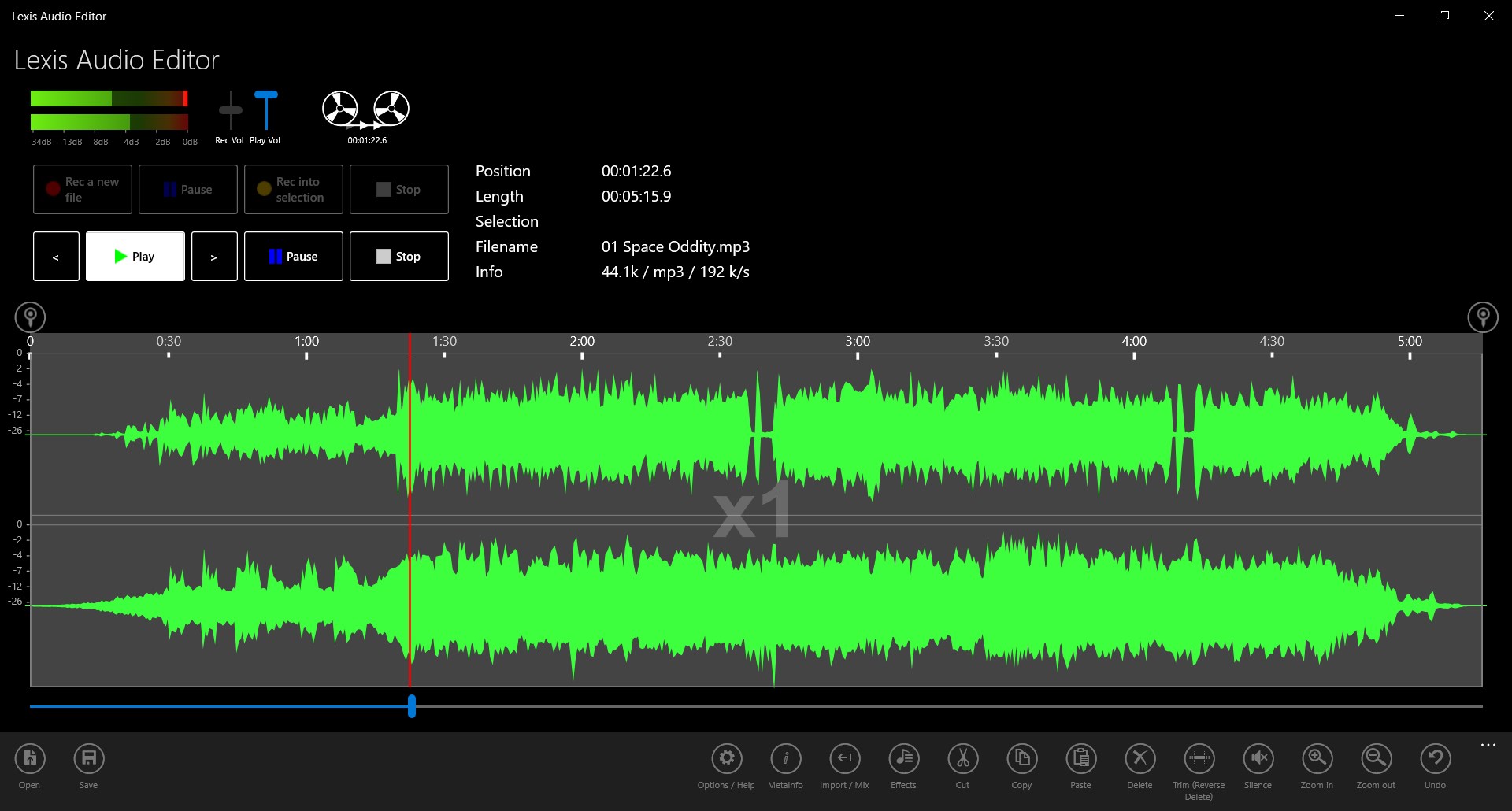
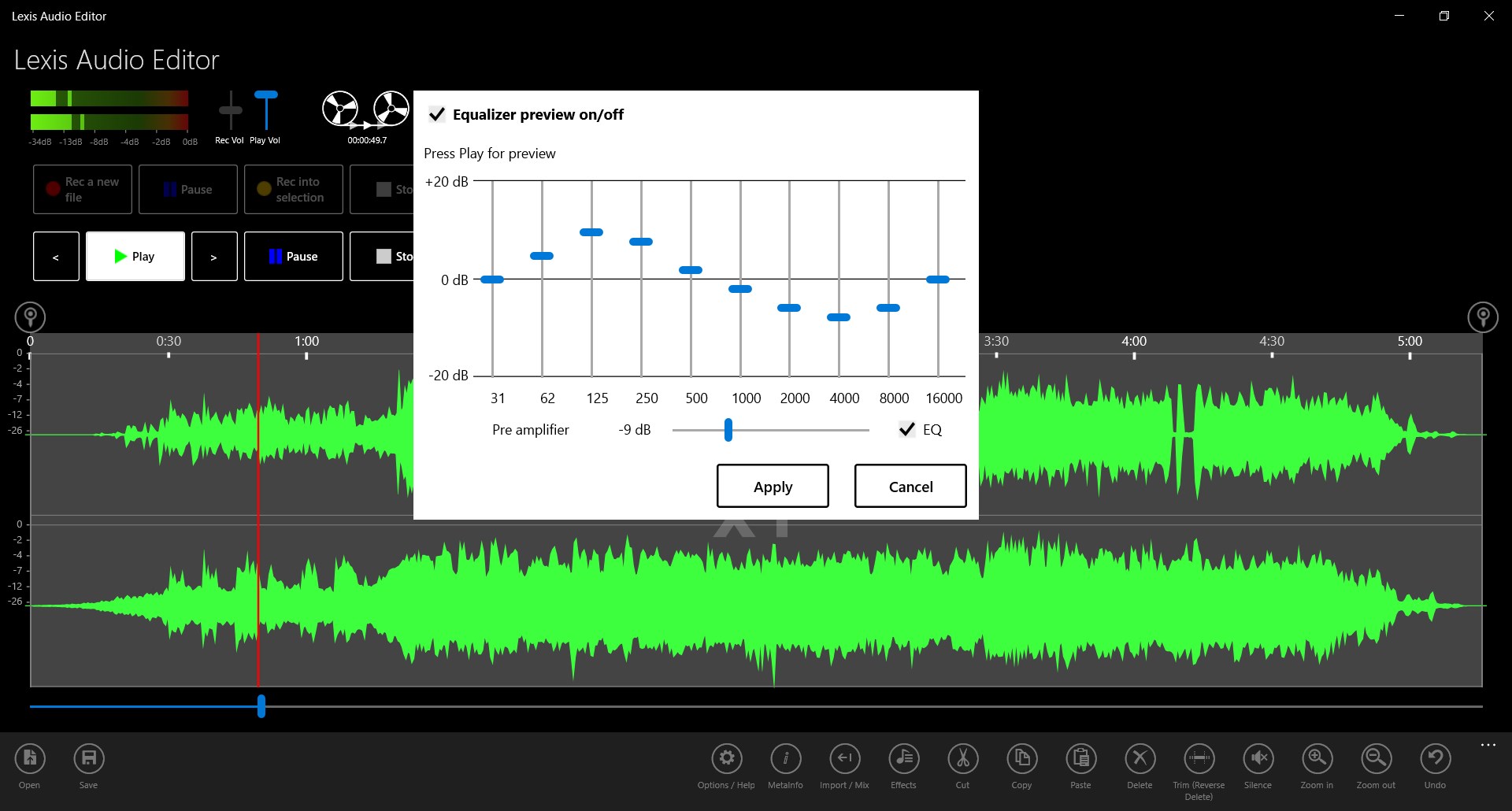
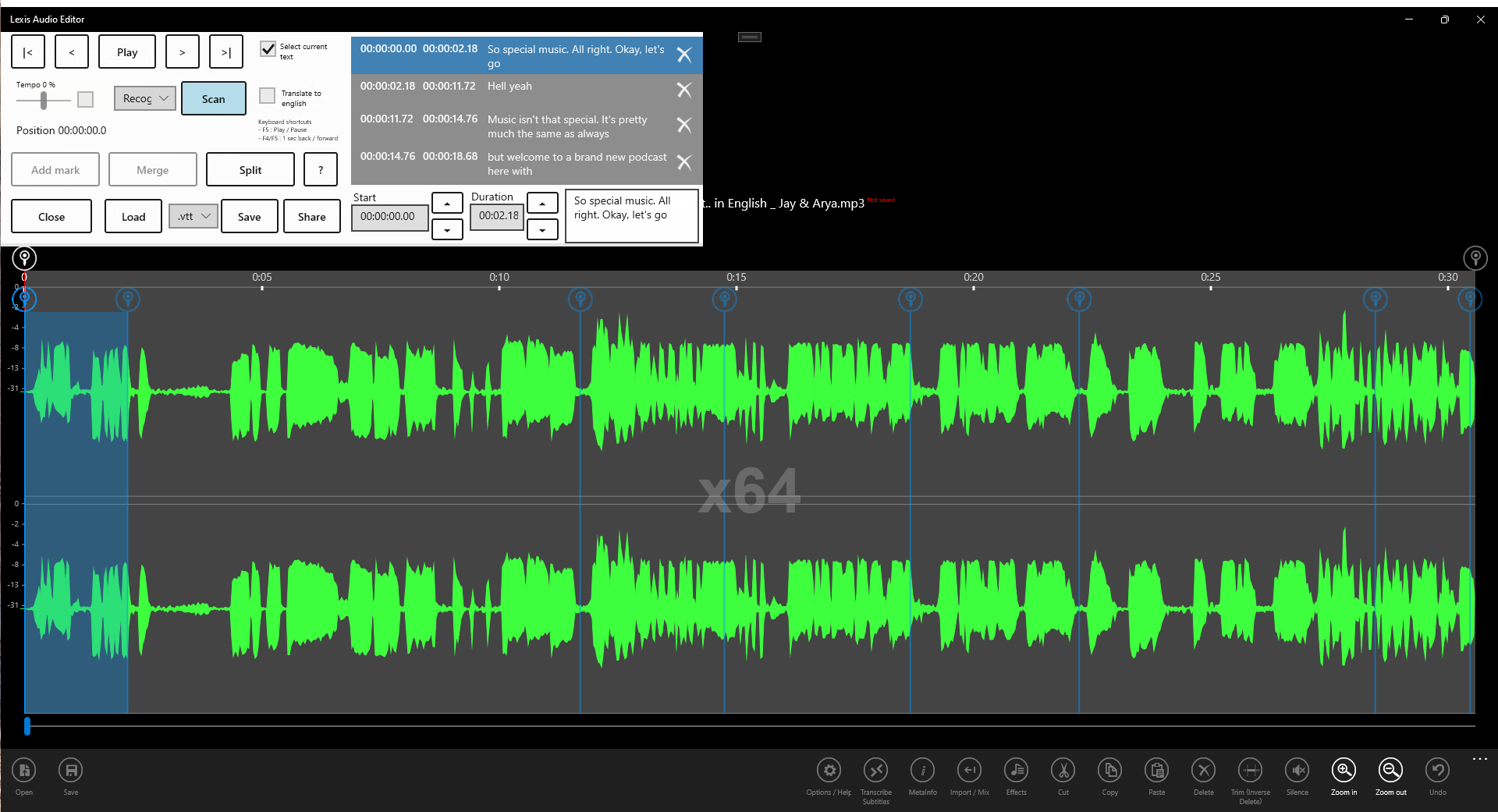
Lexis Audio Editor is an audio editor for creating new recordings and editing existing audio files. It saves files in a chosen audio format, including wav, wma, m4a and, in the paid version, mp3. The app can automatically transcribe audio files using AI in 96 languages. It can also convert text into spoken speech. A trial version offers all features of the paid version except its AddOn functions and mp3 export.
Show the developer's original descriptionHide the original description
Create new audio recordings or edit audio files with the editor. Save the files in the desired audio format.
Transcribe the audio file automatically with AI in 96 languages. Convert text to speech.
The trial version has all the features of the paid version (except the AddOn functions) including save in wav, wma and m4a format. The saving in mp3 format is available only in the paid version.
If there is a version of this app for iOS/Mac or Windows we don't know about, paste the store link here — we'll auto-detect the store.
How to find the URL:1. Open the app in its store. 2.In the App Store app: tap the Share icon → “Copy Link”. In the browser: copy the URL from the address bar — it contains apps.apple.com/…/id… or apps.microsoft.com/detail/…. 3. Paste it here.
Paste the original link from the Apple App Store or Microsoft Store. We fetch all details automatically.
How to find the URL:
1. Open the app in its store. 2.In the App Store app: tap the Share icon → “Copy Link”. In the browser: copy the URL from the address bar — it contains apps.apple.com/…/id… or apps.microsoft.com/detail/…. 3. Paste it here.
Android apps can only be listed by their developer.