

Screenshot appears after consentScreenshot appears after consentScreenshot appears after consentScreenshot appears after consentScreenshot appears after consent
Summary
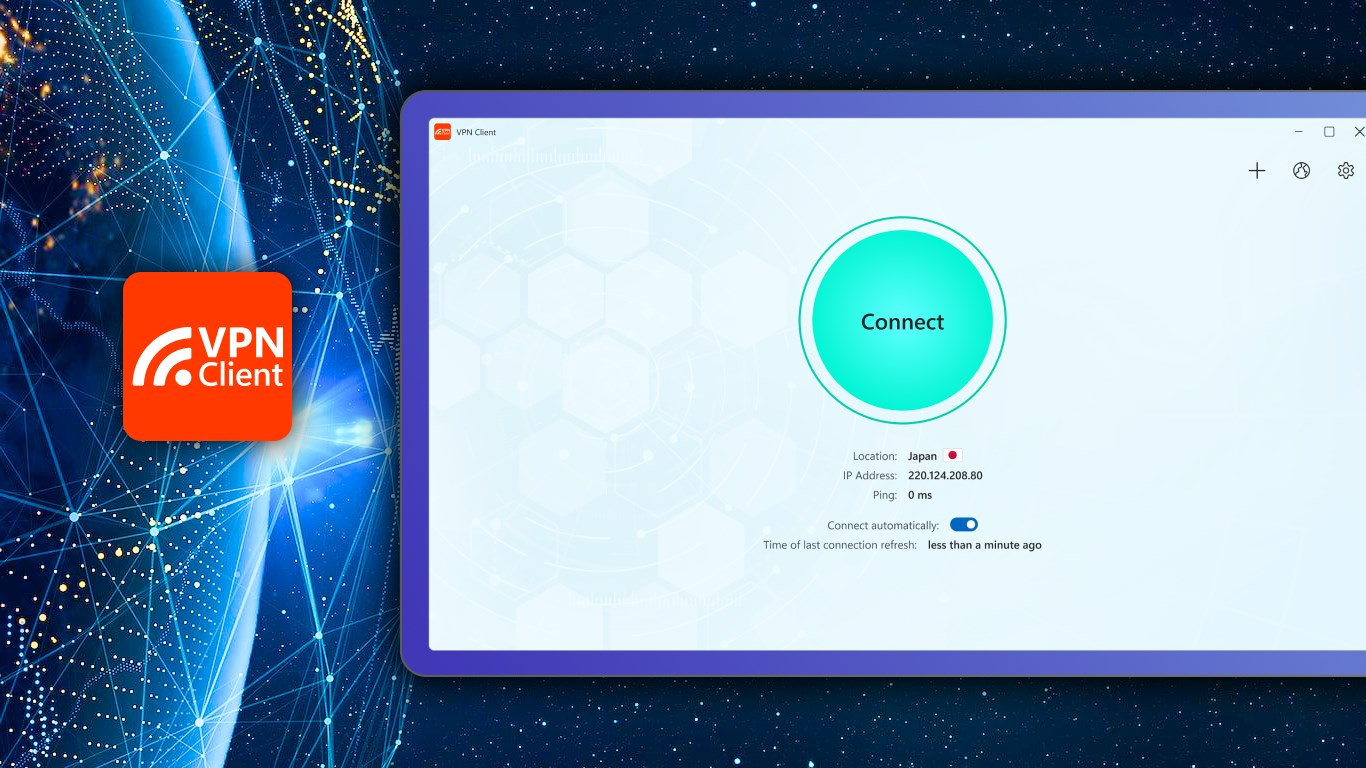
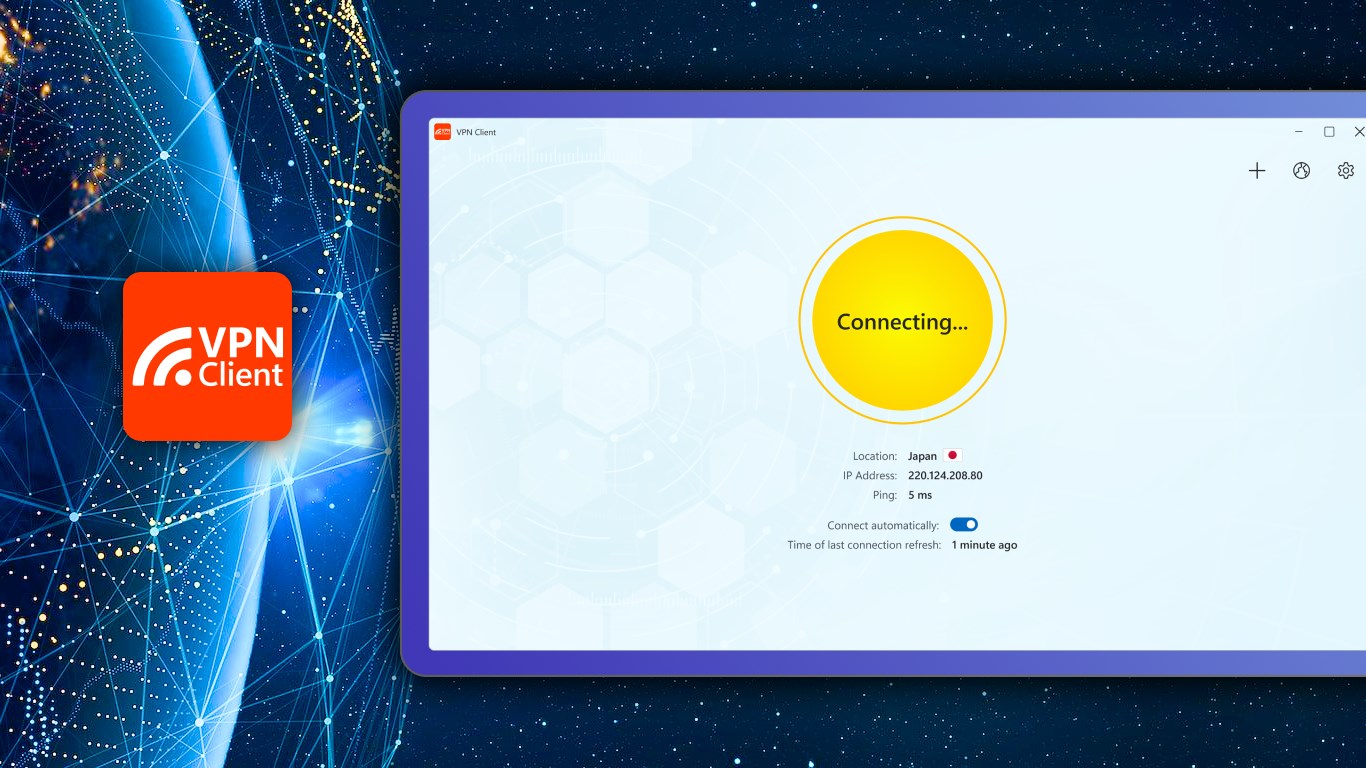
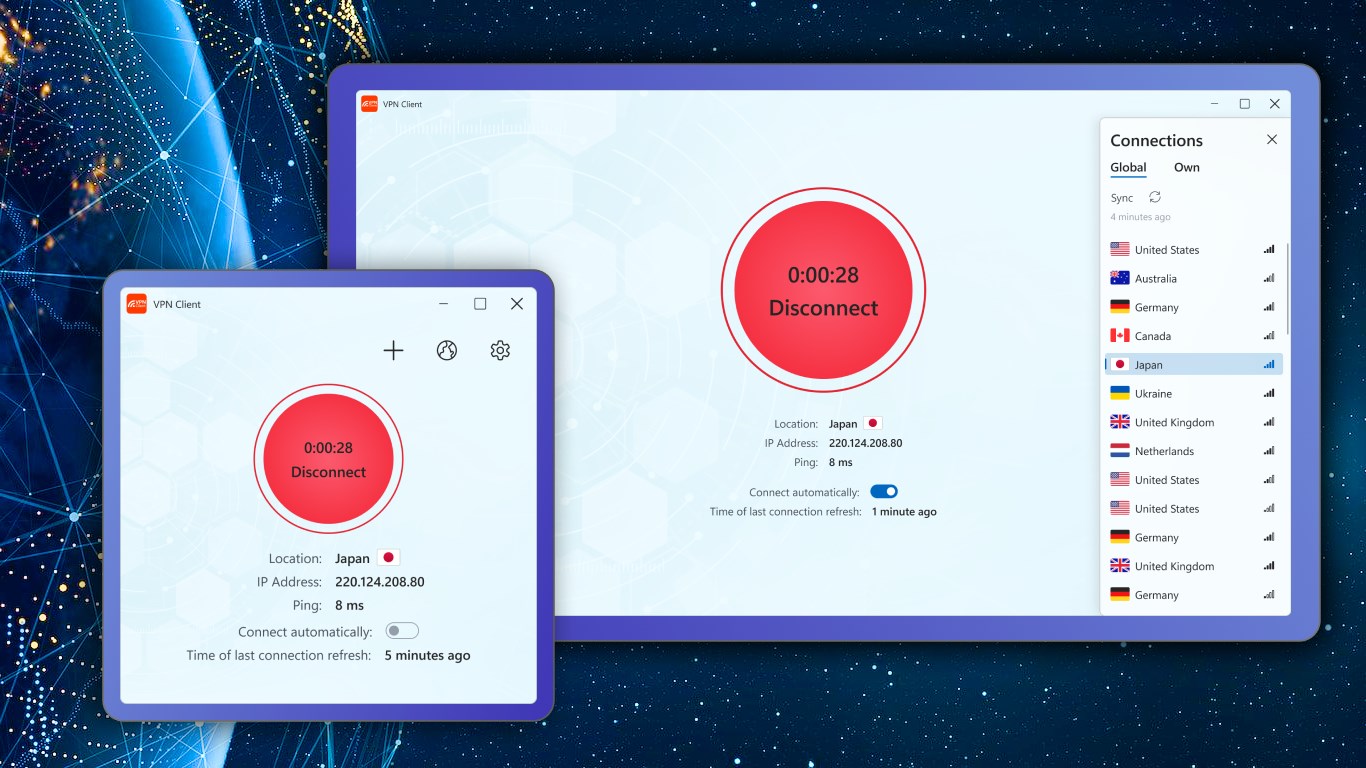
VPN Client is a virtual private network app that provides access to video, music, social media and other online content by bypassing content restrictions and censorship. It hides the user's IP address and encrypts network data, making online activity anonymous and untraceable according to the provider. The app includes dedicated servers for streaming, torrenting and privacy, and it connects automatically to the best-matched server based on location, with manual server selection also available. A trial period offers limited access to premium features, while the premium version unlocks the full range of capabilities.
Show the developer's original descriptionHide the original description
Greatest and Fastest Virtual Private Network (VPN) application.
VPN Client defeats content restrictions and censorship to deliver unlimited access to video, music, social media, and more, from anywhere in the world.
You become anonymous in seconds with our VPN application. It hides your IP address and encrypts your network data so everything you do behind the VPN connection is 100% anonymous and untraceable.
VPN Client has dedicated servers for streaming, torrenting, and ultimate privacy. The application connects automatically to the best-matched server based on your current location, or you can choose it manually.
Click the "Get" button and use all the features of the VPN Client and VPN servers.
During the trial period, the app offers additional premium features, some of which may be restricted; however, rest assured that our premium version unleashes the complete range of capabilities!
If there is a version of this app for iOS/Mac or Windows we don't know about, paste the store link here — we'll auto-detect the store.
How to find the URL:1. Open the app in its store. 2.In the App Store app: tap the Share icon → “Copy Link”. In the browser: copy the URL from the address bar — it contains apps.apple.com/…/id… or apps.microsoft.com/detail/…. 3. Paste it here.
Paste the original link from the Apple App Store or Microsoft Store. We fetch all details automatically.
How to find the URL:
1. Open the app in its store. 2.In the App Store app: tap the Share icon → “Copy Link”. In the browser: copy the URL from the address bar — it contains apps.apple.com/…/id… or apps.microsoft.com/detail/…. 3. Paste it here.
Android apps can only be listed by their developer.