


AdBlocker Ultimate Lite
Blocks ads, trackers and malware across browsers and apps AI summary
Screenshots
Summary
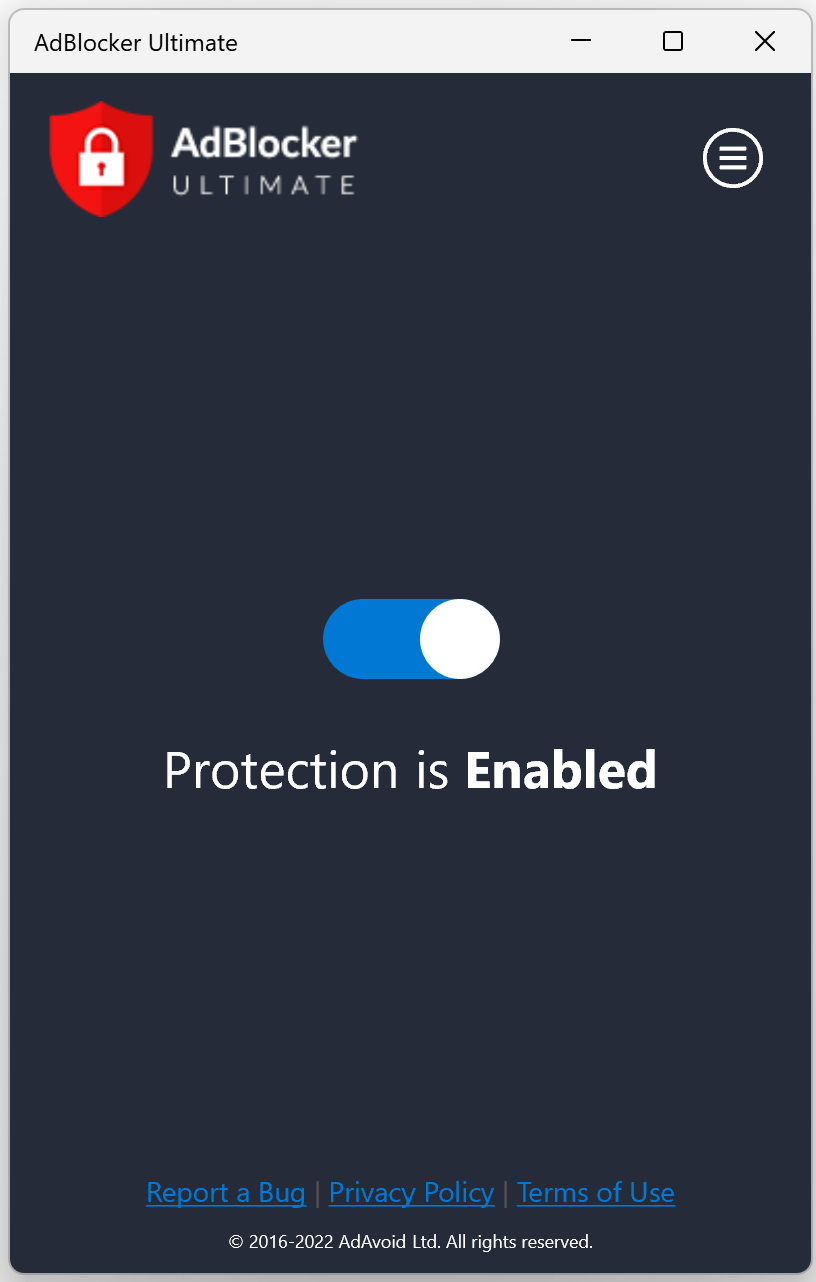
AdBlocker Ultimate Lite is an ad blocker that works across browsers and apps by blocking network requests based on hostnames. It blocks video ads, banner and text ads, interstitial and floating ads, and pop-ups. It also blocks online trackers and malicious content such as malware. The hostname-based approach only matches requests by host, so advanced filtering or element hiding is not supported. Using the app reduces unnecessary network activity, improves page load times, optimizes memory use and lowers bandwidth usage by cutting out unwanted traffic. The app is free.
Show the developer's original descriptionHide the original description
The Ultimate Free Ad Blocker for All Browsers and Apps
Take control of your online experience with AdBlocker Ultimate. Block ads, trackers, and malicious websites with ease, using a simple yet effective hostname-based approach.
What AdBlocker Ultimate Blocks:
- Video Ads
- Banner and Text Ads
- Interstitial and Floating Ads
- Pop-ups/Pop-unders
- Online Trackers
- Malicious Content (Malware)
How It Works:
AdBlocker Ultimate blocks network requests to hosts that are identified as delivering ads, trackers, or malicious content. This streamlined approach ensures fast and reliable protection, but keep in mind:
- Only requests matched by hostname can be blocked.
- Advanced filtering or element hiding is not supported.
Benefits of Using AdBlocker Ultimate:
- Faster Browsing: Reduce unnecessary network activity.
- Improved Page Load Times: Avoid delays caused by resource-heavy ads.
- Optimized Memory Use: Free up resources for what matters.
- Lower Bandwidth Usage: Save data by cutting out unwanted traffic.
For enhanced features and additional protection, check out our advanced version: https://adblockultimate.net/windows
Technical details about AdBlocker Ultimate Lite
AdBlocker Ultimate Lite in the rankings
Manage app
Are you on the developer team behind AdBlocker Ultimate Lite?
Verify yourself and manage your listing on Most Voted Apps.
Verify AdBlocker Ultimate Lite for free
Verification usually takes only a few minutes.
Similar apps to AdBlocker Ultimate Lite
 1Blocker: Ad Blocker
Ad and tracker blocker for Safari browsing
 uBlock Origin Lite
Ad and tracker blocker with no background process
 StayFree - Usage Tracker & App and Website Blocker
Track screen time and block distracting apps and websites
 Fast Internet Browser
Web browser with ad blocker, private mode and tabs
 AdGuard Ad Blocker for Safari
Ad blocker for Safari with DNS protection and tracker
 Wipr 2
Blocks ads, trackers and popups in Safari