Screenshot appears after consentScreenshot appears after consentScreenshot appears after consentScreenshot appears after consent
Summary
Authenticator App · 2FA is a free security tool that generates two-factor authentication codes and time-based one-time passwords for signing into online accounts on Windows, adding an extra layer of protection. It stores and generates 2FA codes refreshing every 30 seconds, with accounts added via QR code scan or manual entry, including imports from Google Authenticator and Microsoft Authenticator. It supports encrypted synchronization and backup across smartphones, tablets and Windows PCs via Google Cloud, securing access with a password or fingerprint. It also offers account import and export, backup and recovery codes, and custom folders for organizing accounts.
Show the developer's original descriptionHide the original description
All-in-one & Free authenticator app — fast, secure, and feature-rich!
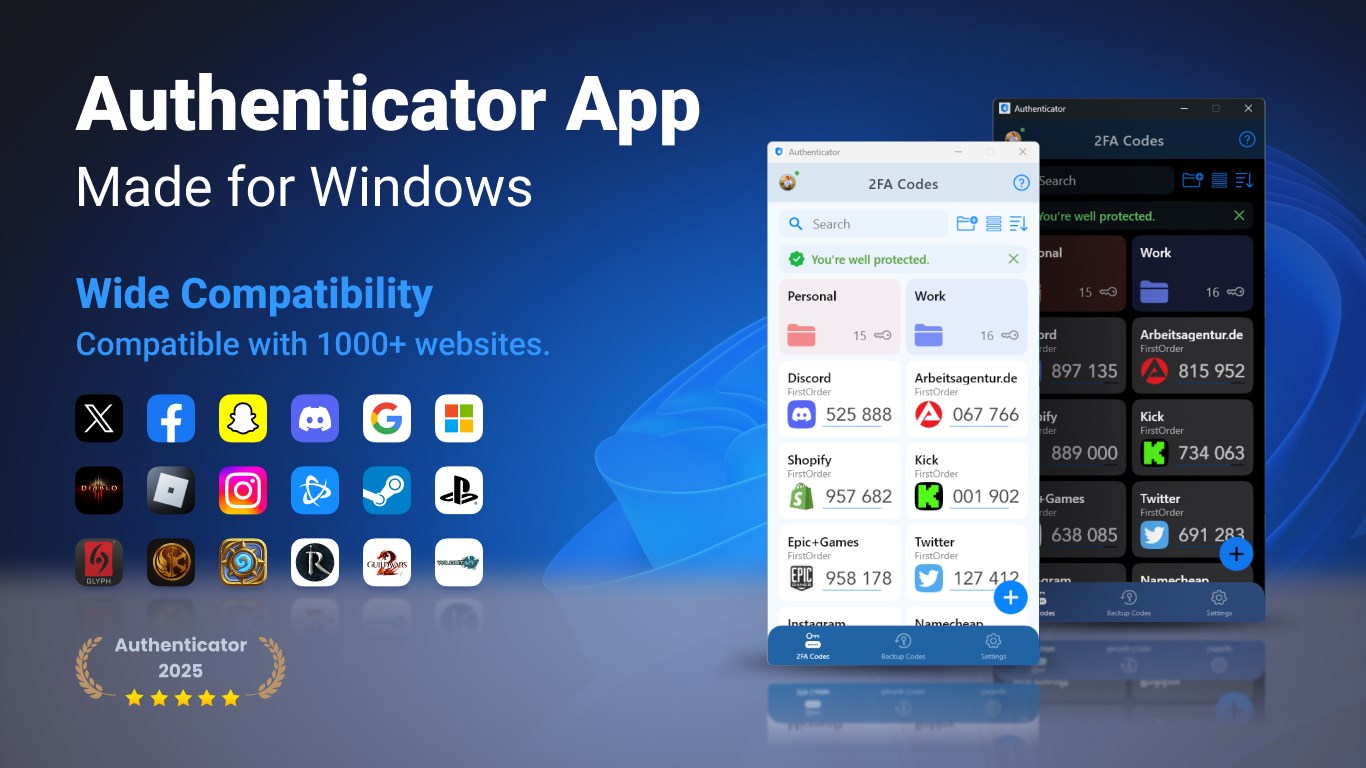
Authenticator App is a highly secure authentication app that can generate 2FA(two-factor authentication) tokens/TOTP(time-based one-time passwords) for Windows users when signing into their online accounts and help them to protect their accounts from hackers by adding an additional layer of security. This TOTP authenticator app supports synchronization & backup across smart phones, tablets and Windows PC by using Google Cloud.
The Authenticator app is compatible with more than 1000 websites and services that provide two-factor authentication.
Key Features:
1. Store and generate 2FA codes. The code will update to a new one every 30 seconds.
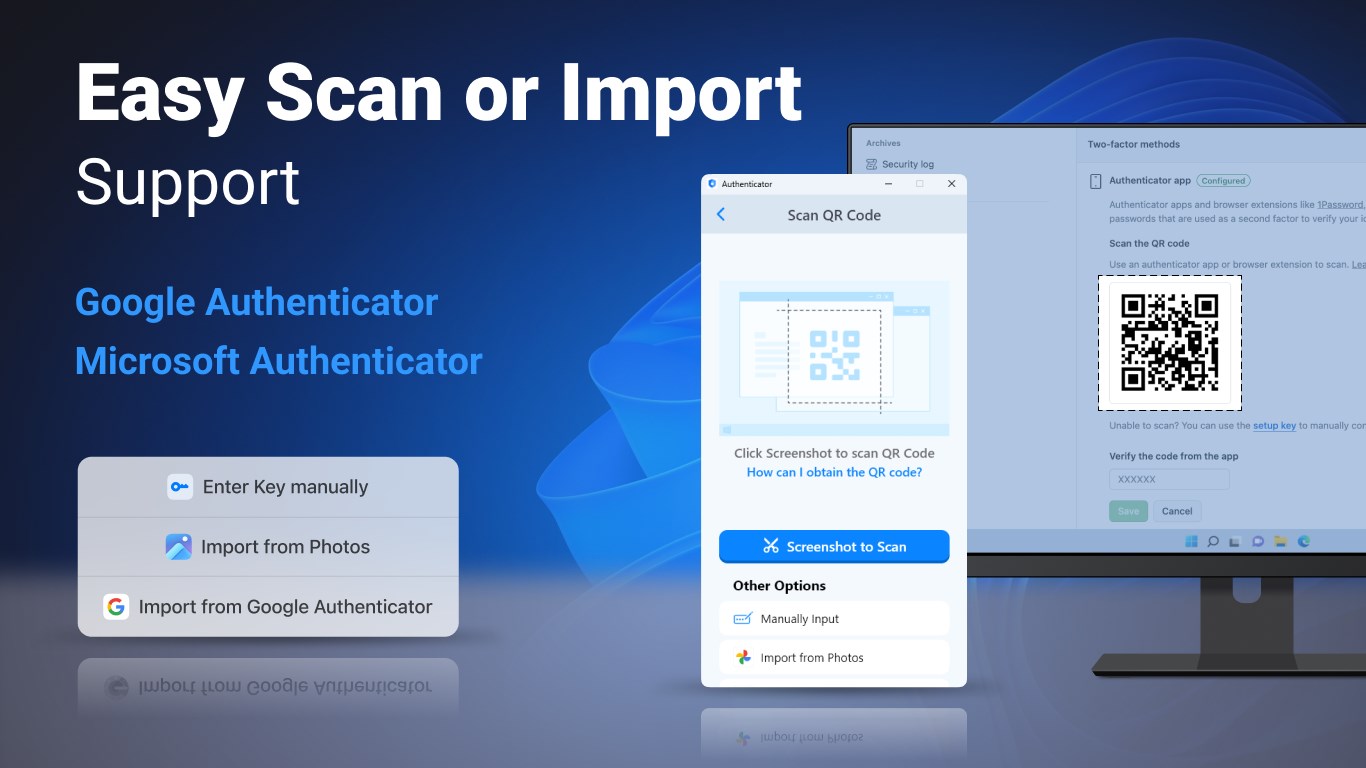
2. Easy to setup 2FA. Scan QR Code or enter manually to add 2FA account, support import from Google Authenticator, also support Mircosoft Authenticator.
3. User-friendly guides. The app has instructions that describe basic steps, such as adding 2FA Code.
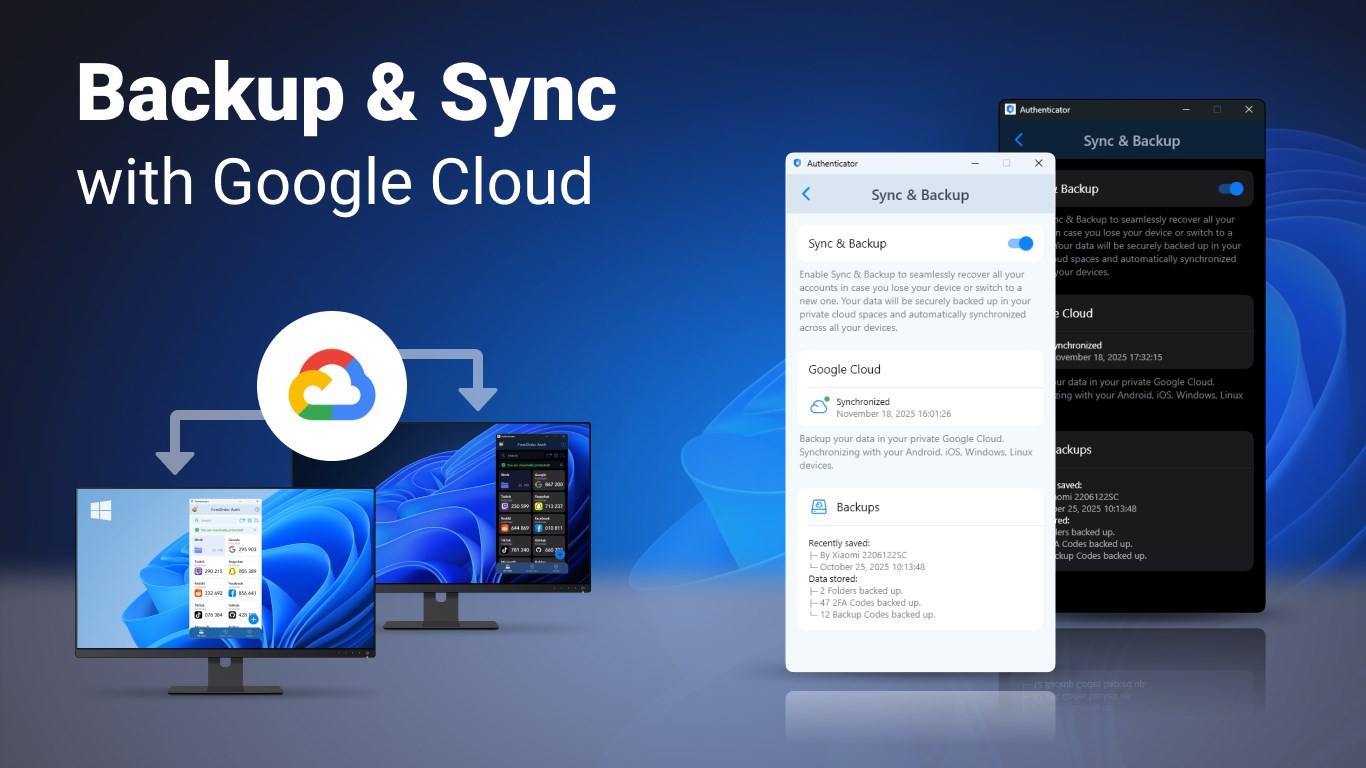
4. Encrypted sync & backup using Google Cloud. Sync your accounts across smartphones, tablets & Windows PC.
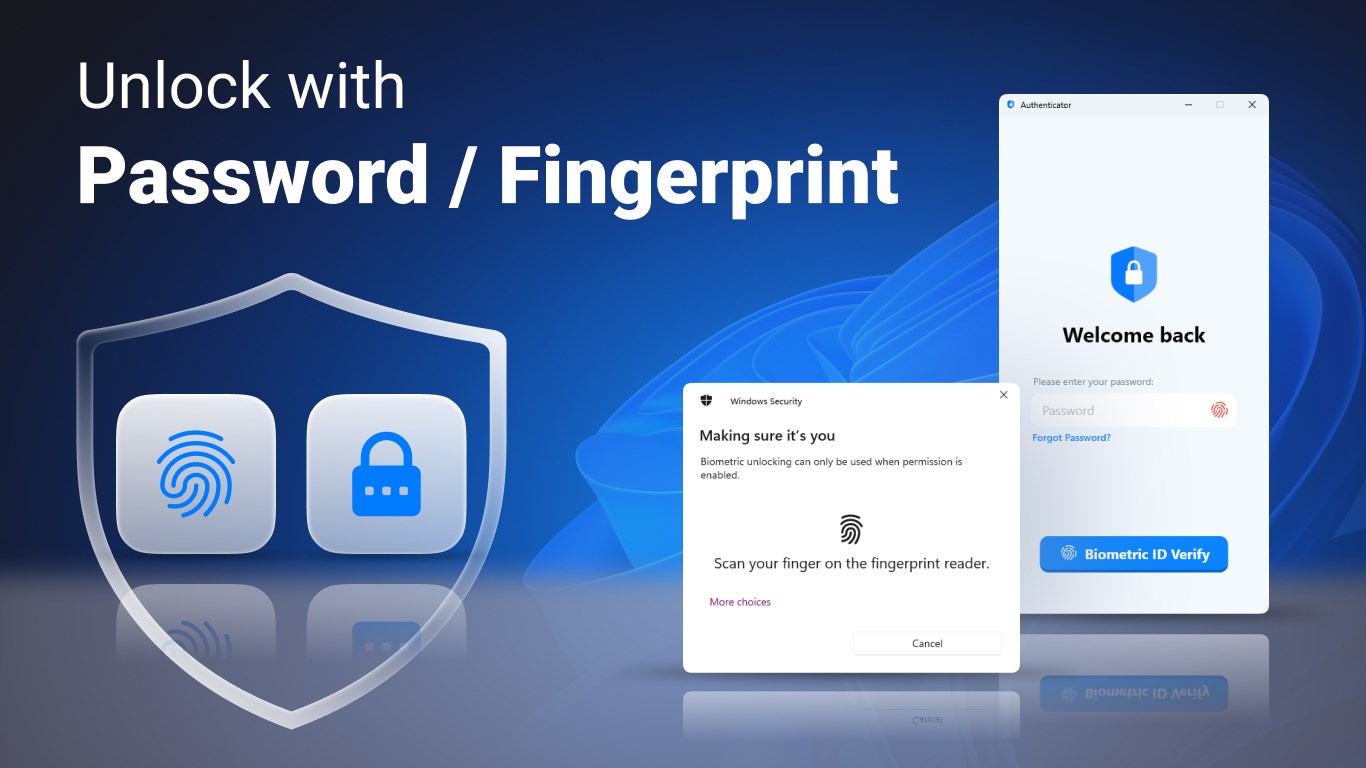
5. App level security by password/fingerprint. You are the only one who can read your codes.
6. Easily restore your accounts when you lose your device.
7. Import and export two-factor authentication accounts. You can import/export your data from/to local storage.
8. Backup codes & Recovery codes. Easily manage and import codes from files.
9. Folders. Manage your keys in custom folders.
10. AutoFill 2FA codes via our browser extensions.
11. MCP server. Allow AI agents to safely access your 2FA codes.
It is so easy for multi-factor authentication app to verify your online identity. You just need to turn on two-step verification on your online apps settings & choose to set up a different Authenticator app; then use our authy app to scan the QR code for a quick & easy setup. Now you can enter your one-time password (OTP software token) generated by our app on the website to log in!
If you have any thoughts, questions or suggestions, please feel free to contact us at feedback@firstorder.ai
Home Page: https://authenticator.firstorder.ai
Terms of Use: https://authenticator.firstorder.ai/terms-of-service
Privacy Policy: https://authenticator.firstorder.ai/privacy-policy-authenticator
If there is a version of this app for iOS/Mac or Windows we don't know about, paste the store link here — we'll auto-detect the store.
How to find the URL:1. Open the app in its store. 2.In the App Store app: tap the Share icon → “Copy Link”. In the browser: copy the URL from the address bar — it contains apps.apple.com/…/id… or apps.microsoft.com/detail/…. 3. Paste it here.
Paste the original link from the Apple App Store or Microsoft Store. We fetch all details automatically.
How to find the URL:
1. Open the app in its store. 2.In the App Store app: tap the Share icon → “Copy Link”. In the browser: copy the URL from the address bar — it contains apps.apple.com/…/id… or apps.microsoft.com/detail/…. 3. Paste it here.
Android apps can only be listed by their developer.




 Microsoft Authenticator
Secure login with multi-factor authentication
 2fast – Two Factor Authenticator
Two-factor authentication with local encryption
 LastPass Authenticator
Two-factor authentication with secure cloud backup
 Google Authenticator
Two-factor authentication with time-based codes
 Twilio Authy
Two-factor authentication with cloud backup
 PingID Authenticator
Generate time-based 2FA codes via QR code scan