

Screenshot appears after consentScreenshot appears after consentScreenshot appears after consent
Summary
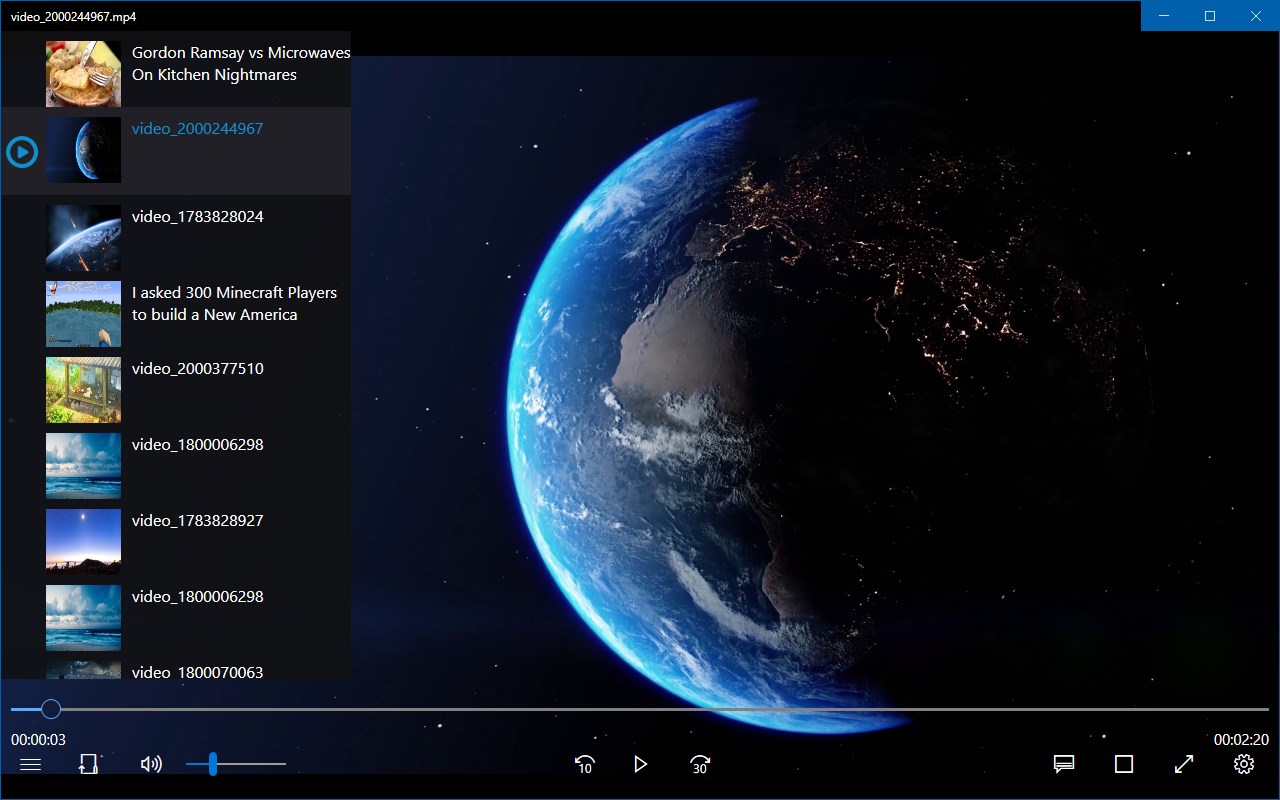
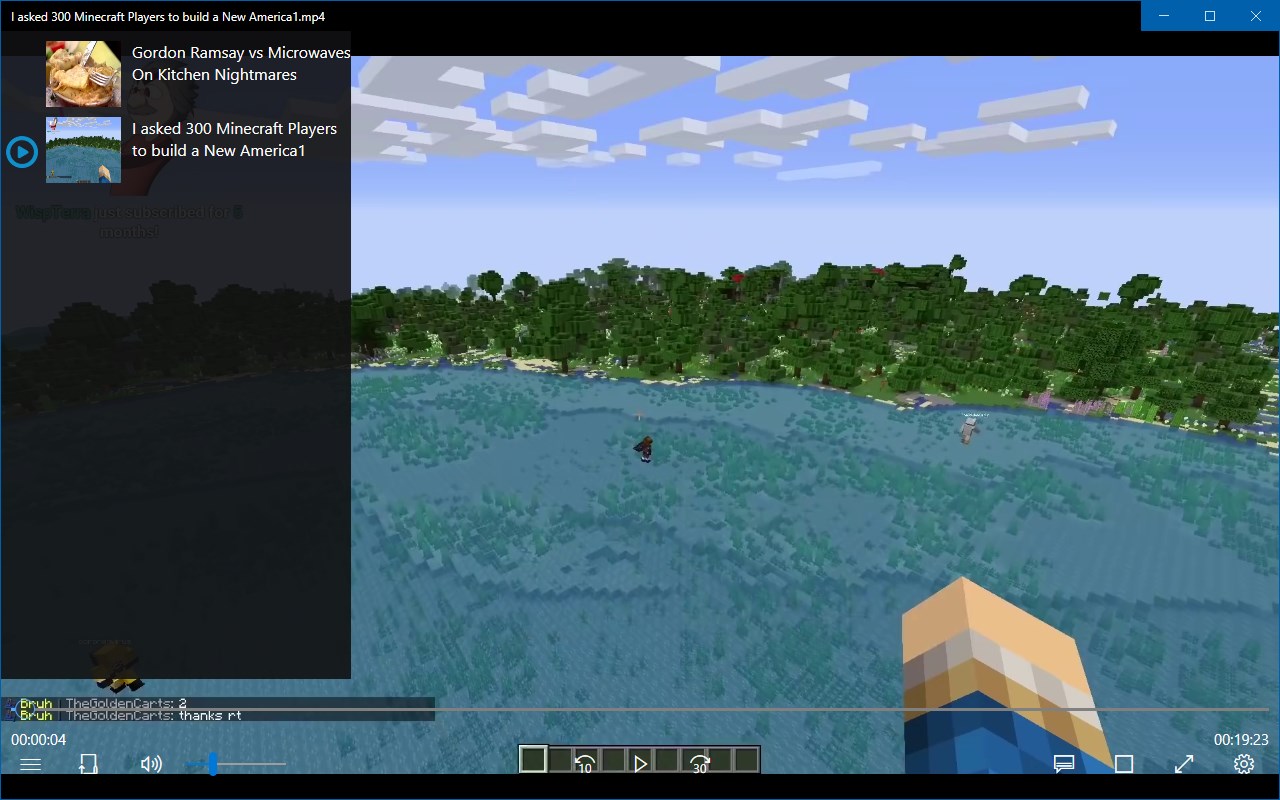
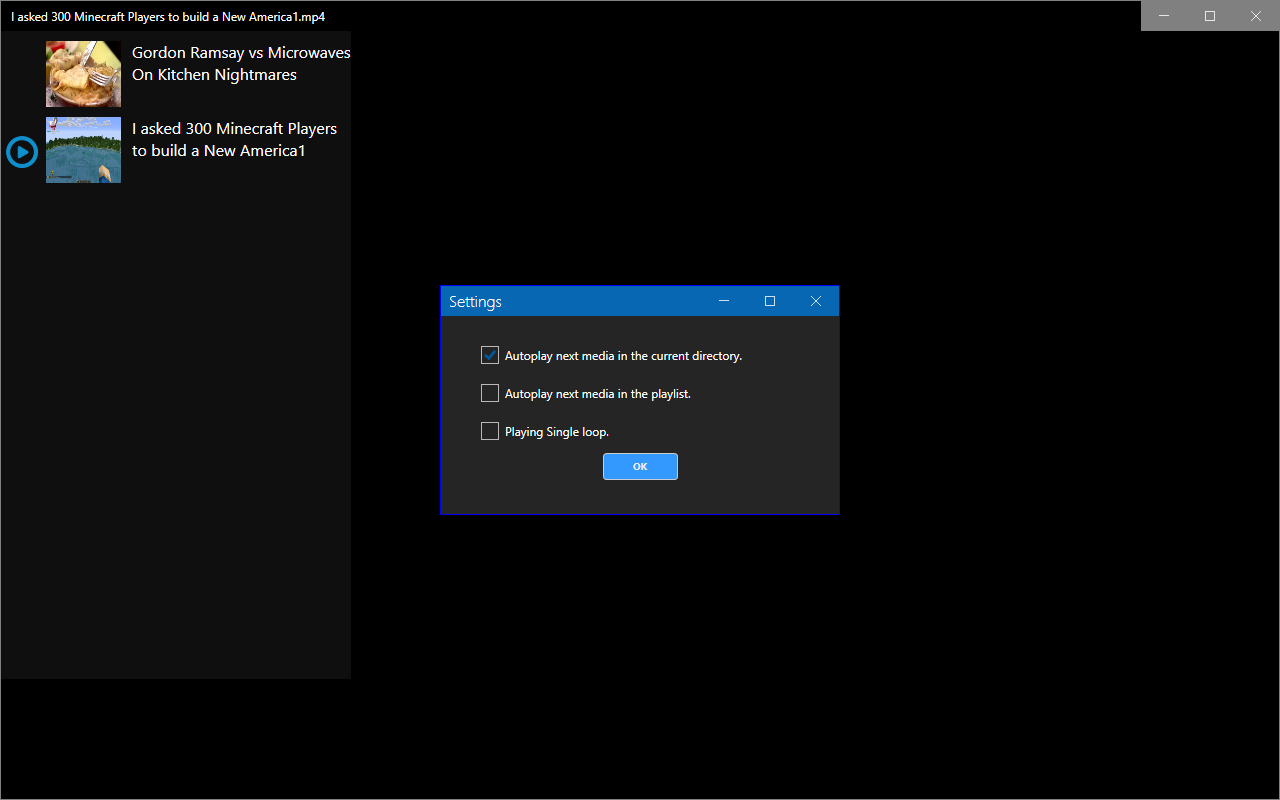
aFree Media Player is a media player that plays a wide range of audio and video file formats. It supports common formats such as MP3, OGG, WAV and WMA for audio, and AVI, MPEG, WMV and many others for video, covering over 150 formats in total. This includes video codecs like DivX, XviD, H.264 and Real Video, as well as audio codecs like AAC, FLAC, ALAC and Real Audio. According to the provider, the app contains no spyware, no ads and no user tracking.
Show the developer's original descriptionHide the original description
aFree Media Player (Origin Name: Media Player X) can easily play many types (over 150 formats) of common audio files, such as OGG, MP3, WAV and WMA, most video files like AVI, MPEG and WMV, but it goes even further.
Features:
-Supports many audio and video file formats
-No spyware, No ads, No user tracking.
Supported Formats:
VIDEO : MPEG-1/2, DivX® (1/2/3/4/5/6), MPEG-4 ASP, XviD, 3ivX D4, H.261, H.263 / H.263i, H.264 / MPEG-4 AVC, Cinepak, Theora, Dirac / VC-2, MJPEG (A/B), WMV 1/2, WMV 3 / WMV-9 / VC-1, Sorenson 1/3, DV, On2 VP3/VP5/VP6, Indeo Video v3 (IV32), Real Video (1/2/3/4), VOB.
AUDIO : MPEG Layer 1/2, MP3 – MPEG Layer 3, AAC – MPEG-4 part3, Vorbis, AC3 – A/52, E-AC-3, MLP / TrueHD>3, DTS, WMA 1/2, WMA 3, FLAC, ALAC, Speex, Musepack / MPC, ATRAC 3, Wavpack, Mod, TrueAudio, APE, Real Audio, Alaw/µlaw, AMR (3GPP), MIDI, LPCM, ADPCM, QCELP, DV Audio, QDM2/QDMC, MACE.
If there is a version of this app for iOS/Mac or Windows we don't know about, paste the store link here — we'll auto-detect the store.
How to find the URL:1. Open the app in its store. 2.In the App Store app: tap the Share icon → “Copy Link”. In the browser: copy the URL from the address bar — it contains apps.apple.com/…/id… or apps.microsoft.com/detail/…. 3. Paste it here.
Paste the original link from the Apple App Store or Microsoft Store. We fetch all details automatically.
How to find the URL:
1. Open the app in its store. 2.In the App Store app: tap the Share icon → “Copy Link”. In the browser: copy the URL from the address bar — it contains apps.apple.com/…/id… or apps.microsoft.com/detail/…. 3. Paste it here.
Android apps can only be listed by their developer.