
Quick JPG to PDF (Offline)

Convert images like JPG, PNG and HEIC into PDF files AI summary
Rank 1698
0 Up Votes, 0 Down Votes
▲
0
▼
Quick JPG to PDF (Offline) is not available on Android and Apple — or is it? Submit URL
Screenshots
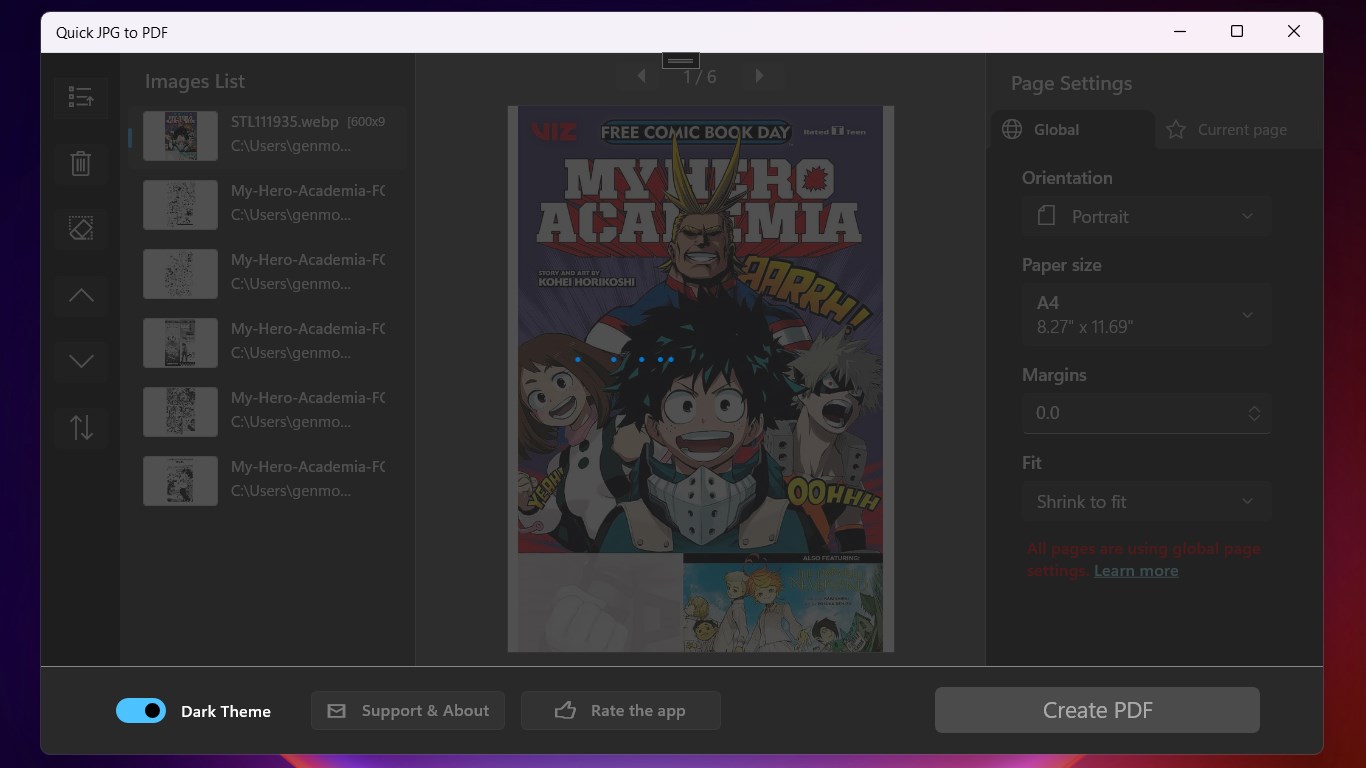
Screenshot 1 of Quick JPG to PDF (Offline) on WindowsScreenshot
appears after consent
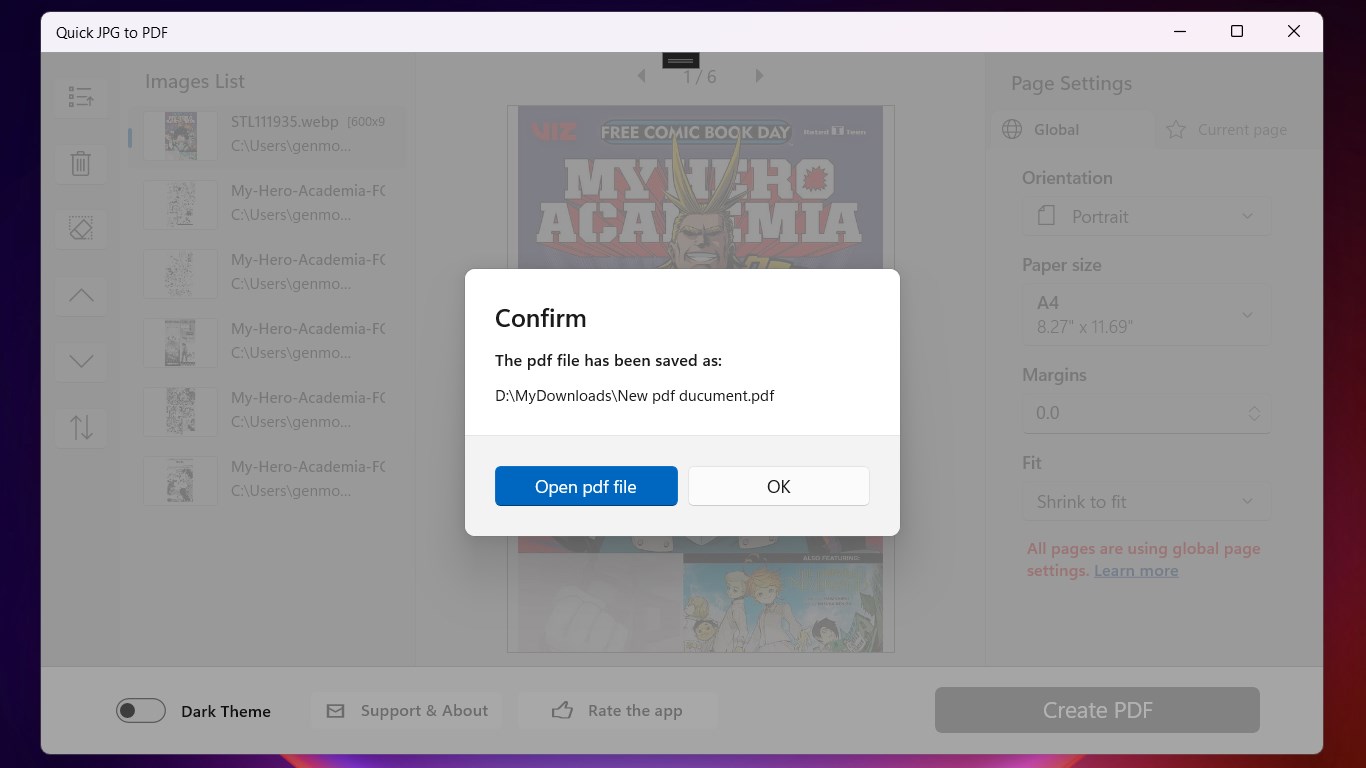
Screenshot 2 of Quick JPG to PDF (Offline) on WindowsScreenshot
appears after consent
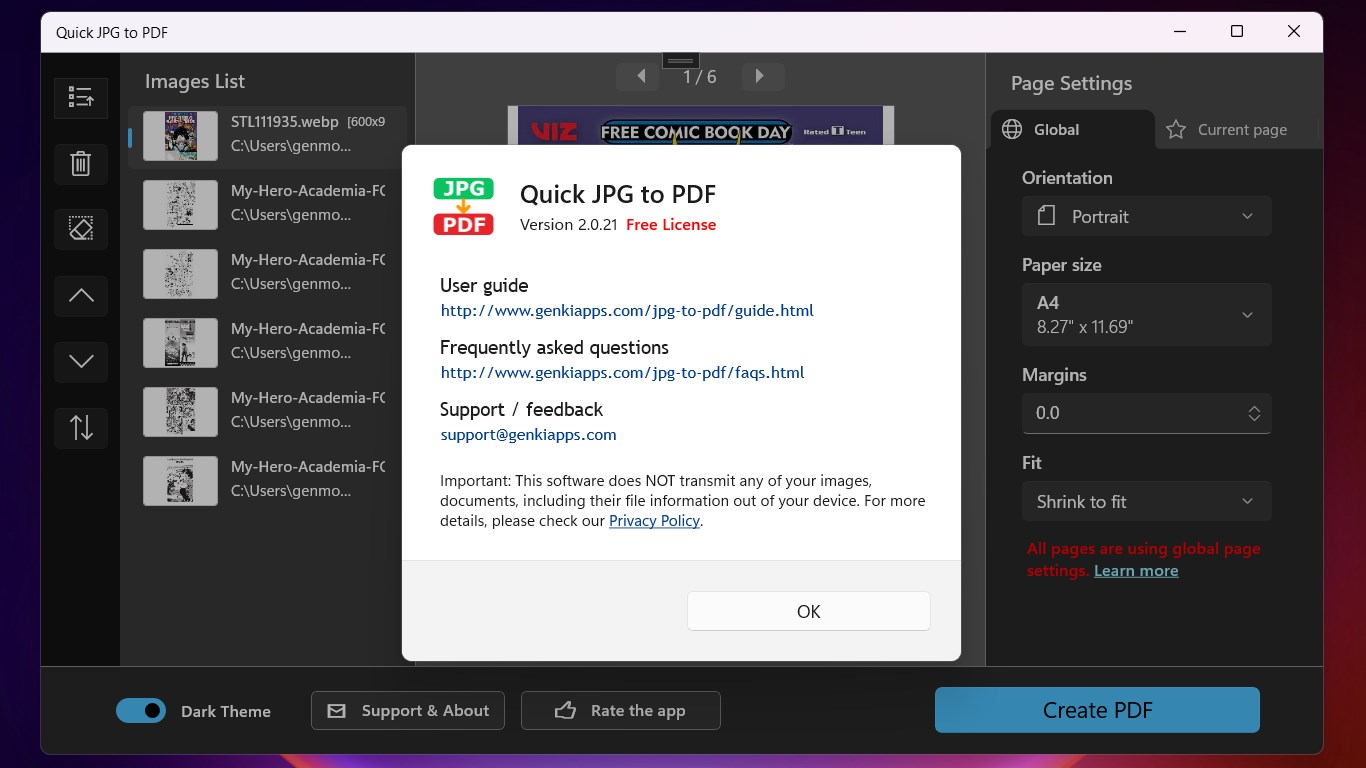
Screenshot 3 of Quick JPG to PDF (Offline) on WindowsScreenshot
appears after consent
Screenshot 4 of Quick JPG to PDF (Offline) on WindowsScreenshot
appears after consent
Screenshot 5 of Quick JPG to PDF (Offline) on WindowsScreenshot
appears after consent
Summary
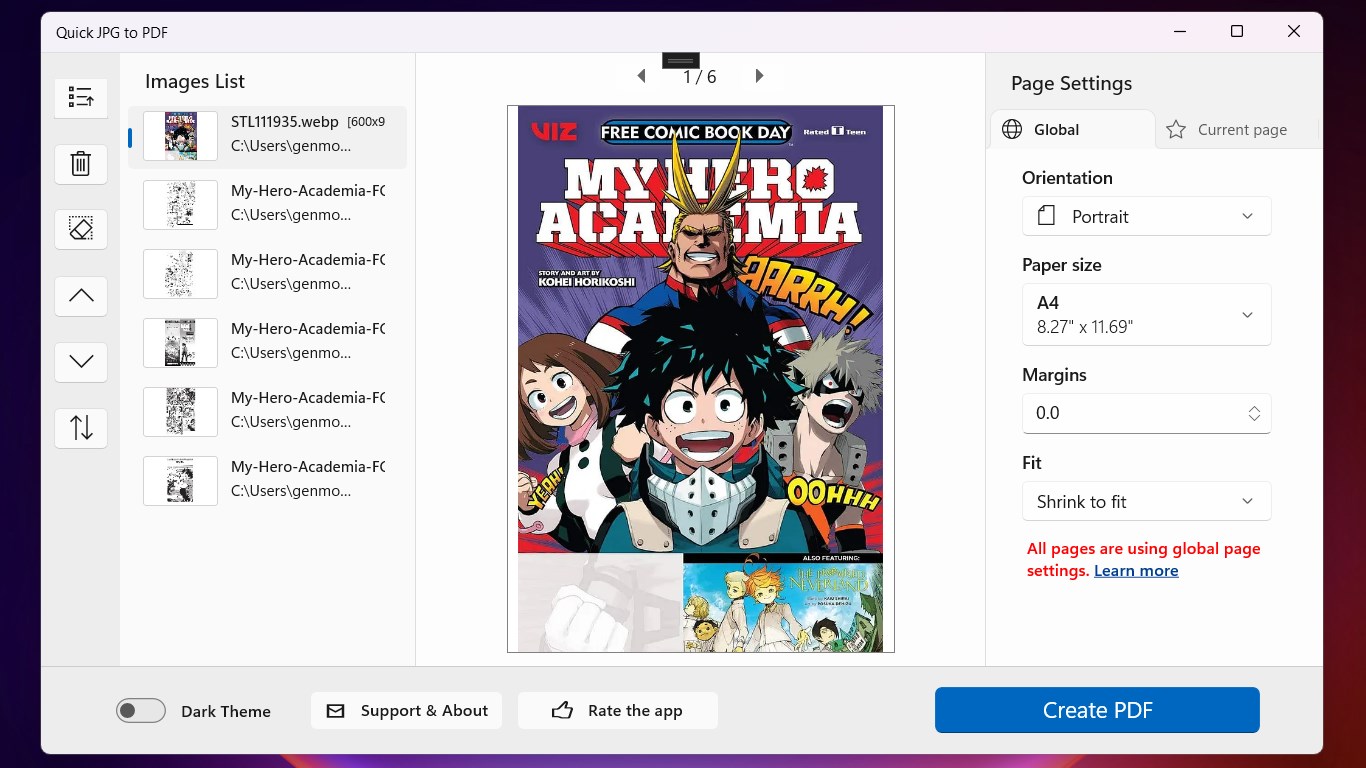
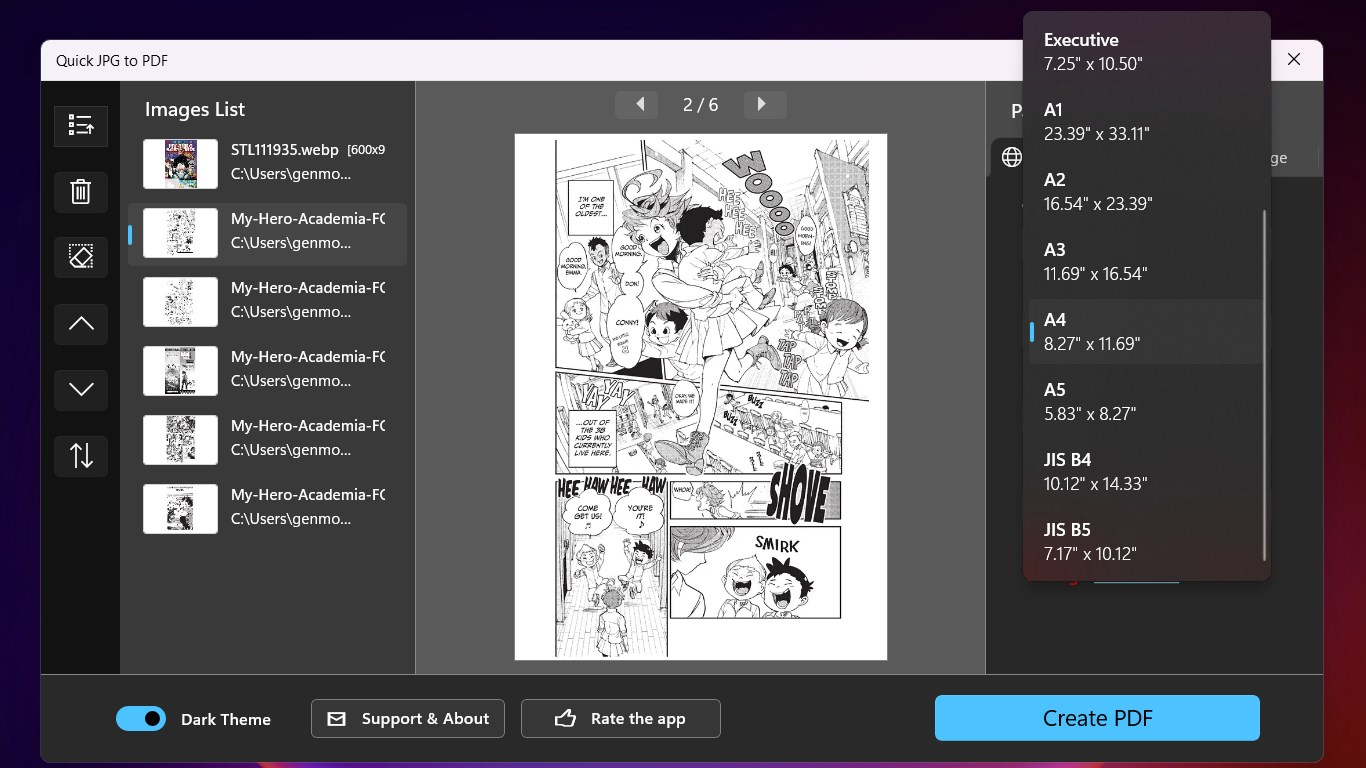
Quick JPG to PDF (Offline) is a handy tool that turns images such as JPG, PNG, BMP, GIF, TIFF, WEBP and HEIC into PDF documents. It allows merging multiple image files into a single PDF, useful for creating an e-book or a document for sharing or printing. Users select image files, choose output settings and create the PDF with one click. The app offers adjustable page size, orientation, margins and image fit or scale method, along with a preview of output pages before conversion and the option to apply custom page settings to specific images. The free version converts up to 20 images into one PDF, while a paid Pro upgrade removes this limit.
Show the developer's original descriptionHide the original description
Quick JPG to PDF is a tool to convert various image file formats, including JPG, PNG, BMP, GIF, TIFF, WEBP, and HEIC, into the PDF file format. Quick JPG to PDF is useful for a variety of purposes, such as making an e-book by merging multiple image files into a single PDF document, or for creating a PDF version of images for easy sharing or printing. To use Quick JPG to PDF, users can simply select the image files that they want to convert, then choose the desired PDF output settings, and then click the Create PDF button. The software is simple and easy to use, making it a good choice for people who need to quickly and easily convert image files into PDFs. Quick JPG to PDF has many useful features, such as adjusting the page size, page orientation, margins and image fit/scale method, the ability to preview the output PDF pages before converting, and applying customized page settings for specified images. The free version of Quick JPG to PDF allows users to convert up to 20 images into a single PDF file. To remove the limitation, you need to upgrade it to the Pro version, for only $4.99 (usually $19.99) now.
Technical details about Quick JPG to PDF (Offline)
Category
Age Rating
Price
Size
3,6 MB
Last updated in Microsoft Store
2026-05-27
App Store Rating
4.8 ★
Devices
Quick JPG to PDF (Offline) in the rankings
Manage app

Are you on the developer team behind Quick JPG to PDF (Offline)?

Verify yourself and manage your listing on Most Voted Apps.
Verify Quick JPG to PDF (Offline) for free
Verification usually takes only a few minutes.
Similar apps to Quick JPG to PDF (Offline)