

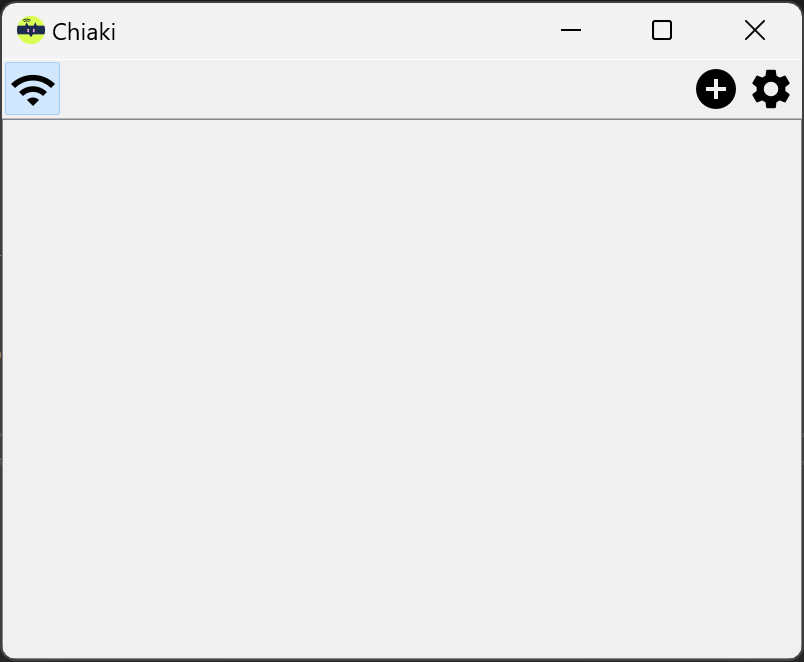

Screenshots
Summary
Remote Play X is a remote gaming tool that lets users stream and play console or PC games over LAN or the internet from anywhere. It supports remote streaming from platforms such as PlayStation, Xbox, and PC. Gameplay can be controlled with a controller or keyboard, and according to the provider it offers high-quality, low-latency performance. The app allows instant connection so games can be played in bed or PC tasks continued while away from the computer, making it useful for anyone who wants access to their console or PC games without being tied to a fixed setup.
Show the developer's original descriptionHide the original description
Remote Play X is a lightweight yet powerful remote gaming tool that allows users to remotely play console or PC games anytime, anywhere via LAN or the internet. It supports remote streaming from platforms such as PlayStation, Xbox, and PC. Experience high-quality, low-latency gameplay with a controller or keyboard, no matter where you are.
Whether you want to play console games in bed or continue PC tasks while on the go, Remote Play X lets you connect instantly and play seamlessly, truly enabling you to "play consoles anytime, anywhere."
Technical details about Remote Play X
Remote Play X in the rankings
Manage app
Are you on the developer team behind Remote Play X?
Verify yourself and manage your listing on Most Voted Apps.
Verify Remote Play X for free
Verification usually takes only a few minutes.
Similar apps to Remote Play X
 Team Remote Desktop
Remote access and control of other computers
 TeamViewer Remote
Remote control and access devices from anywhere
 XBOX
Manage Xbox console and games from your phone
 Quick Assist
Remotely share and control PC screens for support
 RadioRemote
Remote control DAB and internet radios via app
 Remotix VNC, RDP & NEAR
Remote desktop access to Mac and PC via VNC, RDP and SSH