



Screenshot appears after consentScreenshot appears after consentScreenshot appears after consentScreenshot appears after consentScreenshot appears after consentScreenshot appears after consentScreenshot appears after consent
Summary
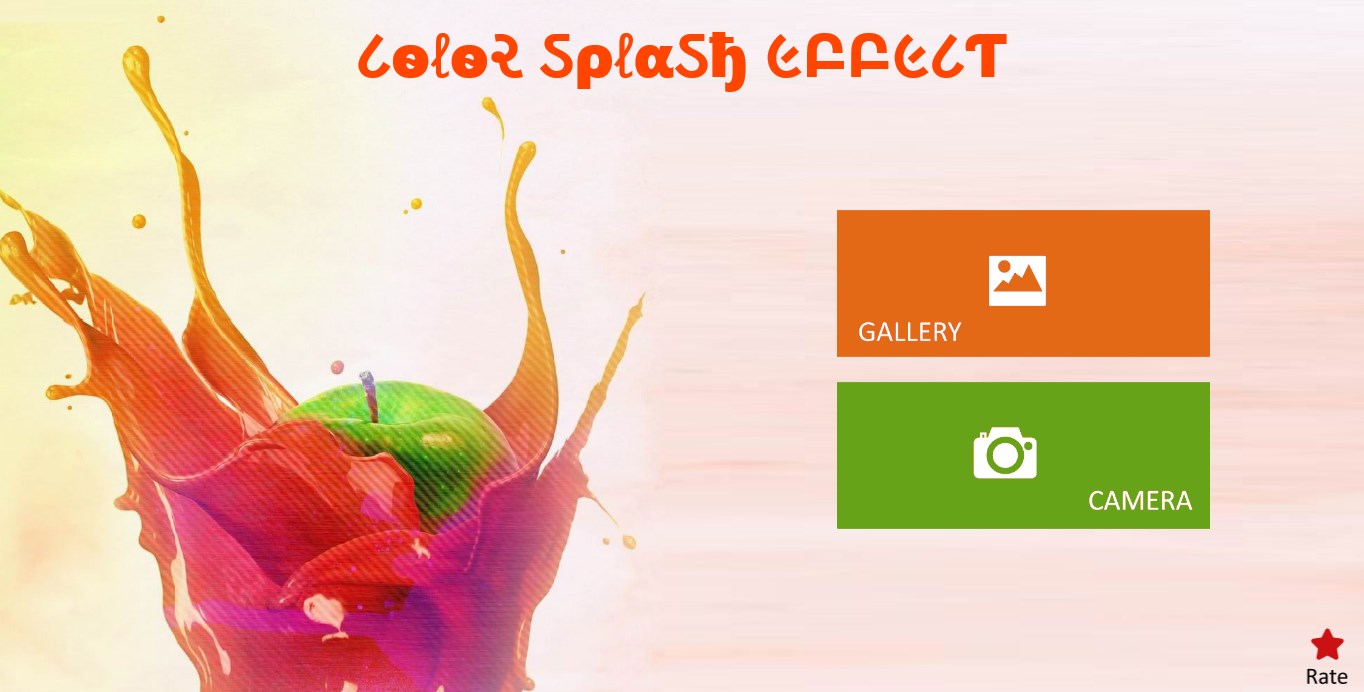
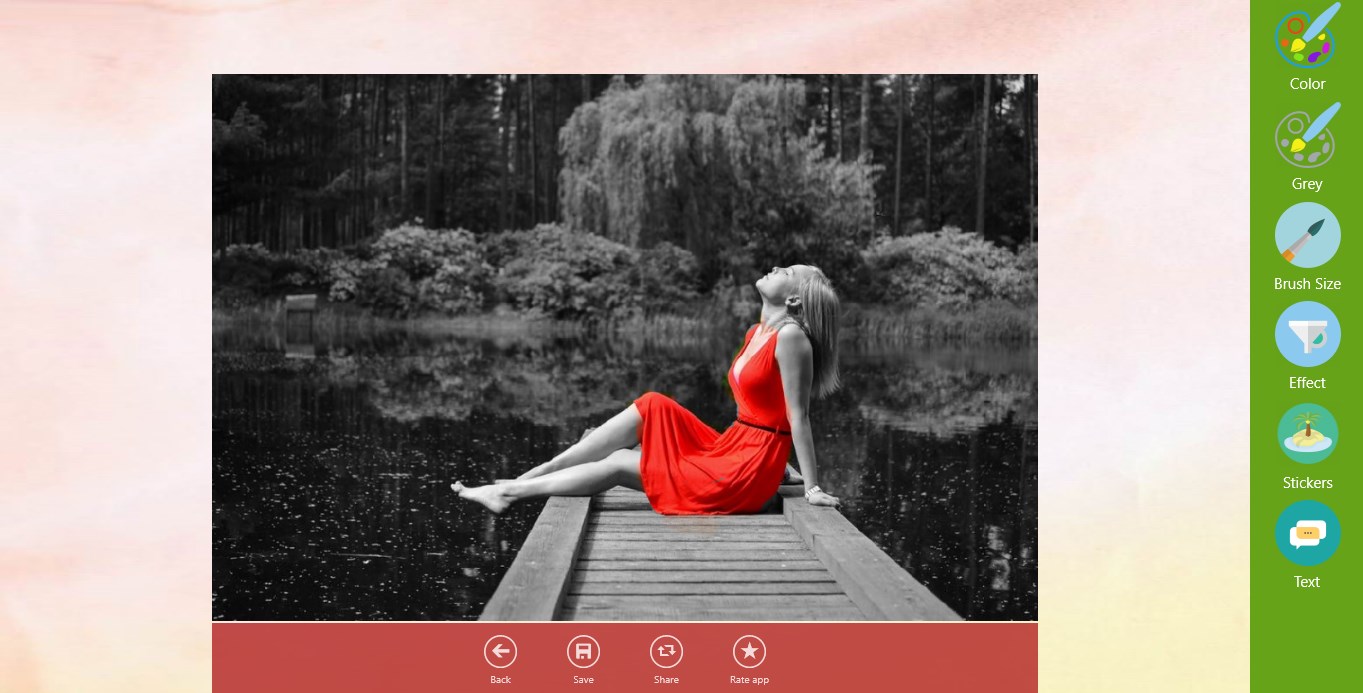
Color Splash Effect is a photo editor that lets users selectively color parts of black and white, old or sepia photos using touch. It allows painting with the original color or in black and white on the same image. The app offers more than fifteen photo effects and filters to apply to pictures. It also includes text and sticker options, with a choice of over one hundred stickers. Edited photos can be saved and shared with friends and family. Color Splash Effect is free to use.
Show the developer's original descriptionHide the original description
Color Splash Effect lets you selectively color your photos that are turned into Black and White Photos, Old Photos and Sepia Photos by using touch.
* Paint using the original color or paint the image black and white.
* Use any of photo effects and filters from 15+ various effects and filters.
* Color Splash Effect is free photo app can make any dull photo's an eye-catching and beautiful .
* Add text and stickers .Choose from over 100+ stickers.
* Save and share Photo Color Splash with friends and family.
Feedback
- If you like our application please rate 5 stars for us
- If you find any problems with Color Splash Effect please E-mail us at fruitcandy@zoho.com.
Thanks for using Color Splash Effect.
If there is a version of this app for iOS/Mac or Windows we don't know about, paste the store link here — we'll auto-detect the store.
How to find the URL:1. Open the app in its store. 2.In the App Store app: tap the Share icon → “Copy Link”. In the browser: copy the URL from the address bar — it contains apps.apple.com/…/id… or apps.microsoft.com/detail/…. 3. Paste it here.
Paste the original link from the Apple App Store or Microsoft Store. We fetch all details automatically.
How to find the URL:
1. Open the app in its store. 2.In the App Store app: tap the Share icon → “Copy Link”. In the browser: copy the URL from the address bar — it contains apps.apple.com/…/id… or apps.microsoft.com/detail/…. 3. Paste it here.
Android apps can only be listed by their developer.