

Screenshot appears after consentScreenshot appears after consentScreenshot appears after consentScreenshot appears after consentScreenshot appears after consentScreenshot appears after consentScreenshot appears after consentScreenshot appears after consentScreenshot appears after consentScreenshot appears after consentScreenshot appears after consentScreenshot appears after consentScreenshot appears after consentScreenshot appears after consentScreenshot appears after consentScreenshot appears after consentScreenshot appears after consentScreenshot appears after consent
Summary
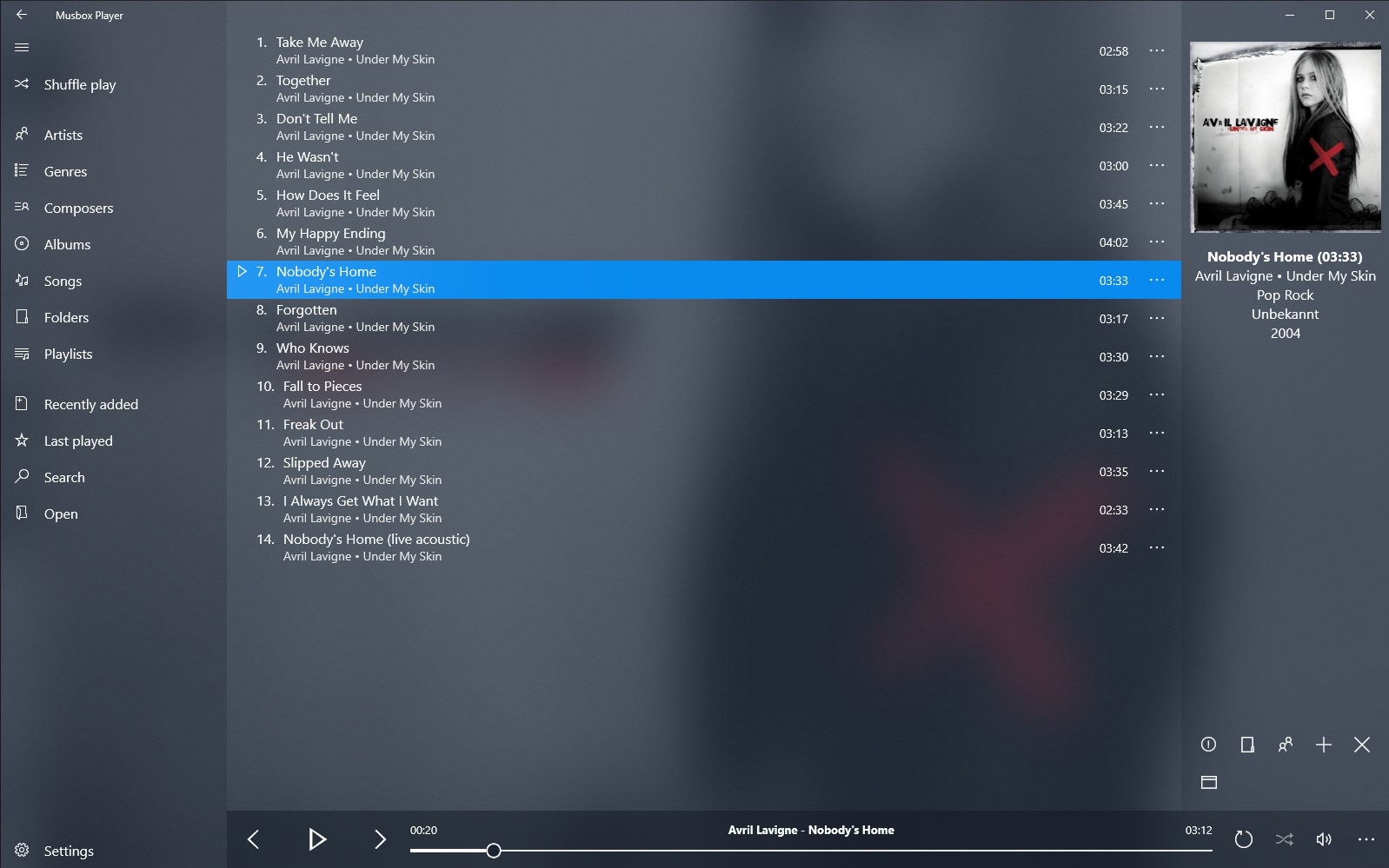
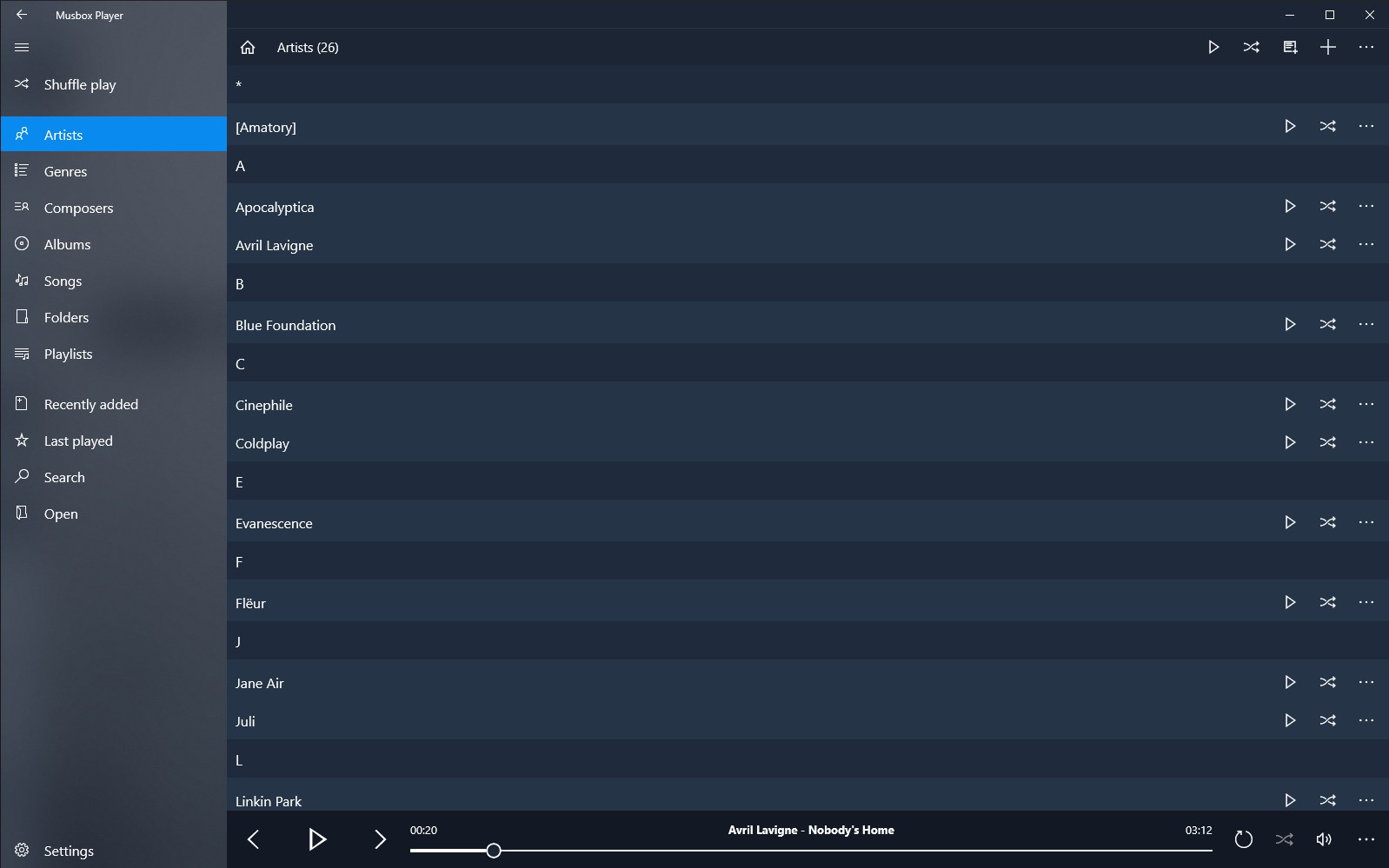
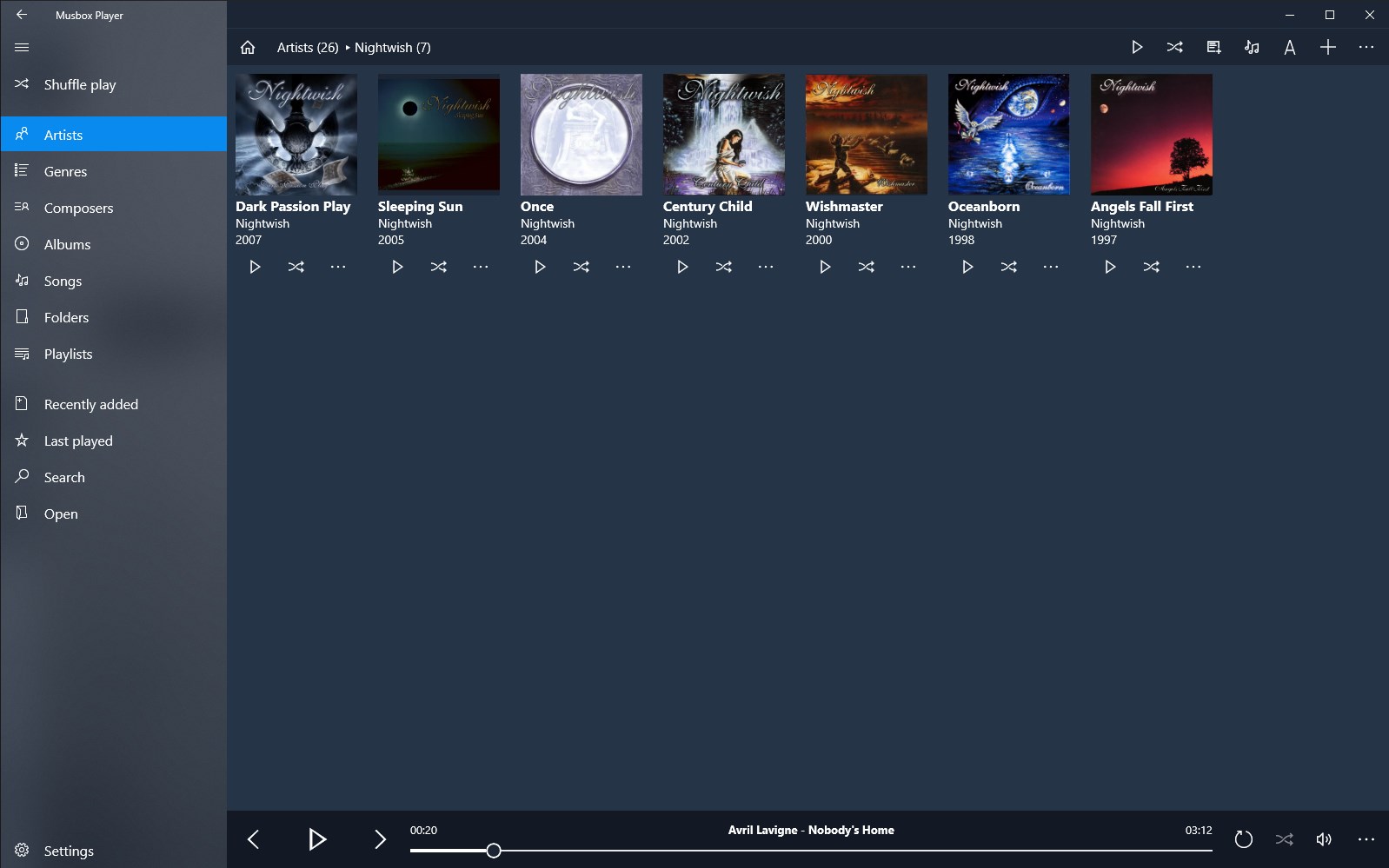
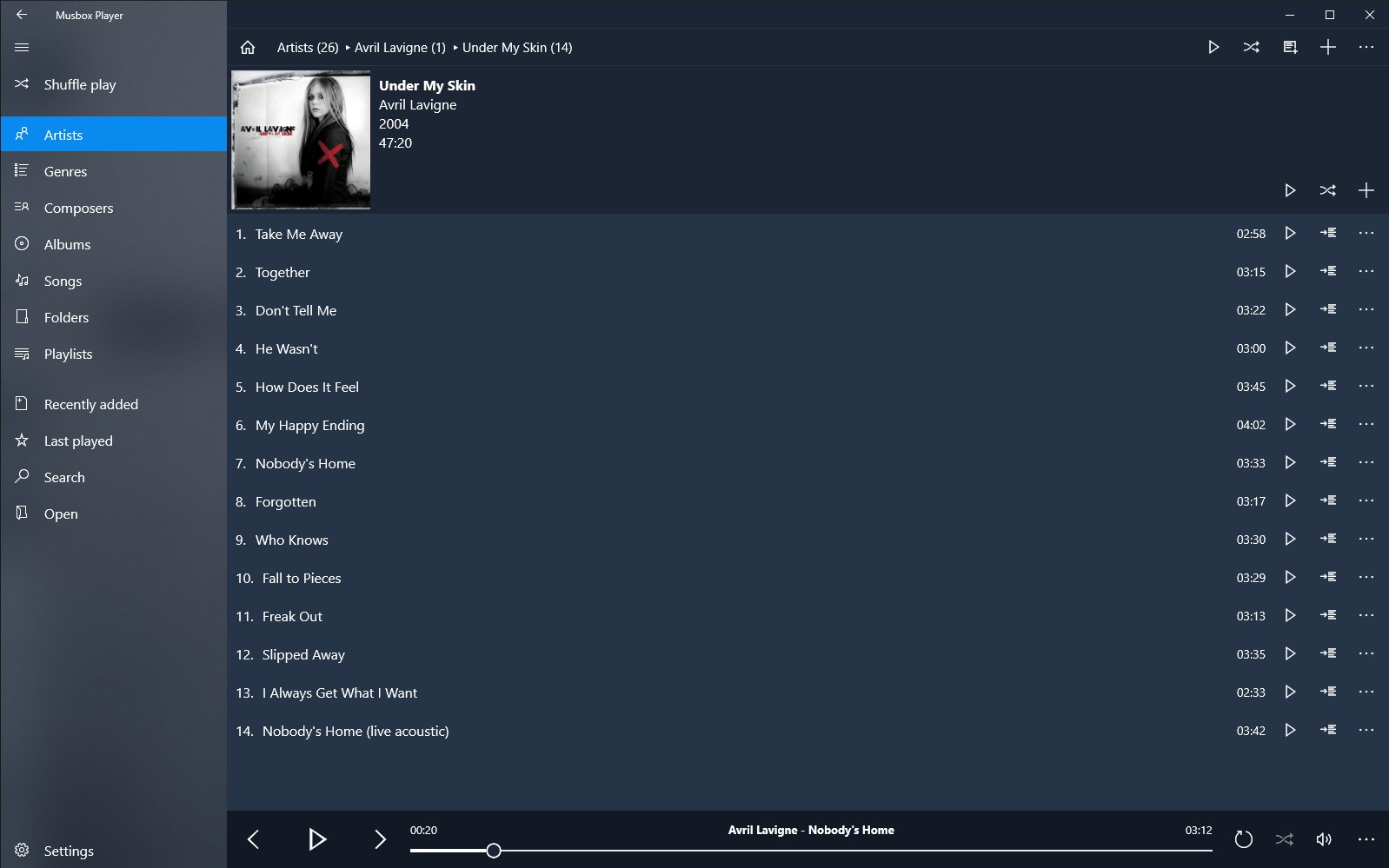
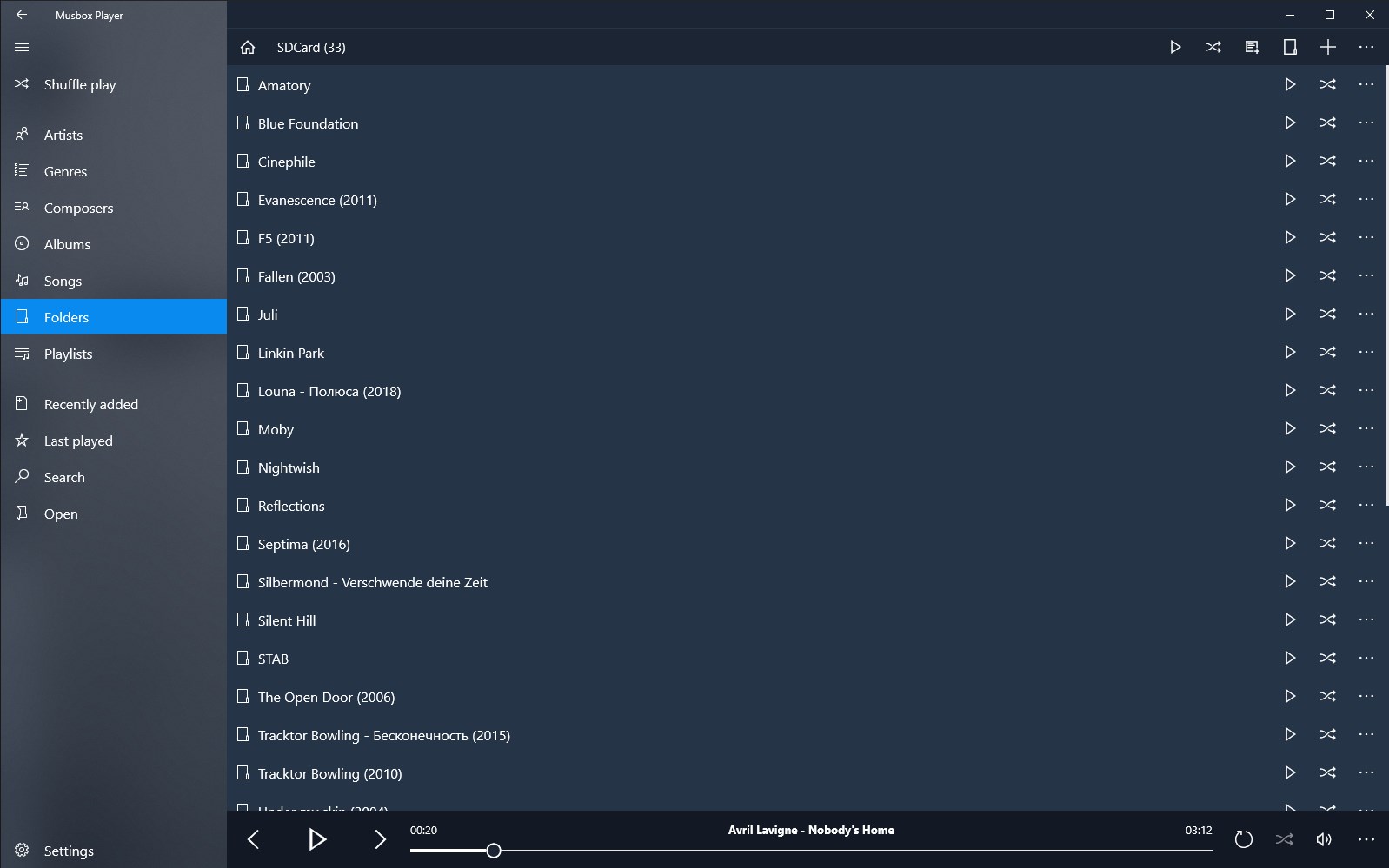
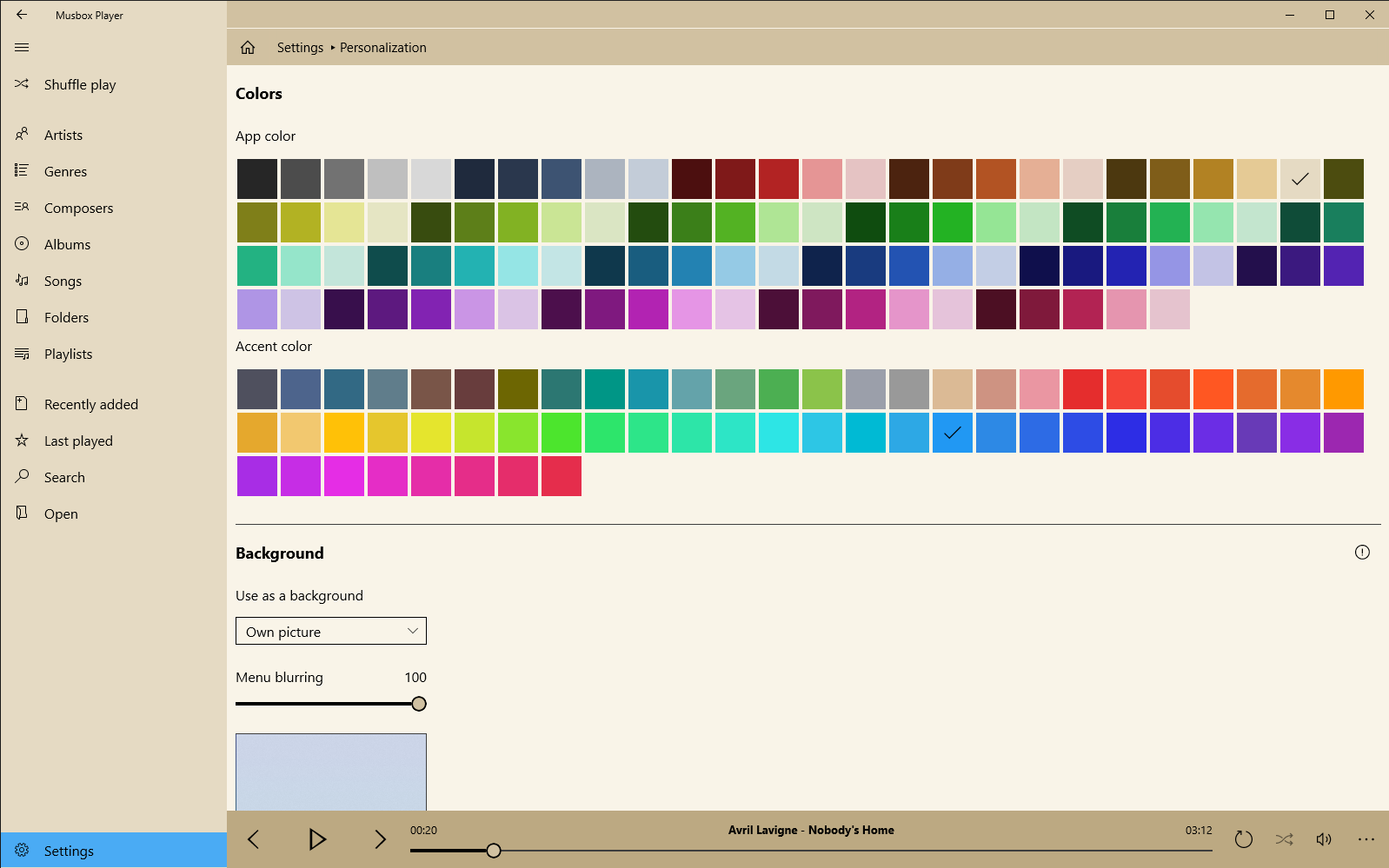
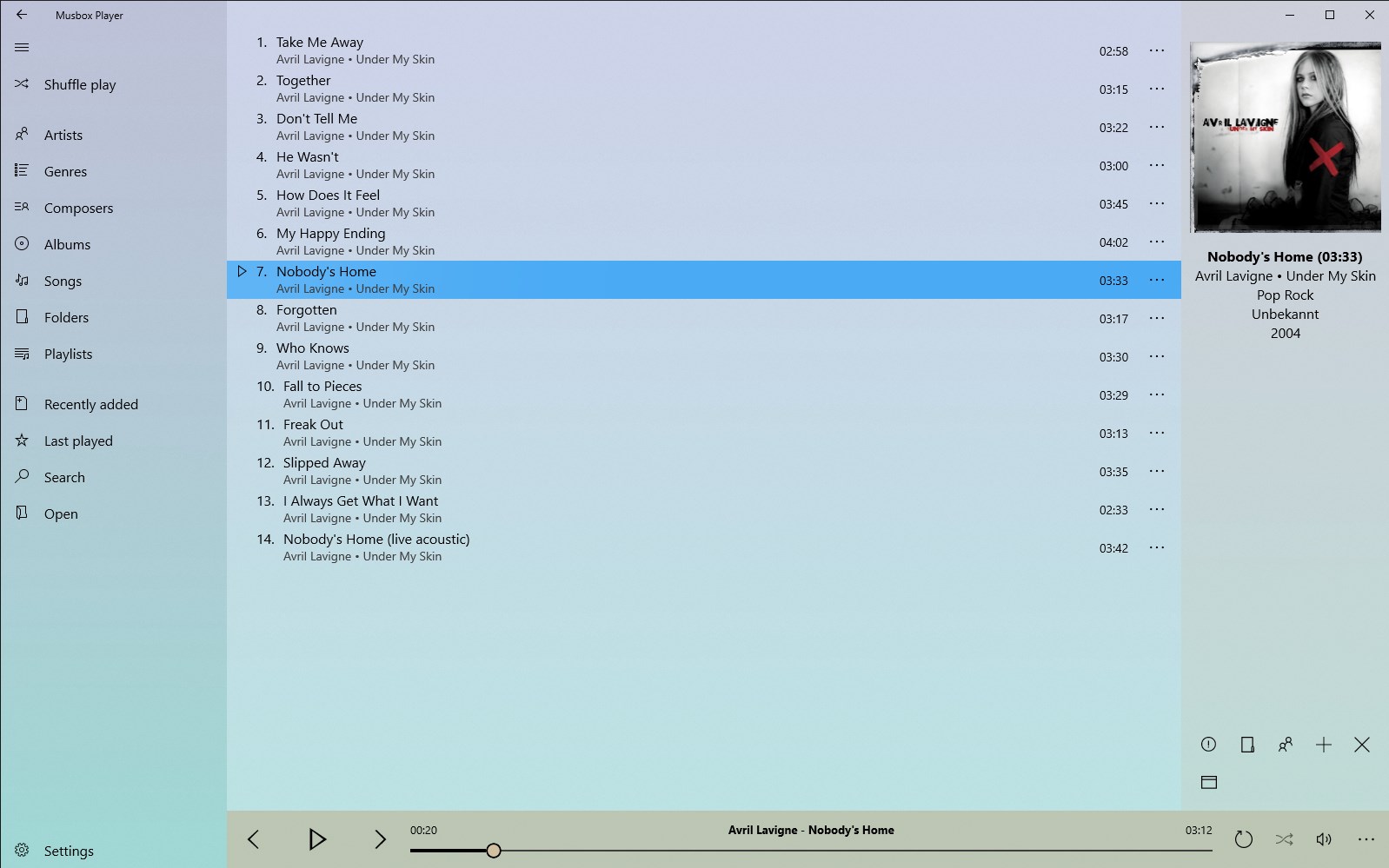
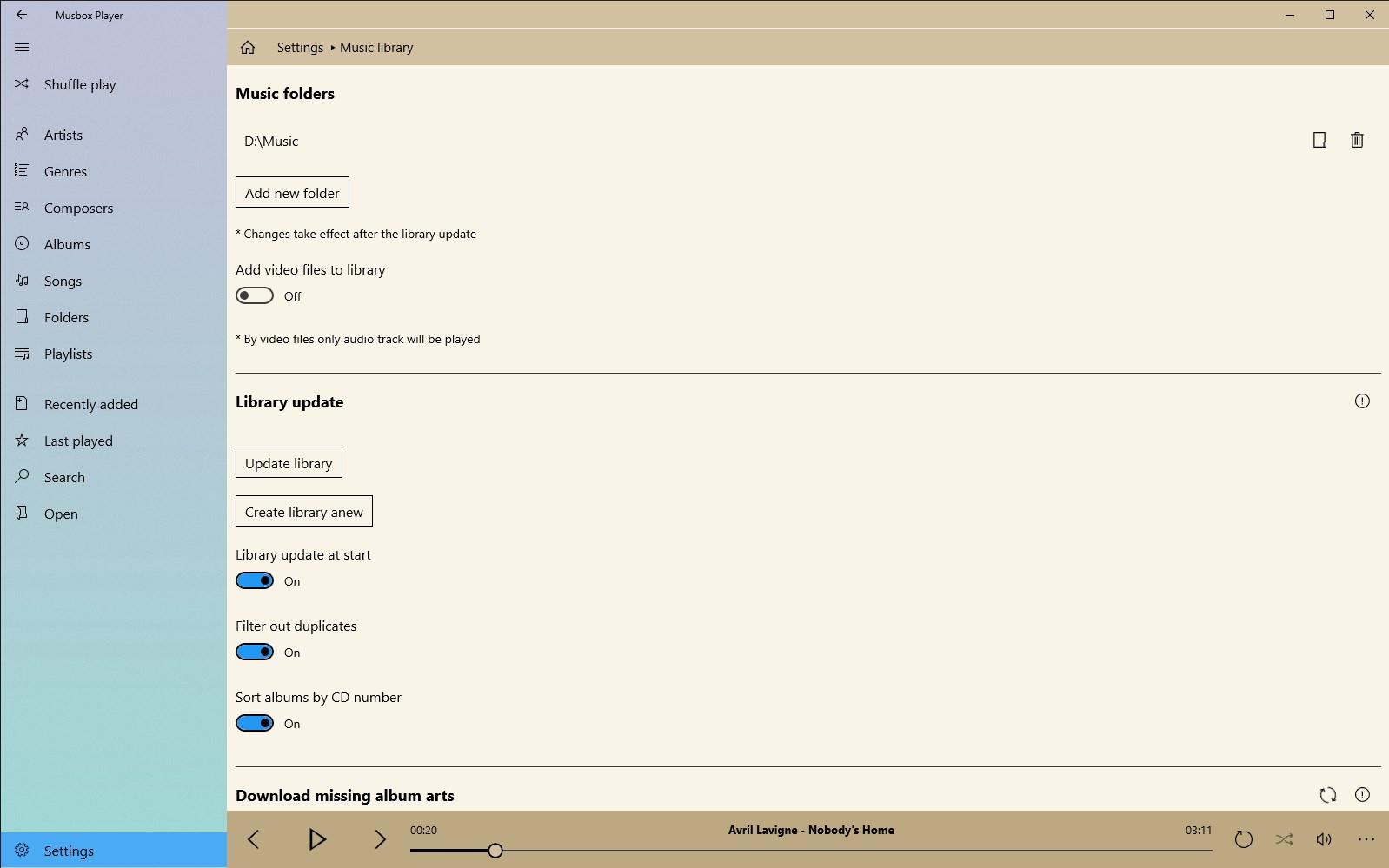
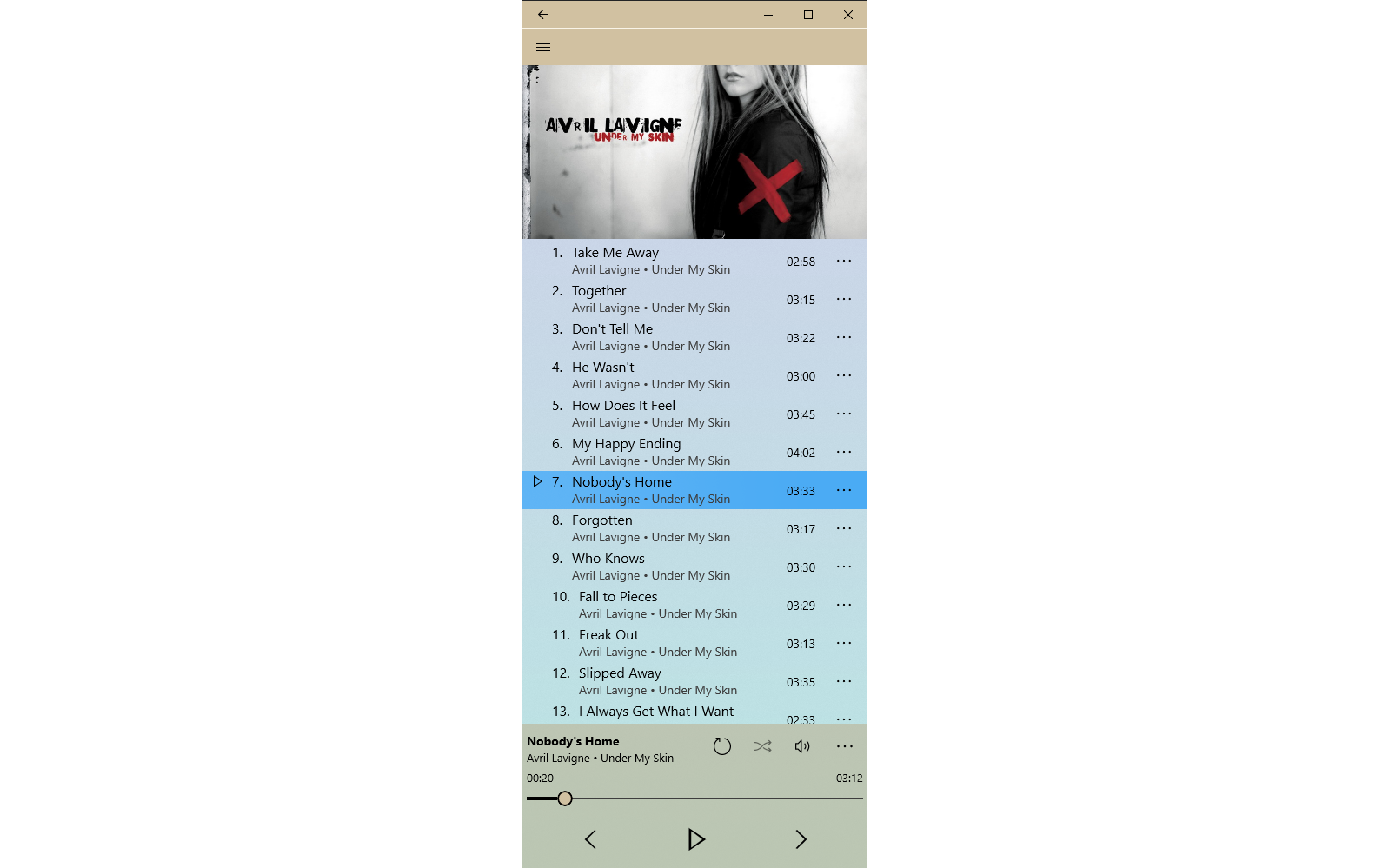
Musbox Player is a music player that gives access to a user's music collection for playback. It automatically sorts all music files into five categories covering artists, genres, composers, albums and songs, allowing quick access to desired tracks. It also allows navigation through music folders to play files directly from their location. Users can create their own playlists. The interface can be personalized by changing the accent color and background image.
Show the developer's original descriptionHide the original description
With Musbox Player you can easily access your music collection and play them. All music files are automatically sorted by 5 categories (artists, genres, composers, albums and songs), so you can always quickly find the desired songs. As an added feature you can navigate through your music folders and play them. Of course you can create your own playlist as well.
The simple and intuitive user interface can be easily personalized. It is possible to change accent color and background image.
If there is a version of this app for iOS/Mac or Windows we don't know about, paste the store link here — we'll auto-detect the store.
How to find the URL:1. Open the app in its store. 2.In the App Store app: tap the Share icon → “Copy Link”. In the browser: copy the URL from the address bar — it contains apps.apple.com/…/id… or apps.microsoft.com/detail/…. 3. Paste it here.
Paste the original link from the Apple App Store or Microsoft Store. We fetch all details automatically.
How to find the URL:
1. Open the app in its store. 2.In the App Store app: tap the Share icon → “Copy Link”. In the browser: copy the URL from the address bar — it contains apps.apple.com/…/id… or apps.microsoft.com/detail/…. 3. Paste it here.
Android apps can only be listed by their developer.