


Screenshot appears after consentScreenshot appears after consentScreenshot appears after consentScreenshot appears after consentScreenshot appears after consentScreenshot appears after consentScreenshot appears after consentScreenshot appears after consentScreenshot appears after consentScreenshot appears after consent
Summary
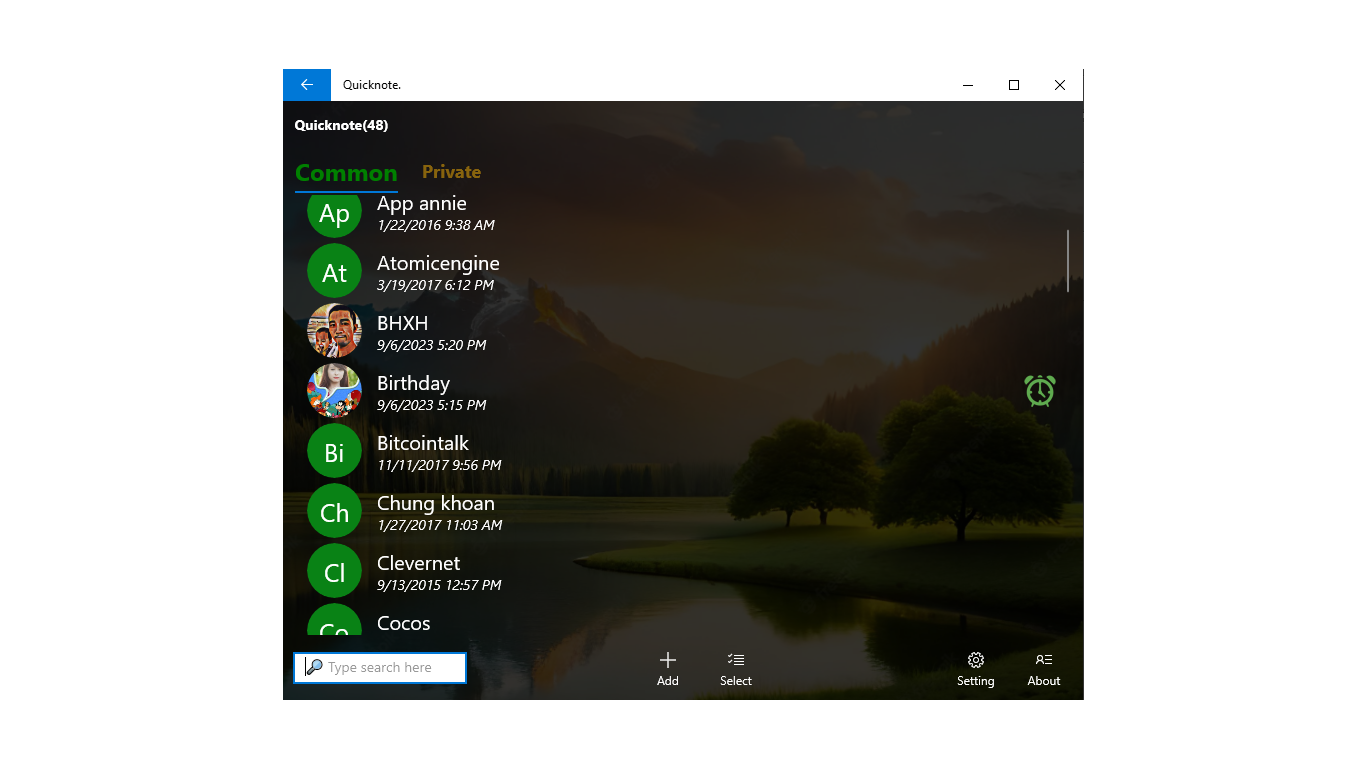
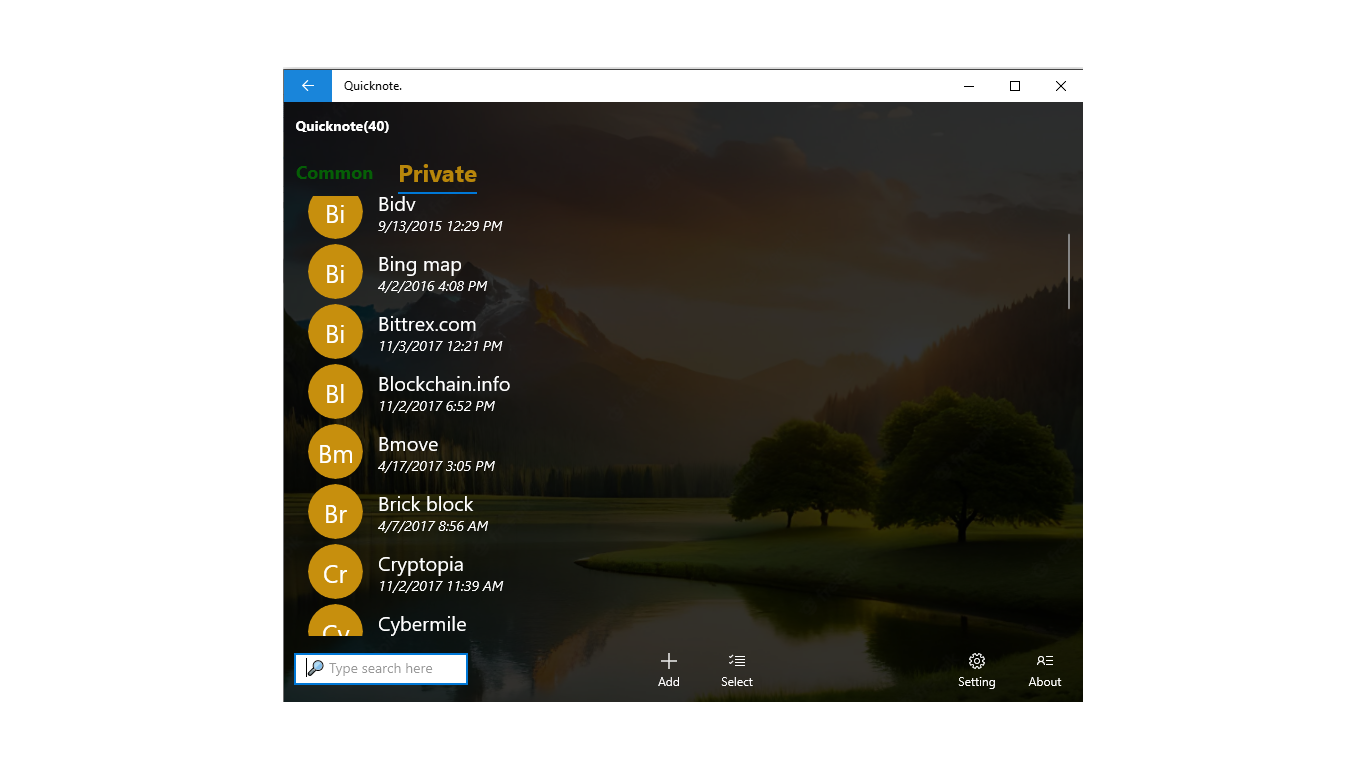
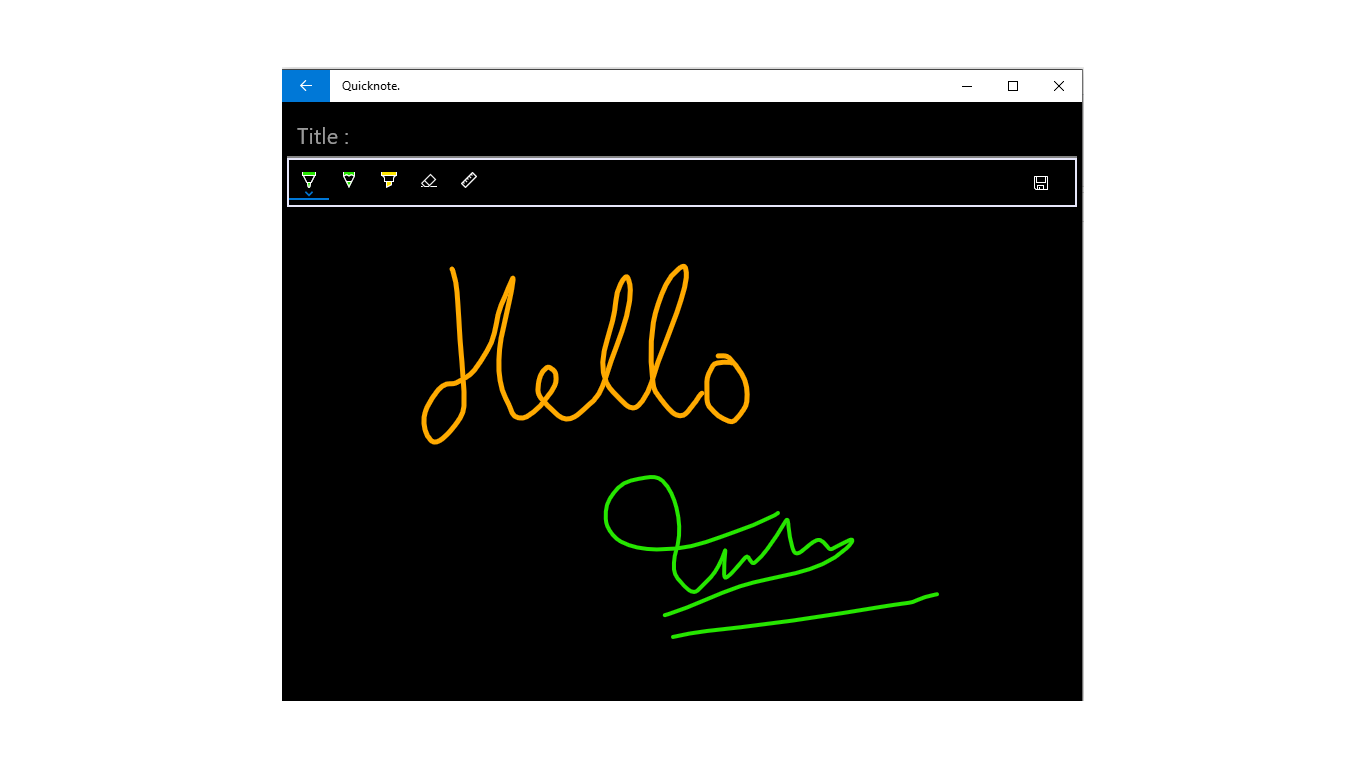
Quicknote is an app for storing personal information and notes. It offers both common and private notes, with private notes protected by a password. Notes can be searched, sorted, shared and moved between common and private categories. The app includes a reminder function and allows backup and restore of data. Text can be entered by speaking. Font size and background image can be changed, and images can be attached to notes.
Show the developer's original descriptionHide the original description
Quicknote is a small program to store personal information,notes. It is simple and very easy to use
Features:
- Common and Private notes
- Secure note:Private notes protected by password
- Search notes
- Sort notes
- Share notes
- Reminder
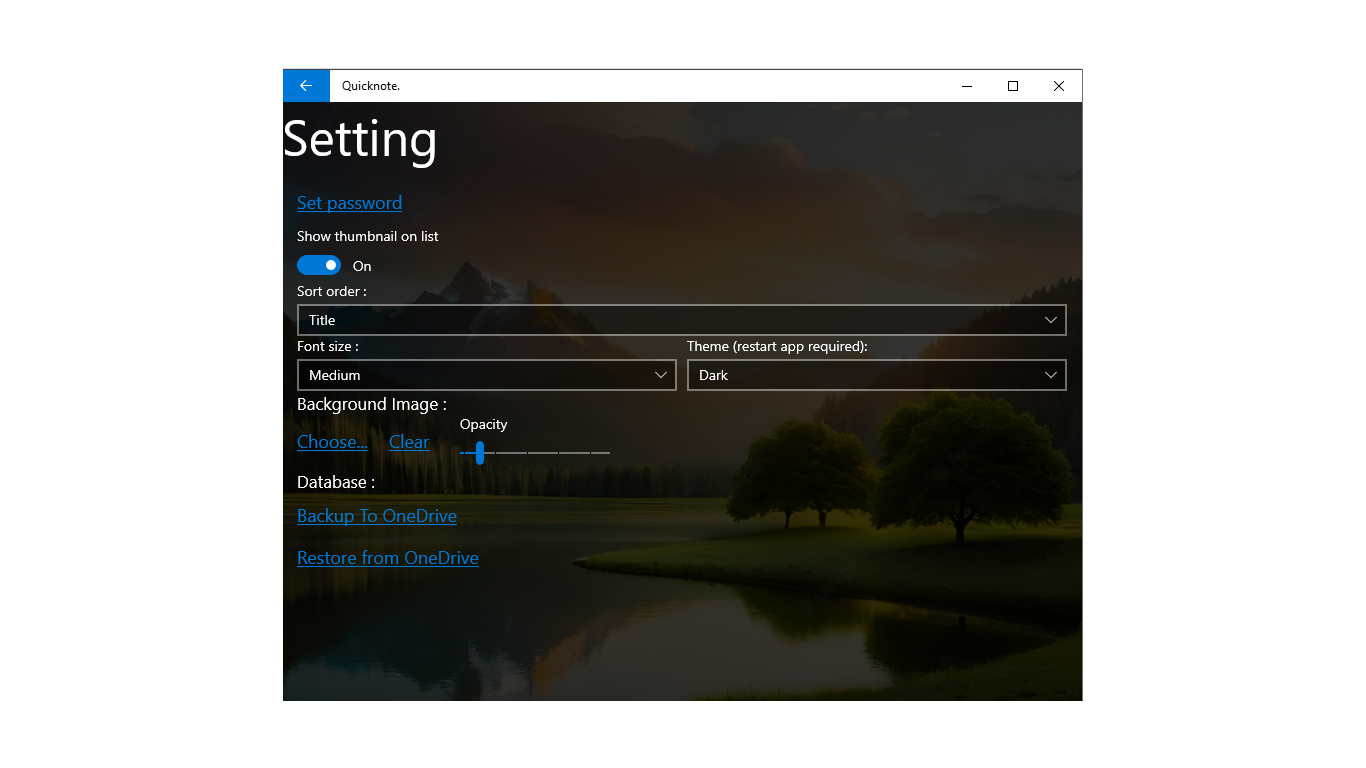
- Backup and restore data
- Change font size
- Change background Image
- Attack Image
- Note reader
- Enter text by speaking
- Show/Hide thumbnail on list
- Moving notes between Common and Private
If there is a version of this app for iOS/Mac or Windows we don't know about, paste the store link here — we'll auto-detect the store.
How to find the URL:1. Open the app in its store. 2.In the App Store app: tap the Share icon → “Copy Link”. In the browser: copy the URL from the address bar — it contains apps.apple.com/…/id… or apps.microsoft.com/detail/…. 3. Paste it here.
Paste the original link from the Apple App Store or Microsoft Store. We fetch all details automatically.
How to find the URL:
1. Open the app in its store. 2.In the App Store app: tap the Share icon → “Copy Link”. In the browser: copy the URL from the address bar — it contains apps.apple.com/…/id… or apps.microsoft.com/detail/…. 3. Paste it here.
Android apps can only be listed by their developer.