Screenshot appears after consentScreenshot appears after consentScreenshot appears after consentScreenshot appears after consentScreenshot appears after consent
Summary
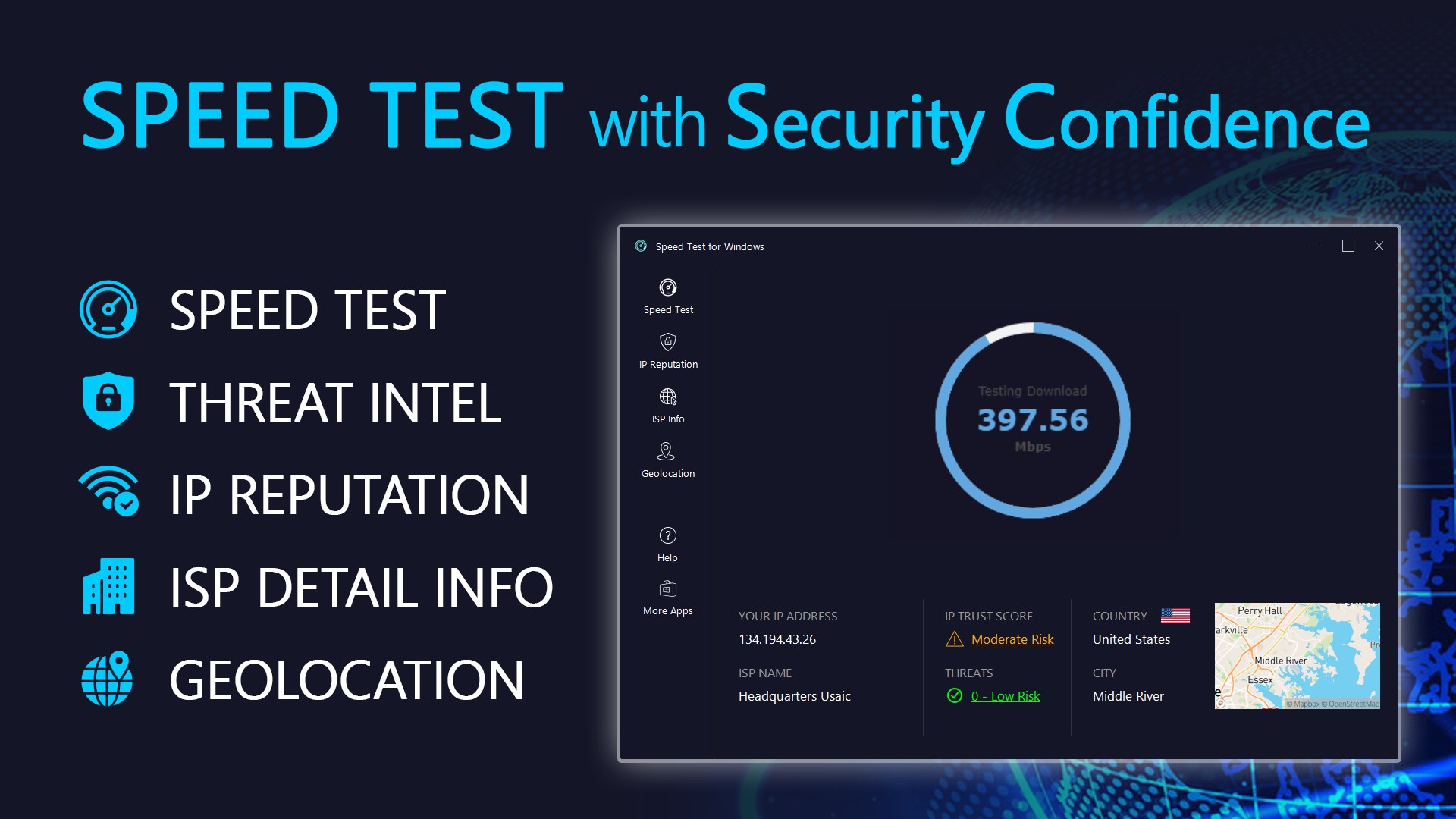
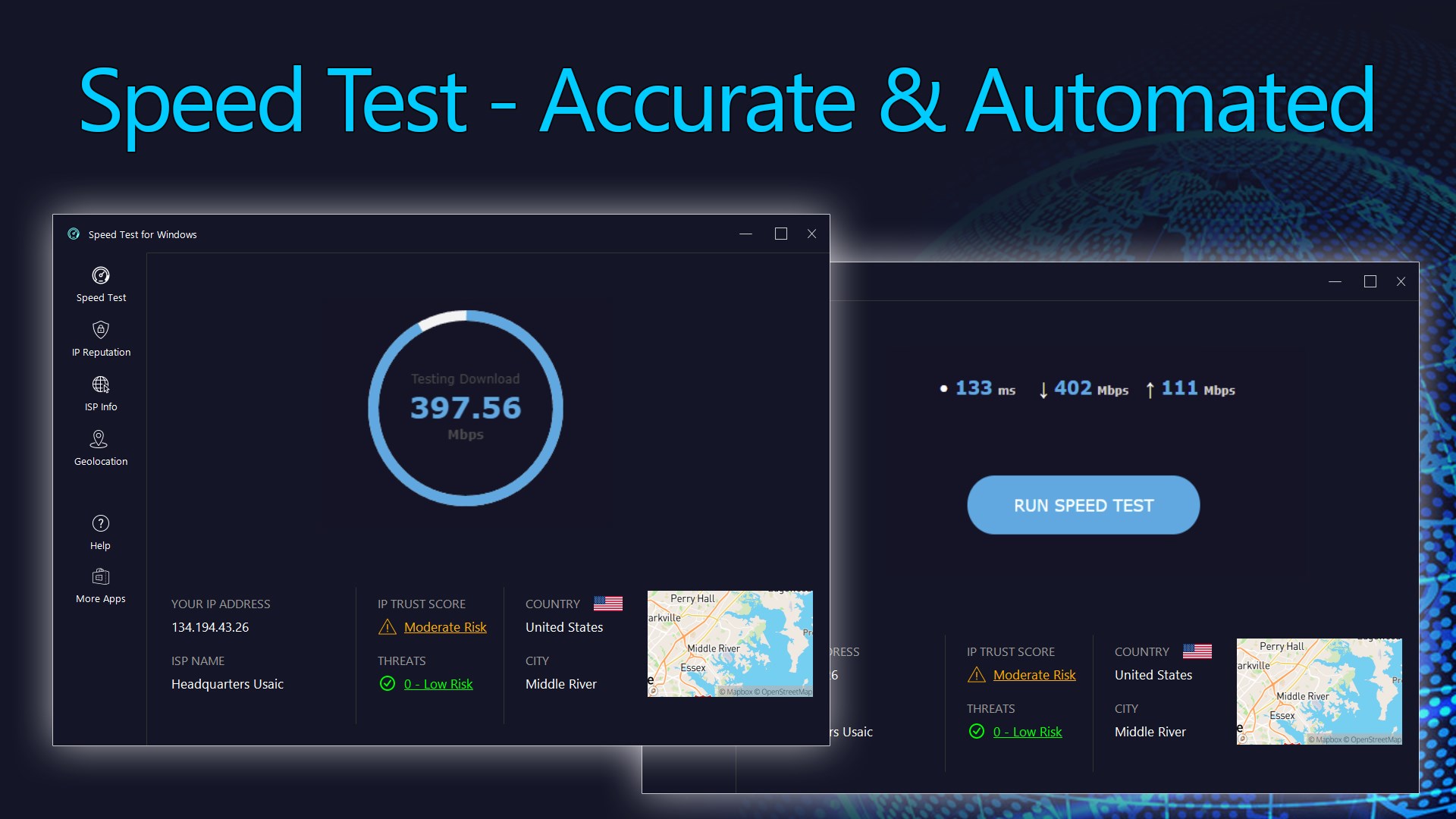
Speed Test for Windows is a network diagnostic app that measures internet connection speed. It tests download and upload throughput along with ping and jitter to assess connection quality and stability. The app also detects the external IP address and provides geolocation, ISP details with ASN information, and threat intelligence insights. Basic speed testing, IP geolocation, and ISP information are free to use. A premium license unlocks detailed IP reputation scores covering trust, threat, VPN, and proxy assessments, along with CSV data export.
Show the developer's original descriptionHide the original description
Easily test your internet connection speed with the Speed Test for Windows app and receive clear, accurate results from anywhere in the world. The app measures your network throughput in both directions—download and upload—along with ping and jitter to help you assess the quality and stability of your connection. It also identifies your external IP address and provides rich diagnostic insights, including IP reputation, threat intelligence, ISP details, and geolocation information—giving you a deeper understanding of your online footprint.
[Product License]
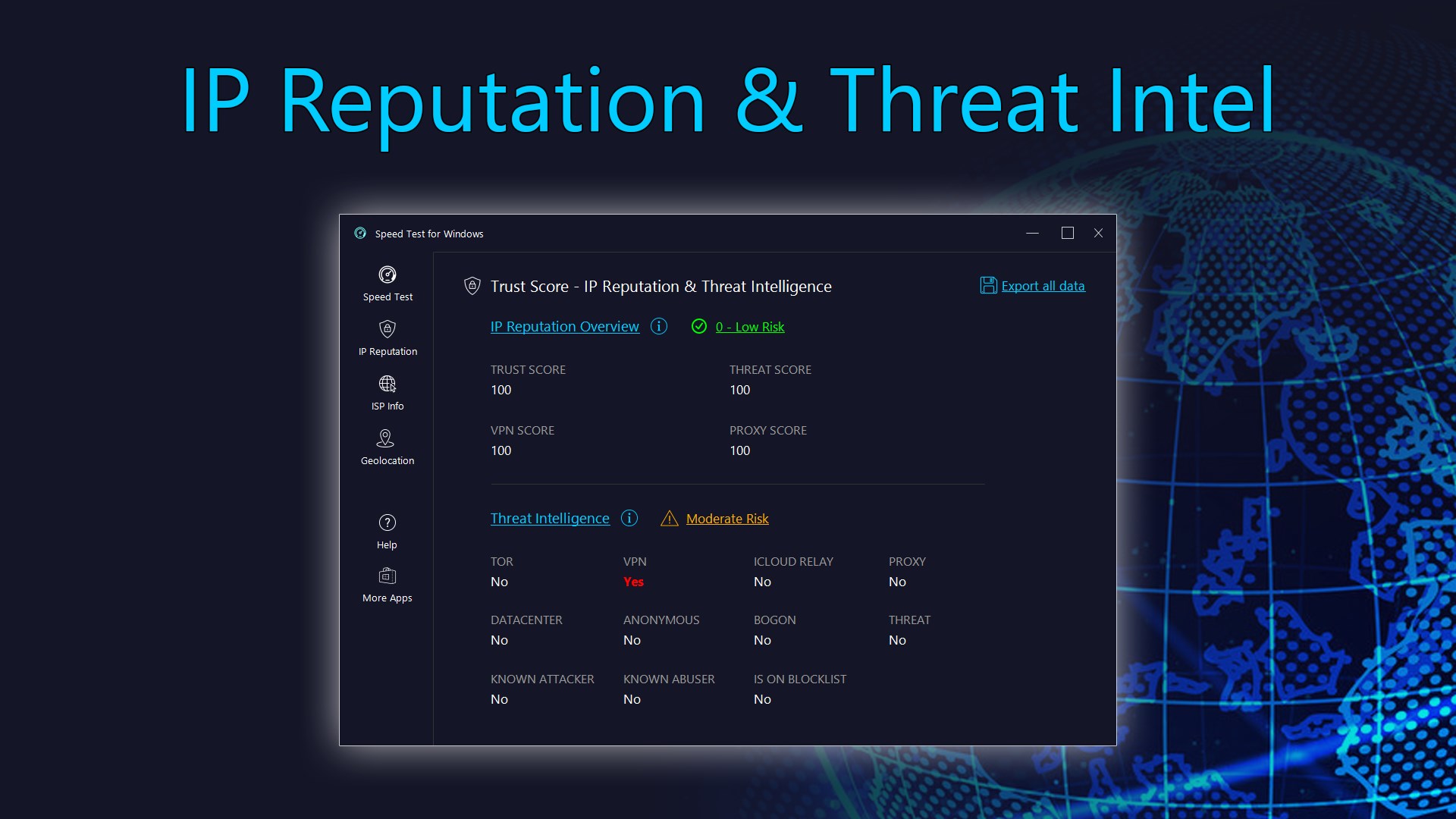
The core features of the app, including speed tests, IP geolocation, basic IP reputation scores, and ISP information, are free to use. To unlock advanced features—such as detailed IP reputation scores (including Trust Score, Threat Score, VPN Score, and Proxy Score) and CSV data export—an upgrade to a premium license is required.
[Product Features]
• Ping: Measure the quality of your connection by calculating the time between a request made and the response received.
• Jitter: Measure the variation in response times. A lower jitter score indicates a more consistent and reliable internet connection.
• Download Speed: Test your internet connection's inbound bandwidth by measuring how quickly it can download data from a server to your computer.
• Upload Speed: Test your internet connection's outbound bandwidth by measuring how fast it can upload data from your computer to a server.
• External IP Address: Determine the IP address of your computer as seen from the outside.
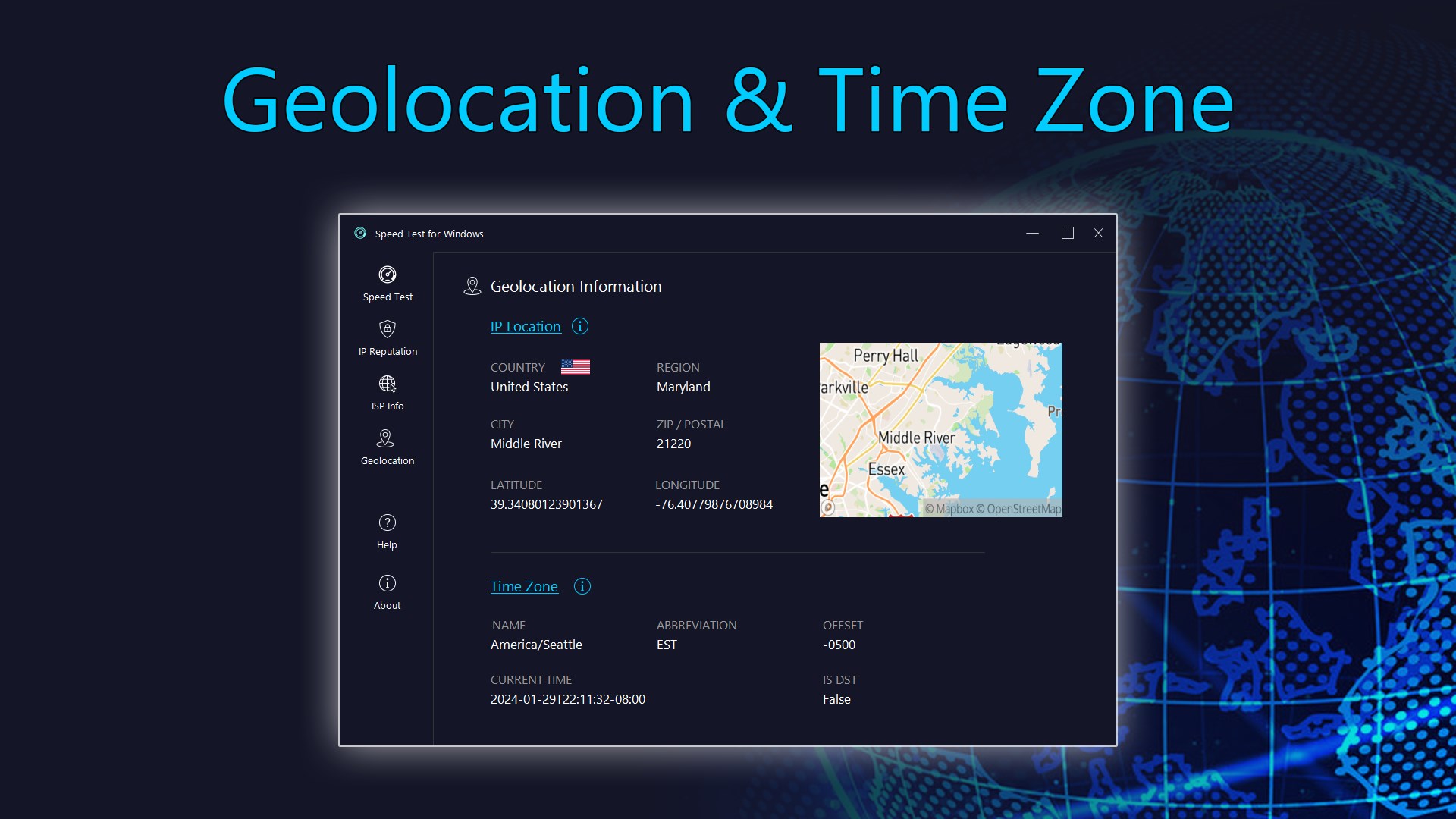
• IP Geolocation: Obtain geolocation information about your IP address, as seen by the outside world.
• Threat Intelligence: Analyze data to understand and counter potential cybersecurity threats.
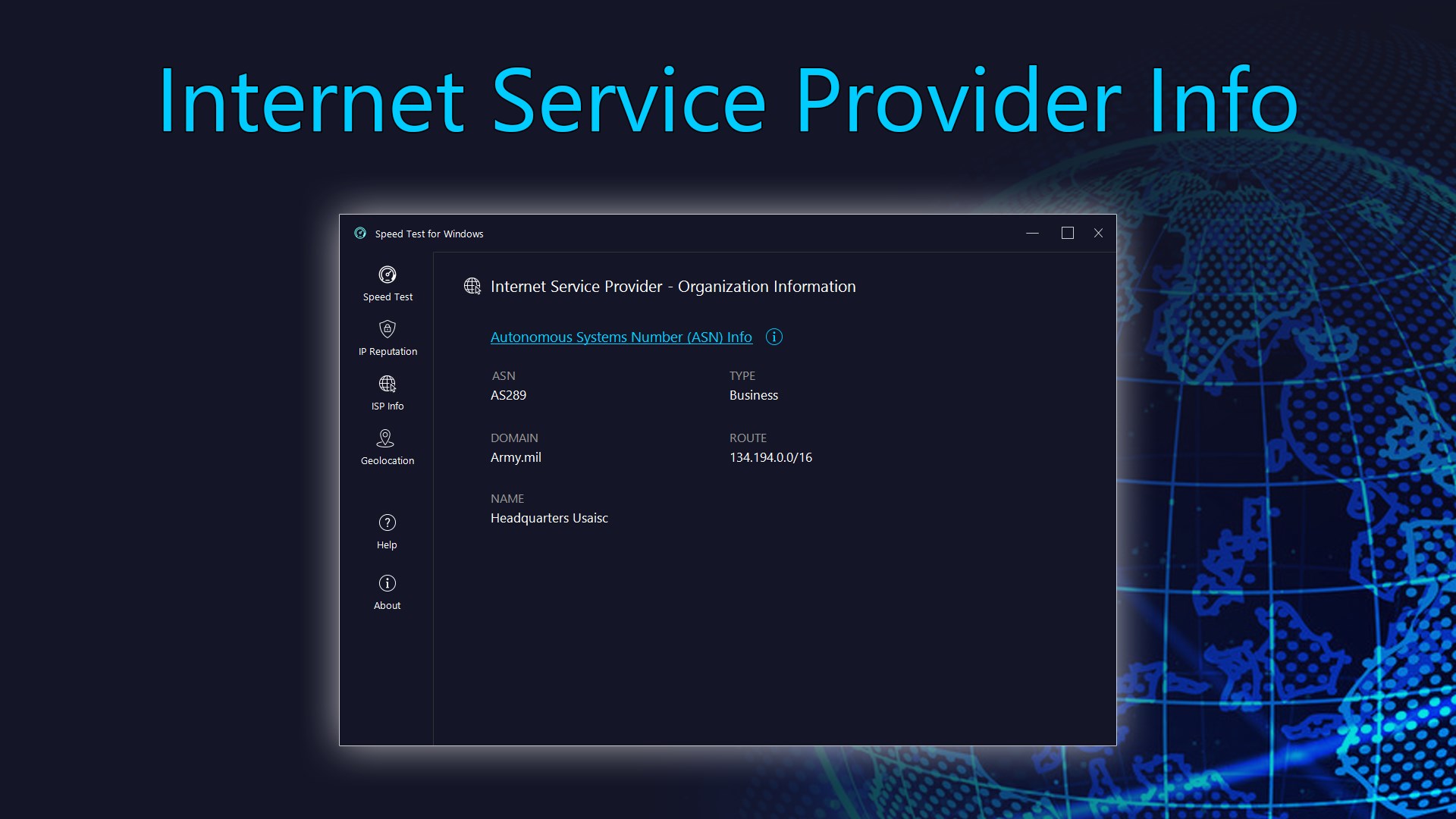
• ISP Information with ASN: View details about your Internet Service Provider (ISP), including its Autonomous System Number (ASN), network range, and associated IP details.
For the most precise test results, follow these tips:
• Opt for an Ethernet cable connection between your modem and computer, as it's preferable to Wi-Fi.
• Avoid browsing the internet, downloading, or uploading files during the test.
• Disconnect from any Virtual Private Network (VPN) connections to ensure an accurate reading.
If there is a version of this app for iOS/Mac or Windows we don't know about, paste the store link here — we'll auto-detect the store.
How to find the URL:1. Open the app in its store. 2.In the App Store app: tap the Share icon → “Copy Link”. In the browser: copy the URL from the address bar — it contains apps.apple.com/…/id… or apps.microsoft.com/detail/…. 3. Paste it here.
Paste the original link from the Apple App Store or Microsoft Store. We fetch all details automatically.
How to find the URL:
1. Open the app in its store. 2.In the App Store app: tap the Share icon → “Copy Link”. In the browser: copy the URL from the address bar — it contains apps.apple.com/…/id… or apps.microsoft.com/detail/…. 3. Paste it here.
Android apps can only be listed by their developer.