

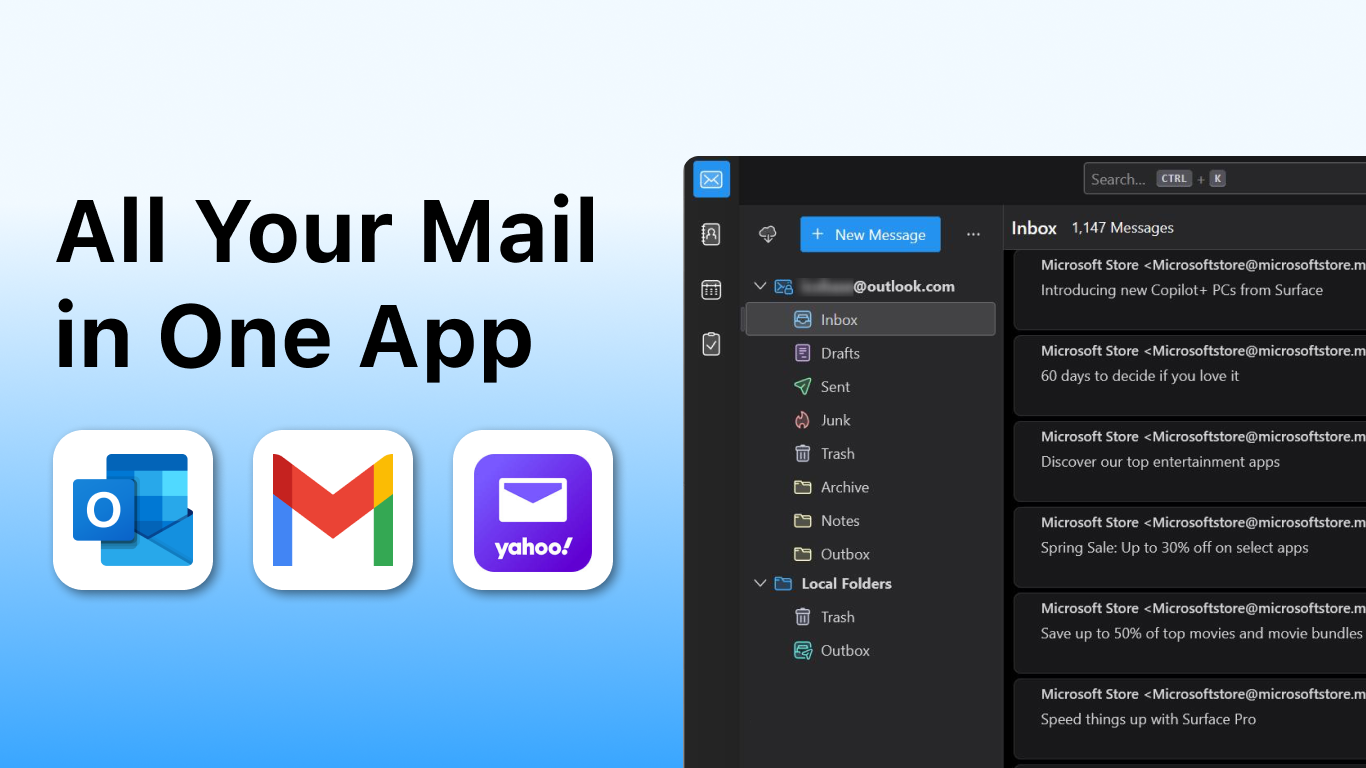

Screenshots
Summary
Mail Apps is a communication tool for Windows that brings Gmail, Microsoft Outlook, Apple Mail, Yahoo Mail and other accounts together into one unified inbox. It supports sending, receiving, replying and forwarding messages, along with custom signatures and CC or BCC fields. A fast search function helps locate messages, while trash, archive and a priority inbox keep the mailbox organized. Custom filters and rules sort incoming mail automatically, and the app includes protection against spam, junk and phishing, according to the provider, plus calendar integration, contact access and offline reading and composing.
Show the developer's original descriptionHide the original description
System Requirement:
This application requires Microsoft Visual C++ Redistributable (VC++ Runtime) to run properly.
If it is not installed on your system, Windows will prompt you to install it automatically.
All Your Mail (Gmail, Microsoft Outlook, Apple Mail, Yahoo Mail) in One App.
Tired of juggling multiple apps to manage your Gmail, Microsoft Outlook, and Yahoo Mail? Streamline your digital life with our powerful and intuitive email client for Windows. We bring all your multiple email accounts together into one centralized mailbox, creating a unified and efficient e-mail experience.
Our clean, modern interface makes managing your inbox a breeze. From a quick reply to a detailed message, every action is designed to be seamless. Take control of your communications and focus on what truly matters.
Key Features:
- True Unified Inbox: See every email from Google Mail (Gmail), Outlook, Hotmail, Yahoo Mail, Apple Mail, AOL Mail, and more in a single, organized list. Never miss an important message again.
- Master Your Communications: Effortlessly Send, Receive, Reply, Reply All, and Forward messages. Manage conversations professionally with custom Signature options and CC / BCC fields.
- Intelligent Organization: Our lightning-fast search helps you find anything instantly. Clear the clutter by sending messages to the Trash or Archive, and use the Priority Inbox to focus on important mail. See all Unread messages at a glance.
- Powerful Automation & Security: Create custom Filters / Rules to automatically sort your incoming mail. Our advanced system helps protect you from Spam, Junk, and Phishing attempts, ensuring a Secure Email experience.
- Integrated Productivity Hub: This is more than just an email app. With seamless Calendar Integration and easy access to your Contacts, it becomes your central office command center.
- Always Accessible: With Offline Access, you can read and compose messages even when you're not connected to the internet.
Download now to unify your inbox, enhance your security, and rediscover an organized, stress-free way to manage your email.
This app uses Thunderbird code licensed under the Mozilla Public License 2.0.
https://www.thunderbird.net/
https://www.mozilla.org/MPL/2.0/
Technical details about Mail Apps
Mail Apps in the rankings
The best email apps
The best productivity apps
The best Windows apps
The best free apps
All rankings ›
Manage app
Are you on the developer team behind Mail Apps?
Verify yourself and manage your listing on Most Voted Apps.
Verify Mail Apps for free
Verification usually takes only a few minutes.
Similar apps to Mail Apps
 Flow Mail - Email with multi account
Manage emails from multiple accounts in one place
 Multi Mail - Multi-Account Email Client
Manage multiple email accounts in one unified inbox
 One Messenger - All in one with multi account
Combine multiple messenger services in one secure app
 Mail+
Manage Gmail, Outlook and other email accounts side by side
 Outlook for Windows
Email and calendar app for multiple accounts with AI
 Spark Mail: AI Email Assistant
Manage emails from multiple accounts in one inbox