Screenshot appears after consentScreenshot appears after consentScreenshot appears after consentScreenshot appears after consentScreenshot appears after consentScreenshot appears after consentScreenshot appears after consent
Screenshot appears after consent
Screenshot appears after consentScreenshot appears after consentScreenshot appears after consentScreenshot appears after consent
Summary
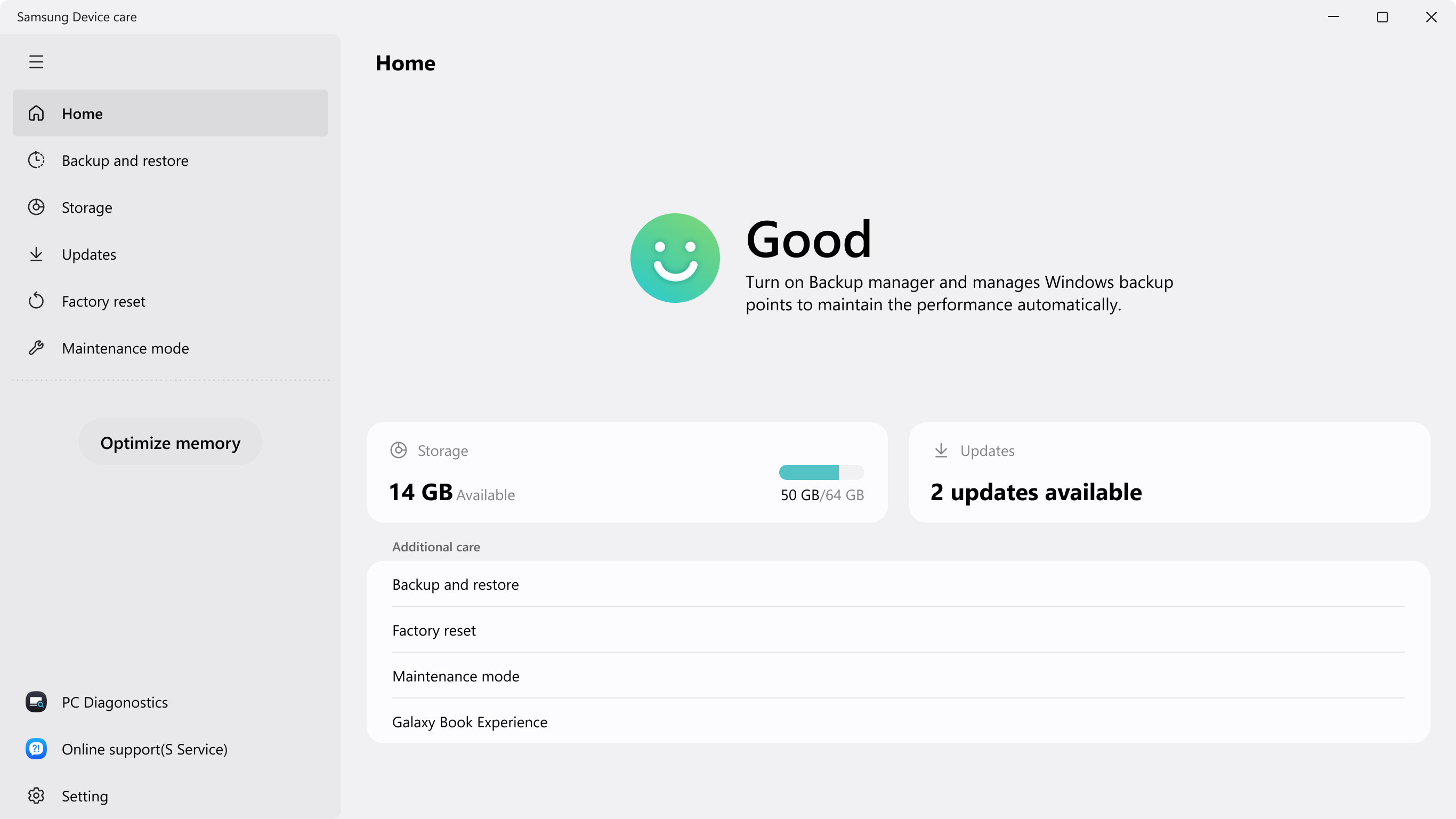
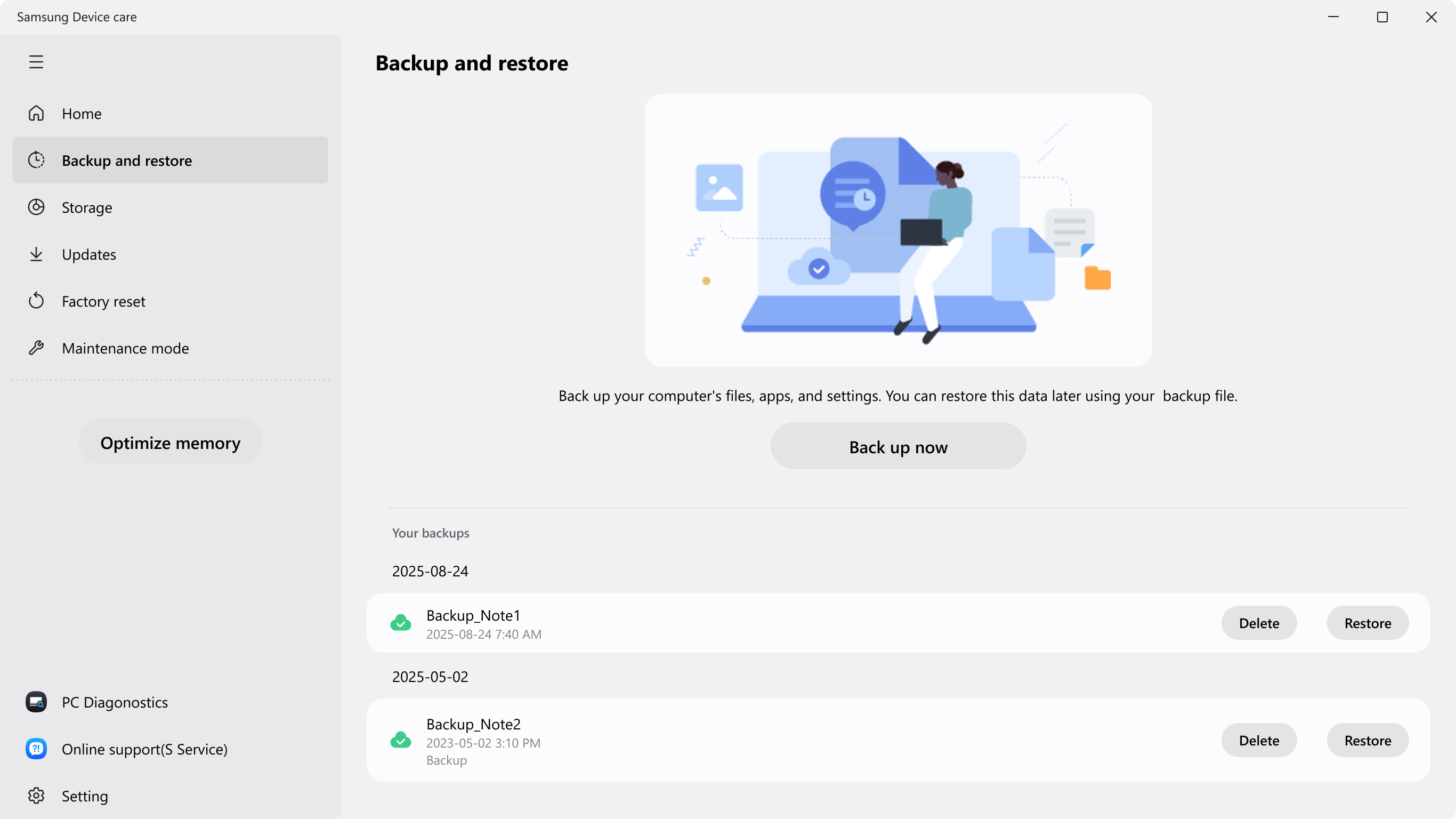
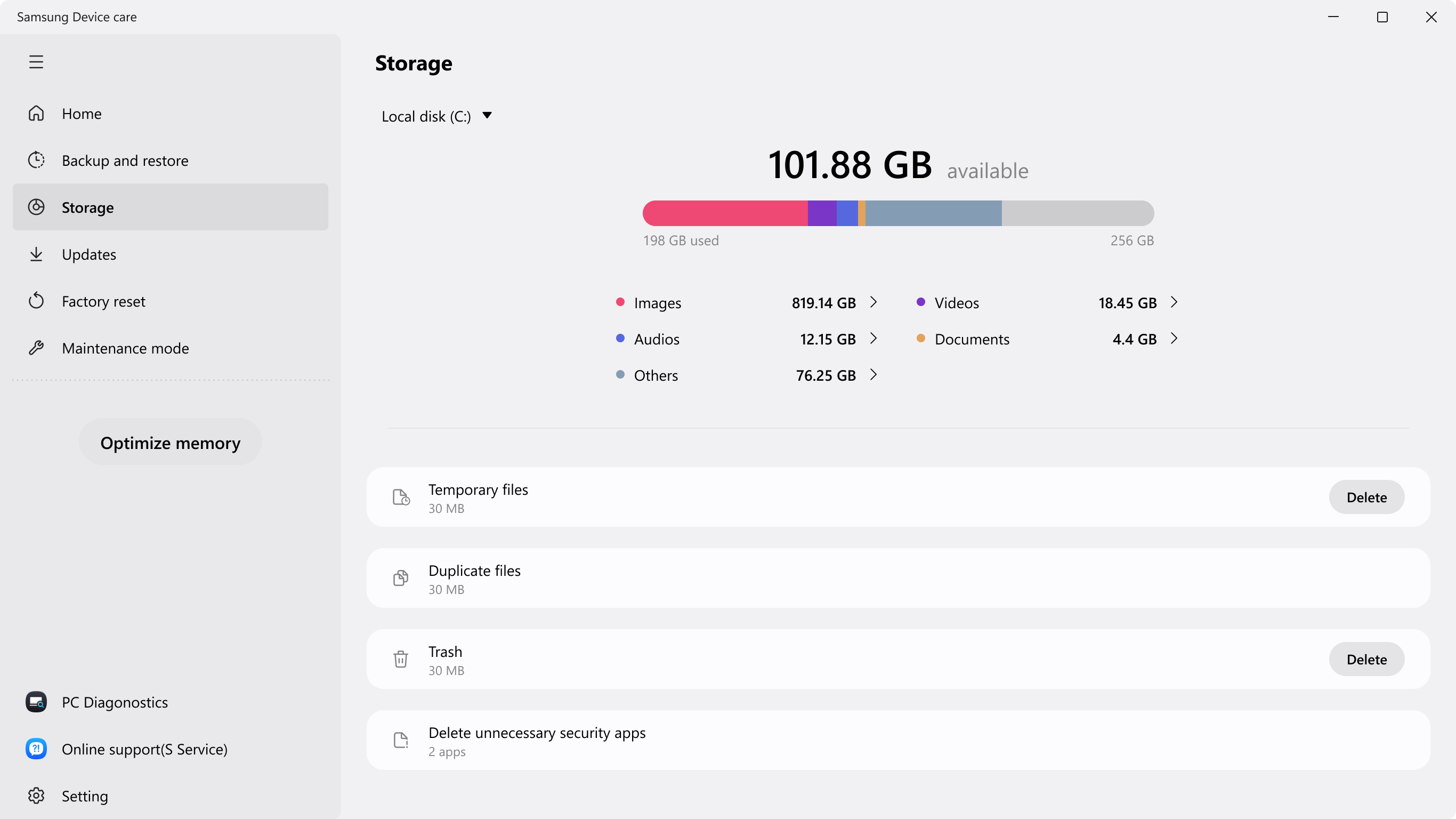
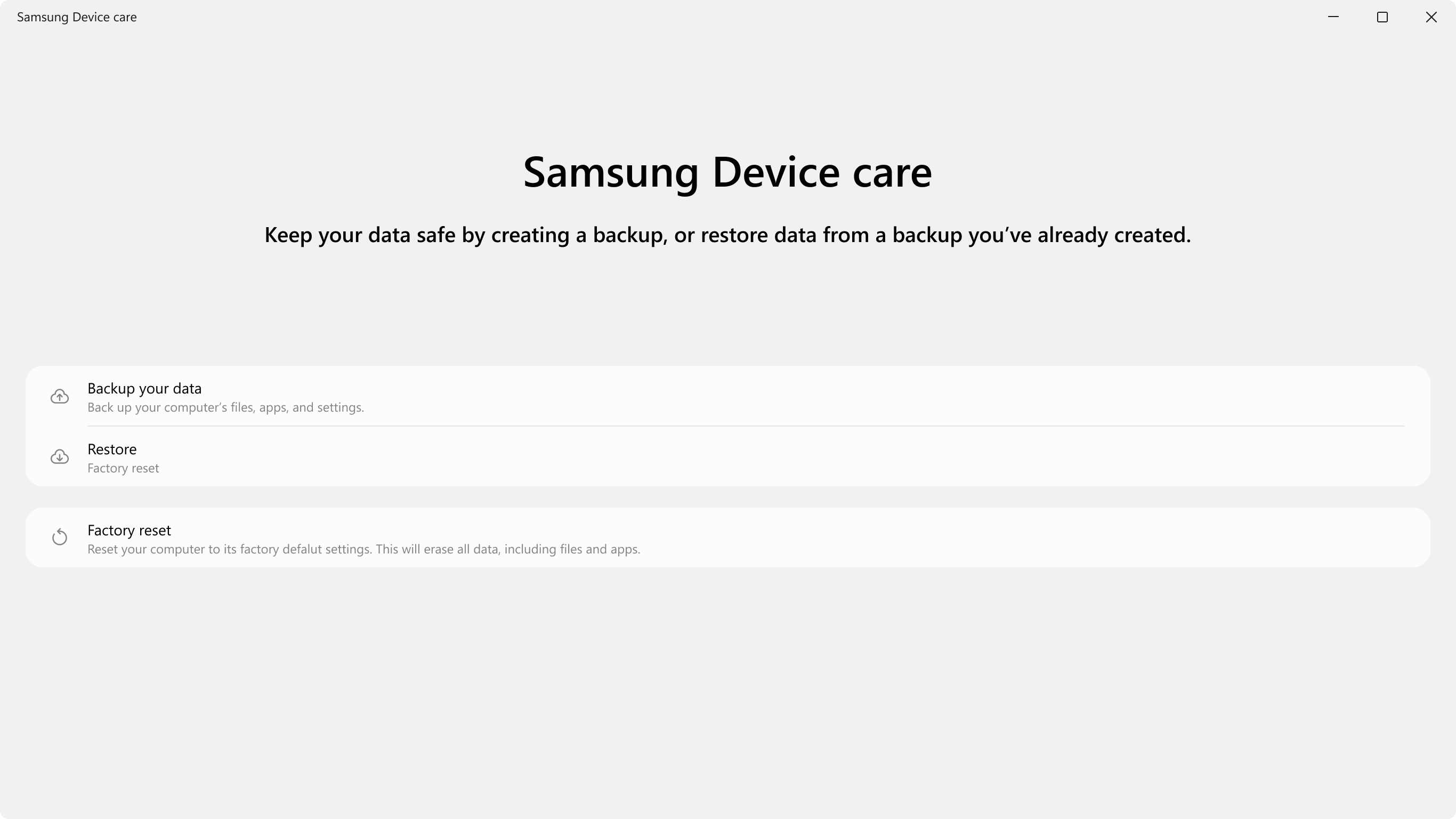
Samsung Device Care is a system optimization app for Galaxy Book computers. It allows backing up the PC before updating or installing drivers or apps, so the previous state can be restored if unexpected changes or problems occur. It finds and deletes duplicate files, temporary files and other unnecessary files to free up storage space. It also keeps the system in optimal condition by updating drivers and BIOS to the latest version. Some features may not be supported in certain countries or regions, on certain Galaxy Book models, or with certain Windows versions.
Show the developer's original descriptionHide the original description
Device care is an app to optimize Galaxy Book.
Back up your PC, clean up unnecessary files, and update drivers and BIOS with Device care.
- Easy and safe backup and restoration
By backing up your PC before updating or installing drivers or apps, you can restore it to its previous state, even if unexpected changes or problems happen.
- Cleaning up unnecessary files
You can easily find and delete duplicate files, temporary files, and unnecessary files to free up Galaxy Book storage.
- Maintaining your system in optimal condition
You can maintain your system in optimal condition by updating the drivers and BIOS of Galaxy Book to the latest version.
* Some features may not be supported in some countries or regions, Galaxy Book models, or Windows versions.
Paste the original link from the Apple App Store or Microsoft Store. We fetch all details automatically.
How to find the URL:
1. Open the app in its store. 2.In the App Store app: tap the Share icon → “Copy Link”. In the browser: copy the URL from the address bar — it contains apps.apple.com/…/id… or apps.microsoft.com/detail/…. 3. Paste it here.
Android apps can only be listed by their developer.