Screenshot appears after consentScreenshot appears after consentScreenshot appears after consentScreenshot appears after consentScreenshot appears after consentScreenshot appears after consentScreenshot appears after consentScreenshot appears after consentScreenshot appears after consentScreenshot appears after consentScreenshot appears after consentScreenshot appears after consentScreenshot appears after consentScreenshot appears after consentScreenshot appears after consentScreenshot appears after consentScreenshot appears after consent
Summary
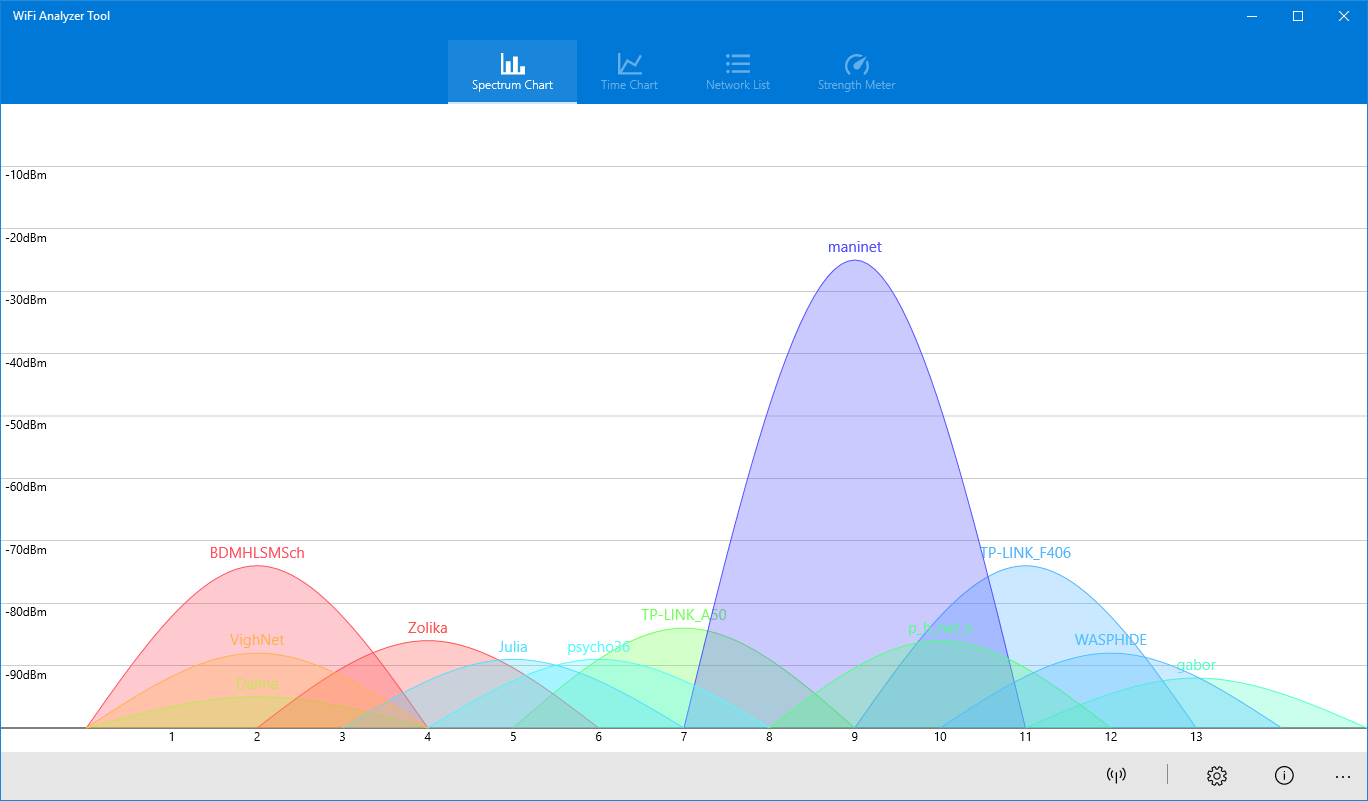
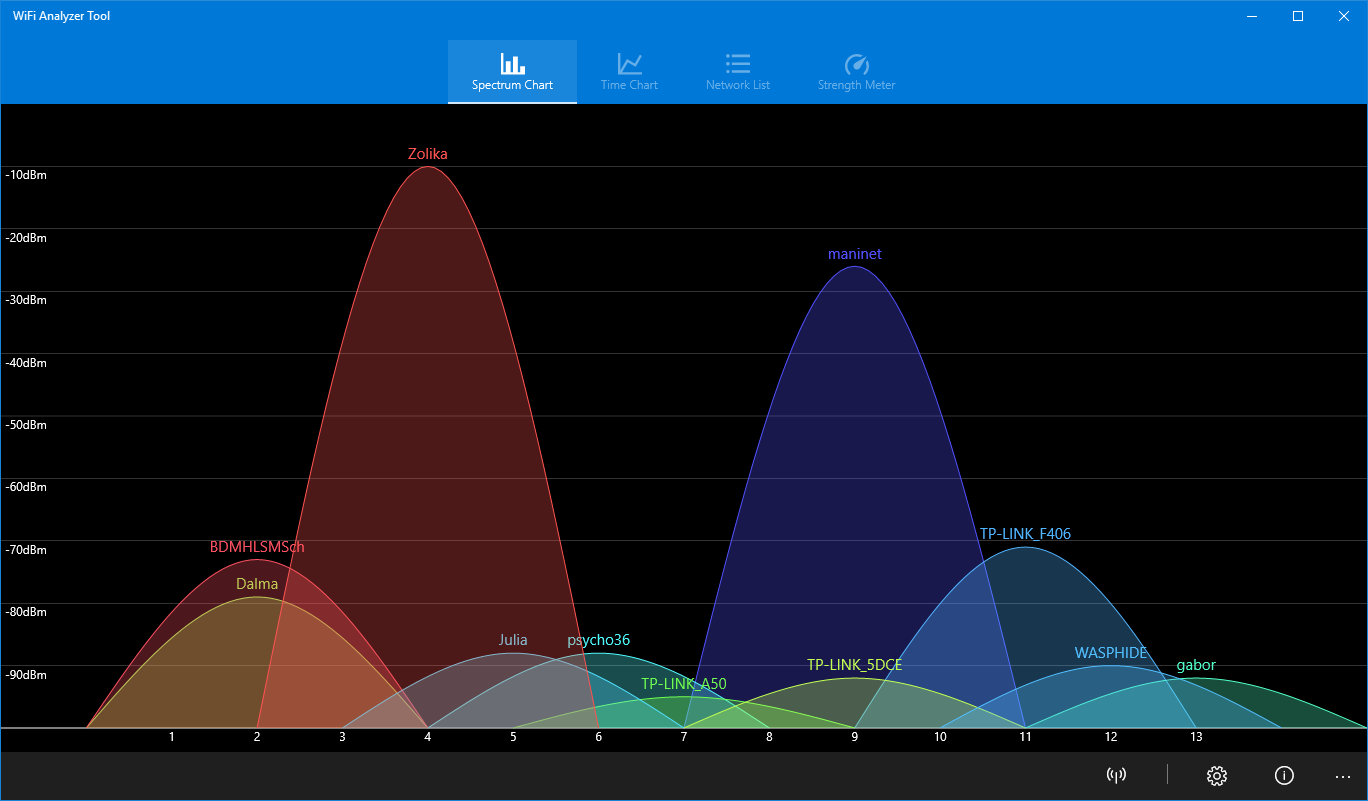
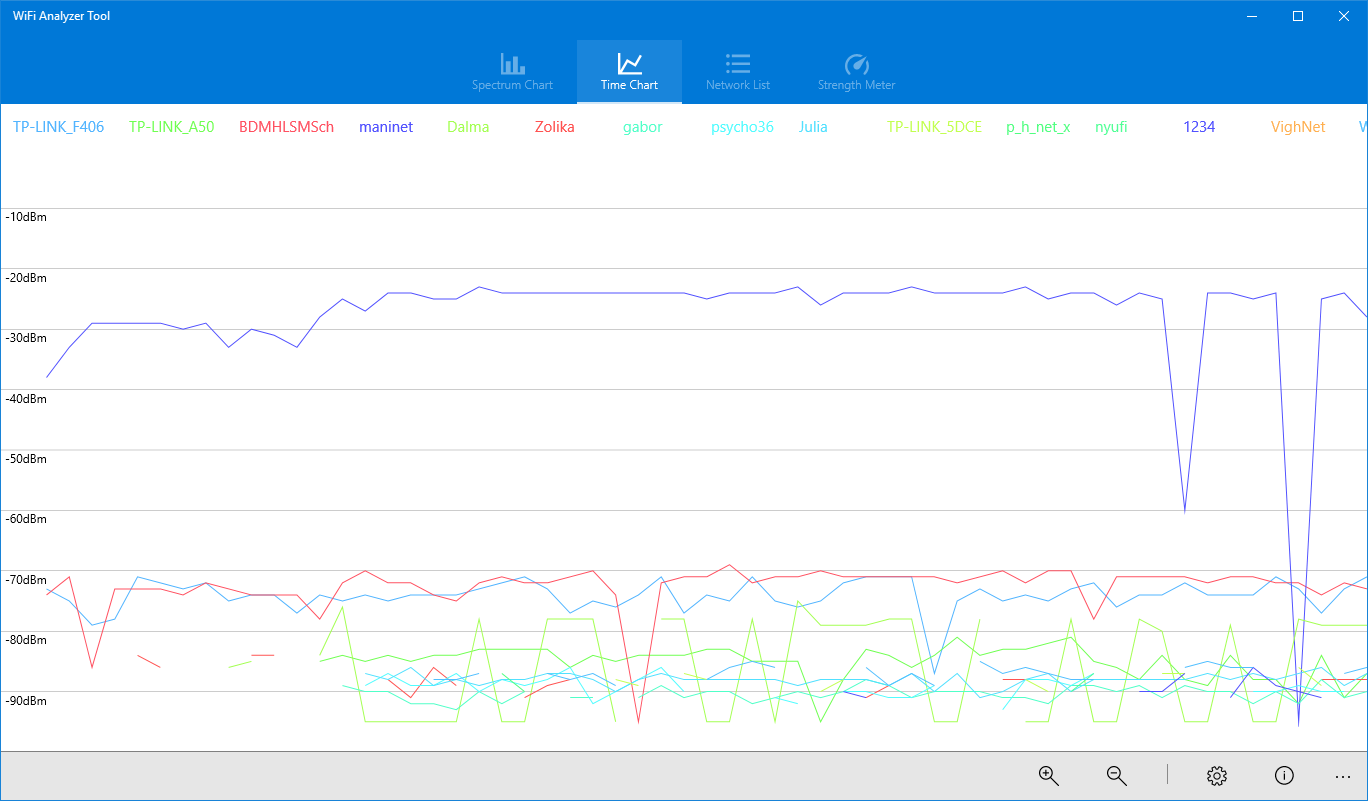
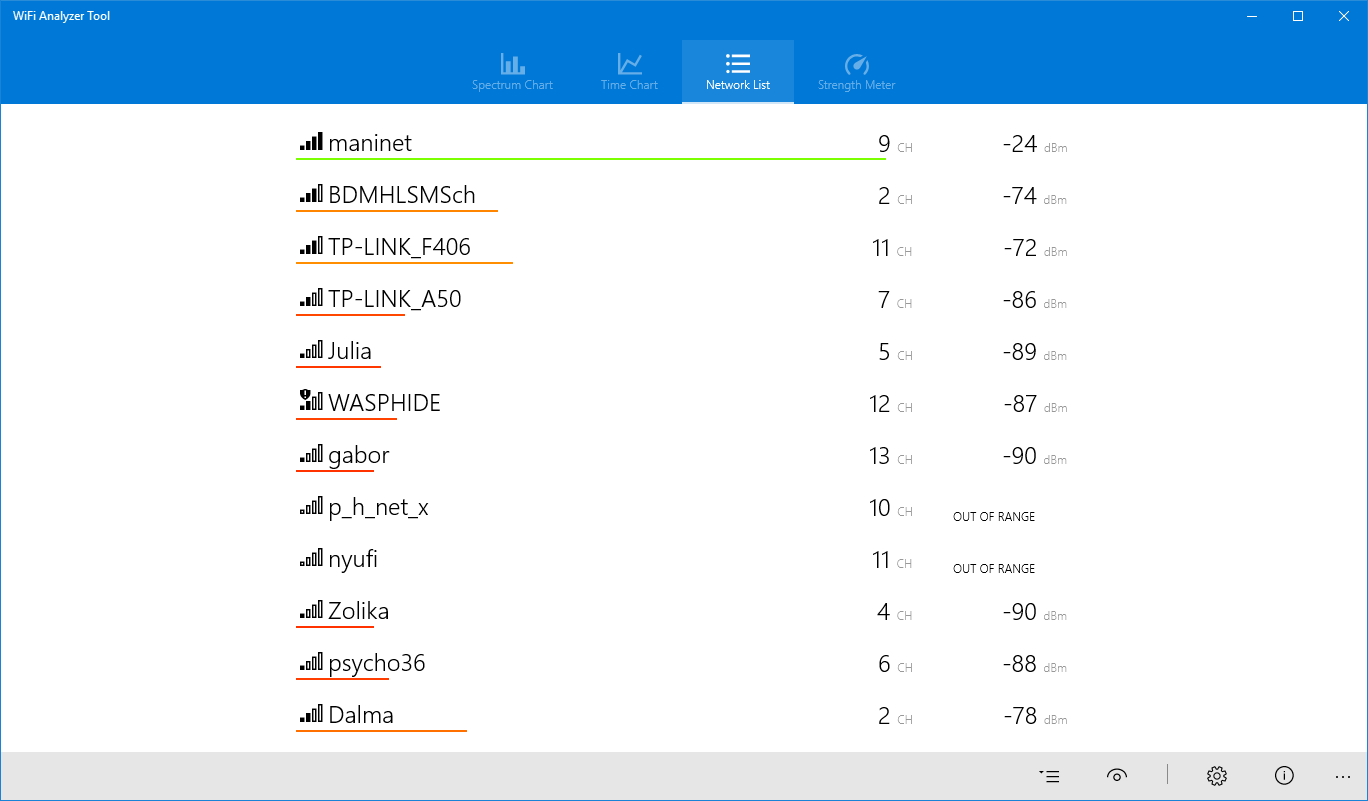
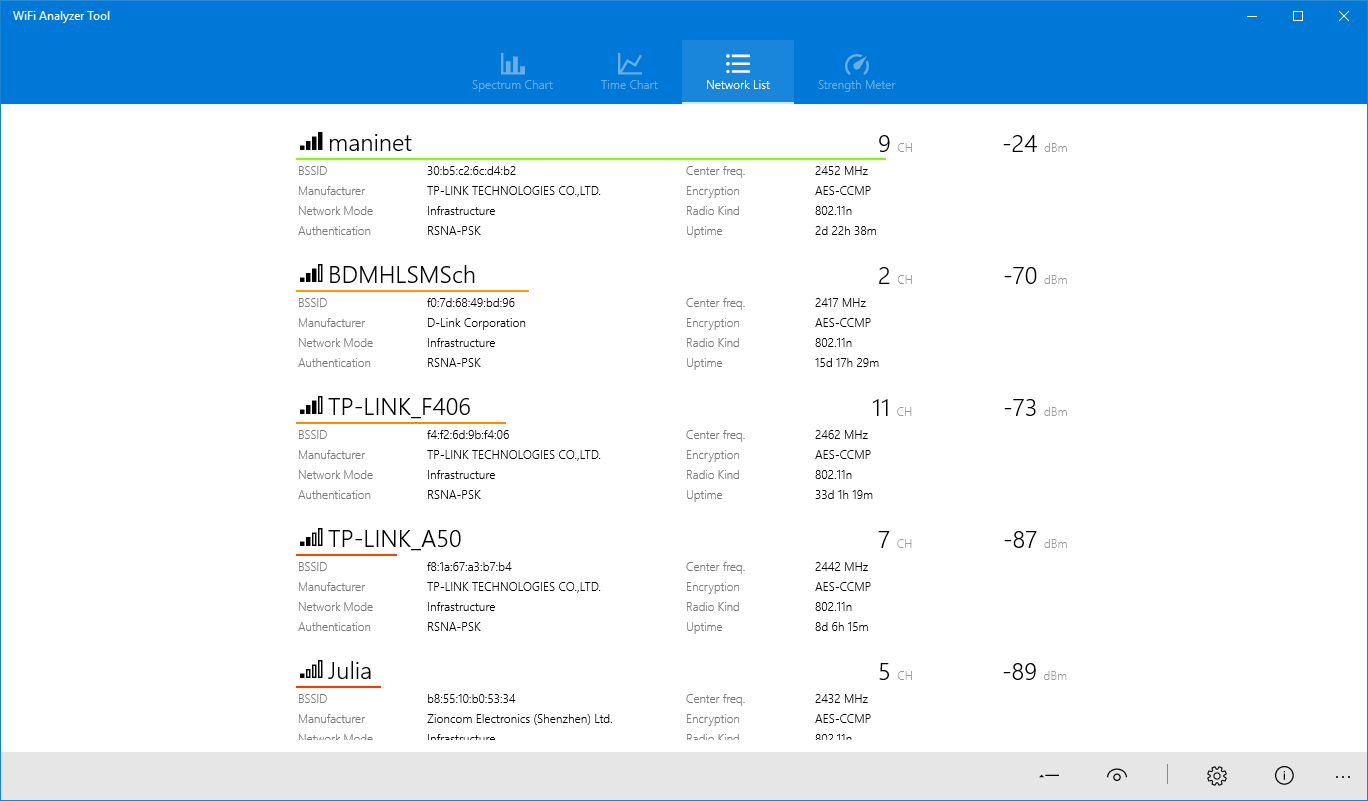
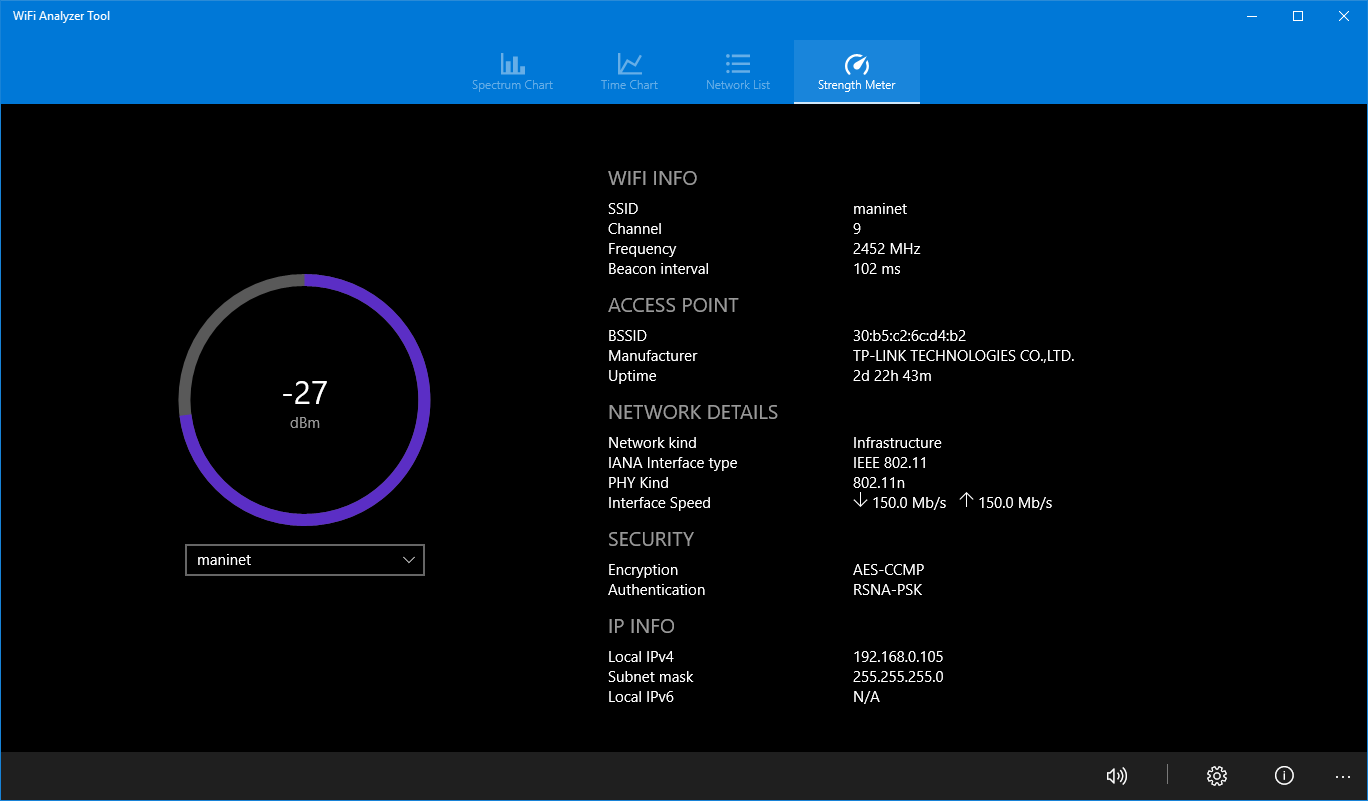
WiFi Analyzer Tool is an app that scans nearby Wi-Fi networks and displays detailed information to help optimize a wireless connection. It shows network names, security protocols and signal strength for surrounding networks. A spectrum chart highlights overlapping networks so the best channel can be chosen to avoid congestion and slow connections. Networks can be connected to or disconnected from directly through the app, and IP address and subnet mask details are shown for active connections. Charts can be saved as images, and a signal strength beeper helps locate stronger connections. Labels can be switched between SSID and BSSID for a more detailed channel view.
Show the developer's original descriptionHide the original description
WiFi Analyzer Tool is an intuitive and helpful app designed to help you discover Wi-Fi networks in your surroundings, display all their available details, and optimize your Wi-Fi connection by identifying the best channels to avoid congestion and slow connections. Fine-tune your router settings to eliminate channel conflicts and achieve peak Wi-Fi performance. The app offers a range of useful features:
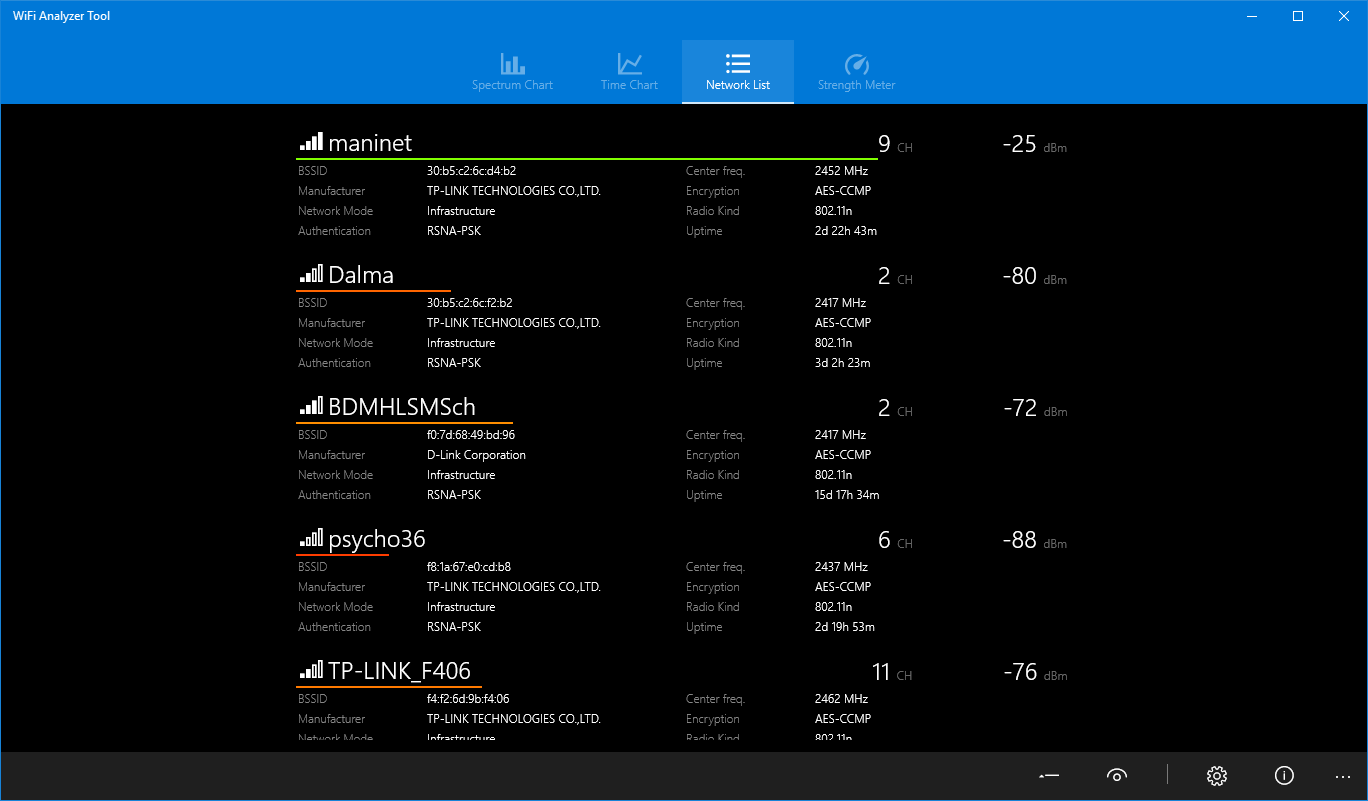
• Detailed Network Information: View network names (SSID), security protocols, signal strength, and much more information about the networks around you.
• Spectrum Chart: Utilize the comprehensive spectrum chart to identify overlapping networks and select the best channel for your router, helping you avoid congestion and slow connections for optimal performance.
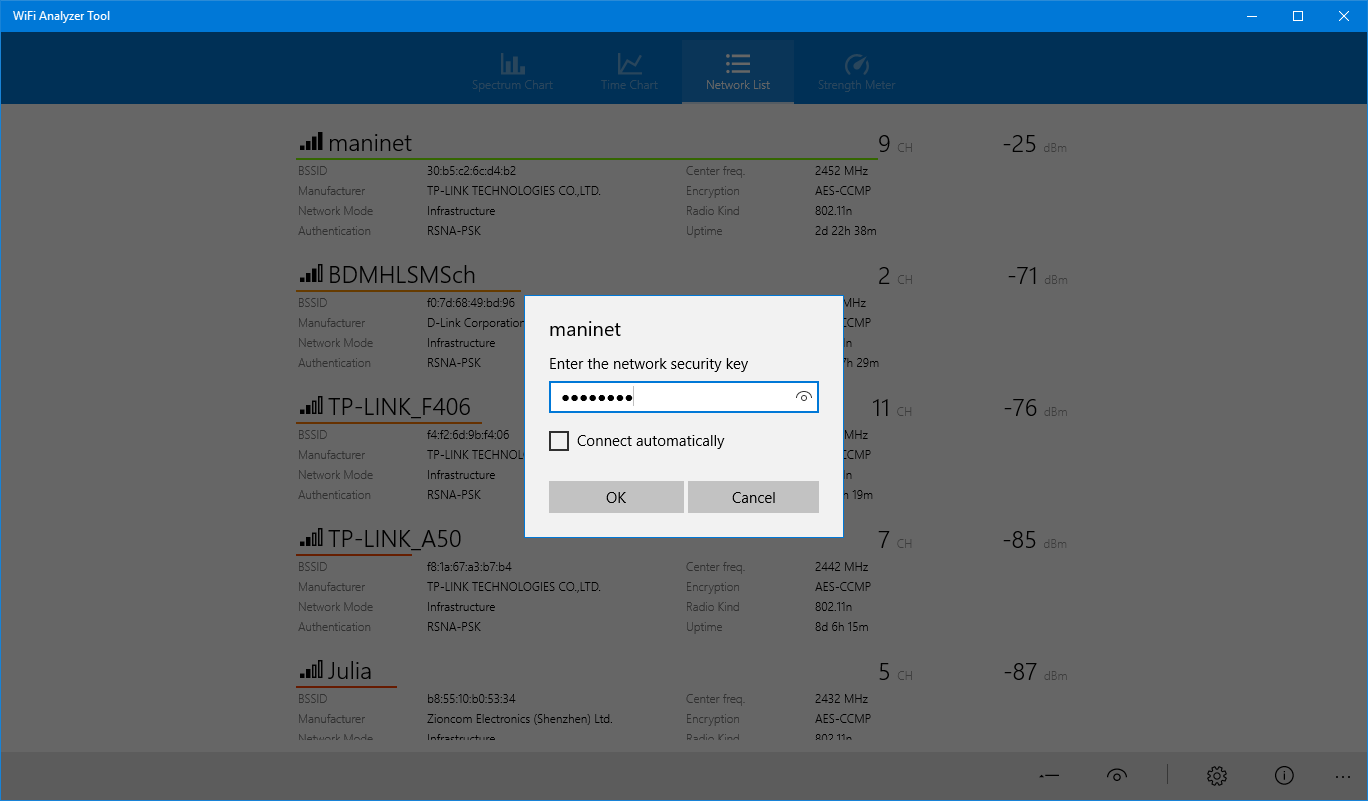
• Connect to Networks: Easily connect to listed networks directly through the app.
• Fast and User-Friendly Interface: WiFi Analyzer's clean and understandable interface ensures you quickly find the information and settings you need.
Additional features:
• Save charts as images for easy reference and sharing
• Connect or disconnect from networks with ease
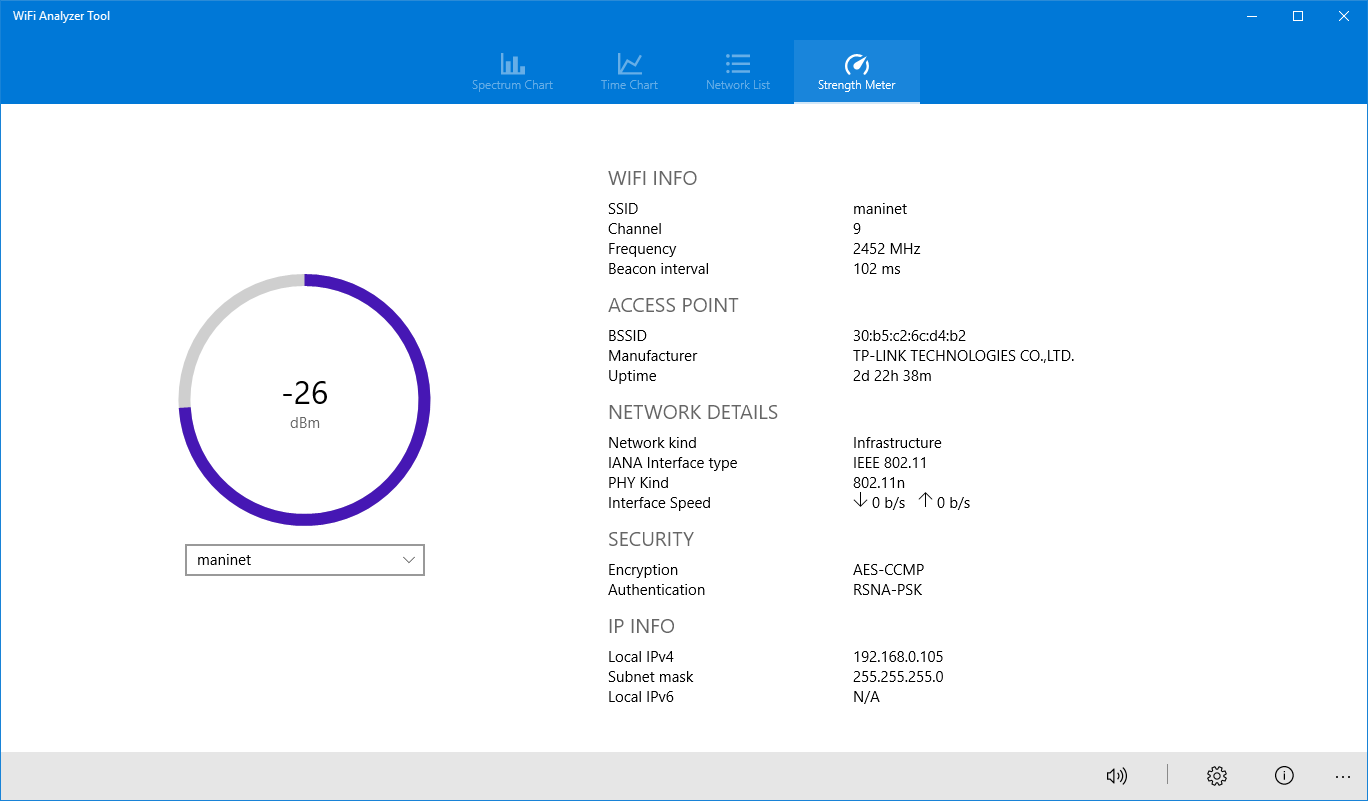
• View IP address and subnet mask information for connected networks
• Utilize the signal strength beeper to find stronger connections
• Switch between SSID/BSSID labels for a more detailed level-chart view
If there is a version of this app for iOS/Mac or Windows we don't know about, paste the store link here — we'll auto-detect the store.
How to find the URL:1. Open the app in its store. 2.In the App Store app: tap the Share icon → “Copy Link”. In the browser: copy the URL from the address bar — it contains apps.apple.com/…/id… or apps.microsoft.com/detail/…. 3. Paste it here.
Paste the original link from the Apple App Store or Microsoft Store. We fetch all details automatically.
How to find the URL:
1. Open the app in its store. 2.In the App Store app: tap the Share icon → “Copy Link”. In the browser: copy the URL from the address bar — it contains apps.apple.com/…/id… or apps.microsoft.com/detail/…. 3. Paste it here.
Android apps can only be listed by their developer.