
IP CAM Controller

Control IP cameras and monitor multiple feeds simultaneously AI summary
Rank 1202
0 Up Votes, 0 Down Votes
▲
0
▼
IP CAM Controller is not available on Apple — or is it? Submit URL
Screenshots
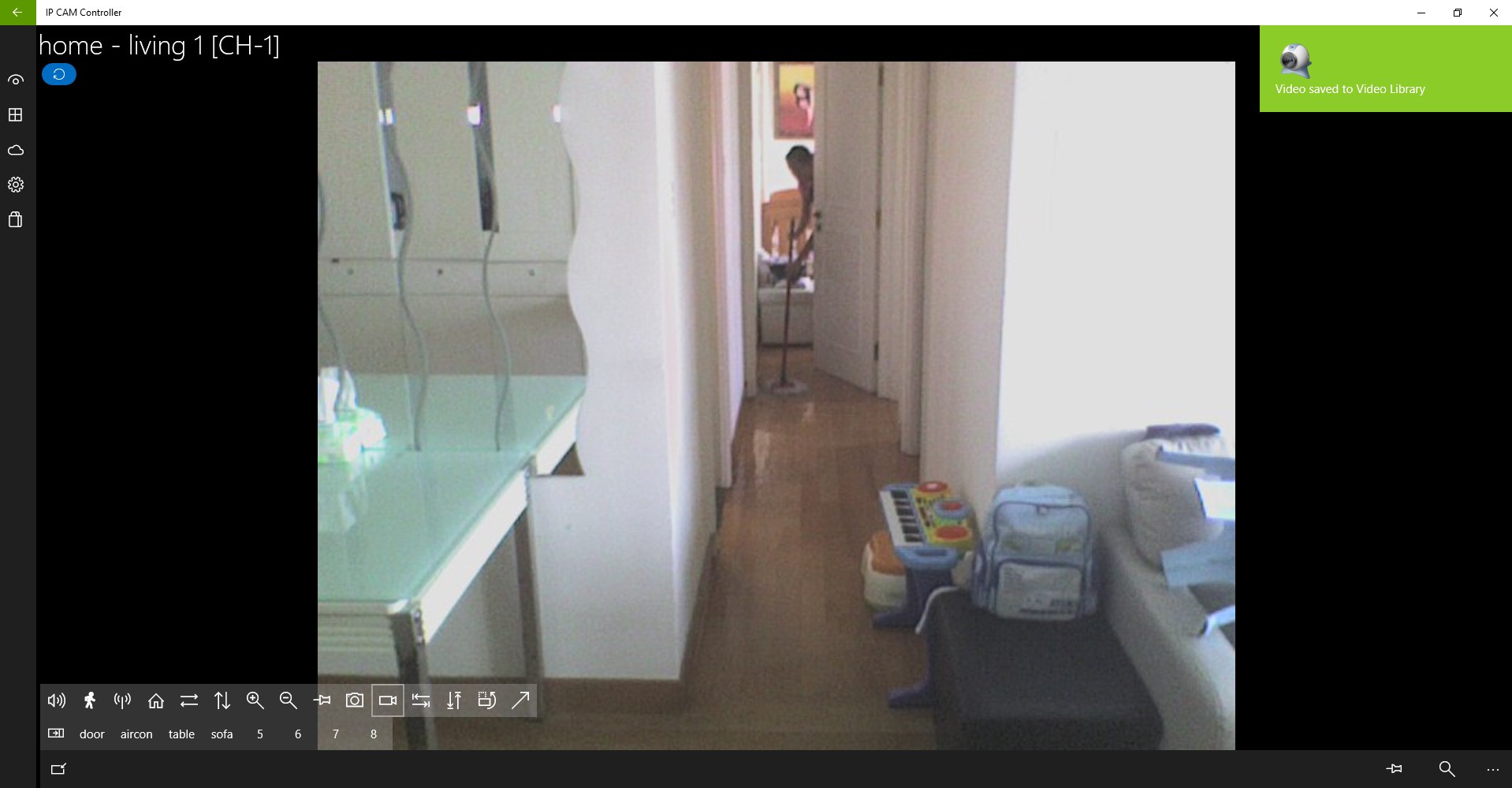
Screenshot 1 of IP CAM Controller on WindowsScreenshot
appears after consent
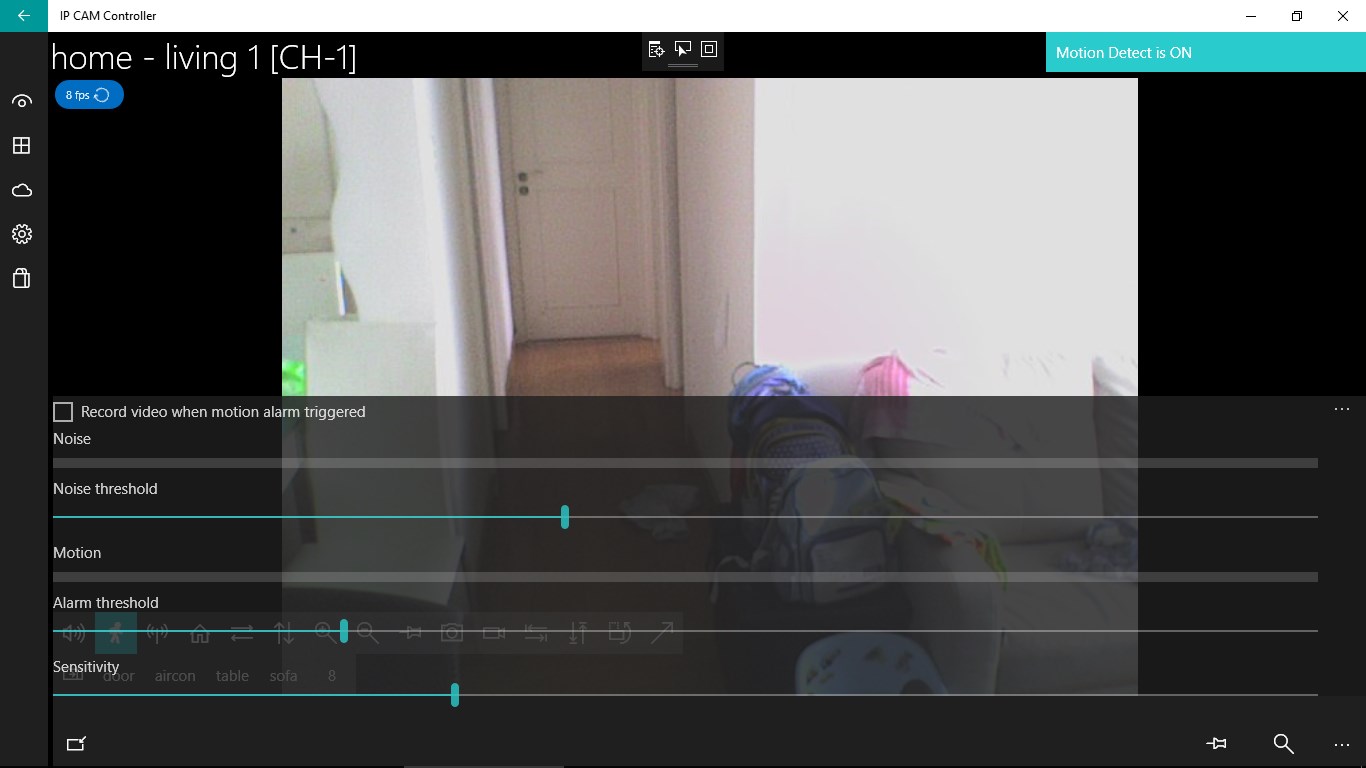
Screenshot 2 of IP CAM Controller on WindowsScreenshot
appears after consent
Screenshot 3 of IP CAM Controller on WindowsScreenshot
appears after consent
Screenshot 4 of IP CAM Controller on WindowsScreenshot
appears after consent
Screenshot 5 of IP CAM Controller on WindowsScreenshot
appears after consent
Screenshot 6 of IP CAM Controller on WindowsScreenshot
appears after consent
Screenshot 7 of IP CAM Controller on WindowsScreenshot
appears after consent
Screenshot 8 of IP CAM Controller on WindowsScreenshot
appears after consent
Screenshot 9 of IP CAM Controller on WindowsScreenshot
appears after consent
Screenshot 10 of IP CAM Controller on WindowsScreenshot
appears after consent
Screenshot 11 of IP CAM Controller on WindowsScreenshot
appears after consent
Screenshot 12 of IP CAM Controller on WindowsScreenshot
appears after consent
Screenshot 13 of IP CAM Controller on WindowsScreenshot
appears after consent
Screenshot 14 of IP CAM Controller on WindowsScreenshot
appears after consent
Screenshot 15 of IP CAM Controller on WindowsScreenshot
appears after consent
Screenshot 16 of IP CAM Controller on WindowsScreenshot
appears after consent
Screenshot 17 of IP CAM Controller on WindowsScreenshot
appears after consent
Summary
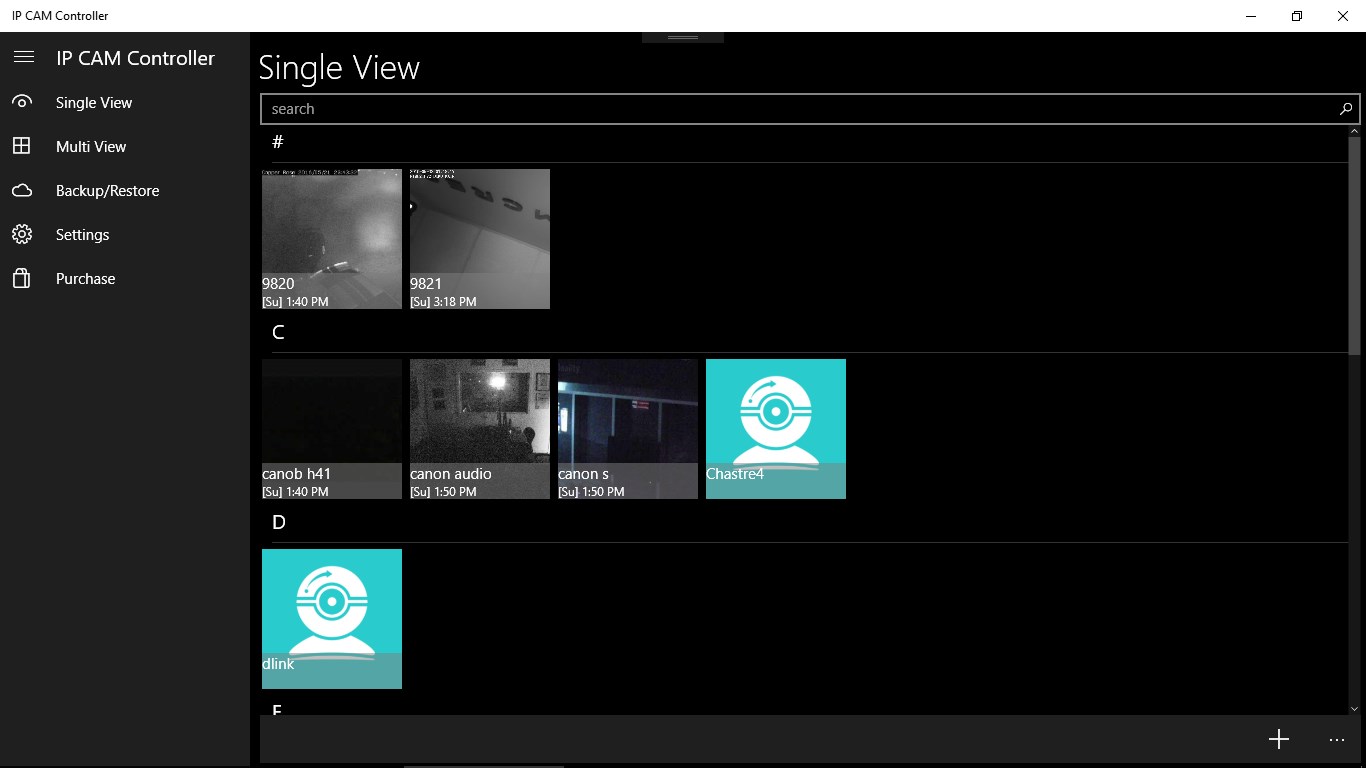
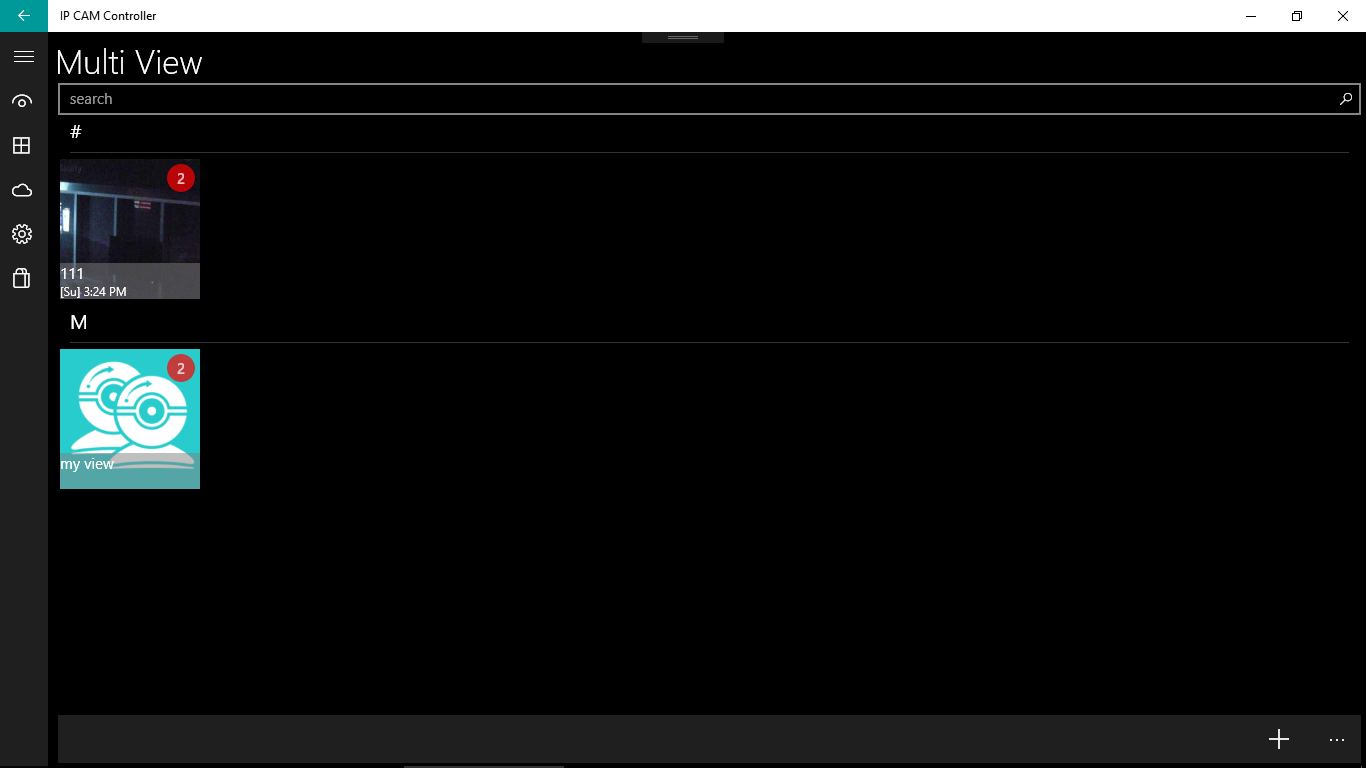
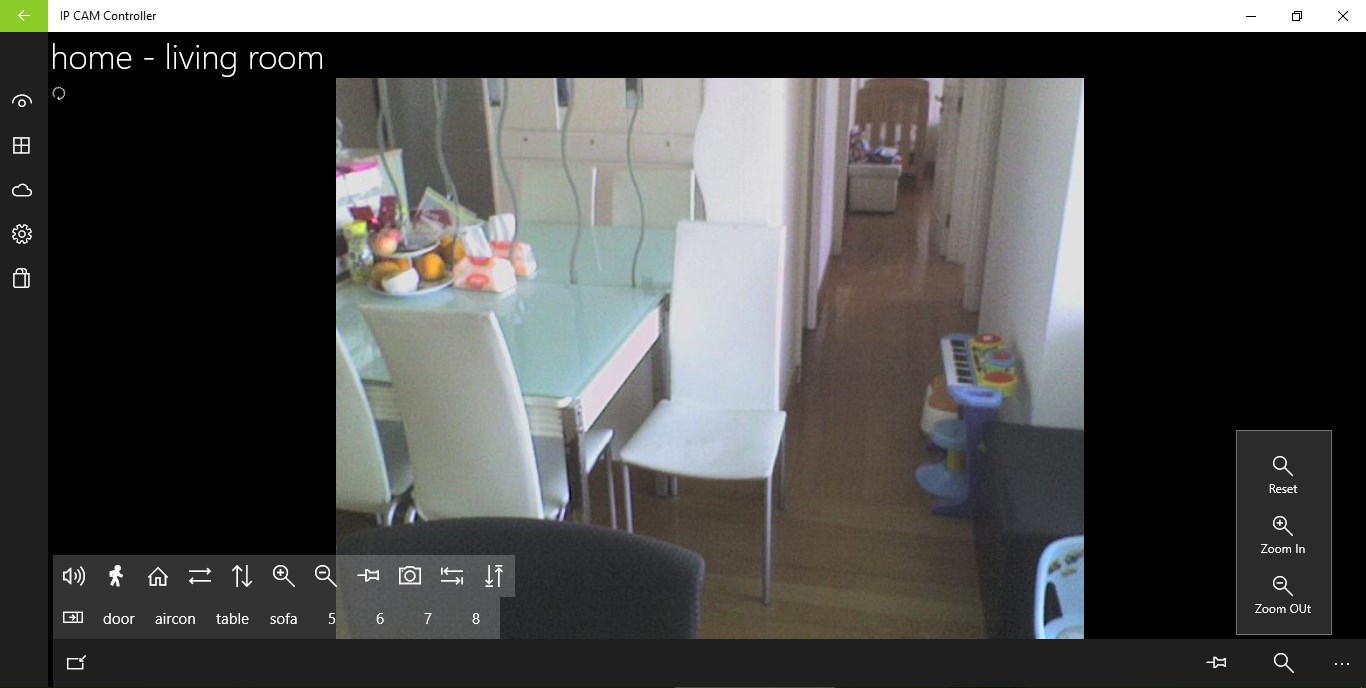
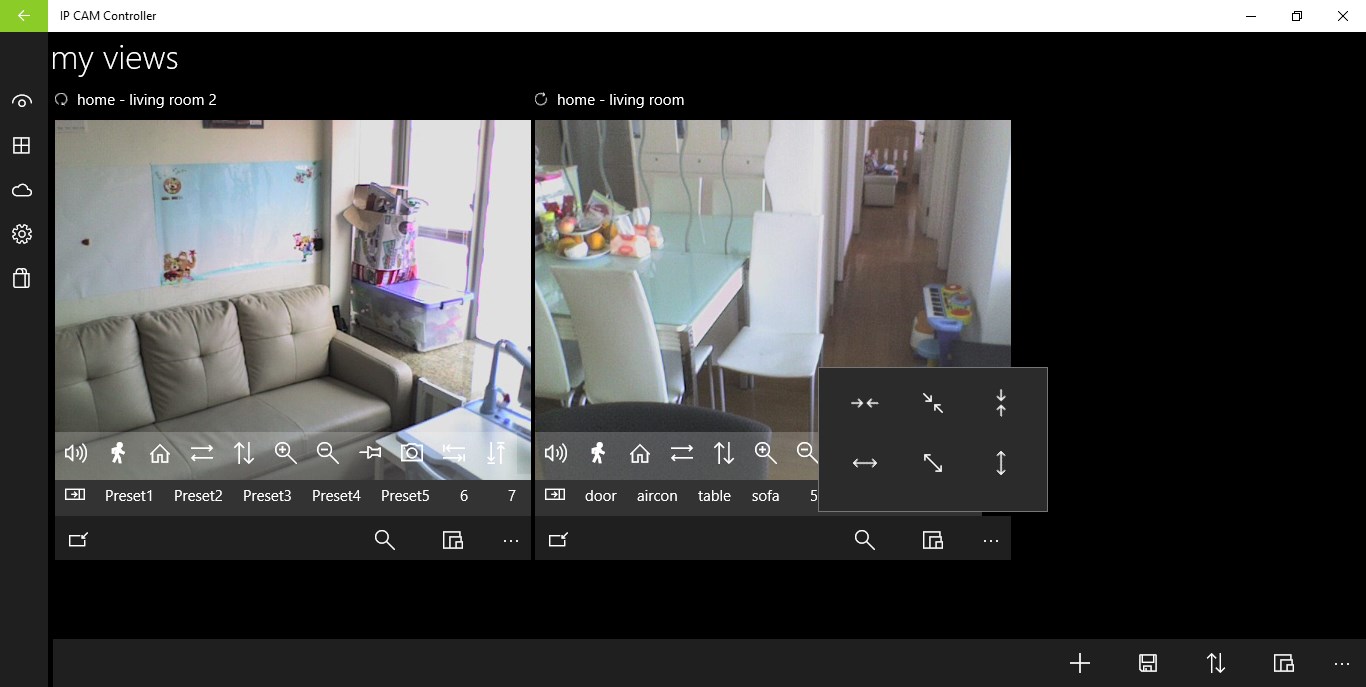
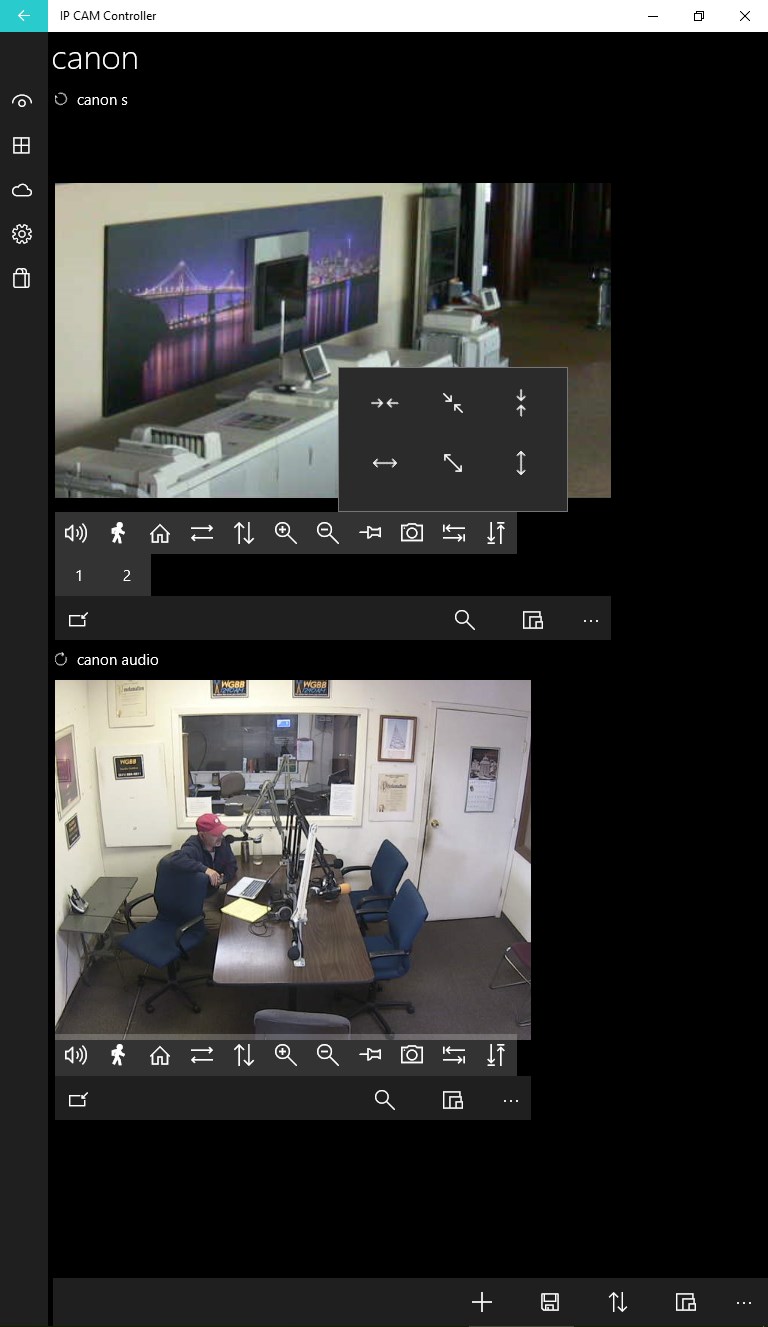
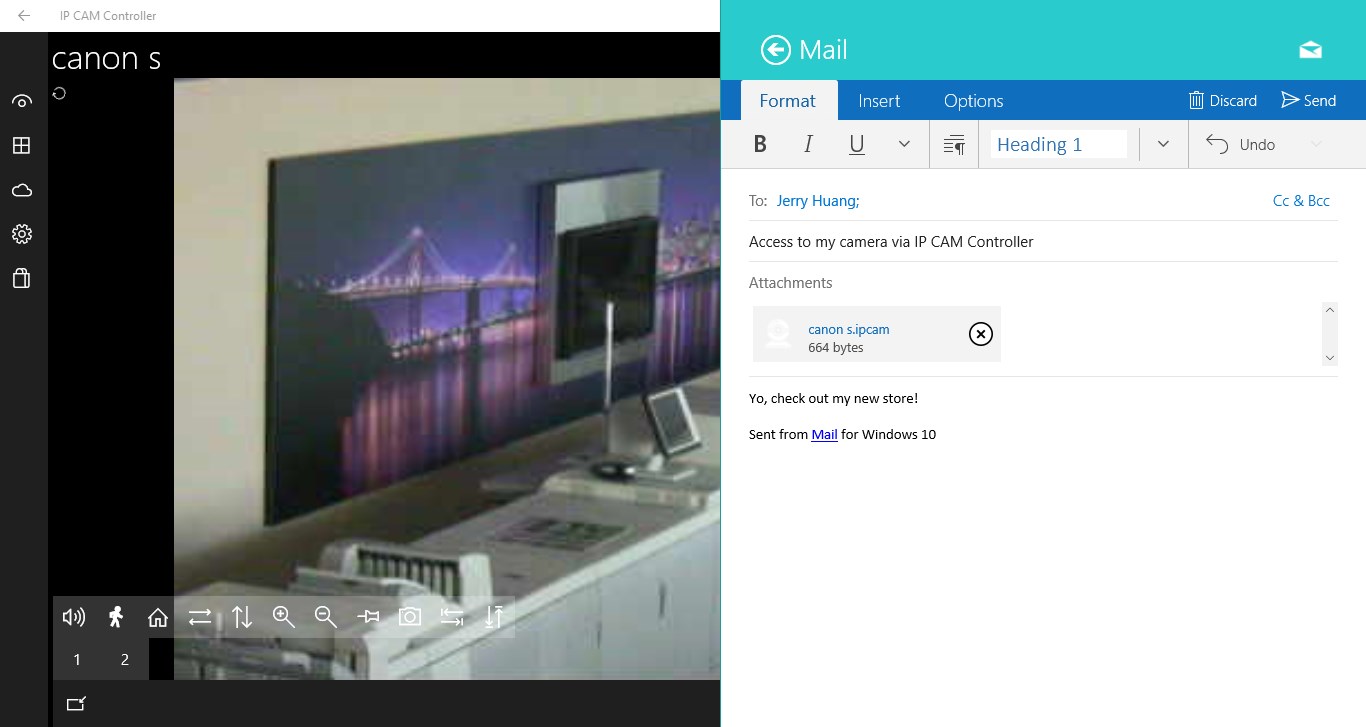
IP CAM Controller is a mobile app for viewing and controlling IP cameras in real time. It offers a "Tap to Center" function that turns the camera toward the tapped point on screen, alongside standard pan, tilt and zoom control. A "Sensor Mode" adjusts the view by tilting the device, and swiping moves the camera in the swiped direction, while pinching zooms in or out. Multiple cameras can be displayed and controlled on the same screen with live tile support, images can be saved, and camera settings can be uploaded or downloaded as backup. The app supports numerous camera brands and places no limit on the number of cameras.
Show the developer's original descriptionHide the original description
IP CAM Controller gives you a direct and simple way to control your IP camera from your mobile device. Simply “Tap to Center” (tapping an area of interest on your screen) or turn on “Sensor Mode” (tilting the mobile device in the desired direction) to change the angle and adjust the camera’s view as you wish! Pin specific cameras, angles, and views – and monitor multiple cameras at once with live tile support. Audio support is available for the following brands: AirLink, Astak Mole, Axis, Canon, ComPro, D-Link, EasyN, Foscam, Ipux, IP Webcam, Level One, LogiLink WC0008A, Maygion, Panasonic, Tenvis IPRobot3, Toshiba, TP-Link, TRENDNet, VivoTek, WansView, Y-Cam, Yudor Here’s a partial list of supported camera brands: ABUS, ACTi, AirLink, Apexis, Arecont, Astak Mole, Axis, AVTECH, Blue Iris, BOSCH, Brickcom, Canon, Channel Vision, COMPRO, Cytech, Dericam, D-Link, Eagle Eye, EasyN, Edimax, Excelon, Foscam, GeoVision, Grandstream, Grantec, iCatch, Instar, Ipux, IPX, JVC, Kaicong, KGuard, Level One, LinkSys, LogiLink, Lorex, Marmitek, Maygion, MIPS, Mobotix, Motion Webcam, Nuvico, Panasonic, Rayvision, SecuritySpy, Sharx, SmartHome, Solwise, Sony, Storage Options, SYAC, Tenvis, Toshiba, TP-Link, TRENDnet, TriVision, Vilar, Vitek, VivoTek, Vstarcam, WansView, WebcamXP/Webcam7, X10, Yudor, Y-Cam, 7Links Visit JerryHuang.net for full list. If your camera is not supported, please contact us at: http://JerryHuang.net * Buying the app will remove all advertising permanently. Unlimited audio for camera needs to be purchased separately.
Technical details about IP CAM Controller
Category
Age Rating
Price
Size
58,4 MB
Last updated in Microsoft Store
2026-08-26
App Store Rating
3.1 ★
IP CAM Controller in the rankings
Manage app

Are you on the developer team behind IP CAM Controller?

Verify yourself and manage your listing on Most Voted Apps.

Verify IP CAM Controller for free
Verification usually takes only a few minutes.
Similar apps to IP CAM Controller