Screenshot appears after consentScreenshot appears after consentScreenshot appears after consentScreenshot appears after consentScreenshot appears after consent
Summary
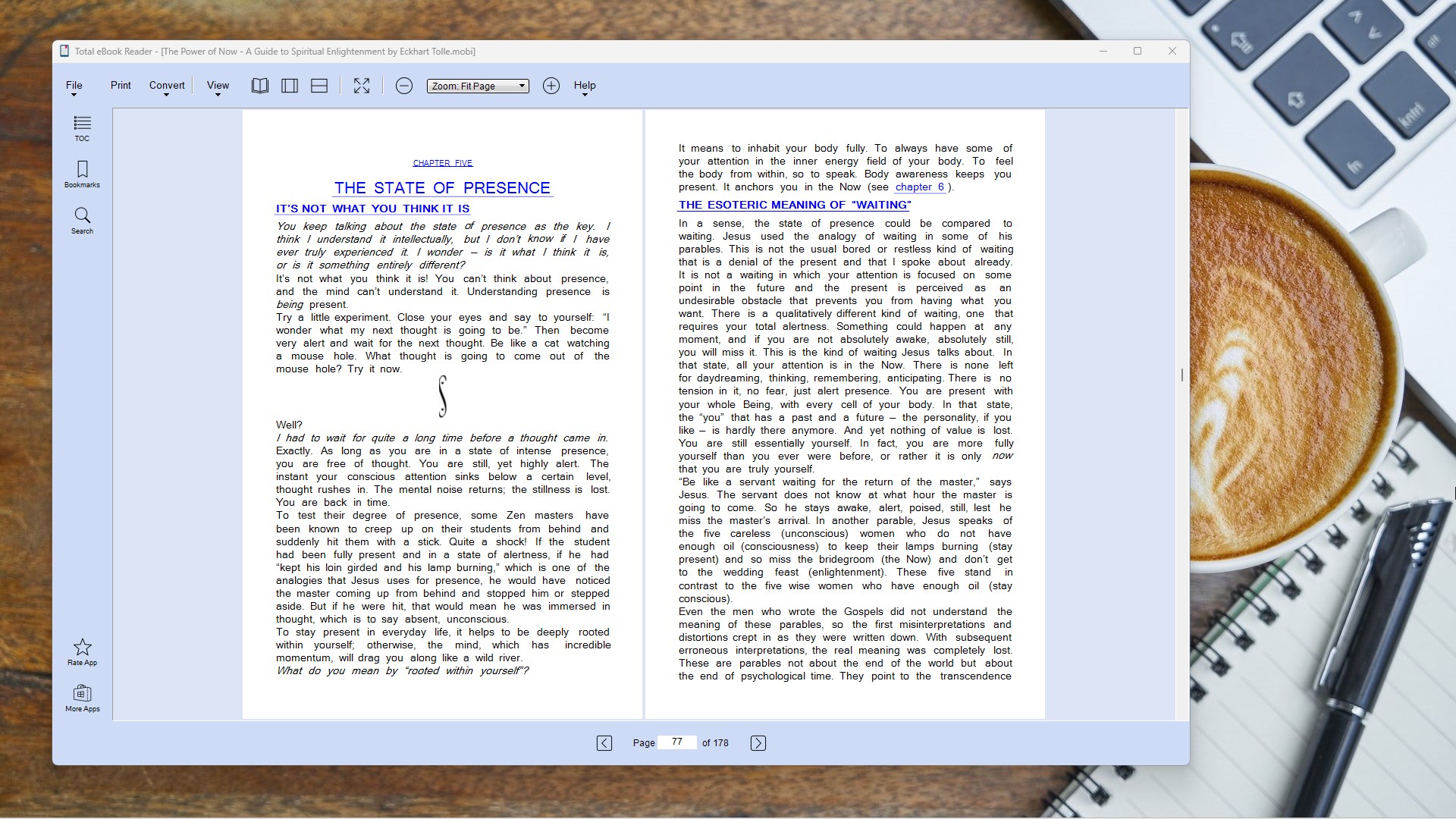
Total eBook Reader is an ebook and document reader for Windows that supports a wide range of formats including PDF, EPUB, MOBI, AZW, CBR, CBZ, FB2, DjVu, CHM and XPS, as well as common image formats. It offers customizable page view settings with single-page, double-page and book view modes, adjustable zoom, presentation and full-screen modes. Readers can use an embedded table of contents, create bookmarks for pages and chapters, and search for keywords or phrases within books and files. The app is available as a free trial that opens and reads all eBook, Kindle and PDF formats, while printing, exporting and format conversion require upgrading to the Premium version.
Show the developer's original descriptionHide the original description
Total eBook Reader is an elegantly designed ebook and document reader for Windows devices, perfect for anyone who loves to read. Whether you are opening Amazon Kindle books, classic novels, comic books, or technical documents, this app supports a wide range of file formats including PDF, EPUB, MOBI, AZW, XPS, CHM, and DjVu. With customizable page view settings, the app transforms your PC into a comfortable and immersive digital reading environment.
[Product License]
The app offers a Free Trial, allowing users to open and read all eBook, Amazon Kindle, and PDF formats. While access to all file formats is freely available, certain advanced features, such as eBook format conversion, printing, and exporting, require upgrading to the Premium version. The Premium version unlocks all features and functionalities, providing a complete reading experience.
[Product Features]
• View and open eBooks in EPUB, MOBI, AZW, and PDF formats seamlessly.
• Full support for Amazon Kindle formats and popular eBook document files.
• Support for additional document and comic formats, including CBR, CBZ, FB2, FB2Z, XPS, OXPS, and DjVu.
• Display a variety of image file formats, such as JPG, PNG, GIF, TIFF, TGA, and BMP.
• Choose from various viewing options, such as single-page, double-page, and book view modes.
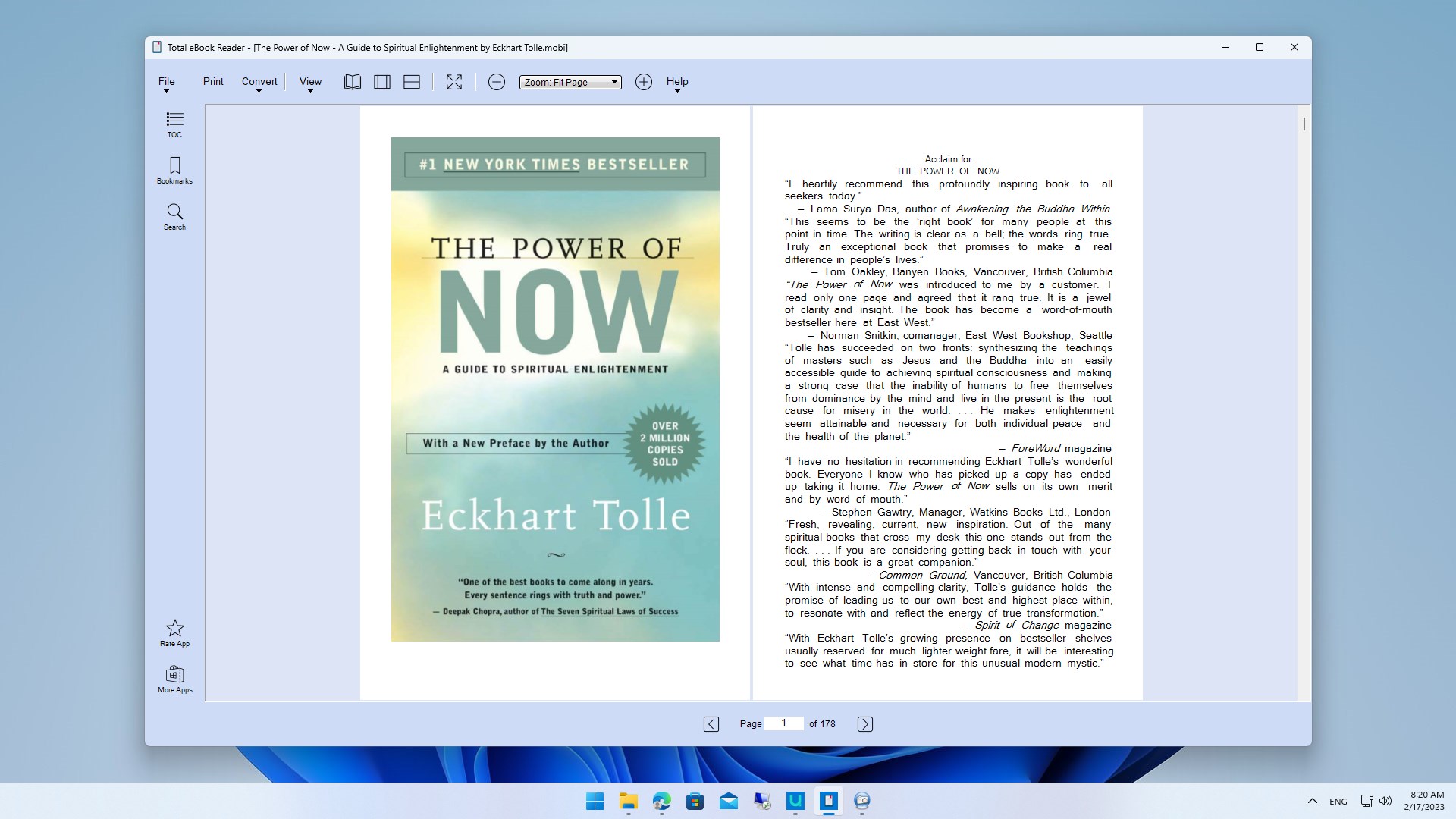
• Adjust the zoom level with options like zoom in/out, fit page, fit width, fit content, and actual size.
• Present content in presentation mode or read in full-screen mode for uninterrupted reading.
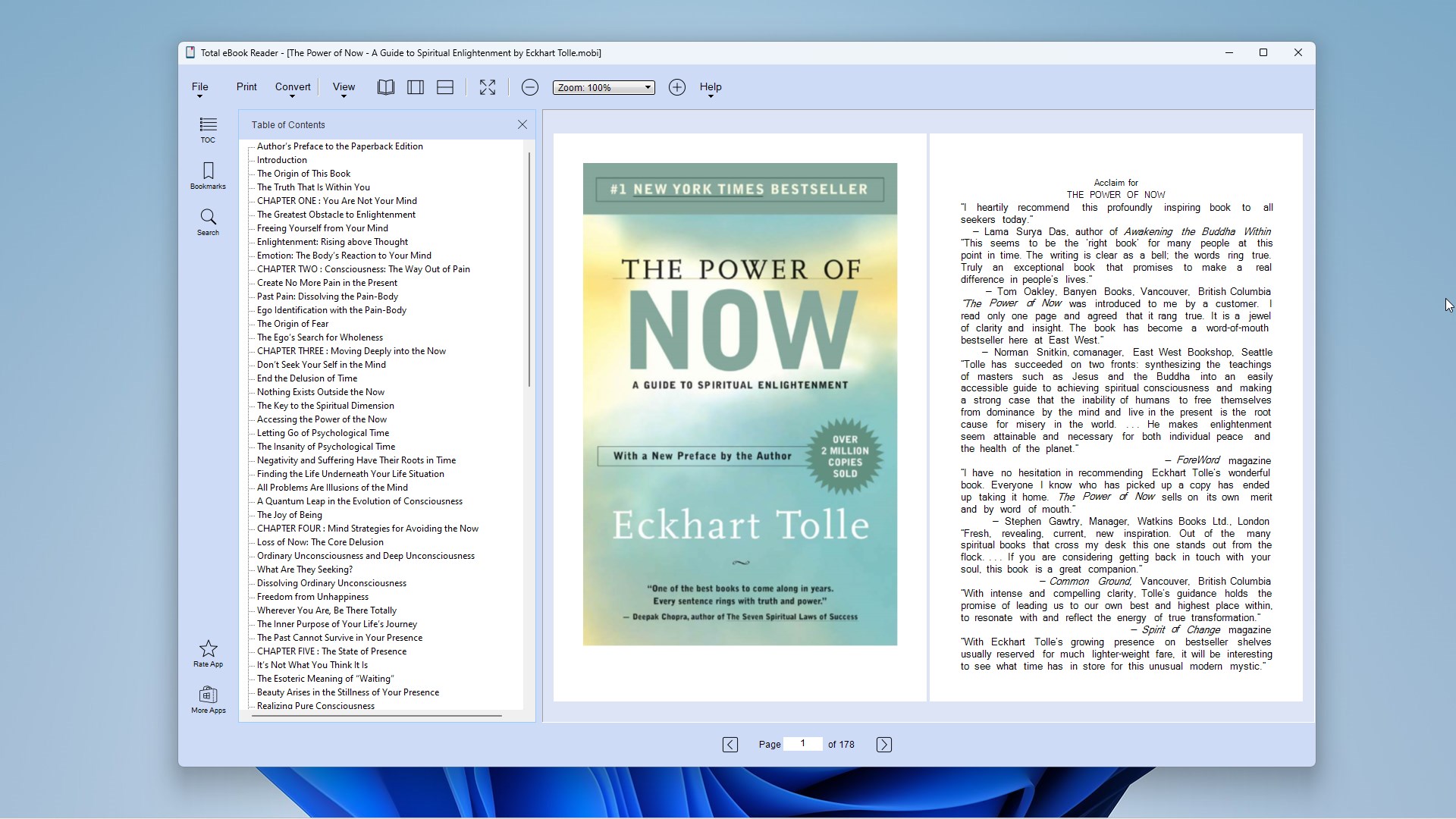
• Access a table of contents (TOC) embedded in books or document files.
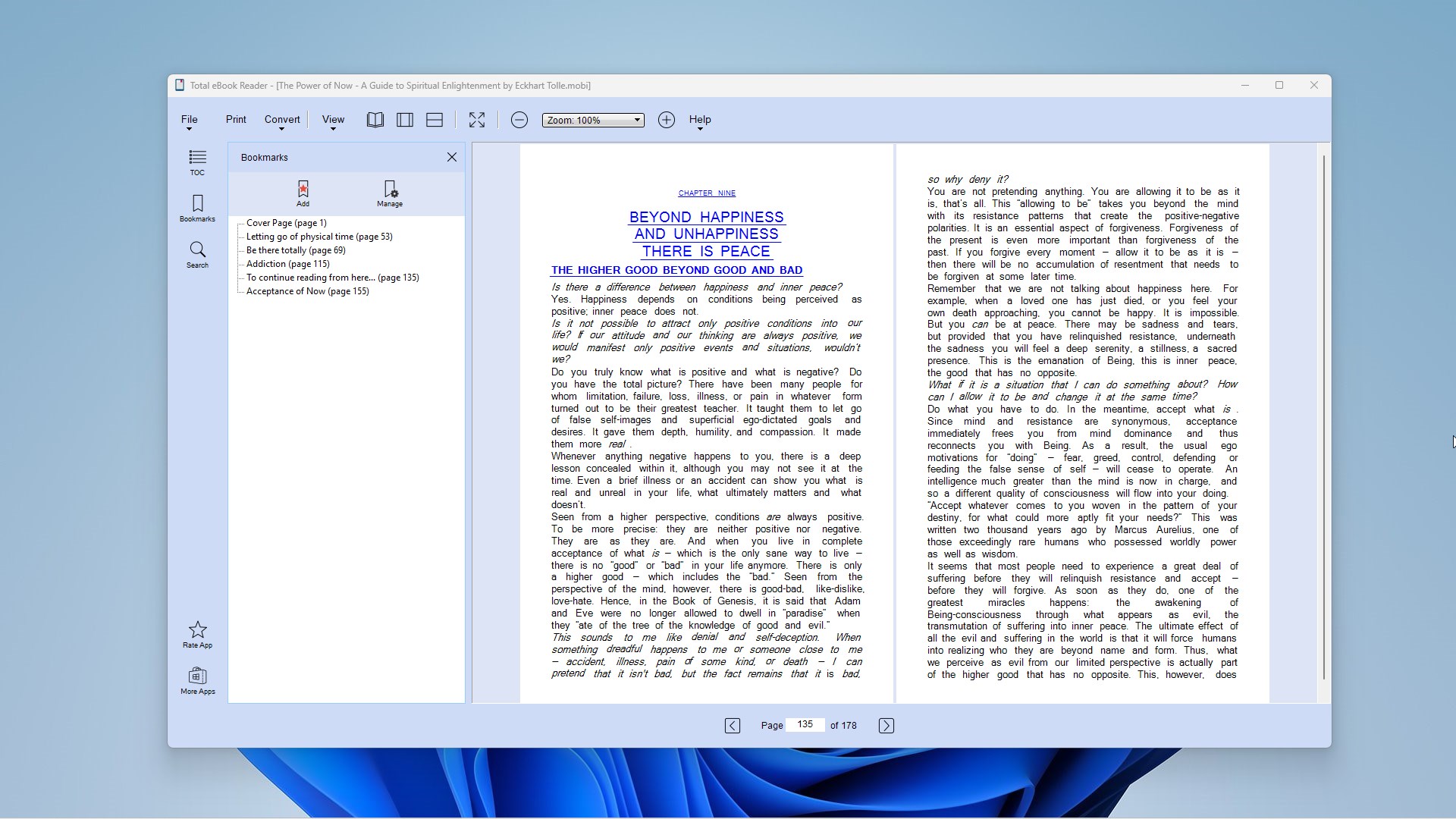
• Create bookmarks for pages and chapters to facilitate fast navigation.
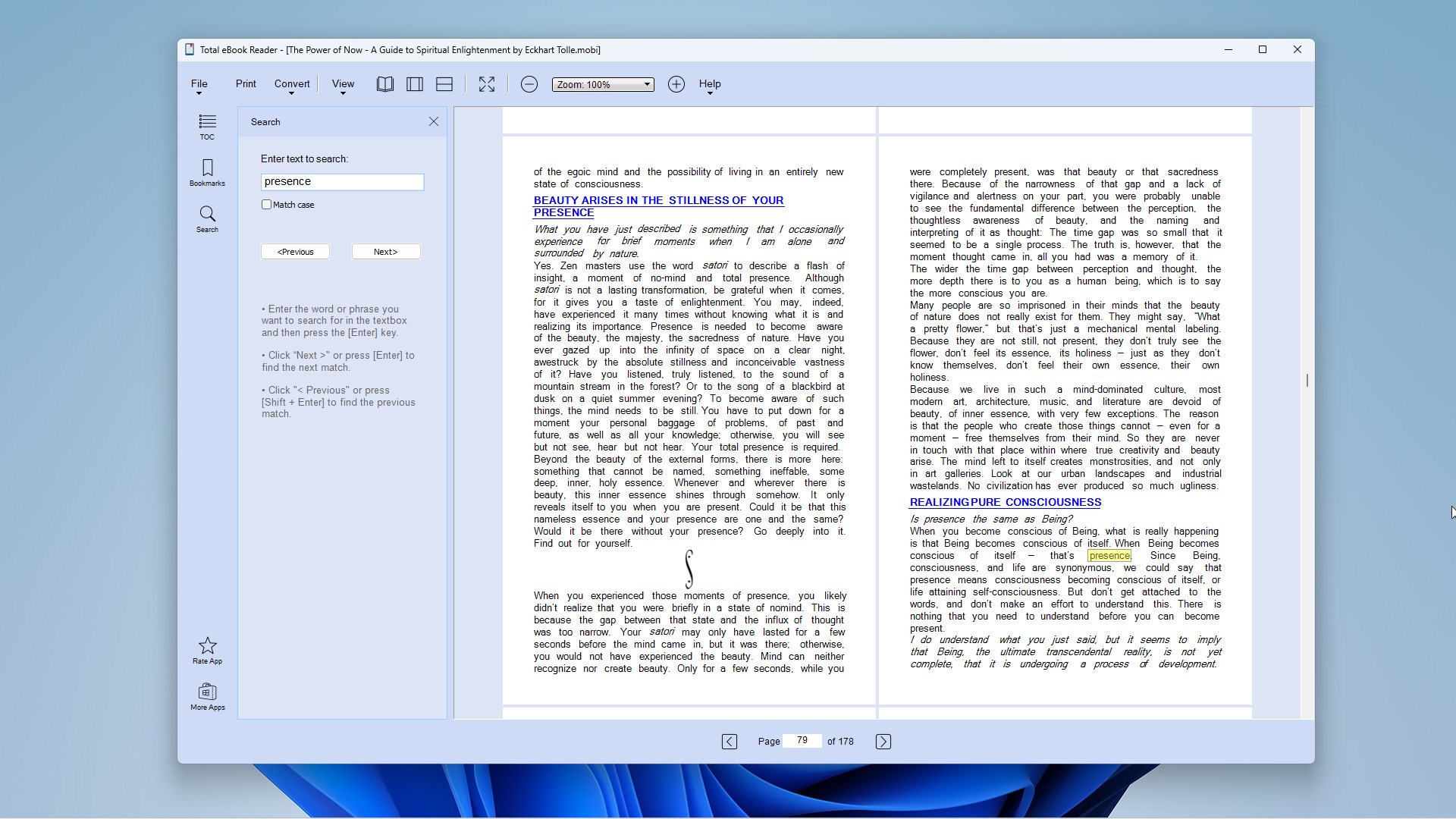
• Use keyword and phrase searches to quickly find information in books and files.
• Select to print an entire book or a range of pages.
• Convert books and documents to PDF and/or text formats.
[File Formats]
Built on a powerful document rendering core, Total eBook Reader supports a broad spectrum of eBook, document, comic book, and image formats:
• PDF – Portable Document Format
• EPUB – Electronic Publication
• MOBI – Mobipocket eBook Format
• AZW / AZW3 – Amazon Kindle Document Format
• CBR / CBZ – Comic Book Archive Format (RAR / ZIP)
• CB7 / CBT – Comic Book Archive Format (7z / TAR)
• FB2 / FB2Z – FictionBook eBook Format (Zipped)
• DJVU – DjVu Document Format
• CHM – Microsoft Compiled HTML Help
• XPS / OXPS – XML Paper Specification Format
• PALM DOC – PalmPilot Document Format
• Image Formats – JPG, PNG, GIF, TIFF, TGA, and BMP
Whether you are enjoying bestsellers, reviewing technical documentations, or organizing your personal digital library, Total eBook Reader offers a fast, reliable, and versatile desktop solution on Windows.
If there is a version of this app for iOS/Mac or Windows we don't know about, paste the store link here — we'll auto-detect the store.
How to find the URL:1. Open the app in its store. 2.In the App Store app: tap the Share icon → “Copy Link”. In the browser: copy the URL from the address bar — it contains apps.apple.com/…/id… or apps.microsoft.com/detail/…. 3. Paste it here.
Paste the original link from the Apple App Store or Microsoft Store. We fetch all details automatically.
How to find the URL:
1. Open the app in its store. 2.In the App Store app: tap the Share icon → “Copy Link”. In the browser: copy the URL from the address bar — it contains apps.apple.com/…/id… or apps.microsoft.com/detail/…. 3. Paste it here.
Android apps can only be listed by their developer.


 Real eBooks Reader
Read eBooks and documents in many formats
 EPUB eBooks Reader
Read and customize eBooks in multiple formats
 Free Ebook Reader
Opens and reads e-books in EPUB format
 ePub Reader +
Read and edit e-books, PDFs and office documents
 PocketBook Reader
Read e-books and listen to audiobooks in many formats
 ReadEra – book reader pdf epub
E-book reader for many formats with text-to-speech