Screenshot appears after consentScreenshot appears after consentScreenshot appears after consentScreenshot appears after consentScreenshot appears after consentScreenshot appears after consentScreenshot appears after consentScreenshot appears after consentScreenshot appears after consentScreenshot appears after consentScreenshot appears after consentScreenshot appears after consentScreenshot appears after consentScreenshot appears after consentScreenshot appears after consent
Summary
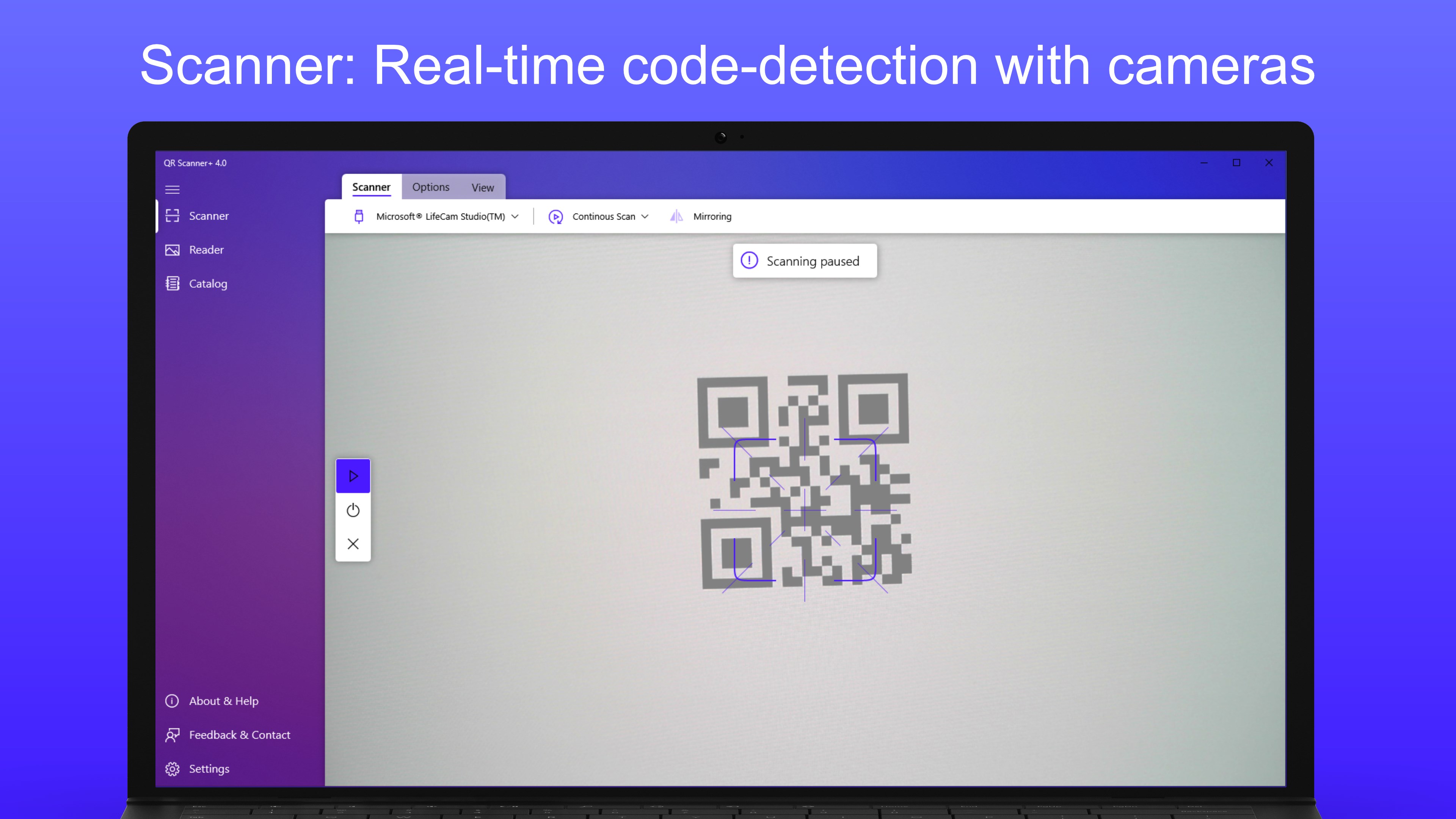
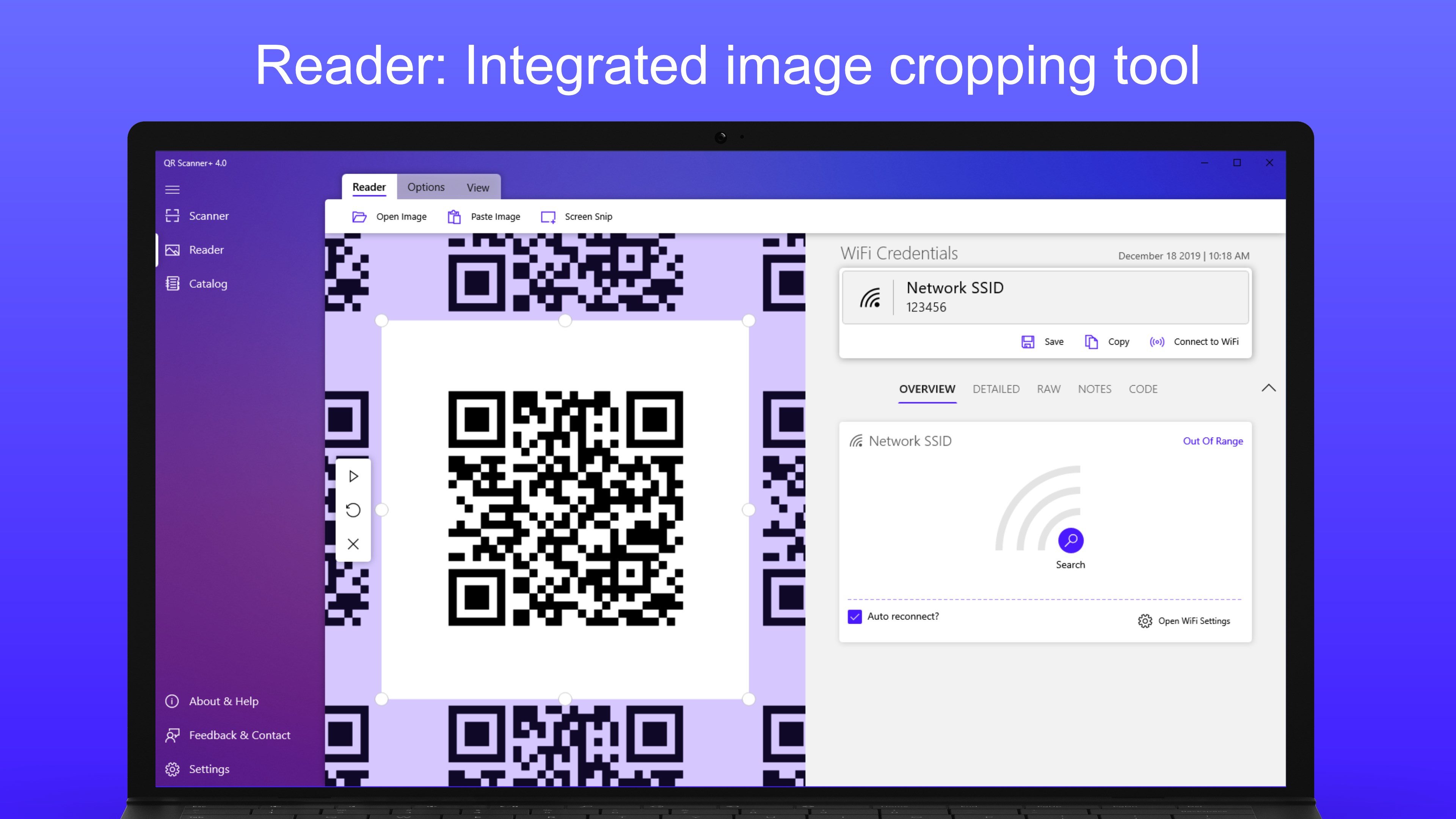
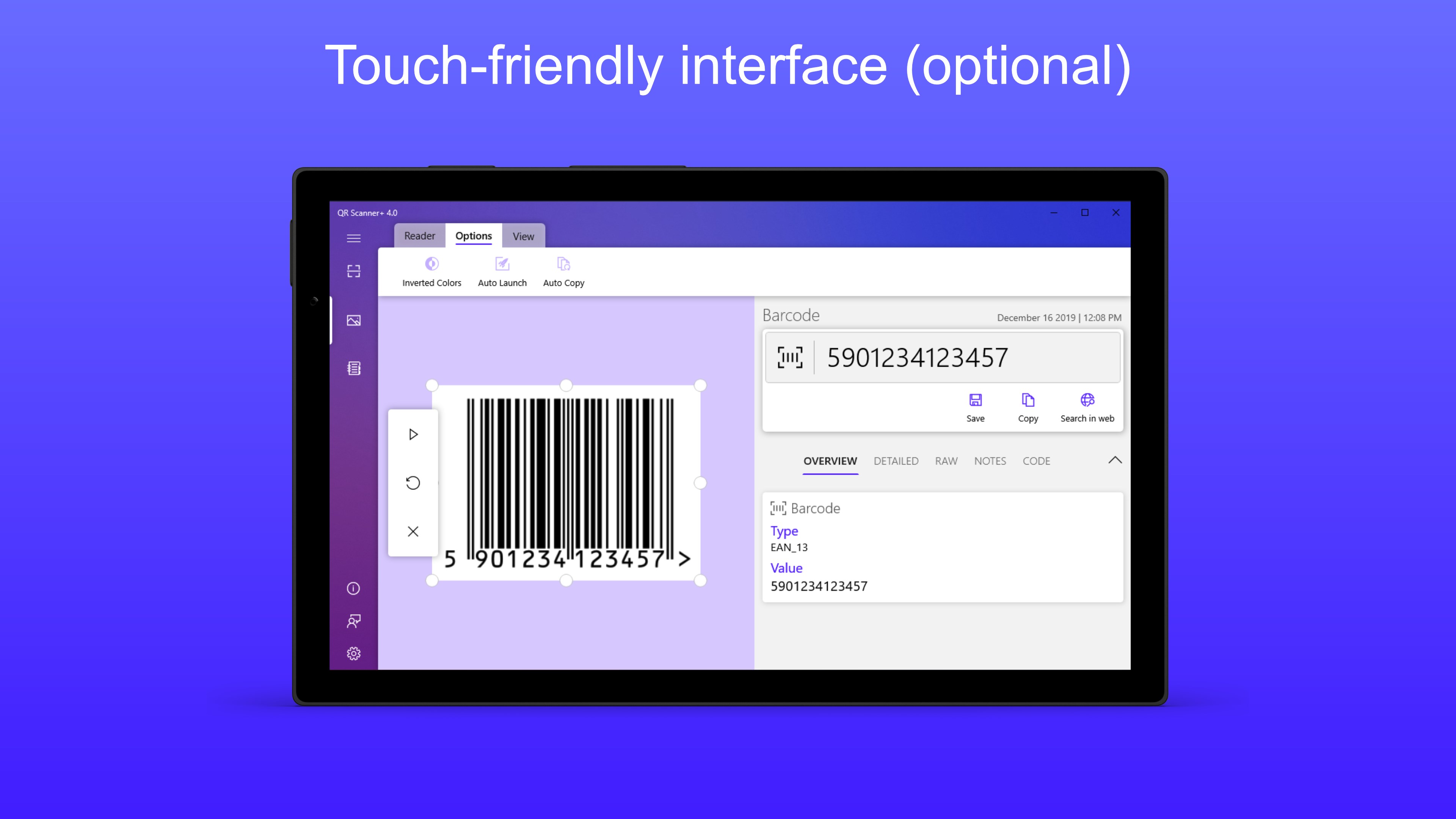
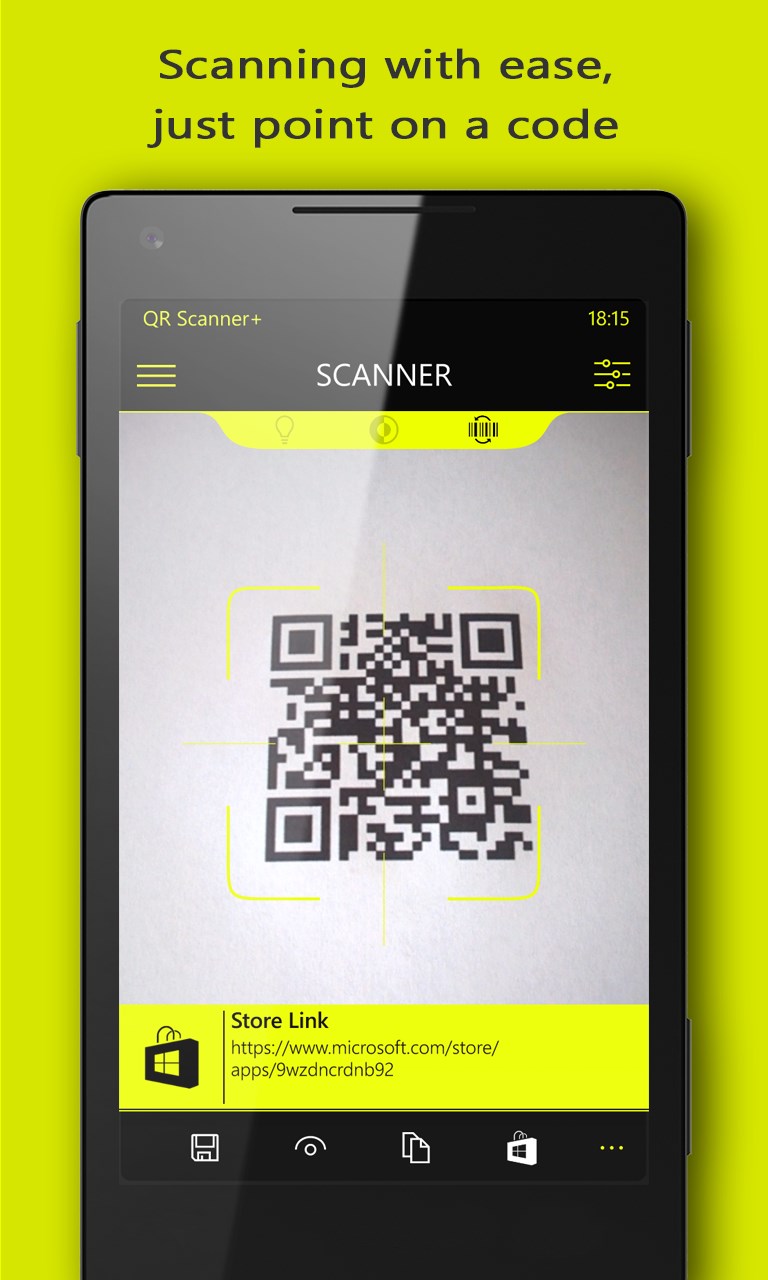
QR Scanner+ // QR Code and Barcode Reader is a scanning utility that recognizes scanned content and lists it in a structured, usable format rather than raw text. Besides scanning via camera, it can read codes from opened image files, clipboard images, screen snips, or files dragged and dropped from a browser. It recognizes many content types, including URLs, appointments, business cards, phone numbers, SMS, email messages, Wi-Fi credentials with immediate connection, geo locations with address retrieval, and text. Scanned codes can be saved to a catalog for later reuse, and barcodes can be looked up online using a freely selectable search provider.
Show the developer's original descriptionHide the original description
There are many QR code scanners. But only QR Scanner+ prepares the results usable and is therefore the first choice for various usage scenarios.
No matter if a QR code containing a URL, a business card or a barcode. QR Scanner+ recognizes them all and shows you not only the scan content, but also lists the content neatly so that you can use it accordingly.
It's easy to use. Simply aim at the code and the result is displayed immediately.
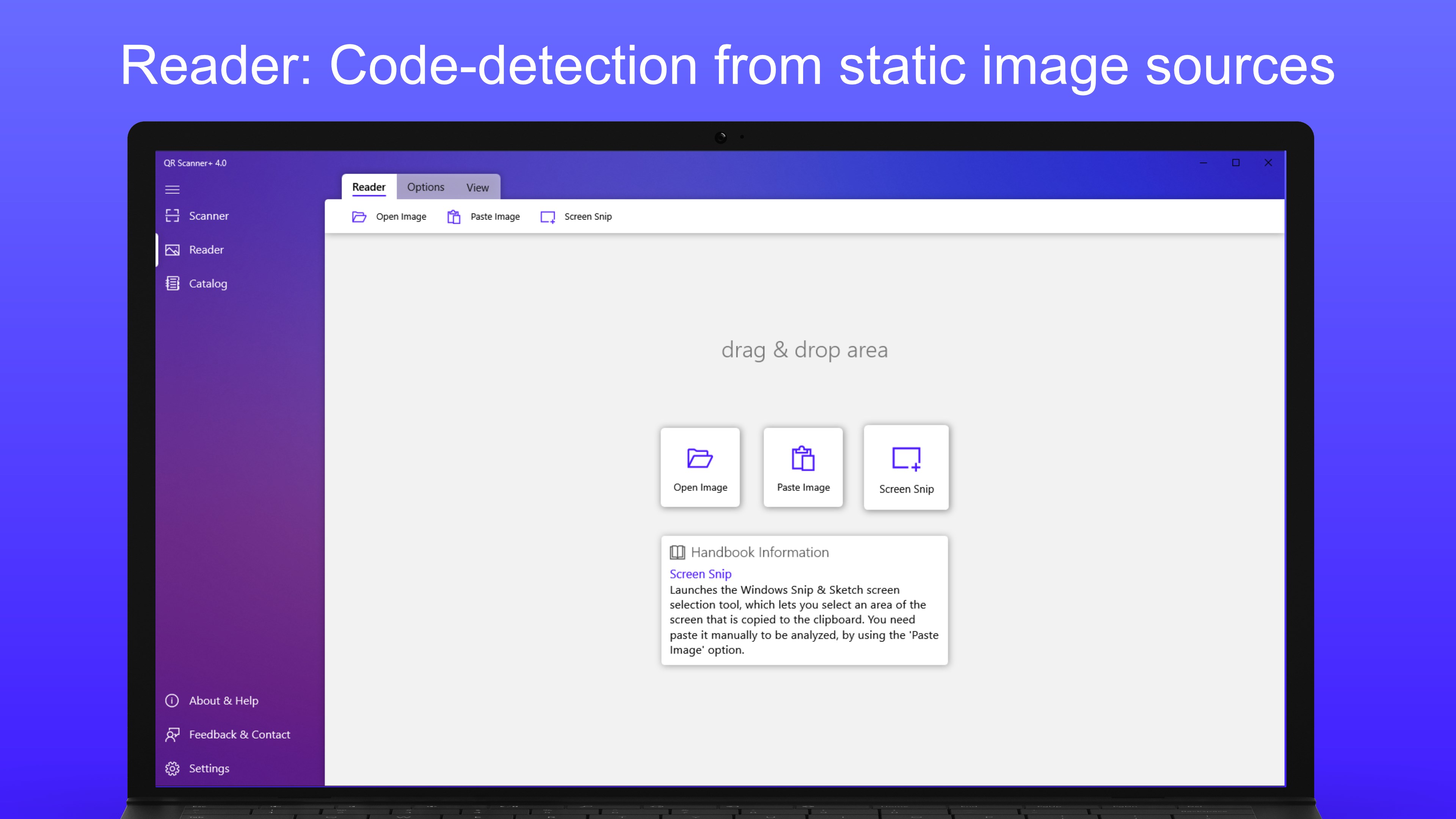
In addition to the scanner via the camera, saved images can also be read using the 'Reader'. Various options are available for this purpose:
- Open image file
- Paste image or image file from clipboard
- Screen Snip
- Drag & Drop of image files and images (also e.g. from the browser)
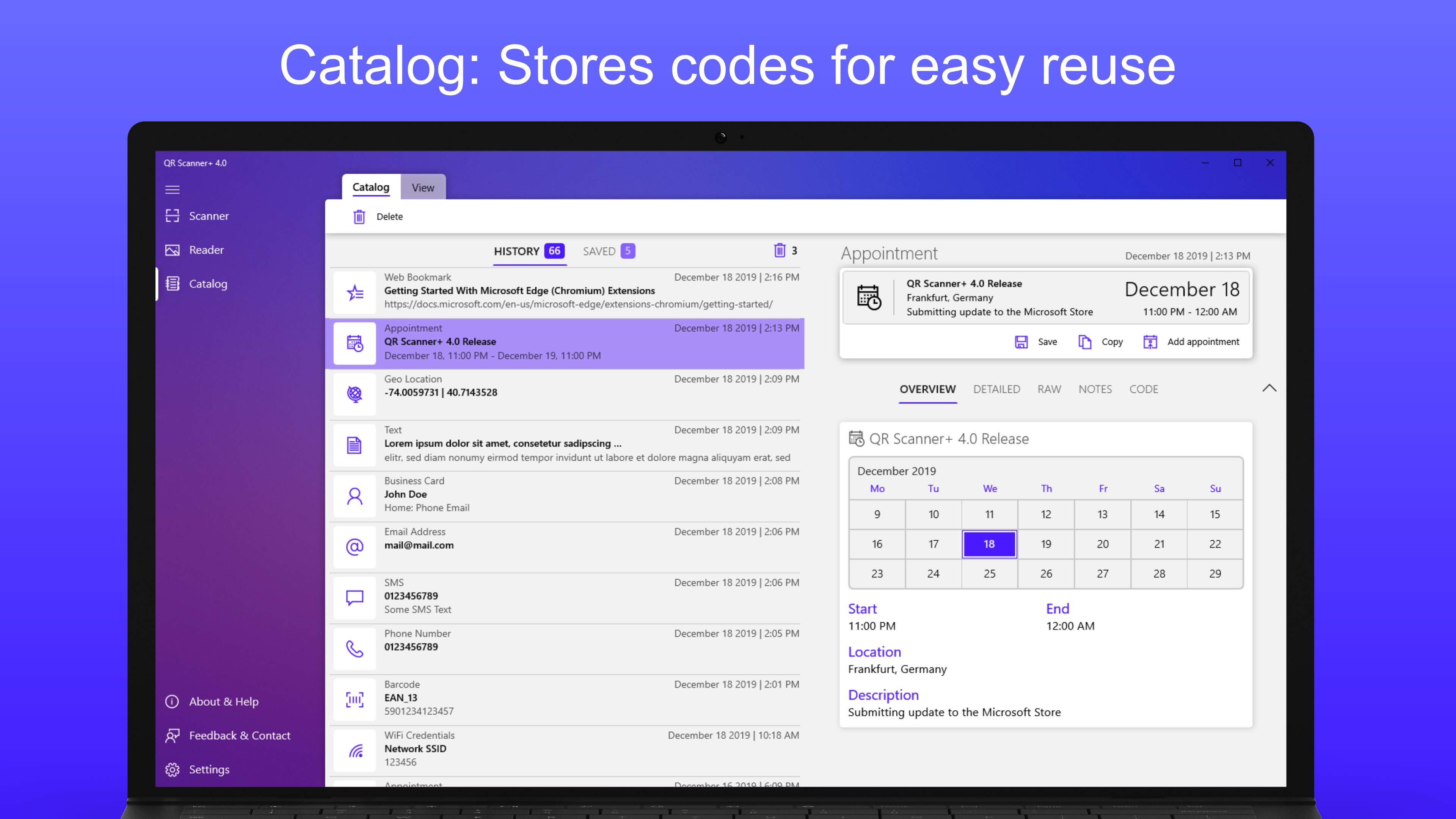
If required, any scanned code can also be stored in the catalog for later reuse.
QR Scanner+ recognizes the following content types:
- URL
- Appointment (vEvent)
- Business card (vCard, meCard, bizCard)
- Telephone number
- SMS
- eMail and eMail message
- Wi-Fi credentials (immediate connection possible)
- Geo location (with address retrieval)
- SEPA (Giro Code)
- Text
- Web Bookmark
- File path
- Barcode
Barcodes can be searched with a freely selectable search provider on the Web. So you can choose Bing, Google, DuckDuckGo, Yandex, Baidu or enter your desired search provider (e.g. Amazon, Idealo, Ebay, ...) and get the information you are looking for.
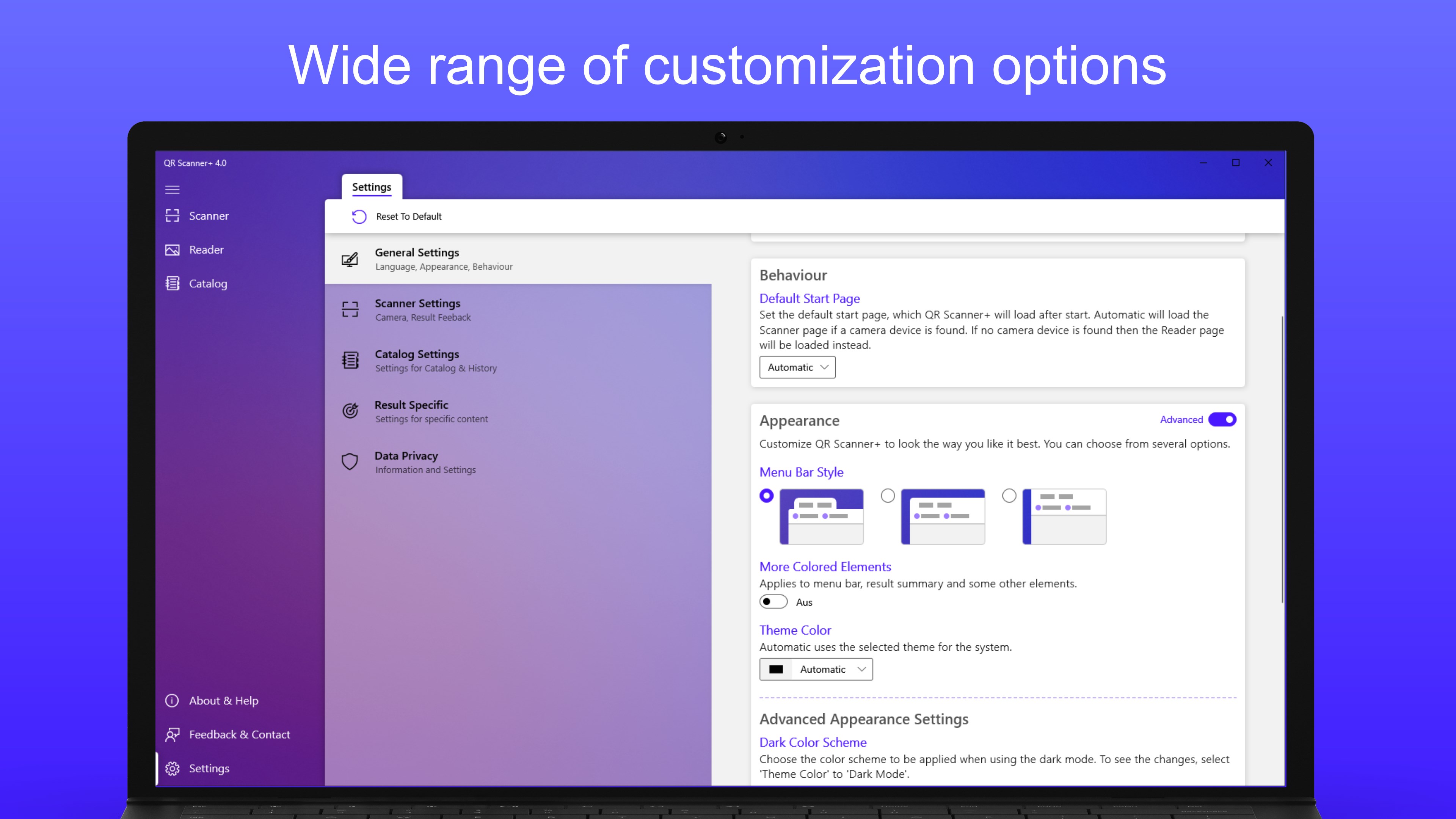
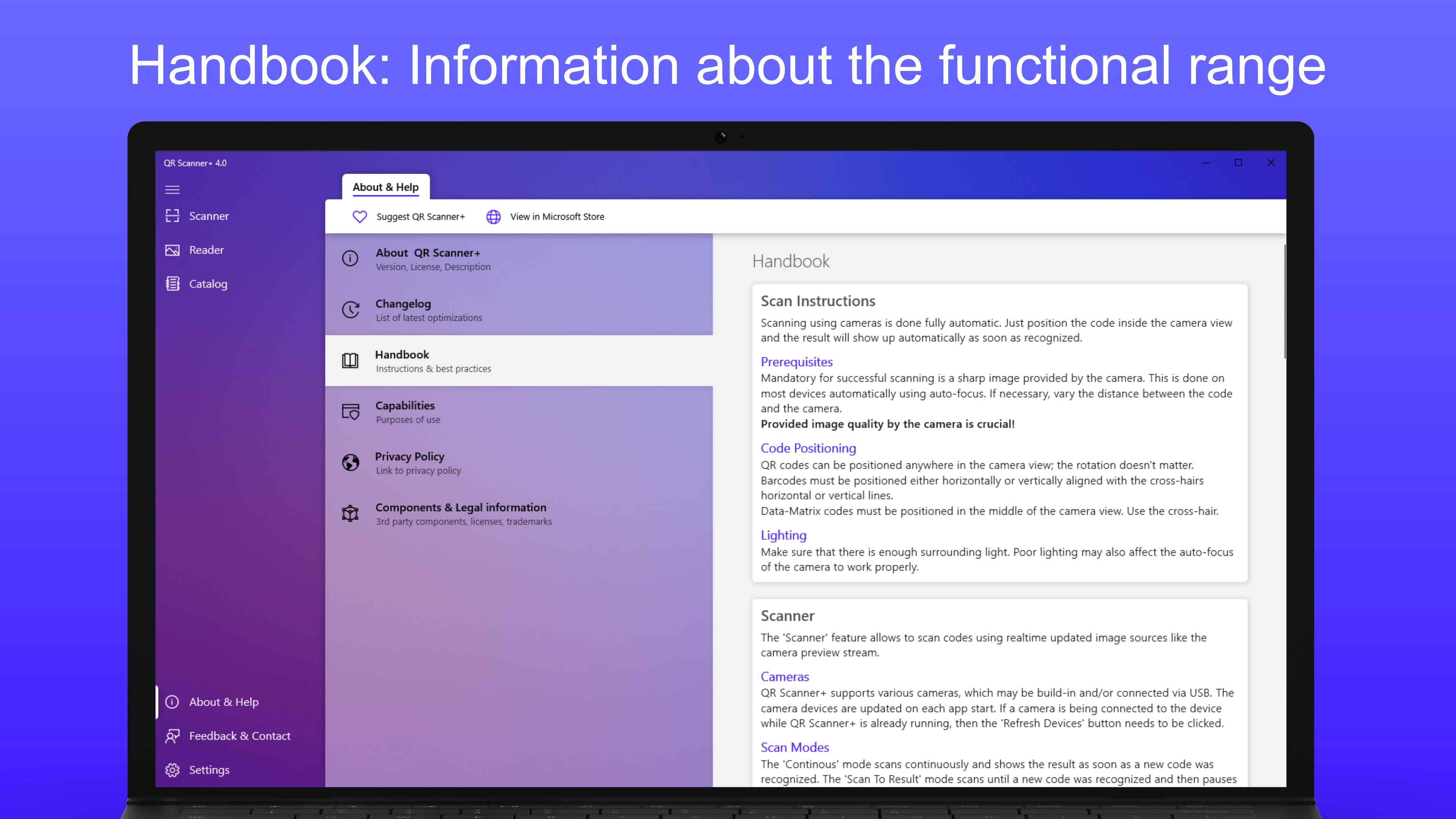
QR Scanner+ is designed to offer many features but the user interface is not overloaded. This makes it easy for both the casual user to find his way around and the professional user who wants to use additional functions.
The best way is to try QR Scanner+ by yourself and then decide whether it meets your requirements. If this is not the case, you also have the possibility to tell me your wishes or usage requirements via 'Feedback' inside the app. I will try to implement your wishes if possible.
Have fun using QR Scanner+ ;-)
Technical details about QR Scanner+ // QR Code and Barcode Reader
Play Store URL for "QR Scanner+ // QR Code and Barcode Reader"
If there is a version of this app for iOS/Mac or Windows we don't know about, paste the store link here — we'll auto-detect the store.
How to find the URL:1. Open the app in its store. 2.In the App Store app: tap the Share icon → “Copy Link”. In the browser: copy the URL from the address bar — it contains apps.apple.com/…/id… or apps.microsoft.com/detail/…. 3. Paste it here.
Paste the original link from the Apple App Store or Microsoft Store. We fetch all details automatically.
How to find the URL:
1. Open the app in its store. 2.In the App Store app: tap the Share icon → “Copy Link”. In the browser: copy the URL from the address bar — it contains apps.apple.com/…/id… or apps.microsoft.com/detail/…. 3. Paste it here.
Android apps can only be listed by their developer.





 QR Code Reader & Scanner
Scan QR codes and barcodes to perform actions
 QR Code Scanner
Scan and generate QR codes using webcam or image files
 Codex - QR Reader & Generator
Scan and generate QR codes from camera or file
 QuickeR - QR Code Inspector
Scan and create QR codes via drag-and-drop
 Photo Scan : Manage PDF, OCR & QR Code
Manage PDFs, extract text from photos and scan QR codes
 Barcode Manager for Windows
Scan, create, and manage QR codes and barcodes