Screenshot appears after consentScreenshot appears after consentScreenshot appears after consentScreenshot appears after consentScreenshot appears after consentScreenshot appears after consentScreenshot appears after consent
Screenshot appears after consentScreenshot appears after consentScreenshot appears after consentScreenshot appears after consentScreenshot appears after consentScreenshot appears after consent
Screenshot appears after consentScreenshot appears after consentScreenshot appears after consentScreenshot appears after consent
Summary
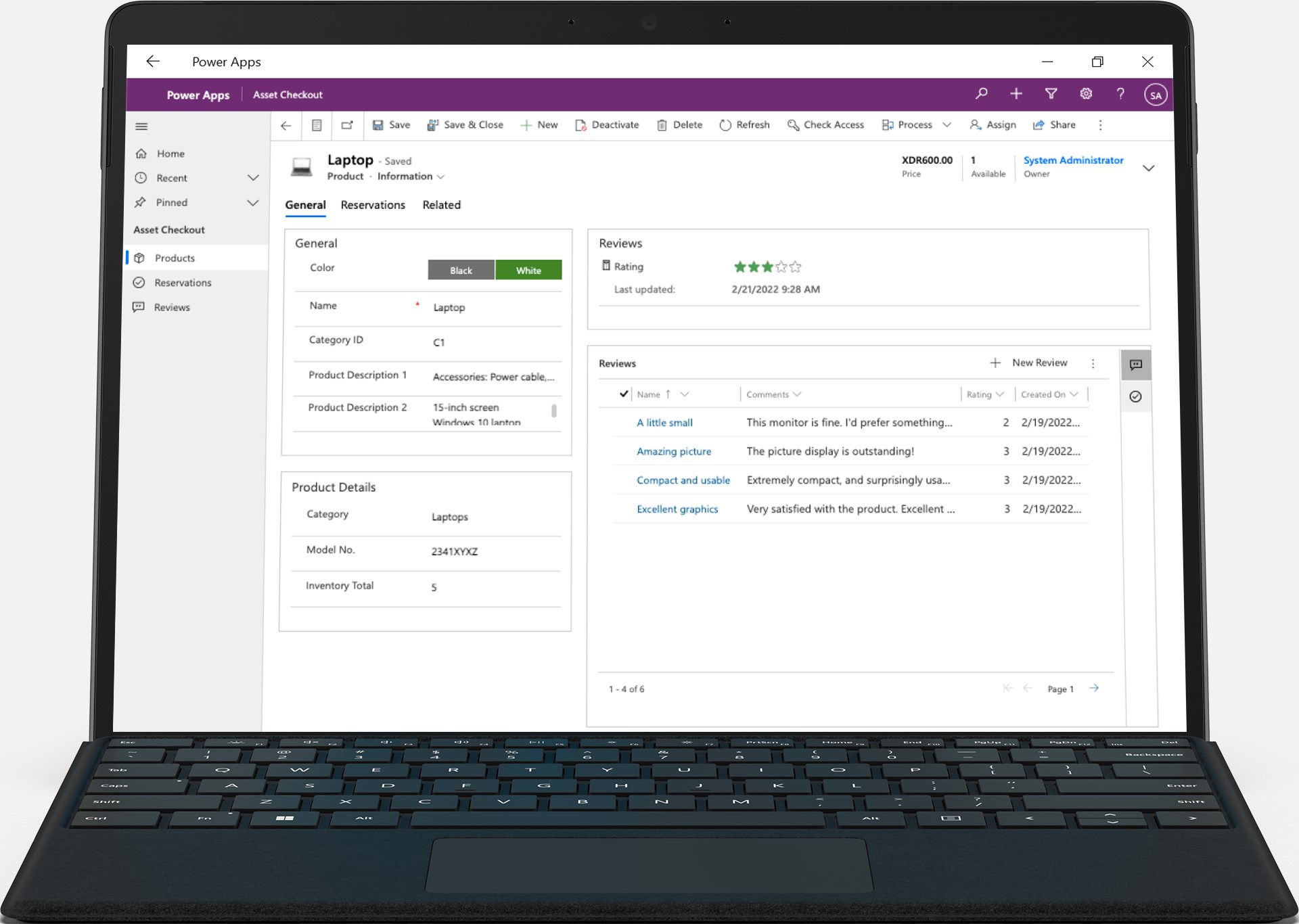
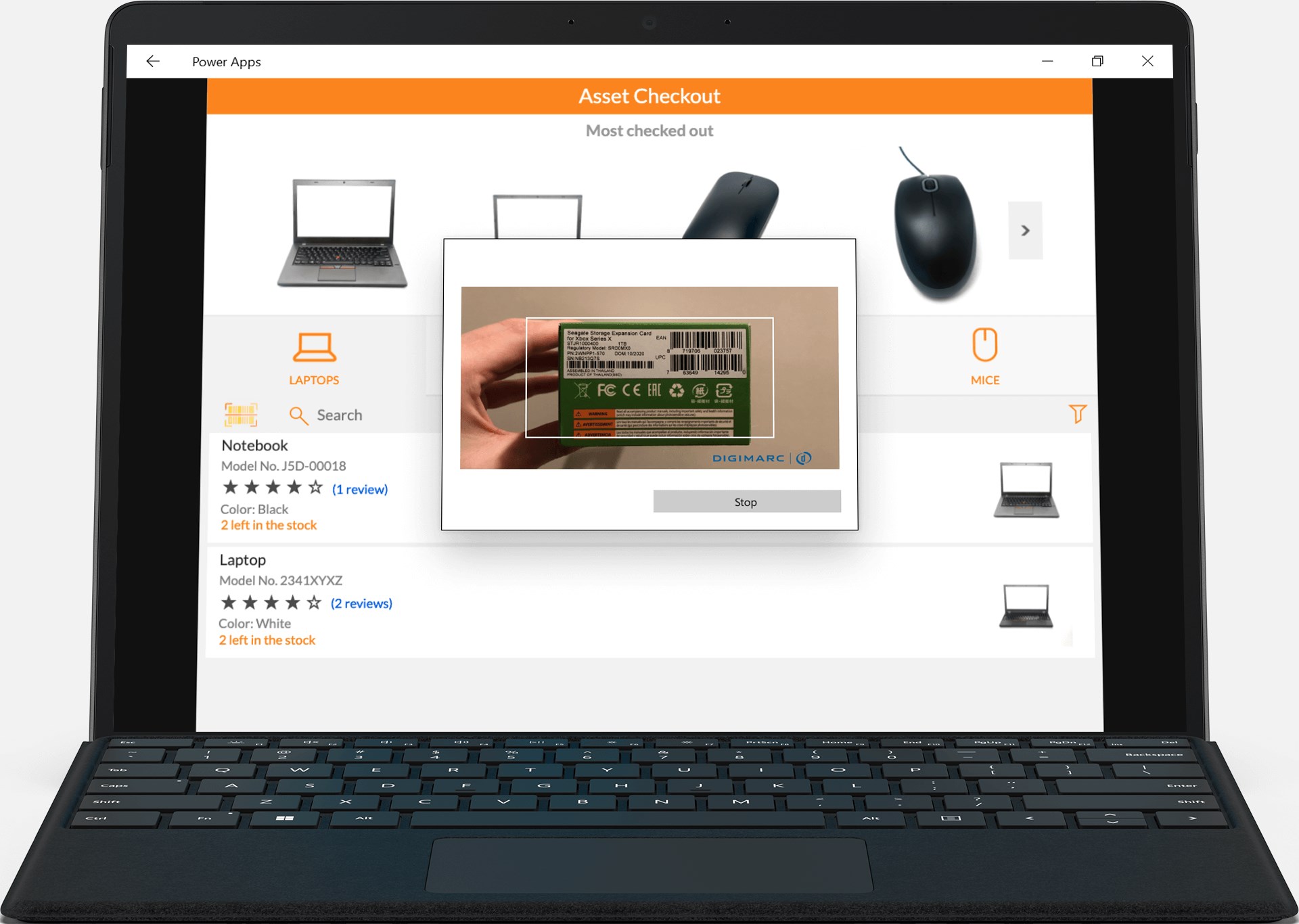
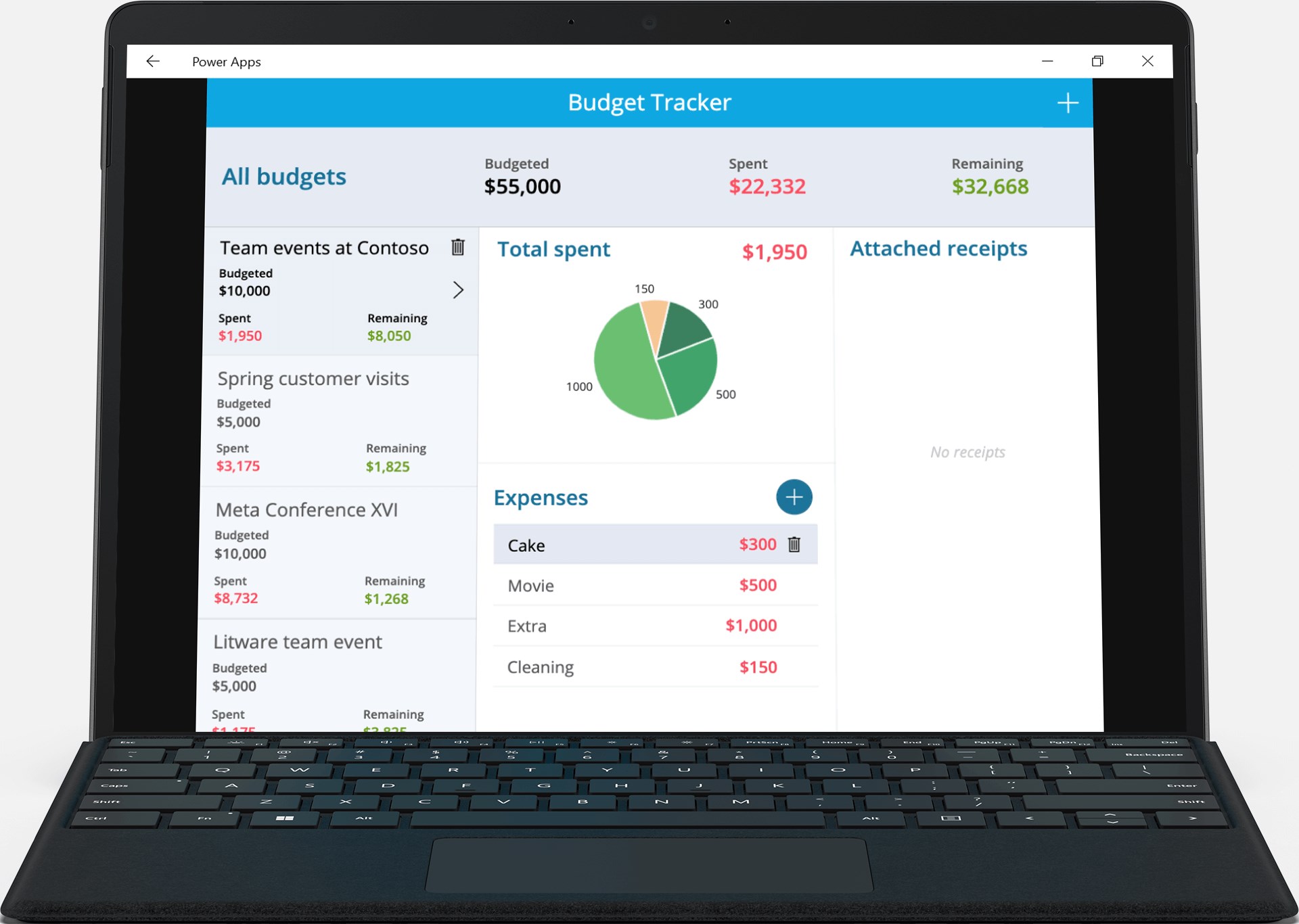
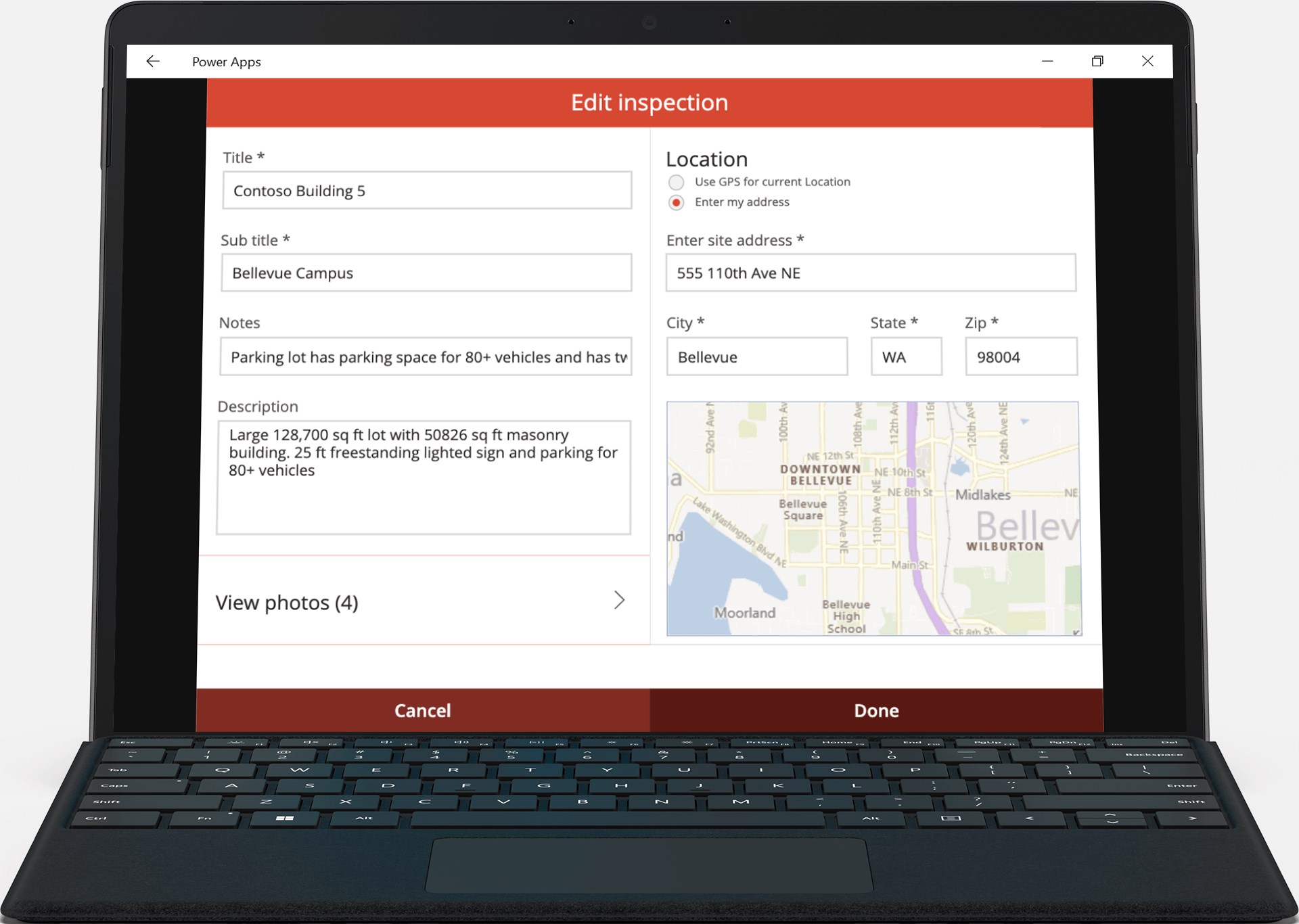
Power Apps is a hub app that provides access to the custom apps built for a user's work or school, wherever they are. It serves as an entry point to low-code apps created on the Power Apps website, covering purposes such as mapping a campus with landmarks and room details, registering event attendees via barcodes or QR codes, submitting expenses with photo receipts, checking patients in for appointments, scanning NFC tags on ID cards or equipment, visualizing performance data through dashboards, and reviewing sales opportunities and leads. Apps can be marked as favorites or pinned to the home screen, and some work offline, syncing data once reconnected.
Show the developer's original descriptionHide the original description
The Power Apps app is the front door to the apps at your work or school. Which apps can you use? It depends on what’s been created for you. Here are some examples you might see, or ones you can make yourself using the Power Apps website:
- Campus app: Map your campus with icons for landmarks and facility details.
- Event registration app: Record attendees as they arrive using barcodes or QR codes.
- Expenses app: Let employees submit their expenses and upload photos of receipts.
- Health clinic app: Let patients check in to appointments with just a few taps.
- Performance app: Visualize data and get insights with interactive dashboards.
- Sales app: See opportunities and leads, review comments, and approve for your P&L.
- Timesheet app: Collect, consolidate, and analyze shift data from employees.
This is just a handful of examples; the possibilities are endless. Build and share low-code apps for your work or school at the Power Apps website.
Paste the original link from the Apple App Store or Microsoft Store. We fetch all details automatically.
How to find the URL:
1. Open the app in its store. 2.In the App Store app: tap the Share icon → “Copy Link”. In the browser: copy the URL from the address bar — it contains apps.apple.com/…/id… or apps.microsoft.com/detail/…. 3. Paste it here.
Android apps can only be listed by their developer.