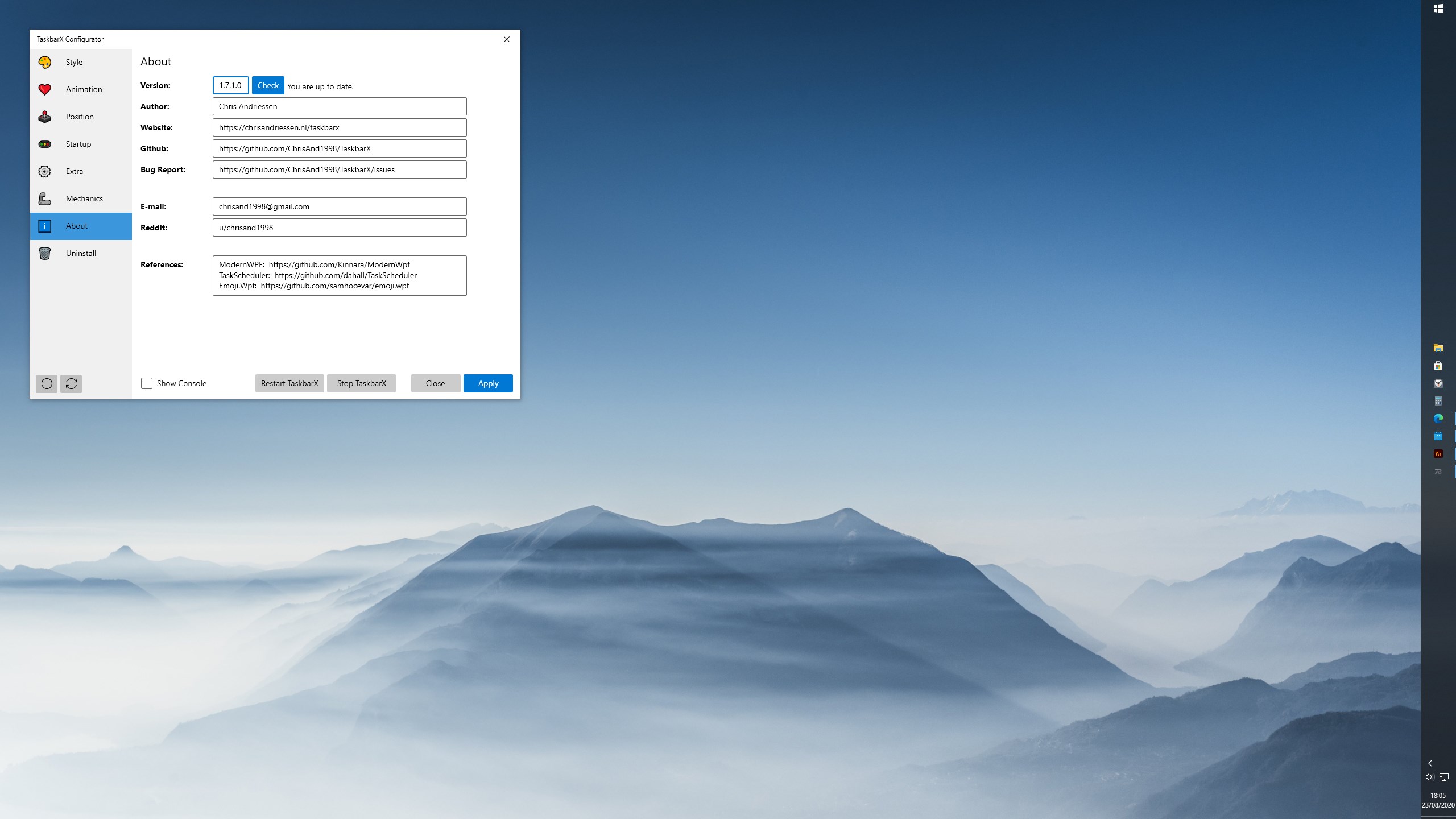
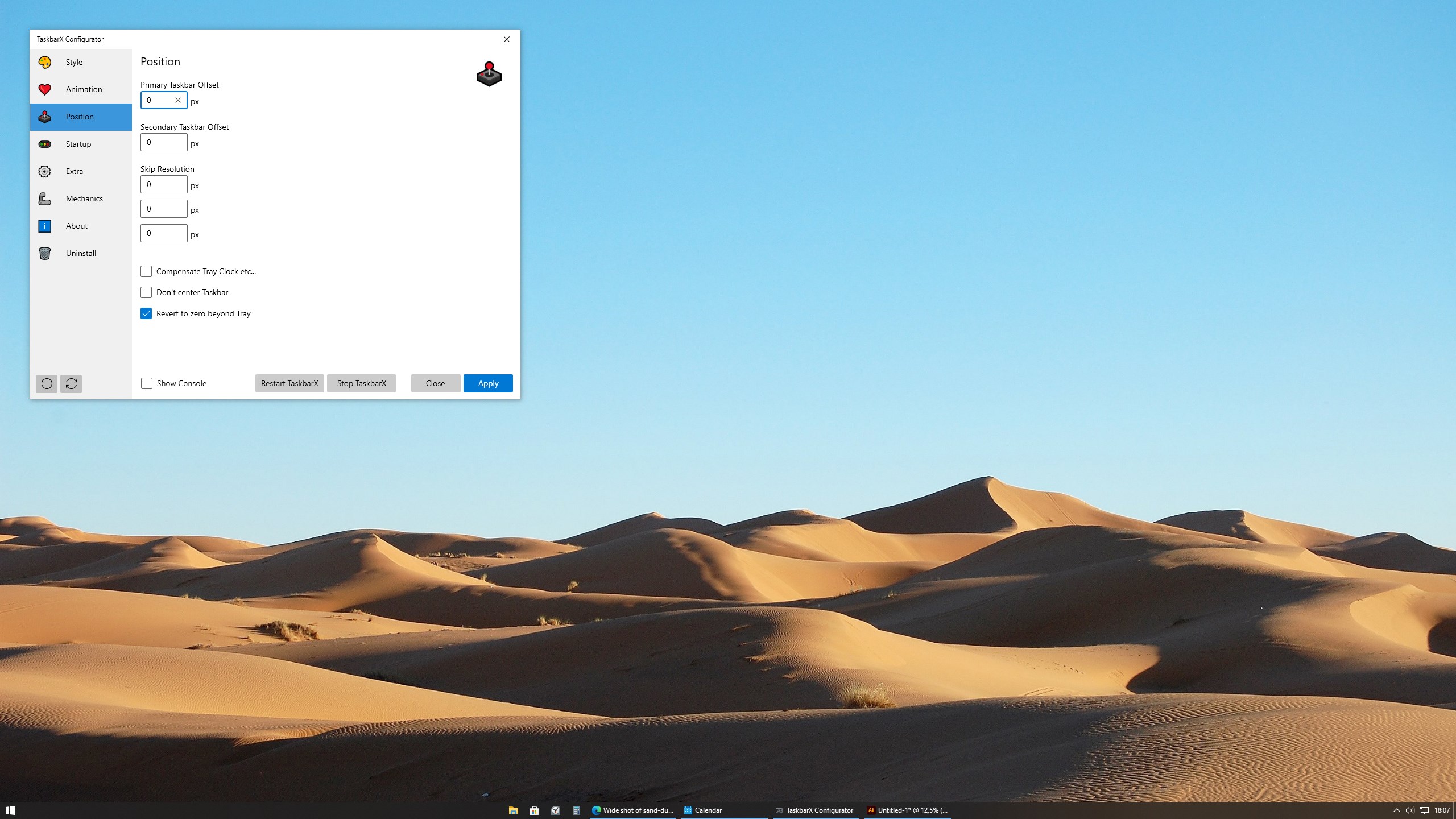
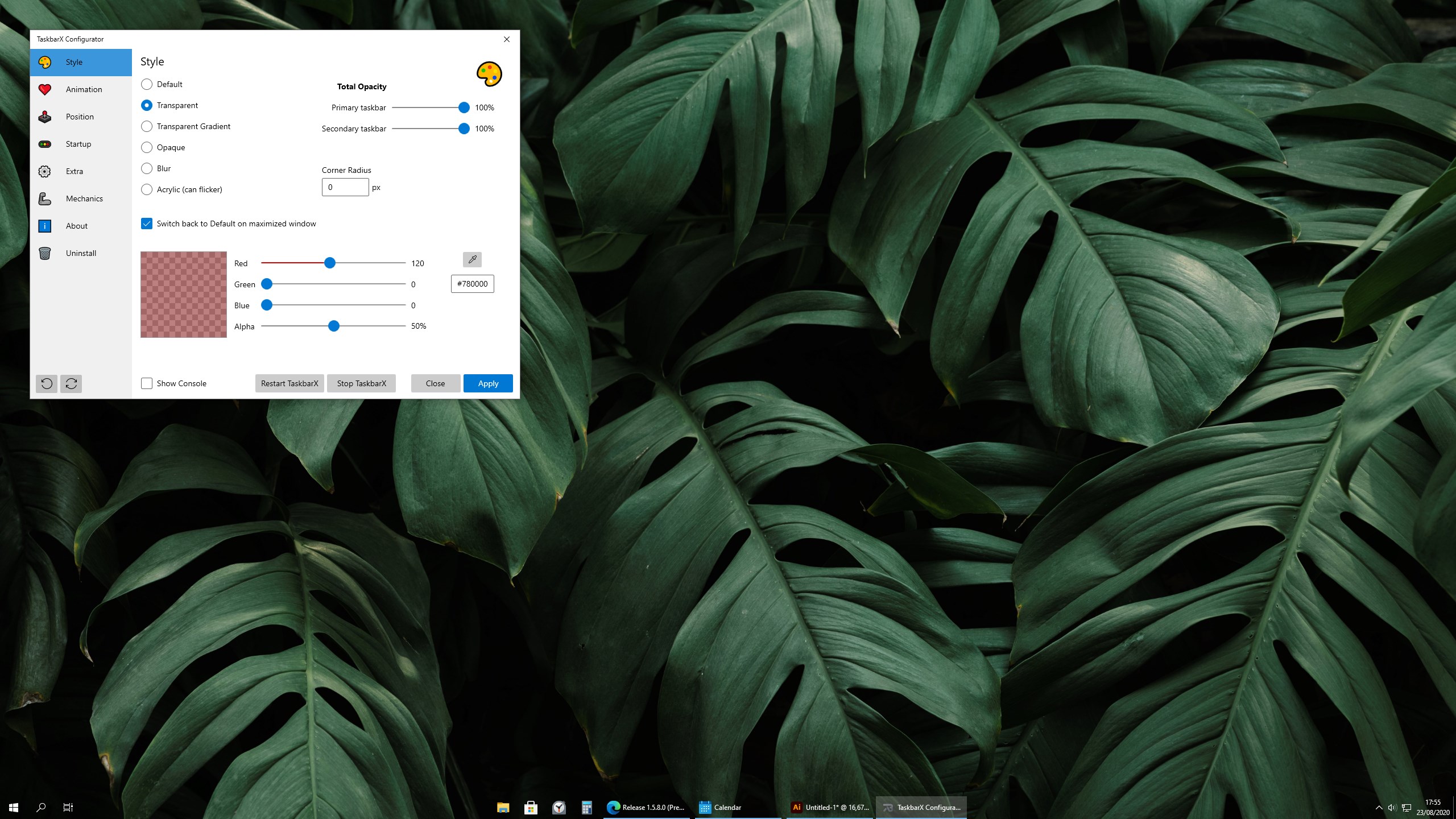


Screenshot appears after consentScreenshot appears after consentScreenshot appears after consentScreenshot appears after consentScreenshot appears after consentScreenshot appears after consent
Summary
TaskbarX is a customization tool that controls the position of Windows 10 taskbar icons. It centers icons, or moves them to a user-defined position, whenever an icon is added or removed, giving a dock-like feel. Several animation styles and speeds can be chosen, or animations can be disabled so icons move instantly. The center position can be shifted left or right, and the tool supports vertical taskbars and unlimited taskbars. The taskbar style can also be changed to transparent, blur or acrylic. On Windows 11 only the background style feature works, and only up to a specific version.
Show the developer's original descriptionHide the original description
NOTE (for Windows 11 users):
TaskbarX is build for Windows 10. On Windows 11 TaskbarX can only be used to change the background style of the taskbar until Windows 11 version number 10.0.22621.1265 Feb 2023. If you have a higher version than Windows 11 10.0.22621.1265 Feb 2023 TaskbarX will not work.
TaskbarX gives you control over the position of your Windows 10 taskbar icons.
TaskbarX will give you an original Windows dock like feel.
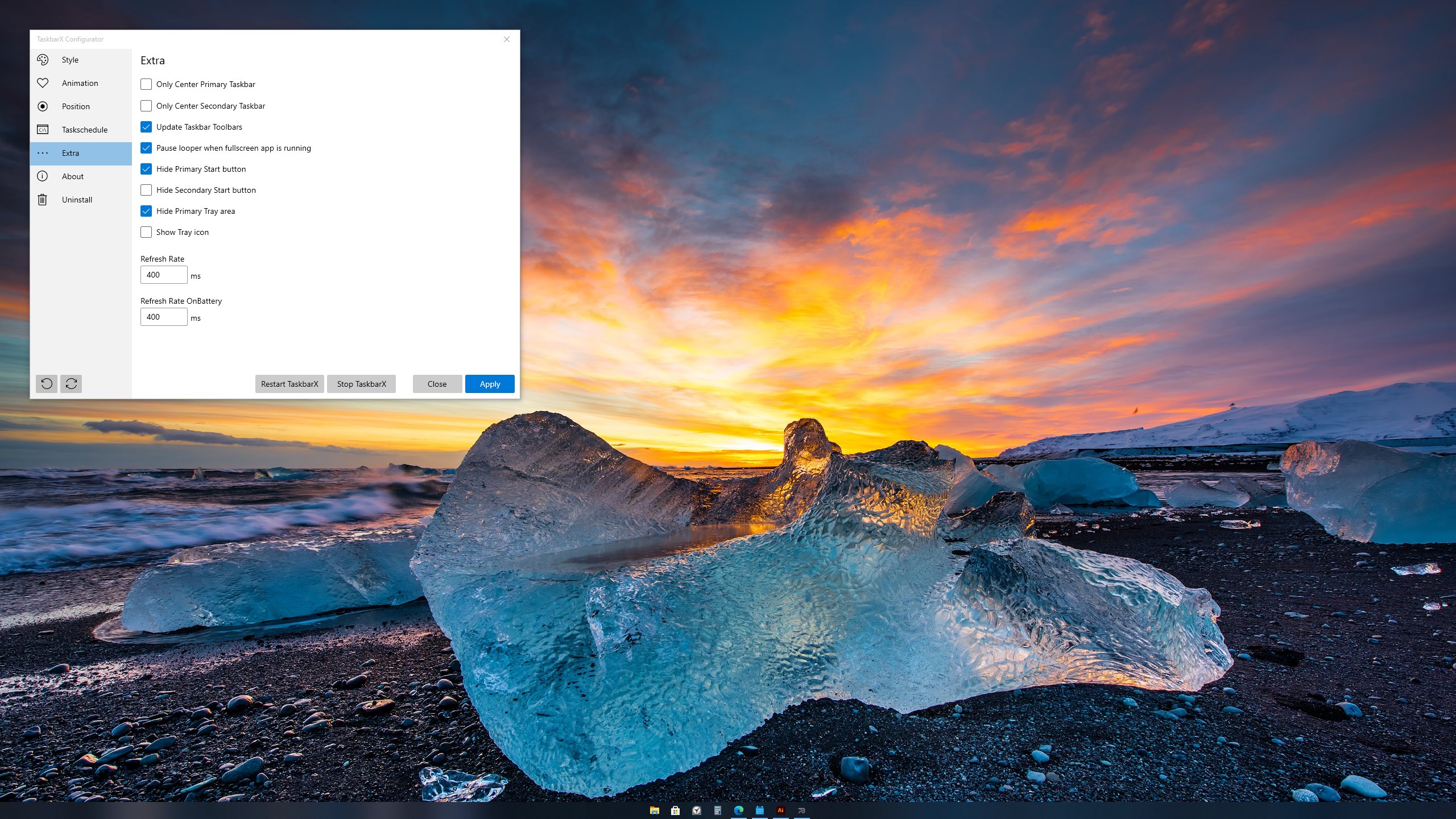
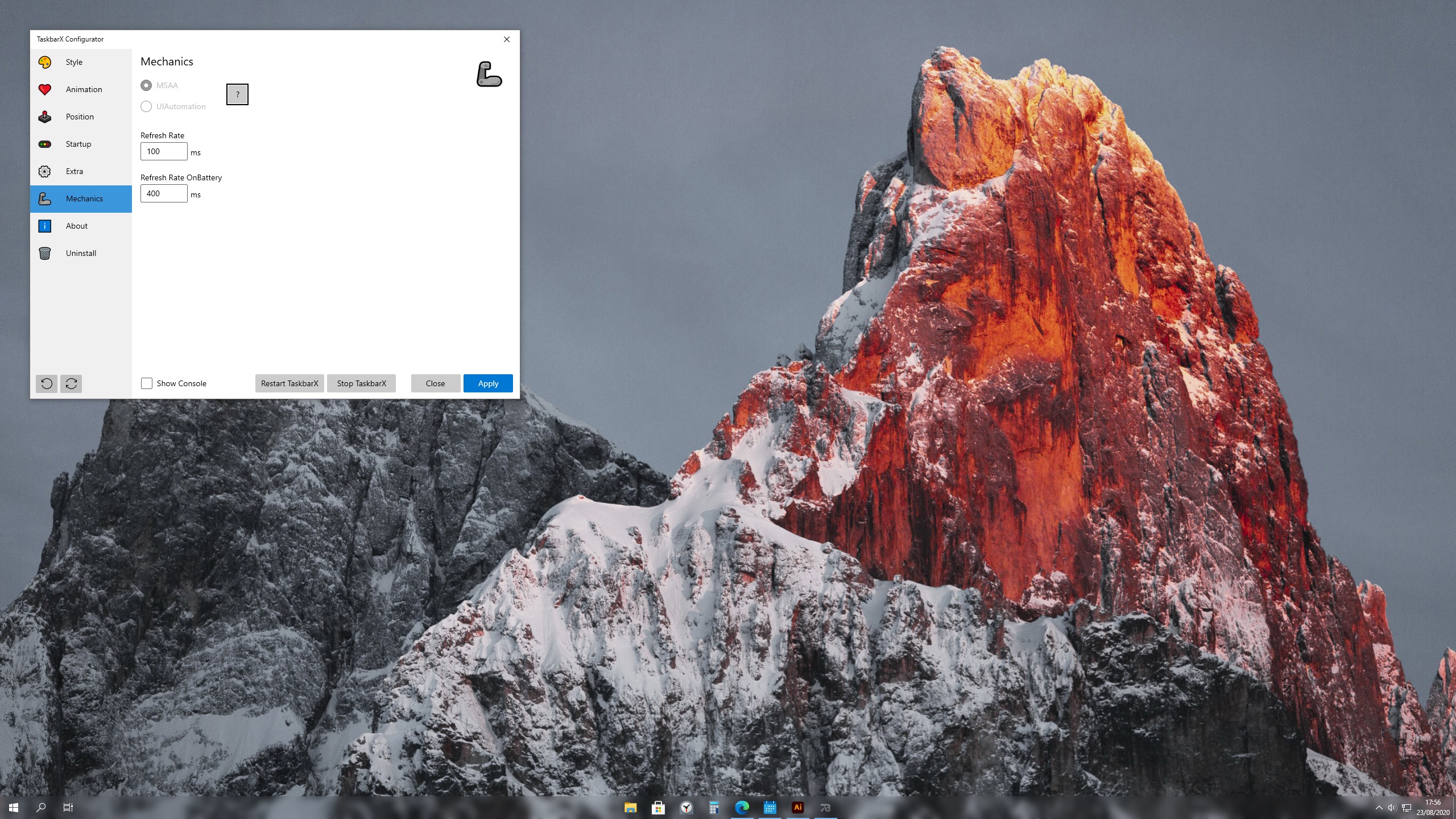
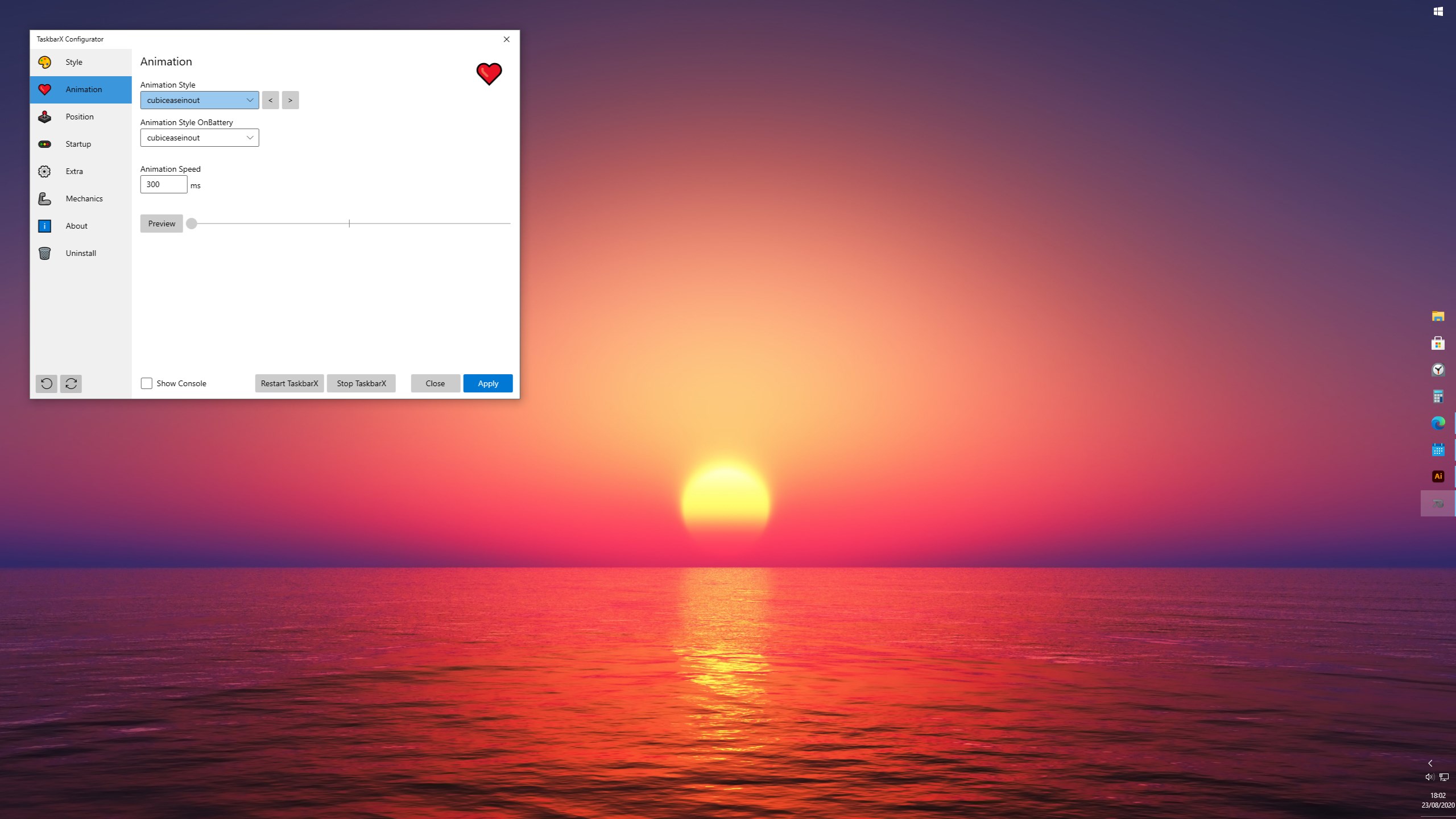
The icons will move to the center or user given position when an icon gets added or removed from the taskbar. You will be given the option to choose between a variety of different animations and change their speeds. The animations can be disabled if you don't like animations and want them to move in an instant. The center position can also be changed to bring your icons more to the left or right based on the center position. Currently all taskbar settings are supported including the vertical taskbar and unlimited taskbars.
You can also change the taskbar style to Transparent, Blur and Acrylic.
Run at startup:
To make TaskbarX run at starup you will have to open the "TaskbarX Configurator" listed in your start menu. And hit the Apply button.
If there is a version of this app for iOS/Mac or Windows we don't know about, paste the store link here — we'll auto-detect the store.
How to find the URL:1. Open the app in its store. 2.In the App Store app: tap the Share icon → “Copy Link”. In the browser: copy the URL from the address bar — it contains apps.apple.com/…/id… or apps.microsoft.com/detail/…. 3. Paste it here.
Paste the original link from the Apple App Store or Microsoft Store. We fetch all details automatically.
How to find the URL:
1. Open the app in its store. 2.In the App Store app: tap the Share icon → “Copy Link”. In the browser: copy the URL from the address bar — it contains apps.apple.com/…/id… or apps.microsoft.com/detail/…. 3. Paste it here.
Android apps can only be listed by their developer.