Screenshot appears after consentScreenshot appears after consentScreenshot appears after consent
Summary
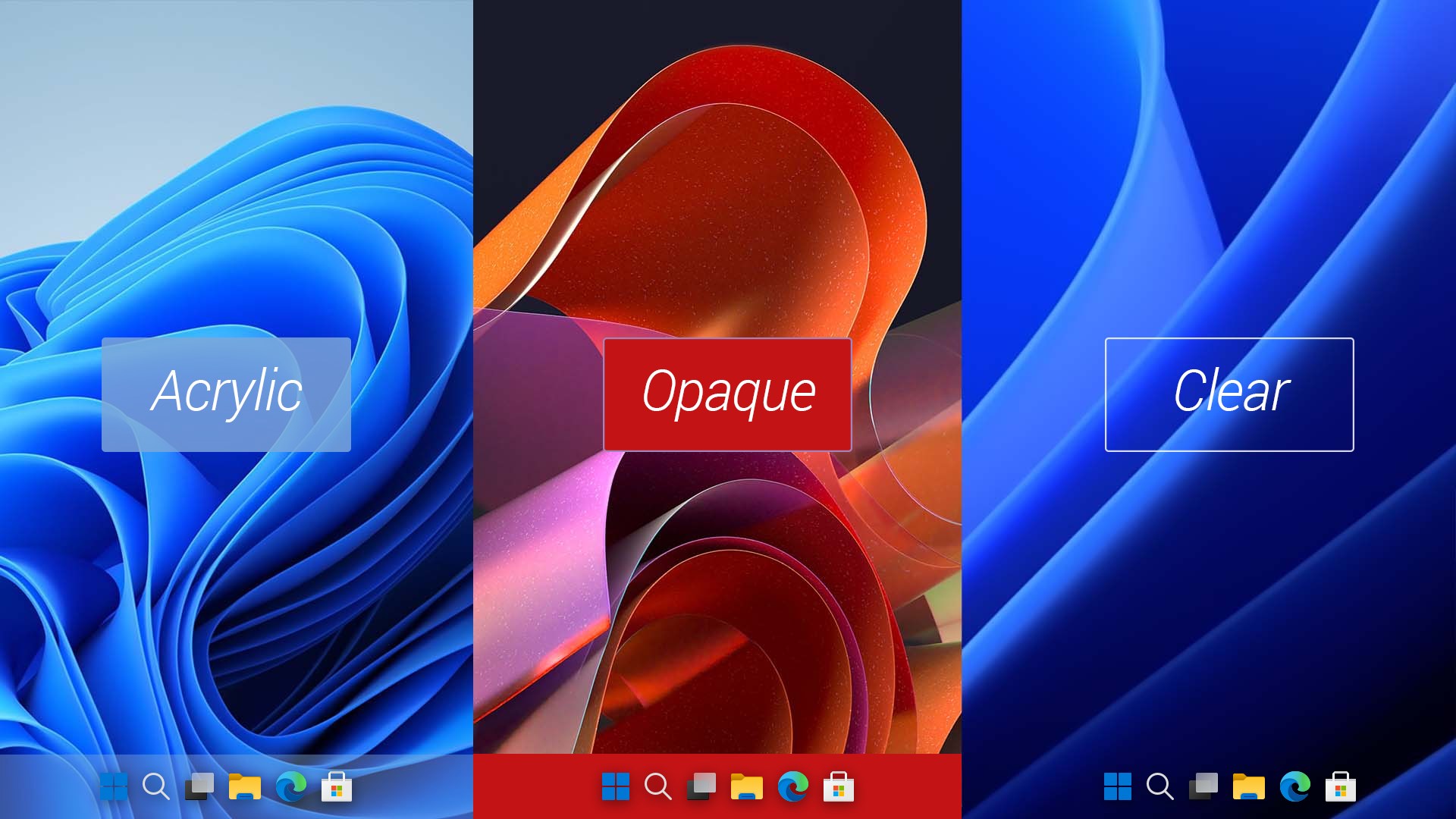
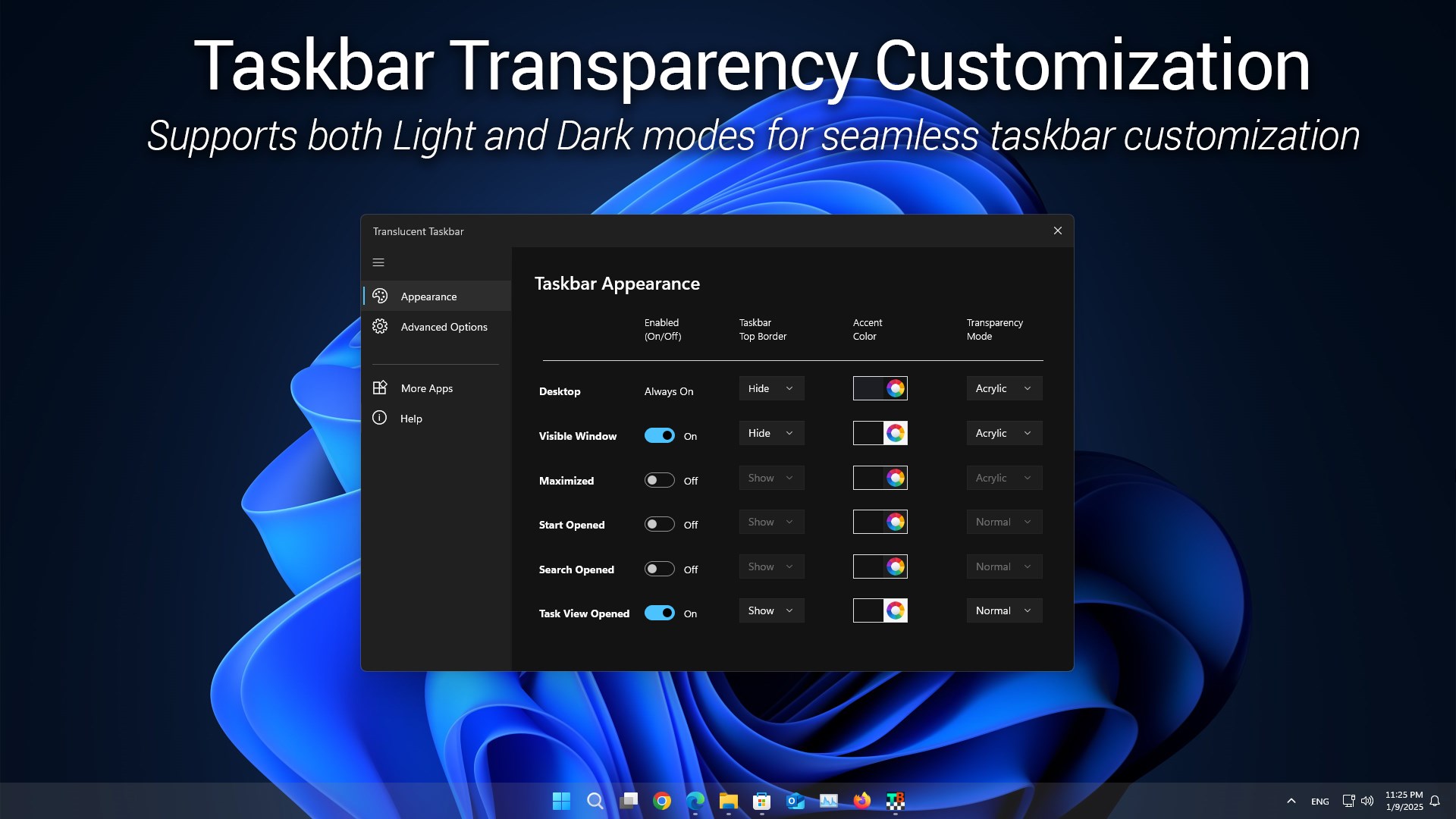
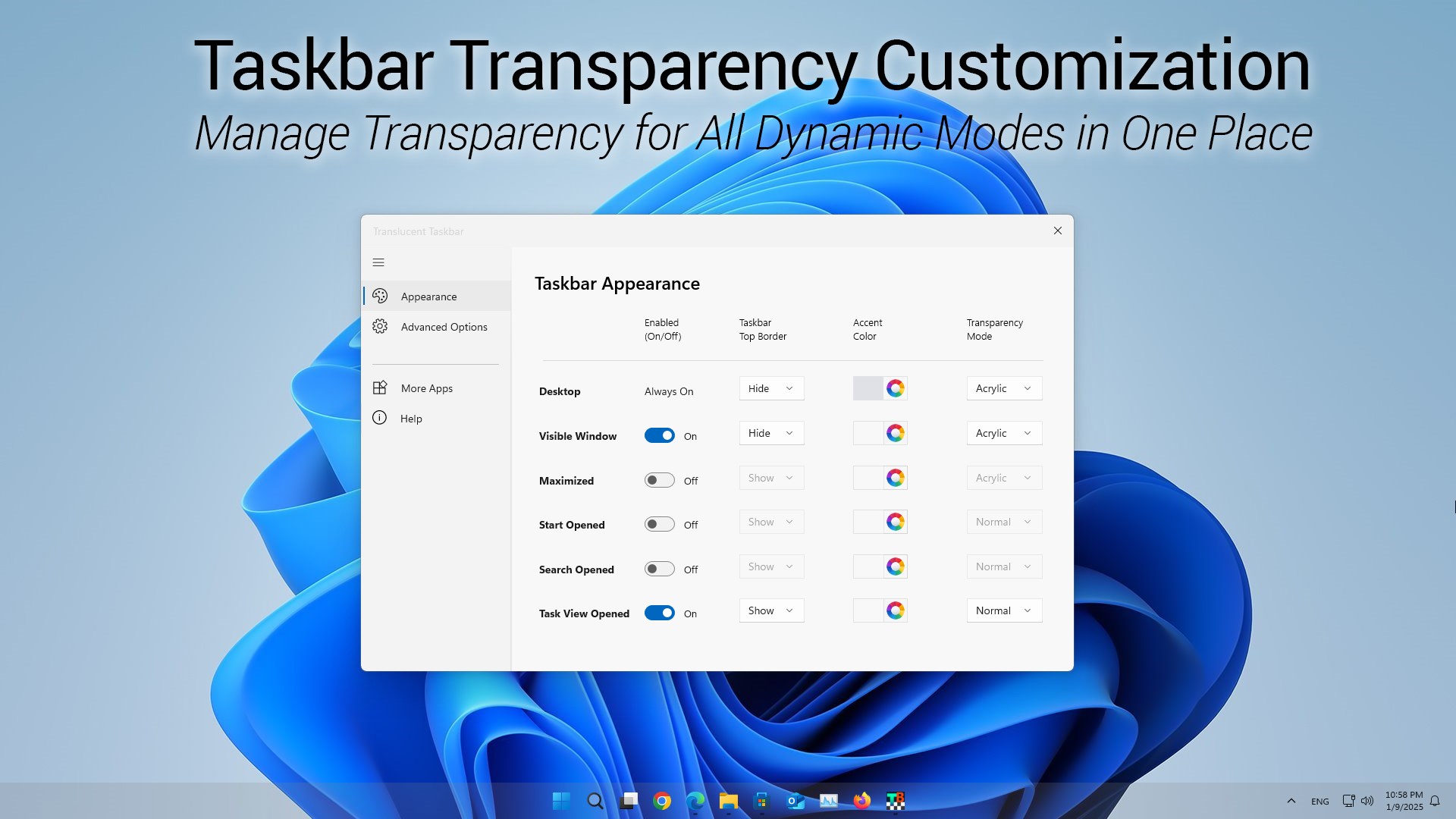
Taskbar Translucent is a customization utility for personalizing the appearance of the Windows taskbar. It offers four transparency modes, including Normal, Opaque, Clear and Acrylic, letting users match the taskbar to their desktop theme. Dynamic modes adjust the taskbar's appearance automatically depending on system activity, such as when the desktop is visible or a window is maximized. Users can pick custom accent colors with real-time previews and add or remove a thin border at the top edge of the taskbar, with settings managed from a single window. Basic transparency in the default desktop mode is free, while customizing dynamic modes requires a premium license.
Show the developer's original descriptionHide the original description
Translucent Taskbar is a lightweight utility designed to enhance the appearance of your Windows taskbar with customizable transparency modes and color settings. The app supports four distinct transparency modes—Normal, Opaque, Clear, and Acrylic—allowing users to tailor the taskbar's look to their personal preferences or desktop theme. With an intuitive interface and advanced settings for dynamic modes, Translucent Taskbar provides a seamless way to create a clean and modern desktop experience on Windows 10 and 11.
Product License:
Setting the taskbar to transparent in the default Desktop mode is always free. Customizing transparency for other dynamic modes—such as when the Start menu is open or a window is maximized—requires a premium license upgrade.
Feature Highlights:
Four Transparency Modes: Choose between Normal (default style), Opaque (solid color), Clear (fully transparent), and Acrylic (frosted glass effect) for a personalized taskbar appearance.
Dynamic Modes: Automatically adapt the taskbar's appearance based on system activity, including when the desktop is visible, the Start menu is opened, or a window is maximized.
Accent Color Customization: Select custom colors to match your desktop theme, with real-time previews for instant adjustments.
Top Border Control: Add or remove a 1-pixel border at the top edge of the taskbar for a defined and clean layout.
Single Window Control: Manage all taskbar appearance settings from one centralized window, eliminating the need for multiple menu interactions.
Lightweight Design: Runs efficiently in the background without affecting system performance.
If there is a version of this app for iOS/Mac or Windows we don't know about, paste the store link here — we'll auto-detect the store.
How to find the URL:1. Open the app in its store. 2.In the App Store app: tap the Share icon → “Copy Link”. In the browser: copy the URL from the address bar — it contains apps.apple.com/…/id… or apps.microsoft.com/detail/…. 3. Paste it here.
Paste the original link from the Apple App Store or Microsoft Store. We fetch all details automatically.
How to find the URL:
1. Open the app in its store. 2.In the App Store app: tap the Share icon → “Copy Link”. In the browser: copy the URL from the address bar — it contains apps.apple.com/…/id… or apps.microsoft.com/detail/…. 3. Paste it here.
Android apps can only be listed by their developer.



 Taskbar+
Make taskbar transparent, translucent or colored
 Transparent Taskbar+
Make Windows taskbar transparent and customizable
 NiceTaskbar
Customize Windows taskbar with modern design
 TranslucentTB
Make Windows taskbar transparent
 TaskbarX
Center taskbar icons and customize their style
 Juicy Taskdock
Adds glass-card hover glow effects to the Windows taskbar