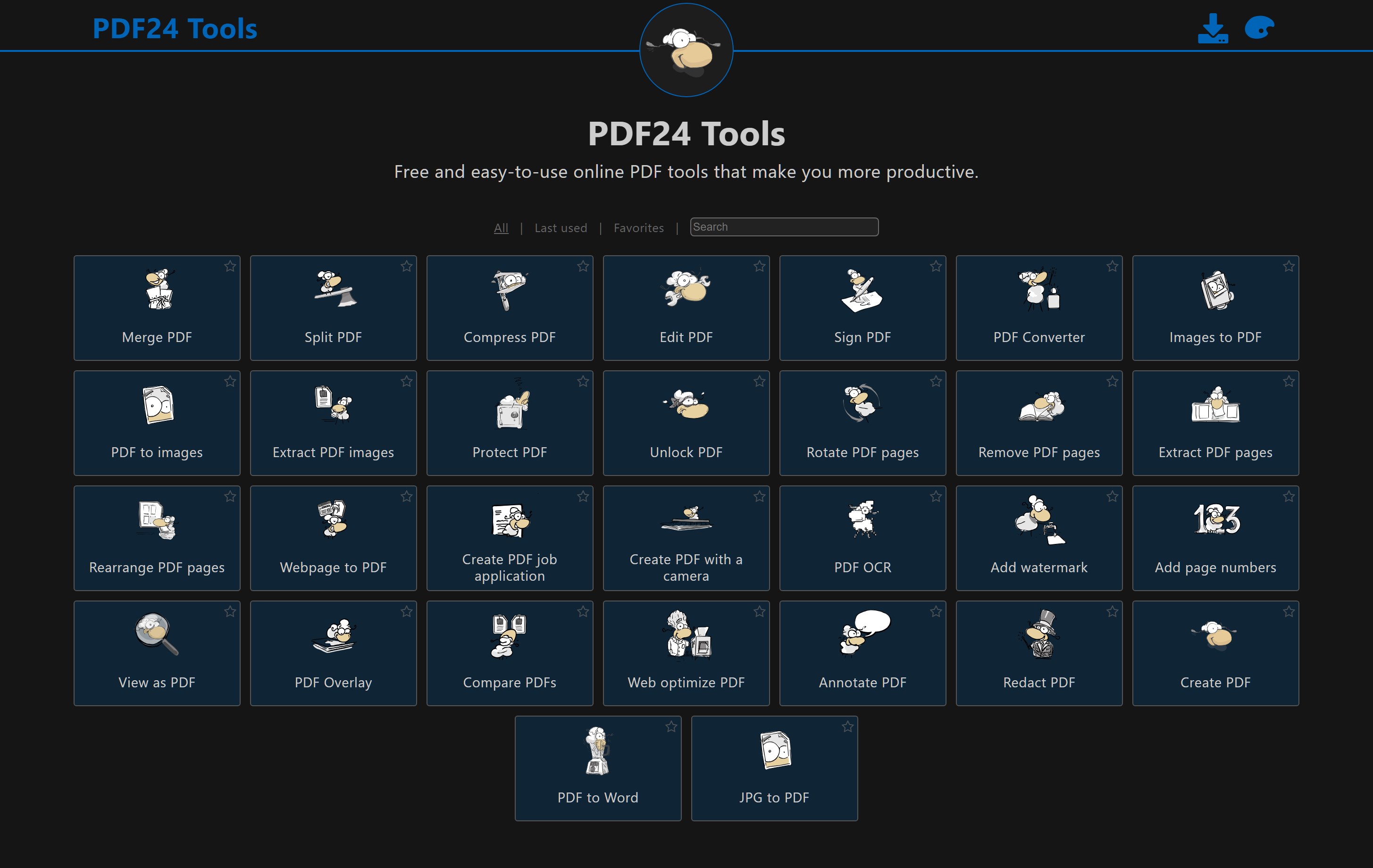
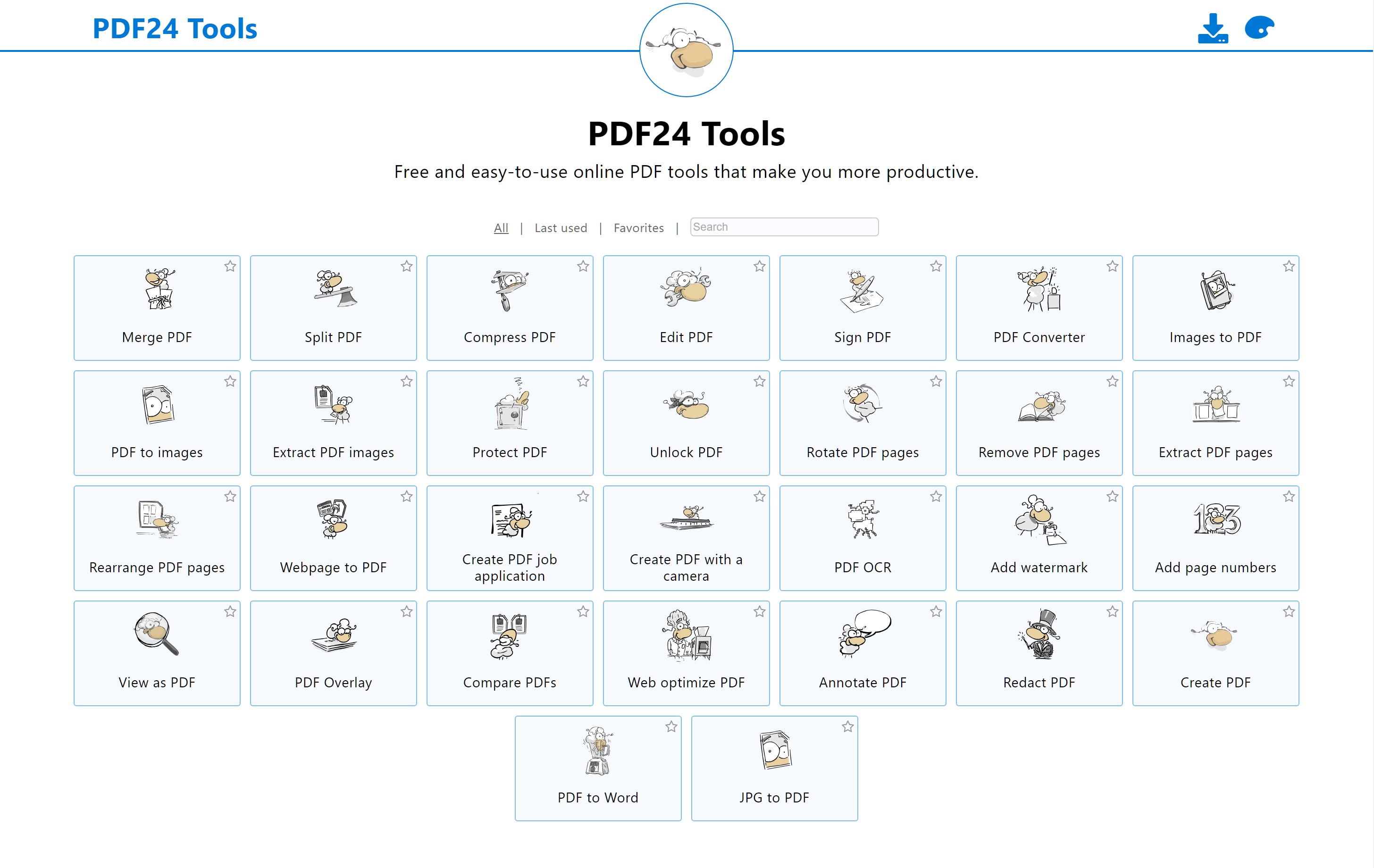
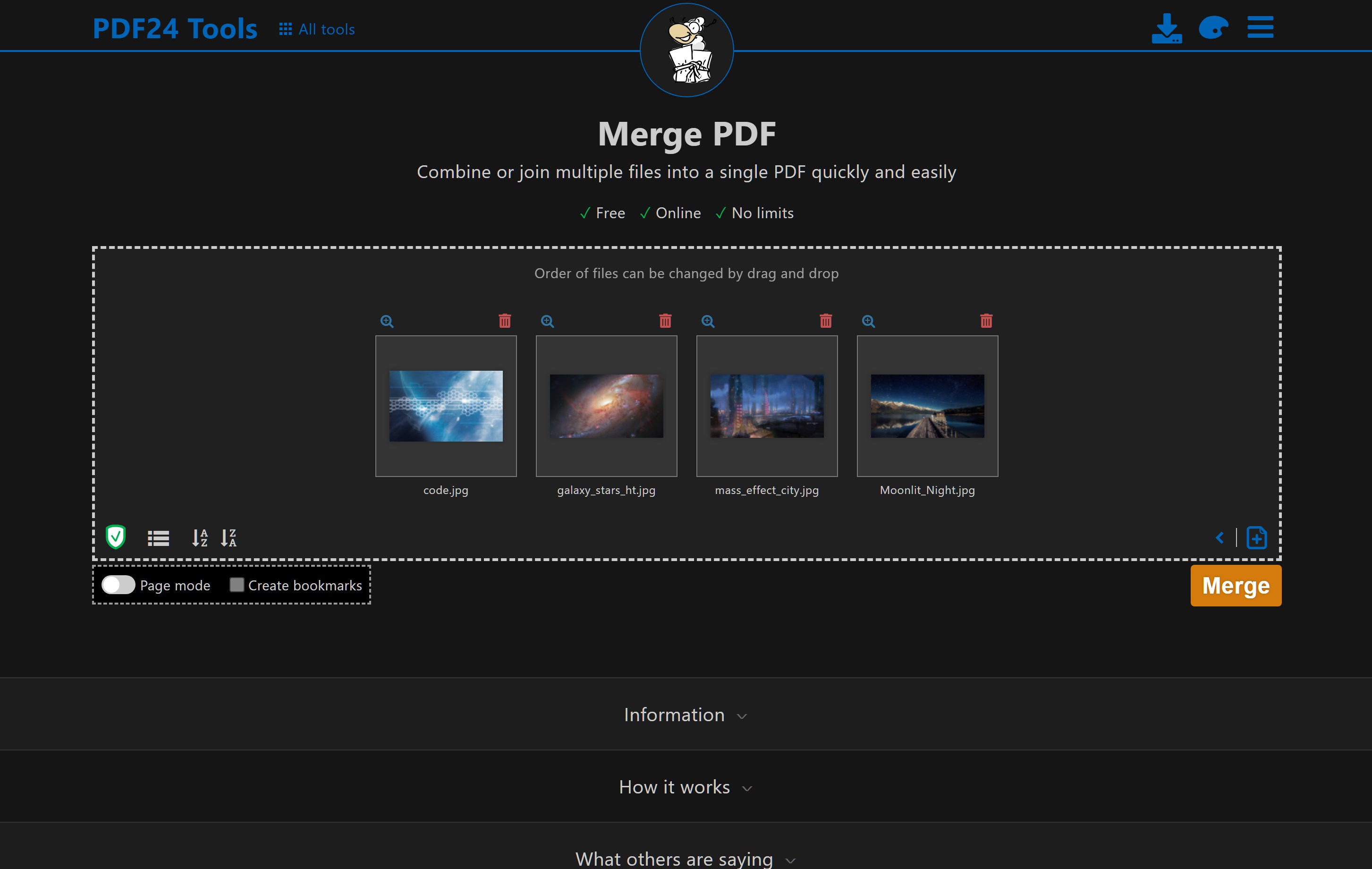
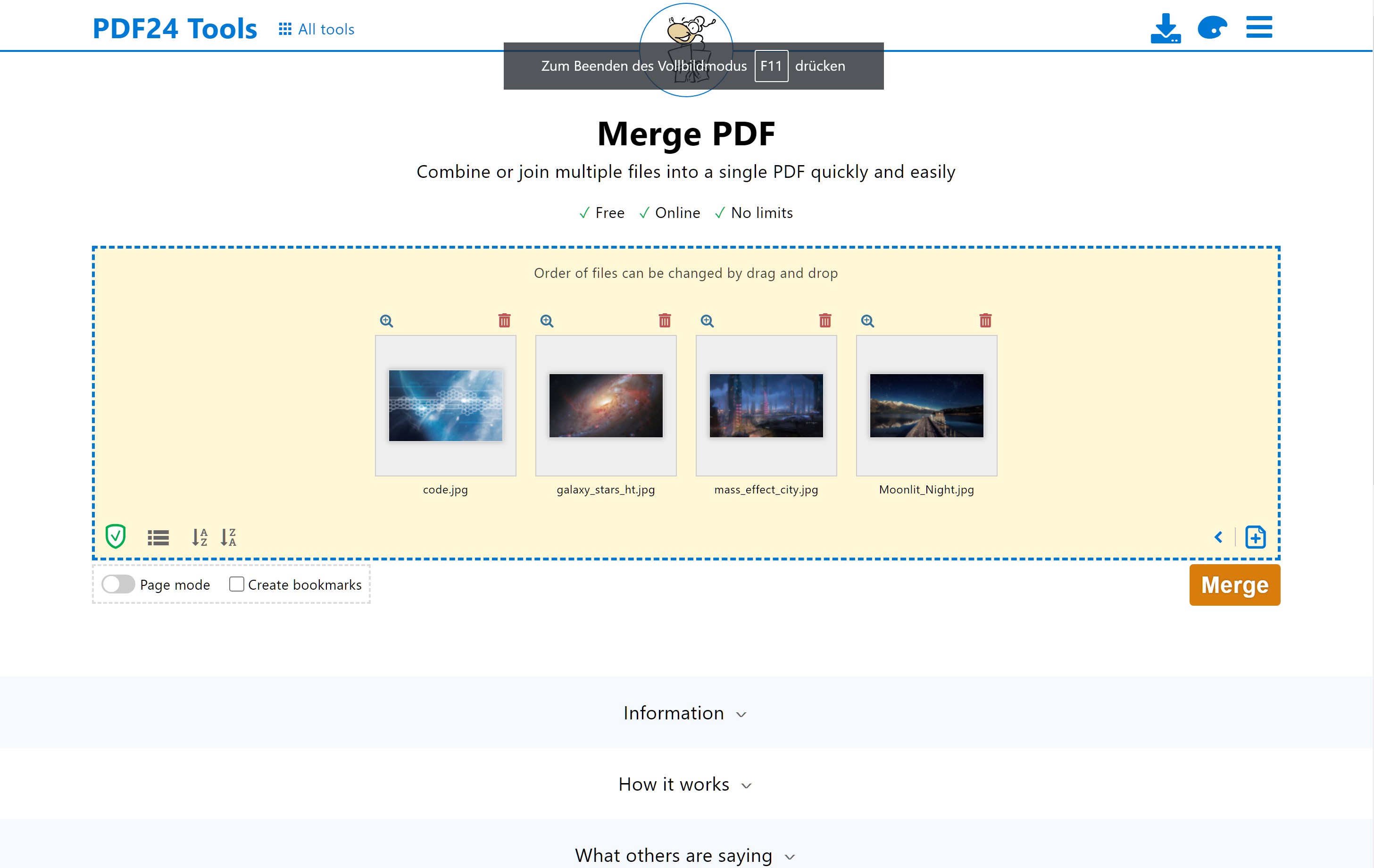


Screenshot appears after consentScreenshot appears after consentScreenshot appears after consentScreenshot appears after consentScreenshot appears after consentScreenshot appears after consentScreenshot appears after consentScreenshot appears after consentScreenshot appears after consentScreenshot appears after consent
Summary
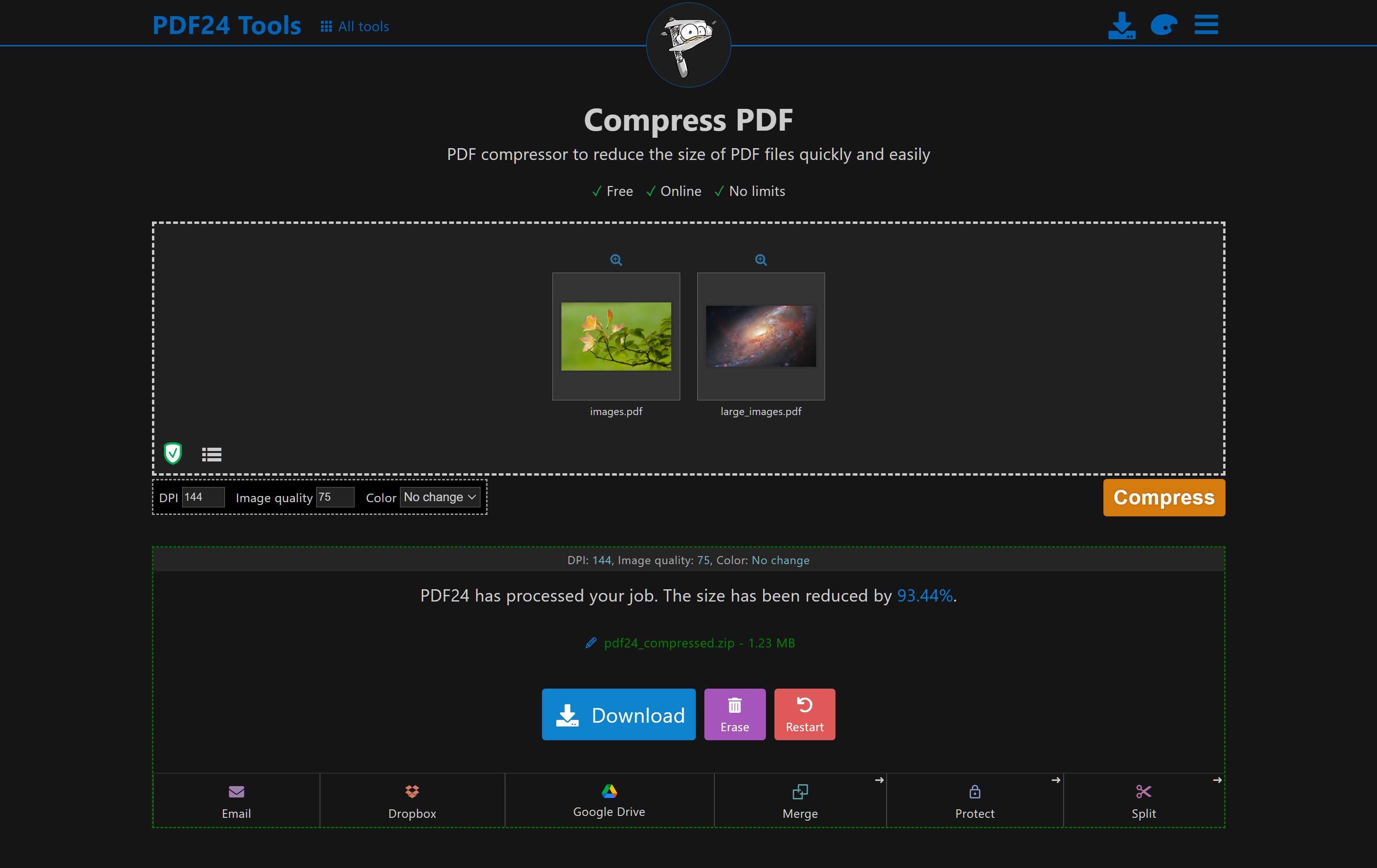
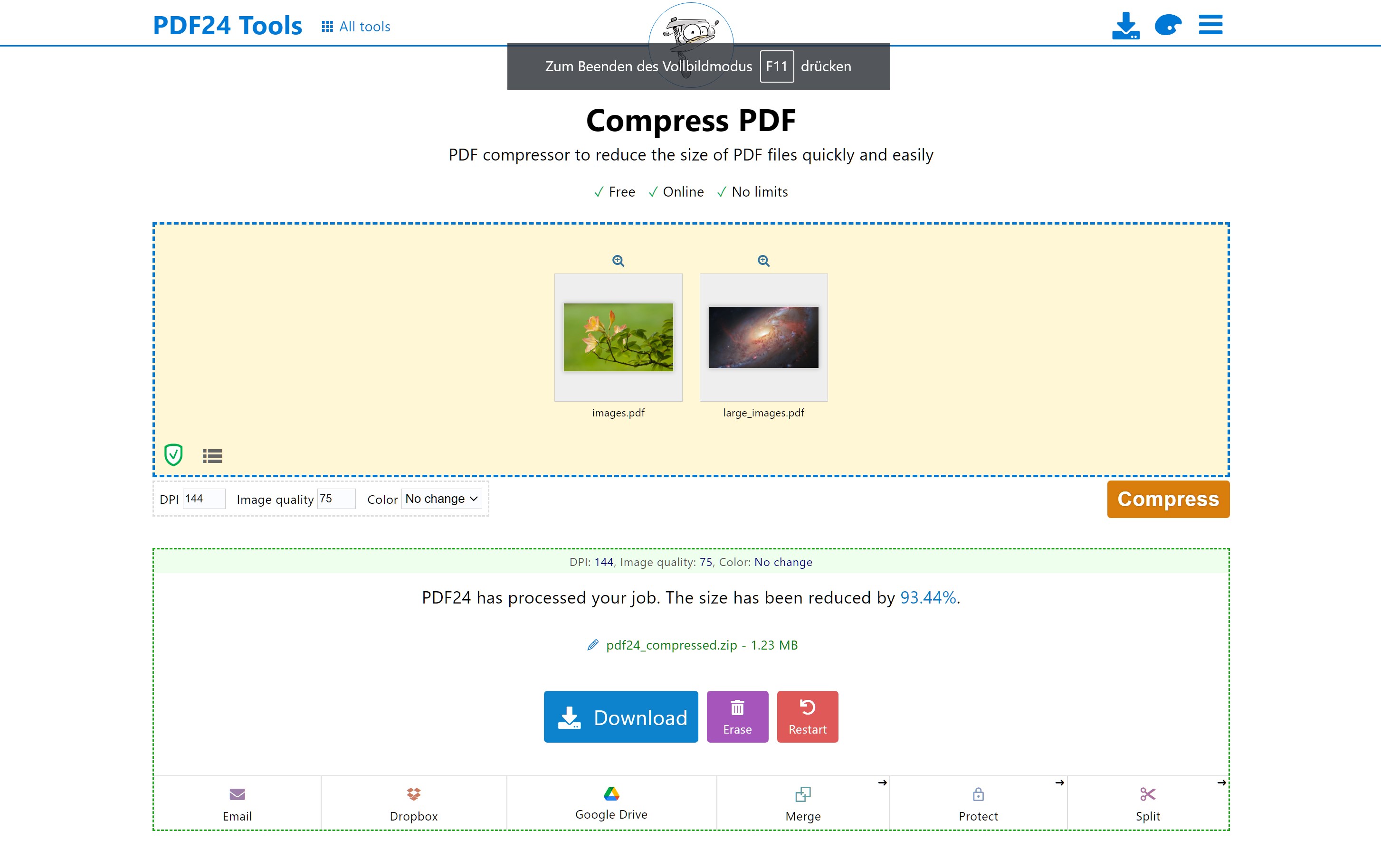
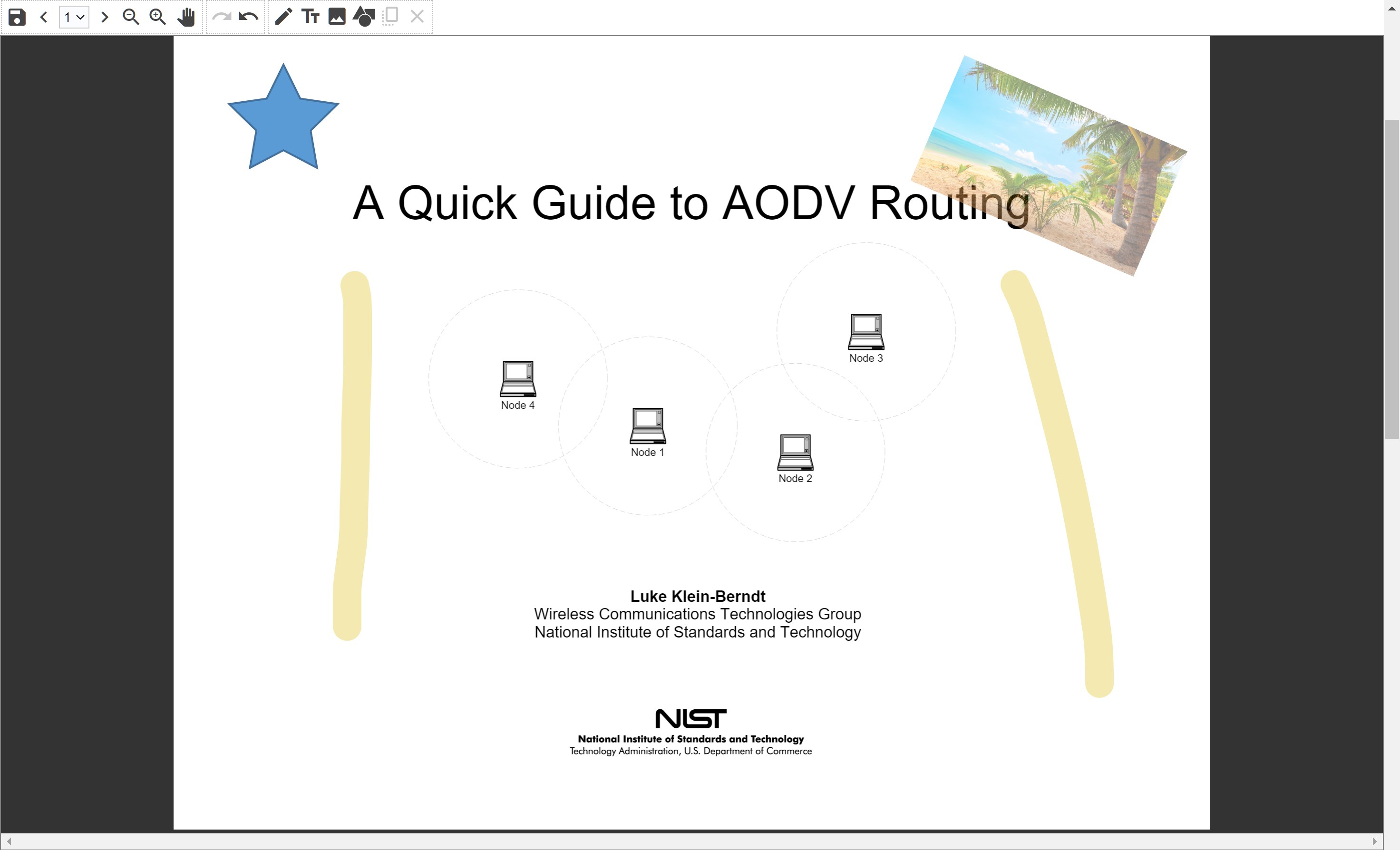
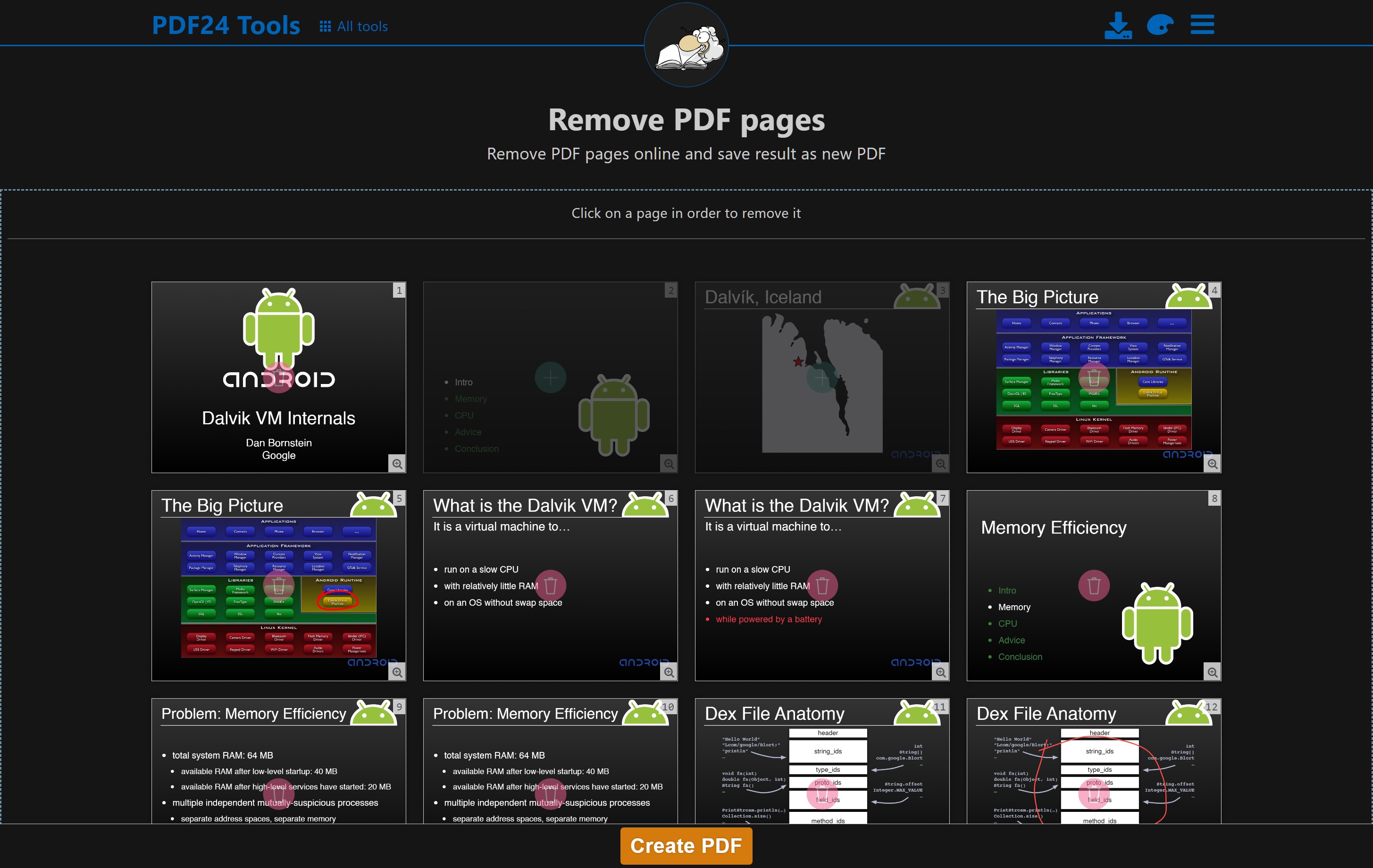
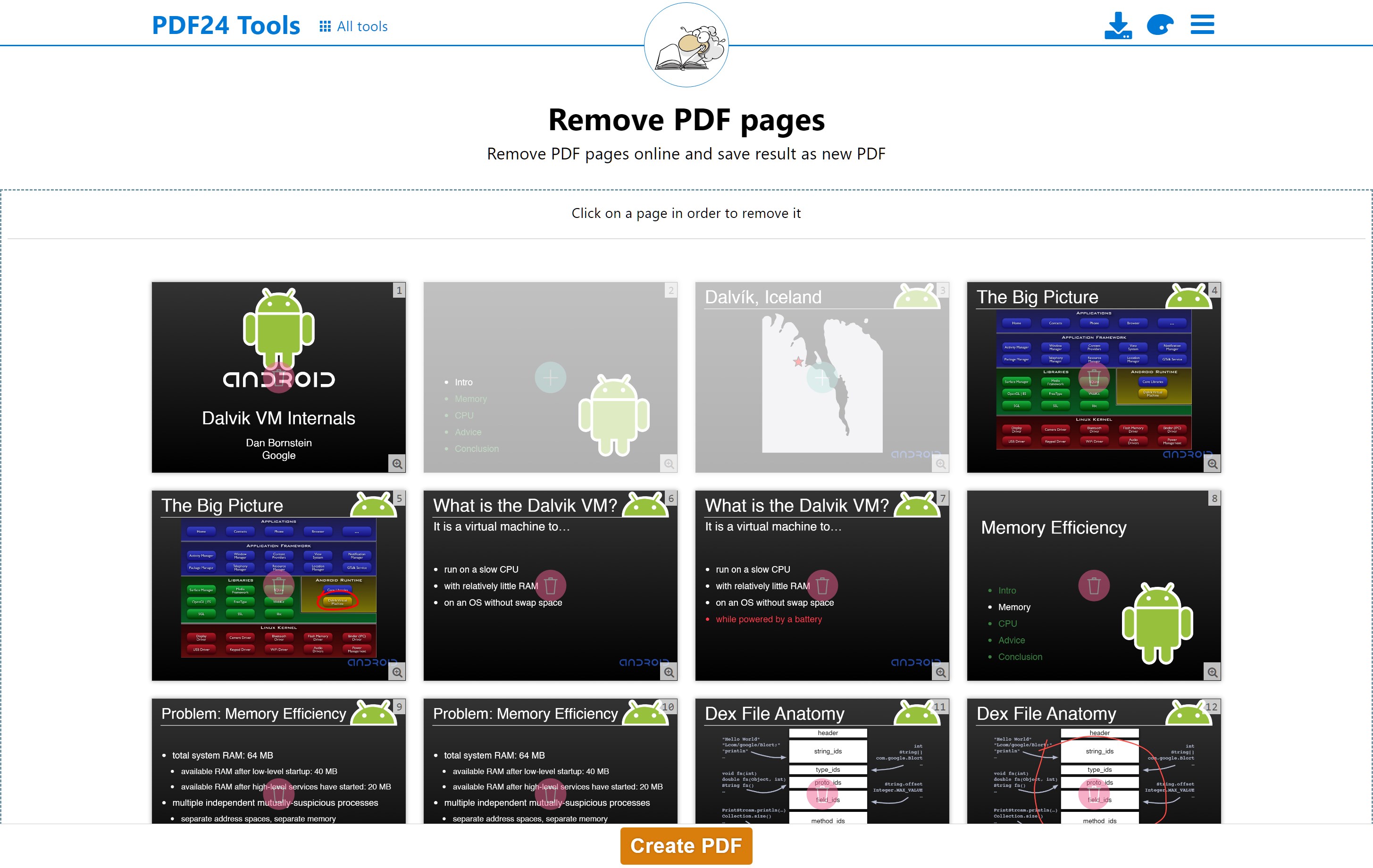
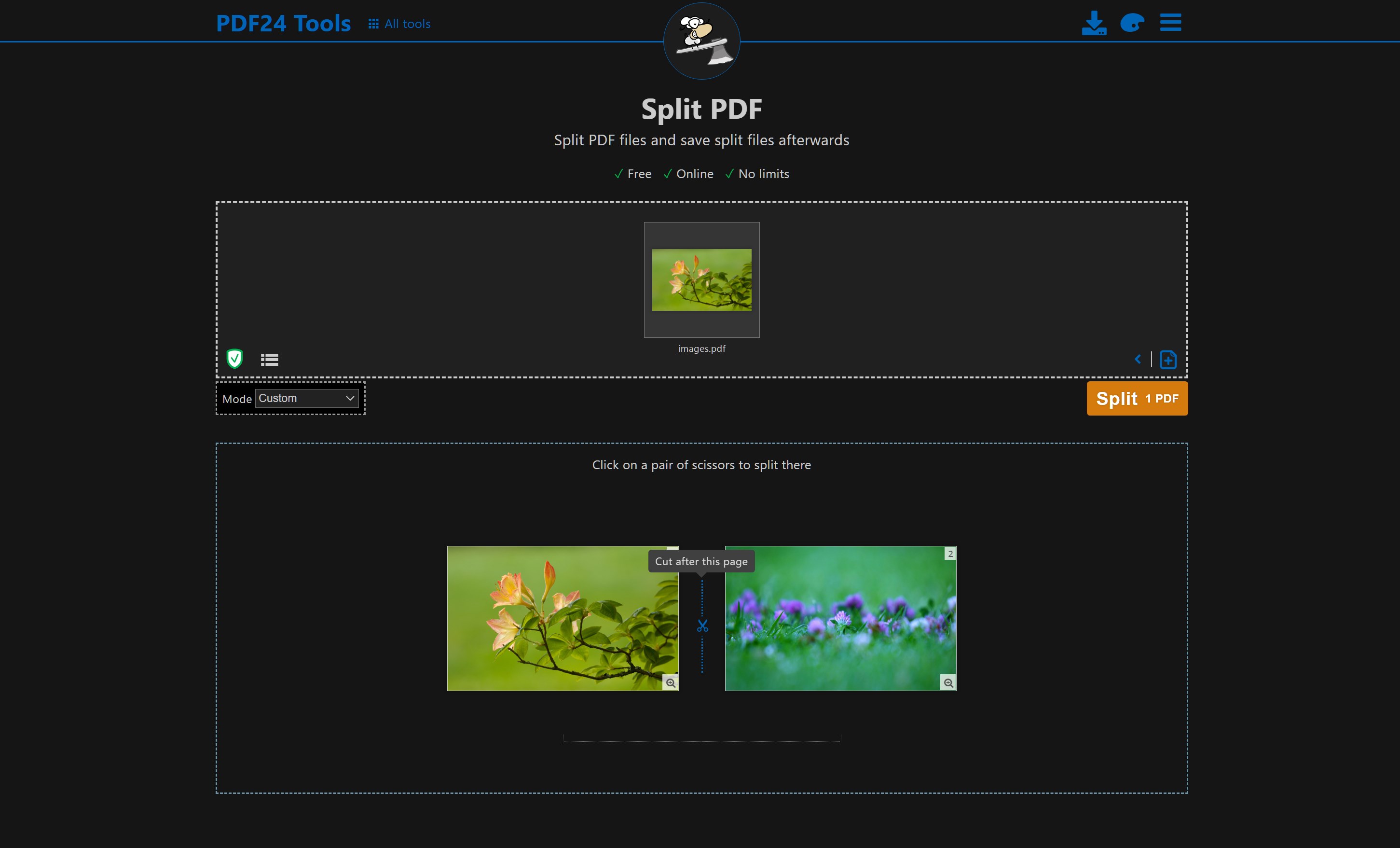
PDF24 Online Tools is a web-based service for handling PDF files, processing them online on special PDF24 servers. PDF24 Creator, an installable application, offers the same tools as the online service along with additional features like a PDF printer and PDF reader.
Show the developer's original descriptionHide the original description
Easy to use online PDF tools for all your PDF problems. PDF24 Online Tools processes files online on special PDF24 servers. If you would like to work offline, please download and install the free PDF24 Creator. PDF24 Creator is an installable application and has the same tools we provide online and brings a lot more feature like a PDF printer and PDF Reader.
If there is a version of this app for iOS/Mac or Windows we don't know about, paste the store link here — we'll auto-detect the store.
How to find the URL:1. Open the app in its store. 2.In the App Store app: tap the Share icon → “Copy Link”. In the browser: copy the URL from the address bar — it contains apps.apple.com/…/id… or apps.microsoft.com/detail/…. 3. Paste it here.
Paste the original link from the Apple App Store or Microsoft Store. We fetch all details automatically.
How to find the URL:
1. Open the app in its store. 2.In the App Store app: tap the Share icon → “Copy Link”. In the browser: copy the URL from the address bar — it contains apps.apple.com/…/id… or apps.microsoft.com/detail/…. 3. Paste it here.
Android apps can only be listed by their developer.