
Screenshot appears after consentScreenshot appears after consentScreenshot appears after consent
Summary
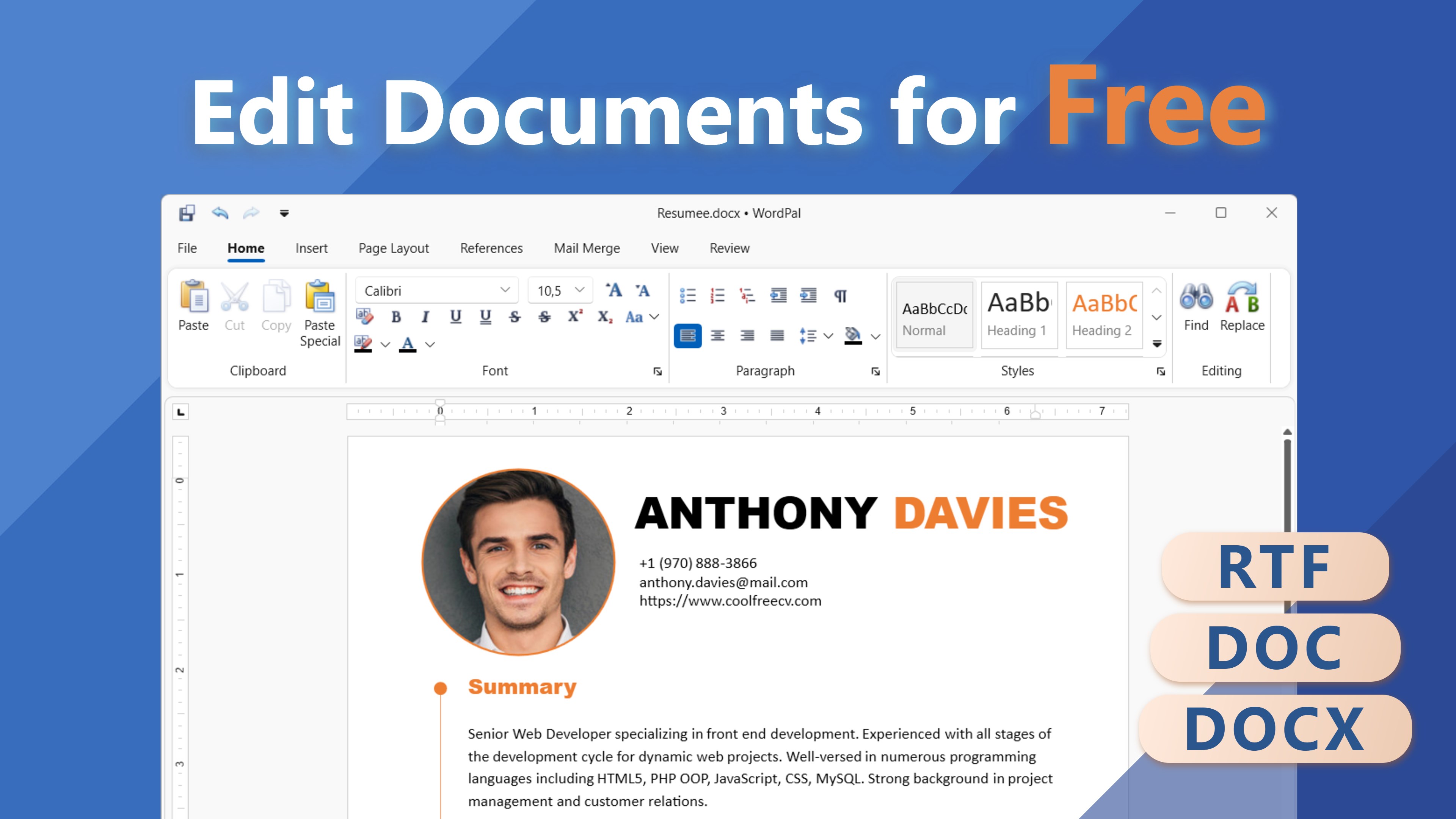
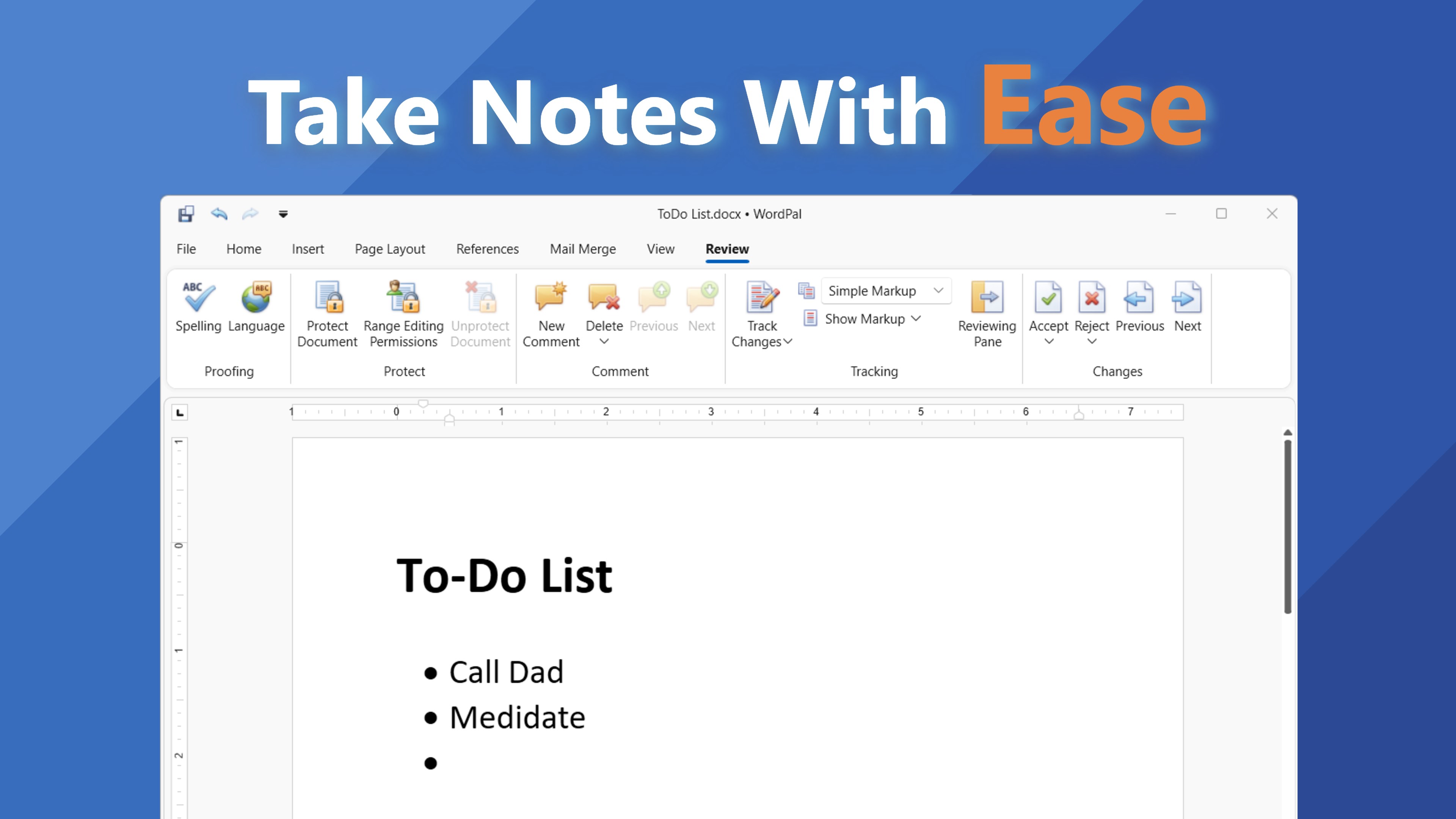
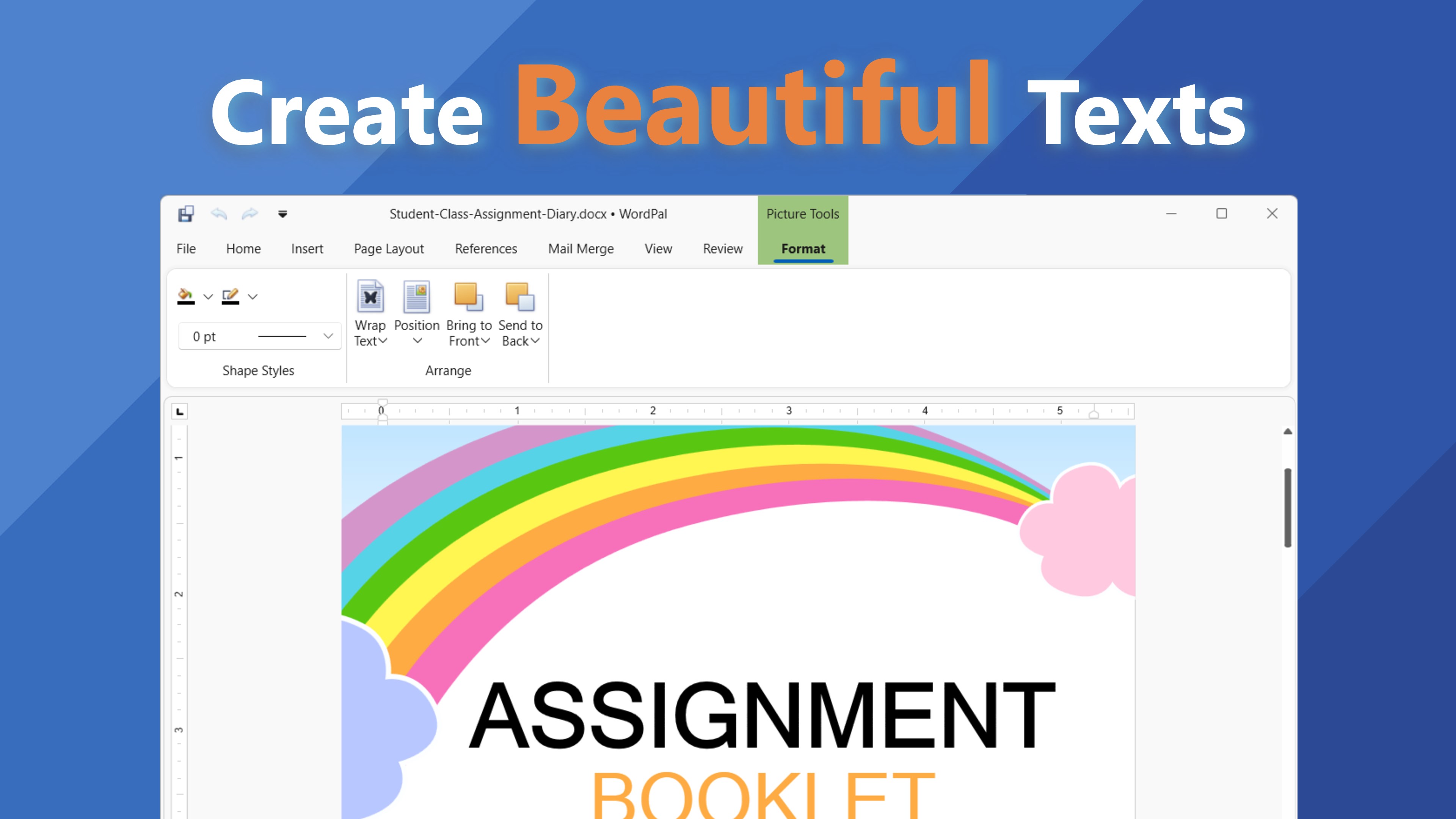
WordPal is a text editor for everyday writing and document editing. It opens, edits and saves documents in formats such as DOC, DOCX, RTF, HTML, TXT, ODT and EPUB, and it exports documents as PDF files for sharing and printing. The interface keeps the focus on content and minimizes distractions. It provides fundamental formatting and editing tools for shaping documents, along with file management features for opening recent files and organizing work. It suits tasks like jotting down notes, drafting reports or composing letters, offering the essential tools of a modern text editor without unnecessary complexity.
Show the developer's original descriptionHide the original description
WordPal: A Modern Text Editor for Your Everyday Writing Needs 📝
Seeking a simple yet powerful tool for your document creation and editing tasks?
WordPal offers a clean and efficient platform designed to make writing and editing straightforward and hassle-free.
Highlights:
📝 Wide Format Support: Open, edit, and save documents in formats like DOC, DOCX, RTF, HTML, TXT, ODT, EPUB, and more.
💾 Easy PDF Export: Save your documents as PDF files for easy sharing and printing.
🌟 Clean and Intuitive Interface: Focus on your content with a user-friendly design that minimizes distractions.
🎨 Essential Editing Tools: Access fundamental formatting and editing features to craft your documents just the way you want.
📂 Effortless File Management: Open recent files and manage your documents with ease.
Upgrade Your Writing Experience:
Whether you're jotting down notes, drafting a report, or composing a letter, WordPal provides the essential tools you need in a modern text editor. It's designed for users who appreciate simplicity without compromising functionality.
Get Started with WordPal:
1️⃣ Download WordPal from the Microsoft Store.
2️⃣ Open existing documents or create new ones seamlessly.
3️⃣ Edit and save your work with ease and efficiency.
If there is a version of this app for iOS/Mac or Windows we don't know about, paste the store link here — we'll auto-detect the store.
How to find the URL:1. Open the app in its store. 2.In the App Store app: tap the Share icon → “Copy Link”. In the browser: copy the URL from the address bar — it contains apps.apple.com/…/id… or apps.microsoft.com/detail/…. 3. Paste it here.
Paste the original link from the Apple App Store or Microsoft Store. We fetch all details automatically.
How to find the URL:
1. Open the app in its store. 2.In the App Store app: tap the Share icon → “Copy Link”. In the browser: copy the URL from the address bar — it contains apps.apple.com/…/id… or apps.microsoft.com/detail/…. 3. Paste it here.
Android apps can only be listed by their developer.