Screenshot appears after consentScreenshot appears after consentScreenshot appears after consentScreenshot appears after consentScreenshot appears after consentScreenshot appears after consentScreenshot appears after consent
Screenshot appears after consentScreenshot appears after consentScreenshot appears after consentScreenshot appears after consentScreenshot appears after consentScreenshot appears after consentScreenshot appears after consentScreenshot appears after consentScreenshot appears after consentScreenshot appears after consent
Screenshot appears after consent
Screenshot appears after consentScreenshot appears after consentScreenshot appears after consentScreenshot appears after consent
Summary
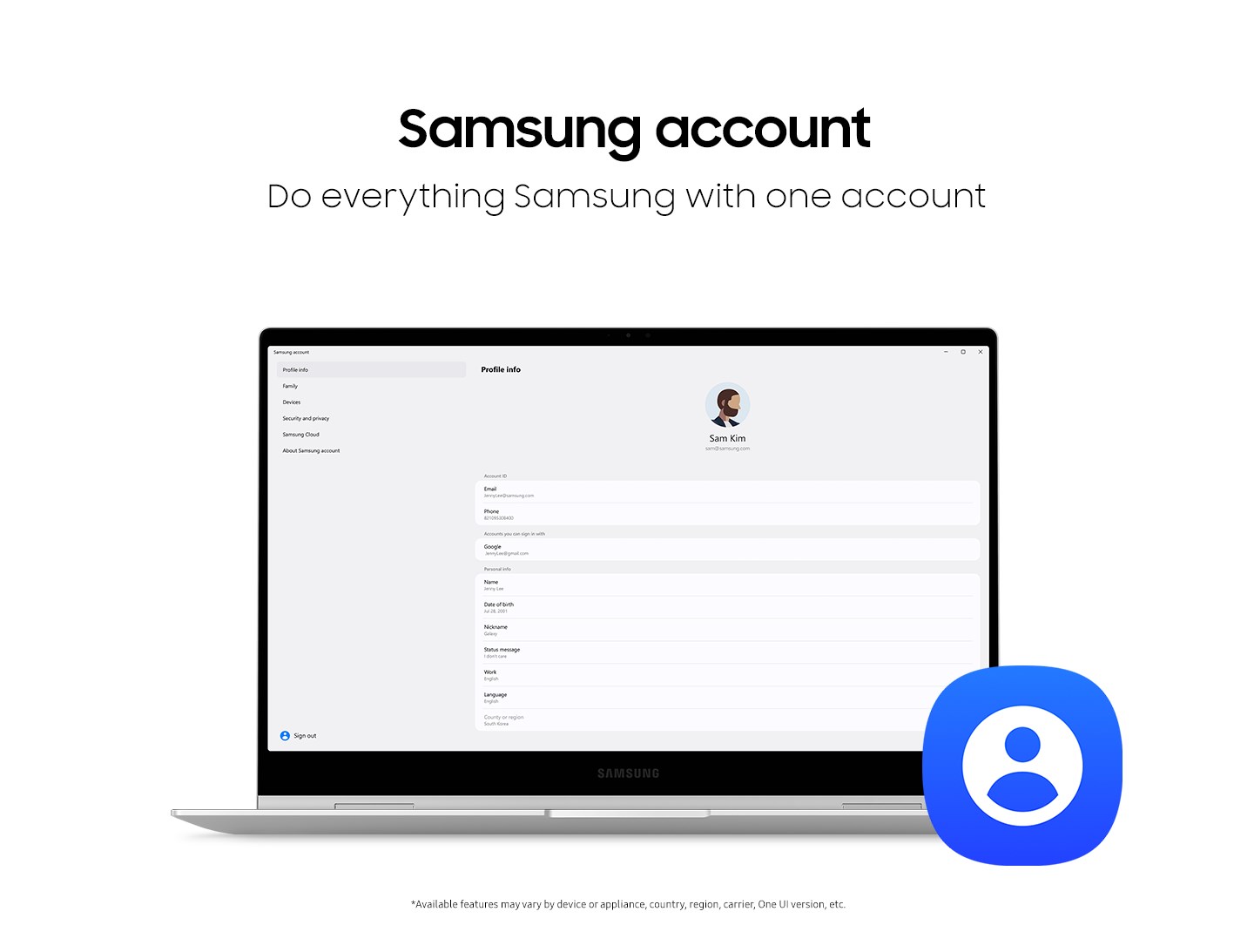
Samsung account is a unified account service that provides access to a variety of Samsung services across devices such as smartphones, tablets, websites and TVs. A single sign-in grants access to all of Samsung's apps and services on a device without additional sign-ups. The account connects all Galaxy devices, and allows devices ranging from smartphones and tablets to TVs to be managed and used together. According to the provider, protection of user privacy and transparent handling of personal information are prioritized, supported by advanced security measures.
Show the developer's original descriptionHide the original description
Samsung account is a unified account service that lets you access a variety of Samsung services across devices like smartphones, tablets, websites, TVs, and more.
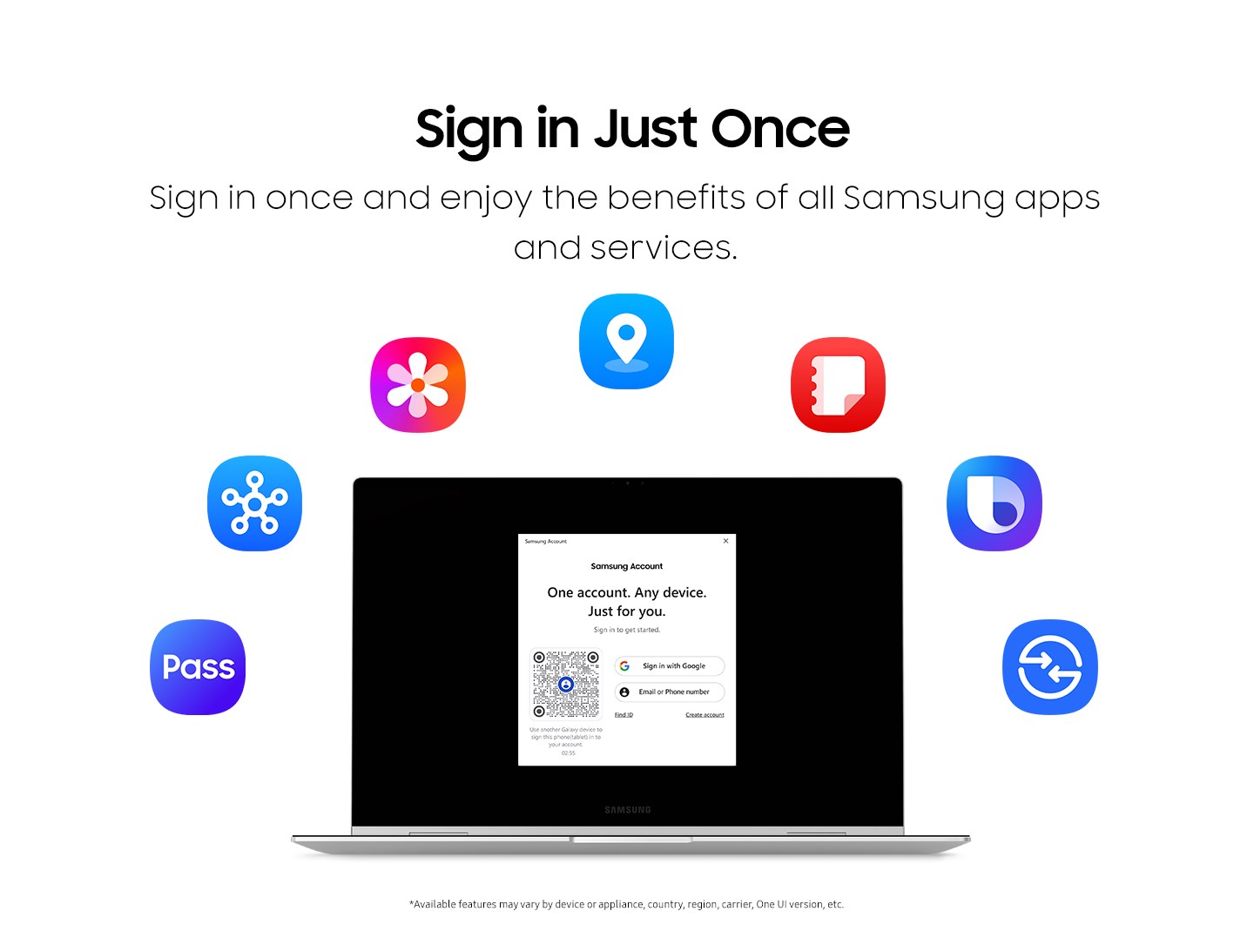
- Access all of Samsung apps and services easily with just one sign-in
Once you sign in with your Samsung account, you can instantly access all of Samsung's apps and services on your device—no additional sign-ups required. Enjoy a wide range of services with a quick and easy sign-in.
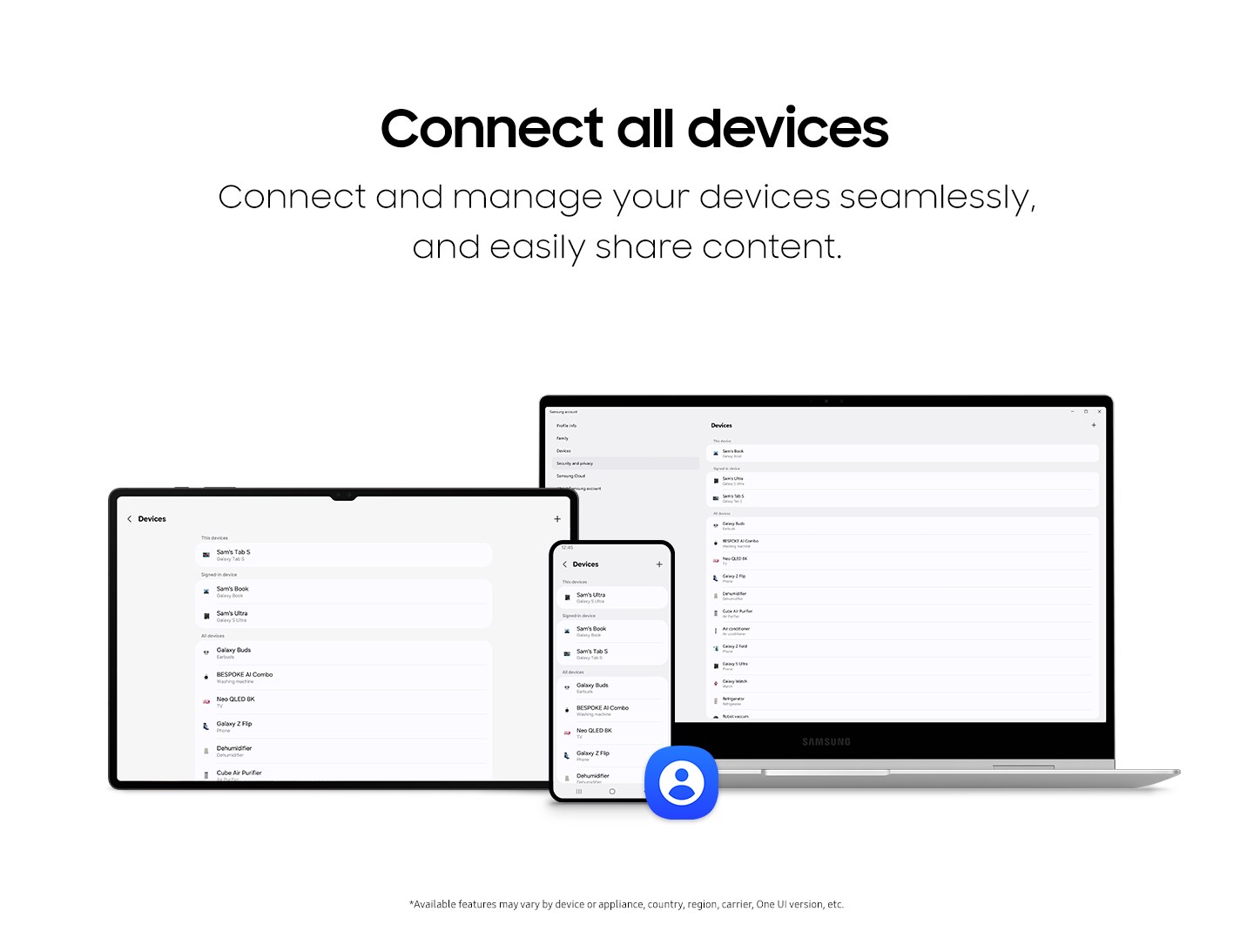
- Connecting your devices and sharing content is simple and effortless.
Samsung account connects all your Galaxy devices to boost productivity and deliver a better entertainment experience. Also, you can simply manage and use all your devices, from smartphones and tablets to TVs and more, with ease and efficiency.
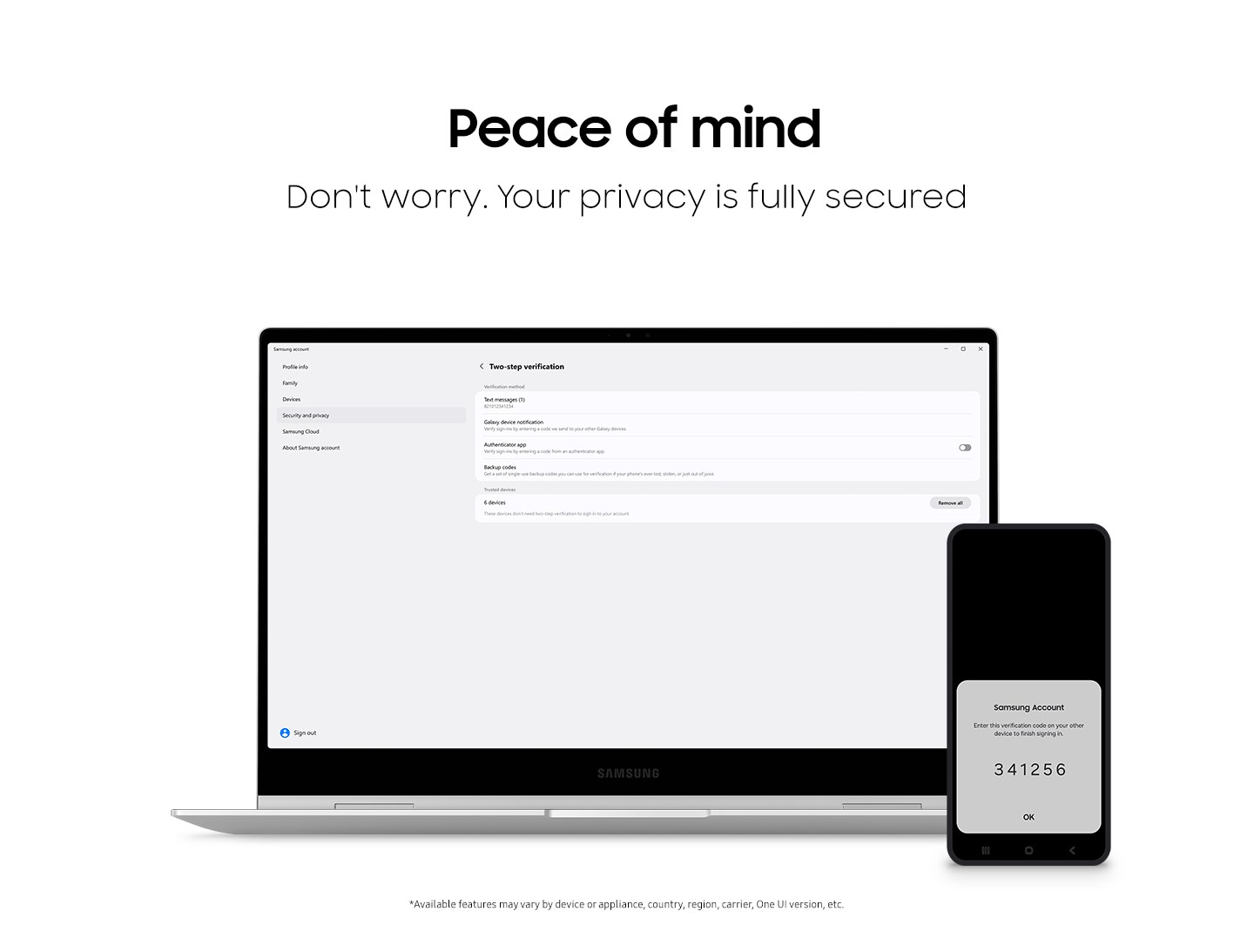
- Your privacy and security are our top priority.
Samsung account prioritizes safe protection of user privacy, as well as transparent handling of user personal information. With advanced security in place, you can use the service confidently and without any worry.
If there is a version of this app for iOS/Mac or Windows we don't know about, paste the store link here — we'll auto-detect the store.
How to find the URL:1. Open the app in its store. 2.In the App Store app: tap the Share icon → “Copy Link”. In the browser: copy the URL from the address bar — it contains apps.apple.com/…/id… or apps.microsoft.com/detail/…. 3. Paste it here.
Paste the original link from the Apple App Store or Microsoft Store. We fetch all details automatically.
How to find the URL:
1. Open the app in its store. 2.In the App Store app: tap the Share icon → “Copy Link”. In the browser: copy the URL from the address bar — it contains apps.apple.com/…/id… or apps.microsoft.com/detail/…. 3. Paste it here.
Android apps can only be listed by their developer.