

Screenshot appears after consentScreenshot appears after consentScreenshot appears after consentScreenshot appears after consent
Summary
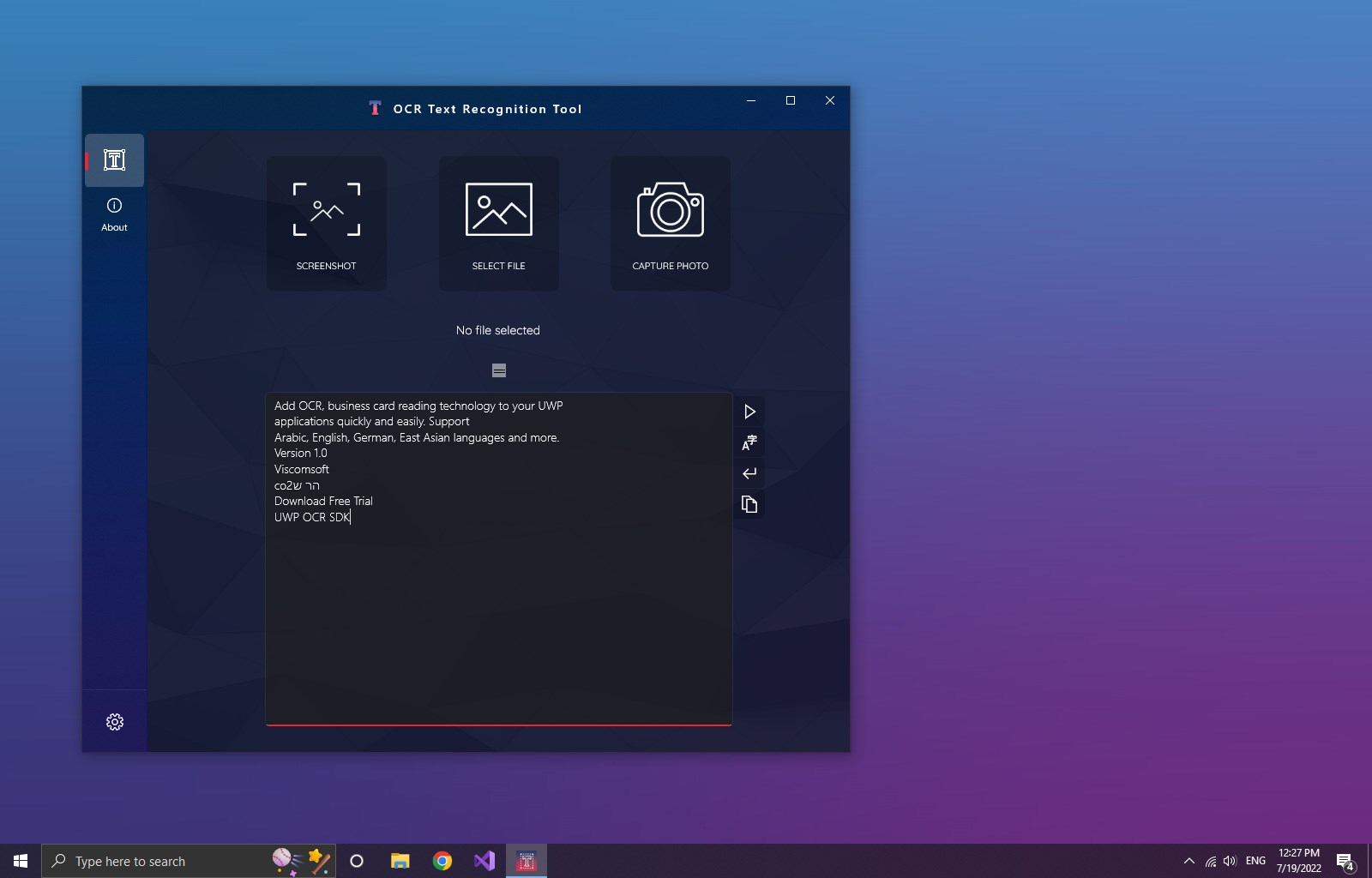
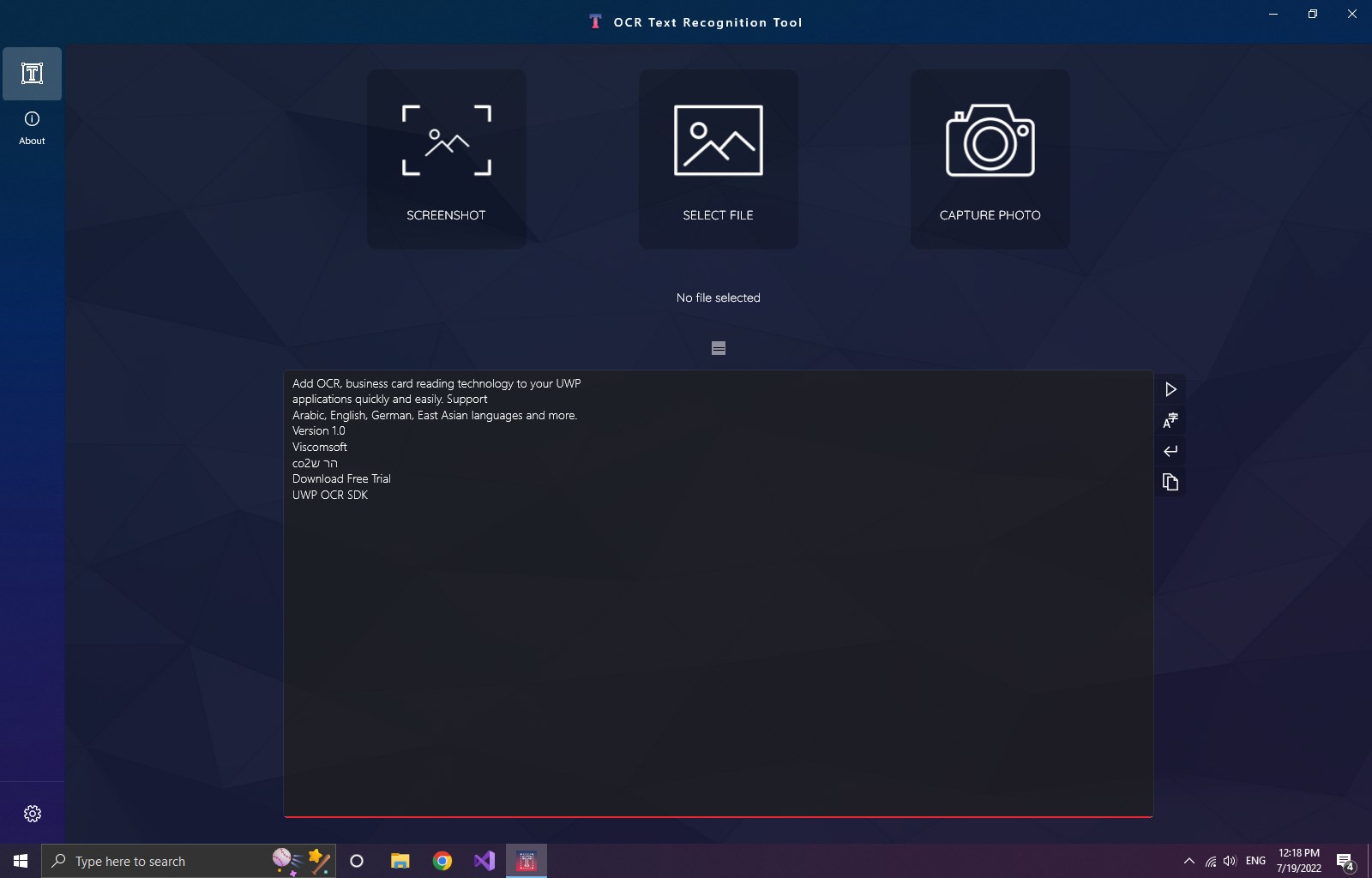
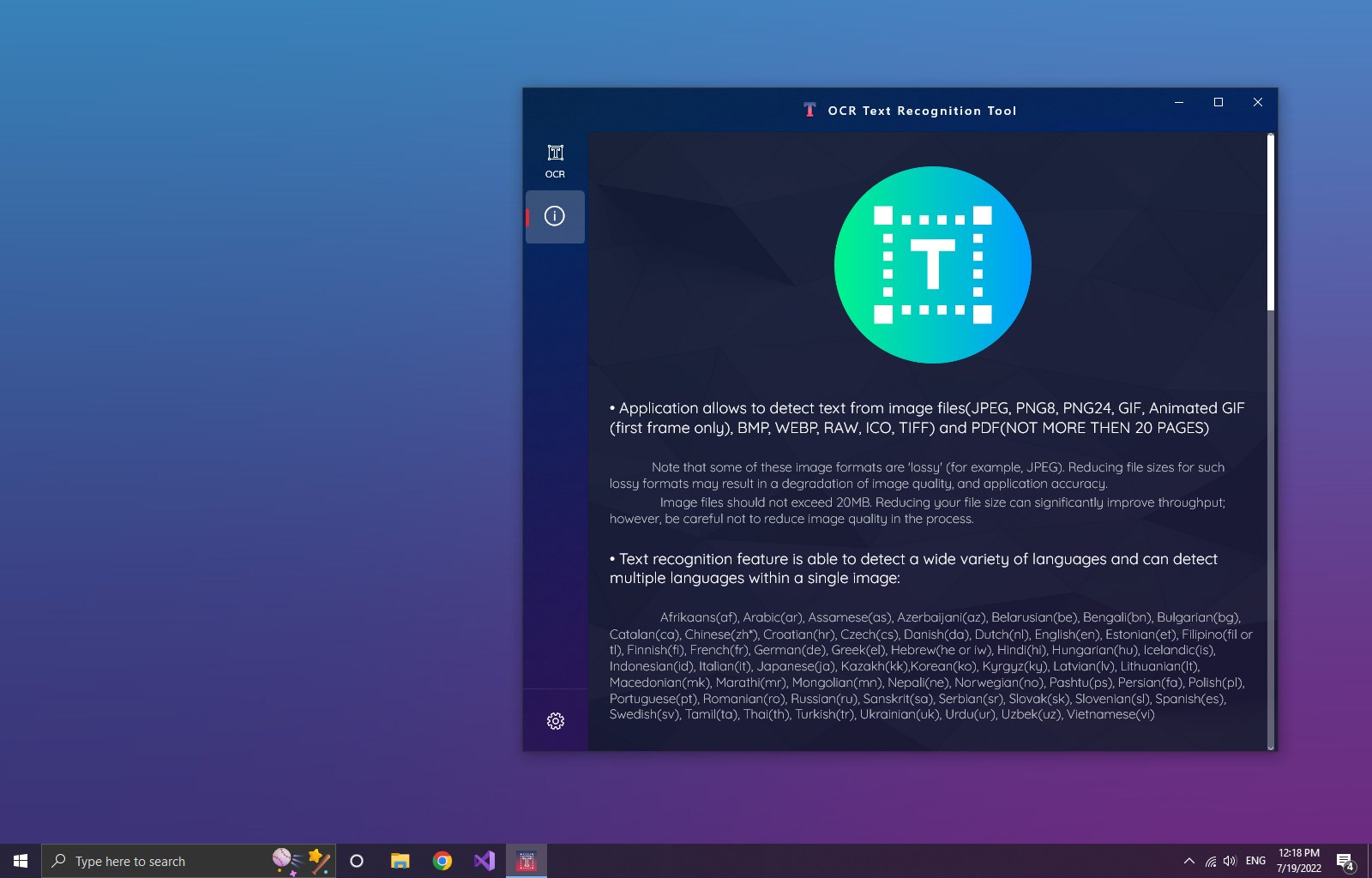
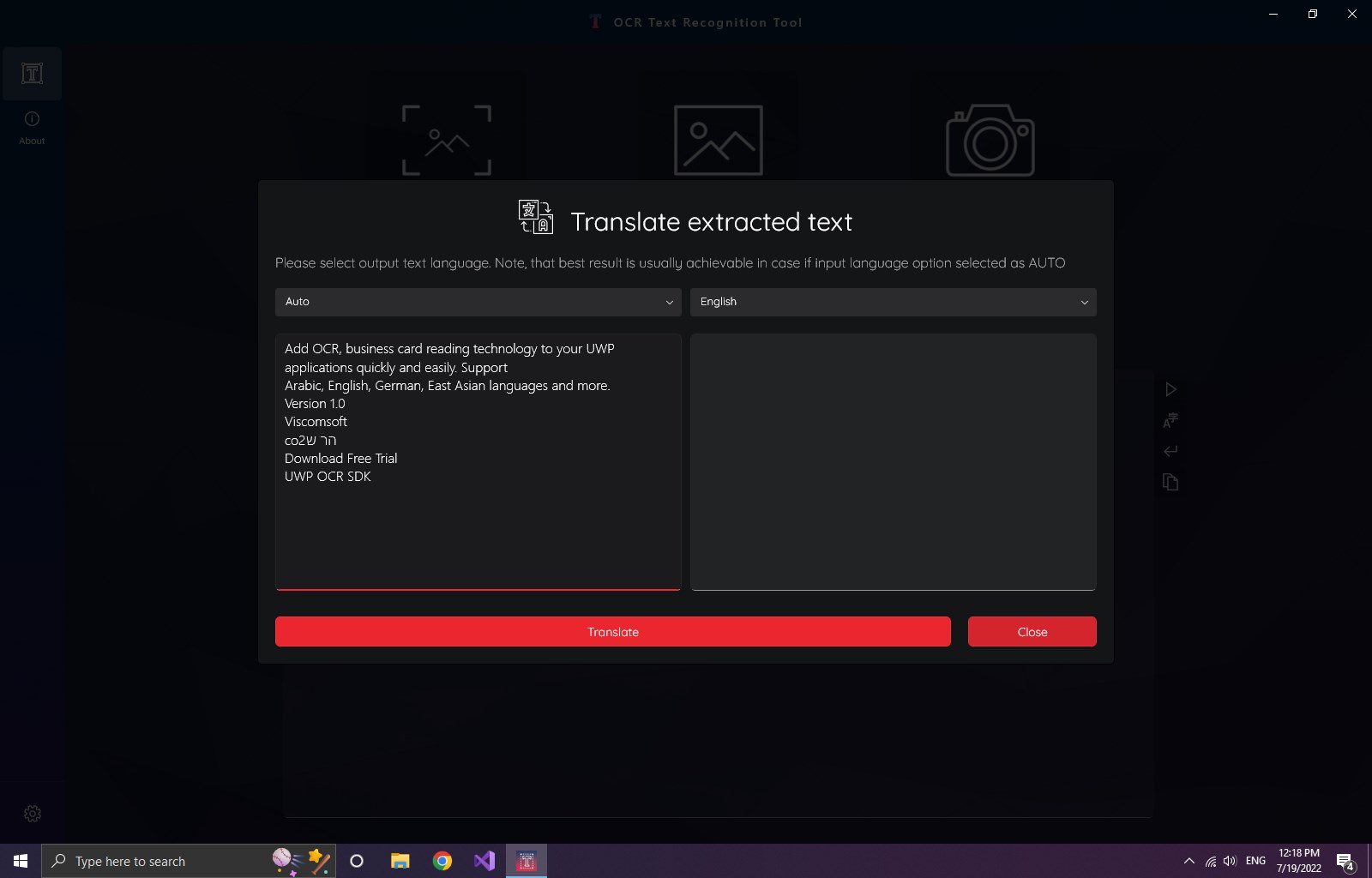
OCR Text Recognition Tool is an app that extracts text from images taken as a snapshot or screenshot or chosen from the device. It also recognizes text within PDF documents and handwritten text, with translation into 114 languages. The recognition feature can detect a wide variety of languages, including several languages within a single image. Supported formats include JPEG, PNG8, PNG24, GIF, animated GIF, BMP, WEBP, RAW, ICO, TIFF and PDF files of up to 20 pages. Recognition from screenshots and files is available only with trial or subscription access.
Show the developer's original descriptionHide the original description
💥 Accurate and fast text recognition from any image taken with a snapshot, screenshot, or chosen from the device.
💥 Textual detection of a PDF document and handwritten text with further translation to 114 languages.
💥 A friendly, clear, and convenient design makes working with the application easy and understandable.
Supported formats:
JPEG, PNG8, PNG24, GIF, Animated GIF (first frame only), BMP, WEBP, RAW, ICO, TIFF, PDF (currently not more than 20 pages).
The text recognition feature can detect a wide variety of languages and multiple languages within a single image.
🔥 Check it out, you have nothing to lose!
* Text detection quota for PDF files: 150 pages per month (despite the version of an app for both Trial AND Subscription)
** Text detection operations quota: 50 operations per day (despite the version of an app for both Trial AND Subscription)
*** Features of text recognition from the screenshot and file are available only under Trial and Subscription
If there is a version of this app for iOS/Mac or Windows we don't know about, paste the store link here — we'll auto-detect the store.
How to find the URL:1. Open the app in its store. 2.In the App Store app: tap the Share icon → “Copy Link”. In the browser: copy the URL from the address bar — it contains apps.apple.com/…/id… or apps.microsoft.com/detail/…. 3. Paste it here.
Paste the original link from the Apple App Store or Microsoft Store. We fetch all details automatically.
How to find the URL:
1. Open the app in its store. 2.In the App Store app: tap the Share icon → “Copy Link”. In the browser: copy the URL from the address bar — it contains apps.apple.com/…/id… or apps.microsoft.com/detail/…. 3. Paste it here.
Android apps can only be listed by their developer.