Screenshot appears after consentScreenshot appears after consentScreenshot appears after consentScreenshot appears after consentScreenshot appears after consentScreenshot appears after consent
Summary
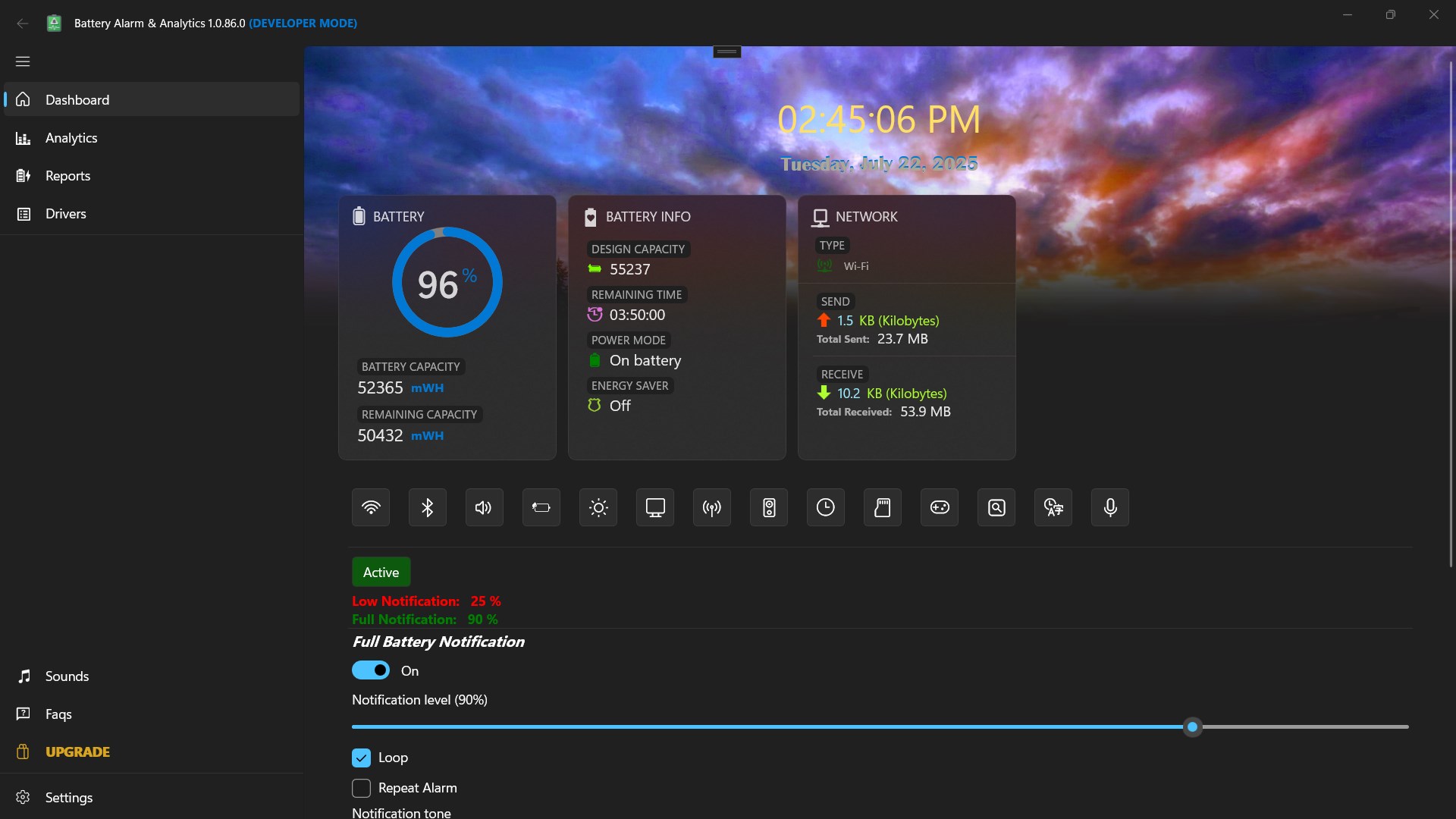
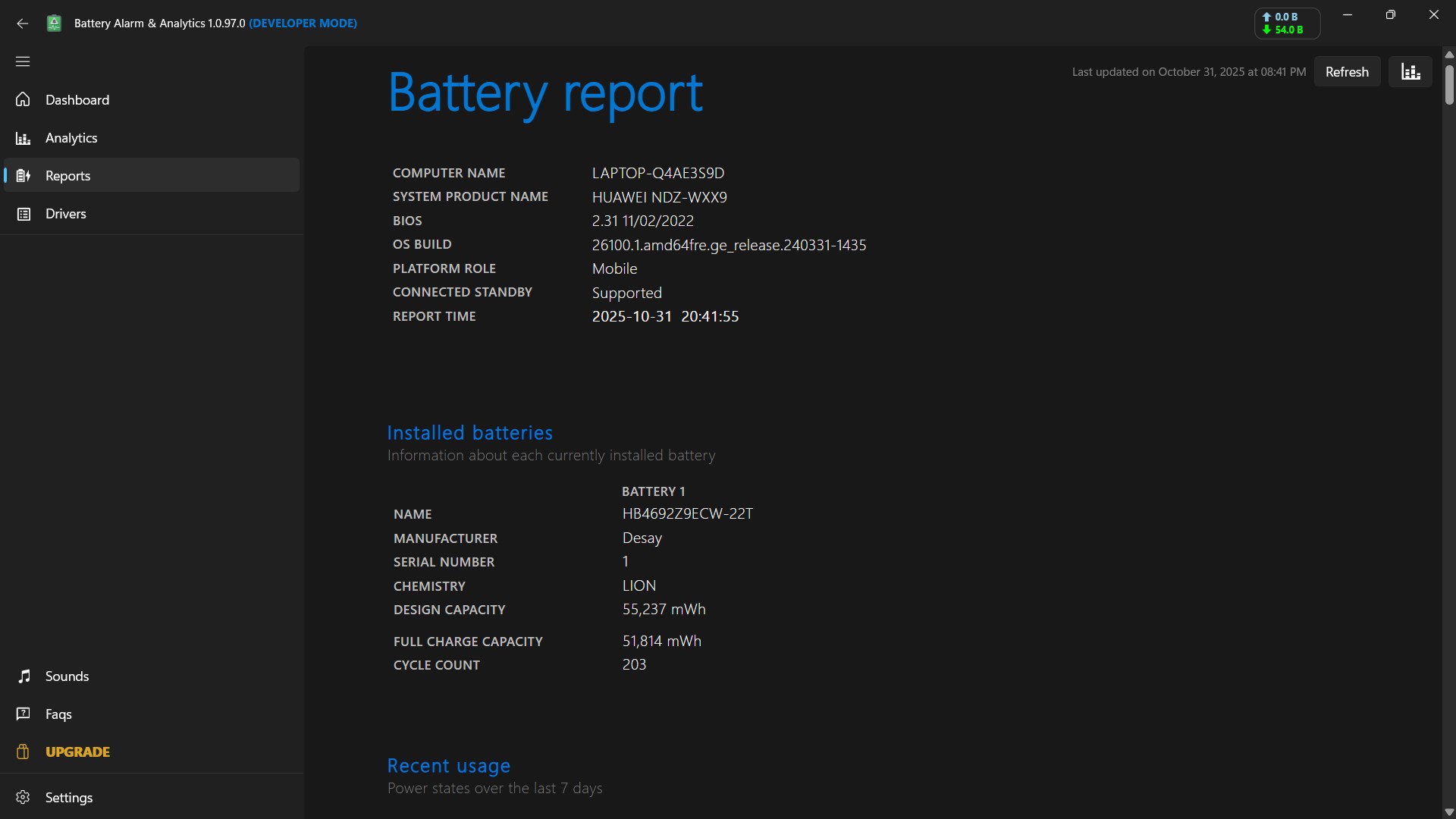
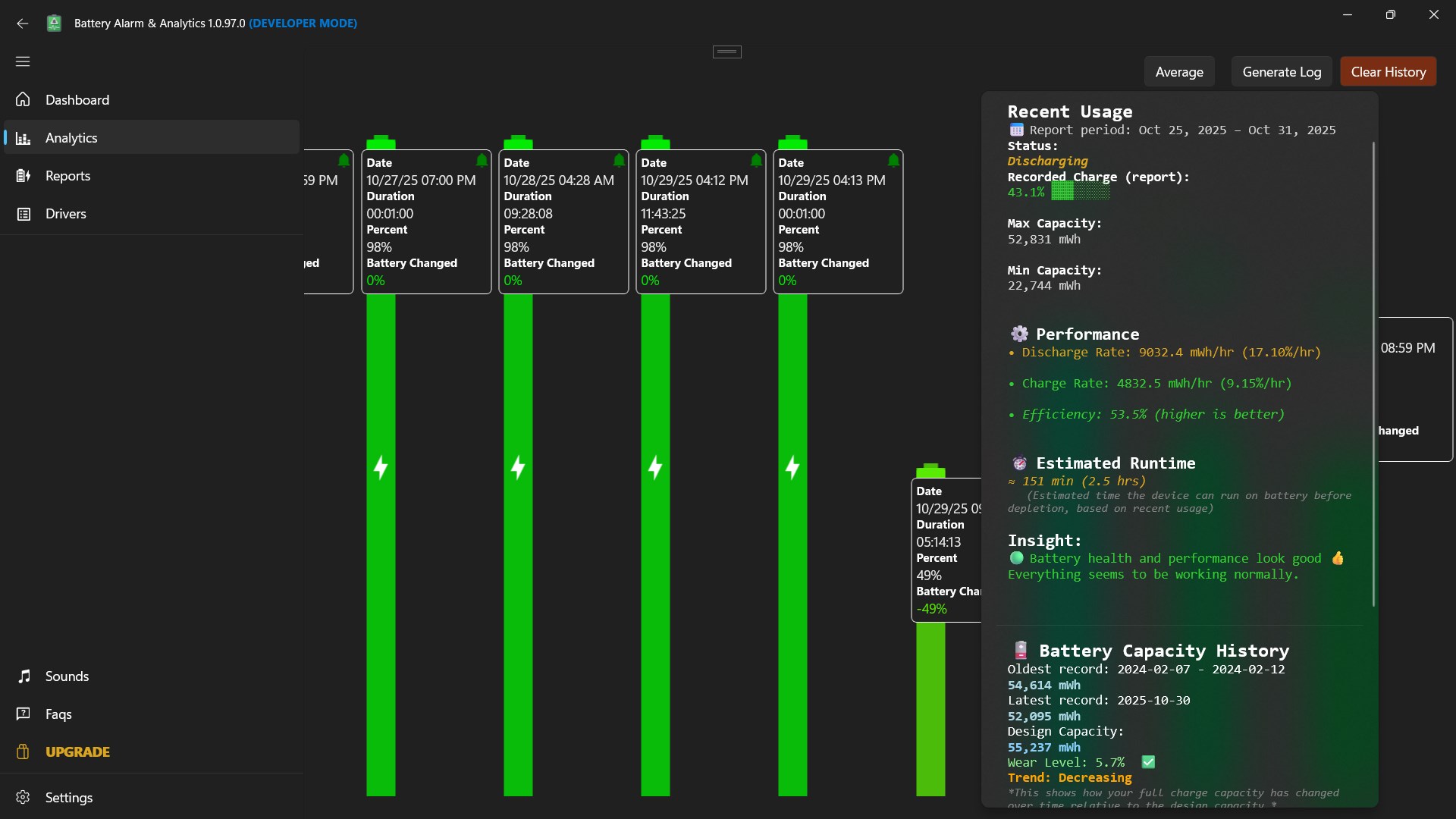
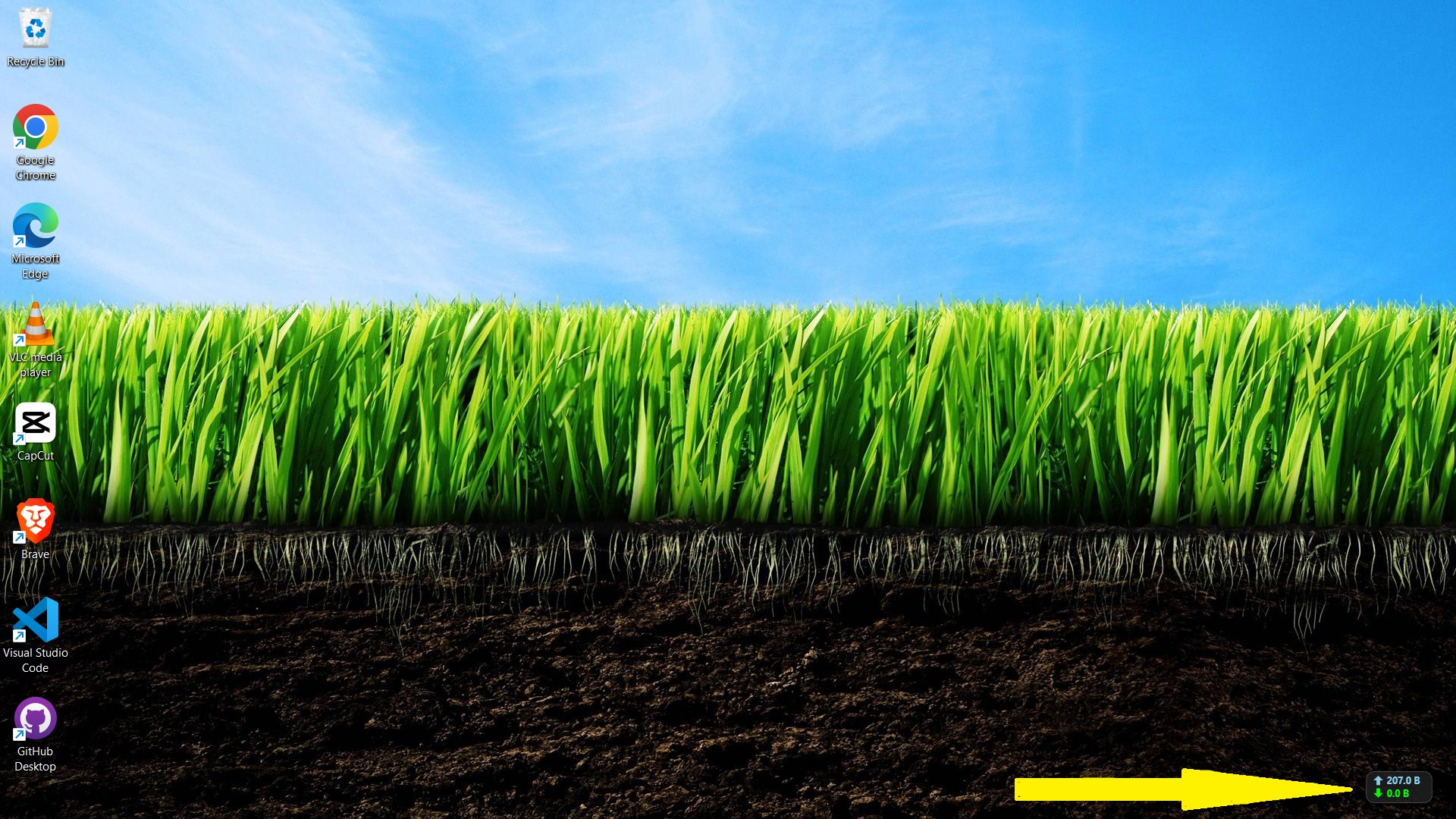
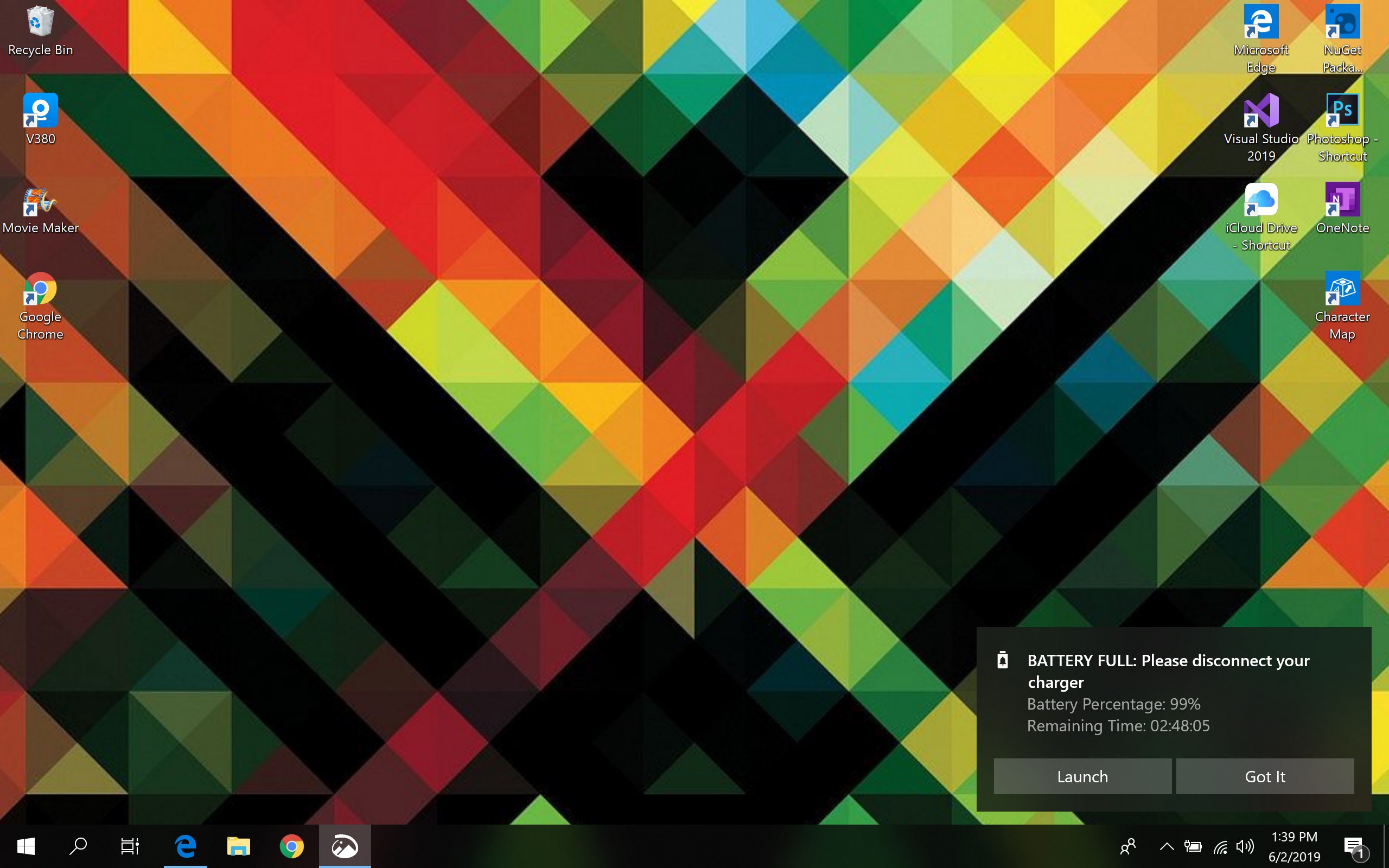
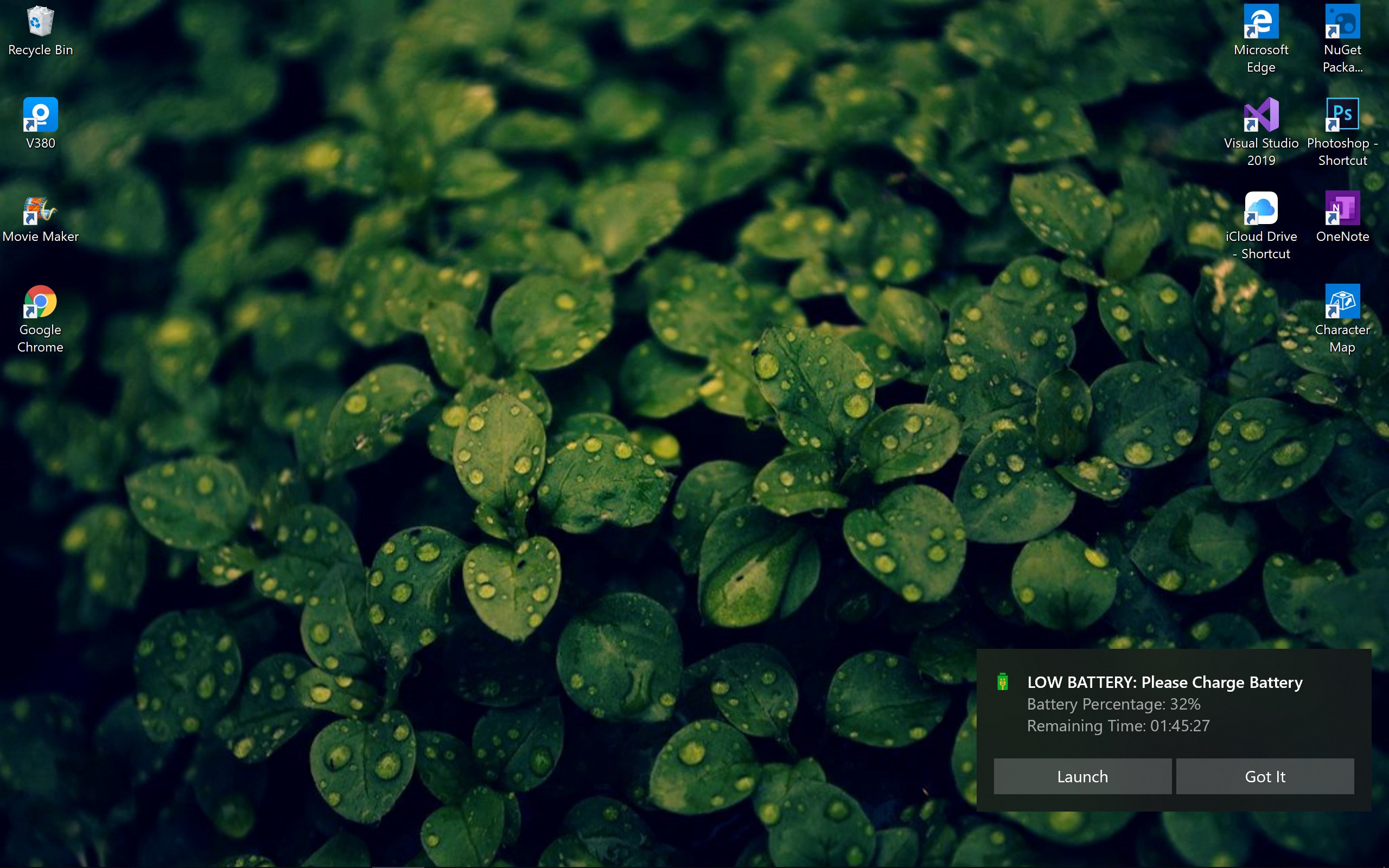
Battery Alarm & Analytics is a battery monitoring app that alerts users when their device is fully charged or running low, helping to avoid overcharging that can harm battery lifespan. It allows custom alarm sounds, looping alarms, and custom battery levels for notifications such as 100%, 90%, or 25%. It shows battery status including remaining time, charging status, and capacity, and alarms can be disabled or re-enabled at any time. It also provides detailed battery analytics and a network speed monitor that tracks real-time upload and download speeds while running in the foreground.
Show the developer's original descriptionHide the original description
Battery overcharging can be harmful to your device's battery. It can reduce the battery's lifespan and lead to inaccurate battery percentage readings.
To protect your battery from overcharging, unplug your device once the battery is fully charged.
With Battery Alarm, you no longer need to worry about leaving your device plugged in while it charges. The Charge Alarm will sound an alert when your battery is fully charged.
Features:
✔ Battery Alarm Notifications: Receive alerts when your phone battery is fully charged or when it's low.
✔ Custom Sound: Choose any alarm sound you prefer.
✔ Loop Battery Alarm Sound: Option to loop the alarm sound.
✔ Custom Alarm Levels: Set custom battery levels for notifications (e.g., 100%, 90%, 80%, 70%, 25%, etc.).
✔ Battery Status: View remaining time, charging status, and battery capacity.
✔ Disable/Enable Alarm: Easily disable or re-enable charge notifications.
✔ Battery Analytics: Access detailed analytics about your battery's performance.
✔ Network Speed Monitor
Track real-time internet upload and download speeds while the app is running in the foreground.
If there is a version of this app for iOS/Mac or Windows we don't know about, paste the store link here — we'll auto-detect the store.
How to find the URL:1. Open the app in its store. 2.In the App Store app: tap the Share icon → “Copy Link”. In the browser: copy the URL from the address bar — it contains apps.apple.com/…/id… or apps.microsoft.com/detail/…. 3. Paste it here.
Paste the original link from the Apple App Store or Microsoft Store. We fetch all details automatically.
How to find the URL:
1. Open the app in its store. 2.In the App Store app: tap the Share icon → “Copy Link”. In the browser: copy the URL from the address bar — it contains apps.apple.com/…/id… or apps.microsoft.com/detail/…. 3. Paste it here.
Android apps can only be listed by their developer.