Screenshot appears after consentScreenshot appears after consentScreenshot appears after consentScreenshot appears after consentScreenshot appears after consentScreenshot appears after consent
Summary
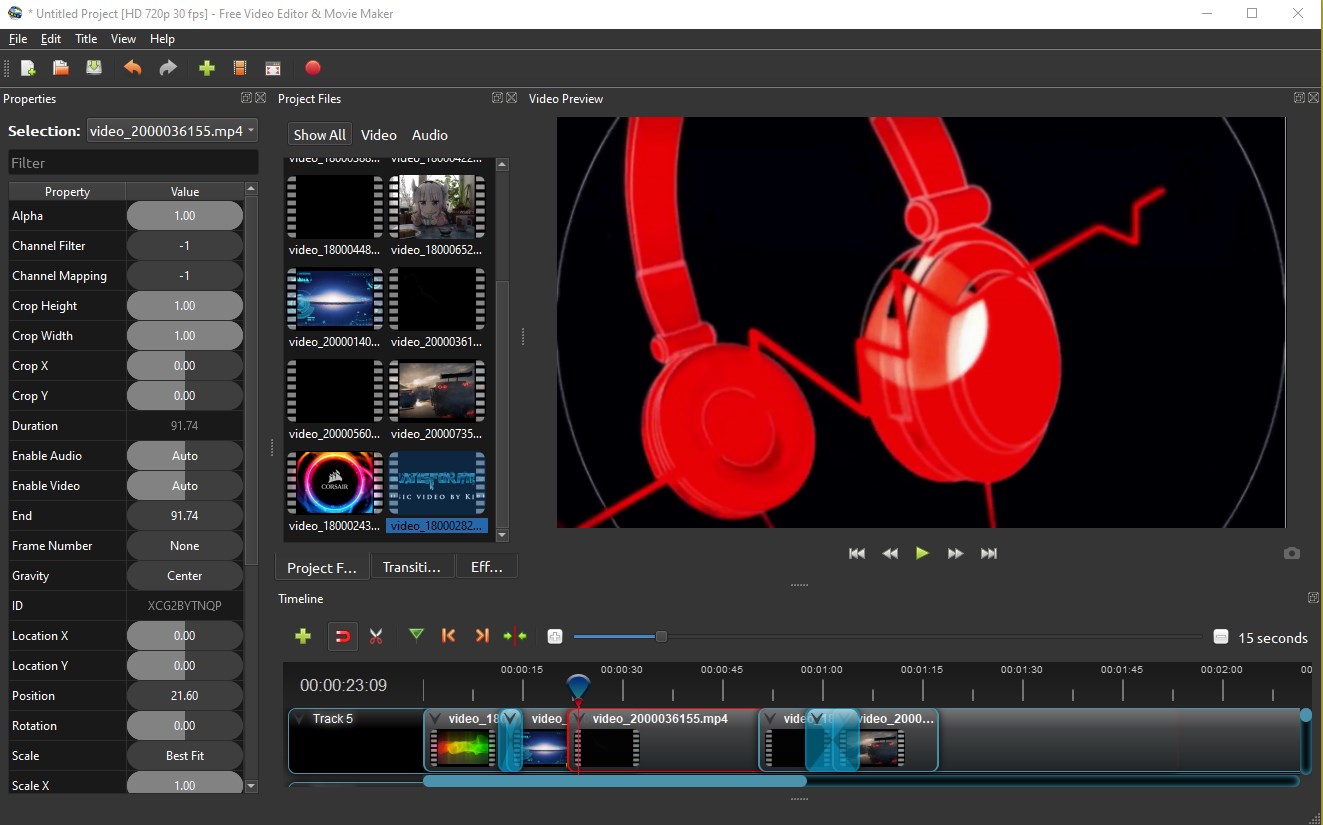
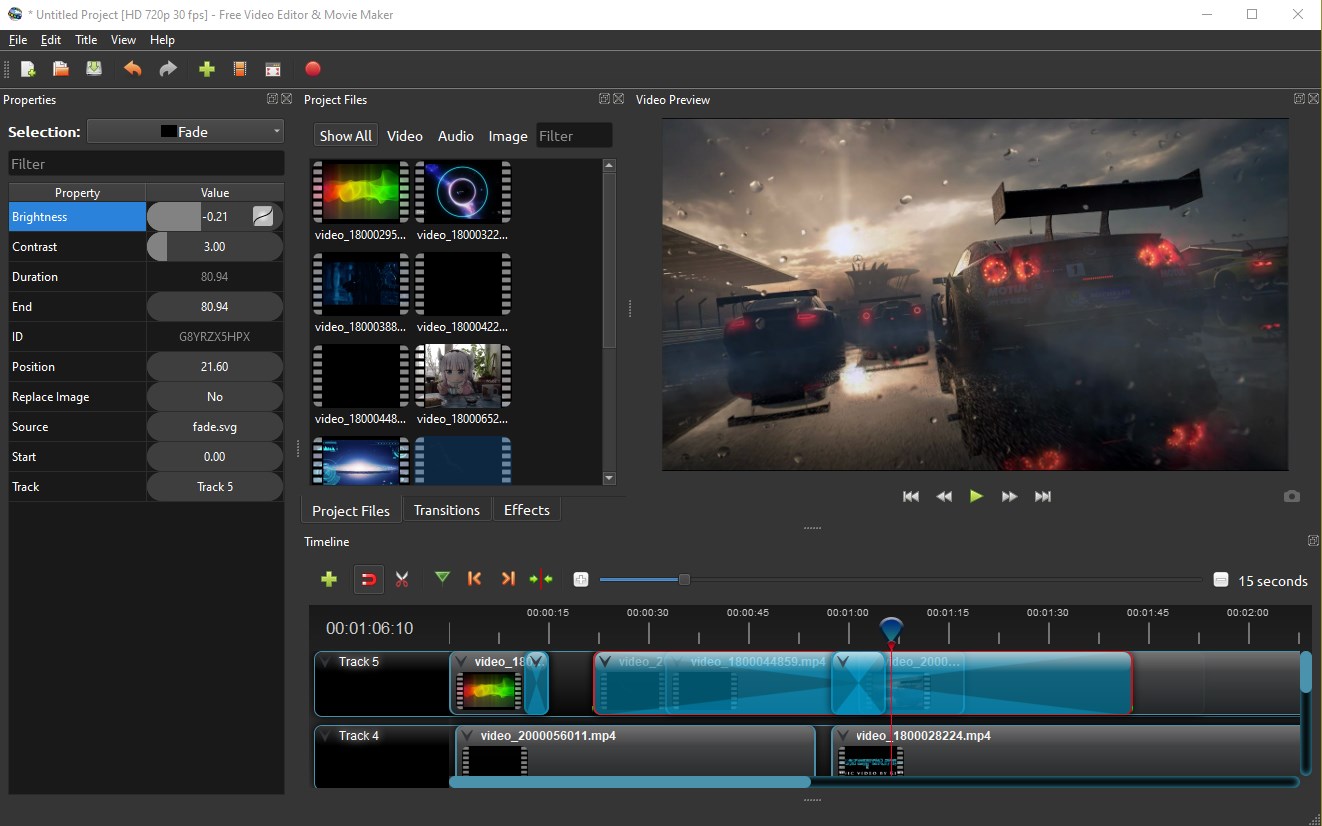
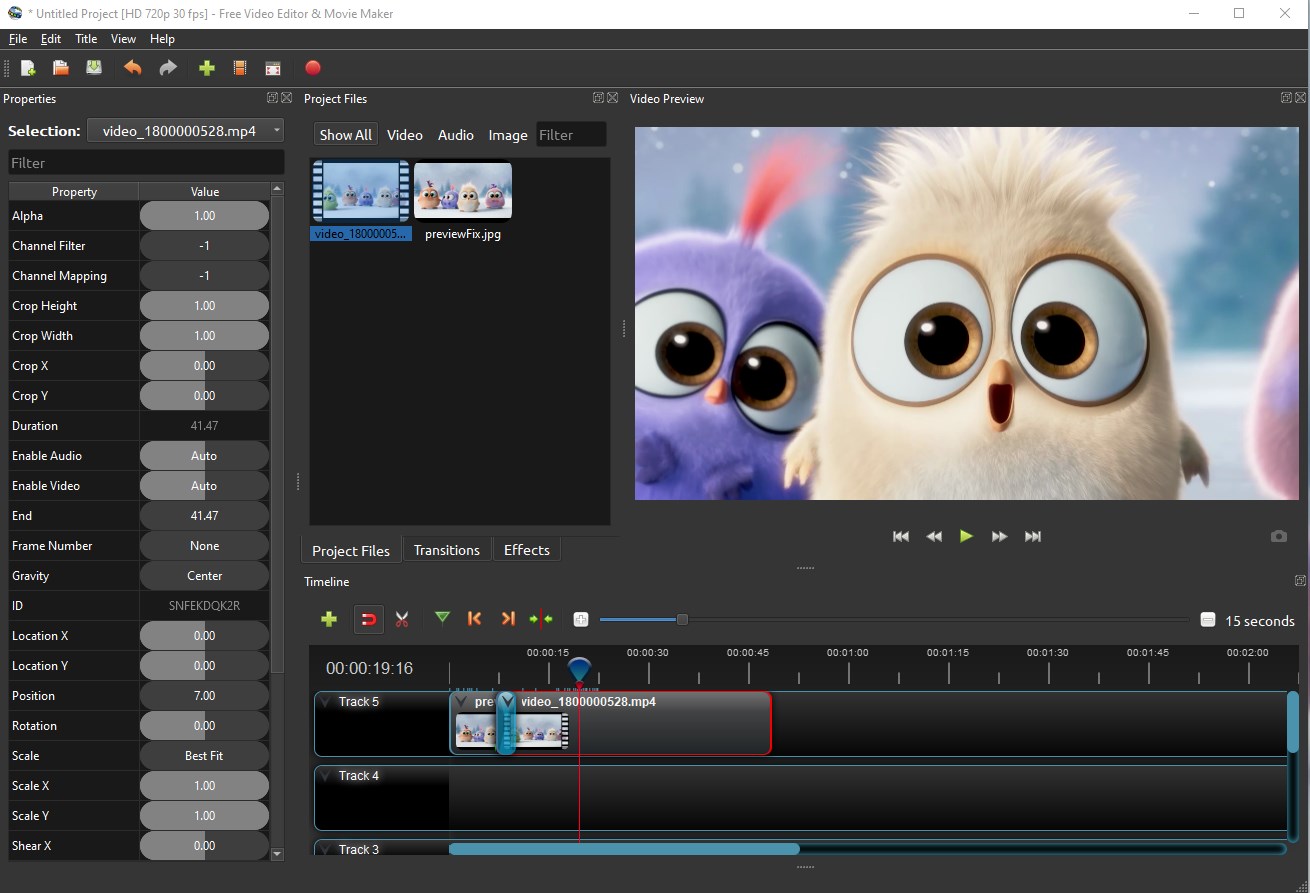
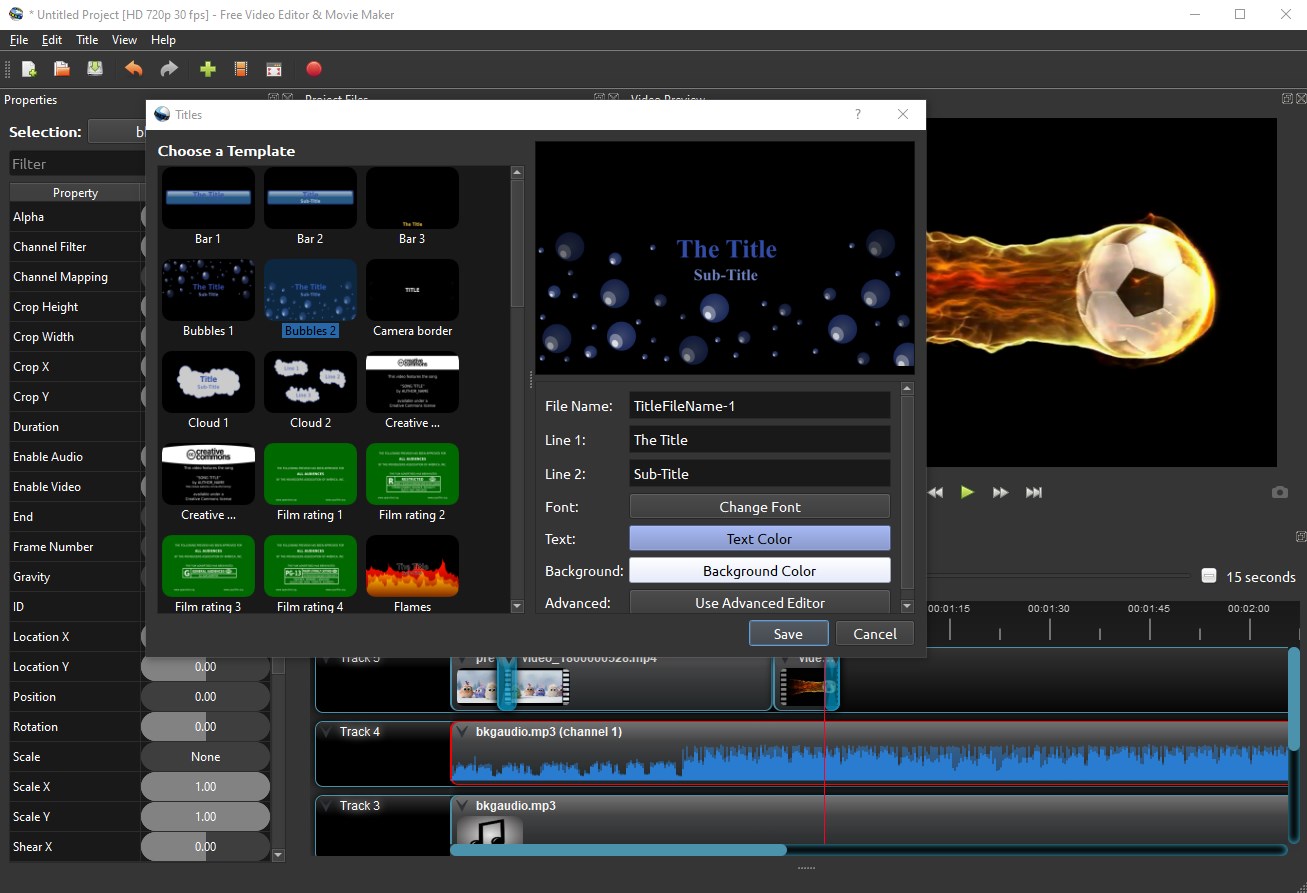
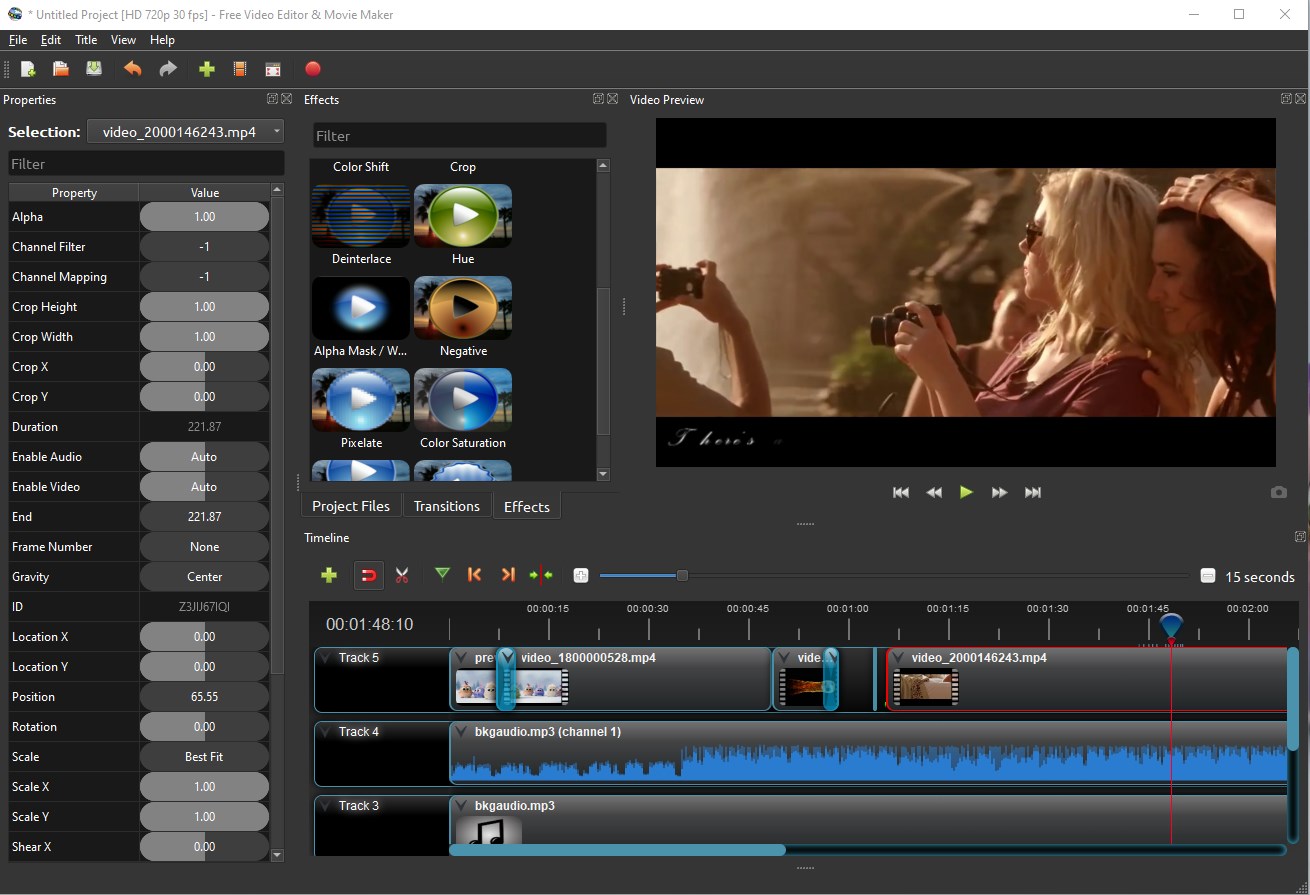
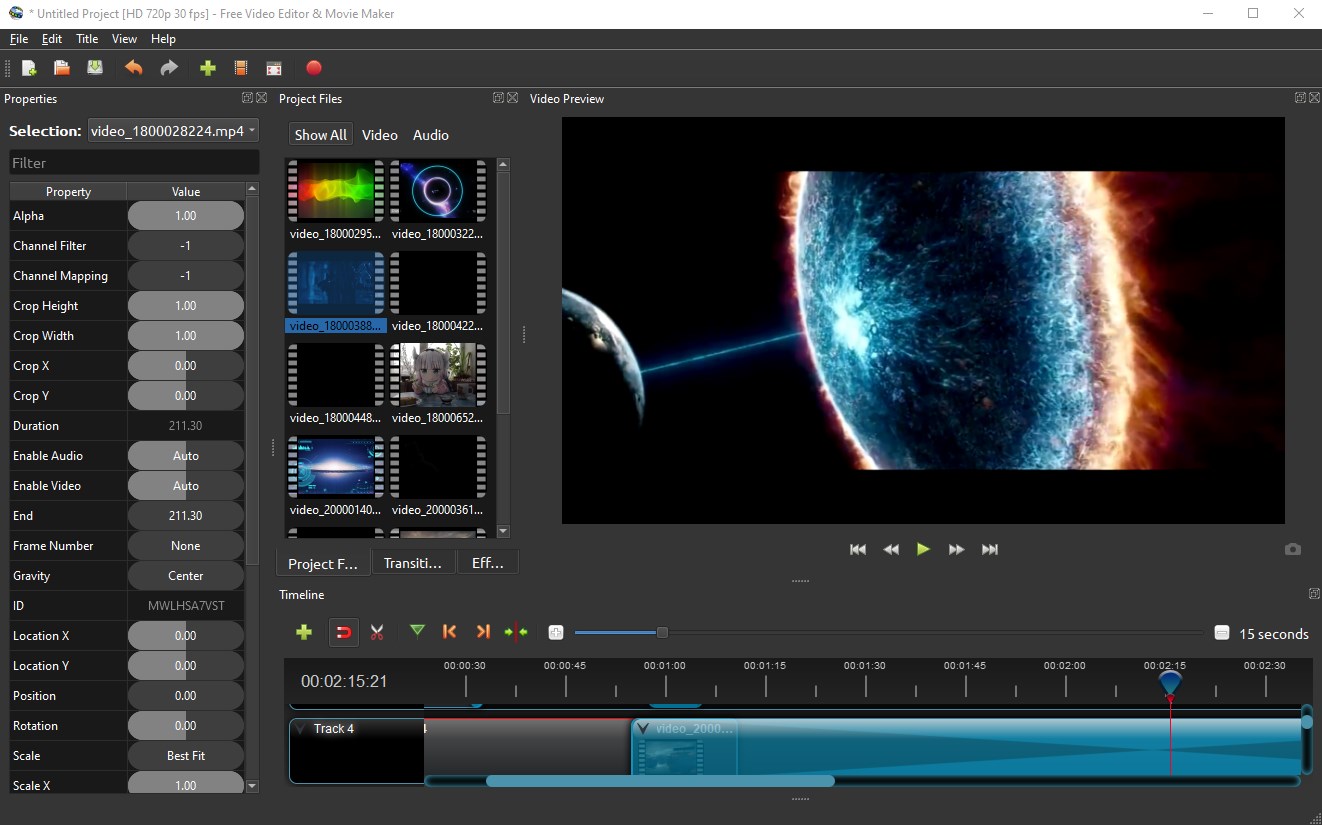
TidyVid Video Editor Movie Creator is a video editor for trimming, cutting and assembling video clips into finished movies. It supports unlimited tracks for layering watermarks, background videos and audio, along with an animation framework for fades, slides and other keyframed effects. A video effects engine allows background removal, color inversion and brightness adjustment, while audio files can be visualized as waveforms. The title editor offers templates and 3D animated titles, and playback speed can be reversed, slowed or sped up for slow motion and time effects. Clips can be added by dragging and dropping video, audio or images directly into the app.
Show the developer's original descriptionHide the original description
This is a modified version of OpenShot which is free and open-source.
OpenShot Official Website:
https://www.openshot.org/
TidyVid Video Editor Movie Creator (Origin Name: Free Video Editor & Movie Maker) is incredibly, wonderfully, amazingly, fantastically simple and powerful!
Our Features --
Trim and Slice:
Quickly trim down your videos, and find those perfect moments. Free Video Editor has many easy ways to cut your video.
Animation & Keyframes:
Using our powerful animation framework, you can fade, slide, bounce, and animate anything in your video project.
Unlimited Tracks:
Add as many layers as you need for watermarks, background videos, audio tracks, and more.
Video Effects:
Using our video effects engine, remove the background from your video, invert the colors, adjust brightness, and more.
Audio Waveforms:
Visualize your audio files as waveforms, and even output the waveforms as part of your video.
Title Editor:
Adding titles to your video has never been easier. Use one of our templates, or make your own.
3D Animations:
Render beautiful 3D animated titles and effects, such as snow, lens flares, or flying text.
Slow Motion & Time Effects:
Control the power of time, reversing, slowing down, and speeding up video. Use a preset or animate the playback speed and direction.
Edit Video:
Drag and drop video, audio, or images from your file manager into Free Video Editor. It's that easy to get started video editing.
70+ Languages:
Free Video Editor is available in many different languages, and can be translated online with LaunchPad.
Simple User Interface:
We have designed Free Video Editor to be the easiest and friendliest video editing software ever! Give it a try and see for yourself.
Online Tutorials:
We have prepared a manual online for you.
Technical details about TidyVid Video Editor Movie Creator
Play Store URL for "TidyVid Video Editor Movie Creator"
If there is a version of this app for iOS/Mac or Windows we don't know about, paste the store link here — we'll auto-detect the store.
How to find the URL:1. Open the app in its store. 2.In the App Store app: tap the Share icon → “Copy Link”. In the browser: copy the URL from the address bar — it contains apps.apple.com/…/id… or apps.microsoft.com/detail/…. 3. Paste it here.
Paste the original link from the Apple App Store or Microsoft Store. We fetch all details automatically.
How to find the URL:
1. Open the app in its store. 2.In the App Store app: tap the Share icon → “Copy Link”. In the browser: copy the URL from the address bar — it contains apps.apple.com/…/id… or apps.microsoft.com/detail/…. 3. Paste it here.
Android apps can only be listed by their developer.



 Movie Creator : Video Editor
Trim, merge and edit videos with effects
 Videoshop - Video Editor
Trim, combine and enhance videos with effects
 Animotica - Movie Maker
Edit, join and enhance videos with effects
 Video Editor Master
Trim, merge and add music to videos with ease
 Funimate Video & Motion Editor
Edit videos with effects, transitions and animations
 PowerDirector 365 – AI Video Editor & Generator
Edit videos with AI tools and effects