Screenshot appears after consentScreenshot appears after consentScreenshot appears after consentScreenshot appears after consentScreenshot appears after consentScreenshot appears after consentScreenshot appears after consent
Screenshot appears after consentScreenshot appears after consentScreenshot appears after consentScreenshot appears after consentScreenshot appears after consentScreenshot appears after consentScreenshot appears after consentScreenshot appears after consentScreenshot appears after consentScreenshot appears after consentScreenshot appears after consentScreenshot appears after consentScreenshot appears after consentScreenshot appears after consentScreenshot appears after consent
Summary
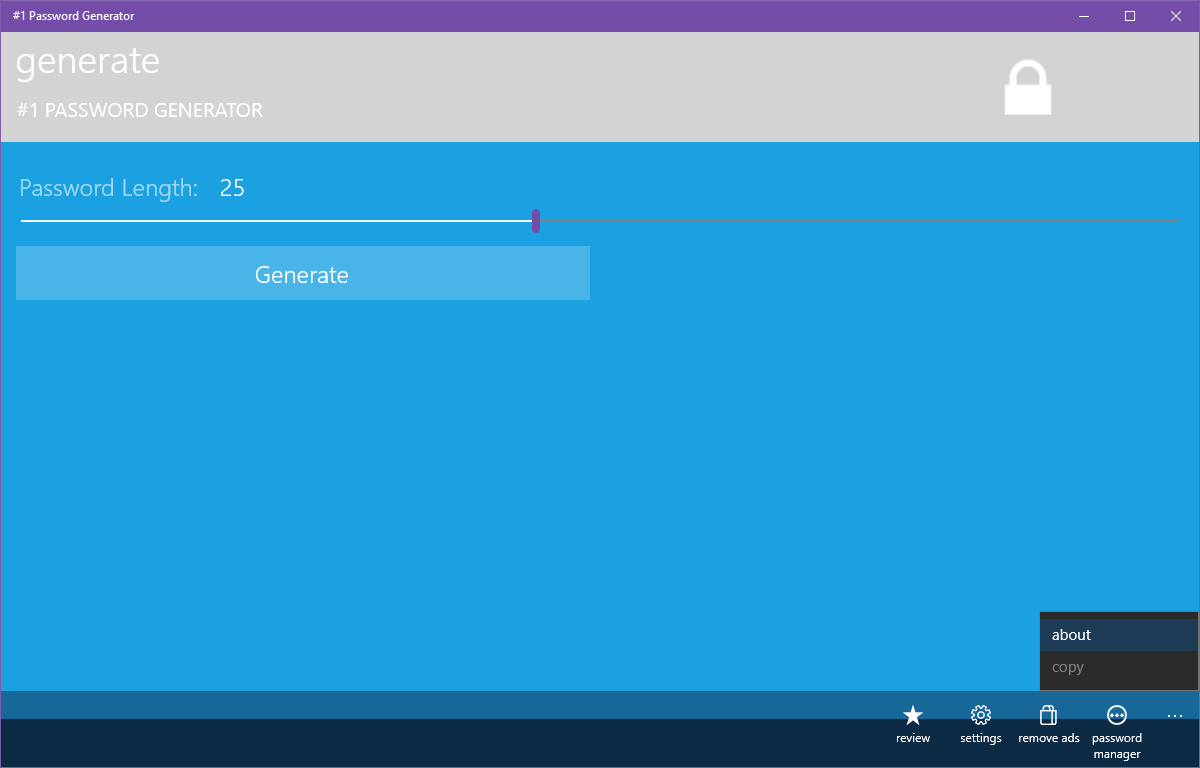
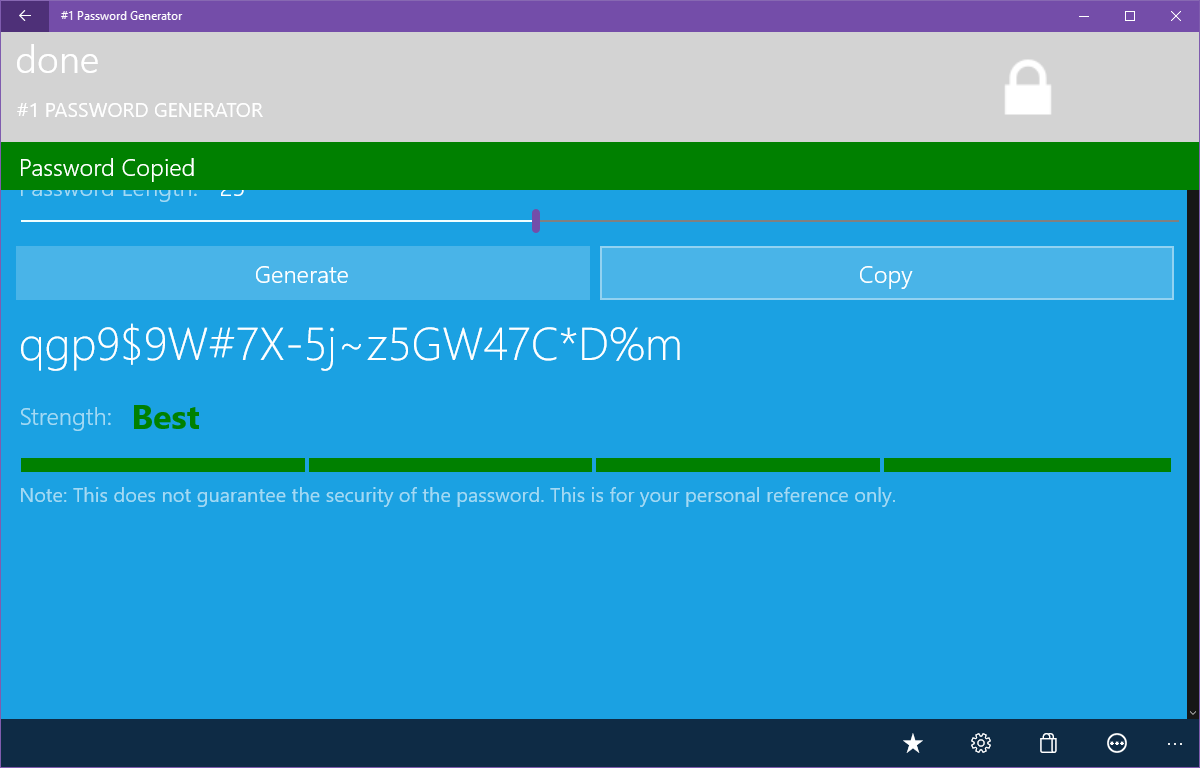
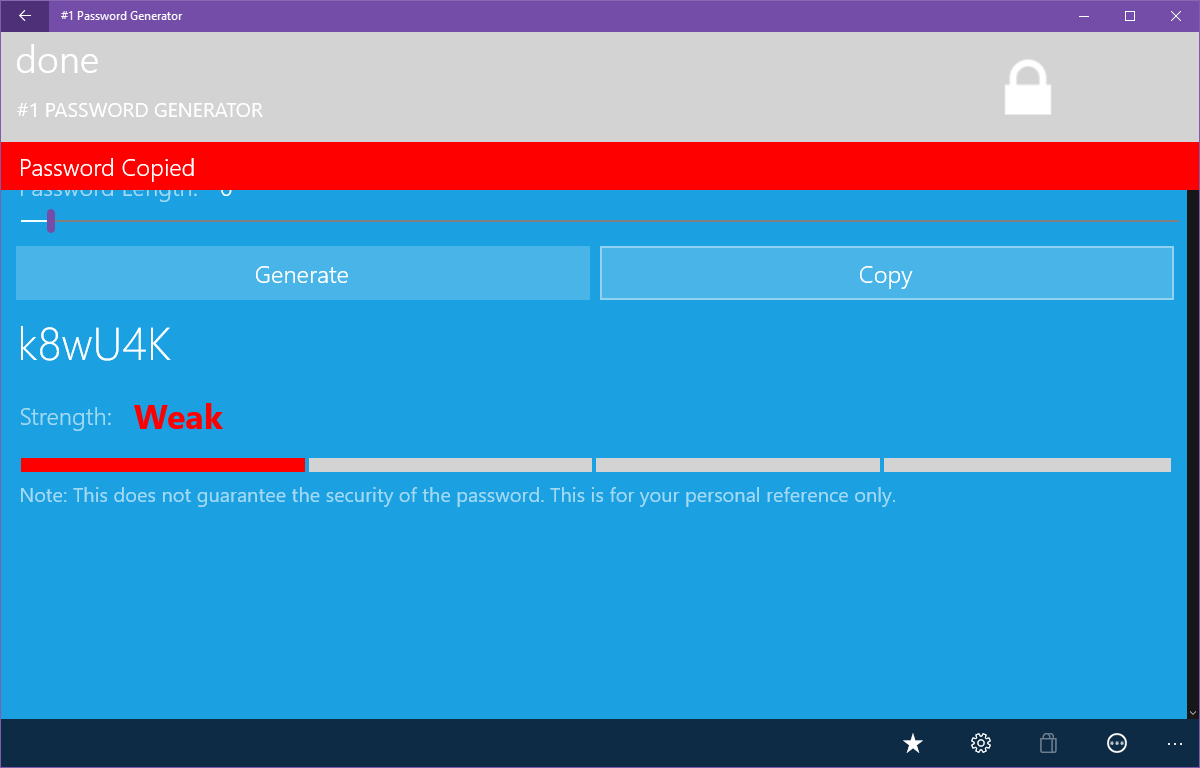
#1 Password Generator is a password generator that creates strong, random passwords to meet personal or corporate requirements. Passwords can be generated with one click and copied to the clipboard for quick use in other applications. Length can be defined, and numbers, special characters and ambiguous characters can be included or excluded according to specific needs. The app checks password strength for informational purposes and can generate an unlimited number of passwords, making it useful for system administrators as well. According to the provider, the application does not store or send passwords over the internet.
Show the developer's original descriptionHide the original description
Need a quick, easy and secure way to come up with a new secure, strong random password that meets personal or corporate requirements? Try #1 Password Generator - the best app of its kind!
With #1 Password Generator you can:
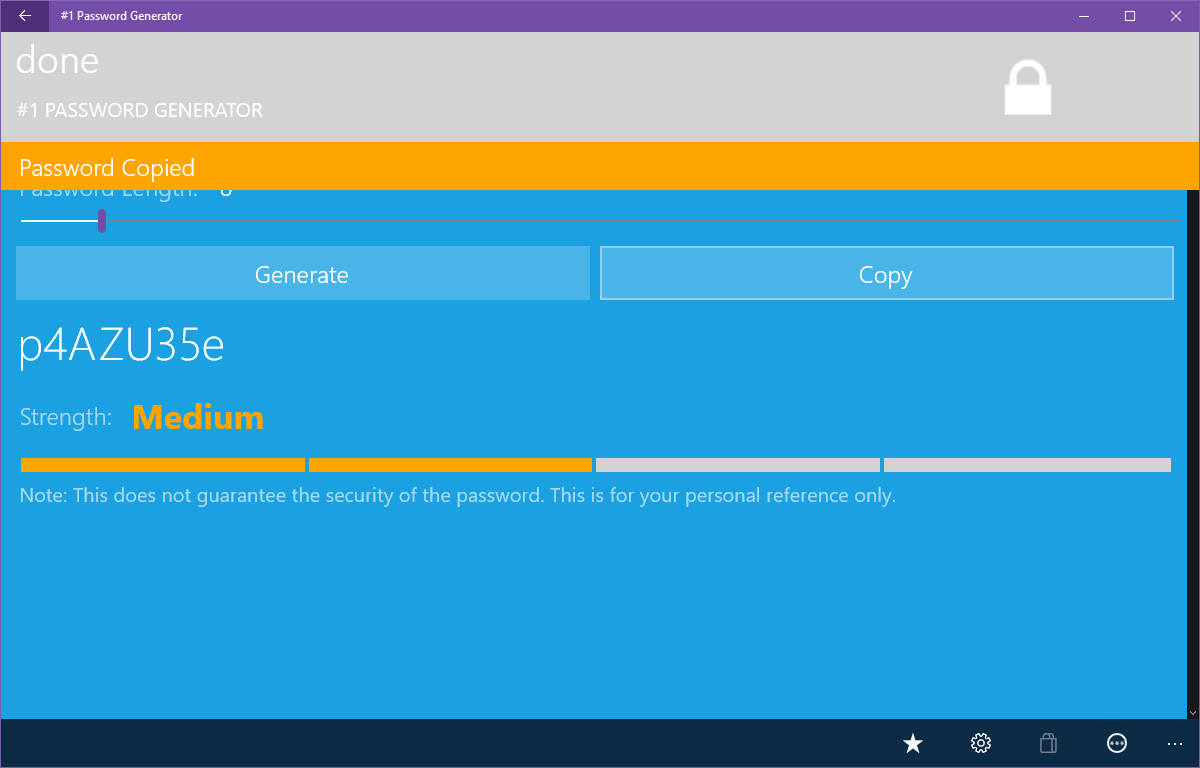
- Easily generate new strong/hard to guess passwords with one click
- Copy passwords to the Clipboard for a quick use in other applications
- Define your own (or specific corporate) password requirements
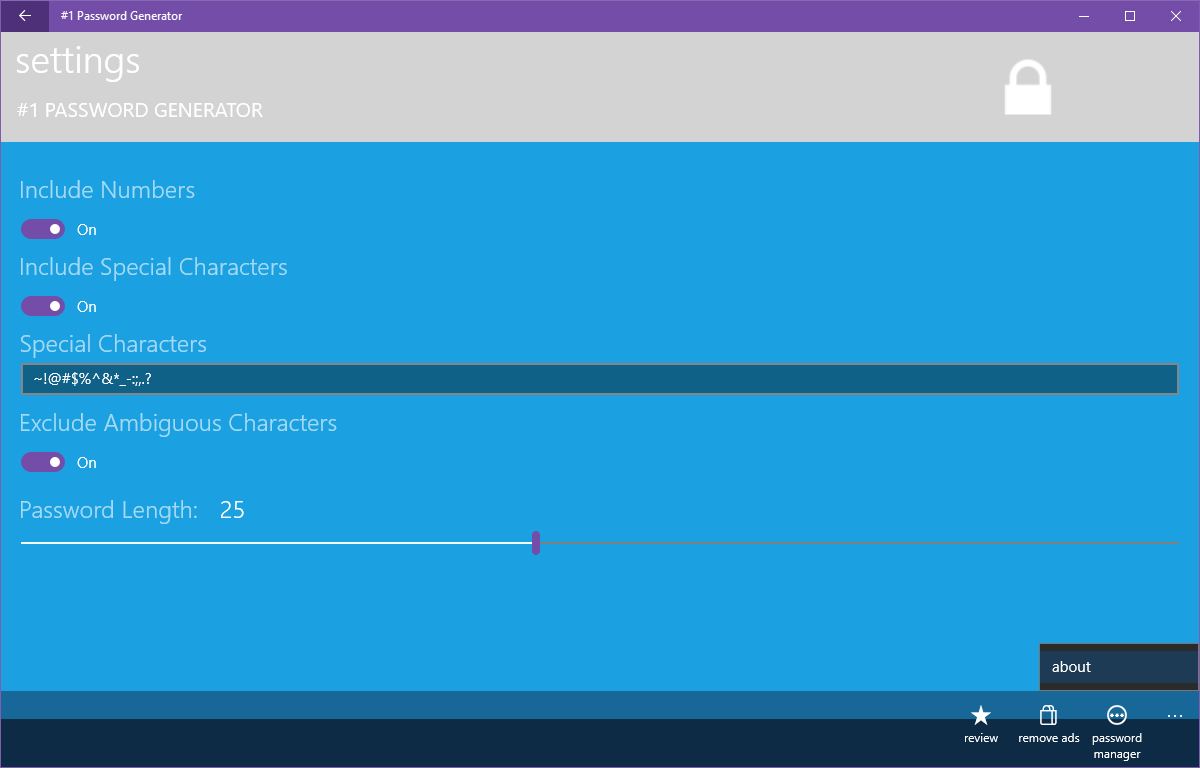
- Define Password Length
- Include/exclude Numbers
- Include/exclude Special Characters
- Define specific Special Characters that meet your needs
- Exclude ambiguous characters
- Check Password Strength (informational only)
- Set reminders to change expired passwords (Windows Phone 8.1 only)
- Generate unlimited passwords
- Great tool for System Administrators or (sysadmin and sysadmins)
- PasswordGen
- Strong Password Generator
This application does not store or send your passwords over the Internet.
password padlock
passwordz
wifi passwords
vault
strong pass generate
strong password generate
password generate
safe
privacy protector
secure password
Paste the original link from the Apple App Store or Microsoft Store. We fetch all details automatically.
How to find the URL:
1. Open the app in its store. 2.In the App Store app: tap the Share icon → “Copy Link”. In the browser: copy the URL from the address bar — it contains apps.apple.com/…/id… or apps.microsoft.com/detail/…. 3. Paste it here.
Android apps can only be listed by their developer.