Screenshot appears after consentScreenshot appears after consentScreenshot appears after consentScreenshot appears after consentScreenshot appears after consentScreenshot appears after consentScreenshot appears after consentScreenshot appears after consent
Summary
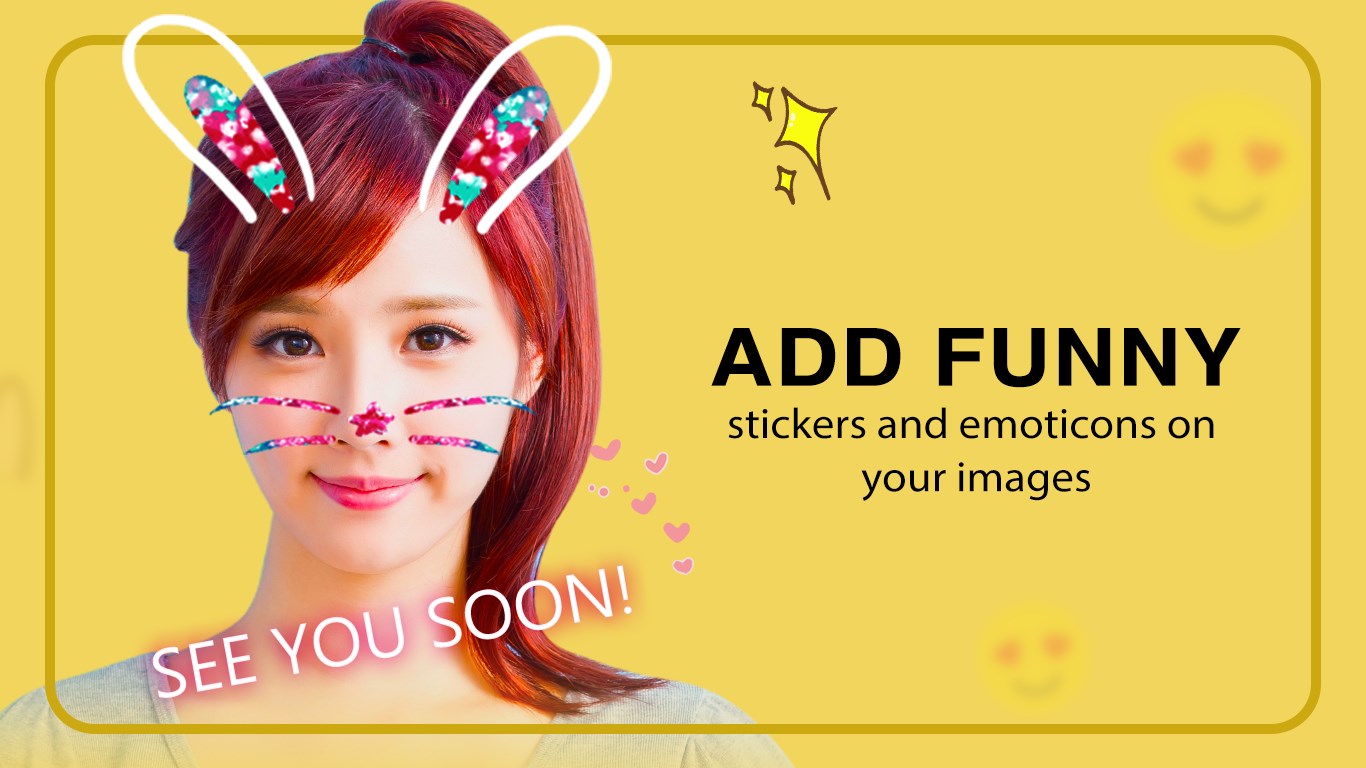
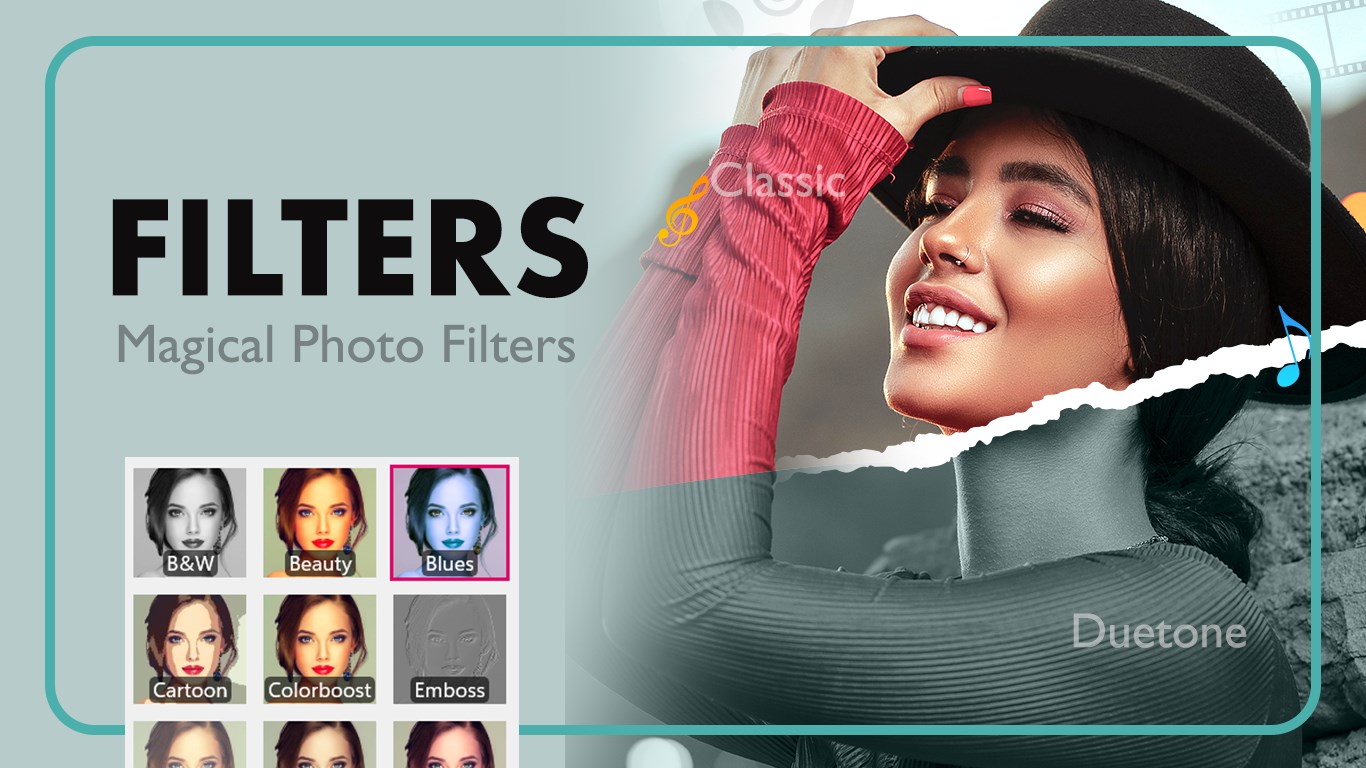
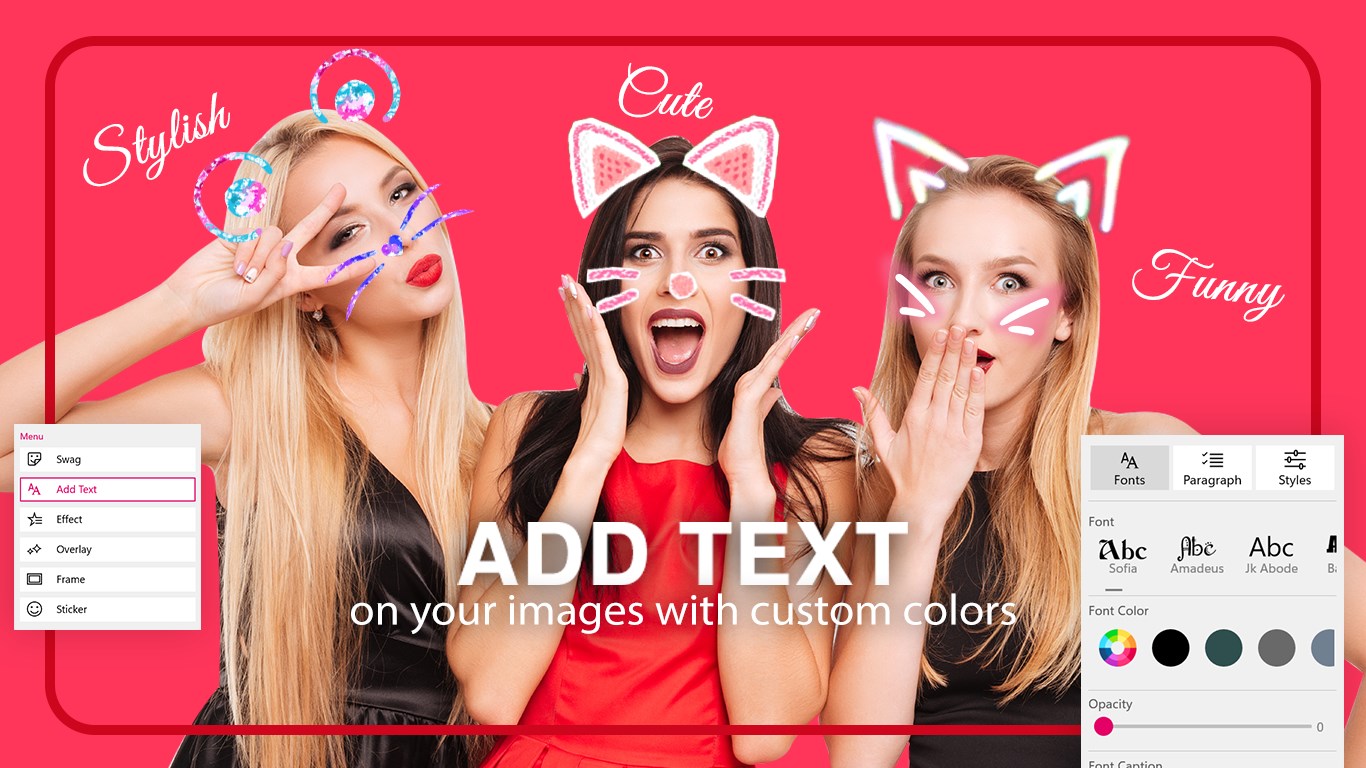
Face Camera Snappy Photo Filters is a photo editor for personalizing selfies and gallery images. It offers stickers, filters, overlays, frames and stylish text, including animal faces, anime eyes and rainbow effects. A Photo Blender tool lets users combine photos with trendy or custom backgrounds while adjusting opacity, rotation, scale and blur, plus erasing unwanted areas. Images can be cropped to popular social media ratios, rotated or flipped, and edited photos can be saved in formats including JPG, PNG, BMP, PDF and MP4. Finished creations can be shared directly on social media.
Show the developer's original descriptionHide the original description
Turn your photos into fun, creative masterpieces with Face Camera Snappy Photo Filters. Add stickers, filters, overlays, frames, and stylish text to personalize your images with ease. Capture selfies or edit existing photos from your gallery, apply trendy effects, and share your creations instantly on social media.
Whether you want playful animal faces, anime eyes, rainbow effects, or custom swag text, this app gives you all the tools to make your photos stand out.
Key Features:
Snappy Filter
-Crop images using all popular social media ratios.
-Rotate and flip images effortlessly.
-Add swag text or create your own custom text style.
-Apply new and trending effects, overlays, frames, and stickers.
-Save your edited photos in multiple formats: JPG, PNG, BMP, PDF, MP4, and more.
Photo Blender
-Add trendy backgrounds provided by the app or use your own photos.
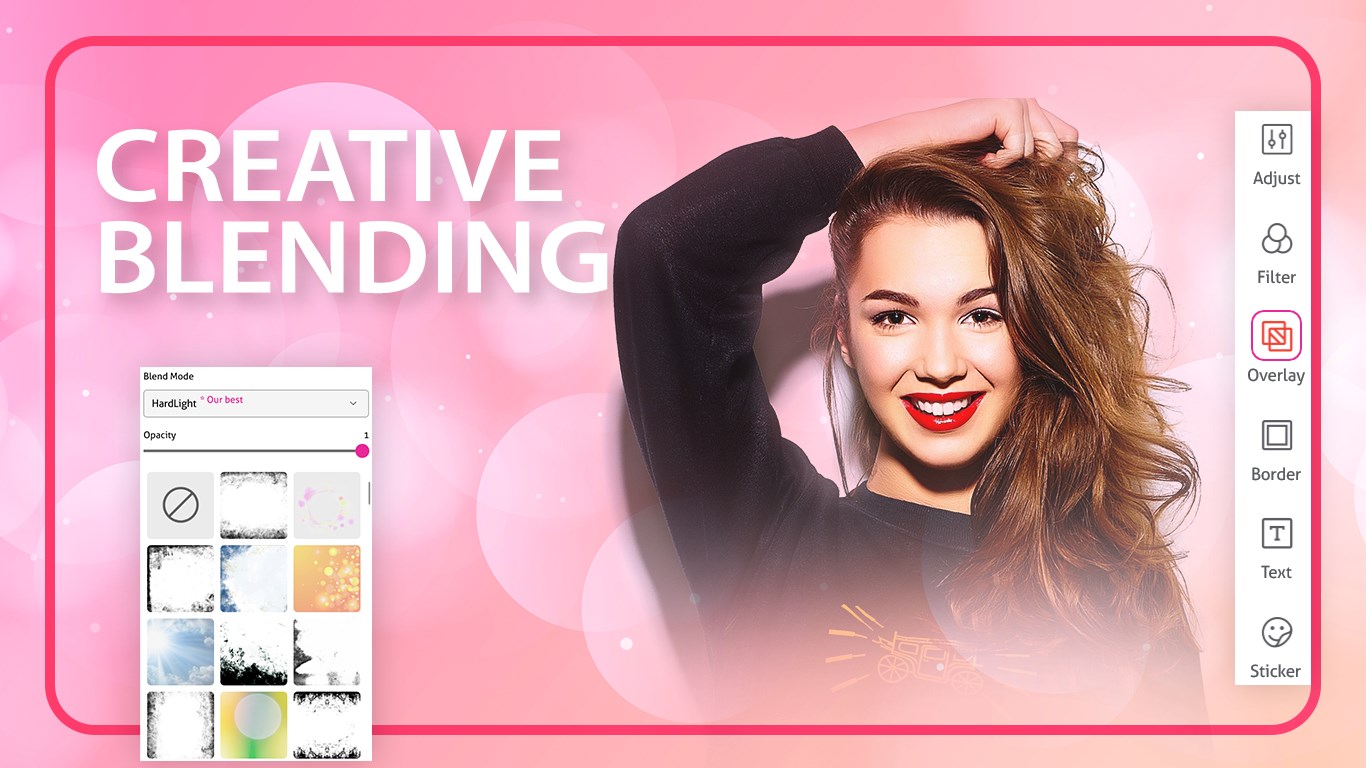
-Adjust opacity, rotation, scale, and side blur.
-Erase unwanted areas and fine-tune your canvas.
-Crop to trending social media ratios.
-Apply filters, overlays, borders, text, and stickers.
-Save your creations in multiple formats: JPG, PNG, BMP, PDF, MP4, and more.
Why Choose Face Camera Snappy Photo Filters?
-Easy-to-use interface for beginners and advanced users.
-High-quality editing tools for professional-looking results.
-Fun and creative options for selfies, social media posts, and personal projects.
-Supports multiple output formats for flexibility.
Tutorial: https://www.cidadeapps.com/face-camera-snappy-photo-filters-new-tutorial/
Download the app today! Please email us for any suggestions or comments.
Support:
Tutorial: https://www.cidadeapps.com/face-camera-snappy-photo-filters-new-tutorial/
Web: https://www.cidadeapps.com
Facebook: https://www.facebook.com/CidadeApps
Instagram: https://www.instagram.com/cidadeapps/
Twitter: @Cidadeapps
Email: cidadeapps@hotmail.com
Technical details about Face Camera Snappy Photo Filters
Play Store URL for "Face Camera Snappy Photo Filters"
If there is a version of this app for iOS/Mac or Windows we don't know about, paste the store link here — we'll auto-detect the store.
How to find the URL:1. Open the app in its store. 2.In the App Store app: tap the Share icon → “Copy Link”. In the browser: copy the URL from the address bar — it contains apps.apple.com/…/id… or apps.microsoft.com/detail/…. 3. Paste it here.
Paste the original link from the Apple App Store or Microsoft Store. We fetch all details automatically.
How to find the URL:
1. Open the app in its store. 2.In the App Store app: tap the Share icon → “Copy Link”. In the browser: copy the URL from the address bar — it contains apps.apple.com/…/id… or apps.microsoft.com/detail/…. 3. Paste it here.
Android apps can only be listed by their developer.






 Snap Photo Filters
Edit photos with filters, stickers and emoji effects
 PIP Camera - Creative Photo Frames & Photo Editor
Edit photos with frames, filters and effects
 PIP Camera Effects
Design photos with frames, effects and filters
 Photo Editor Pro - PIP Camera Effects
Edit photos with frames, effects and stickers
 Photo Lab Photo Editor
Edit photos with filters, effects, text and stickers
 Fotogenic : Photo Editor
Edit photos with text, effects and stickers