Screenshot appears after consentScreenshot appears after consentScreenshot appears after consentScreenshot appears after consent
Screenshot appears after consentScreenshot appears after consentScreenshot appears after consentScreenshot appears after consentScreenshot appears after consent
Screenshot appears after consentScreenshot appears after consentScreenshot appears after consentScreenshot appears after consentScreenshot appears after consentScreenshot appears after consentScreenshot appears after consentScreenshot appears after consentScreenshot appears after consentScreenshot appears after consentScreenshot appears after consentScreenshot appears after consent
Summary
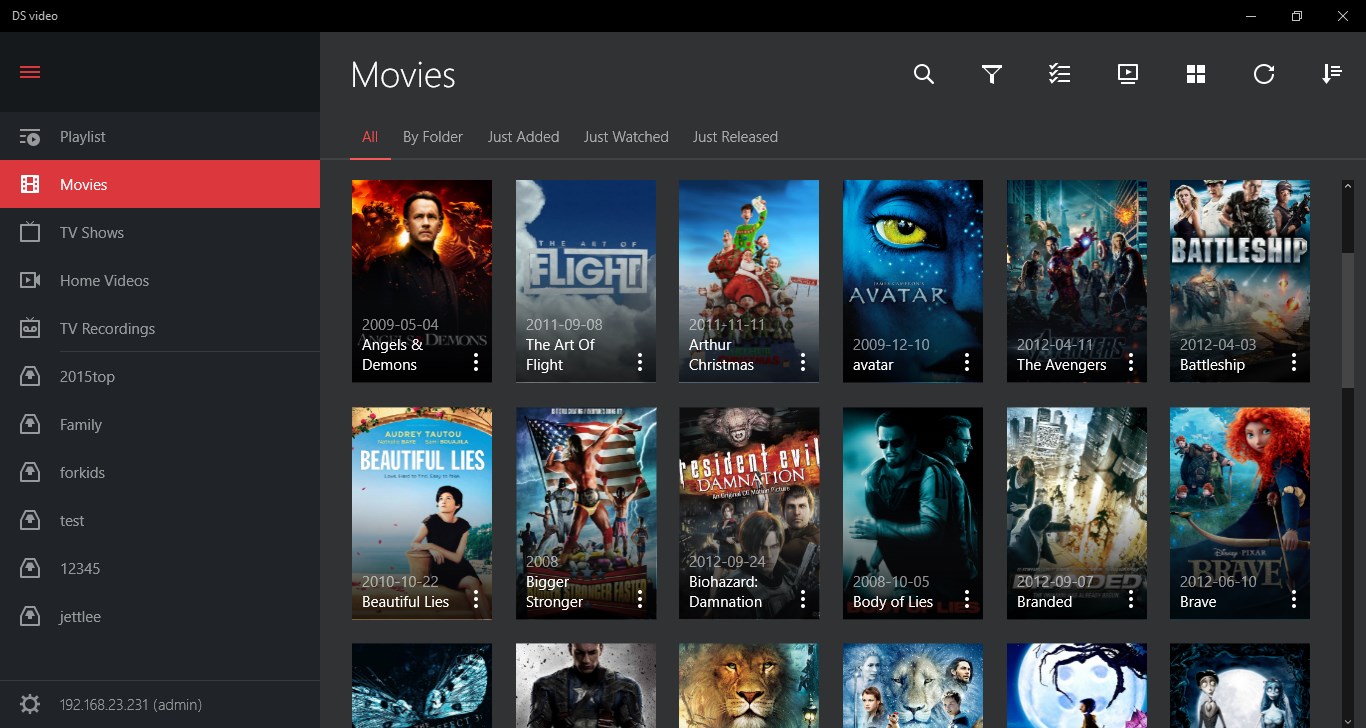
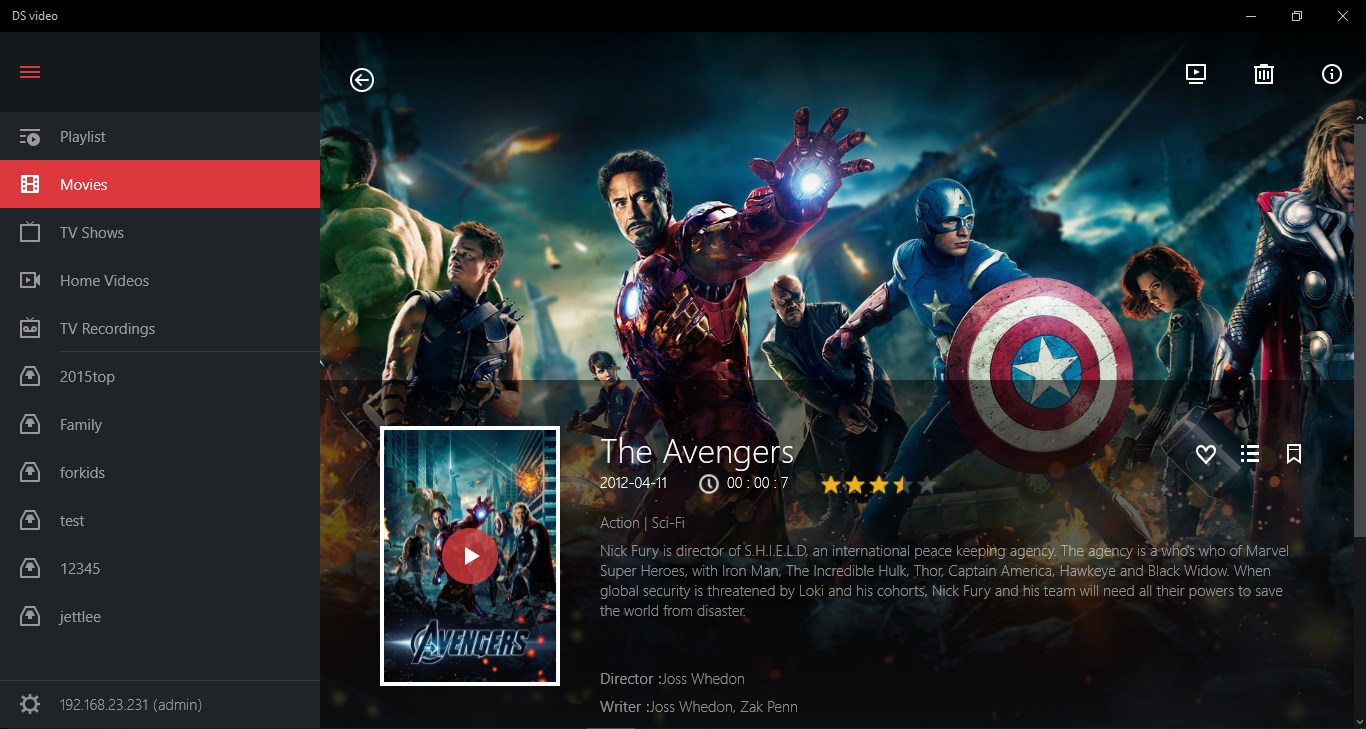
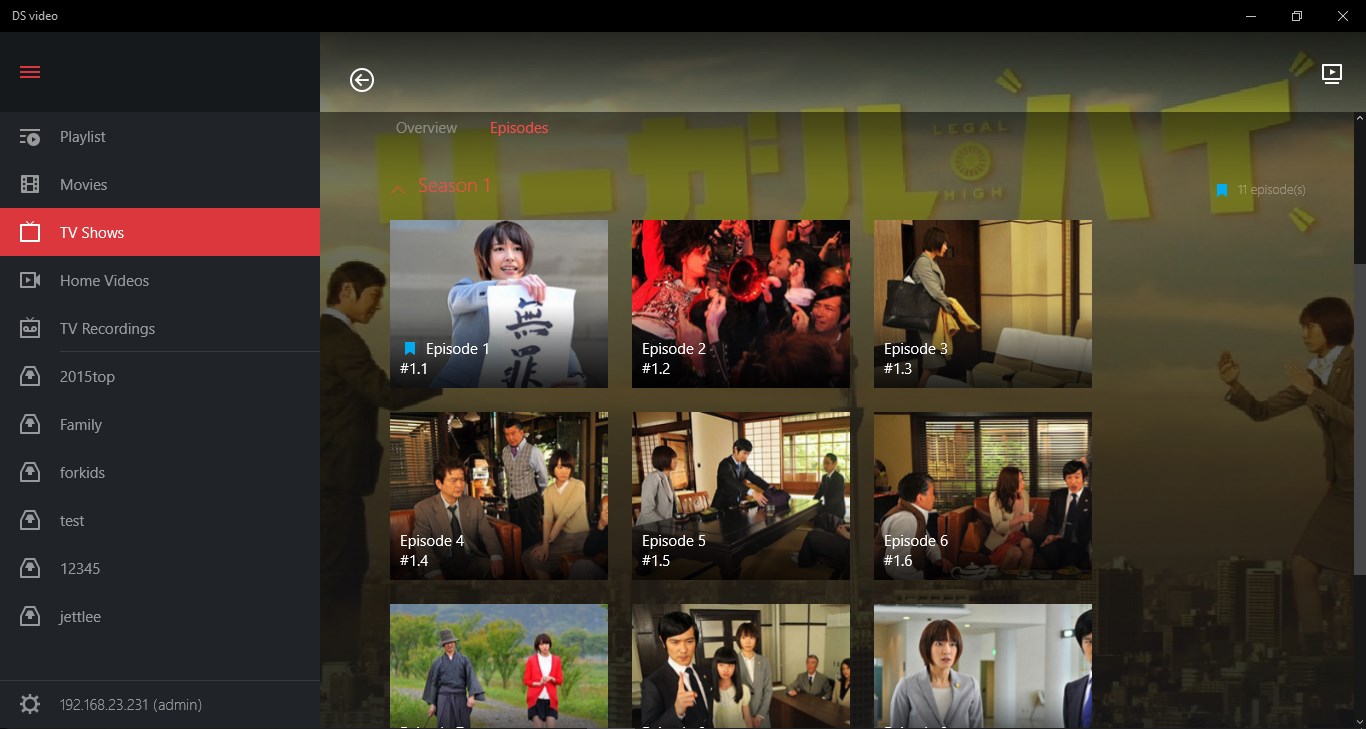
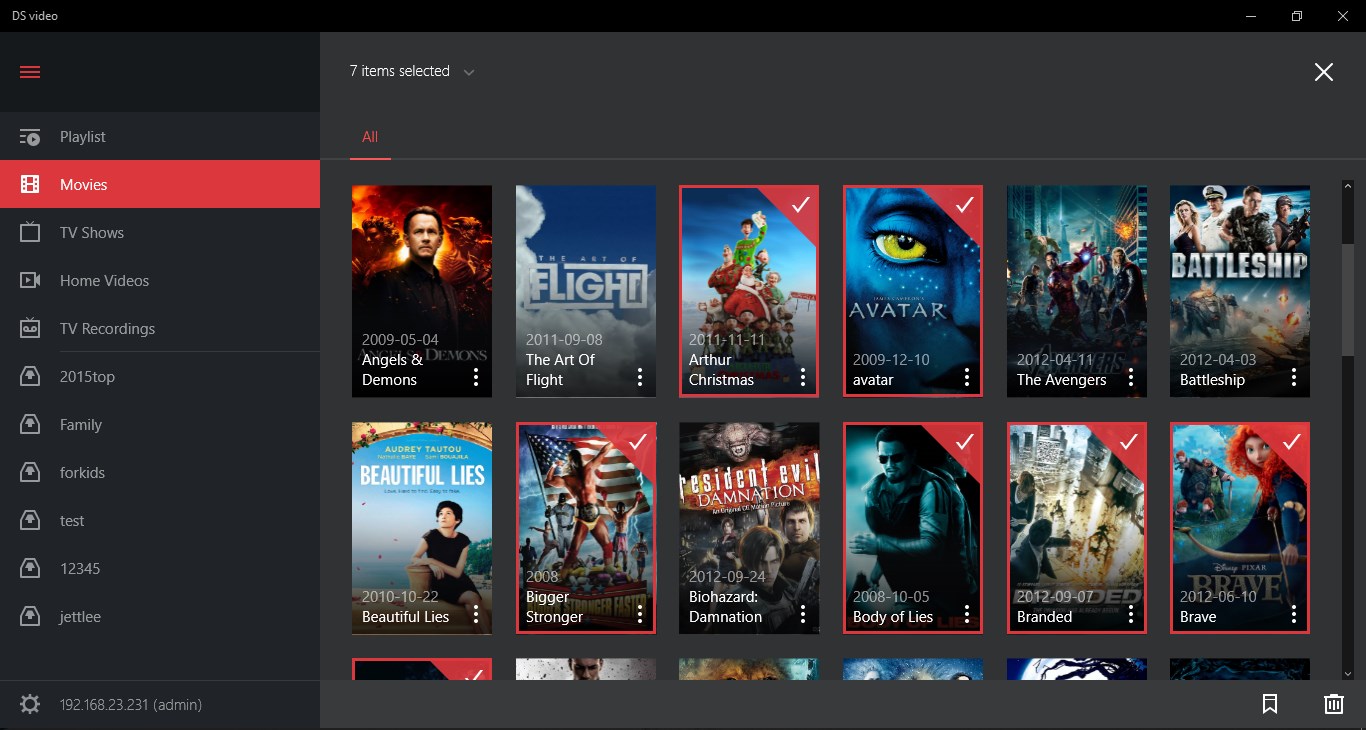
DS video is a video streaming app for viewing a personal video collection stored on a Synology DiskStation. It sorts video content into libraries such as movies, TV shows, home videos and recorded programs, and it retrieves movie information automatically online to make browsing easier. When HDHomeRun devices with DVB-T standard are connected to the same local network as the NAS, the app also allows recording TV programs and viewing the TV schedule to manage recordings remotely. Running the app requires owning a Synology NAS, and the full set of features requires running the latest version of Video Station.
Show the developer's original descriptionHide the original description
Synology no longer provides software updates for DS video on Windows Phone (starting May 11, 2018) and Windows UWP (starting May 25, 2020). For more information on the supported platforms of DS video, please visit Synology’s official website.
**You must own a Synology NAS to run this app and be running Video Station 1.6 to get the complete set of features**
DS video is the best way to stream your video collection on your DiskStation, all from your Windows Phone. DS video sorts your video contents by movies, TV shows, home videos as well as recorded programs, and movie information automatically retrieved online is also available to make choosing a film all the more convenient. If you have plugged a DTV dongle onto your DiskStation, you will also be able to record TV programs, as well as view the TV program guide to manage the recording schedule remotely.
Find all detailed features about the app on our website:
www.synology.com > NAS > DSM 5.2 > Mobile Apps > Software Specs
https://www.synology.com/dsm/5.2/software_spec#DSvideo
Paste the original link from the Apple App Store or Microsoft Store. We fetch all details automatically.
How to find the URL:
1. Open the app in its store. 2.In the App Store app: tap the Share icon → “Copy Link”. In the browser: copy the URL from the address bar — it contains apps.apple.com/…/id… or apps.microsoft.com/detail/…. 3. Paste it here.
Android apps can only be listed by their developer.