Screenshot appears after consentScreenshot appears after consentScreenshot appears after consentScreenshot appears after consentScreenshot appears after consentScreenshot appears after consent
Summary
Photo Editor Pro - PIP Camera Effects is a photo editor for creating picture-in-picture compositions. It offers more than 35 PIP frames along with multiple scenic backgrounds and basic border frames to enhance photo composition. Over 100 stickers can be scaled, rotated, and placed, while multiple text layers allow customizable fonts, colors, and rotation. More than 20 filters and effects let users adjust brightness, contrast, saturation, color, light, and blur. Photos can be captured with a real-time selfie mode featuring HDR or selected from the gallery, and finished images can be saved as JPEG and shared with friends and family.
Show the developer's original descriptionHide the original description
Create stunning pic-in-pic photos with Photo Editor Pro – PIP Camera Effects. This app lets you blend your images in unique ways using over 35 PIP frames, 100+ stickers, 20+ filters, multiple backgrounds, and customizable text. Enhance your selfies or gallery photos with professional editing tools and share your creations with friends and family.
Tutorial: https://www.videopixstore.com/photo-editor-pro-pip-camera-tutorial/
Key Features:
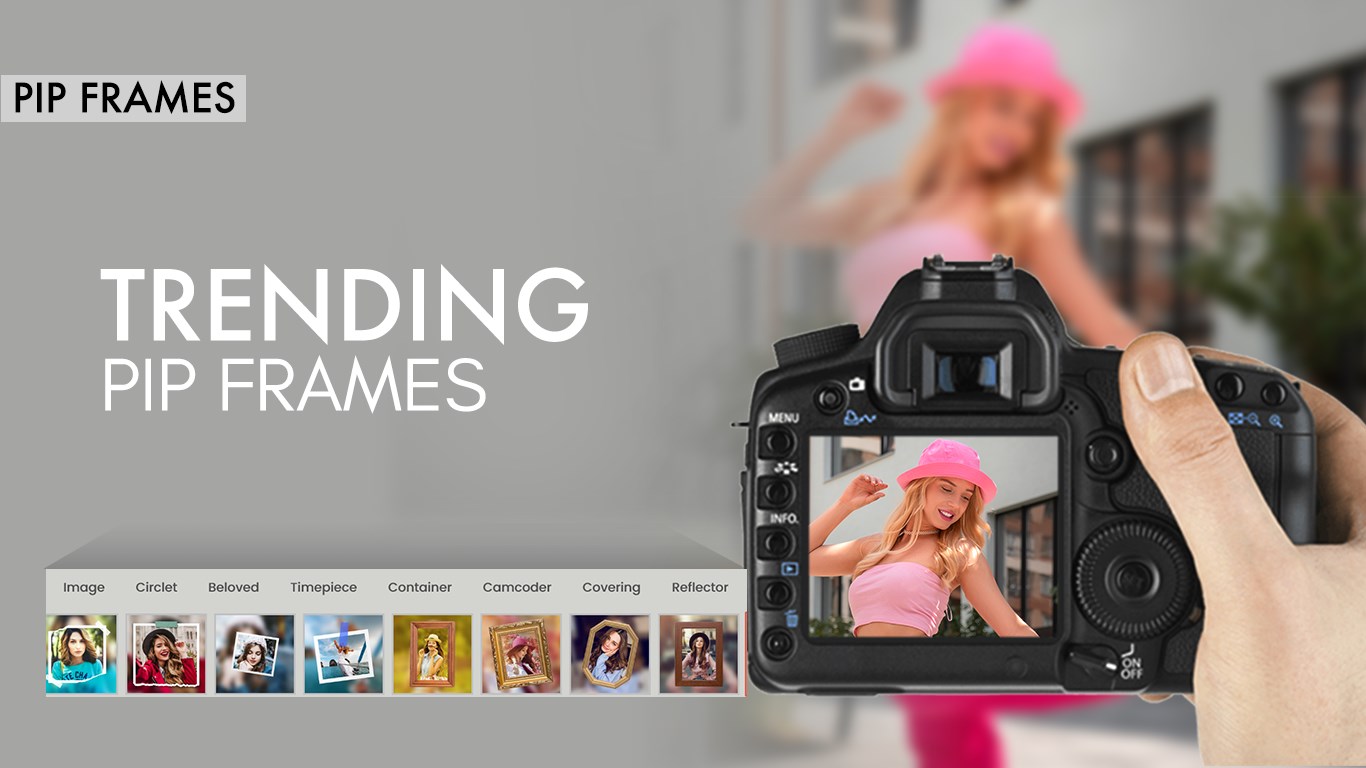
. PIP Frames: 35+ unique frames to enhance your photo composition.
. Backgrounds: Multiple scenic and trendy backgrounds to choose from.
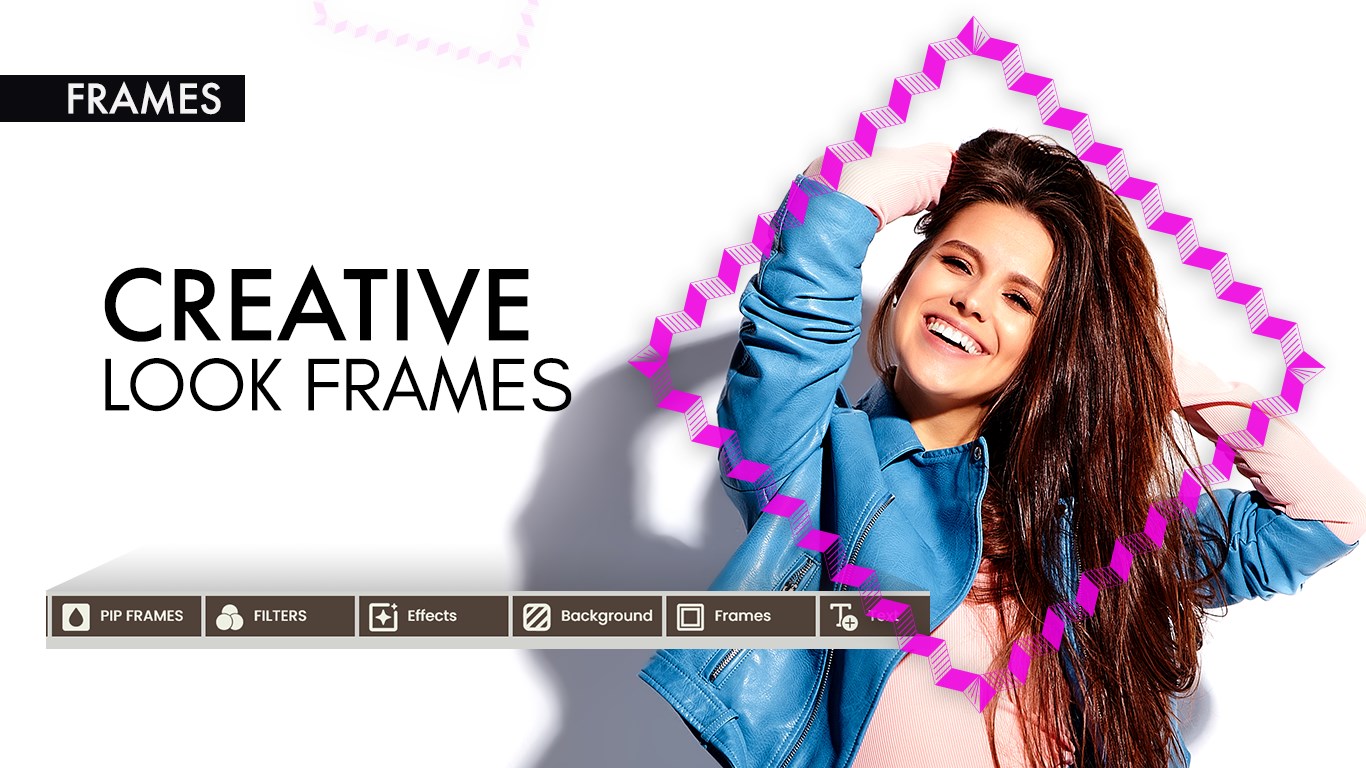
. Border Frames: Basic border frames to complement your design.
. Stickers: 100+ stickers with options to scale, rotate, and delete.
. Text: Add multiple texts with customizable fonts, colors, and rotation.
. Photo Tools: Rotate, flip, and adjust your images with ease.
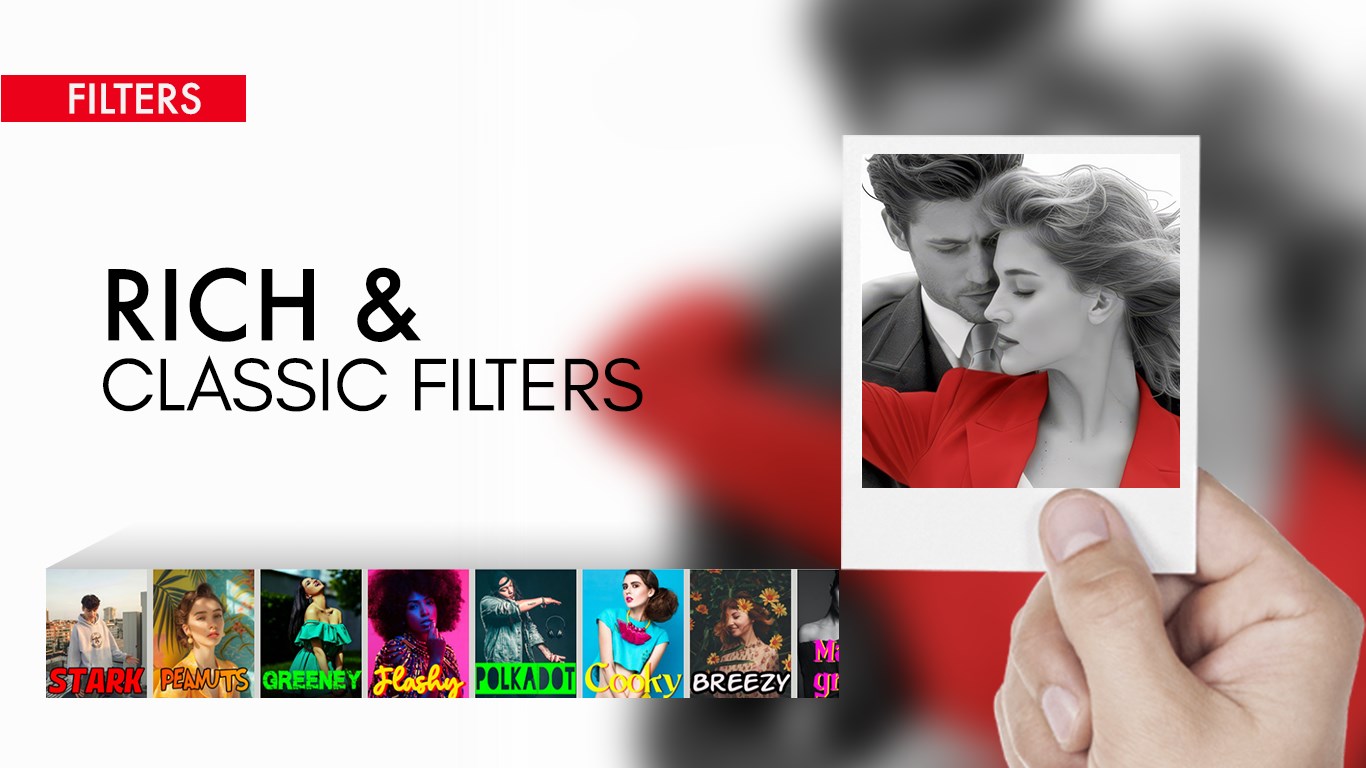
. Filters: Apply 20+ effects and adjust brightness, contrast, saturation, color, light, and blur.
. Camera & Gallery: Capture HD selfies with Real-Time Selfie + HDR Mode or choose from your gallery.
. Quotes: Add inspirational quotes from multiple categories.
. Save & Share: Save edited photos as JPEG and share across social media.
How to Use:
. Camera or Gallery: Capture or select an image to start editing.
. Apply PIP: Choose from a variety of PIP frames and adjust photo position.
. Add Background & Frames: Select scenic backgrounds or border frames to enhance your image.
. Stickers & Text: Personalize your photo with stickers and customizable text.
. Filters & Effects: Apply filters and adjust photo parameters for the perfect look.
. Save & Share: Save your masterpiece and share it directly with friends and family.
Contact us:
Tutorial: https://www.videopixstore.com/photo-editor-pro-pip-camera-tutorial/
Web: https://www.videopixstore.com/
Facebook: https://www.facebook.com/videopixstore
Twitter: @VideoPixStore
Instagram: https://www.instagram.com/videopix/
Email: videopixstore@gmail.com
Play Store URL for "Photo Editor Pro - PIP Camera Effects"
If there is a version of this app for iOS/Mac or Windows we don't know about, paste the store link here — we'll auto-detect the store.
How to find the URL:1. Open the app in its store. 2.In the App Store app: tap the Share icon → “Copy Link”. In the browser: copy the URL from the address bar — it contains apps.apple.com/…/id… or apps.microsoft.com/detail/…. 3. Paste it here.
Paste the original link from the Apple App Store or Microsoft Store. We fetch all details automatically.
How to find the URL:
1. Open the app in its store. 2.In the App Store app: tap the Share icon → “Copy Link”. In the browser: copy the URL from the address bar — it contains apps.apple.com/…/id… or apps.microsoft.com/detail/…. 3. Paste it here.
Android apps can only be listed by their developer.





 PIP Camera - Creative Photo Frames & Photo Editor
Edit photos with frames, filters and effects
 PIP Camera Effects
Design photos with frames, effects and filters
 Photo Lab Photo Editor
Edit photos with filters, effects, text and stickers
 Photo Blender : Photo Editor
Blend photos creatively with effects, overlays and frames
 PIP Effects
Edit photos with PIP frames, filters, stickers and text
 PhotoMontager
Photo frames and border effects for images