Screenshot appears after consentScreenshot appears after consentScreenshot appears after consentScreenshot appears after consentScreenshot appears after consent
Summary
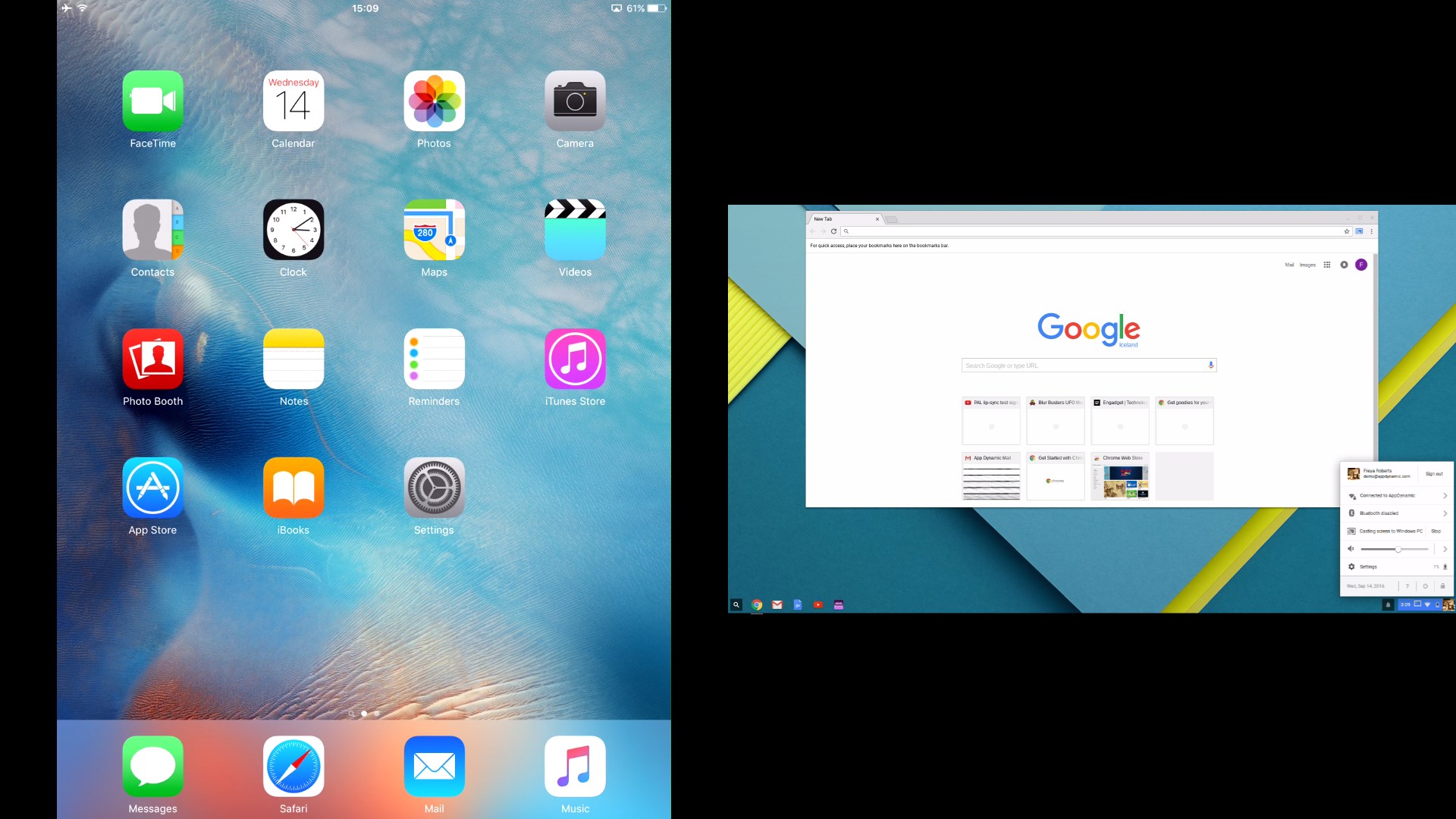
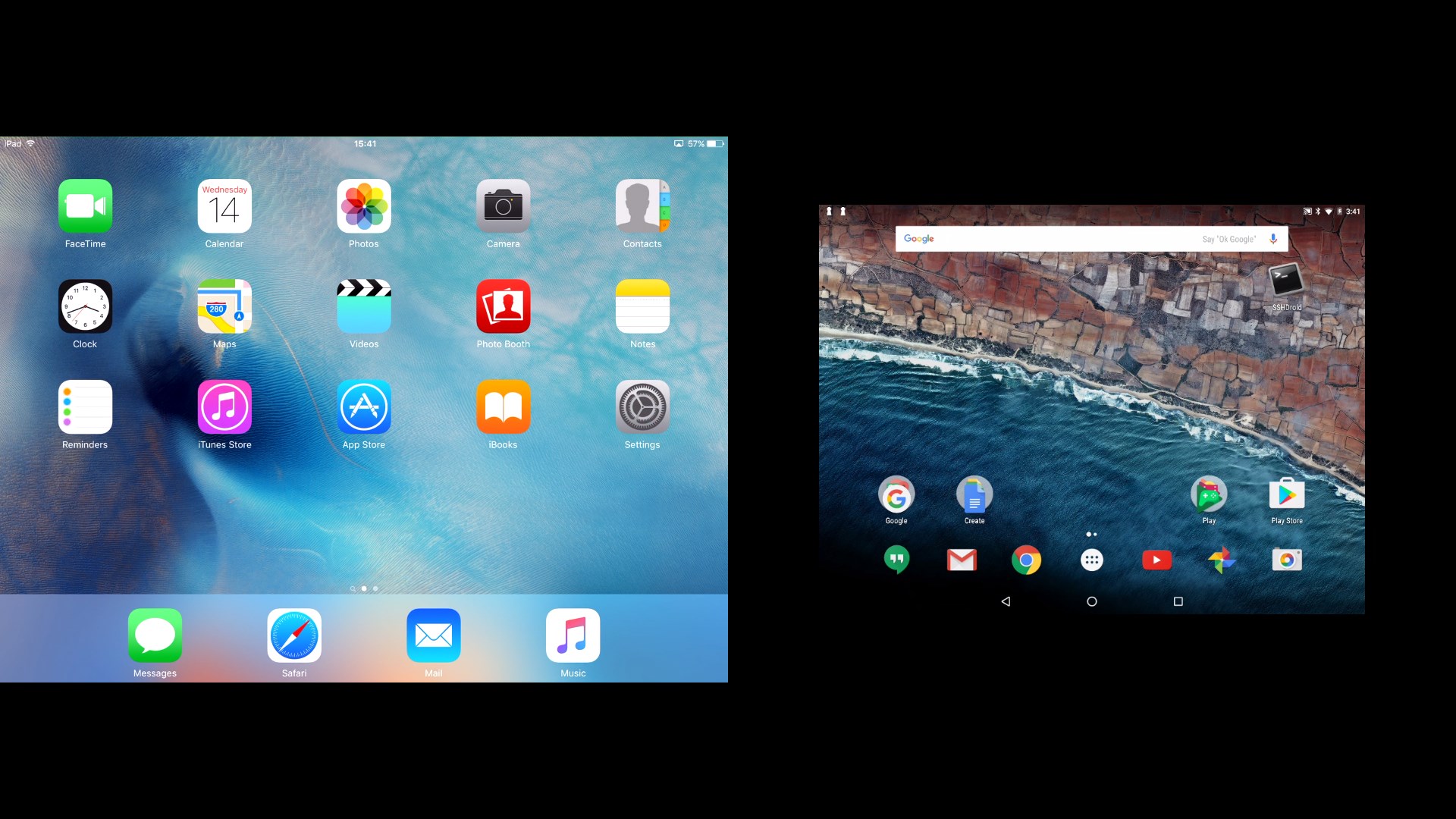
AirServer Windows Desktop Edition is a screen mirroring tool that turns a PC into a universal AirPlay, Miracast and Google Cast destination. iOS devices and Macs mirror via AirPlay, Android devices and Chromebooks cast via Google Cast, and Android or Windows 10 devices project through Miracast, without installing any third-party app on the source device. Hardware accelerated and supporting simultaneous connections from multiple devices, it delivers smooth performance and high fidelity audio even on low-spec hardware. The download offers a 30-day free trial, after which a license key is required.
Show the developer's original descriptionHide the original description
AirServer Desktop Edition transforms your PC into a universal AirPlay + Miracast + Google Cast receiver.
Note: The download includes 30-day fully functional free trial. To continue using the product after 30 days you will need to purchase a license key for AirServer Desktop Edition.
Although video playback over AirPlay is supported, DRM protected content such as videos purchased from iTunes or content from Netflix app is not supported.
With AirServer running on your PC, you can wirelessly mirror your iOS devices or Macs over AirPlay, cast your Android devices and Chromebooks over Google Cast or project your Android or Windows 10 devices using Miracast. All this without needing to install any 3rd party applications on your source device.
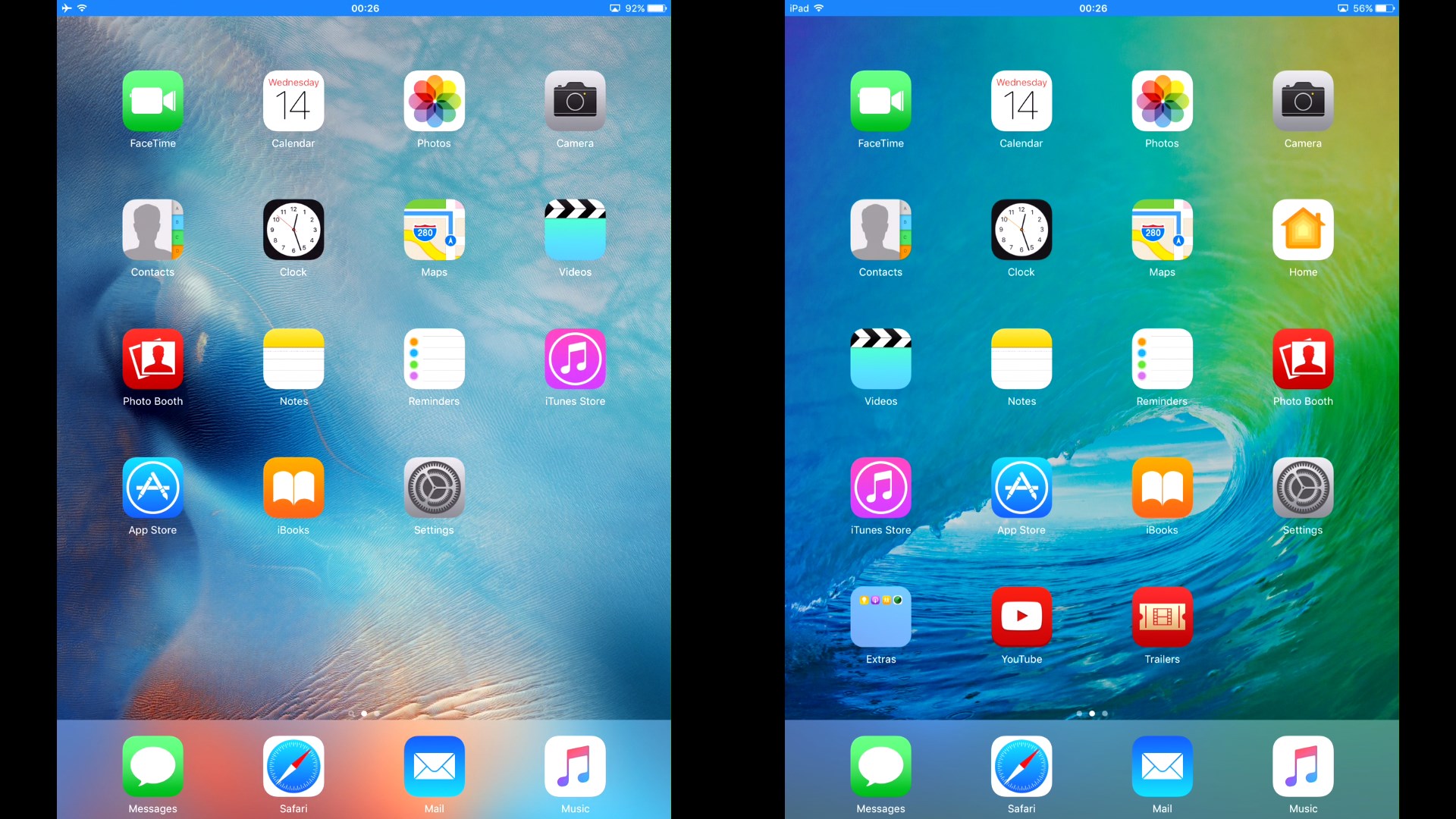
AirServer Desktop Edition is completely hardware accelerated and can handle simultaneous mirroring connections from multiple devices at the same time, even on low spec'd hardware. As a result you get stable, buttery smooth mirroring performance with high fidelity audio.
In classrooms, AirServer enables BYOD, allowing teachers and students to collaborate using their own devices in front of the entire class.
At home, AirServer turns your home theater PC into a media hub allowing you to mirror content from various devices and experience it on a bigger screen or better speakers.
For the home-theater enthusiasts, AirServer also enables multi-room AirPlay audio support. If you own a set of AirPlay speakers, and use iTunes on your computer, be sure to try out the multi-room AirPlay audio feature, now available on your PC through AirServer.
Technical details about AirServer Windows Desktop Edition
Play Store URL for "AirServer Windows Desktop Edition"
If there is a version of this app for iOS/Mac or Windows we don't know about, paste the store link here — we'll auto-detect the store.
How to find the URL:1. Open the app in its store. 2.In the App Store app: tap the Share icon → “Copy Link”. In the browser: copy the URL from the address bar — it contains apps.apple.com/…/id… or apps.microsoft.com/detail/…. 3. Paste it here.
Paste the original link from the Apple App Store or Microsoft Store. We fetch all details automatically.
How to find the URL:
1. Open the app in its store. 2.In the App Store app: tap the Share icon → “Copy Link”. In the browser: copy the URL from the address bar — it contains apps.apple.com/…/id… or apps.microsoft.com/detail/…. 3. Paste it here.
Android apps can only be listed by their developer.





 AirPlayH - Screen Mirroring
Wirelessly mirror iPhone and iPad screens to desktop
 EasyCast - Screen Mirroring Receiver
Mirror smartphone screen to computer or Xbox
 Win AirPlay : Screen Mirroring
Mirror iPhone, iPad and Mac screen to computer
 Bluetooth Audio Receiver
Play music from Bluetooth devices on your PC
 AirMirroring - Screen Mirroring & Cast
Mirror screen from iPhone, iPad or Mac to Windows PC
 AnyDesk Remote Desktop
Remote access to other devices with secure connection