


Screenshot appears after consentScreenshot appears after consentScreenshot appears after consentScreenshot appears after consentScreenshot appears after consentScreenshot appears after consentScreenshot appears after consentScreenshot appears after consentScreenshot appears after consentScreenshot appears after consentScreenshot appears after consentScreenshot appears after consentScreenshot appears after consentScreenshot appears after consent
Summary
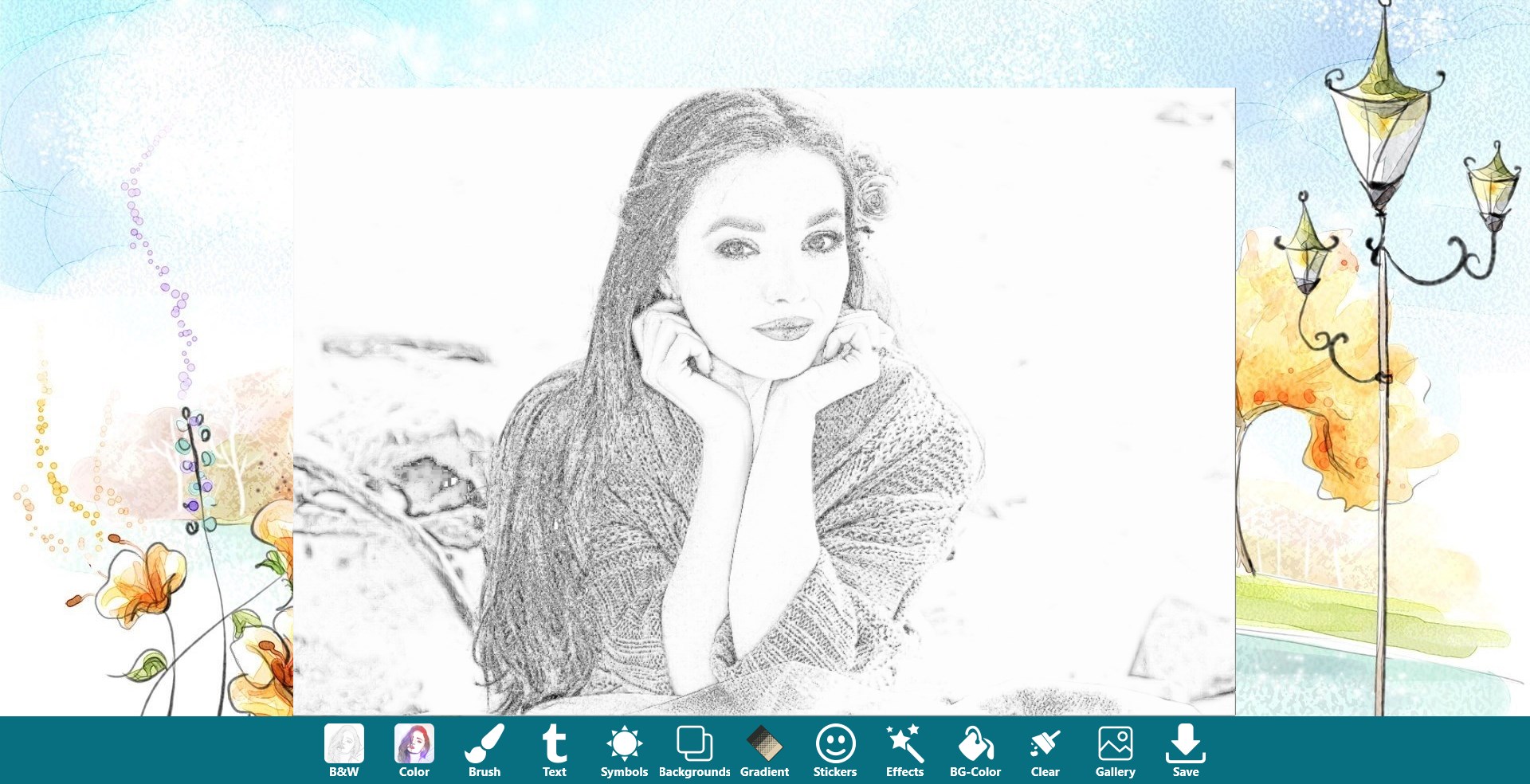
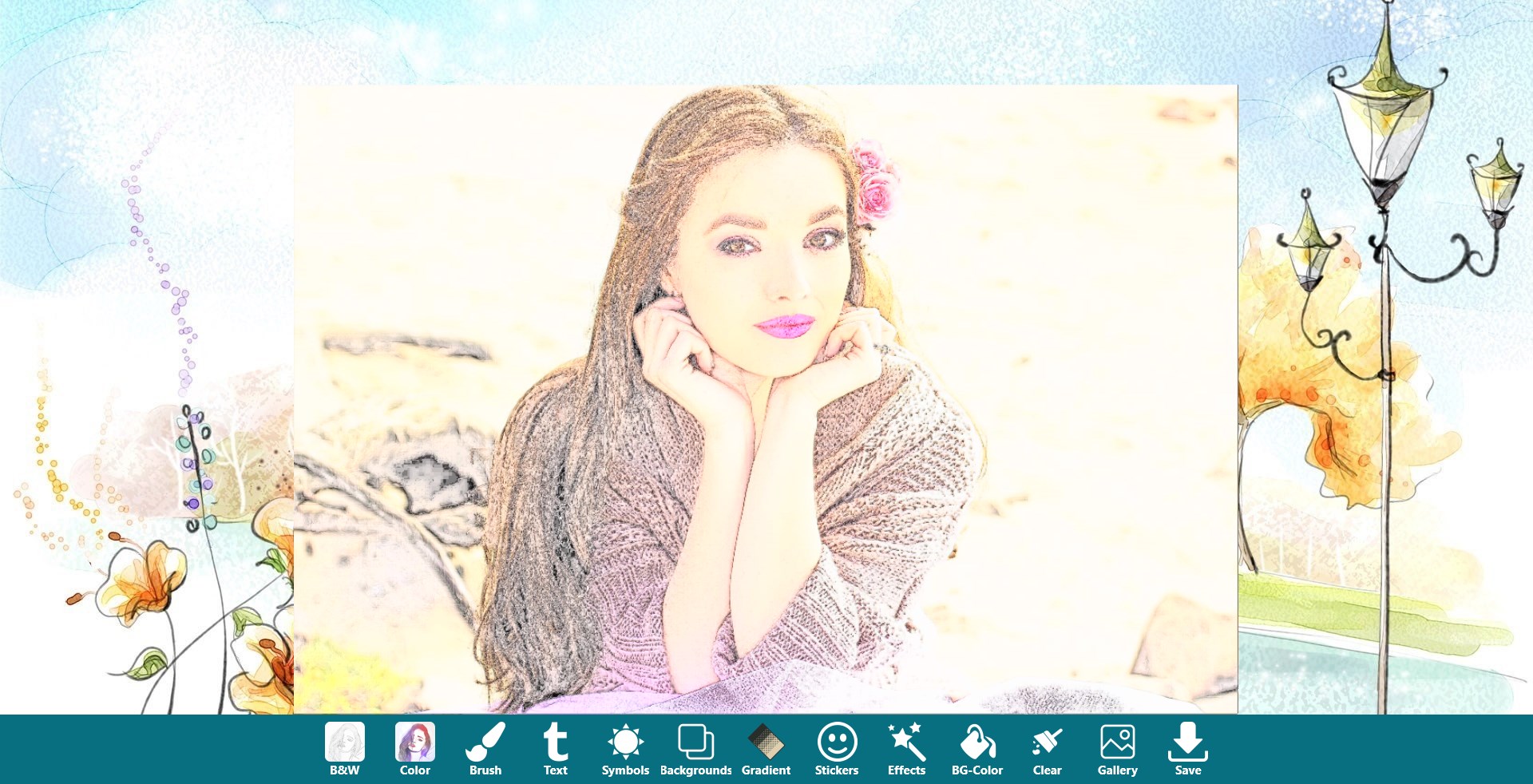
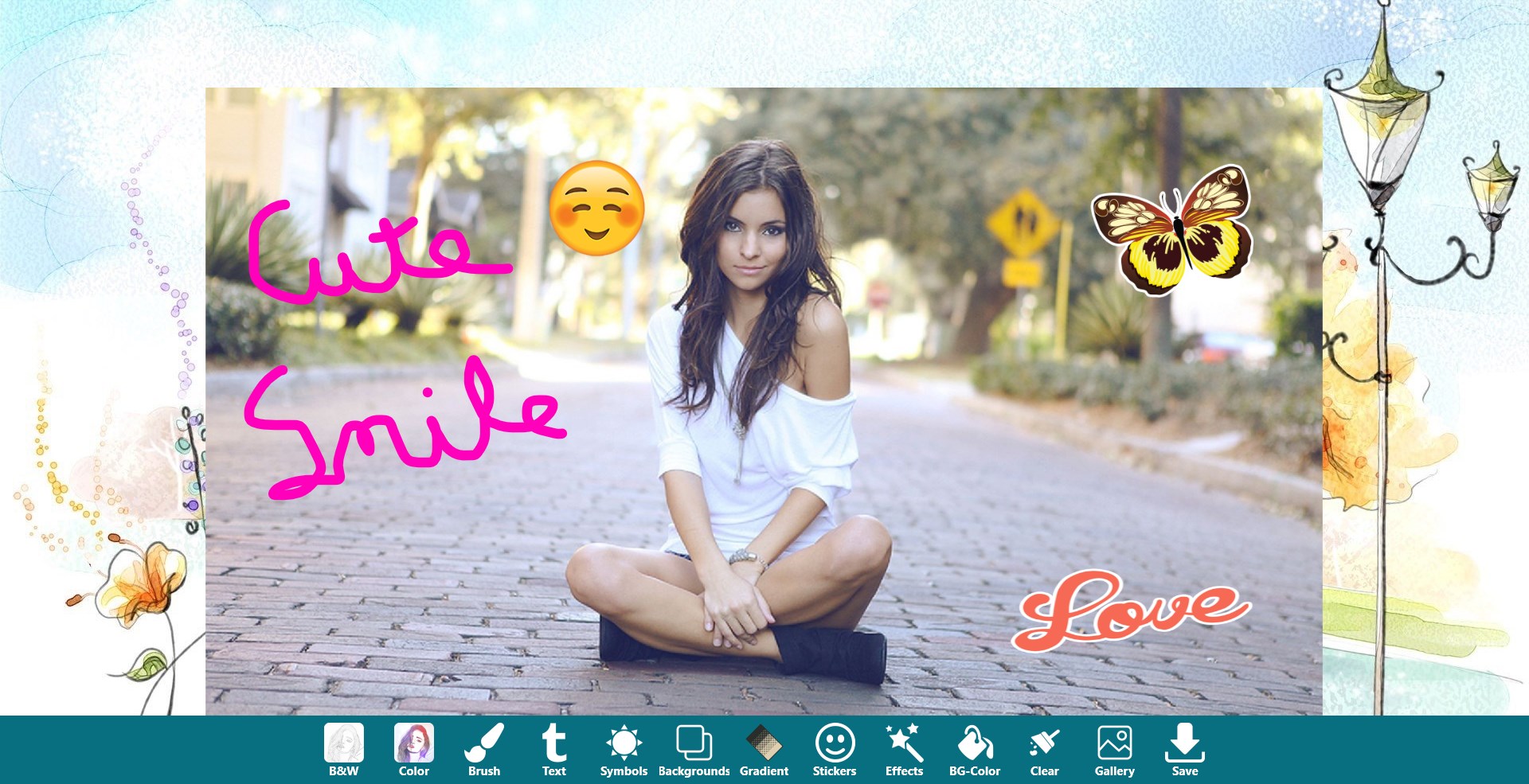
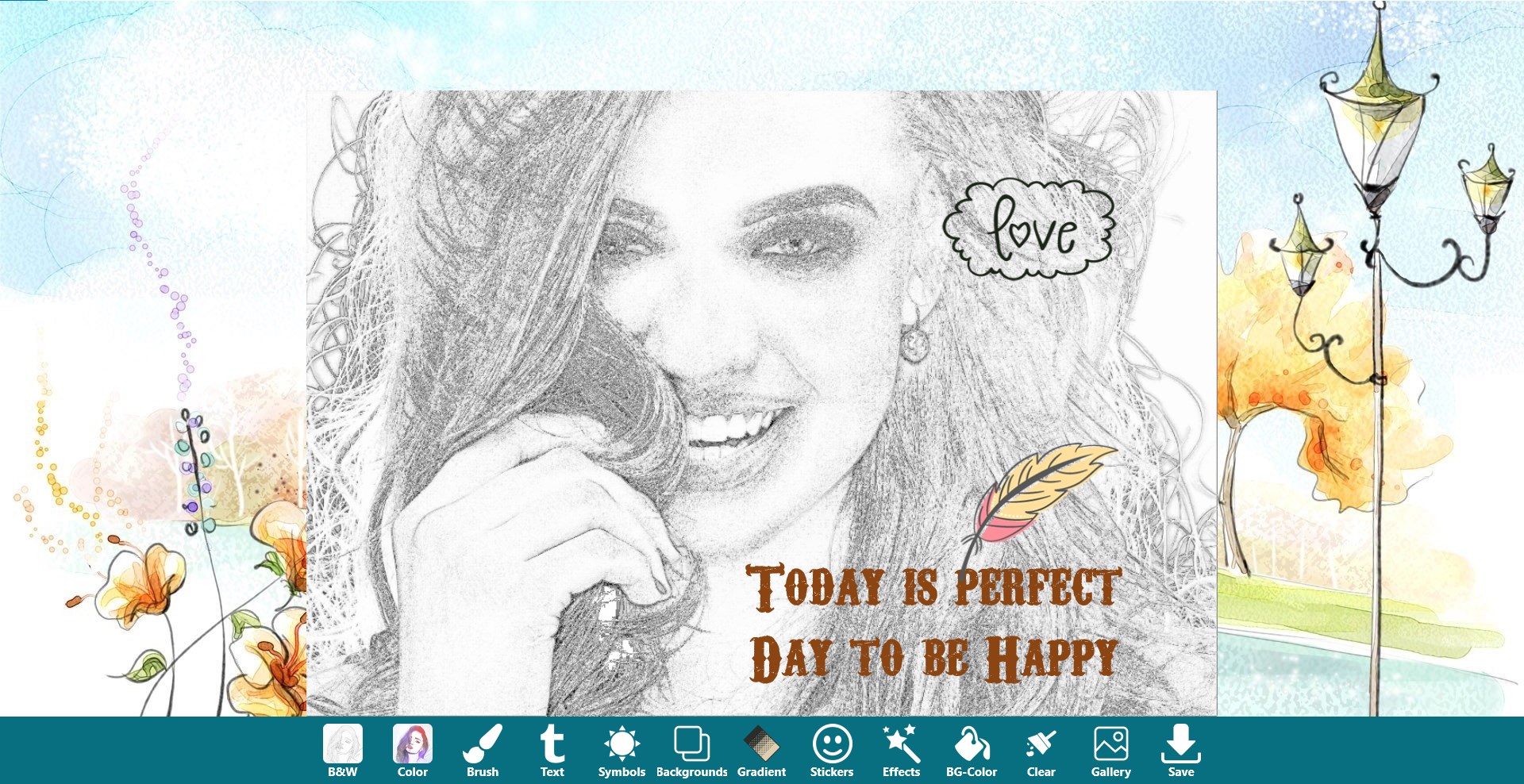
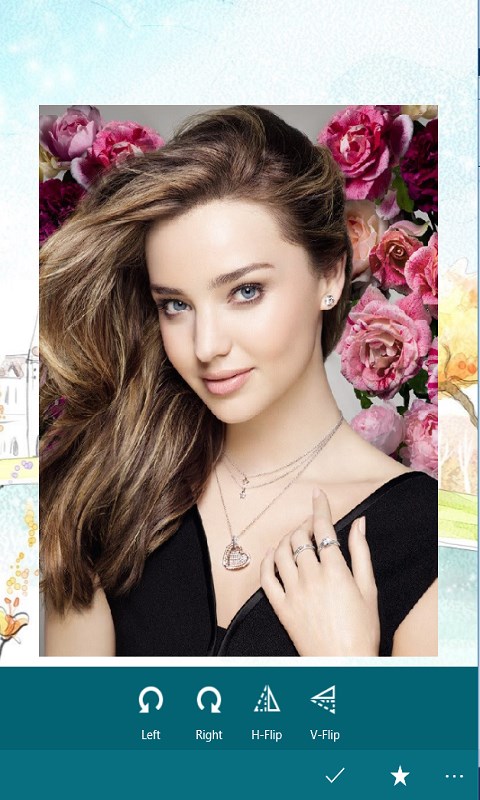
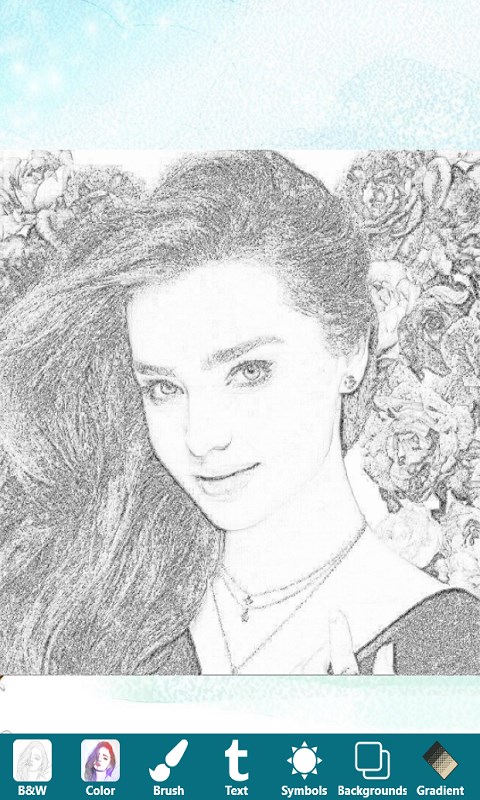
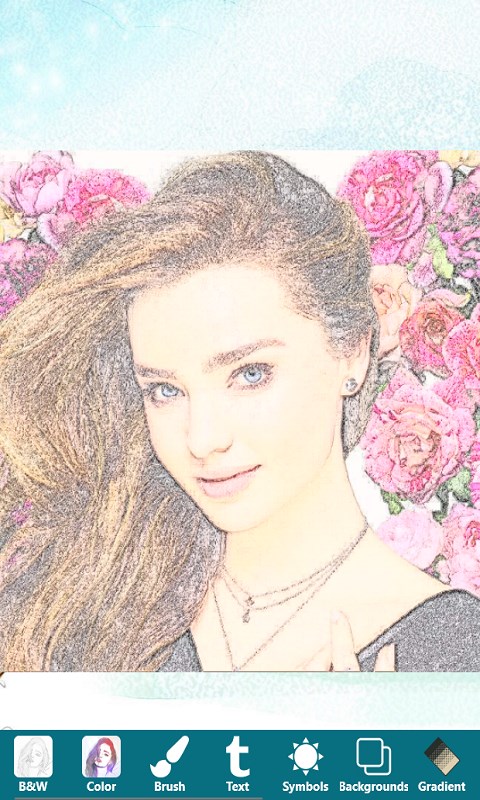
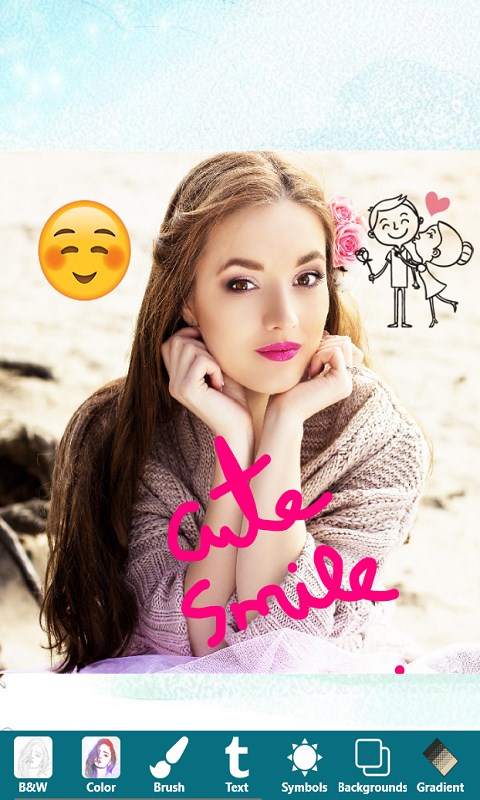
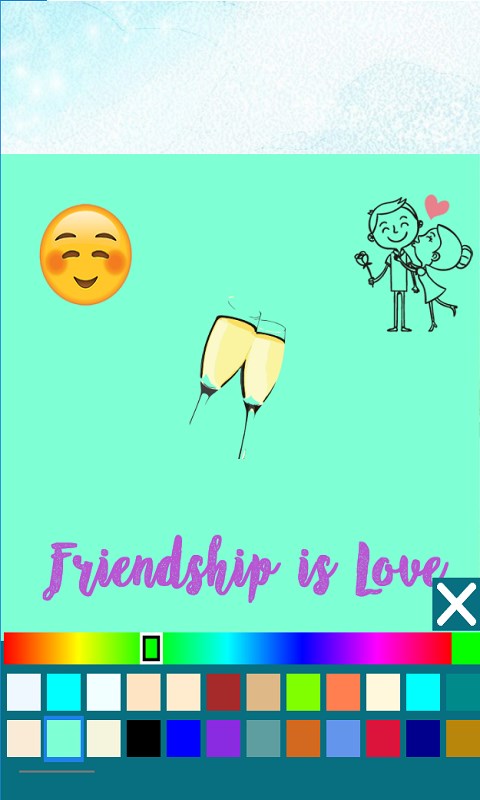
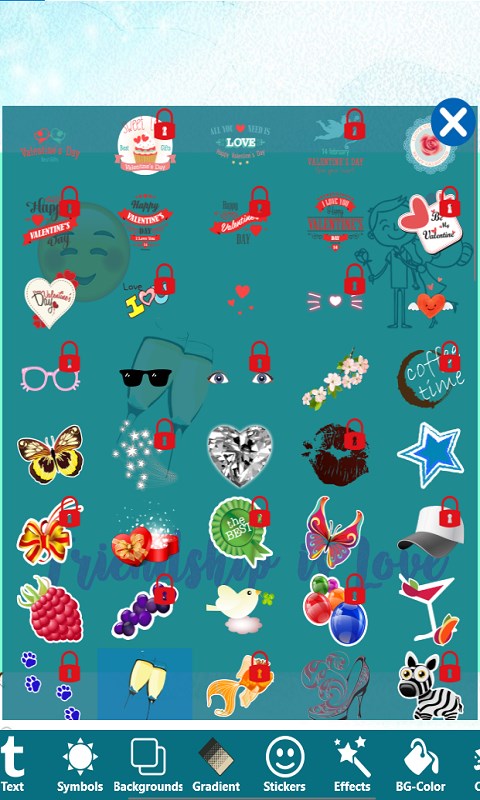
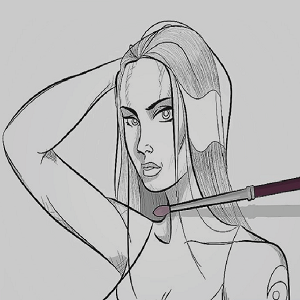
Pencil Photo Sketch Maker is a photo editor app that converts pictures into pencil sketches, in both color and black and white. Photos can be picked from the gallery or taken with the camera, and a sketch is generated with a single button click. The app also offers a drawing tool for creating doodles on a blank canvas, with a choice of colors, pencil styles and erasers. Additional editing features include adding text, applying photo effects, filters, backgrounds and gradients, adding stickers and symbols, and using color splash, and finished sketches can be saved and shared to platforms such as Facebook, Twitter, email or messaging apps.
Show the developer's original descriptionHide the original description
Pencil Photo Sketch Master app is a easy to use and funny app that lets you convert your photos into sketches.(Colored and Black & White)
You can pick a picture from your gallery or capture one from your camera to generate the sketch. Both black-white and color sketch photos can be easily created by just one button click.
Pencil Sketch is also a powerful all-in-one photo editor and drawing tool. Pencil Sketch is the best way to transform your photos into works of art and to express your creativity with the world.
Features in photo editor:
- Add Text
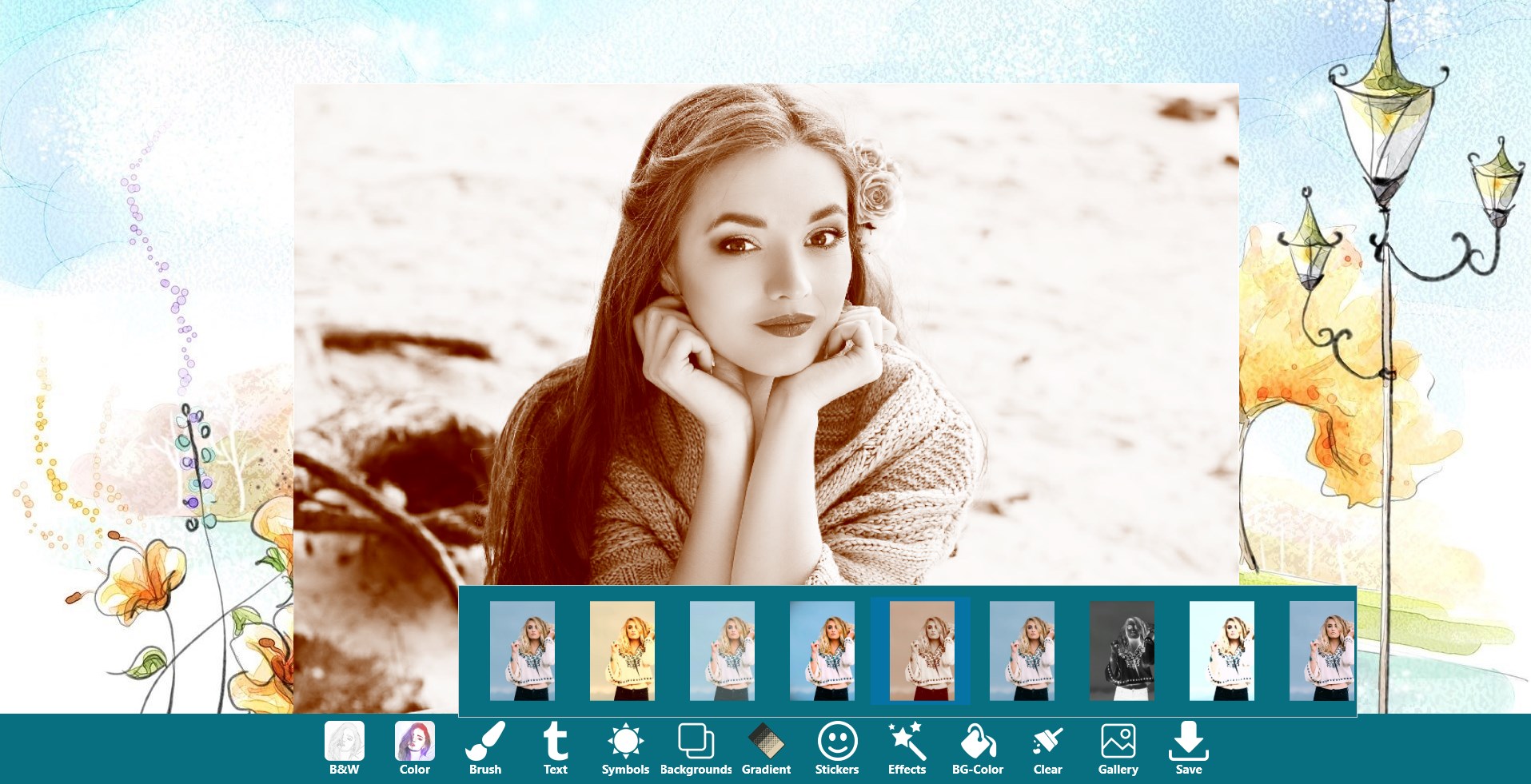
- Gorgeous photo effects, filters and backgrounds & Gradient
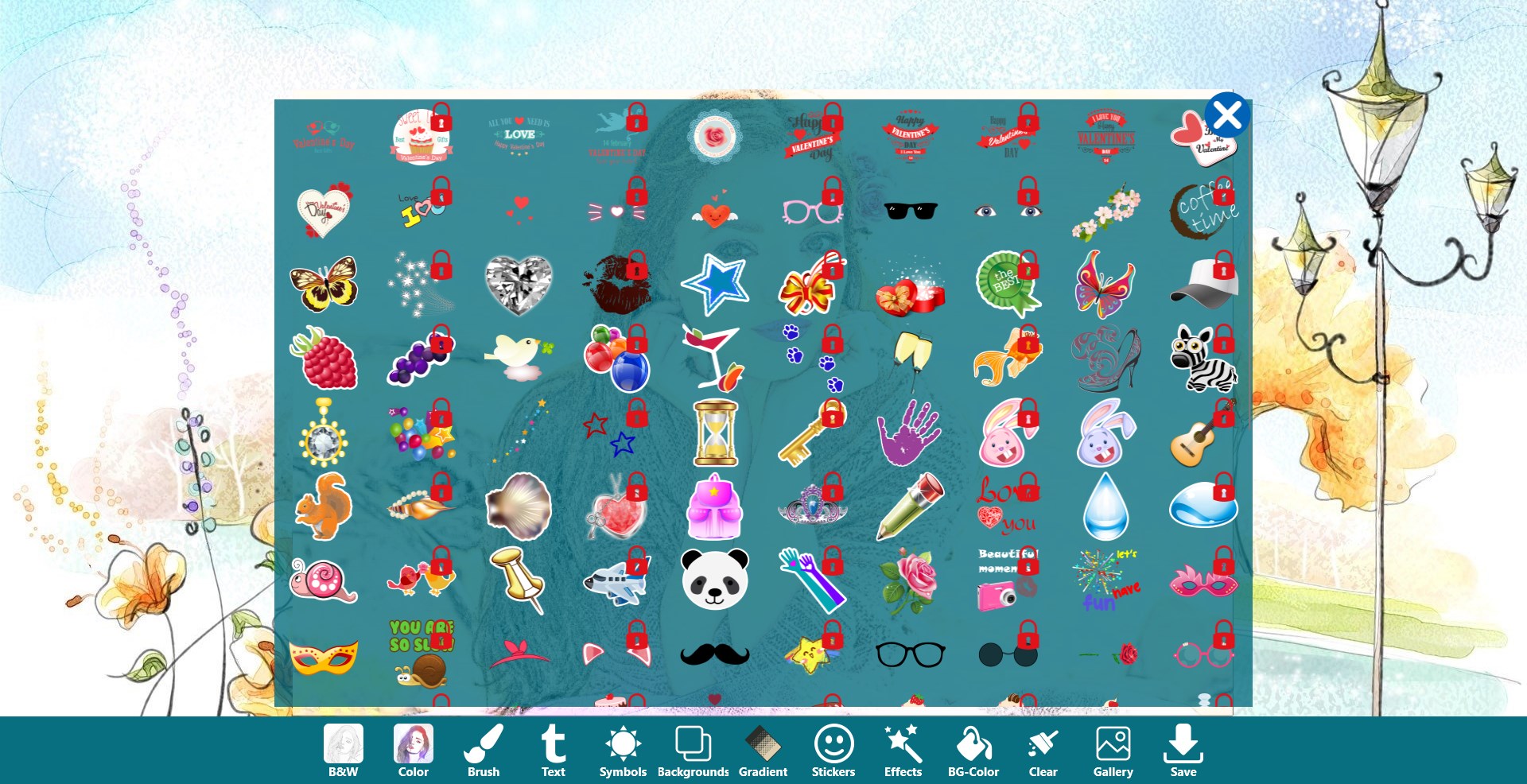
- Fun stickers
- Funny Symbols
- Color Splash
- Draw using brush or Highlighter and add text
You can also draw your own doodle pictures by selecting a canvas. Colors, pencil styles and erasers are all available in the doodle board.
Saving photo sketch can be done easily by a single touch of a button. Sharing pics are also supported. Sketch photos can be shared from Facebook, Twitter, E-mail, Message, etc.
If there is a version of this app for iOS/Mac or Windows we don't know about, paste the store link here — we'll auto-detect the store.
How to find the URL:1. Open the app in its store. 2.In the App Store app: tap the Share icon → “Copy Link”. In the browser: copy the URL from the address bar — it contains apps.apple.com/…/id… or apps.microsoft.com/detail/…. 3. Paste it here.
Paste the original link from the Apple App Store or Microsoft Store. We fetch all details automatically.
How to find the URL:
1. Open the app in its store. 2.In the App Store app: tap the Share icon → “Copy Link”. In the browser: copy the URL from the address bar — it contains apps.apple.com/…/id… or apps.microsoft.com/detail/…. 3. Paste it here.
Android apps can only be listed by their developer.