
Screenshot appears after consentScreenshot appears after consentScreenshot appears after consentScreenshot appears after consentScreenshot appears after consentScreenshot appears after consentScreenshot appears after consentScreenshot appears after consentScreenshot appears after consentScreenshot appears after consentScreenshot appears after consentScreenshot appears after consentScreenshot appears after consentScreenshot appears after consentScreenshot appears after consentScreenshot appears after consentScreenshot appears after consent
Summary
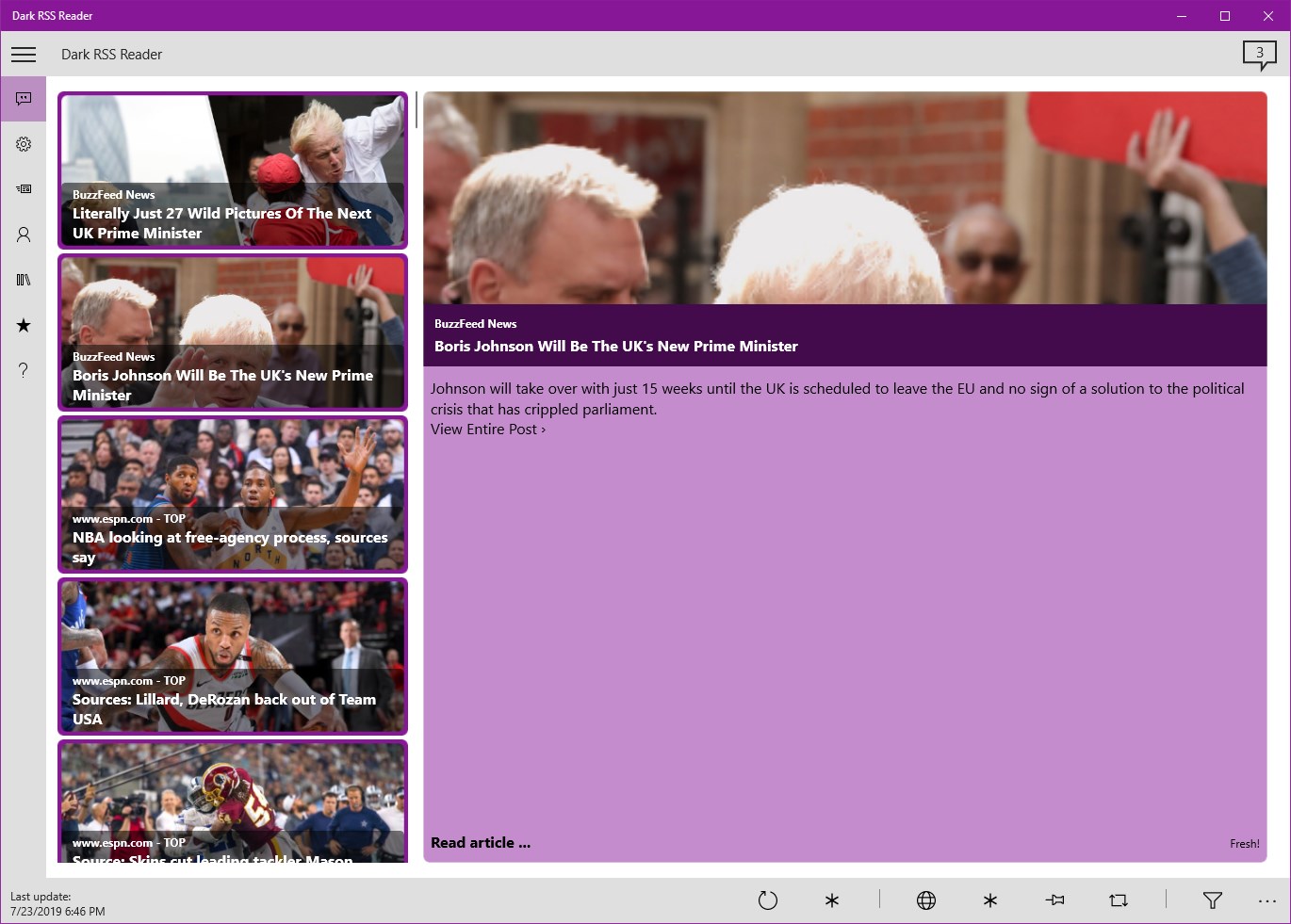
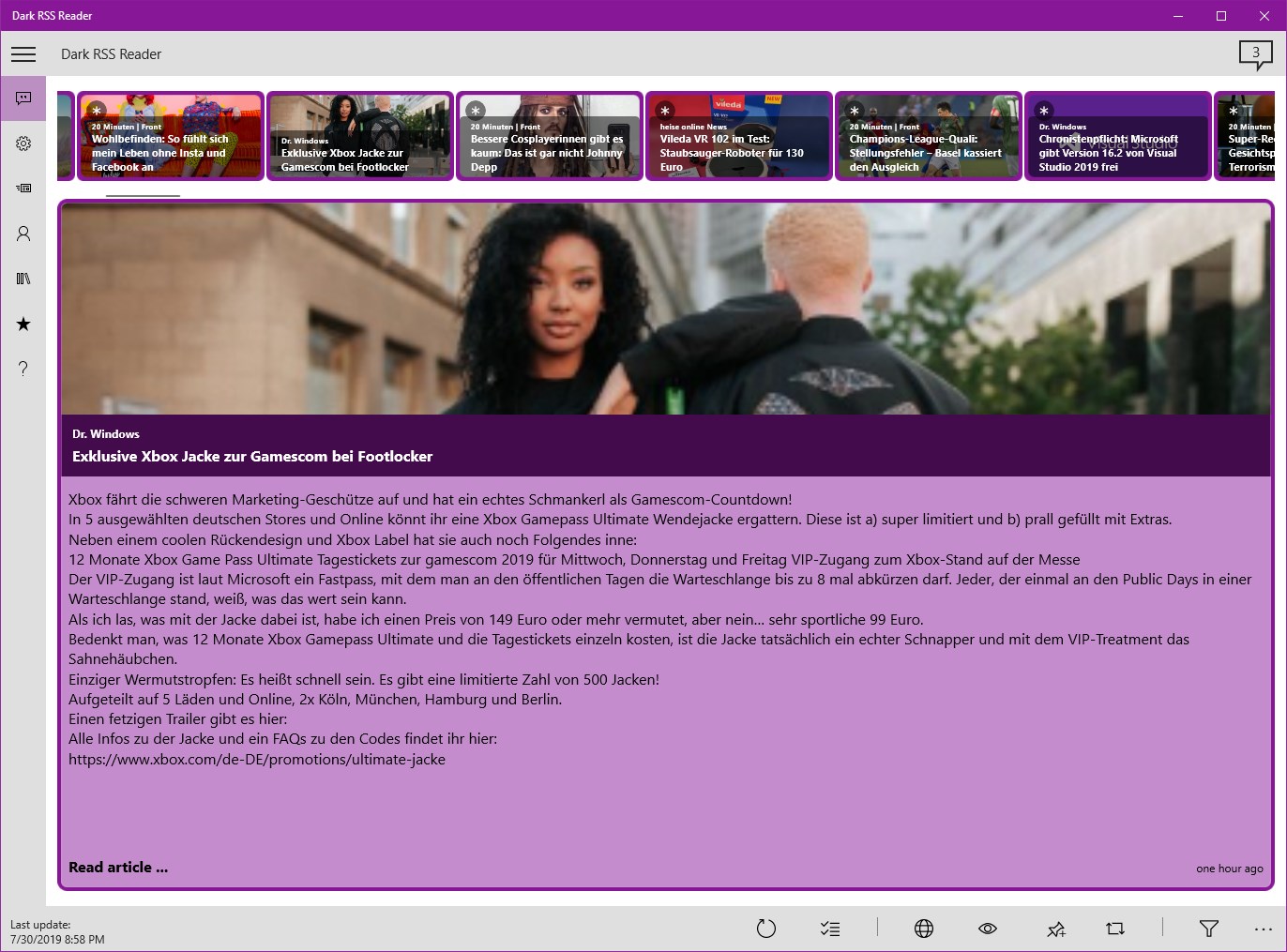
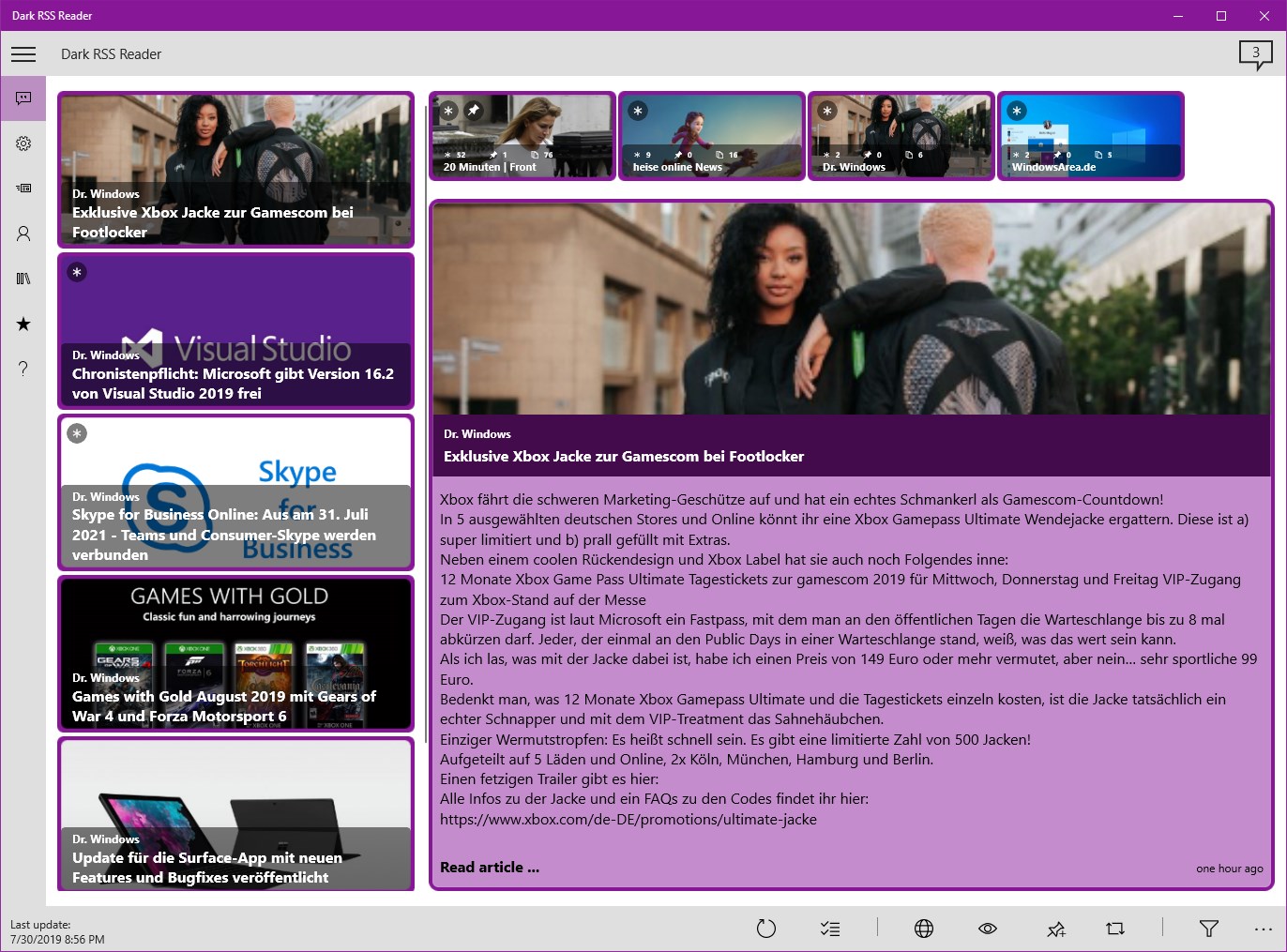
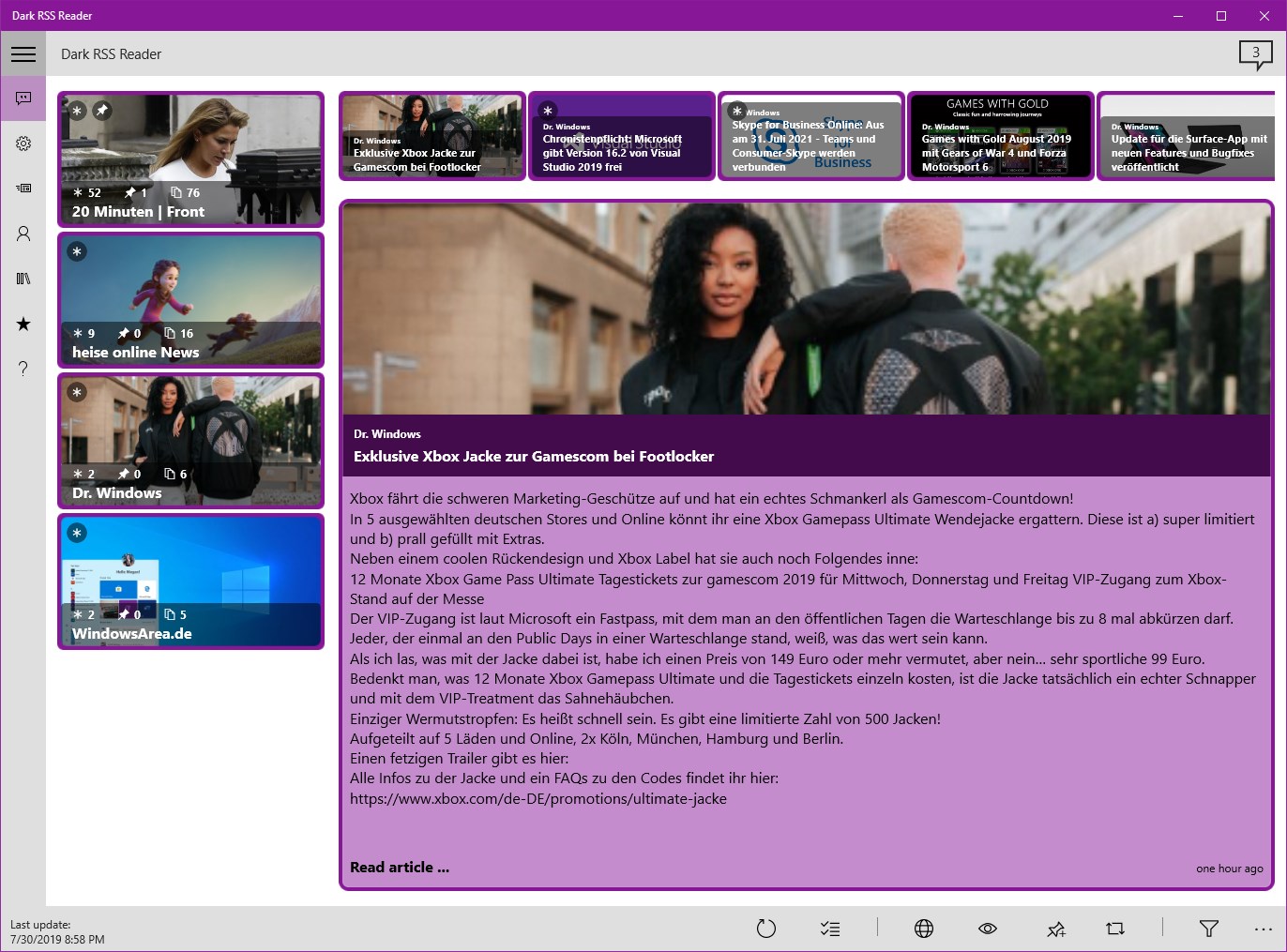
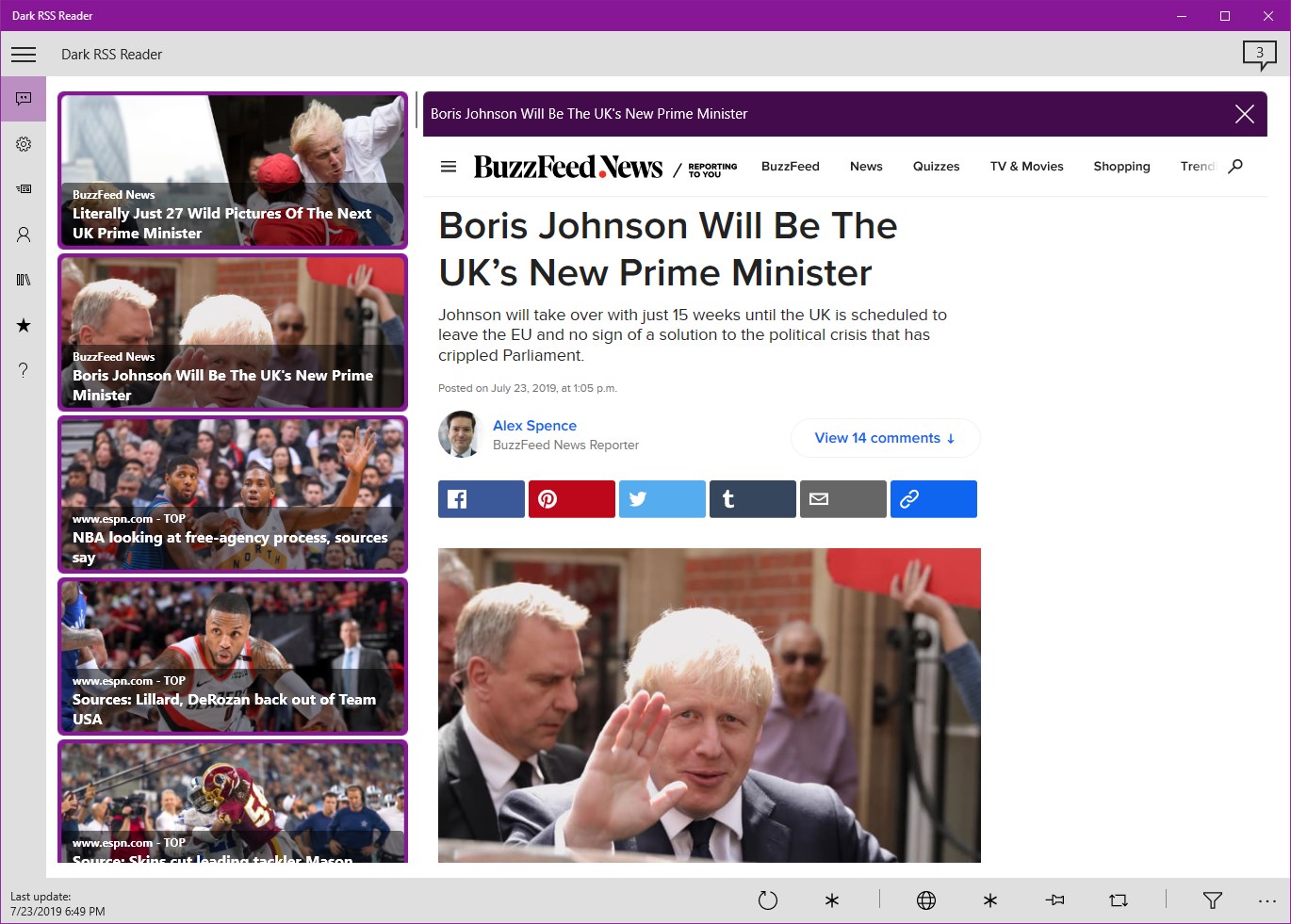
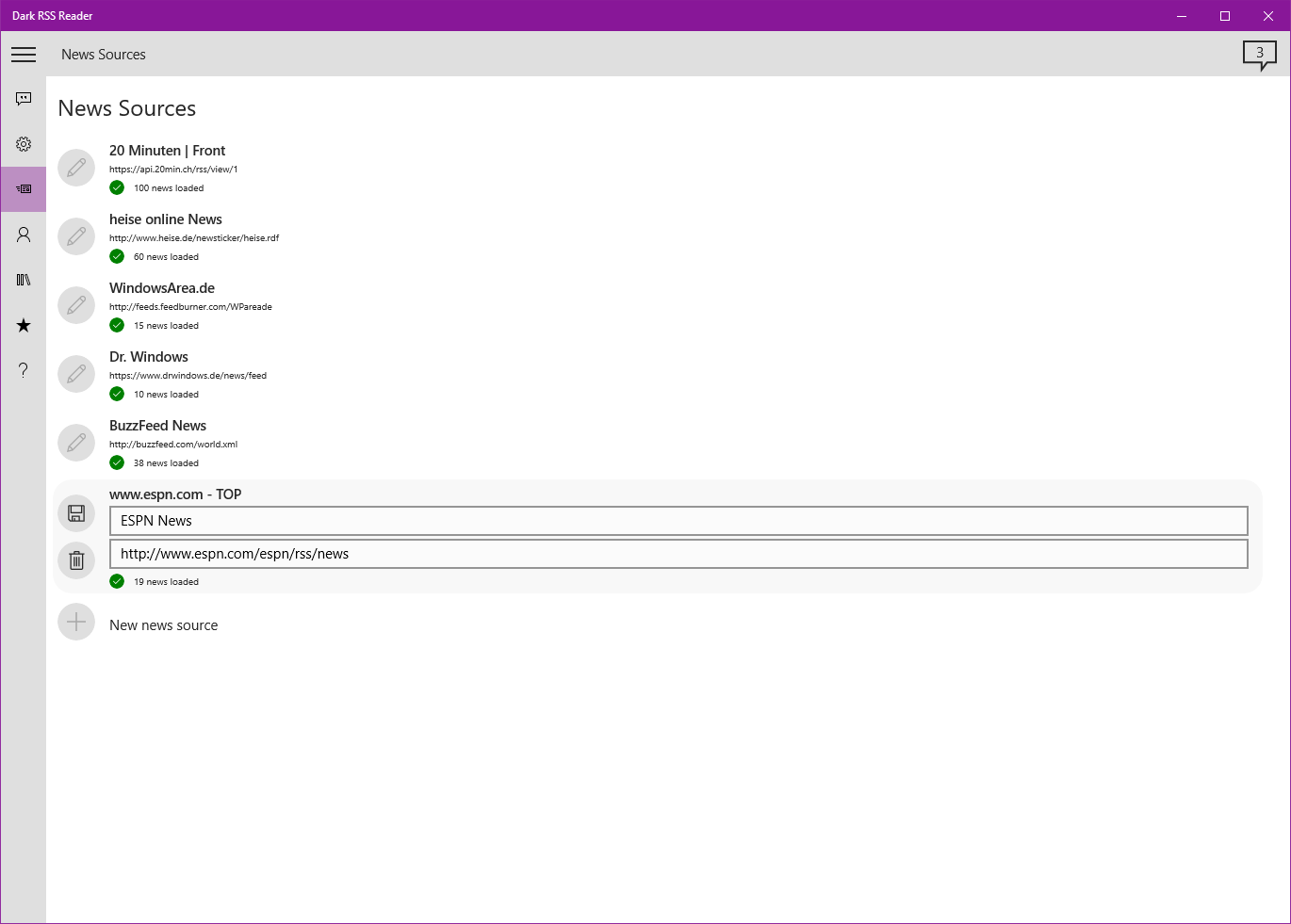
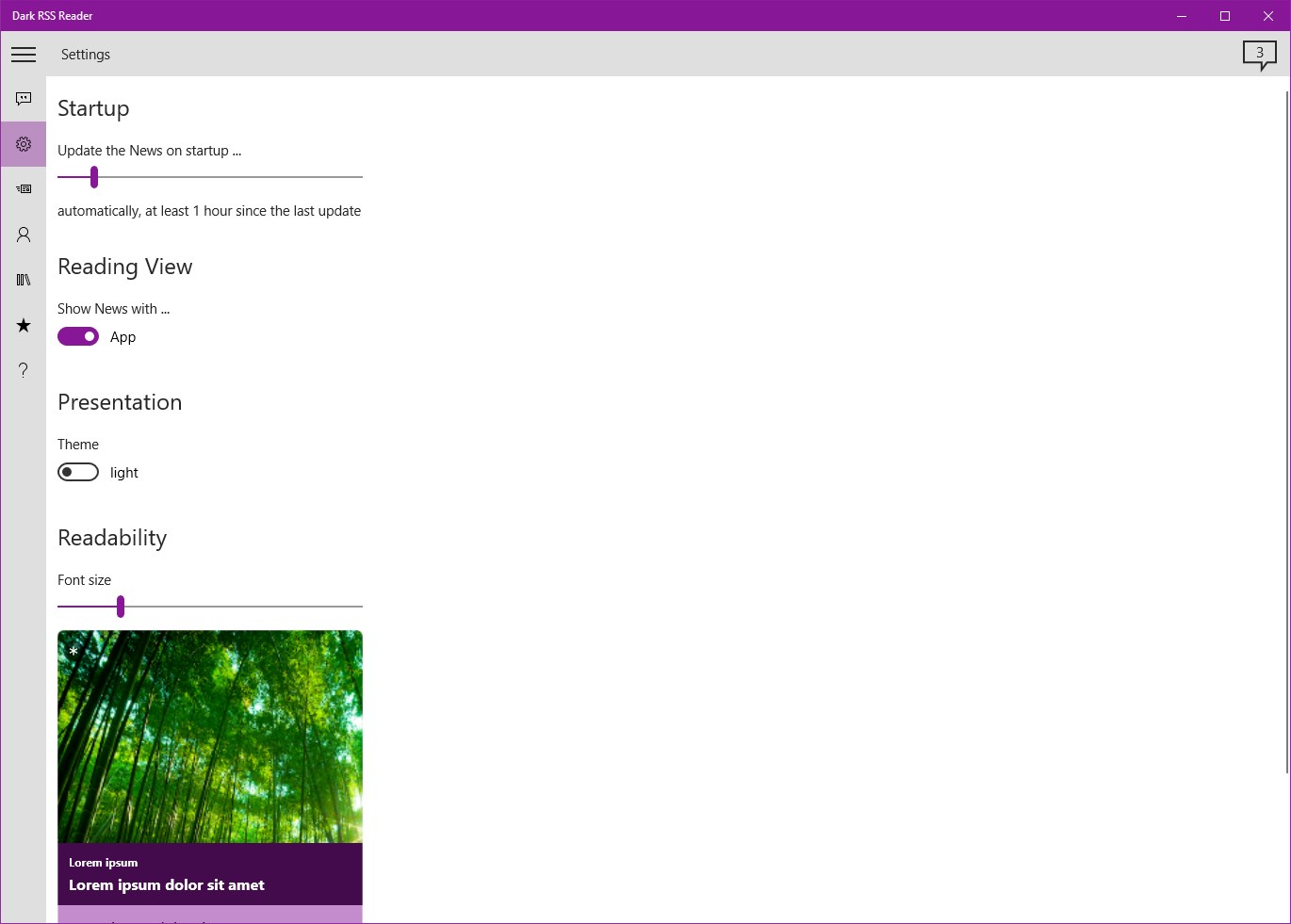
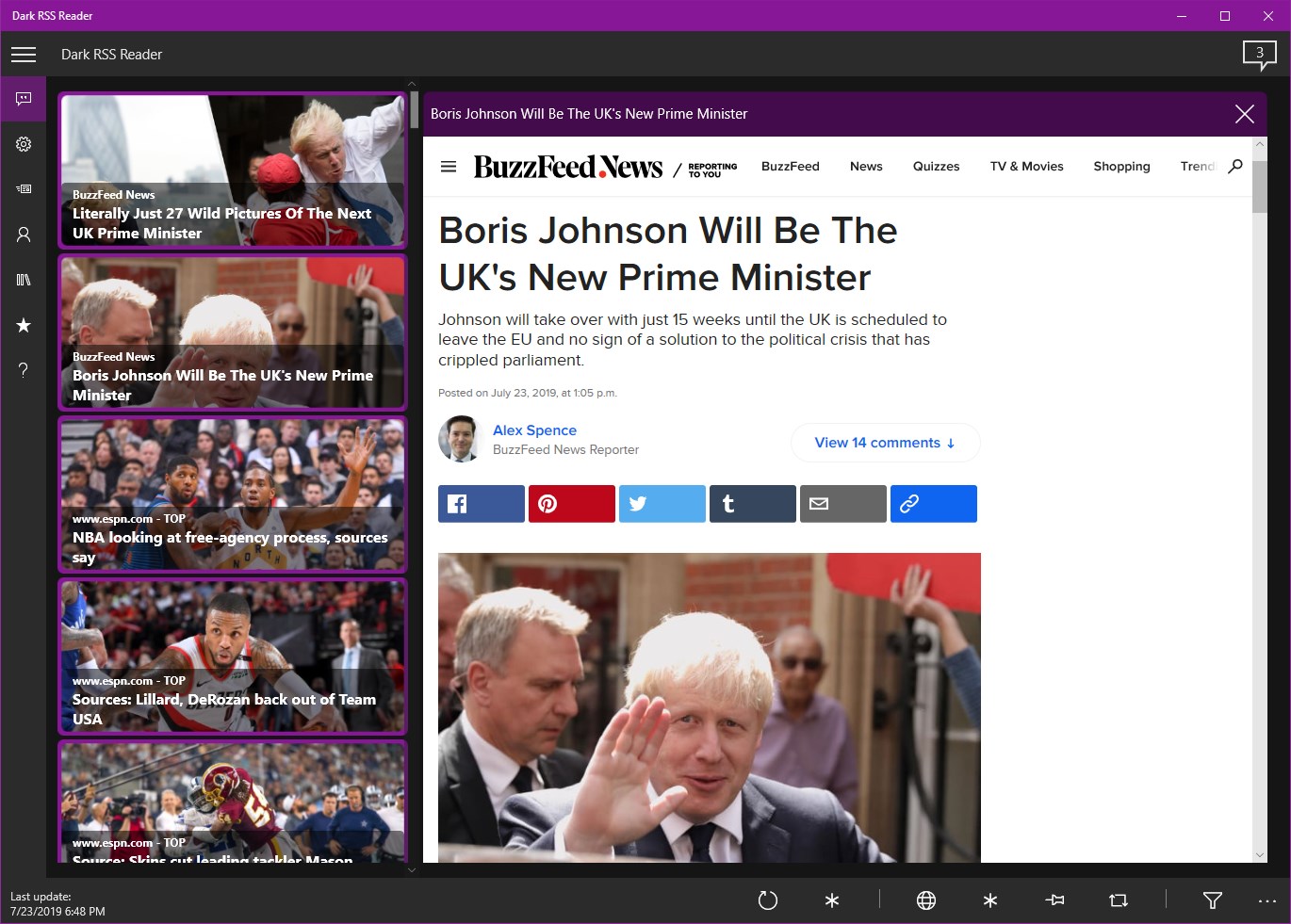
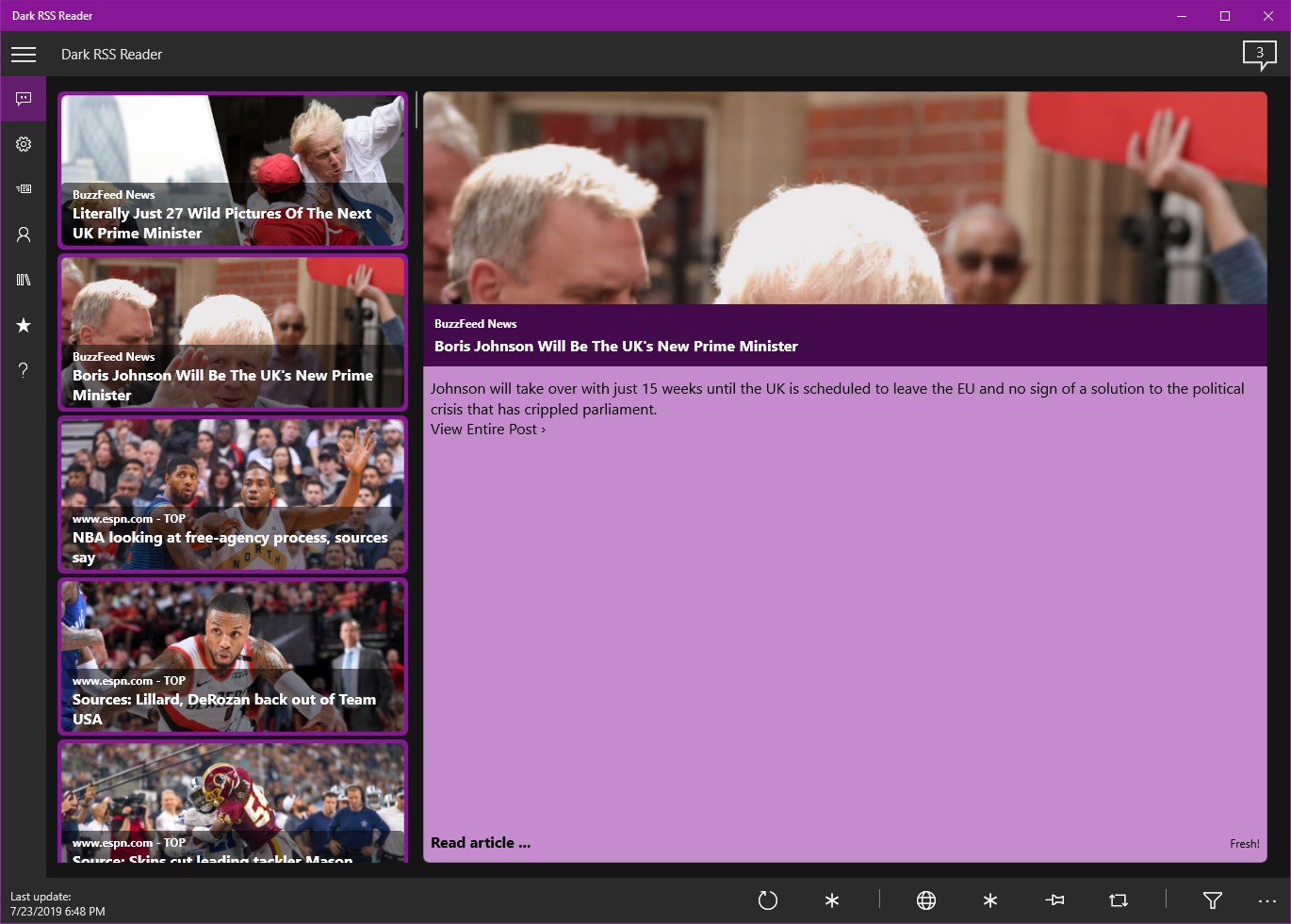
Dark RSS Reader is an RSS feed reader that lets users pin news items for later and filter or highlight them by keyword. Custom news sources can be added freely, and the app offers several display styles, including the option to show the news source's website directly. News containing a configured keyword can be automatically pinned or hidden. Feeds can be shown grouped together or separated by source, with the timeline displayed either horizontally or vertically. An optional online account allows settings and news sources to be backed up and synced across devices.
Show the developer's original descriptionHide the original description
Functional RSS feed reader with the ability to pin messages for later and filtering or highlighting via keywords.
News of your own taste
Put the news together the way you like it. Just add your own news sources. Within the app, you can choose among various presentations and, if desired, also directly display the website of the news sources.
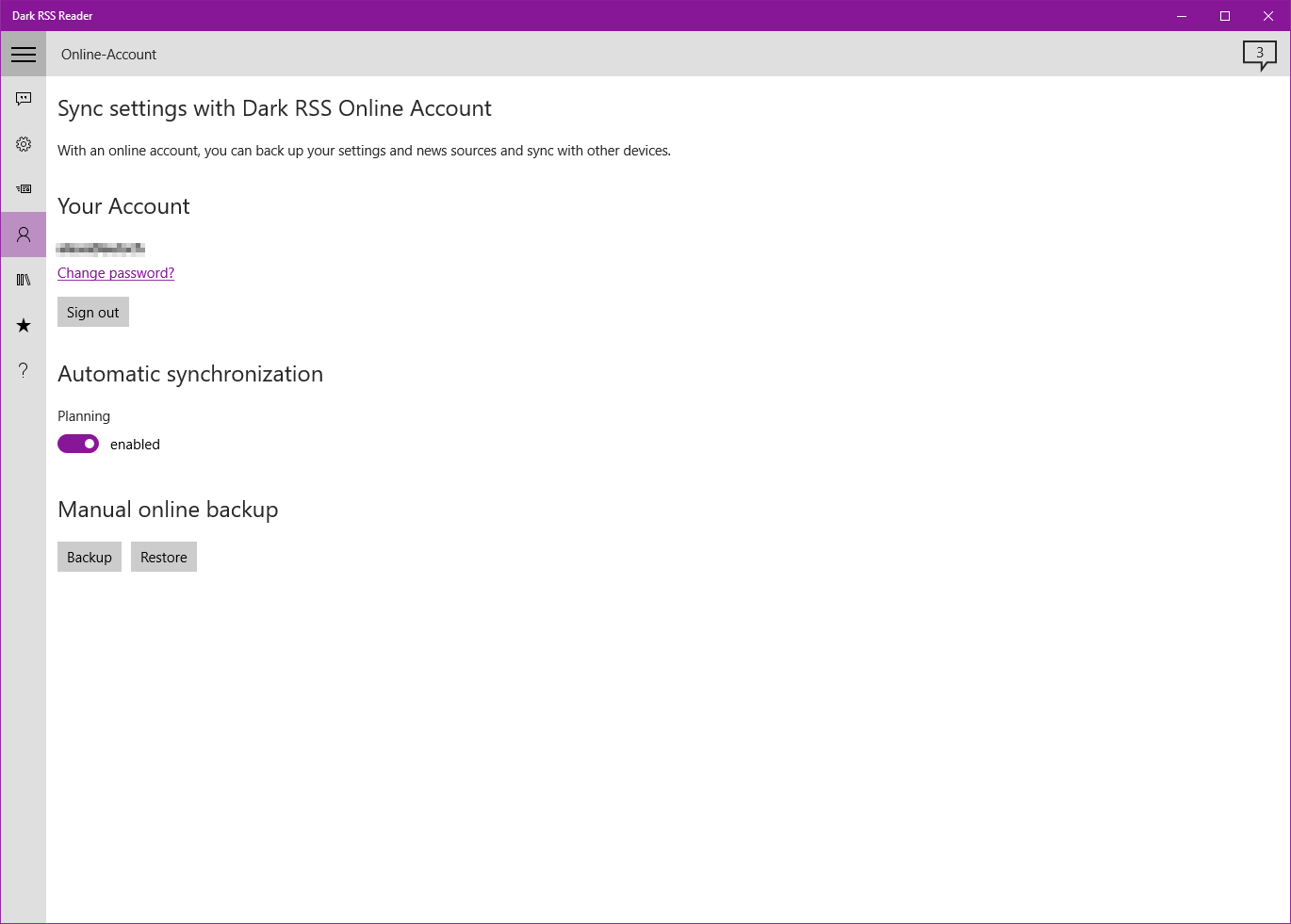
Sync settings with Dark RSS Online Account
With the optional online account, you can back up your settings and news sources and sync with other devices.
v4.2
- New: All news containing a configured text gets automatically pinned.
- New: All news containing a configured text gets automatically hidden. Already pinned news remains visible.
- Bug: Fixed 'Messages not loaded if the same news source has been configured multiple times.'
If there is a version of this app for iOS/Mac or Windows we don't know about, paste the store link here — we'll auto-detect the store.
How to find the URL:1. Open the app in its store. 2.In the App Store app: tap the Share icon → “Copy Link”. In the browser: copy the URL from the address bar — it contains apps.apple.com/…/id… or apps.microsoft.com/detail/…. 3. Paste it here.
Paste the original link from the Apple App Store or Microsoft Store. We fetch all details automatically.
How to find the URL:
1. Open the app in its store. 2.In the App Store app: tap the Share icon → “Copy Link”. In the browser: copy the URL from the address bar — it contains apps.apple.com/…/id… or apps.microsoft.com/detail/…. 3. Paste it here.
Android apps can only be listed by their developer.